
Diagnostic assessment
Understand The Data Centre Context
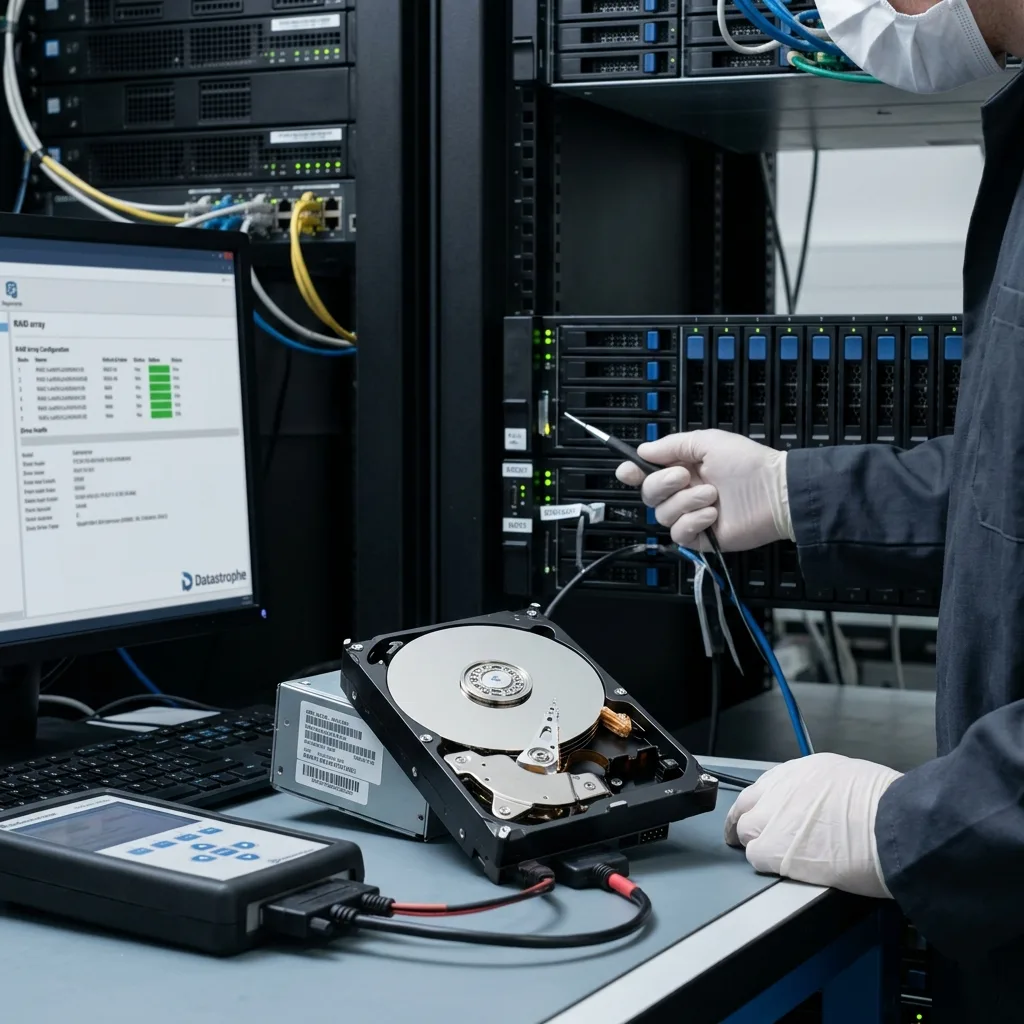
A data centre hard drive is almost never an isolated device. It may belong to a RAID array, virtualisation server, shared storage system, cluster, backup platform or specialist appliance. Removing it without documenting that context can discard important information.
First establish its role: RAID member, system drive, data volume, cache, local backup or an old device that has already been replaced. Two equal-capacity drives in one enclosure may perform entirely different functions.
The visible fault does not tell the whole story. A drive may fail after a rebuild, outage, maintenance intervention or capacity problem. Its data can depend on other drives, controller configuration and server logs.
The operational history matters too. On-call staff may have replaced a drive, started synchronisation, moved a virtual machine or restored a backup before a recovery case was opened. These actions are understandable, but must be known in order to interpret the resulting state.
Server data recovery presents the service route. This article addresses the data centre drive specifically, where the device must be understood as part of its architecture.
Diagnostic assessment
Preserve Drive Order And Metadata
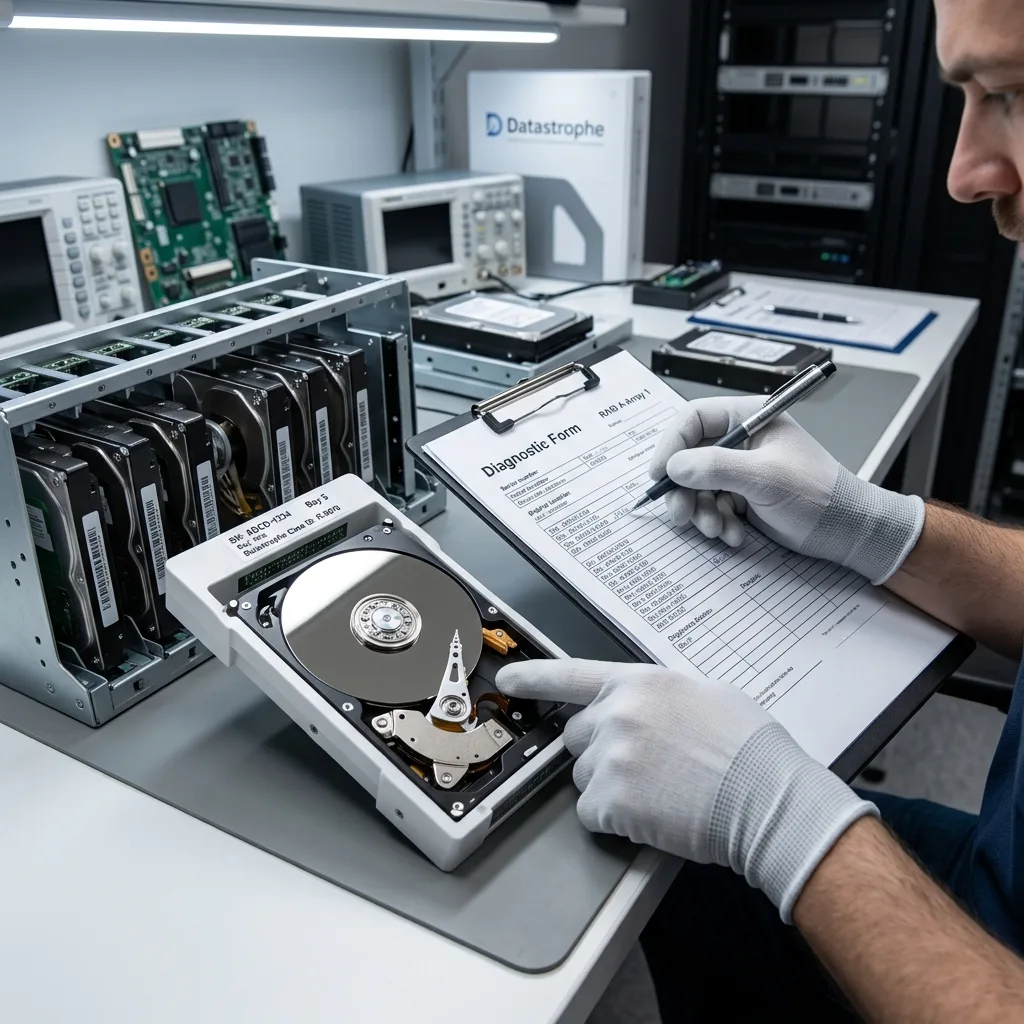
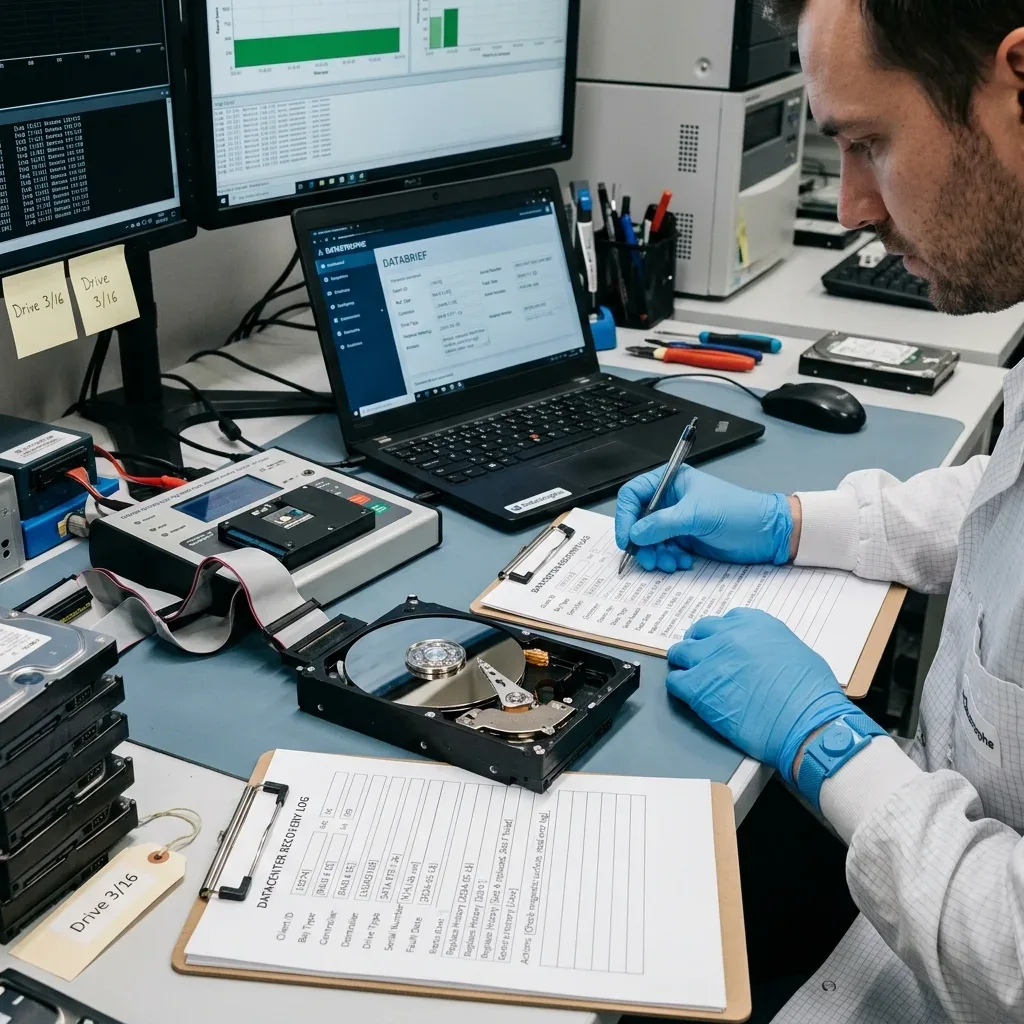
Record drive order, enclosure slots, serial numbers and controller messages before handling anything. These details can determine whether a RAID volume can be reconstructed and why a particular drive was rejected.
Do not mix drives, initialise them in another server or begin rebuilding without first preserving their state. A controller may propose an apparently logical action to restore service that is dangerous for the data.
RAID metadata, partitions, logical volumes and file-system signatures must remain intact. Even a drive marked "failed" may contain blocks needed for a more complete version of the volume.
In virtualised environments, the physical drive is only one layer. VMDK, VHDX, VMFS, snapshots and distributed volumes can introduce additional dependencies. Recovery must examine the complete chain.
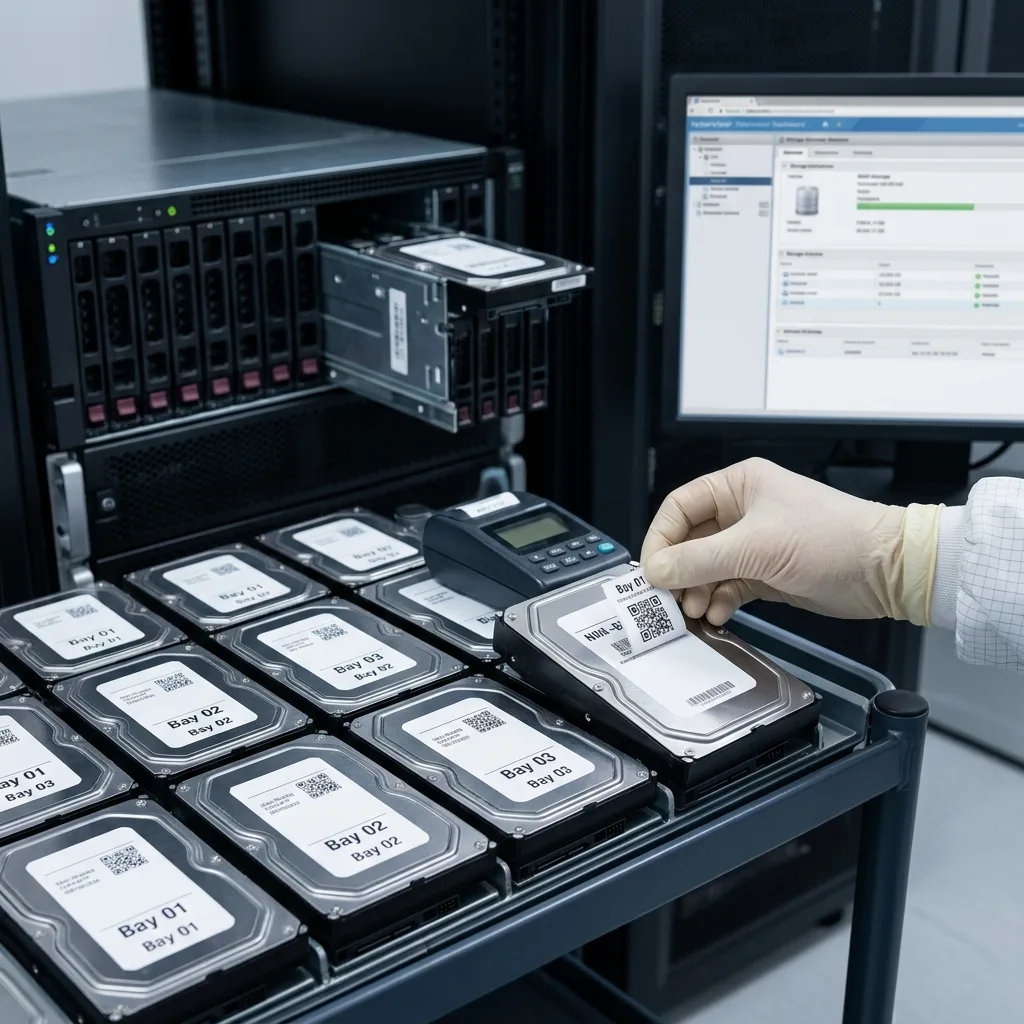
Labels and enclosure photographs are often invaluable. Photographing caddies, recording serial numbers and retaining the initial order removes avoidable doubt. This simple record can save more time than a late search through incomplete logs.
Diagnostic assessment
Separate Service Continuity From Recovery
A data centre naturally prioritises rapid service restoration. That need is legitimate but should remain separate from recovery. Restarting an application on the original storage can create fresh writes and remove useful traces.
Where operations must resume, use healthy infrastructure, a validated copy or a tested backup while the original drives remain frozen. This protects the examination and prevents business resumption from being confused with recovery of the lost data.
Test backups without overwriting the initial state. A full restore can replace files that remain usable with an older or already corrupt version. Preserve the backup chronology.
Critical server data loss explains the business risk. Here, attention stays on the data centre storage itself: preserve the evidence before rebuilding.
Make the separation promptly. The longer the infrastructure writes to the same volume, the less clear the boundary becomes between the original incident and continuity work. Source drives should remain available for analysis even when service must restart.
Diagnostic assessment
Document RAID, Server And Backups
A usable data centre case records the array model, controller, RAID level, drive order, replacements, failure dates, available logs, file system, hypervisor and existing backups.
Note every action already taken. Reboots, replacements, rebuilds, restorations, migrations, snapshot deletion and controller changes can explain the observed state. Without that chronology, the assessment has to infer which operation altered the data.
Define priorities as well. A database, virtual machine, client folder and entire volume each require a different approach. When some items are urgent, acquisition and reconstruction order can be adapted.
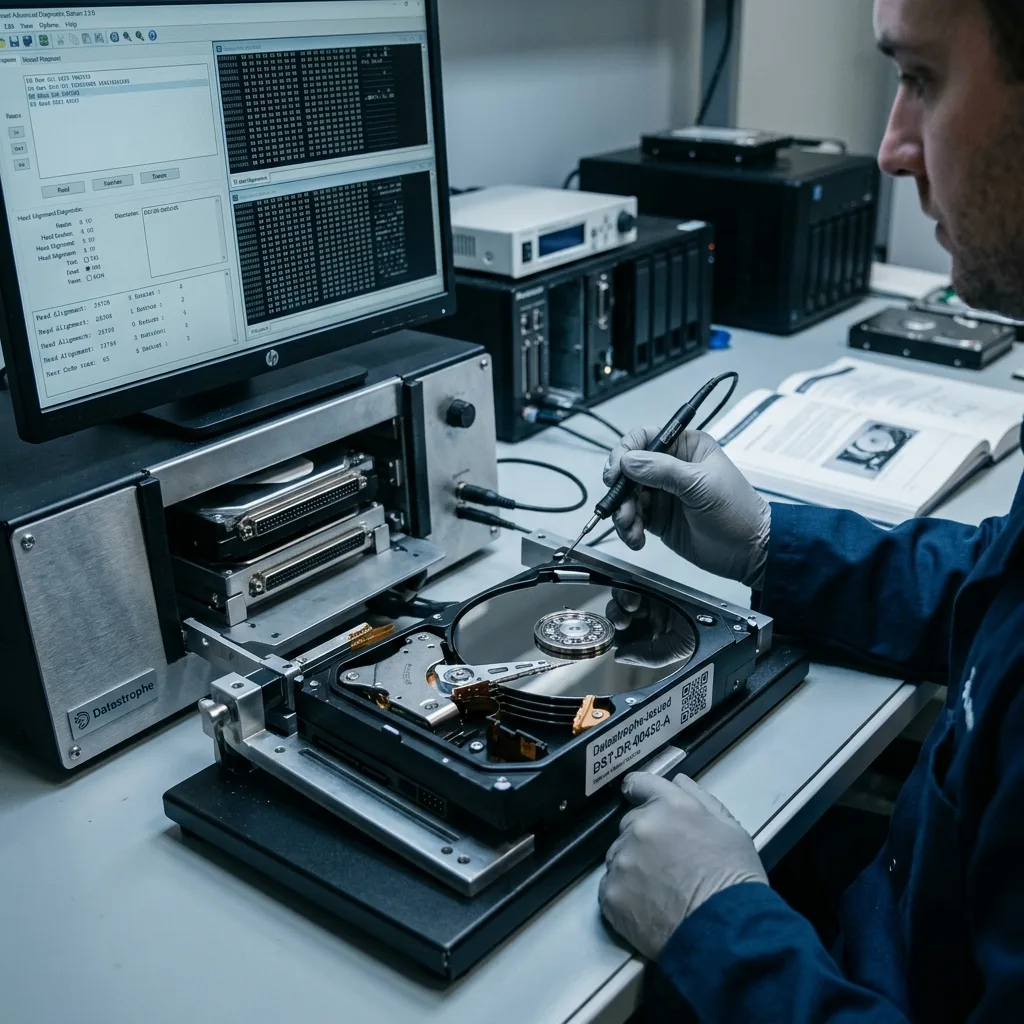
Datastrophe works through the layers: physical device, logical configuration, file system, application data and final validation. This avoids handing over a mass of unusable files.
Prepare encryption information in advance. Technical recovery can find blocks or files that remain useless without keys, passwords, certificates or service accounts. The data centre should gather the legitimate access material needed for validation.
Diagnostic assessment
Prepare A Usable Handover
Recovery does not end with extracted files. Data centre material often has to be returned in context, including permissions, folder structure, database, virtual machine, application or period. Check that context before anything is reintroduced to production.
Put recovered files on healthy storage separate from the incident. Test databases and virtual machines in a validation environment. Retain all backups until the result is confirmed.
Afterwards, prevention should become measurable: documented RAID, a volume inventory, drive alerts, a recently restored backup and a shutdown procedure for failures. Evidence that these controls work reduces risk during the next incident.
A data centre drive may hold recoverable data, but seldom without its context. Preserving the architecture, logs and original devices gives the examination a sound foundation.
Keep the incident review concise and operational. It should show which drives were affected, which backup was validated, which data took priority and which action must not be repeated. That summary supports technical work and governance alike.
Retain source devices until validation is complete, even when the initial handover appears satisfactory.
Diagnostic assessment
Primary Technical References And Limits
Reference scope — centre hard drive recovery: For data centre hard drive recovery, the primary references used are NIST SP 800-86. Physical evidence — centre hard drive recovery: They define the relevant preservation, storage or validation concepts, but they cannot establish the exact physical condition, controller state, key availability or business consistency of the device received. Controller evidence — centre hard drive recovery: Those points require measurements on the original set and verification on copies.
Diagnostic assessment
Arrange A Controlled Assessment
Complete set — centre hard drive recovery: For a technical examination of data centre hard drive recovery, provide the complete device or storage set, its associated power and interface parts, the symptom timeline and the priority records. Incident history — centre hard drive recovery: Keep member order, labels and authorised credentials separate from the parcel paperwork; do not restart the source merely to obtain a new screenshot.
Laboratory responsibility — centre hard drive recovery: Datastrophe performs the diagnosis, integrity checks and recovery directly in its own laboratory with its own team. Free assessment — centre hard drive recovery: Diagnosis and the quotation are free. Transport boundary — centre hard drive recovery: Private collection and return is included; the carrier moves only the sealed parcel and neither accesses nor processes its data.
Controlled list — centre hard drive recovery: Before any payment, the client receives the proposed price and a checked list. Verification classes — centre hard drive recovery: Each item is classified, in order, as recoverable_verified, partial, detected_unverified or unrecoverable. Payment trigger — centre hard drive recovery: Only recoverable_verified items whose contents were checked and found usable are presented as recoverable. No-result rule — centre hard drive recovery: Payment is due only after the client accepts both the list and the price.
No-result rule — centre hard drive recovery: If no usable data is verified, recovery fails, or the client declines the list or price, no standard fee is payable. Rare-part exception — centre hard drive recovery: The only exception is a rare, costly and non-refundable part, which may be ordered only after a separate, explicit and priced proposal has been accepted.