
Diagnostic assessment
Identifying What Has Actually Aged
No arbitrary date makes a storage device old. Risk increases when any link in the access chain — medium, reader, interface, software or knowledge of the content — becomes difficult to replace. A readable disk may rely on an irreplaceable power supply, while perfectly copied files may remain useless without the original application.
Physical ageing and obsolescence do not move together. A well-stored tape may have outlived its reader. A relatively recent USB flash drive can have an unstable controller. A recognised CD may contain an undocumented archive format. Assessment must therefore go beyond media wear.
The four clocks of an archive
| Ageing layer | Typical indication | Recovery risk |
|---|---|---|
| Medium | Read errors, distortion, corrosion or weak sectors | Partial or unstable acquisition |
| Reader and interface | Rare hardware, unknown power, absent driver | No access or a damaging first attempt |
| Format | Missing software, codec, catalogue or operating system | Blocks present but information unusable |
| Knowledge | Vague labels, forgotten period, passwords or owner | No reliable way to validate or prioritise |
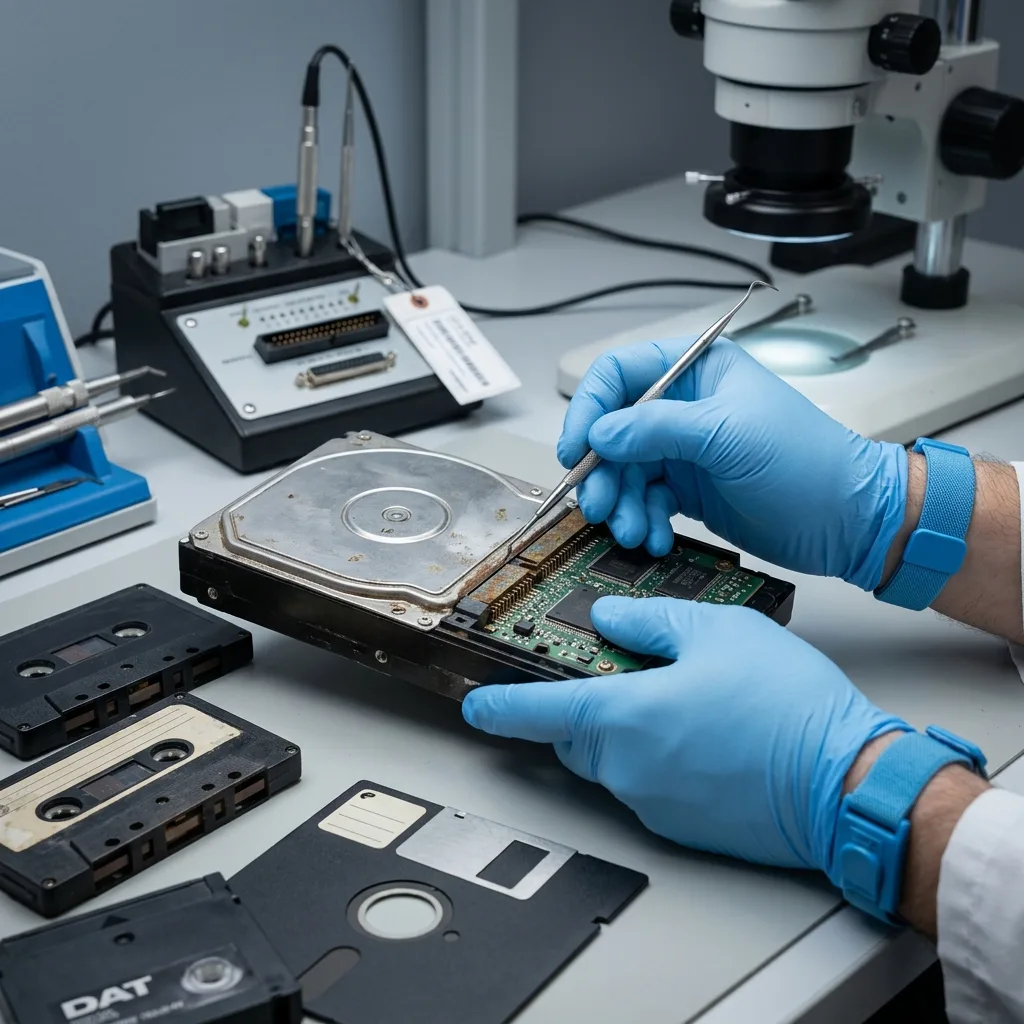
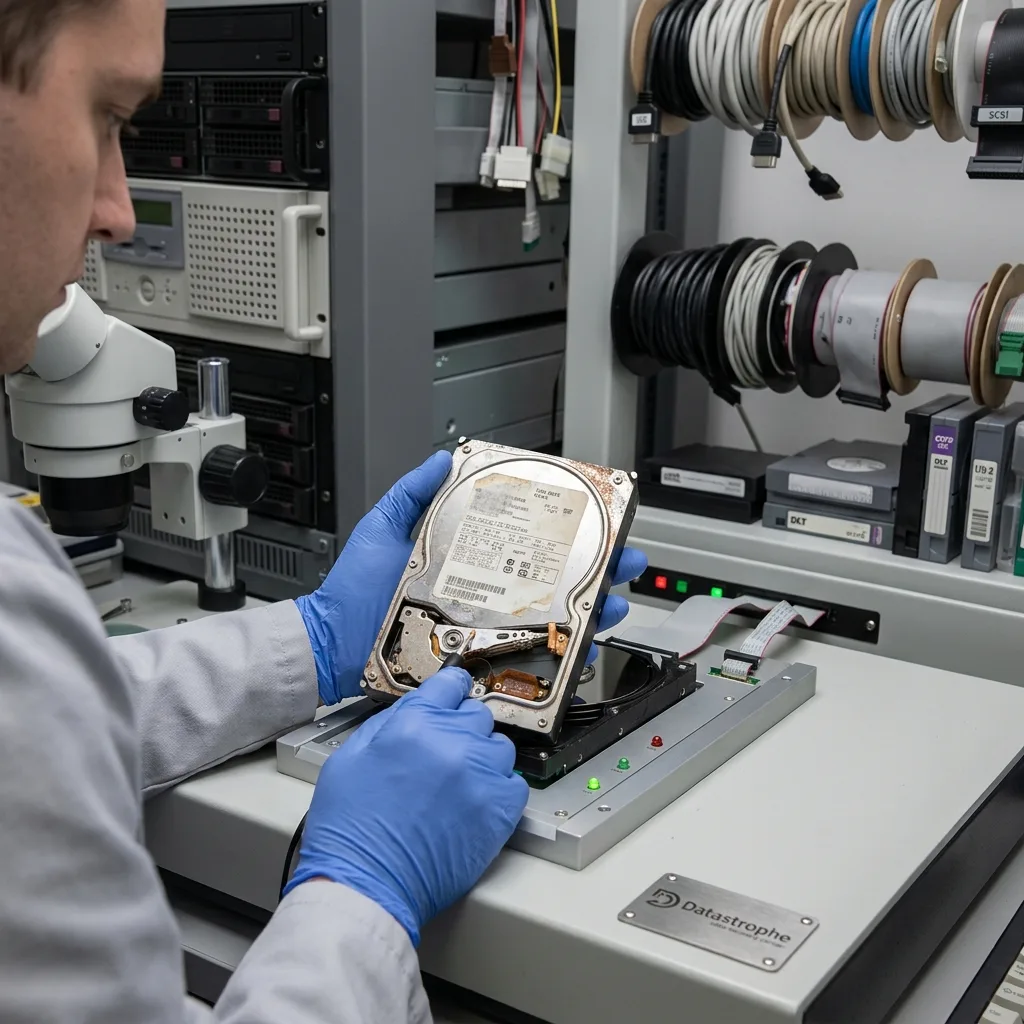
An old mechanical hard drive needs particular care before its first power-on. A mixed archive needs an additional collection-level plan, because several readers, interfaces and formats may disappear at the same time.

Diagnostic assessment
Avoiding a Bulk Copy on First Connection
The first read after years in storage should preserve the source, not explore it. An ordinary copy of every folder can heat the device, revisit weak areas repeatedly and postpone the irreplaceable files. Automatic mounting may also offer a repair or write metadata.
Before power is applied, verify identity, provenance, external condition, interface and power requirements. Inferring voltage or polarity from a connector shape can destroy an old disk. An unchecked reader can contaminate tape or score a floppy surface.
Prepare the first reading window
Decide in advance:
- Which data and periods take priority;
- The expected capacity, volumes and directory structure;
- The appropriate reader, adapter and write-blocked method;
- Which symptoms require an immediate stop;
- Where the acquisition and its log will be stored.
Slow recognition, disconnections, abnormal mechanical noise, incorrect capacity or a rising error rate mean the medium is no longer an item for casual browsing. Swapping adapters or restarting from the beginning may exhaust the same weak areas without learning anything new.
When the condition permits, acquisition comes before selection. An image or preservation copy reduces later reads and retains metadata. If the device is unstable, a prioritised strategy may secure essential regions before attempting completeness. The choice follows observed behaviour and data value, not a promise of total reading.
First read, first evidence — record the hardware, messages, transfer rate and errors. An undocumented attempt can alter the source without preserving the information needed to plan the next one.
Diagnostic assessment
Handling Obsolete Formats and Interfaces
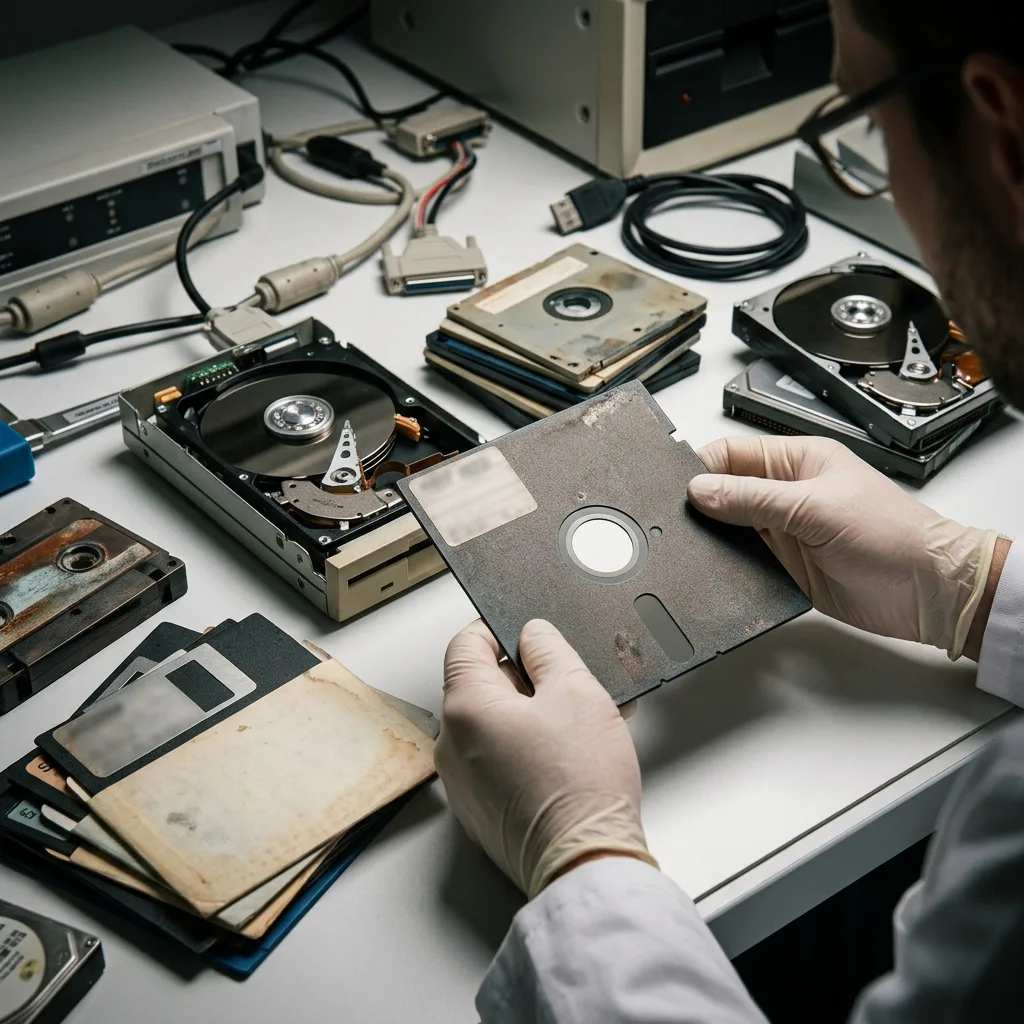
Electrical access does not guarantee interpretation. IDE, SCSI, old removable drives and unusual floppy formats may require a specific controller, geometry or driver.
Tape backup can depend on its catalogue, software and a sequence of volumes. An unfinalised optical session may require the original recording environment.
Preserve the environment without returning it to production
An old computer or application can be a reference, but should not become the sole restoration destination. Document configuration, versions, drivers and licences. Where lawful and technically feasible, an isolated environment can interpret files without reconnecting an unsupported system to a network or writing to the source.
Dependencies can include:
- The original device and reader;
- The operating system, application, codec or database engine;
- Catalogues, configuration files and dictionaries;
- Legitimately held passwords and encryption keys;
- Sound examples that help identify an unfamiliar format.
Signature-based carving may recover documents without names, dates or folders. For family archives, that structure helps identify events; for an organisation, it may carry business or regulatory meaning. The expected handover must be defined before metadata are abandoned.
Copying is not conversion — preserve the original file before transforming it. Conversion may improve current access while losing metadata, functions or quality that the historic application could use.
Diagnostic assessment
Validating Recovery Before Migration
A progress bar reaching 100 per cent does not prove that an archive is complete. Files may contain silent errors, backup sets may lack a volume and different versions may share one name. Validation connects acquired files to the content expected by the owner.
Check coverage and real use
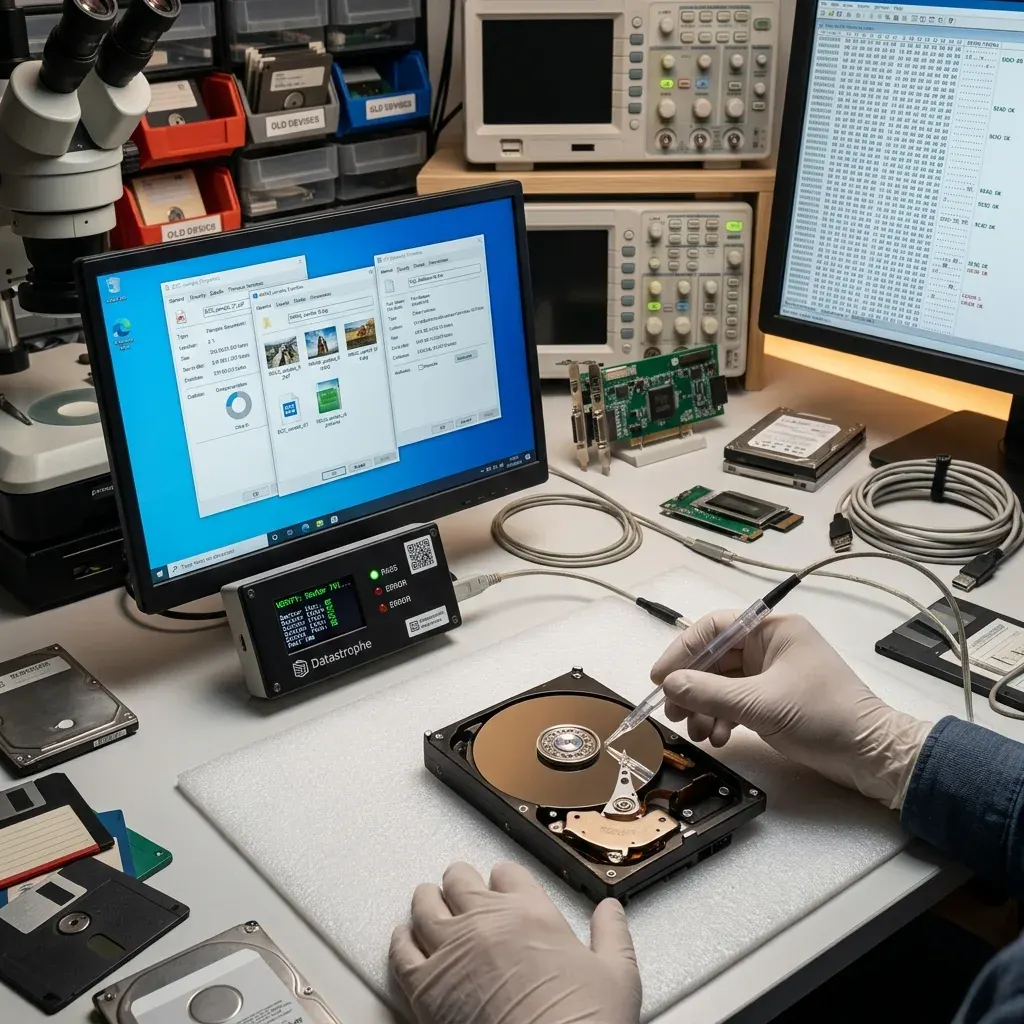
The manifest compares the expected inventory with the result: volumes, folders, dates, file types and dependencies. Open a representative sample and test every critical item. Check compressed archives internally, review audiovisual files across their duration, and test databases or projects with a compatible application on a copy.
The result distinguishes:
- Files validated for their intended use;
- Files copied but not yet interpretable;
- Partial or damaged files;
- Lost or uncertain metadata;
- Missing periods, volumes or dependencies.
Do not deduplicate before comparison. Two files with the same size can be different versions, and the older-looking copy may be the only complete one. Sorting, renaming and deduplication belong on a working copy after provenance has been retained.
Datastrophe separates recovery from reuse. A device can yield a valuable archive without becoming reliable again. Mechanical damage may require suitable laboratory conditions, but that does not justify opening every drive or promising content from physically destroyed areas.
Diagnostic assessment
Preventing the Loss of Old Archives
Prevention begins with an inventory ranked by dependency and value, not age alone. A unique collection on common media can be more urgent than an exotic cartridge that already has two verified copies. Ranking turns an overwhelming migration into controlled batches.
Prioritise migrations
A practical score combines five factors: sole copy, signs of degradation, reader scarcity, format obsolescence and criticality. Batches with several high factors move first. Each needs an owner, destination, validation evidence and target date.
Migration produces:
- A faithful preservation copy of the acquisition;
- A usable copy, converted where necessary;
- At least one independent backup;
- A provenance manifest and checksums;
- An explicit list of limitations and missing elements.
Retire the original only after these copies have been validated. Longer retention depends on confidentiality, records obligations and its value as a source. New media also enter a monitoring and migration cycle; moving an archive once does not stop future ageing.
Stable temperature, controlled humidity and physical protection can slow some damage, but never replace duplication and testing. Store rare readers, documentation and keys so one incident cannot remove the whole access chain.
Managing ageing storage means preserving the ability to interpret information, not merely copying bytes. Inventory the medium, reader, format and context, then acquire and validate before migration. This reduces uncertainty without claiming that already-degraded media will yield all of their content.
Diagnostic assessment
Primary Technical References And Limits
Reference scope — storage media recovery limits: For ageing storage media recovery limits, the primary references used are NIST SP 800-86. Physical evidence — storage media recovery limits: They define the relevant preservation, storage or validation concepts, but they cannot establish the exact physical condition, controller state, key availability or business consistency of the device received. Controller evidence — storage media recovery limits: Those points require measurements on the original set and verification on copies.
Diagnostic assessment
Arrange A Controlled Assessment
Complete set — storage media recovery limits: For a technical examination of ageing storage media recovery limits, provide the complete device or storage set, its associated power and interface parts, the symptom timeline and the priority records. Incident history — storage media recovery limits: Keep member order, labels and authorised credentials separate from the parcel paperwork; do not restart the source merely to obtain a new screenshot.
Laboratory responsibility — storage media recovery limits: Datastrophe performs the diagnosis, integrity checks and recovery directly in its own laboratory with its own team. Free assessment — storage media recovery limits: Diagnosis and the quotation are free. Transport boundary — storage media recovery limits: Private collection and return is included; the carrier moves only the sealed parcel and neither accesses nor processes its data.
Controlled list — storage media recovery limits: Before any payment, the client receives the proposed price and a checked list. Verification classes — storage media recovery limits: Each item is classified, in order, as recoverable_verified, partial, detected_unverified or unrecoverable. Payment trigger — storage media recovery limits: Only recoverable_verified items whose contents were checked and found usable are presented as recoverable. No-result rule — storage media recovery limits: Payment is due only after the client accepts both the list and the price.
No-result rule — storage media recovery limits: If no usable data is verified, recovery fails, or the client declines the list or price, no standard fee is payable. Rare-part exception — storage media recovery limits: The only exception is a rare, costly and non-refundable part, which may be ordered only after a separate, explicit and priced proposal has been accepted.