


Diagnostic assessment
Understand The Risk During Quiet Periods
Data loss during a shutdown, Bank Holiday, annual leave or skeleton staffing creates a particular problem. Those who know the system may be unavailable, alerts can be read late and pressure to resume work encourages immediate action.
The source may be a server, NAS, workstation left running, external backup drive, till system or synchronised folder. Failure may also pre-date the closure and only come to light afterwards: a propagated deletion, interrupted backup, disk that will not restart, incoherent database or corrupted file.
The trap is to treat the incident as a simple delay to reopening. Resuming trade is not the only priority. Sources that may still hold the right version must be preserved, and a hasty restoration can remove that option.
Business continuity after an interruption covers preventive preparation for restarting. This article addresses an incident discovered or experienced while the organisation is operating with reduced cover.
Quiet periods also create blind spots. An error message can remain on screen for days, a failed backup can go unrestarted, a disk may overheat in a closed room or synchronisation can continue without supervision. Elapsed time is part of the assessment.

Diagnostic assessment
Stabilise Before Restarting
Stabilisation comes first. Stop unnecessary writes, avoid automatic repairs, record messages and isolate suspect devices. If a disk is noisy, a volume requests formatting or a NAS is rebuilding without a known sound basis, an immediate restart may deepen the loss.
The timeline is essential. Record the closure date, last known access, last verified backup, received alert, restarts, maintenance and every test already attempted. Even incomplete information helps separate the original failure from later handling.
Where trading must resume, separate continuity from recovery. A temporary environment, checked backup or working copy may support operations without changing the original device. Keep suspect storage available for examination.
This discipline is especially important when several people provide cover in turn. One person may start a restoration, another restart a server and a third replace a disk. Without co-ordination, the initial state disappears from view.
A single decision channel prevents that scatter. Even during annual leave, someone should centralise error messages, photographs of screens, affected devices, actions already taken and business priorities. Brief co-ordination is often enough to prevent conflicting interventions.
Nominate that person explicitly, even on a temporary basis. Their role is not to solve everything, but to record actions, stop dangerous steps and ensure that each contributor understands the priorities. It keeps decisions aligned.
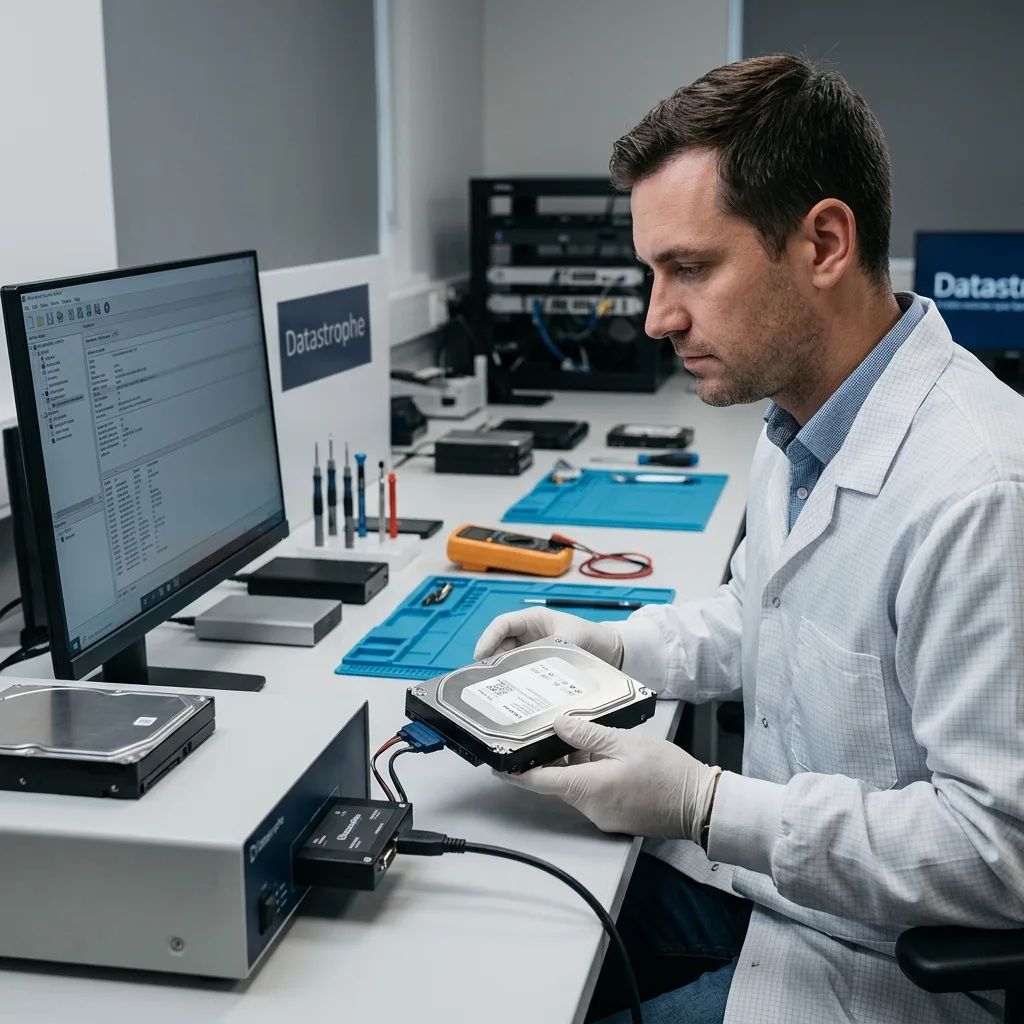
Diagnostic assessment
Check Backups And Synchronisation
Backups can appear reassuring during a closure, but they still require verification. A job may have failed for several days, captured a deletion that had already propagated or omitted local files from a user's workstation.
Validate important data, not merely the status displayed by backup software. Open files, inspect dates, check databases and compare sources where more than one exists. A technically completed job may still be useless for the business need.
Cloud synchronisation needs added care. If deletion or corruption propagated during the absence, a synchronised folder may repeat it everywhere. The limits of cloud backup explains this risk in detail.
Do not restore directly into production until the version has been checked. A separate validation space allows files to be compared and a decision made without overwriting material that may still be useful.
Comparison must include the expected period. A backup can contain the right folder without the final days of work, or restore files without useful metadata. During a closure, the business may appear ready to restart while the newest records remain absent.
Include local copies. A workstation left in the office, an external drive used before shutdown or a computer that has not synchronised may contain the latest version. Do not wipe or reset these sources before comparison.

Diagnostic assessment
Organise The Continuity Decision
Resuming operations requires answers to three questions: which data are critical, which source is most dependable, and which actions would write to the failed device? Without them, a team tends to choose the fastest option rather than the soundest one.
Business users should participate in validation. They know which period, folder or database is genuinely indispensable. An IT team may see that a volume mounts without knowing whether the files represent the expected work.
Prioritise when a device is fragile. Trying to copy an entire unstable disk may reduce the chance of retrieving decisive folders. Establish the critical file list before a prolonged acquisition.
Preserving data during a business IT failure explains the division between operational urgency and preservation. During a closure, that distinction matters more because decisions are made with less context.
Continuity can be partial. Reopening a limited service may be wiser than restoring a complete uncertain environment. It allows time to examine the failed device without exposing every dataset to a rushed operation.
Diagnostic assessment
Prepare For The Next Closure
Prevention rests on a few practical measures: test backups before shutdown, document critical systems, name a technical contact, know where local storage sits and specify actions that must not be launched after failure. This preparation reduces improvisation.
Check and protect backup devices. An external disk left connected can suffer a surge, synchronisation error or deletion. A tested, disconnected copy provides a better safety margin.
Alerts must reach the nominated on-call person or manager. A disk warning, full volume or failed backup should not wait for several days when data continue to change through the closure.
Plan a short review after reopening: observed errors, checked backups, replaced devices, missing files and actions to avoid. It need not become a lengthy exercise; its purpose is to correct weaknesses before the next interruption.
A shutdown should not create an operational blind spot. Verified backups, a preserved timeline and known stop points leave the business with more options when loss appears at the worst possible moment.
The decisive step is accepting a brief technical pause before full reopening. A few minutes spent preserving sources and checking versions can prevent hours of incorrect restoration or permanent loss of files that were still present.
Test the preparation before sensitive periods. One restoration exercise, a check of remote access and confirmation of contacts often reveal the gaps. These short controls cost less than improvised continuity after days of uncertainty.
Diagnostic assessment
Primary Technical References And Limits
Reference scope — loss during business closure: For data loss during business closure, the primary references used are NIST SP 800-86. Physical evidence — loss during business closure: They define the relevant preservation, storage or validation concepts, but they cannot establish the exact physical condition, controller state, key availability or business consistency of the device received. Controller evidence — loss during business closure: Those points require measurements on the original set and verification on copies.
Diagnostic assessment
Arrange A Controlled Assessment
Complete set — loss during business closure: For a technical examination of data loss during business closure, provide the complete device or storage set, its associated power and interface parts, the symptom timeline and the priority records. Incident history — loss during business closure: Keep member order, labels and authorised credentials separate from the parcel paperwork; do not restart the source merely to obtain a new screenshot.
Laboratory responsibility — loss during business closure: Datastrophe performs the diagnosis, integrity checks and recovery directly in its own laboratory with its own team. Free assessment — loss during business closure: Diagnosis and the quotation are free. Transport boundary — loss during business closure: Private collection and return is included; the carrier moves only the sealed parcel and neither accesses nor processes its data.
Controlled list — loss during business closure: Before any payment, the client receives the proposed price and a checked list. Verification classes — loss during business closure: Each item is classified, in order, as recoverable_verified, partial, detected_unverified or unrecoverable. Payment trigger — loss during business closure: Only recoverable_verified items whose contents were checked and found usable are presented as recoverable. No-result rule — loss during business closure: Payment is due only after the client accepts both the list and the price.
No-result rule — loss during business closure: If no usable data is verified, recovery fails, or the client declines the list or price, no standard fee is payable. Rare-part exception — loss during business closure: The only exception is a rare, costly and non-refundable part, which may be ordered only after a separate, explicit and priced proposal has been accepted.