
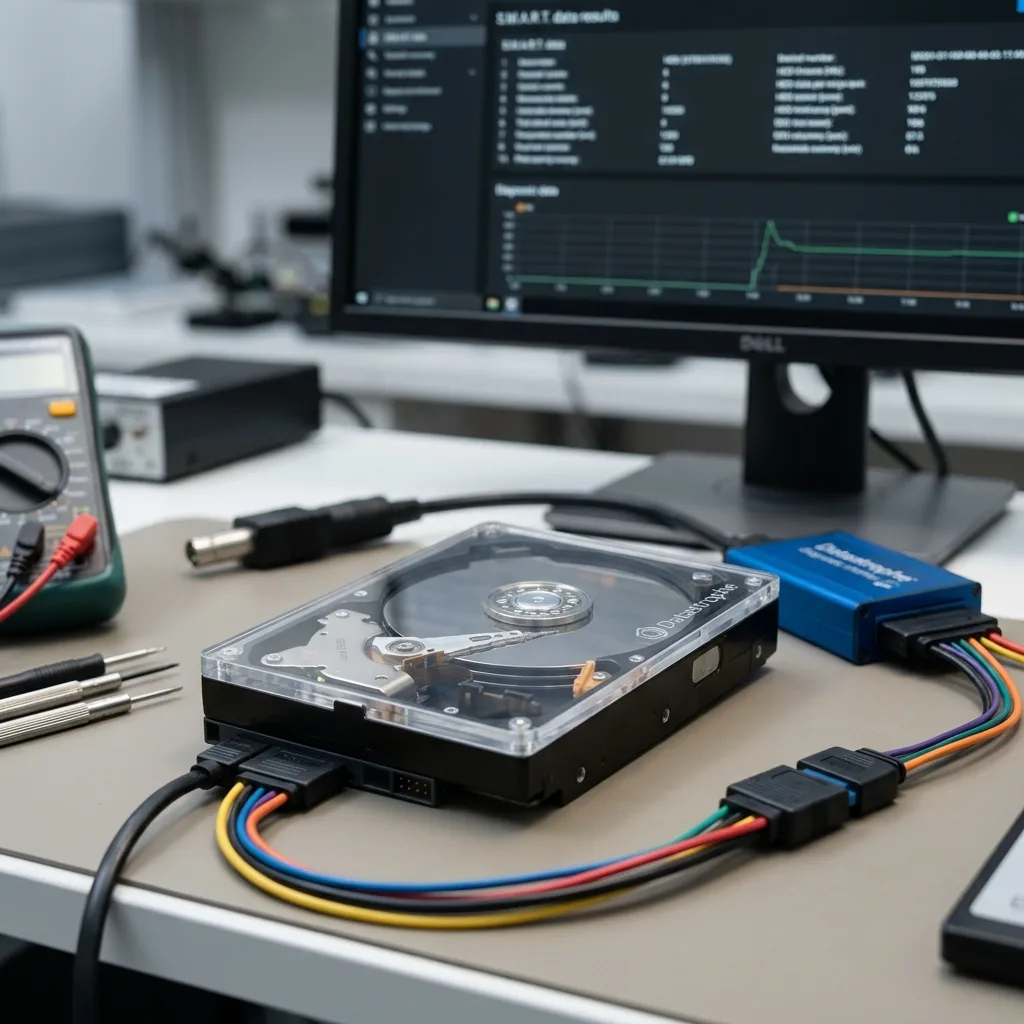
Diagnostic assessment
Define what the audit must decide
A hard drive audit is a decision tool used before a crisis. It cannot promise to save a device or predict every failure. Its value lies in recognising evidence that calls for a controlled copy, planned replacement, closer monitoring or an immediate stop. This is prevention, not recovery after the event.
A drive may still function while showing early warnings: read errors, recurring delays, rising reallocated-sector counts, unfamiliar noise, high temperature, disconnections or backups that now take longer. A computer that still starts does not cancel those observations.
The audit must separate the value of the hardware from the value of the data. A replaceable disk can hold files with no sound copy. Conversely, an ageing disk can be retired calmly when a complete backup has already been restored and checked.
The result must be an explicit decision. Collecting health figures without deciding whether to monitor, copy, replace or stop the drive creates a report, not a control measure.
Record a minimum useful scope
A concise audit record identifies the drive, its role, the most recent verified backup, observed symptoms and the action agreed. It also names data held nowhere else. That prevents a device being labelled “healthy” without considering what its failure would actually remove.
- Model, capacity, interface and the computer or equipment concerned;
- Purpose of the drive: live work, archive, backup or transfer;
- Priority folders and applications;
- Date, location and result of the most recent restore test.
Hard drive data recovery concerns action after an incident. The purpose of this audit is to reduce exposure while the drive may still be readable and before a laboratory diagnostic assessment is required.
Diagnostic assessment
Read warning signs without provoking failure
An audit is not permission to run destructive tests or stress the disk for hours. Long surface scans can accelerate deterioration on fragile mechanical media. The amount of reading must remain proportionate to the risk already observed.
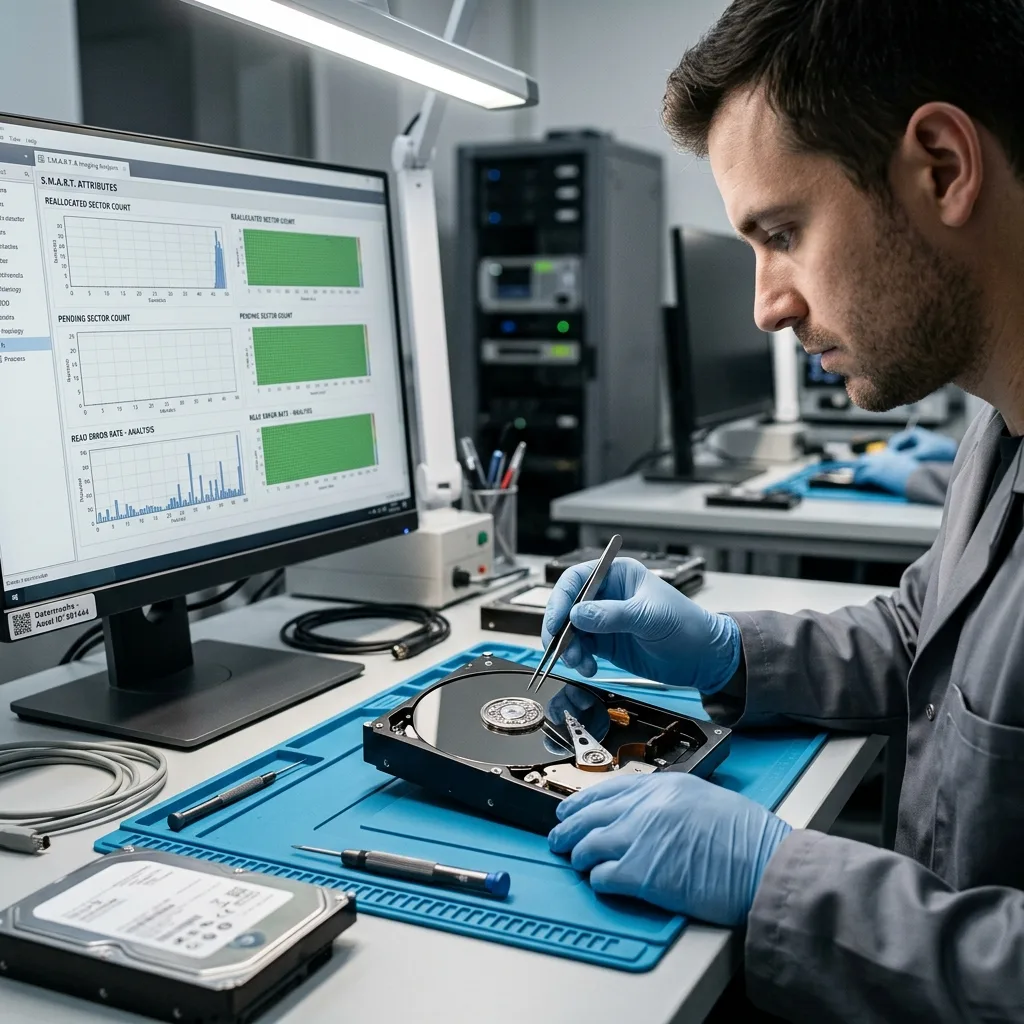
SMART data can inform the decision, but it does not tell the whole story. Some hard drives fail with little warning. Others show concerning counters yet remain readable long enough to secure priority data. Values need context and, where possible, a trend rather than a single snapshot.
User-visible behaviour matters as much as counters. A copy that stalls at the same point, a system freeze, an external disk that vanishes or a clicking or scraping sound are operational evidence. Recognition by the operating system is not proof that continued testing is safe.
| Observation | First cautious decision | What the audit must not do |
|---|---|---|
| Clicking, scraping or repeated spin-up | Switch off and qualify the mechanical risk | Restart lengthy tests to “confirm” the noise |
| Disconnections during copying | Preserve priorities and prepare controlled acquisition | Repeat the same drag-and-drop operation in a loop |
| Reallocated sectors increasing | Validate the backup and plan replacement | Wait for the next review without action |
| No alert but no verified restore | Restore a sample to healthy storage | Claim that the data are protected |
This matrix supports a decision; it does not turn a SMART attribute into a mechanical diagnosis. A drive with no alert may fail, while one isolated value may remain stable. Trend, symptom and the existence of a verified copy must be read together.
Hard drive failure symptoms explains what to consider once a fault has appeared. Preventive auditing aims to act earlier, while a controlled copy may still be reasonable.
Frequency is useful evidence too. One slow transfer might result from a cable, port or busy computer. Delays that recur on the same folders during different copies are more consistent with a media problem and belong in the audit trail.
Diagnostic assessment
Verify backups before replacement
Replacing a hard drive is safe only when its data are already protected. A declared backup needs to be dated, opened and compared with the priority folders. Hardware can be replaced neatly while an overlooked local folder disappears with it.
Use real business or personal files for the check: accounts, photographs, projects, databases, exports, working archives or legal documents. A broad backup can omit a user profile, disconnected external disk, local application store or database that was open during copying.
Restoration must also be tested. A backup that exists but cannot be restored remains an assumption. The audit should demonstrate that selected files can be written to healthy storage and opened with the application that normally uses them.
Test without endangering the original
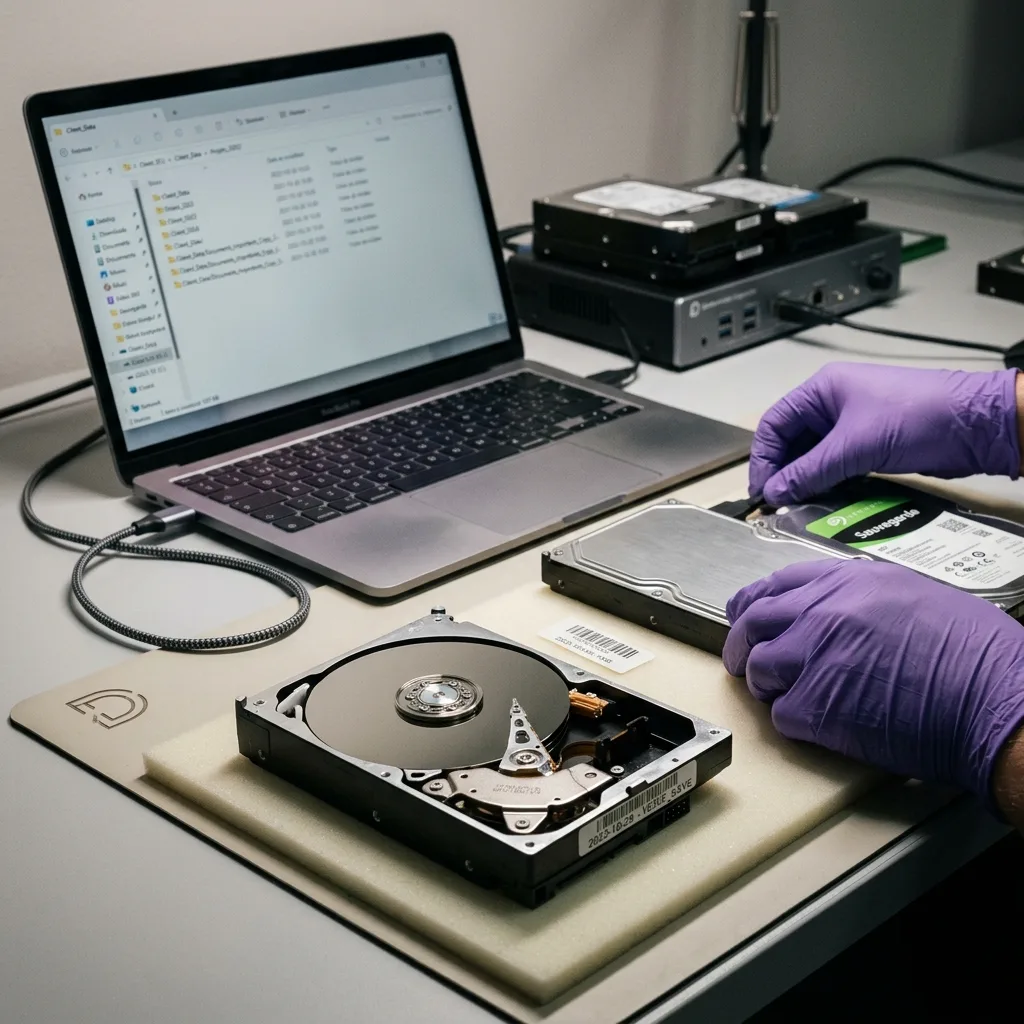
Restore from the backup into a separate location; never write the test onto the audited drive. Include different forms of data: a recent document, an older file, a large folder and, where relevant, a database or archive dependent on its application. “Copy completed” is weaker evidence than file opened and content checked.
If restoration fails or exposes gaps, the audited disk becomes the reference source. Remove it from normal use, block in-place formatting and repair, then choose priority copying or technical acquisition according to stability. This quarantine keeps a route back until restored data have been validated.
Automated backup deserves the same scrutiny. A job can report success while a folder was excluded, a USB disk was absent or an open file was copied inconsistently. Check the outcome, not merely the software report.
Diagnostic assessment
Choose between copying, replacement and diagnosis
The evidence can support several outcomes. Continue to monitor a stable, fully backed-up disk; plan a controlled copy and replacement when early warnings remain manageable; or stop and move to a data recovery diagnostic assessment when symptoms are serious.
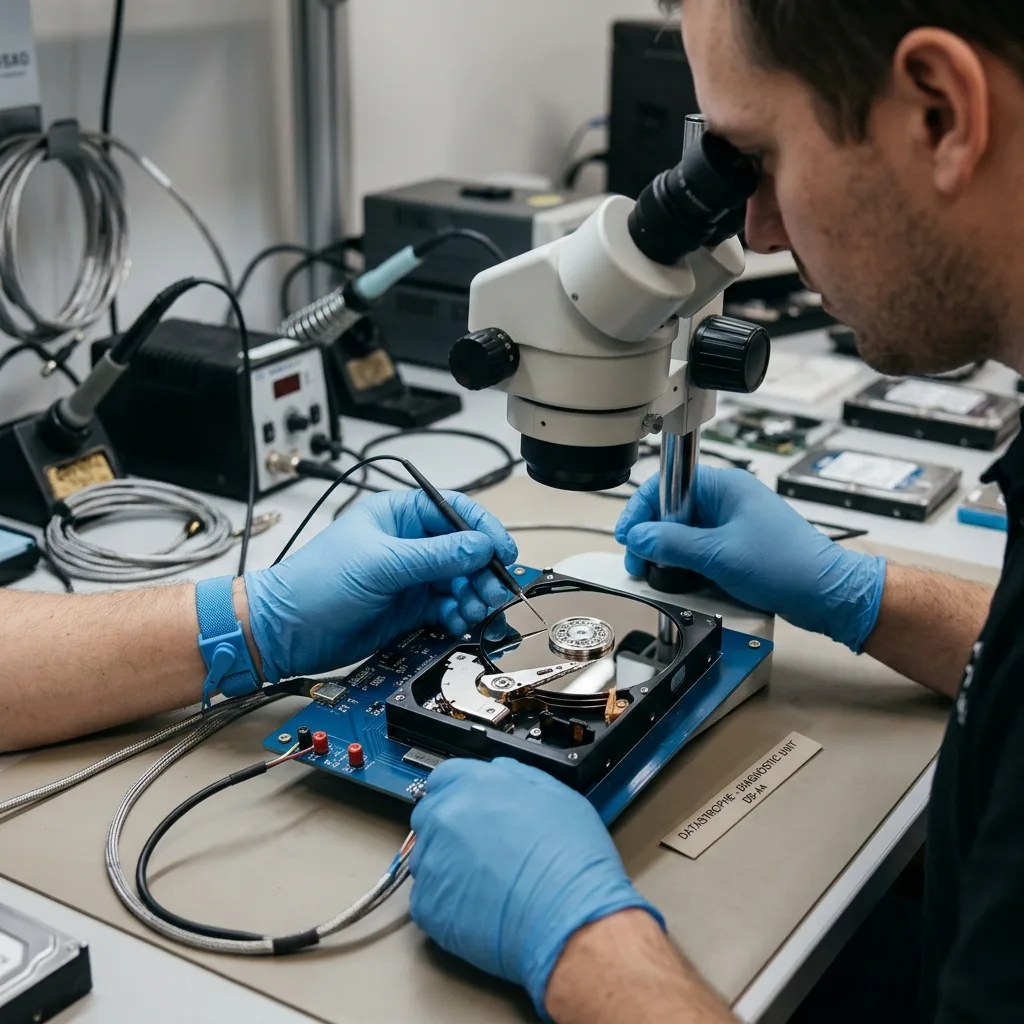
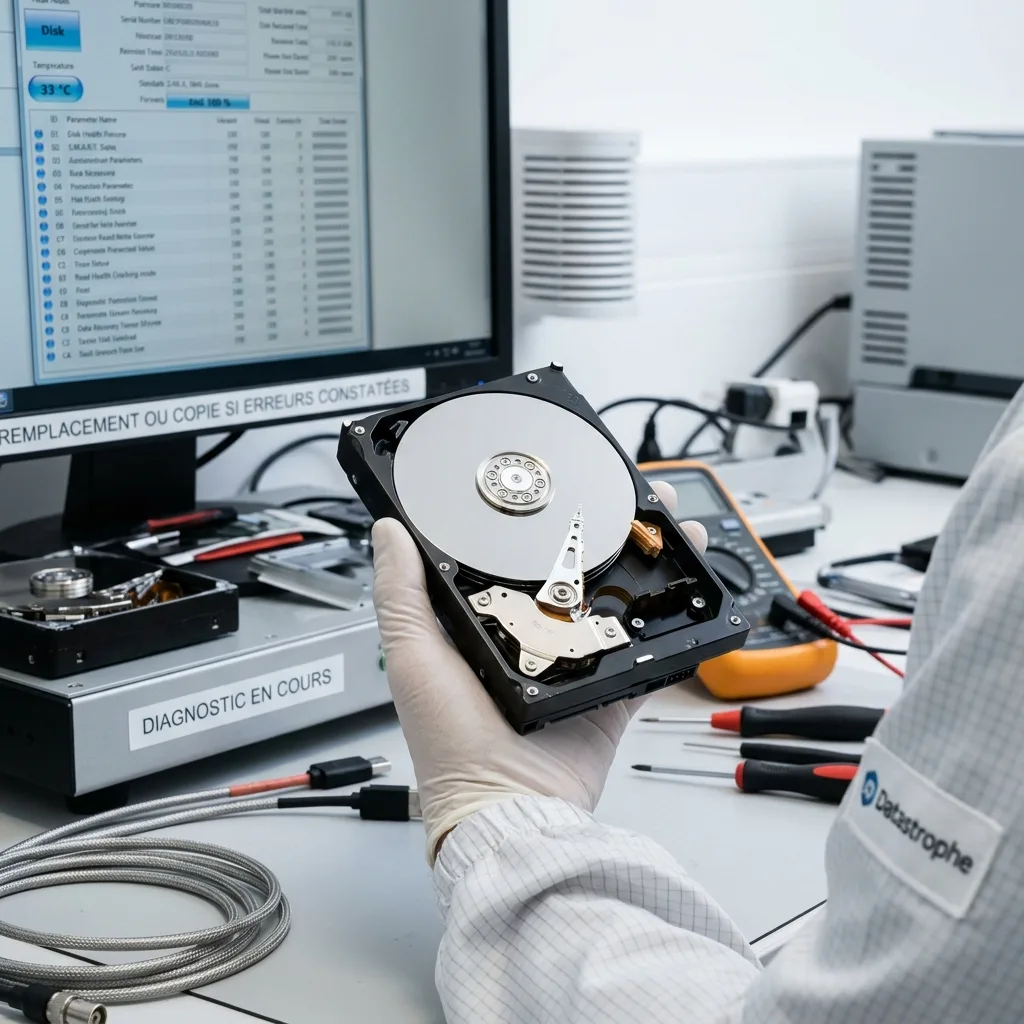
Stop threshold — clicking, scraping, abnormal heat, repeated disappearance or a recent impact takes the case outside preventive auditing. Preserve the hard drive without a surface scan or automatic repair. If opening a mechanical drive is technically necessary, that work belongs in an appropriate clean-room environment.
Copy priority data first. A full clone can be valuable, but it may not be the first objective when a disk is worsening. Identify the only copy of essential folders before imposing avoidable reading on the device.
Place only a controlled copy or verified restoration onto the replacement. Keep the old disk identified and offline until priority folders, dates and sensitive formats have been checked. A drive that has returned input-output errors should not later become an archive or backup.
Recover Or Replace A Drive develops this decision. An audit brings it forward, reducing time pressure and the temptation to improvise.
Stronger monitoring can be a conscious temporary choice when the information is low priority and independently backed up. It is not a prudent option when the disk contains the only important copy.
Diagnostic assessment
Make the audit a useful routine
A one-off audit has less value than a short repeatable routine. Schedule backup restoration checks, review recurring errors, replace ageing storage deliberately and define when a symptom requires shutdown. The procedure must be brief enough to be followed in a real incident.
For an organisation, the register should cover workstations, external disks, NAS devices, servers and backup media. Knowing where critical data reside avoids discovering an undocumented drive only after it becomes unreadable.
For a household or sole trader, the method can stay proportionate: identify essential folders, open a backup, replace a doubtful drive and do not wait for mechanical clicking. Prevention does not require a complex monitoring platform.
A hard drive audit is useful when it produces one clear action: monitor, copy, replace or diagnose. Without an action it is merely a technical reading; with one, it reduces the risk of avoidable data loss.
Retain serial number, date, counters, copy incidents, the restored sample, the decision owner and the next review threshold. Comparing these records reveals drift rather than isolated snapshots and confirms that a warning actually triggered the agreed action.
Direct answer — a preventive hard drive audit reduces risk when its evidence leads to a restored backup, controlled copy, planned replacement or immediate stop. It cannot guarantee the drive's remaining life or future data recovery.
Diagnostic assessment
Primary Technical References And Limits
Reference scope — hard drive audit to prevent data: For hard drive audit to prevent data loss, the primary references used are NIST SP 800-86. Physical evidence — hard drive audit to prevent data: They define the relevant preservation, storage or validation concepts, but they cannot establish the exact physical condition, controller state, key availability or business consistency of the device received. Controller evidence — hard drive audit to prevent data: Those points require measurements on the original set and verification on copies.
Diagnostic assessment
Arrange A Controlled Assessment
Complete set — hard drive audit to prevent data: For a technical examination of hard drive audit to prevent data loss, provide the complete device or storage set, its associated power and interface parts, the symptom timeline and the priority records. Incident history — hard drive audit to prevent data: Keep member order, labels and authorised credentials separate from the parcel paperwork; do not restart the source merely to obtain a new screenshot.
Laboratory responsibility — hard drive audit to prevent data: Datastrophe performs the diagnosis, integrity checks and recovery directly in its own laboratory with its own team. Free assessment — hard drive audit to prevent data: Diagnosis and the quotation are free. Transport boundary — hard drive audit to prevent data: Private collection and return is included; the carrier moves only the sealed parcel and neither accesses nor processes its data.
Controlled list — hard drive audit to prevent data: Before any payment, the client receives the proposed price and a checked list. Verification classes — hard drive audit to prevent data: Each item is classified, in order, as recoverable_verified, partial, detected_unverified or unrecoverable. Payment trigger — hard drive audit to prevent data: Only recoverable_verified items whose contents were checked and found usable are presented as recoverable. No-result rule — hard drive audit to prevent data: Payment is due only after the client accepts both the list and the price.
No-result rule — hard drive audit to prevent data: If no usable data is verified, recovery fails, or the client declines the list or price, no standard fee is payable. Rare-part exception — hard drive audit to prevent data: The only exception is a rare, costly and non-refundable part, which may be ordered only after a separate, explicit and priced proposal has been accepted.