
Diagnostic assessment
Understand What A Power Cut Can Do
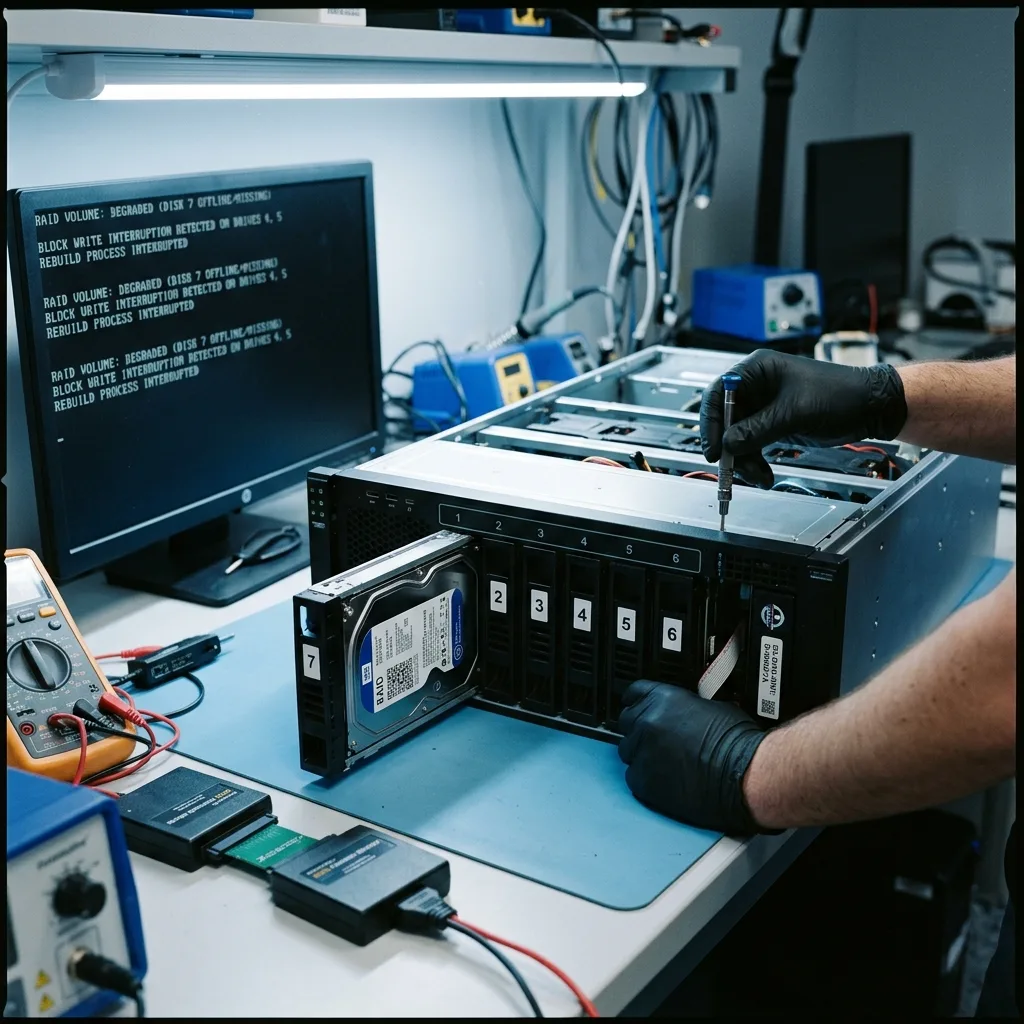
Power failure on RAID can appear harmless when the system restarts. Yet an abrupt stop may interrupt writes, leave an incoherent cache, halt rebuilding or expose a disk that was already weak. The volume may then appear degraded, absent or only partly readable.
Risk depends on context: server, NAS, RAID enclosure, hardware controller, faulty supply, missing UPS or repeated interruption. One shutdown does not create the same exposure as an array repeatedly rebooting during writes.
RAID adds difficulty because data do not necessarily reside on one disk. They are distributed according to level, order, stripe size and parity. After a cut, part of the volume may appear sound while its metadata no longer match the actual state.
Avoid quick conclusions. A mounted volume does not prove that every file is coherent. A disk marked failed may not have caused the original incident, and an interface prompt to rebuild is not invariably the right decision.

Diagnostic assessment
Avoid Automatic Rebuilding
RAID rebuilding is useful in a controlled system, but risky when the starting state is uncertain. Replacing the wrong disk, losing order or placing heavy read load on a second disk with weak sectors can write an incoherent structure.
Resist pressure for immediate service after power failure. Repeated restarts, forced repair or rebuilding an array that is not understood can alter useful evidence.
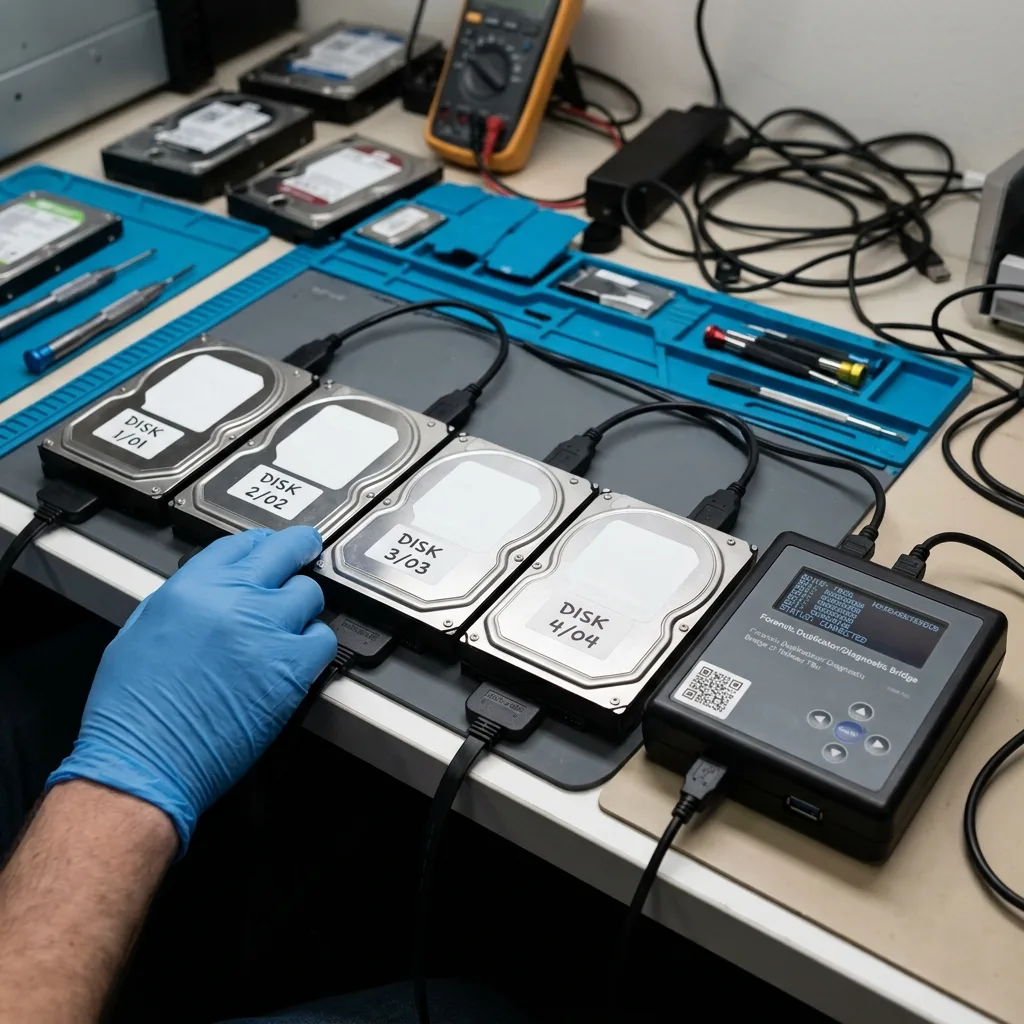
Preservation comes first. Retain all disks, including any removed or declared faulty. Record their bay order. Keep error messages, logs and screenshots if the interface remains accessible.
RAID data recovery covers specialist handling. This examination concerns the hours immediately after a cut, when early decisions often change the outcome.
Diagnostic assessment
Document The State Before Intervention
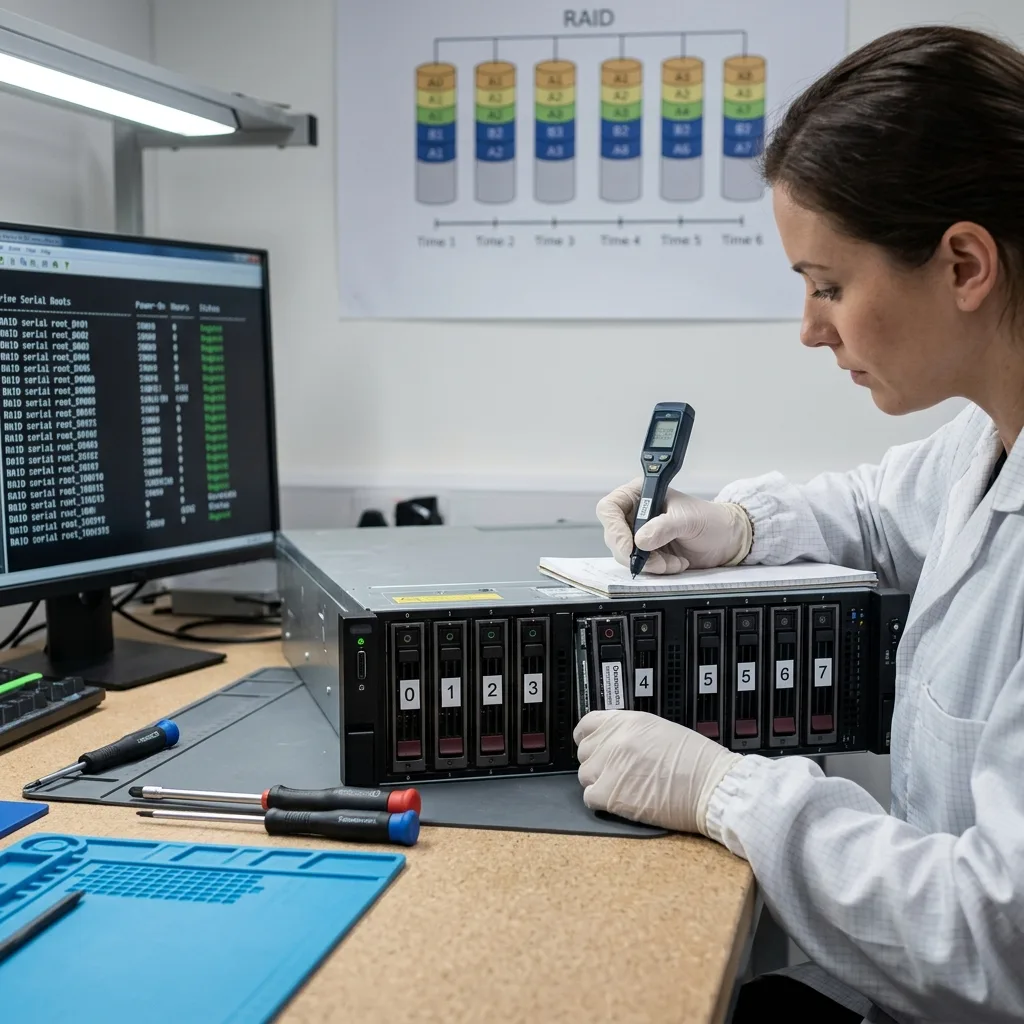
RAID assessment needs a clear timeline: when power failed, how many restarts followed, which disks changed state, whether rebuilding began and what data were in use at the time.
Record the enclosure model, controller, presumed RAID level, disk capacities and physical order. A photograph of the installed disks can prevent misinterpretation, while serial numbers preserve the position of each device.
Identify backups but do not restore them blindly. A copy may be old, incomplete or contain corruption that already propagated. Test it in a separate area, particularly when the RAID volume contains databases or shared files.
Define priority data as well. A complete volume can contain vast archives alongside a few critical folders. Their order of importance informs acquisition if one or more disks prove unstable.
Diagnostic assessment
Read The Disks Under Controlled Conditions
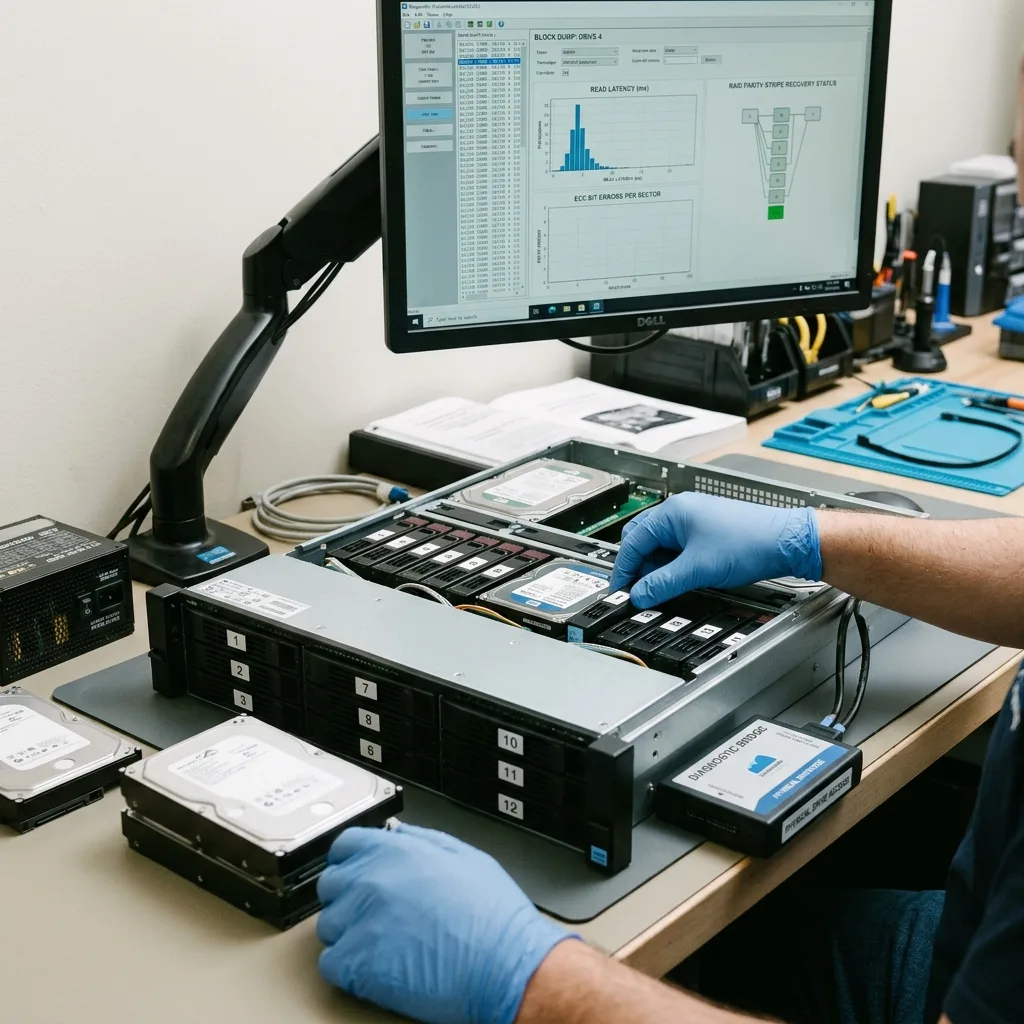
Recovery after power failure often relies on disk images or controlled acquisition. Wherever possible, work from copies and reconstruct the volume virtually before extracting data.
This method prevents writes to the originals. It also identifies weak disks, read errors, parity inconsistencies and useful metadata. Delivery must then verify that files actually open.
Databases, virtual machines and files being written at the time of failure are particularly sensitive. Some can remain incoherent even after the volume has been reconstructed. Distinguish an accessible volume from usable application data.
Datastrophe approaches the case in layers: disks, RAID configuration, file system, volumes, files and business priorities. That progression avoids declaring success too early.
Diagnostic assessment
Prevent Power-Related Loss
Prevention begins with stable power and a suitable UPS. A UPS does not replace backup, disk monitoring or a shutdown procedure; it reduces one risk without eliminating hardware failure or human error.
Act on alerts. A disk warning before the cut, weak UPS battery or rebuild already under way all need attention. Power failure often exposes an existing weakness.
Document RAID before an incident: level, disk order, enclosure model, backups, contacts and shutdown procedure. When the volume no longer mounts, this information prevents random tests.
After a cut, freeze the state, keep the disks and verify backups without overwriting anything. That restraint may feel slow, but protects recovery prospects in a system where every write matters.
Do not replace several components at once. Changing the power supply, moving disks, updating firmware and restarting the volume in one sequence makes the incident difficult to interpret. Record every change, especially where business data are involved.
When continuity is urgent, separate it from assessment. The business can work from a validated backup or temporary environment while the original disks remain preserved. This relieves pressure on the failed RAID and prevents a restart from overwriting the only useful traces.
Power failure is therefore more than an electrical event. It can desynchronise several storage layers. Protect the originals, establish the sequence and rebuild only once the parameters are sufficiently clear.
Final validation should focus on important data, not merely a mounted volume. An accessible share may still contain incomplete files or an incoherent database. Users who recognise the expected folders, periods and applications should take part in checking it.
That check prevents a familiar mistake: assuming RAID is saved because the directory tree has reappeared. Recovery finishes only when priority files have been copied to healthy storage, opened and understood within their stated limitations.
Diagnostic assessment
Primary Technical References And Limits
Reference scope — power failure data recovery: For RAID power failure data recovery, the primary references used are Linux MD administration guide. Physical evidence — power failure data recovery: They define the relevant preservation, storage or validation concepts, but they cannot establish the exact physical condition, controller state, key availability or business consistency of the device received. Controller evidence — power failure data recovery: Those points require measurements on the original set and verification on copies.
Diagnostic assessment
Arrange A Controlled Assessment
Complete set — power failure data recovery: For a technical examination of RAID power failure data recovery, provide the complete device or storage set, its associated power and interface parts, the symptom timeline and the priority records. Incident history — power failure data recovery: Keep member order, labels and authorised credentials separate from the parcel paperwork; do not restart the source merely to obtain a new screenshot.
Laboratory responsibility — power failure data recovery: Datastrophe performs the diagnosis, integrity checks and recovery directly in its own laboratory with its own team. Free assessment — power failure data recovery: Diagnosis and the quotation are free. Transport boundary — power failure data recovery: Private collection and return is included; the carrier moves only the sealed parcel and neither accesses nor processes its data.
Controlled list — power failure data recovery: Before any payment, the client receives the proposed price and a checked list. Verification classes — power failure data recovery: Each item is classified, in order, as recoverable_verified, partial, detected_unverified or unrecoverable. Payment trigger — power failure data recovery: Only recoverable_verified items whose contents were checked and found usable are presented as recoverable. No-result rule — power failure data recovery: Payment is due only after the client accepts both the list and the price.
No-result rule — power failure data recovery: If no usable data is verified, recovery fails, or the client declines the list or price, no standard fee is payable. Rare-part exception — power failure data recovery: The only exception is a rare, costly and non-refundable part, which may be ordered only after a separate, explicit and priced proposal has been accepted.