
Diagnostic assessment
Distinguishing Heat, Cold, Humidity and Condensation
Temperature and humidity do not describe one incident. Heat can accelerate ageing and distort materials; cold creates particular risk during a rapid transition; humidity encourages deposits and corrosion; condensation forms when a surface remains below the surrounding air's dew point. The chronology matters more than one isolated reading.
A cold drive taken into a warm room may acquire moisture when its packaging is opened. A device stored for months in a damp outbuilding may corrode slowly without visible droplets. A brief overheat is also different from years in a hot loft or repeated thermal cycling.
Describe the exposure before drawing conclusions
| Situation | Main mechanism | Decisive information |
|---|---|---|
| Cold device moved into warm air | Condensation on cold surfaces | Packaging, temperature difference and opening time |
| Damp cellar or store | Progressive corrosion and deposits | Duration, ventilation and visible traces |
| Hot vehicle or loft | Accelerated ageing or distorted adhesive and plastic | Likely temperature and exposure time |
| Leak or immersion | Liquid residue and electrical short circuit | Type of liquid and any later power-on |
| Saline or industrial air | Conductive or corrosive deposits | Environment and any cleaning attempted |
Cold itself is often less important than the transition that follows. For every medium, prevention, exposure and recovery must be treated as separate phases rather than applying one generic drying rule.
Diagnostic assessment
How Different Storage Media Respond
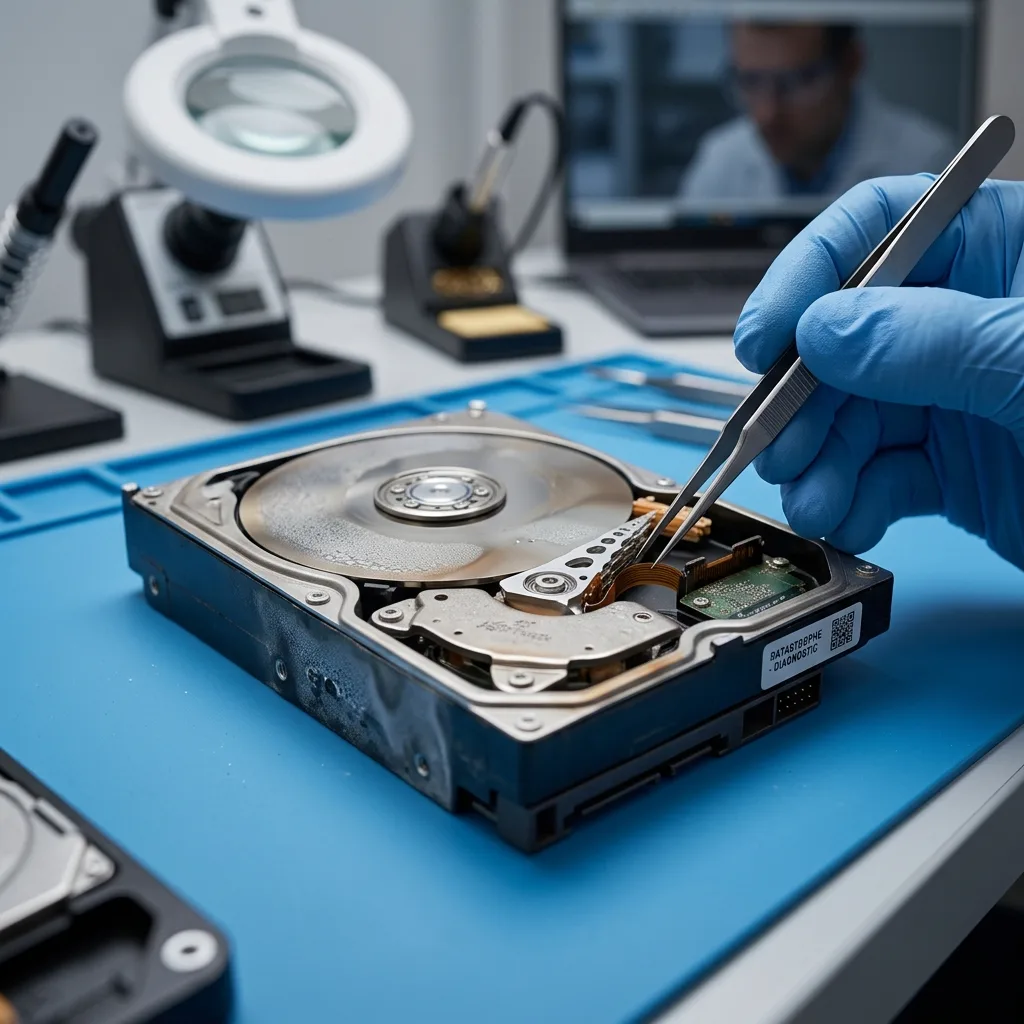
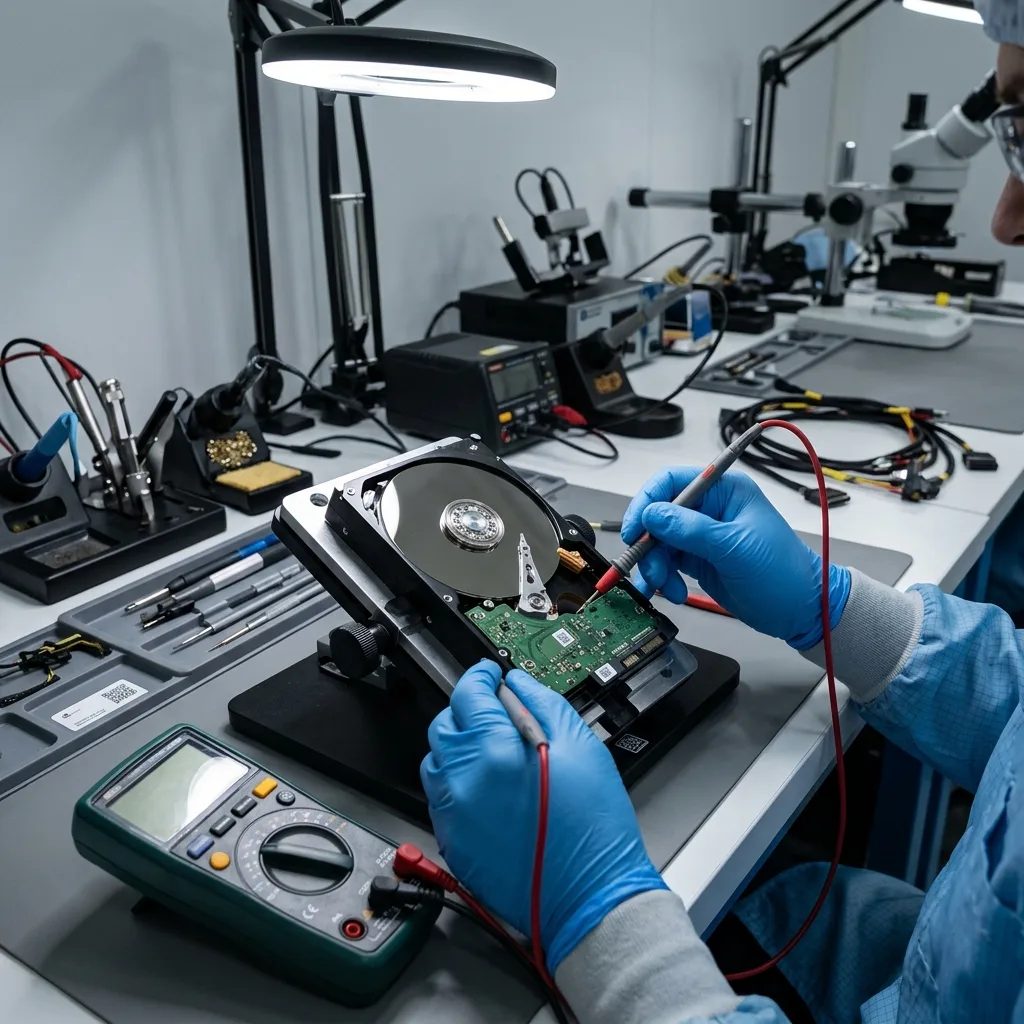
A mechanical hard drive combines electronics, connectors, motor, heads and platters within a filtered assembly that a user should not open. Moisture can affect the board and contacts; severe exposure, enclosure damage or a previous opening changes the internal risk. Heat may push already marginal mechanics or electronics into failure.
SSDs, USB flash drives and memory cards have no motor, but controllers, power components, solder joints and memory packages remain vulnerable to corrosion and short circuits. A board that looks dry may retain deposits beneath a component. Powering it is not a valid drying test.
Archive media have different failure paths
Optical discs can warp, delaminate or suffer changes to recording layers and adhesives. Tapes and floppy disks combine a recording surface, binder and reading mechanism; humidity or contamination may increase friction and dirty the reader.
Associated equipment is part of the incident. An exposed external power supply, USB enclosure or card reader can damage otherwise intact media. Trying the same device through several unqualified adapters multiplies power sources and variables instead of identifying the fault.
| Medium | Risk to qualify | Action to avoid |
|---|---|---|
| Mechanical hard drive | Electronics, contacts, mechanics and thermal shock | Repeated starts or improvised opening |
| Flash storage | Corrosion beneath components, controller and solder joints | Power-on, format or reset |
| Optical disc | Flatness, layers and deposits | Heat or abrasive polishing |
| Tape or floppy disk | Surface, binder, tension and contamination | Inserting it into an unqualified drive |
No universal treatment — keeping a device unpowered reduces electrical risk, but does not remove corrosion, contamination or distortion. Stabilisation depends on the medium and the actual exposure.
Diagnostic assessment
Recognising Signs After Exposure
An absence of visible marks does not prove an absence of risk. Condensation may evaporate before inspection, corrosion can remain beneath a package, and an optical disc can be warped without looking burnt. Conversely, a stain on an enclosure does not prove that the data have been destroyed.
The timeline is more useful than an improvised diagnosis
Record:
- The place, duration and nature of the exposure;
- Whether media were packaged or directly exposed;
- The temperature transition and when packaging was opened;
- The first power-on after the incident, if any;
- Messages, noises, smells, local heat or disconnections;
- Cleaning, drying and tests already attempted.
An incorrect capacity, request to format, extreme slowness, intermittent detection or local overheating is a stopping signal. These symptoms do not distinguish physical, electronic and logical failure on their own, but they show that further trials are no longer neutral.
Photograph the media, connectors and packaging before transport. Keep exposed cables, enclosures and adapters identified separately. This can help distinguish a power or enclosure failure from damage to the storage device itself.
Waiting time — no single number of hours applies to every device. Dimensions, materials, packaging, temperature difference and moisture change the stabilisation period. If data are important or any trace remains, do not turn uncertainty into an electrical test.
Diagnostic assessment
Avoiding Actions That Worsen Damage
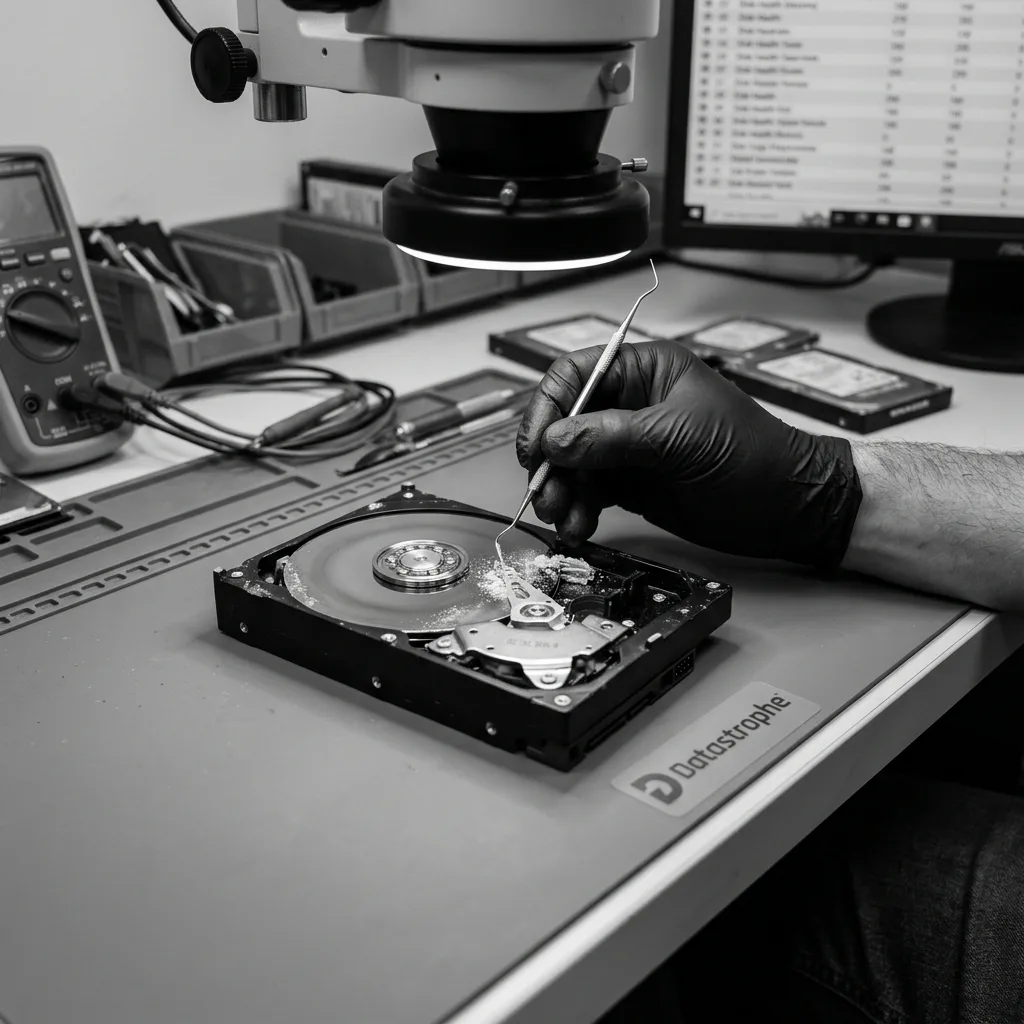
Hairdryers, radiators, direct sun, improvised ovens and compressed air can heat unevenly, move contamination, create static charge or distort materials. Rice removes neither salts nor corrosive residue. Scraping contacts or adding an unqualified cleaning product may break a track or drive residue under components.
Intensive reading is equally unsuitable. A full scan cannot repair corroded power circuitry or unstable mechanics; it stresses the device before its condition is known. Repair, initialise and format functions add writes to the physical risk.
A short preservation sequence
After suspected exposure:
- Disconnect power and keep it disconnected;
- Do not dismantle or clean the device further;
- Isolate and identify the storage medium and accessories;
- Document the timeline and every attempted action;
- Inventory backups and priority data;
- Choose a medium-specific assessment before acquisition.
If operations must resume, use a different healthy device or a validated backup. Exposed media should not return to production because one copy completed successfully; corrosion or ageing triggered by the incident may continue.
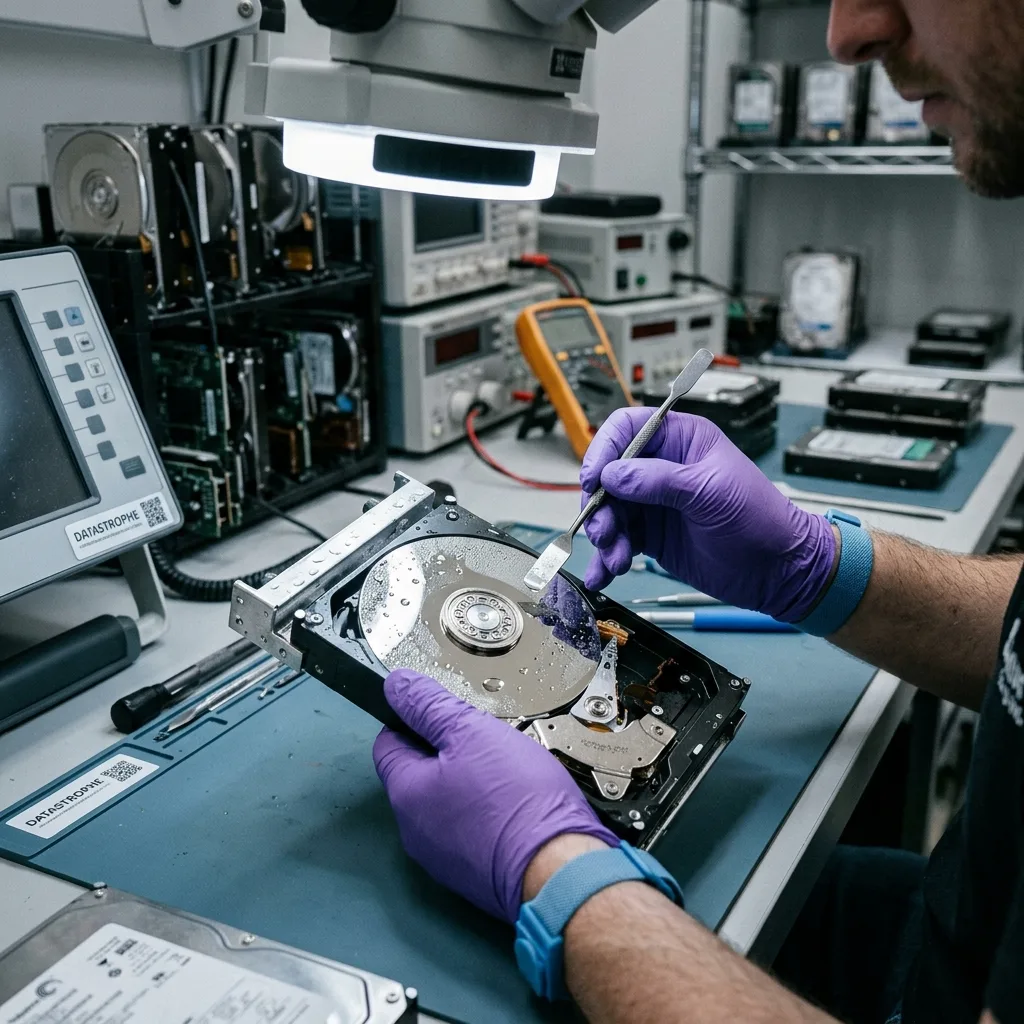
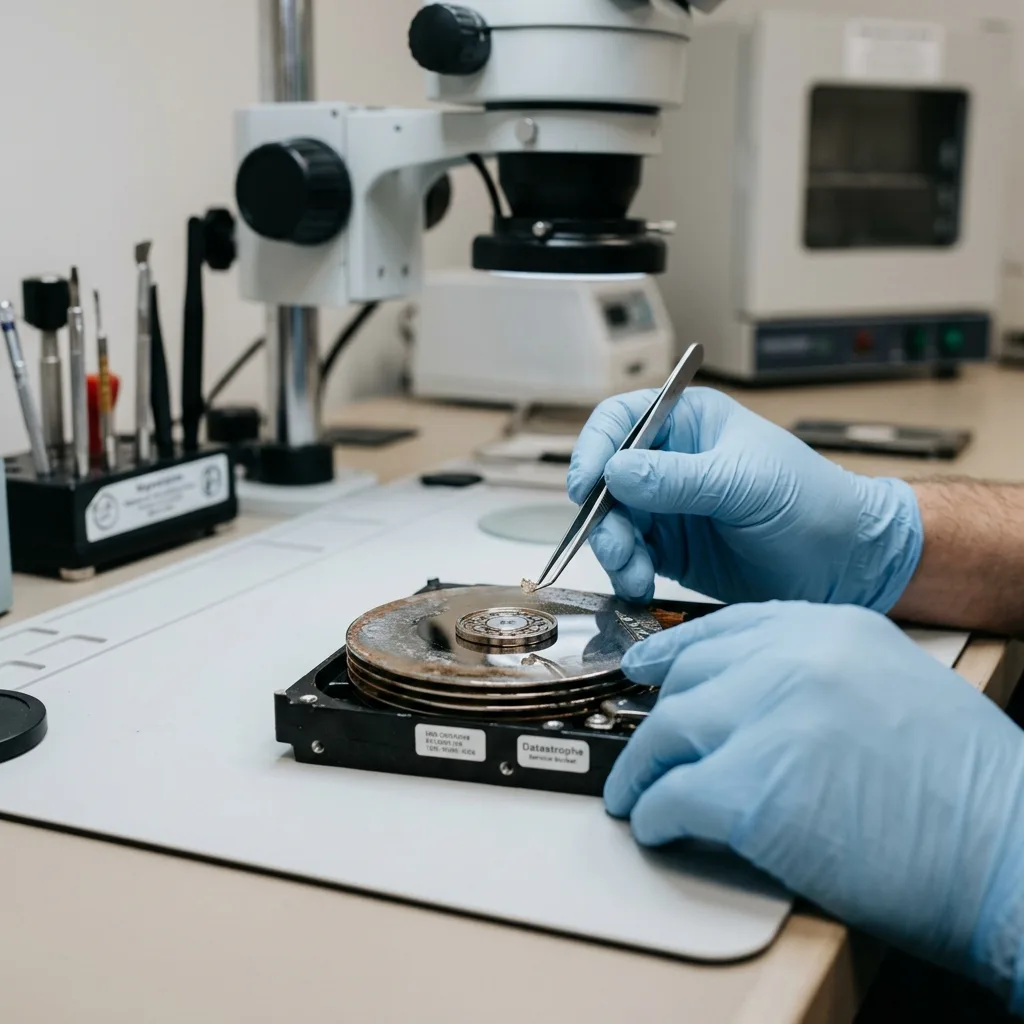
Datastrophe first assesses whether the source can be stabilised and acquired. File analysis then takes place on a copy. A controlled clean environment is relevant only to certain internal interventions on mechanical hard drives, not as a universal response to moisture.
Physical limits remain explicit: a destroyed component may be replaceable, but overwritten blocks, lost encryption keys or a recording layer that no longer holds a signal cannot be recreated by drying.
Diagnostic assessment
Reducing Risk in Storage and Transport
Prevention aims for stability and separation. Archive media should not remain in a damp cellar, hot vehicle, beside a heat source or inside packaging that traps existing moisture. Rapid temperature changes are avoided; cold media stay protected while returning gradually to equilibrium.
Control the environment and the ability to restore
Useful controls include monitored temperature and humidity, alerts for sustained deviation, media raised above flood level, suitable packaging and an inventory of locations. Thresholds should follow manufacturer guidance for the real collection rather than a supposedly universal value.
During transport, separate the device from heavy items and, where relevant, from its power supply. Packaging should limit shock, dust and static without sealing in a medium that is already damp. The route and conditions are recorded when exposure may matter.
The strongest protection is duplication. Important archives need at least two copies that do not share the same environmental or administrative failure. Backups are restored periodically; a second copy in another room that has never been tested remains an assumption.
After an incident, the exposed device remains out of production until qualified. Recovered files are validated on healthy storage and then duplicated.
Heat and humidity are risk factors, not automatic verdicts: identifying the exposure, preserving the source and using an appropriate acquisition method supports a proportionate decision without promising data that no longer exist.
Diagnostic assessment
Primary Technical References And Limits
Reference scope — humidity storage media risks: For temperature humidity storage media risks, the primary references used are NIST SP 800-86. Physical evidence — humidity storage media risks: They define the relevant preservation, storage or validation concepts, but they cannot establish the exact physical condition, controller state, key availability or business consistency of the device received. Controller evidence — humidity storage media risks: Those points require measurements on the original set and verification on copies.
Diagnostic assessment
Arrange A Controlled Assessment
Complete set — humidity storage media risks: For a technical examination of temperature humidity storage media risks, provide the complete device or storage set, its associated power and interface parts, the symptom timeline and the priority records. Incident history — humidity storage media risks: Keep member order, labels and authorised credentials separate from the parcel paperwork; do not restart the source merely to obtain a new screenshot.
Laboratory responsibility — humidity storage media risks: Datastrophe performs the diagnosis, integrity checks and recovery directly in its own laboratory with its own team. Free assessment — humidity storage media risks: Diagnosis and the quotation are free. Transport boundary — humidity storage media risks: Private collection and return is included; the carrier moves only the sealed parcel and neither accesses nor processes its data.
Controlled list — humidity storage media risks: Before any payment, the client receives the proposed price and a checked list. Verification classes — humidity storage media risks: Each item is classified, in order, as recoverable_verified, partial, detected_unverified or unrecoverable. Payment trigger — humidity storage media risks: Only recoverable_verified items whose contents were checked and found usable are presented as recoverable. No-result rule — humidity storage media risks: Payment is due only after the client accepts both the list and the price.
No-result rule — humidity storage media risks: If no usable data is verified, recovery fails, or the client declines the list or price, no standard fee is payable. Rare-part exception — humidity storage media risks: The only exception is a rare, costly and non-refundable part, which may be ordered only after a separate, explicit and priced proposal has been accepted.