
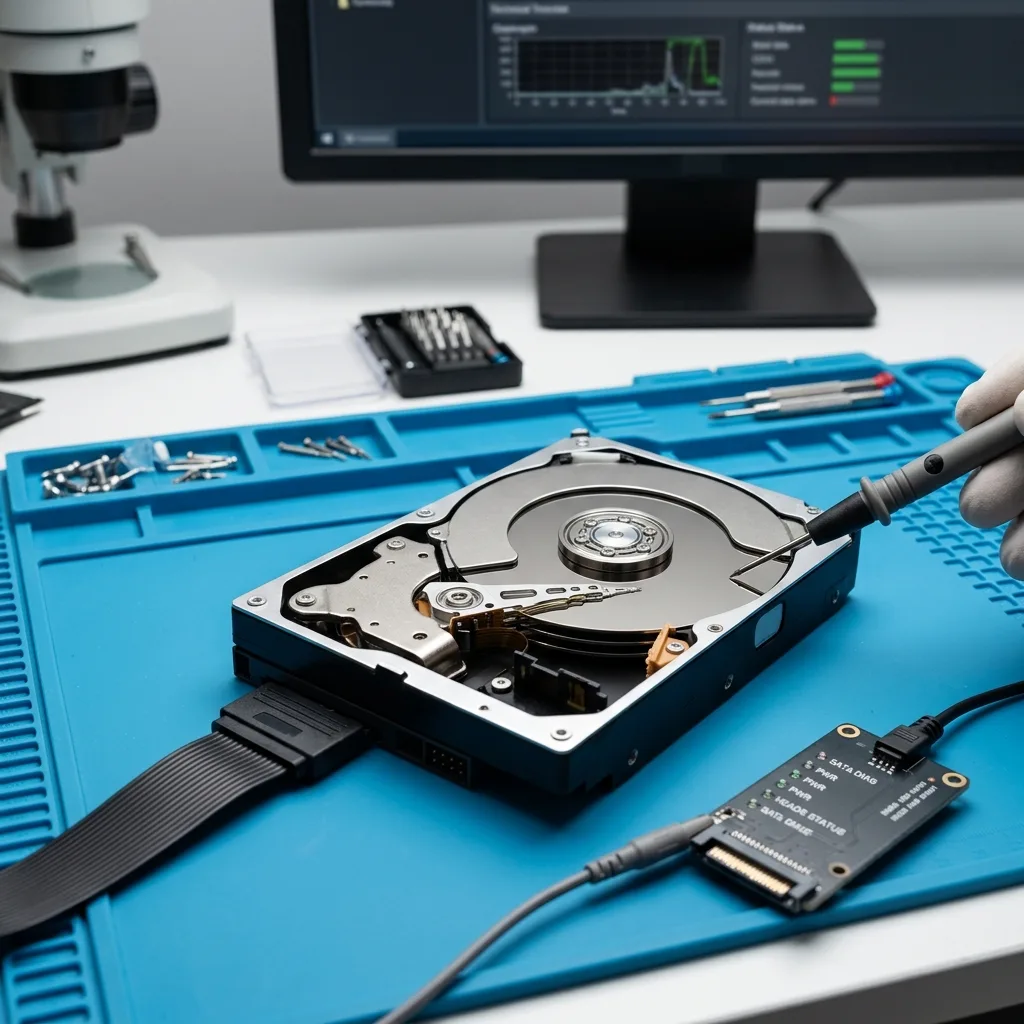
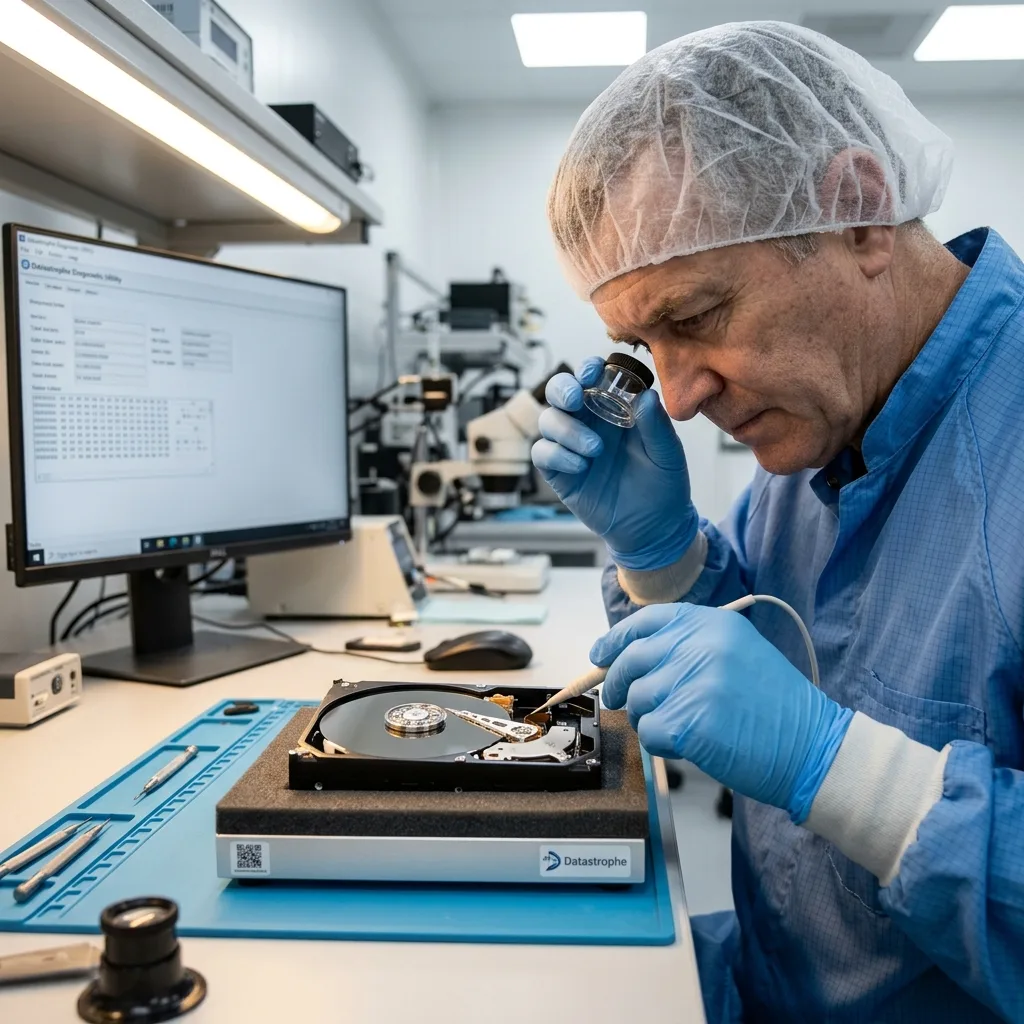
Diagnostic assessment
Decide according to the value of the data
"Recover or replace" combines two separate objectives. If the drive must travel from a regional site, keep it unpowered and send its error, noise and prior-action history with it. Replacing a hard drive restores dependable hardware; recovery seeks the missing files. When verified backups exist, replacement may be enough. Without them, protect the damaged device.
Estimate the value of the data before testing: professional folders, accounts, photographs, videos, a database, legal archives or personal records. The drive itself can be inexpensive while holding files that can't be recreated.
Verify the backups too. A claimed backup isn't evidence by itself. It should contain the right files from the right date and open correctly. Until that is demonstrated, the old drive remains a critical source.
Decide before installing, restoring or reorganising data. Installing onto the wrong device or restoring without verifying what is absent can make comparison with the old drive harder. Treat hardware and data separately.
Hard drive data recovery describes the service route. The practical aim is to avoid confusing hardware repair with file recovery.
Diagnostic assessment
Recognise symptoms that require a stop
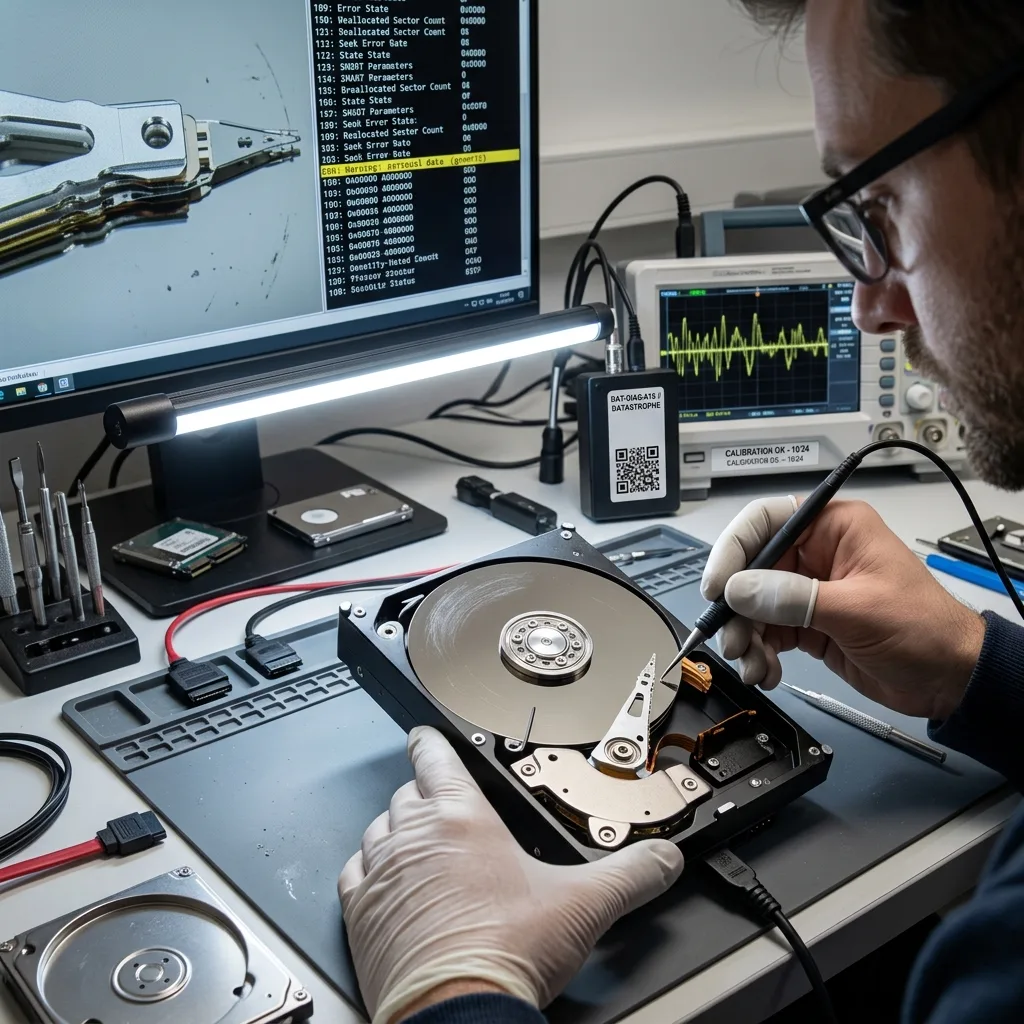
Some symptoms require an immediate stop: clicking, scraping, repeated disconnection, extreme slowness, a hot smell, failure to reach operating speed, critical SMART messages or an offer of system repair. Continued use can worsen the fault.
A recognised drive isn't necessarily healthy. It may display folders and then stall on critical files, or deteriorate during an ordinary copy. Unreliable sectors need controlled acquisition rather than random access.
Automatic repairs are risky when the data matter. A system may tidy the file structure by deleting references that remain valuable. A partition tool can make a volume look cleaner while lowering reconstruction options.
Hard drive vibration and impact shows why mechanical faults tolerate repeated attempts poorly. Caution begins by stopping, not scanning.
Logical symptoms also deserve attention. A read-only drive, repeated copy errors or a file browser that freezes may indicate that areas are disappearing. Silence doesn't mean low risk.
Diagnostic assessment
Understand what replacement can't recover
Replacing the drive in a computer, NAS or server may be necessary to start again with dependable hardware. It doesn't restore files from the old device; it creates an empty environment or one rebuilt from a backup.
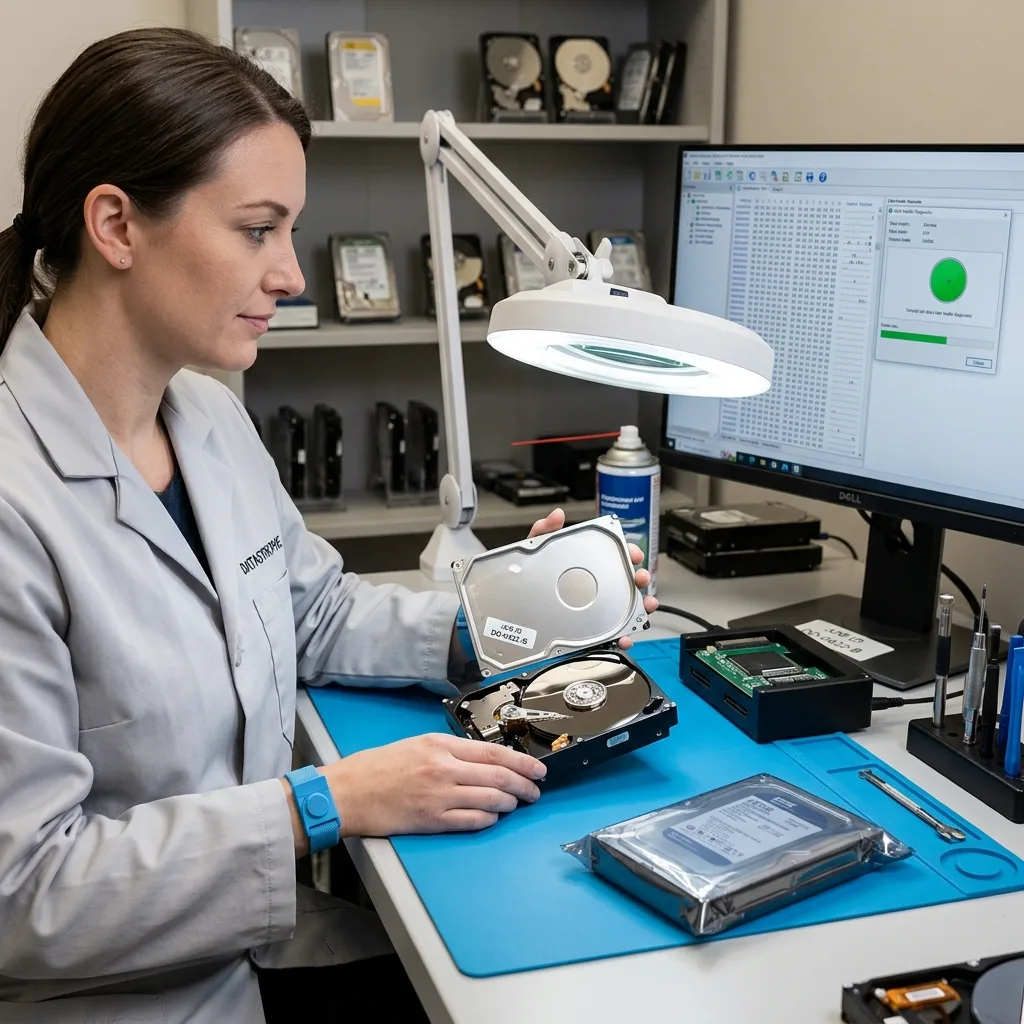
Risk arises when the old drive is reused, formatted, initialised or discarded too soon. Until a recovery decision is made, keep it unchanged in clean packaging with the relevant context: computer, symptom, date and earlier actions.
On a computer, replacement can obscure chronology. A fresh installation may suggest the fault is resolved while folders remain missing. Compare the backup, new system and old drive before reaching a conclusion.
In a NAS or server, replacement can trigger rebuilding. If several drives are weak, that rebuild may further degrade the volume. Verify the configuration before accepting actions proposed by the enclosure.
Retain valuable accessories, including the external case, cable, source computer, adapter and power supply. The environment rather than the drive can be at fault, and discarding it too early loses an easy point of comparison.
Diagnostic assessment
Request an assessment before testing
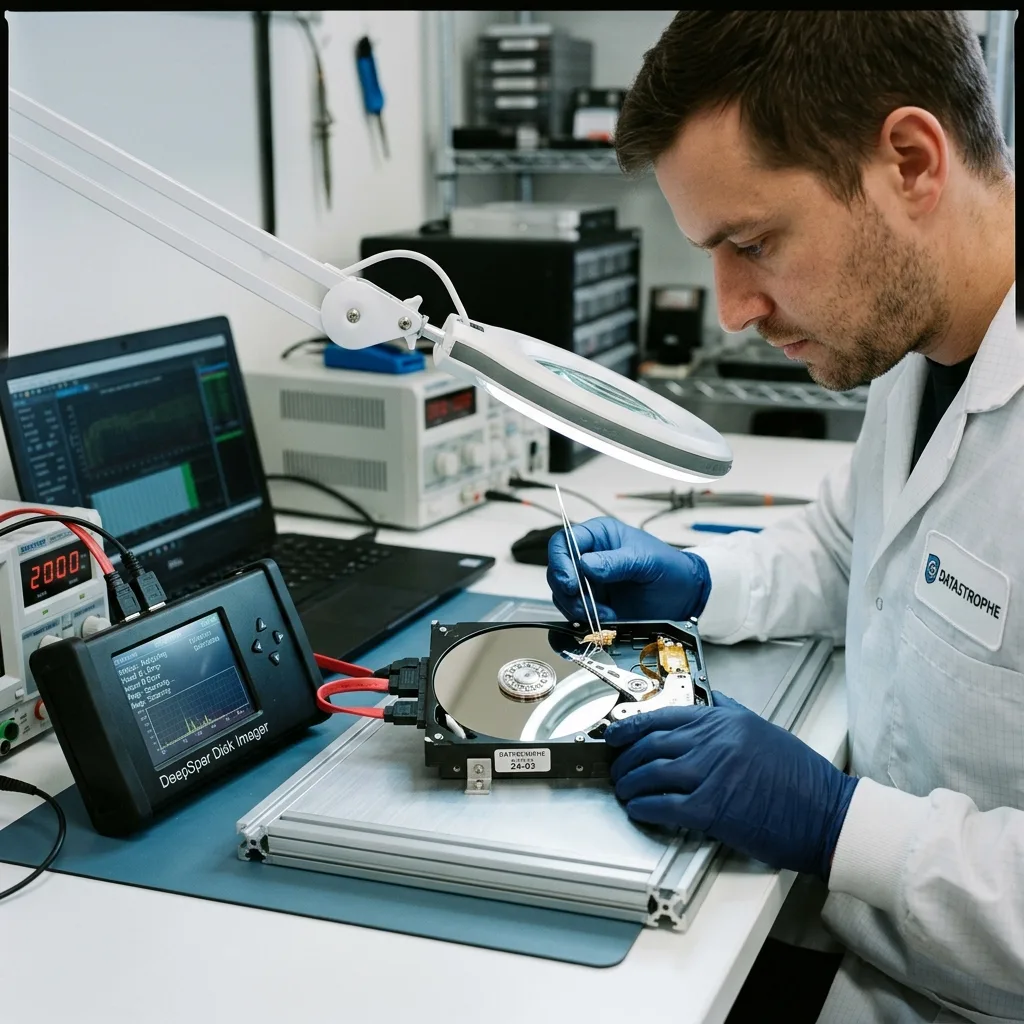
Assessment measures risk and feasibility. It reviews the physical, electronic and logical condition, then defines an imaging or stabilisation approach. This prevents a mechanical failure being treated like an erased folder.
Priorities belong in that assessment. Recent accounts, a business database and a particular photo folder demand a distinct scope from complete recovery. The list concentrates the best remaining reads on critical data.
Storage media damage assessment clarifies the approach. Work from an image when practicable, then analyse files without placing more demand on the original.
Datastrophe returns recovered data on healthy storage. The damaged drive must not become a working device again, even if some areas remain readable. Successful recovery doesn't make fragile hardware dependable.
The assessment may also establish that recovery is unnecessary because the backup is complete. It then provides confidence in the replacement decision without spending money needlessly or discarding the only available copy.
Diagnostic assessment
Organise what happens next
When recovery is required, isolate the old drive and send it with its context. When it isn't, address erasure or destruction according to confidentiality needs. Document either decision.
After replacement, prevention should have simple evidence: a tested backup, wear alerts, dependable external storage and a stop procedure for new symptoms. A backup never restored remains an assumption.
Plan validation as well. Open, compare and organise recovered or restored files on a healthy device. Establish partial data so no one mistakes an incomplete folder for a complete outcome.
Recovery and replacement aren't competing moral choices between saving and discarding. They are technical decisions: protect valuable data, replace hardware for reliability and never confuse the two goals.
When sensitive data are present, control the end of the drive's life. A replaced device may still contain readable fragments. Don't sell, recycle or pass it on without suitable erasure or controlled destruction once recovery is no longer needed.
Diagnostic assessment
Primary Technical References And Limits
Reference scope — hard drive recover or replace: For damaged hard drive recover or replace, the primary references used are NIST SP 800-86. Physical evidence — hard drive recover or replace: They define the relevant preservation, storage or validation concepts, but they cannot establish the exact physical condition, controller state, key availability or business consistency of the device received. Controller evidence — hard drive recover or replace: Those points require measurements on the original set and verification on copies.
Diagnostic assessment
Arrange A Controlled Assessment
Complete set — hard drive recover or replace: For a technical assessment of damaged hard drive recover or replace, provide the complete device or storage set, its associated power and interface parts, the symptom timeline and the priority data. Incident history — hard drive recover or replace: Keep member order, labels and authorised credentials separate from the parcel paperwork; do not restart the source merely to obtain a new screenshot.
Laboratory responsibility — hard drive recover or replace: Datastrophe performs the diagnosis, integrity checks and recovery directly in its own laboratory with its own team. Free assessment — hard drive recover or replace: Diagnosis and the quote are free. Transport boundary — hard drive recover or replace: Return courier service is included; the carrier moves only the sealed parcel and neither accesses nor processes its data.
Controlled list — hard drive recover or replace: Before any payment, the client receives the proposed price and a checked list. Verification classes — hard drive recover or replace: Each item is classified, in order, as recoverable_verified, partial, detected_unverified or unrecoverable. Payment trigger — hard drive recover or replace: Only recoverable_verified items whose contents were checked and found usable are presented as recoverable. No-result rule — hard drive recover or replace: Payment is due only after the client accepts both the list and the price.
No-result rule — hard drive recover or replace: If no usable data is verified, recovery fails, or the client declines the list or price, no standard fee is payable. Rare-part exception — hard drive recover or replace: The only exception is a rare, costly and non-refundable part, which may be ordered only after a separate, explicit and priced proposal has been accepted.