
Diagnostic assessment
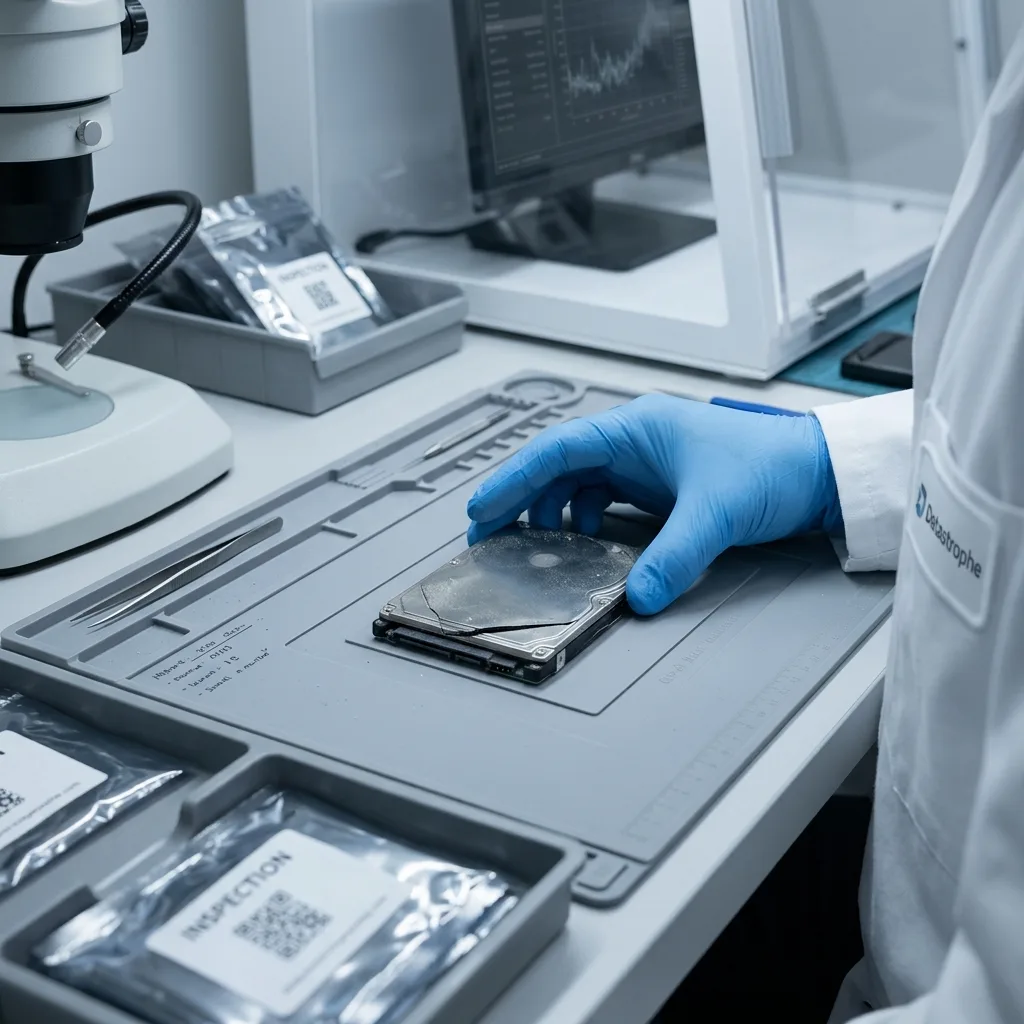
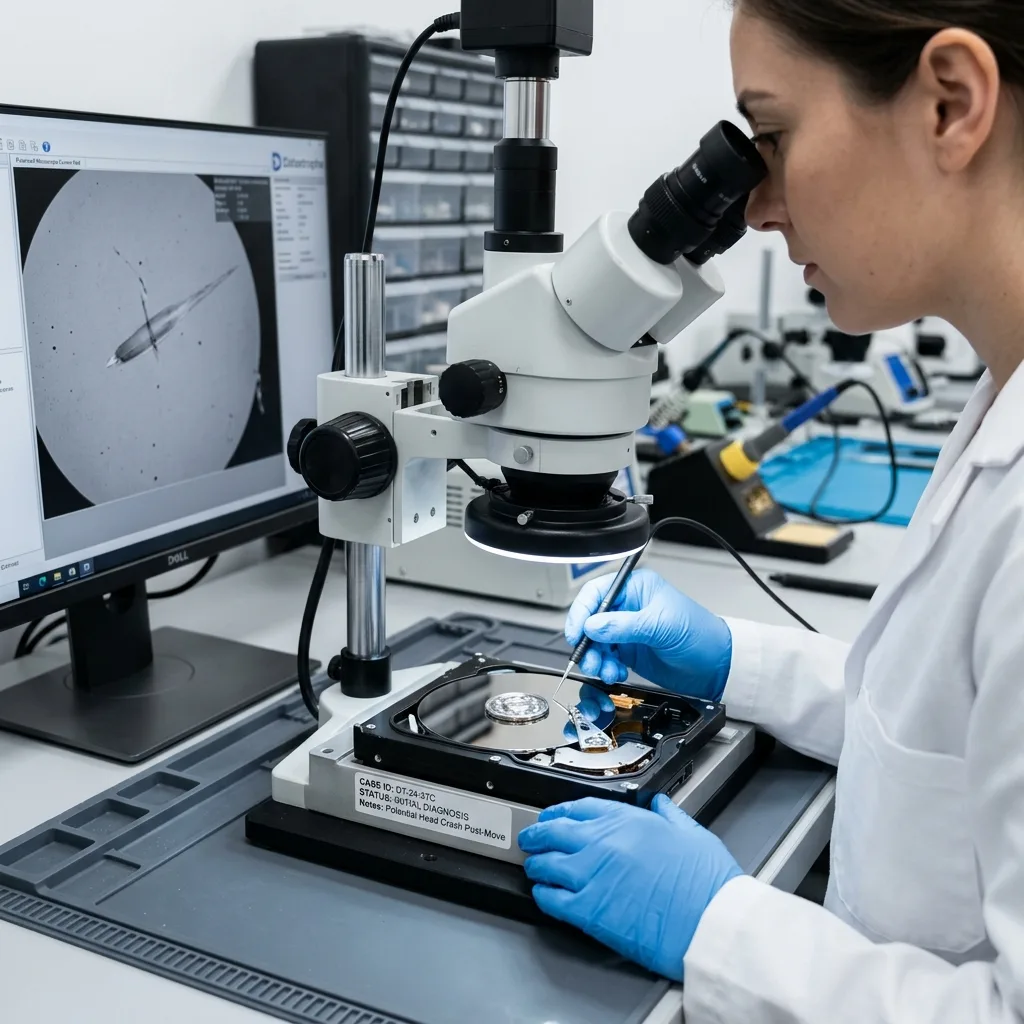
Moving house can damage the drive without warning
An external drive can look intact after moving house yet no longer be readable. For media moved between regional sites, immobilise the drive, keep its original enclosure and note every impact or abnormal sound. Boxes are dropped, vibrate, remain in a hot or cold vehicle, take on moisture or come under pressure. The enclosure offers some protection, but it can't eliminate these stresses.
Symptoms frequently appear when the drive is first connected: it isn't recognised, makes an abnormal noise, requests formatting, runs extremely slowly, disconnects or shows empty folders. These signs should not be dismissed as a simple cable issue.
A mechanical hard drive is particularly vulnerable to impact. Even when switched off, its heads, platters or spindle can be put under stress. An external SSD doesn't face the same mechanical risks, but its enclosure, connector and components remain exposed.
How the drive is found during unpacking matters. A device at the bottom of a heavy box, inside a compressed sleeve or alongside a twisted cable has a distinct history from a drive carried separately. This may seem routine, but it determines how cautiously the assessment should proceed.
External hard drive data recovery clarifies how cases are handled. This assessment focuses on incidents during transport and moving house.
The risk is greater when the drive holds the only copy of family archives, business records or work exports. During a move, backups may be disconnected, scattered or packed in the same box as the original. Redundancy disappears at precisely the riskiest moment.
Diagnostic assessment
Accessories can complicate the assessment
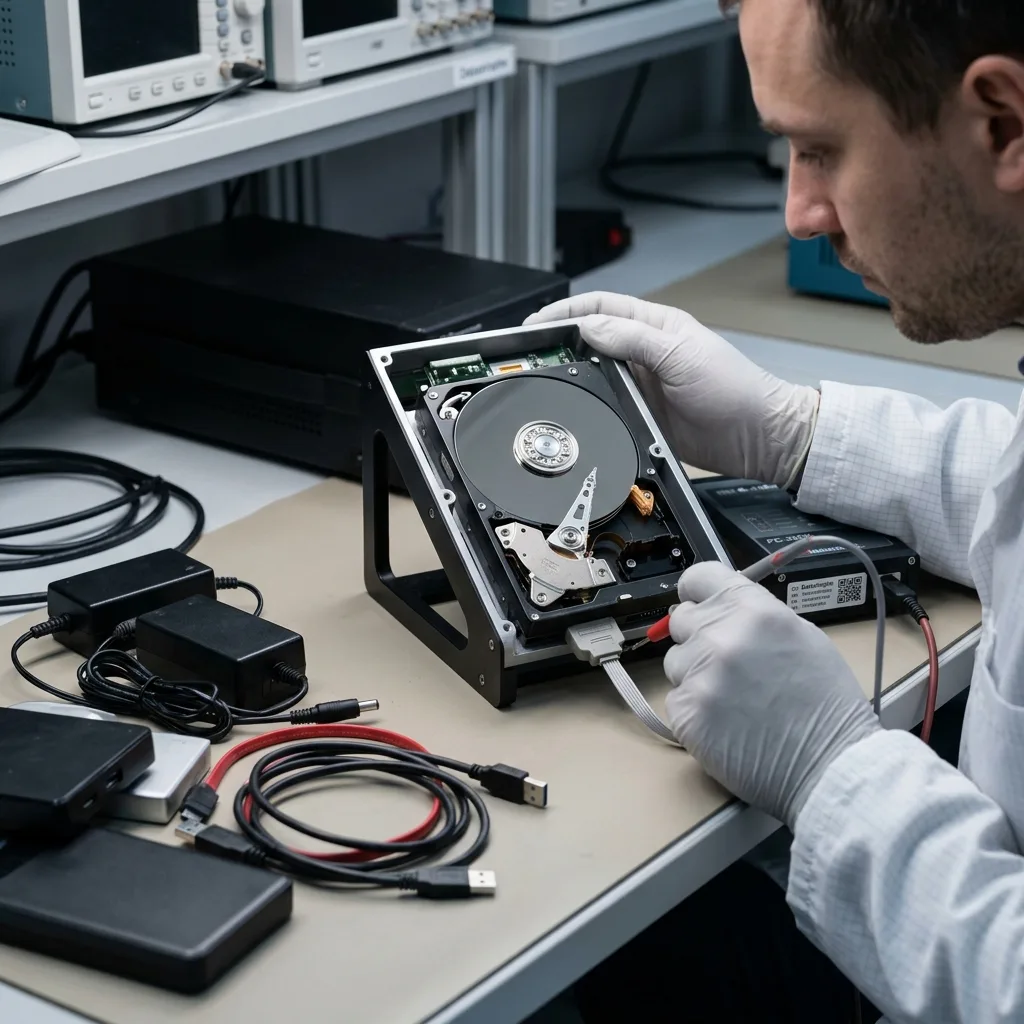
After a move, cables, power supplies and enclosures can become mixed up. The wrong adapter, an ageing power supply or a damaged cable can look like a drive failure. Conversely, a genuine drive fault can be obscured by tests with several accessories.
Keep the original enclosure, cable and power supply. These items help establish the context. Replacing them can be valuable in some assessments, but avoid repeated tests if the drive makes a noise or disconnects.
High-capacity external drives may depend on a stable power supply. Insufficient power can cause them to stop during reading. A power interruption during an attempt can worsen logical corruption.
If the device contains critical data, the objective isn't to find a connection that works for a few minutes at any cost. Protect its condition and avoid writes or automatic repairs.
It is also critical to determine whether the external drive is encrypted or depends on its enclosure. Some enclosures are more than simple adapters. They may manage encryption, power or capacity translation. Keeping them with the drive helps the assessment.
Diagnostic assessment
Moisture and temperature change the drive's condition
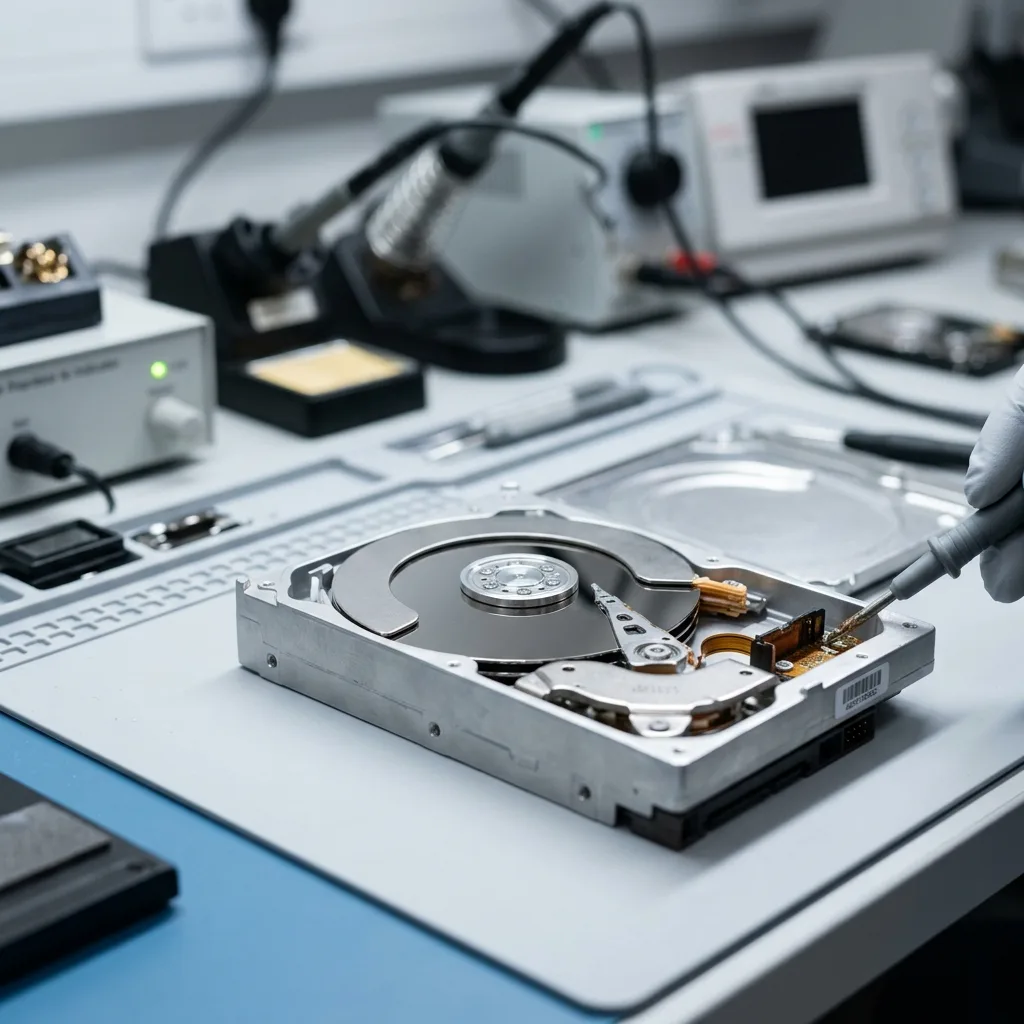
A drive stored in a garage, cellar, vehicle or self-storage unit may be exposed to condensation, dust and temperature changes. These factors don't always destroy the device, but they can cause unreliable contacts or accelerate an existing weakness.
Avoid connecting a cold or damp drive straight away. Letting it return to room temperature in a dry environment reduces the risk of active condensation. Stop if water marks or oxidation are visible.
Temperature and moisture clarifies these effects. During a house move, they add to impact and hurried handling.
A crushed box or cracked enclosure should be documented. Even if the drive doesn't appear physically damaged, these clues help the laboratory choose a more cautious assessment.
Periods of temporary storage also deserve attention. A drive left for several weeks in a damp or unheated place may show distinct symptoms from one that has just suffered an impact. The timeline of the move helps establish the actual exposure.
If the drive was in a self-storage unit or vehicle, record the duration, conditions and delay before it was first connected. A failure observed three weeks after transport may still be linked to moisture, oxidation or mechanical stress that went unnoticed.
Diagnostic assessment
Frequent mistakes after transport
The first mistake is to connect the drive to several computers and then accept a repair suggested by the operating system. If the volume is corrupted, that repair may write to critical metadata.
The second mistake is to remove the enclosure without a clear approach. Some enclosures encrypt or translate access to the drive. Removing the drive can make reading it more difficult if the enclosure electronics form part of the access path.
The third mistake is to copy data in a rush without setting priorities. If the drive becomes unreliable, a complete copy may fail before reaching the most critical files. Establish critical folders before any prolonged read.
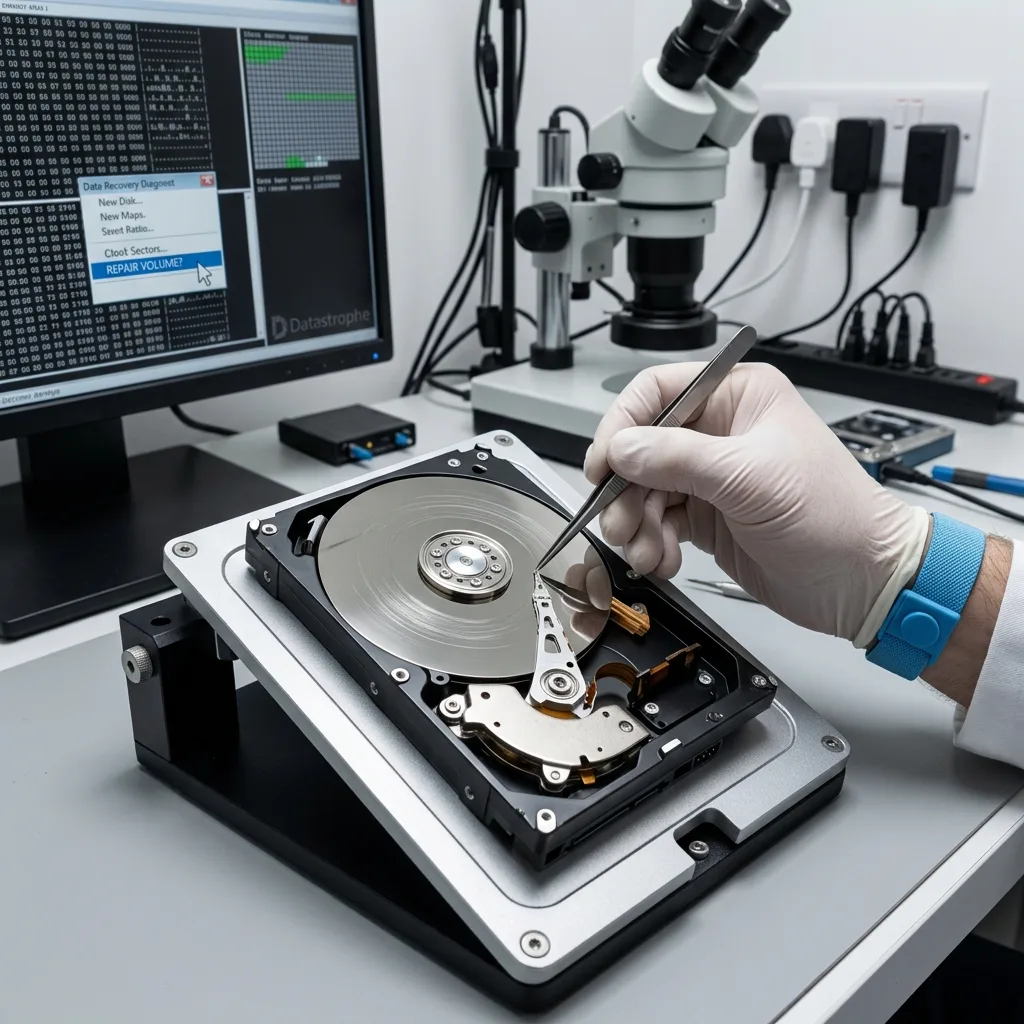
Datastrophe prioritises an analysis of the storage media, enclosure and symptoms. Depending on the case, controlled imaging, stabilisation or logical reconstruction may come first.
Prepare the list of priority data before any lengthy extraction. Photographs, accounts, client records, creative archives and software backups may not be read in the same order. If the drive becomes unreliable, this prioritisation can change the valuable outcome.
State whether any partial copies have already been attempted. Folders copied before the drive stopped completely can help establish readable areas, but they don't prove that the rest of the drive is healthy. This timeline avoids needlessly repeating difficult reads.
Diagnostic assessment
Preventing the next incident
Before moving house, eject an external drive correctly, place it in rigid protection, keep it away from heavy objects and transport it with an independent copy of the critical data. A single drive in a box remains a single point of failure.
Verify the backup before departure as well. A copy that has never been opened may be unusable. Critical data should exist on at least one other independent storage device or service.
After transport, observe the drive before using it intensively. Noise, heat, slowness or disconnection are warning signs. Continuing to use a suspect device can turn a transport incident into more extensive data loss.
Moving house is ordinary, but it concentrates many physical risks. The best response is to limit tests, protect the accessories and request an assessment if the data have value.
After the incident, review how copies are organised. A portable external drive should have at least one independent copy, ideally kept elsewhere. Never transport every critical copy at once.
Diagnostic assessment
Primary Technical References And Limits
Reference scope — hard drive moving house impact data: For external hard drive moving house impact data, the primary references used are NIST SP 800-86. Physical evidence — hard drive moving house impact data: They define the relevant preservation, storage or validation concepts, but they cannot establish the exact physical condition, controller state, key availability or business consistency of the device received. Controller evidence — hard drive moving house impact data: Those points require measurements on the original set and verification on copies.
Diagnostic assessment
Arrange A Controlled Assessment
Complete set — hard drive moving house impact data: For a technical assessment of external hard drive moving house impact data, provide the complete device or storage set, its associated power and interface parts, the symptom timeline and the priority data. Incident history — hard drive moving house impact data: Keep member order, labels and authorised credentials separate from the parcel paperwork; do not restart the source merely to obtain a new screenshot.
Laboratory responsibility — hard drive moving house impact data: Datastrophe performs the diagnosis, integrity checks and recovery directly in its own laboratory with its own team. Free assessment — hard drive moving house impact data: Diagnosis and the quote are free. Transport boundary — hard drive moving house impact data: Return courier service is included; the carrier moves only the sealed parcel and neither accesses nor processes its data.
Controlled list — hard drive moving house impact data: Before any payment, the client receives the proposed price and a checked list. Verification classes — hard drive moving house impact data: Each item is classified, in order, as recoverable_verified, partial, detected_unverified or unrecoverable. Payment trigger — hard drive moving house impact data: Only recoverable_verified items whose contents were checked and found usable are presented as recoverable. No-result rule — hard drive moving house impact data: Payment is due only after the client accepts both the list and the price.
No-result rule — hard drive moving house impact data: If no usable data is verified, recovery fails, or the client declines the list or price, no standard fee is payable. Rare-part exception — hard drive moving house impact data: The only exception is a rare, costly and non-refundable part, which may be ordered only after a separate, explicit and priced proposal has been accepted.