
Diagnostic assessment
Distinguishing heat, cold, humidity and condensation
Temperature and humidity rarely act in isolation. Record where the device was stored, any recent temperature change and possible moisture exposure before moving or powering it. A storage device may move from a cold location to a heated office, remain in a vehicle, sit in a cellar, experience a water leak or be exposed to salt air. Each situation presents distinct risks.
Heat can weaken electronics, accelerate ageing, distort some components or expose an existing fault. Cold can produce mechanical stress or condensation as the device warms. Humidity can lead to corrosion, short circuits or deposits on connectors.
Condensation is frequently underestimated because it is less dramatic than immersion. Yet a rapid temperature change can allow moisture to form on or inside storage. Connecting the device straight away adds an electrical risk.
The duration of exposure carries as much weight as its intensity. A few minutes in humid air don't present the same risk as several months in a cellar. A cold device connected once it is brought indoors may be more vulnerable than one stored in a cool place and allowed to stabilise.
Extreme cold and hard drive data loss covers that particular case. The broader practical concern is the combined effect of temperature, humidity and storage conditions.
Diagnostic assessment
How distinct storage devices respond
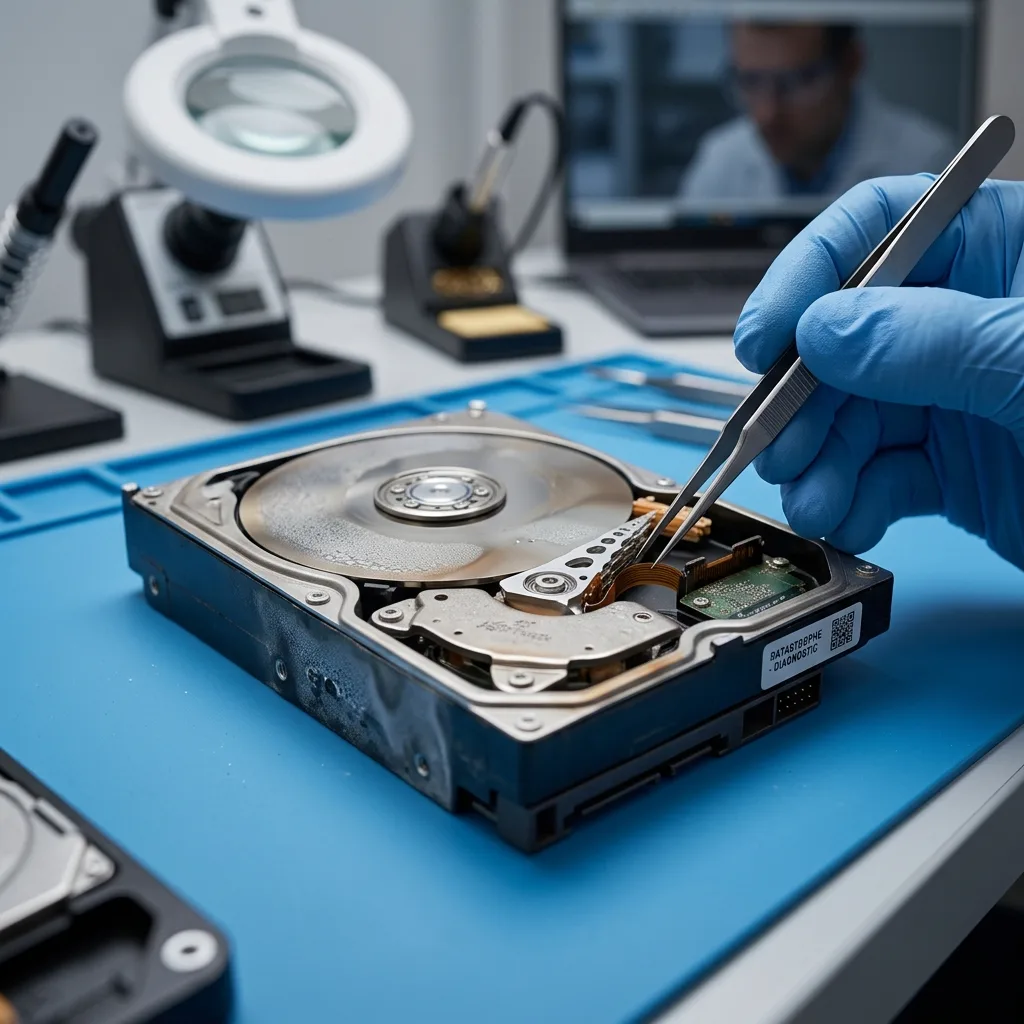
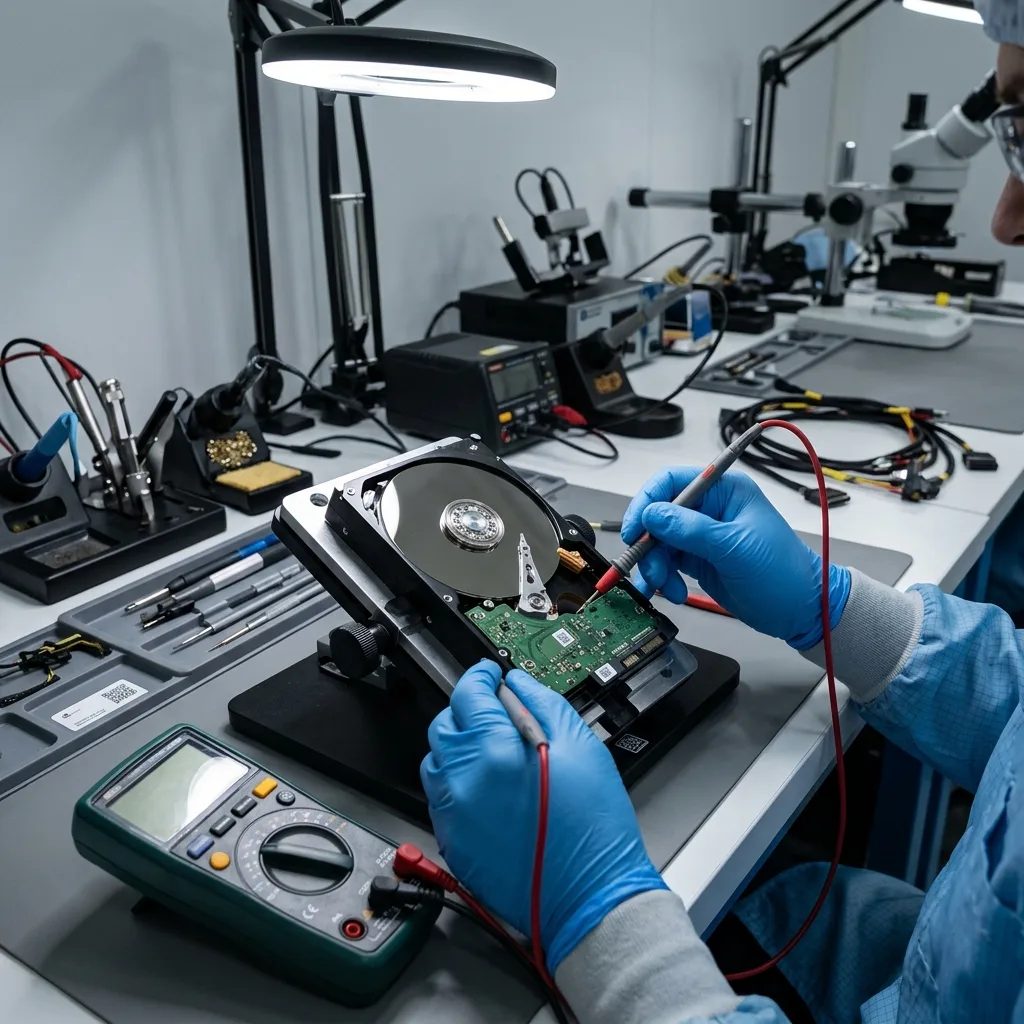
A mechanical hard drive contains platters, heads, a motor, filters and a circuit board. Humidity or condensation can affect its electronics, connectors or internal environment if the drive has been opened or damaged. Heat may also worsen motor or read failure.
An SSD, USB flash drive or memory card has no platter mechanism but still depends on electronic components, solder joints, a controller and flash memory. A short circuit, oxidation or unreliable power can make the device inaccessible.
An optical disc or old archive responds differently. Its reading layer, bonding, recording quality and storage conditions can lower readability over time. Heat and humidity can turn a readable medium into an uncertain archive.
This diversity means there is no universal treatment. A damp hard drive, a memory card that went through a washing machine and a DVD stored in a cellar aren't the same type of incident.
Associated equipment should be considered too. A USB enclosure, card reader, power supply or computer exposed to moisture can damage storage that was otherwise sound. Testing the device across several computers without understanding that exposure can multiply the risk.
Diagnostic assessment
Recognising signs after exposure
Visible signs don't establish the level of risk. A device that feels dry may have experienced internal condensation or connector corrosion. Clean-looking storage may have endured prolonged heat. Conversely, an external mark doesn't prove the data are lost.
Valuable clues include the context, exposure time, first power-up afterwards, displayed messages, noises, whether the device was recognised and earlier actions. This timeline helps distinguish electronic, mechanical, logical and environmental failure.
Stop testing if the storage heats abnormally, disconnects, requests formatting or reports the wrong capacity. Repeated connections can worsen the fault and alter metadata.
Moisture affecting an external hard drive examines external storage in detail. The principle is the same: observe before applying power.
Record the signs before any further handling. A photograph of the device, its storage location, the exposure date, system messages and any sounds provide more value to a diagnostic assessment than an improvised repair.

Diagnostic assessment
Avoiding actions that worsen damage
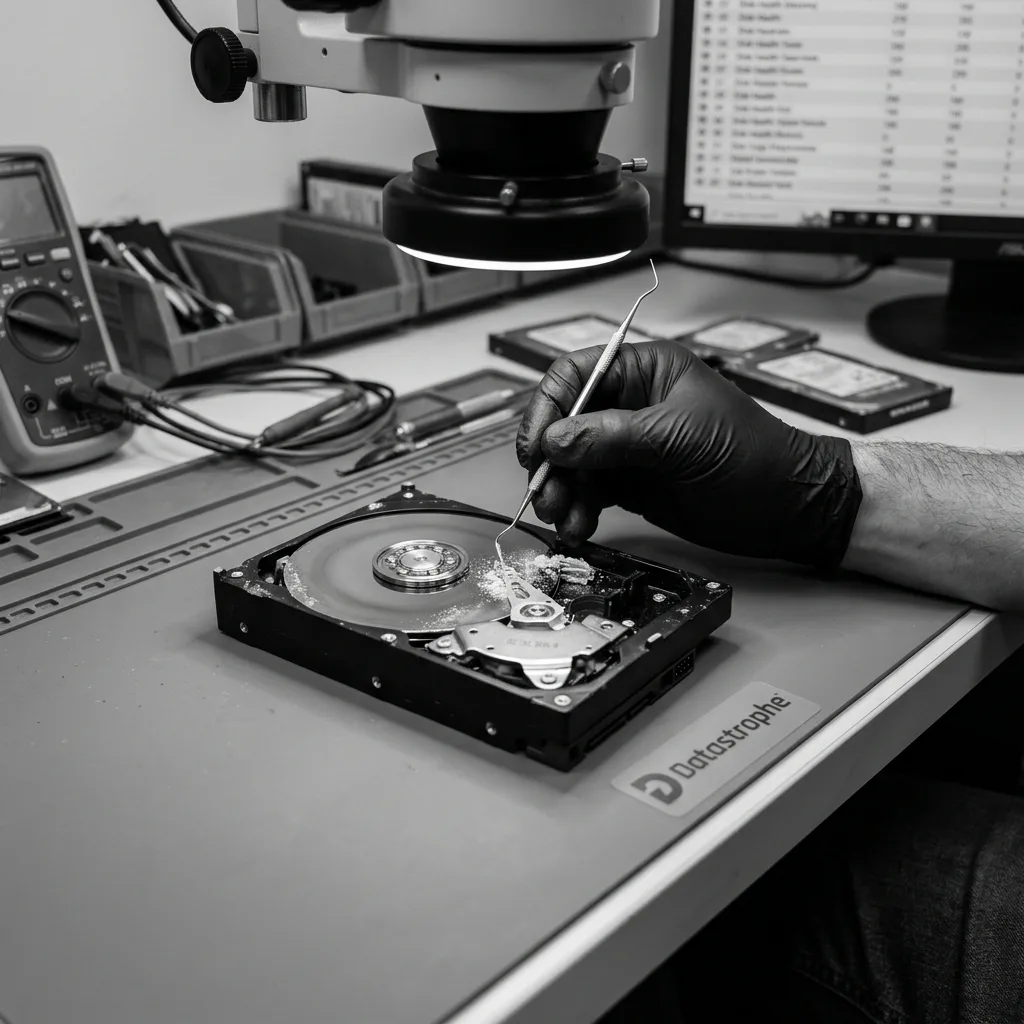
Don't dry storage with strong heat, place it in the sun, use a hairdryer, open it outside a suitable environment or scrape its connectors. These actions can move deposits, produce static electricity or damage components that remain usable.
Don't launch a complete scan straight away either. If the fault is electronic or mechanical, intensive reading won't correct the physical risk. It may instead force prolonged access on an unreliable device.
Isolate the storage, allow it to stabilise in a dry environment at a moderate temperature, record the context, keep related cables or enclosures and avoid all writes. When the data matter, a diagnostic assessment should come before returning the device to service.
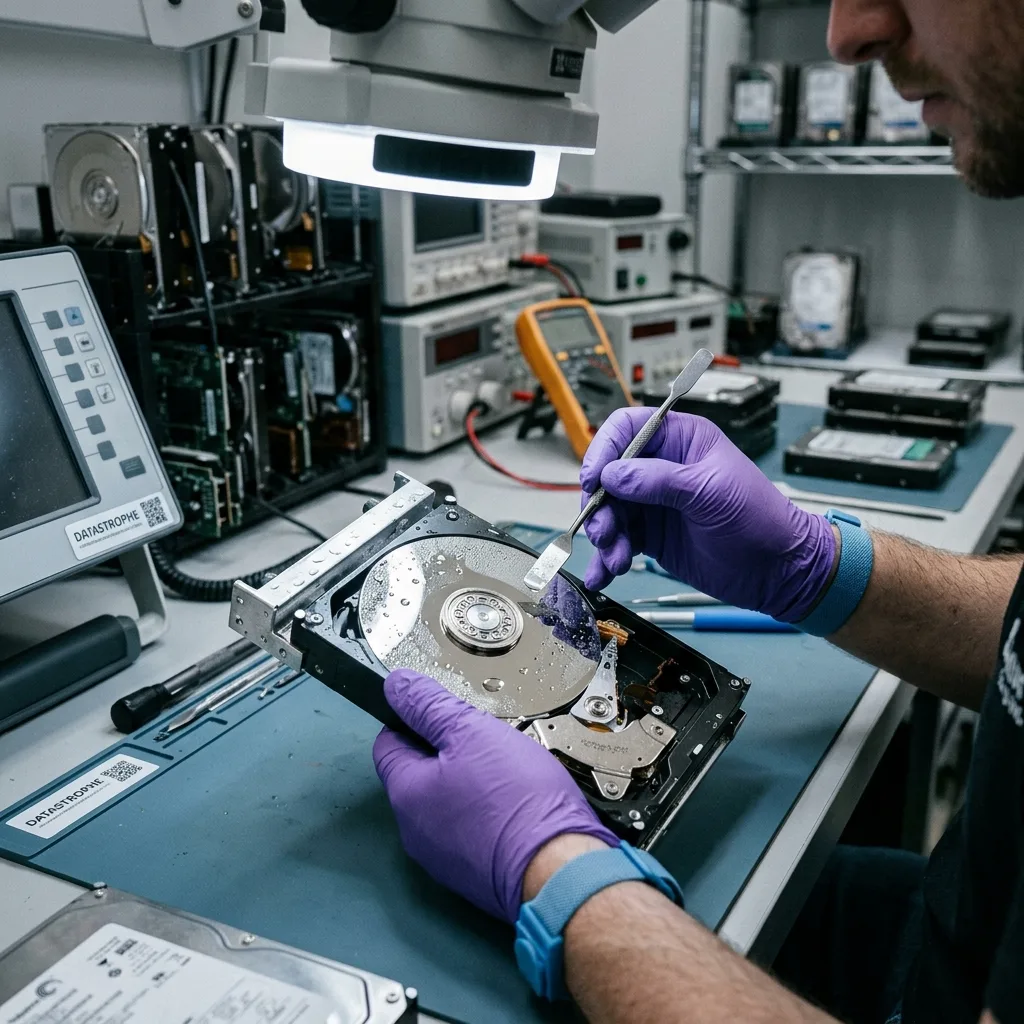
Datastrophe examines these incidents layer by layer: external condition, electronics, access to the storage, logical structure and priority files. This prevents a moisture incident from being lowered to a simple folder issue.
Avoid aggressive cleaning as well. Don't randomly scrape an oxidised connector, polish an optical surface without an approach or open a hard drive to "dry" it. Such treatment can turn recoverable damage into permanent loss.
Diagnostic assessment
Lowering risk in storage and transport
Prevention relies on straightforward conditions: avoid damp cellars, exposed vehicles, dusty locations, abrupt temperature changes and storage left permanently connected beside a heat source. Archives should be verified periodically rather than forgotten for years.
A portable storage device should be protected, disconnected and kept in an appropriate case. It should not become the only location for critical data. A separate, tested backup covers environmental risks the device itself can't control.
After exposure, protect every available source: the primary device, backup, older copy, cloud export or original computer. A partial version may help validate recovered files.
Business environments can add one simple rule: storage exposed to water, condensation or heat leaves production use until it has been verified. Continuing to work on it can cause a secondary loss more serious than the initial incident.
Temperature and humidity are risk factors, not automatic verdicts. The outcome depends on the device, duration of exposure and first decisions. The measured response is to stop, stabilise, document and evaluate before acting.
Diagnostic assessment
Primary Technical References And Limits
Reference scope — humidity storage media risks: For temperature humidity storage media risks, the primary references used are NIST SP 800-86. Physical evidence — humidity storage media risks: They define the relevant preservation, storage or validation concepts, but they cannot establish the exact physical condition, controller state, key availability or business consistency of the device received. Controller evidence — humidity storage media risks: Those points require measurements on the original set and verification on copies.
Diagnostic assessment
Arrange A Controlled Assessment
Complete set — humidity storage media risks: For a technical assessment of temperature humidity storage media risks, provide the complete device or storage set, its associated power and interface parts, the symptom timeline and the priority data. Incident history — humidity storage media risks: Keep member order, labels and authorised credentials separate from the parcel paperwork; do not restart the source merely to obtain a new screenshot.
Laboratory responsibility — humidity storage media risks: Datastrophe performs the diagnosis, integrity checks and recovery directly in its own laboratory with its own team. Free assessment — humidity storage media risks: Diagnosis and the quote are free. Transport boundary — humidity storage media risks: Return courier service is included; the carrier moves only the sealed parcel and neither accesses nor processes its data.
Controlled list — humidity storage media risks: Before any payment, the client receives the proposed price and a checked list. Verification classes — humidity storage media risks: Each item is classified, in order, as recoverable_verified, partial, detected_unverified or unrecoverable. Payment trigger — humidity storage media risks: Only recoverable_verified items whose contents were checked and found usable are presented as recoverable. No-result rule — humidity storage media risks: Payment is due only after the client accepts both the list and the price.
No-result rule — humidity storage media risks: If no usable data is verified, recovery fails, or the client declines the list or price, no standard fee is payable. Rare-part exception — humidity storage media risks: The only exception is a rare, costly and non-refundable part, which may be ordered only after a separate, explicit and priced proposal has been accepted.