
Diagnostic assessment
Understand the effect of cold
A hard drive exposed to extreme cold doesn't automatically lose its data. For equipment moving between a site, vehicle and office, avoid test power-up while condensation or temperature shock remains possible. The principal danger comes during transport, warming and start-up. Materials contract, lubricants and components behave differently, and moisture can condense.
The hard drive remains mechanical. Platters, motor, heads, bearings and electronics operate within a reasonable range. A cold start or abrupt temperature change adds unnecessary stress.
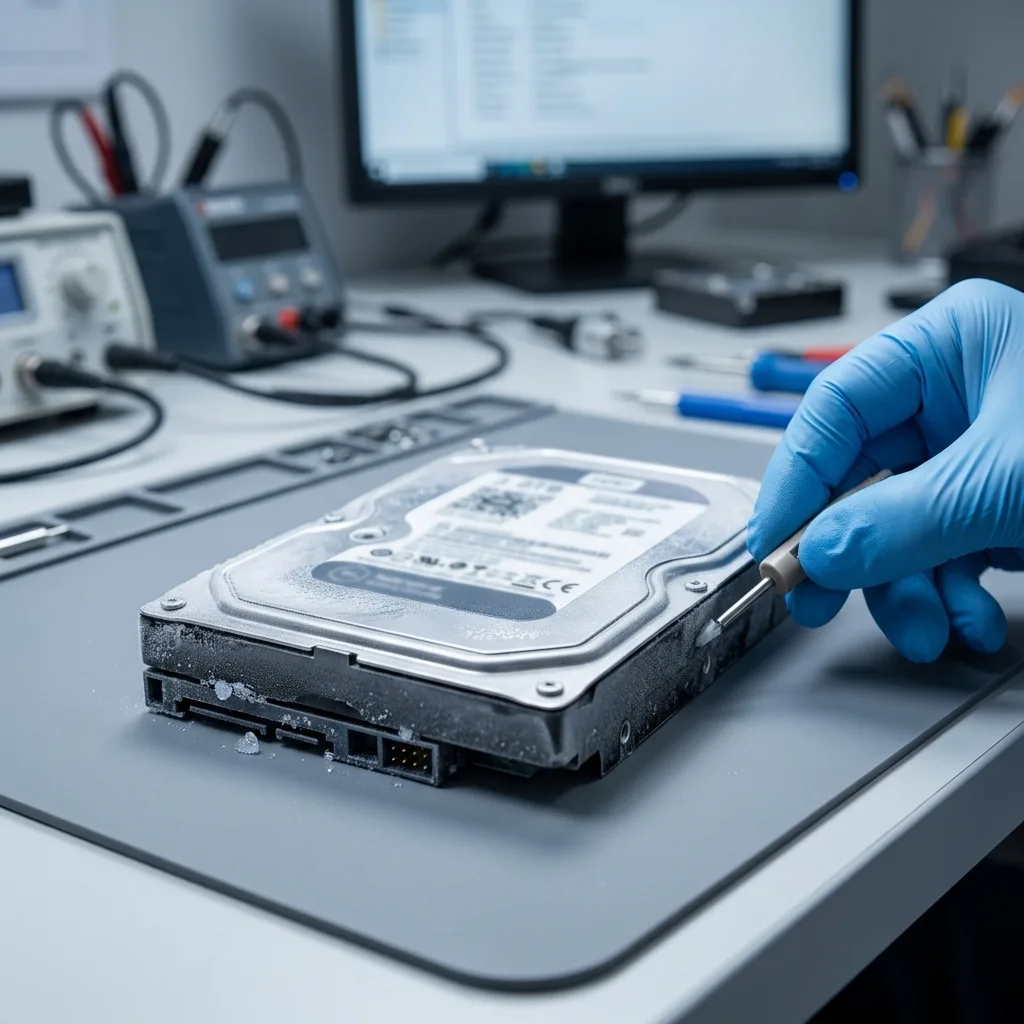
Condensation is a major risk. A cold disk brought into a warm room can attract moisture. Connecting it too promptly exposes electronics and mechanics to poor conditions.
External hard drives and moisture covers water and humidity. Here, cold is the trigger for condensation, strain and restart errors.
Diagnostic assessment
Establish high-risk situations
Frequent examples include winter transport, a computer left in a vehicle, a drive kept in an unheated room, a parcel exposed to freezing conditions or a NAS in a cold technical space. Risk increases when the device is connected straight away afterwards.
External drives are particularly exposed. They move easily from a cold bag to a warm office and are connected to verify their contents. The rapid change can produce invisible condensation.
Post-exposure symptoms resemble other faults: lack of recognition, slowness, noise, disconnection, read errors or a format request. Don't respond with automatic repair.
Chronology helps greatly. Record exposure duration, approximate temperature, delay before connection, visible moisture, impact in transit and first symptoms.
Diagnostic assessment
Act before the first restart
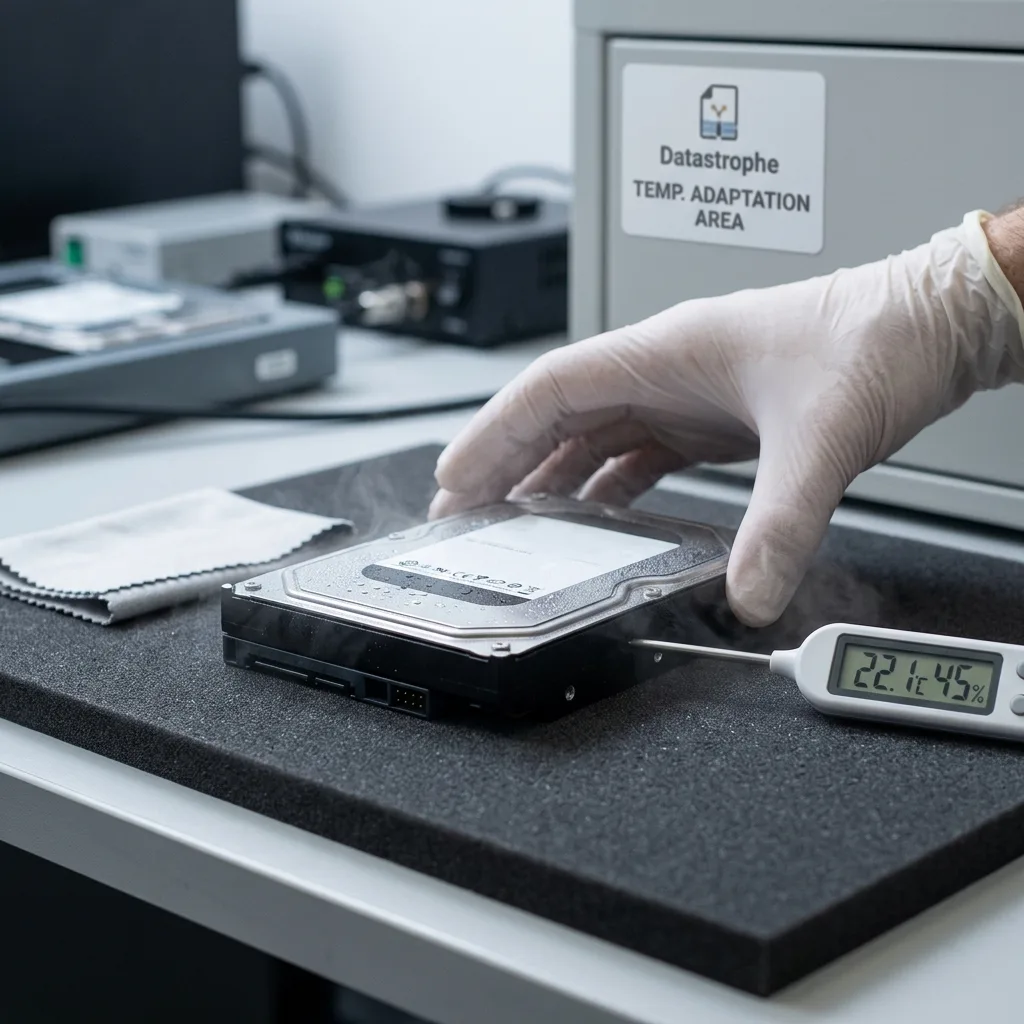
Let a cold-exposed drive return gradually to room temperature in a dry place. Don't heat it directly, place it on a radiator or use a hairdryer. Rapid warming can add other stresses.
Inspect the surroundings. A damp enclosure, wet bag, condensation or unusual smell means the drive should not be connected. When the data matter, the first attempt should not be improvised.
Once stabilised, one test should not become an immediate full copy. Stop if behaviour is abnormal. Repeated starts can turn weakness into lasting failure.
Ageing hard drives: risks and recovery clarifies why fragile devices need cautious acquisition. Cold can expose that fragility.
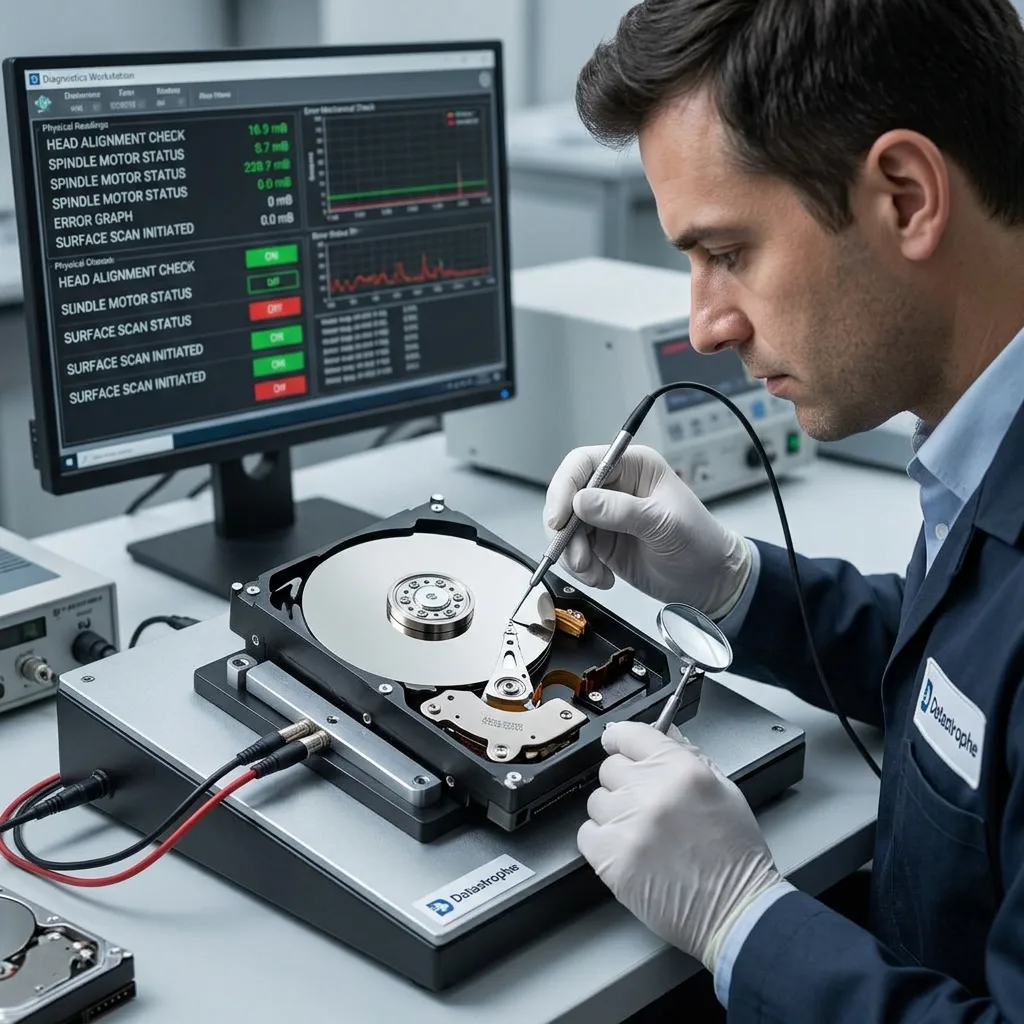
Diagnostic assessment
Evaluate possible damage
The assessment should distinguish condensation, impact, electronic failure, tired mechanics and logical corruption. A drive may experience several stresses together during transport.
A spinning but very slow disk may have unreliable areas. Stop if noise appears. Protect existing structures rather than accepting a format request.
Recover to another device using controlled acquisition. List priority files before stressing the drive because its state can change during attempts.
Datastrophe doesn't seek to return a cold-weakened disk to service. The objective is to protect and return usable data, then replace the device where necessary.
Diagnostic assessment
Prevent lowering data loss in cold conditions
Use suitable transport. Protect the drive from impact, moisture and rapid temperature changes, and wait before connecting it after a winter journey.
Don't keep archives in uncontrolled cold or damp spaces. Cellars, garages, vehicles and technical rooms can expose storage to repeated thermal cycles.
Keep backups separate. When a transport drive holds the only copy, a cold-weather incident becomes critical. A verified copy elsewhere reduces the risk greatly.
After exposure, slow down: stabilise, observe, document and avoid destructive tests. This protects data better than straight away plugging the disk in to see whether it works.
Document the return to room temperature when critical data are involved. Storage location, time spent in the cold and connection time help interpret symptoms. A fault after transit differs from one during normal use.
Beware repeated cycles. A disk moved daily between winter weather and a heated office experiences more stress than one exposed once. Those cycles can weaken old storage or a low-quality enclosure.
Validation after recovery should include files vulnerable to partial corruption: video, archives, databases and large documents. A quick preview isn't evidence that long content is intact to the end.
For field teams, prevention can remain simple: a transport case, acclimatisation time, a backup before travel and a ban on connecting cold storage straight away. These rules lower losses without hindering work greatly.
Keep external devices away from other damp or cold items in transit. A drive sharing a bag with wet clothes, cold tools or a condensing bottle faces more risk than the journey alone suggests.
If the disk was inside a laptop, inspect the computer too. A cold battery, damp screen, connectors and power supply can produce symptoms resembling drive failure. Avoid system repairs until the origin is clear.
Cold can also expose existing defects. An old or already slow drive may cross a threshold after transport. Protecting priority data matters more than making it work one more time.
Take particular care when it holds the only available archive.
In that case, define priority files before another read.
Diagnostic assessment
Primary Technical References And Limits
Reference scope — cold hard drive data loss: For extreme cold hard drive data loss, the primary references used are NIST SP 800-86. Physical evidence — cold hard drive data loss: They define the relevant preservation, storage or validation concepts, but they cannot establish the exact physical condition, controller state, key availability or business consistency of the device received. Controller evidence — cold hard drive data loss: Those points require measurements on the original set and verification on copies.
Diagnostic assessment
Arrange A Controlled Assessment
Complete set — cold hard drive data loss: For a technical assessment of extreme cold hard drive data loss, provide the complete device or storage set, its associated power and interface parts, the symptom timeline and the priority data. Incident history — cold hard drive data loss: Keep member order, labels and authorised credentials separate from the parcel paperwork; do not restart the source merely to obtain a new screenshot.
Laboratory responsibility — cold hard drive data loss: Datastrophe performs the diagnosis, integrity checks and recovery directly in its own laboratory with its own team. Free assessment — cold hard drive data loss: Diagnosis and the quote are free. Transport boundary — cold hard drive data loss: Return courier service is included; the carrier moves only the sealed parcel and neither accesses nor processes its data.
Controlled list — cold hard drive data loss: Before any payment, the client receives the proposed price and a checked list. Verification classes — cold hard drive data loss: Each item is classified, in order, as recoverable_verified, partial, detected_unverified or unrecoverable. Payment trigger — cold hard drive data loss: Only recoverable_verified items whose contents were checked and found usable are presented as recoverable. No-result rule — cold hard drive data loss: Payment is due only after the client accepts both the list and the price.
No-result rule — cold hard drive data loss: If no usable data is verified, recovery fails, or the client declines the list or price, no standard fee is payable. Rare-part exception — cold hard drive data loss: The only exception is a rare, costly and non-refundable part, which may be ordered only after a separate, explicit and priced proposal has been accepted.