
Diagnostic assessment
Understanding the role of an audit
A hard drive audit helps make decisions before the crisis. If the drive must travel from a regional site, keep it unpowered and send its error, noise and prior-action history with it. It doesn't promise to save the drive or predict every failure, but it can establish clues that require a copy, replacement or stricter monitoring. It is prevention, not recovery after the event.
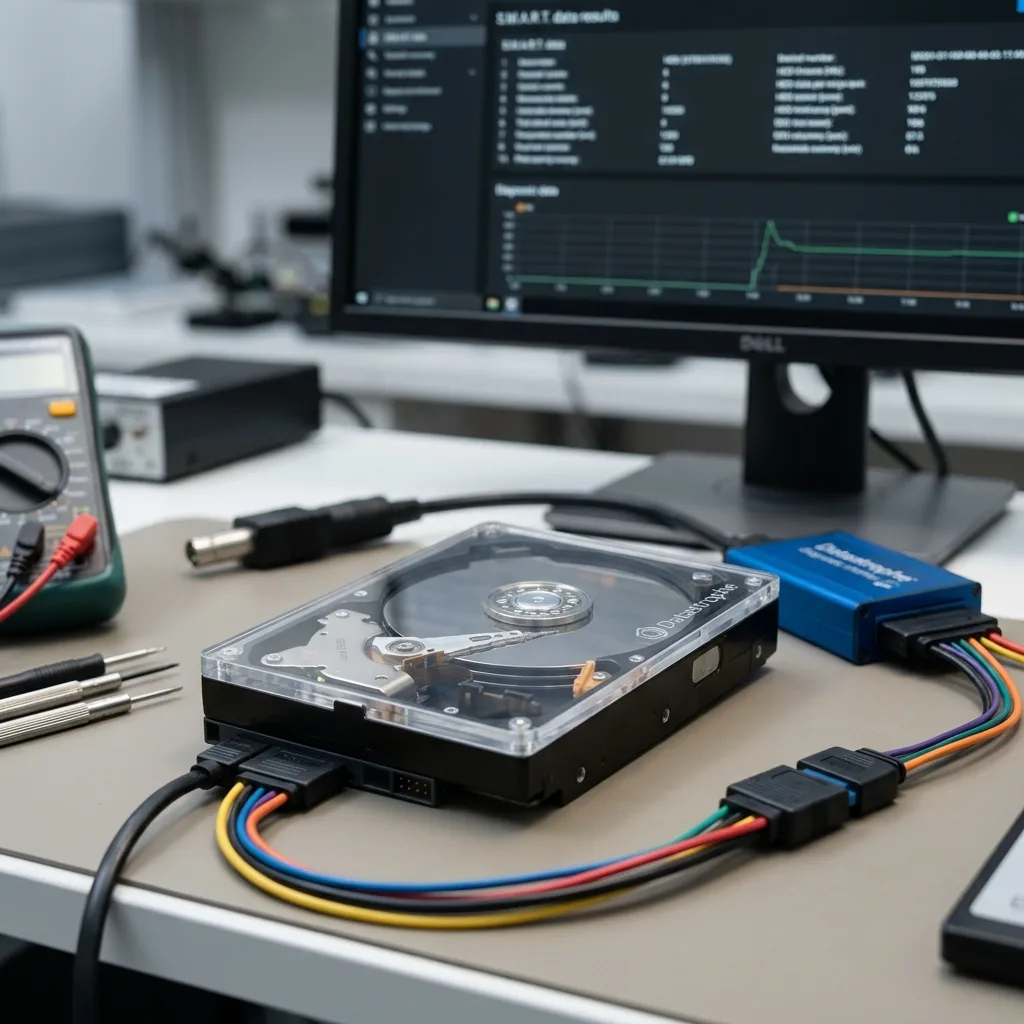
The drive may still work while showing weak signals: read errors, slowness, reallocated sectors, unusual noise, high temperature, disconnections or backups taking longer than normal. These signs should not be ignored just because the computer still starts.
The audit must also separate the storage media from the data. A hard drive may be replaceable while holding files with no healthy copy. Conversely, an ageing drive can be replaced without stress if a complete and tested backup already exists.
A good audit therefore produces a concrete decision. The point isn't to stack up indicators, but to know whether the drive can continue, should be copied, should be replaced or needs immediate examination. Without that decision, the audit remains theoretical.
Hard drive data recovery concerns support after an incident. The operational goal here is to lower risk before the drive becomes unreadable.
Diagnostic assessment
Reading signals without triggering failure
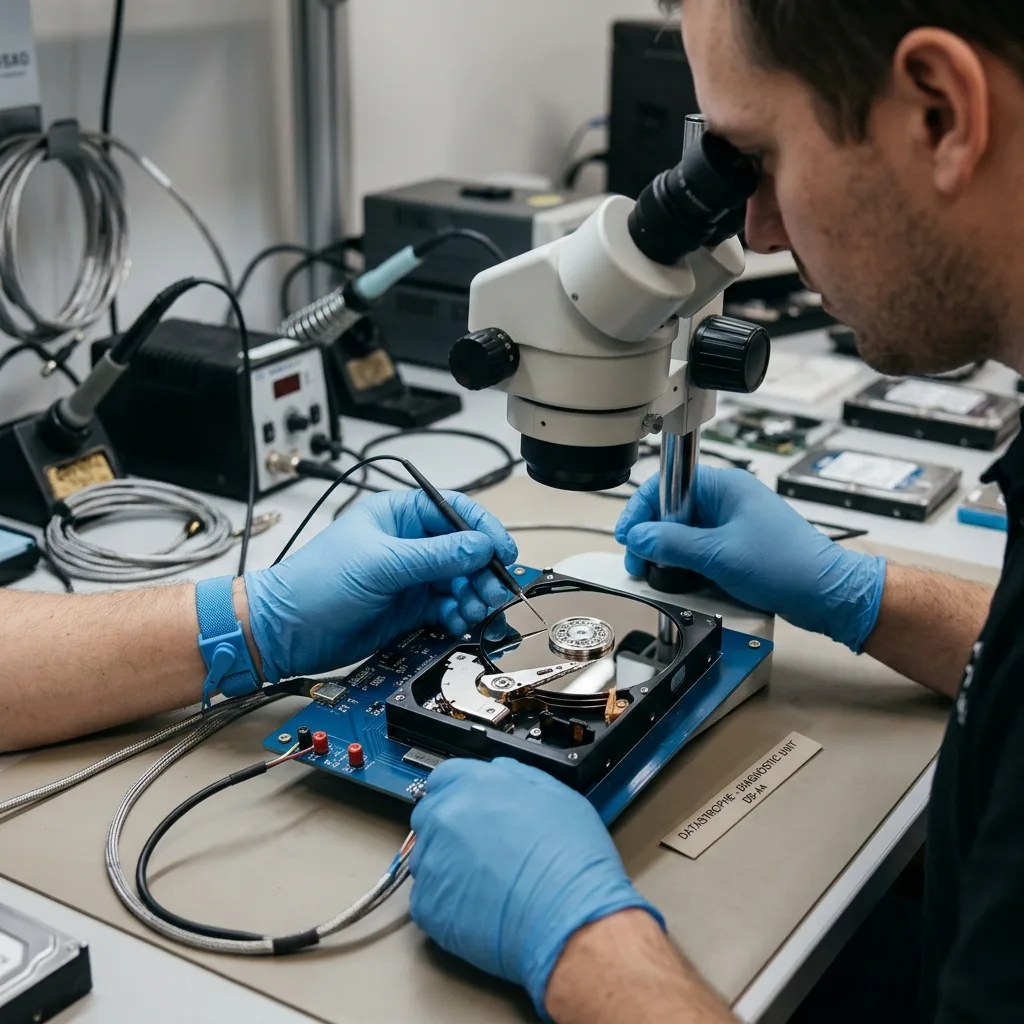
An audit isn't about launching destructive tests or stressing the drive for hours. On fragile media, an aggressive test can accelerate degradation. Information gathering must stay proportionate to the observed risk.
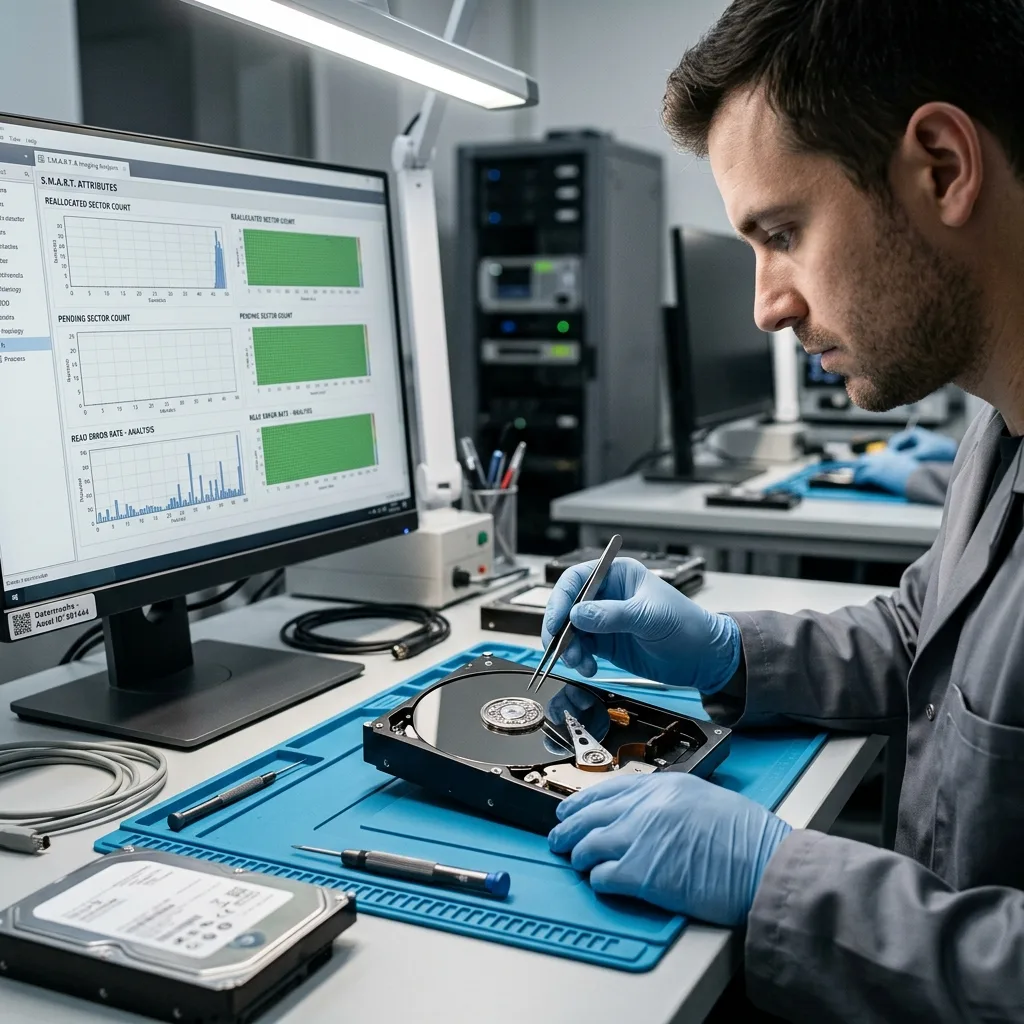
SMART indicators can help, but they don't tell the whole story. Some drives fail without a clear warning. Others show worrying values while remaining readable long enough to organise a controlled copy. Interpretation has to account for context.
User symptoms carry as much weight as numbers. A copy that always blocks at the same point, a system that freezes, an external drive that disappears or mechanical noise should be treated as operational signals. Ignoring them because the drive is still recognised would be a mistake.
Hard drive failure clarifies symptoms after failure appears. A preventive audit tries to act earlier, while a controlled copy may still be possible.
The frequency of symptoms also helps with the decision. One slow moment may come from a cable, port or system load. Slowness that returns during copies, especially on the same folders, should be treated as a warning from the drive. The audit should record these repetitions.
Diagnostic assessment
Verifying backups before replacement
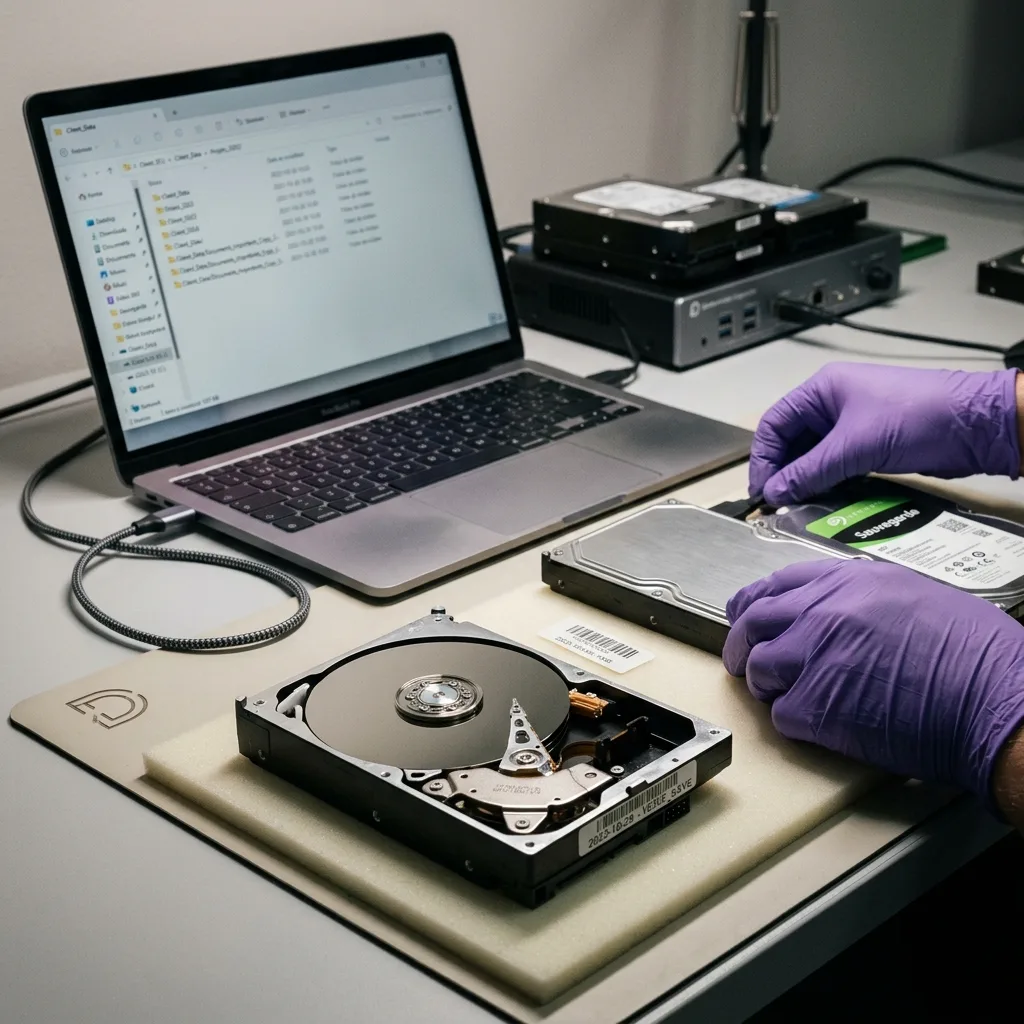
Replacing a hard drive is only safe if the data is already protected. A declared backup should be opened, dated and compared with the priority folders. A drive can be replaced cleanly while still leaving missing files behind.
The verify must focus on real files: accounts, photos, projects, databases, exports, business archives or legal documents. A global backup may miss a local folder, user profile, external drive or database that was open during the copy.
Restore checks are also required. A backup that exists but can't be restored remains a hypothesis. The audit should therefore confirm that a file can be recovered onto healthy media and opened in its normal application.
When the backup is uncertain, the source drive must be protected. Replacing, formatting or reusing it before validation may remove the only usable copy. Prevention frequently starts with just setting the original disk aside.
Automatic backups need the same rigour. A tool can report success even though a folder was excluded, an external drive was disconnected or an open file was not copied correctly. The audit must verify the outcome, not only the report.
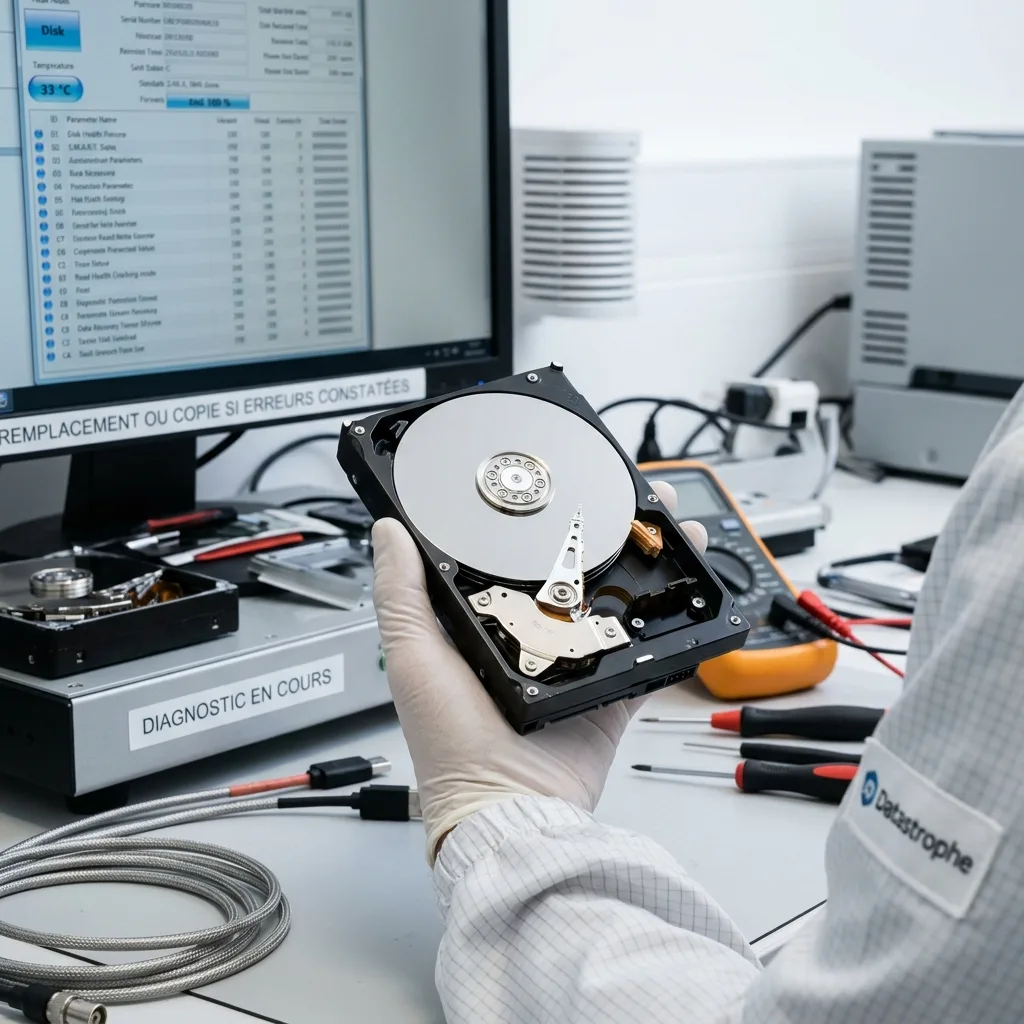
Diagnostic assessment
Deciding between copying, replacement and fault diagnosis
Three decisions can follow the audit. If the drive is healthy and backed up, regular monitoring may be enough. If it shows weak signals but remains stable, a controlled copy and replacement can be planned. If it shows serious symptoms, the next step is a technical examination.
The copy should favour critical data. A full clone can be valuable, but it isn't necessarily the first goal if the drive is degrading. Priority folders should be established before putting the device under unnecessary load.
Replacement should be made onto new media, without reusing the old drive until the data has been validated. A drive that has shown errors should not become a backup or archive drive.
Damaged hard drive: recover or replace expands on this point. The audit helps make the decision earlier, with less pressure and fewer risky actions.
The decision may also be deferred with stronger monitoring if the data is low criticality and backed up. But that tolerance must be explicit. If the drive contains the only critical copy, waiting isn't a prudent strategy.
Diagnostic assessment
Putting the audit into a valuable routine
A one-off audit has less value than a simple routine. There should be periodic backup checks, error monitoring, planned replacement of old media and a stop procedure when symptoms appear. The procedure must be short enough to be followed.
Business environments should document workstations, external drives, NAS devices, servers and backup media. Knowing where critical data lives avoids discovering a forgotten drive at the moment of failure.
For individuals, the same logic can stay light: verify essential folders, open a backup, replace a doubtful drive and don't wait for mechanical clicking. Prevention should not depend on a complex tool.
A hard drive audit is therefore valuable when it produces a concrete decision: copy, replace, monitor or evaluate. Without a decision, it is only a technical reading. With a clear action, it reduces the risk of data loss.
The audit trail should also be kept. Date, symptoms, backup condition, decision taken and next verify should be recorded. That trace avoids rediscovering the same alerts several weeks later, when the drive has already deteriorated.
Diagnostic assessment
Primary Technical References And Limits
Reference scope — hard drive audit prevent data: For hard drive audit prevent data loss, the primary references used are NIST SP 800-86. Physical evidence — hard drive audit prevent data: They define the relevant preservation, storage or validation concepts, but they cannot establish the exact physical condition, controller state, key availability or business consistency of the device received. Controller evidence — hard drive audit prevent data: Those points require measurements on the original set and verification on copies.
Diagnostic assessment
Arrange A Controlled Assessment
Complete set — hard drive audit prevent data: For a technical assessment of hard drive audit prevent data loss, provide the complete device or storage set, its associated power and interface parts, the symptom timeline and the priority data. Incident history — hard drive audit prevent data: Keep member order, labels and authorised credentials separate from the parcel paperwork; do not restart the source merely to obtain a new screenshot.
Laboratory responsibility — hard drive audit prevent data: Datastrophe performs the diagnosis, integrity checks and recovery directly in its own laboratory with its own team. Free assessment — hard drive audit prevent data: Diagnosis and the quote are free. Transport boundary — hard drive audit prevent data: Return courier service is included; the carrier moves only the sealed parcel and neither accesses nor processes its data.
Controlled list — hard drive audit prevent data: Before any payment, the client receives the proposed price and a checked list. Verification classes — hard drive audit prevent data: Each item is classified, in order, as recoverable_verified, partial, detected_unverified or unrecoverable. Payment trigger — hard drive audit prevent data: Only recoverable_verified items whose contents were checked and found usable are presented as recoverable. No-result rule — hard drive audit prevent data: Payment is due only after the client accepts both the list and the price.
No-result rule — hard drive audit prevent data: If no usable data is verified, recovery fails, or the client declines the list or price, no standard fee is payable. Rare-part exception — hard drive audit prevent data: The only exception is a rare, costly and non-refundable part, which may be ordered only after a separate, explicit and priced proposal has been accepted.