
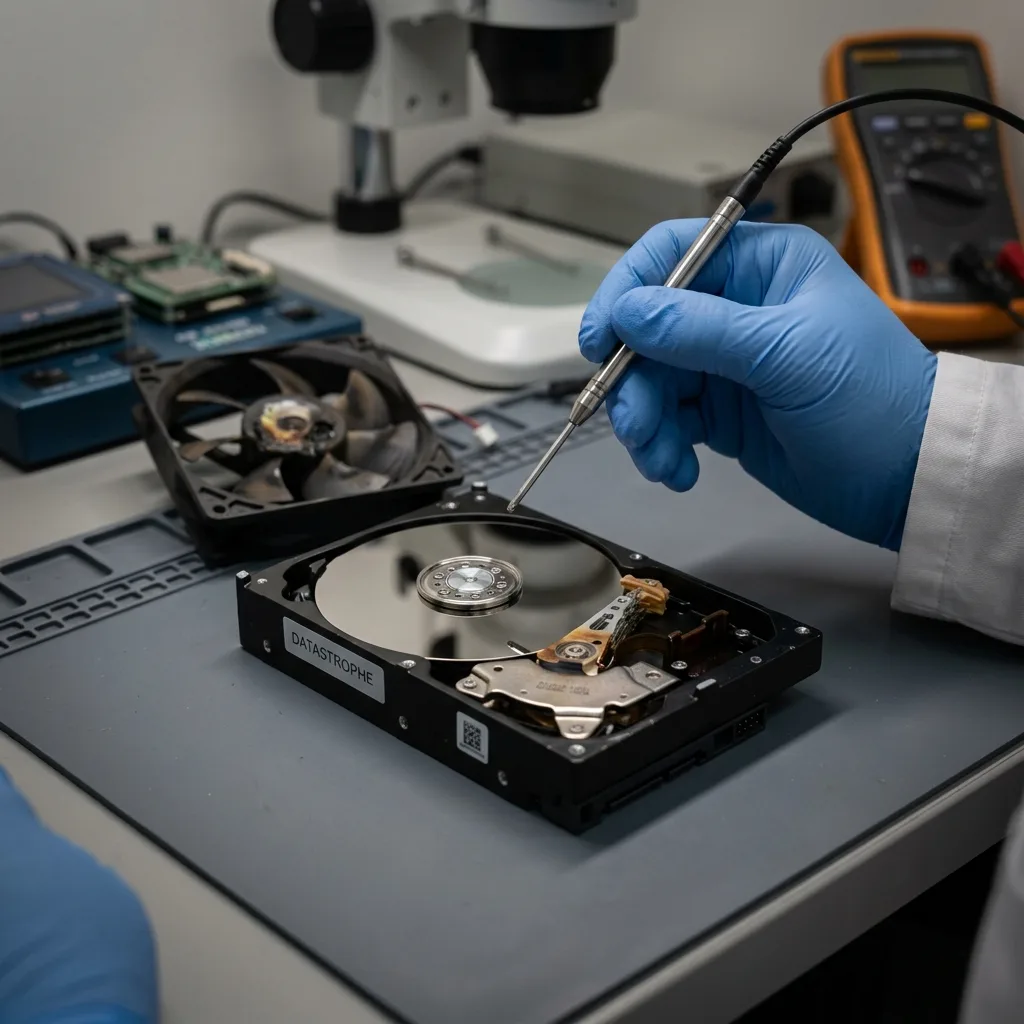
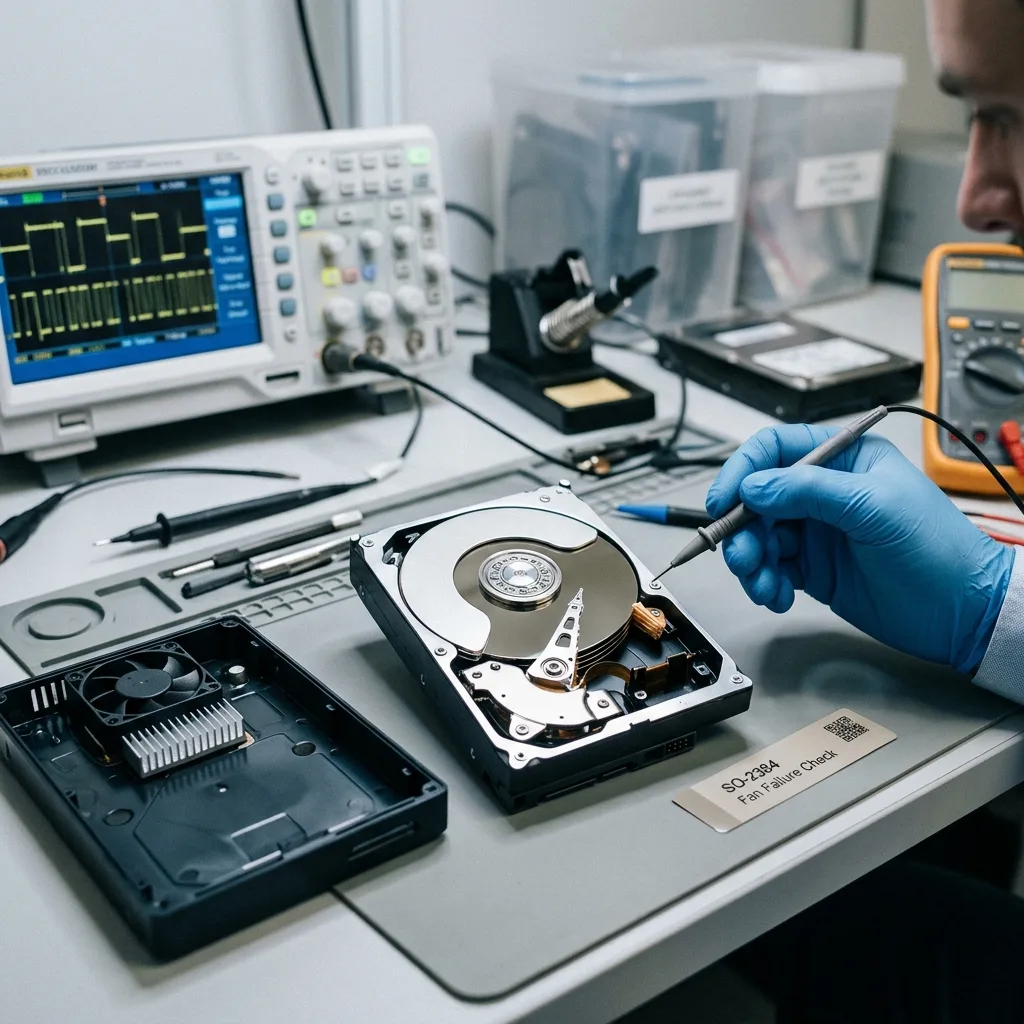
Diagnostic assessment
Understand the risk of overheating
Fan failure exposes a hard drive to higher temperatures than intended. For equipment moving between a site, vehicle and office, avoid test power-up while condensation or temperature shock remains possible. Heat can accumulate quietly inside a computer, NAS or external enclosure. The drive may continue to operate while its safety margin falls.
Several layers are affected. Electronics can become unreliable, the motor works under greater stress, platters and heads operate in less favourable conditions, and existing weak sectors may become difficult to read. Failure can emerge during or after the overheating episode.
Restarts raise the danger. A machine can look repaired after fan replacement even though the drive has already returned errors. A full backup, disk verify or automatic repair may then stress its weakest areas.
Hard drive failure and diagnosis covers general symptoms. Here, the practical question is what to do when loss of cooling is the likely cause.
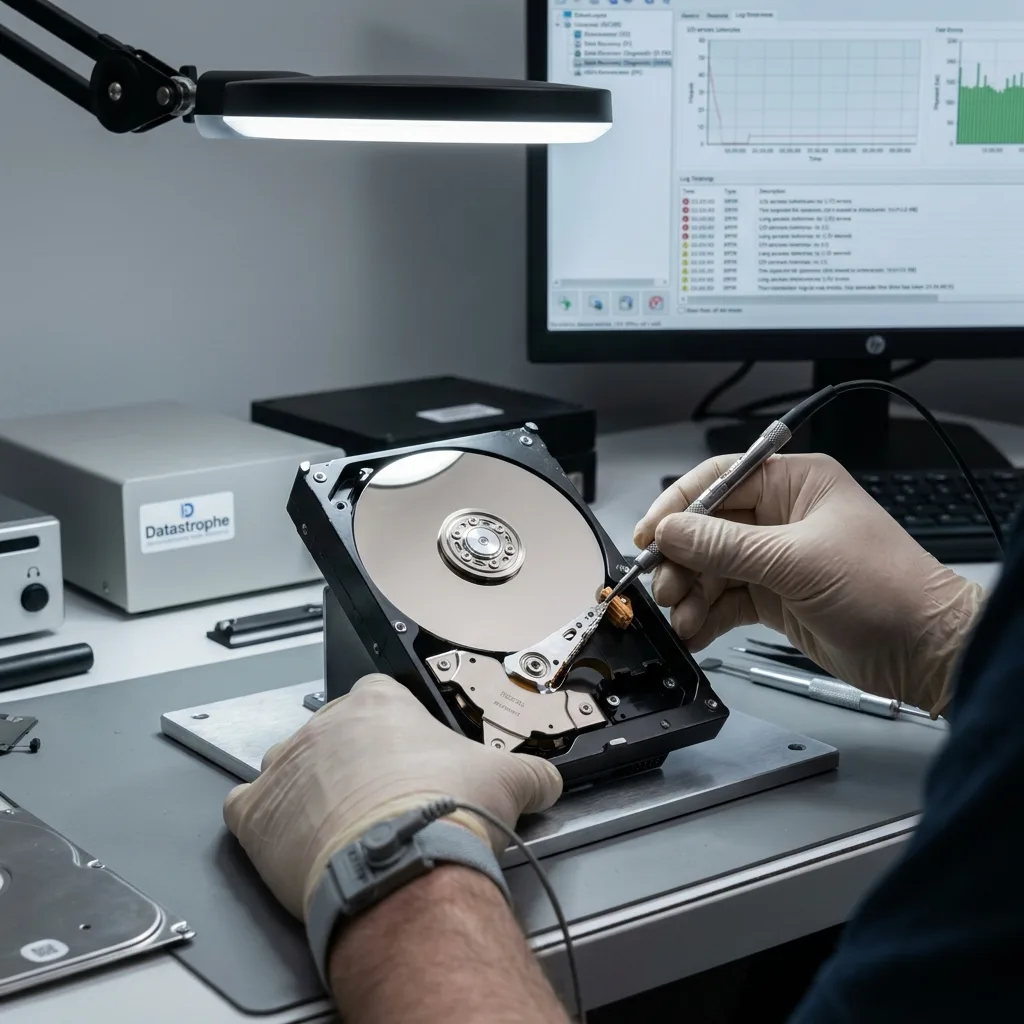
Diagnostic assessment
Establish symptoms after a cooling fan fault
An overheated drive may slow down, disappear intermittently, return input-output errors, block start-up or freeze the file browser. Some files may open before copying slows dramatically on other folders.
Take noise seriously. Clicking, scraping, repeated spin-up or sudden stops mean testing should end. Silence isn't sufficient reassurance; a quiet disk can still contain unreliable sectors.
Review the chronology. How long was the fan blocked? Was the drive in a PC, NAS, array or closed enclosure? Did anyone run a large copy, scan or restoration afterwards? These details inform the examination.
List priority data before any attempt. When the drive becomes less readable with each pass, knowing which folders matter is better than scanning the whole volume without a plan.
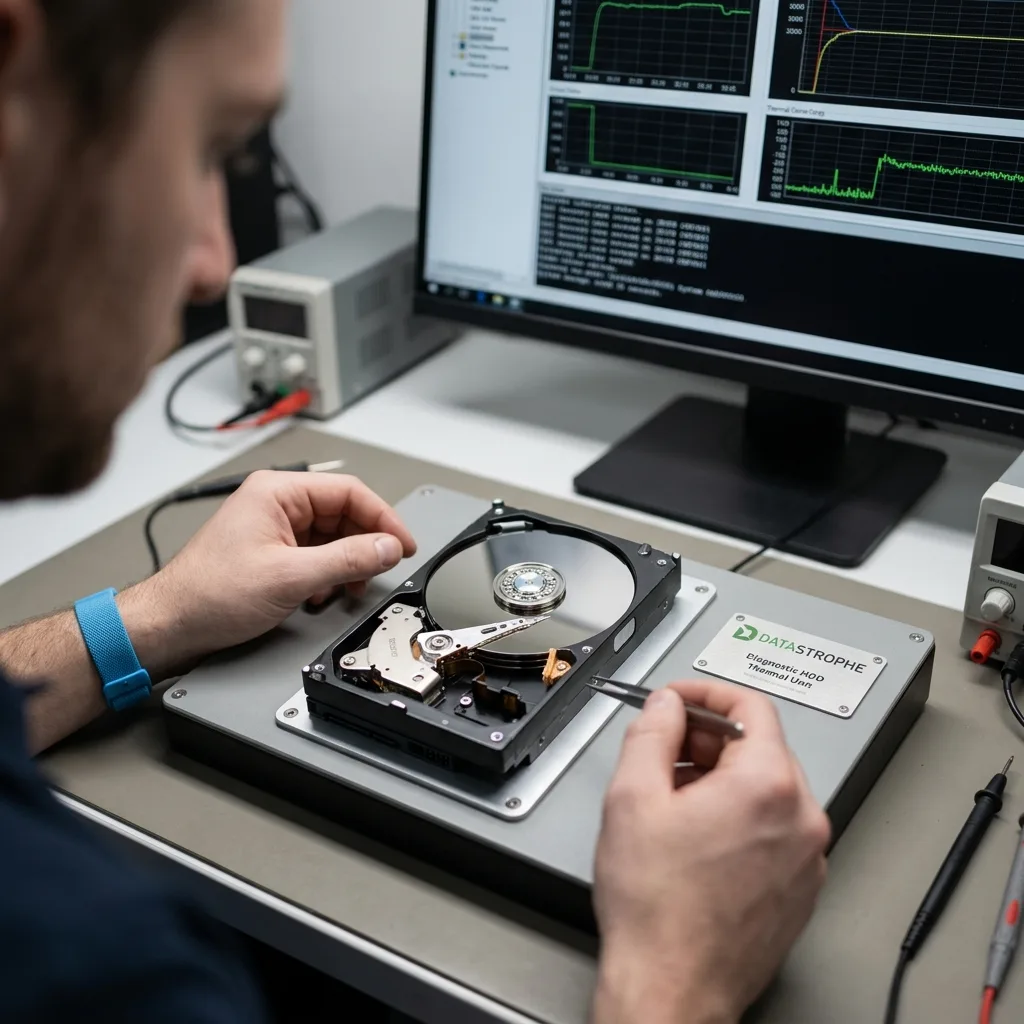
Diagnostic assessment
Avoid actions that worsen the fault
Don't place the drive in a freezer, blow very cold air over it or repeat power cycles. These practices add condensation, mechanical stress and thermal shock. Let a hot device return naturally to room temperature.
Avoid prolonged system checks. chkdsk, volume repair, defragmentation and a complete antivirus scan can read and write for a long time. On an unreliable disk, they may consume the final valuable acquisition window.
Replacing the fan helps the computer but doesn't diagnose the drive. Healthy cooling isn't evidence that the device is dependable again. Hard drive data recovery clarifies the distinction between failed hardware and data that need protecting.
Any copy should go to separate storage without writing to the source. Prioritise critical files. Stop a stalled copy cleanly rather than restarting it repeatedly against the same sectors.
Diagnostic assessment
Don't confuse cooling with recovery
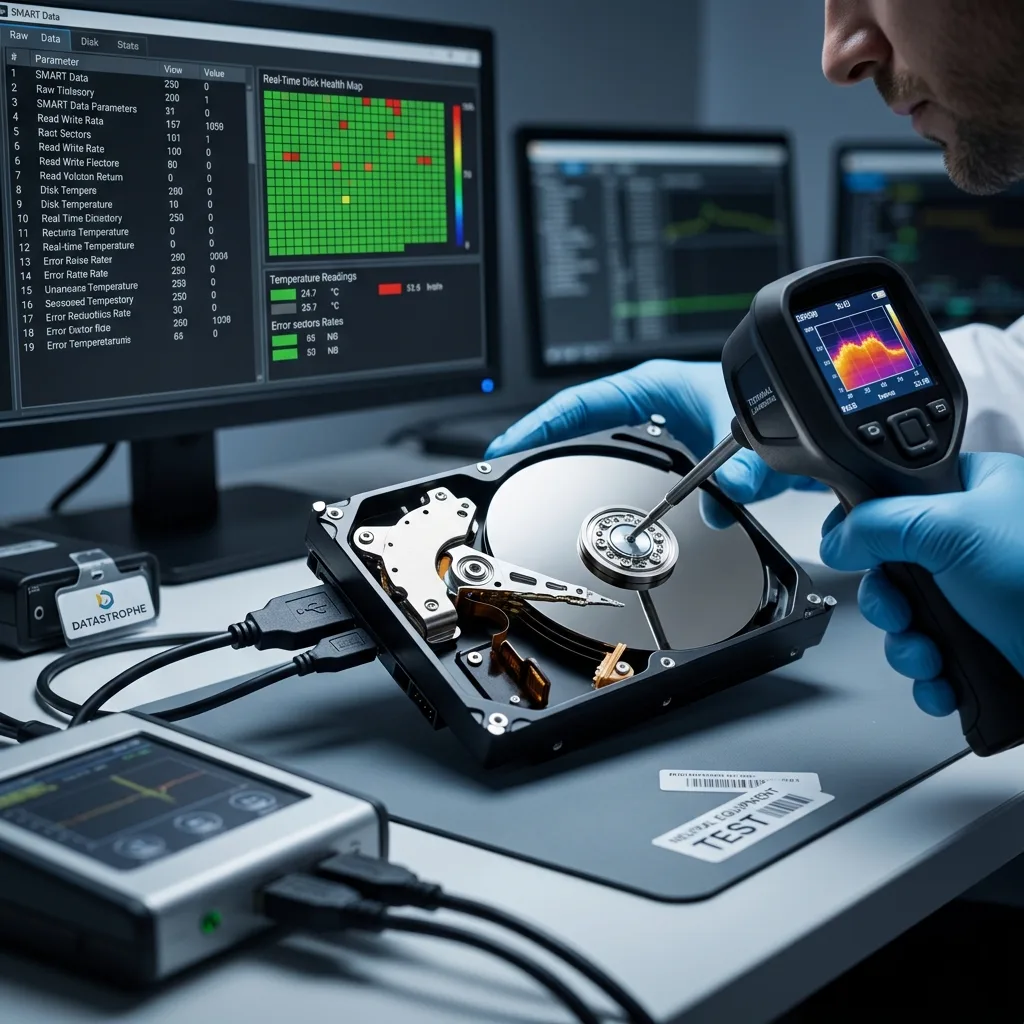
The assessment must inspect the drive rather than only the apparent cause. Temperature, read errors, unreliable sectors, SMART behaviour, power and enclosure should be considered together. Fan failure may expose an older weakness.
When practicable, recovery proceeds from a technical image. The source drive experiences less stress, weak areas receive adapted treatment and recovered files are validated on healthy storage.
File consistency carries as much weight as presence. A photograph should open, an archive decompress, a database pass its checks and a video play. A copied file can be partial or corrupt after overheating without an straight away visible warning.
Datastrophe doesn't treat an overheated drive as hardware to return to production. Replace it even after successful recovery. The goal is a usable handover, not extending the life of a weakened device.
Diagnostic assessment
Prevent heat-related data loss
Monitor temperatures, clean air intakes, replace noisy or blocked fans and verify closed enclosures. A disk installed in a poorly ventilated space can age faster.
NAS units and servers should report fan faults. An ignored alert can expose several drives and raise risk to RAID volumes. Recovery then becomes more complex than one isolated disk.
Test backups before a fault. Heat doesn't always provide warning. A recent, readable and separate copy allows replacement without turning a thermal incident into a recovery emergency.
After overheating, document the symptoms, stop heavy tests, protect the drive and prepare data priorities. This keeps more options open than a quick repair followed by improvised copying.
Include actions already taken in the chronology: fan replacement, restart, attempted copy, repair utility, SMART message, abrupt shutdown or enclosure change. They separate the original heat event from later handling.
In a business setting, keep operational recovery apart from data recovery. A machine can resume on a distinct drive while the overheated device remains frozen for examination. This avoids sacrificing data to gain a few hours of availability.
Target validation after recovery. Open critical files in their applications, decompress archives and test databases. A thermal incident can leave a visible folder structure with partly corrupt contents.
The incident review should correct the cause: temperature alerts, preventive fan replacement, dust removal, enclosure position and a verified backup. Otherwise, the new storage faces the same risk.
When several drives shared the enclosure or array, treat them as exposed to the same heat. Even a working device may have been affected. A preventive verify avoids moving the failure to another volume days later.
Diagnostic assessment
Primary Technical References And Limits
Reference scope — hard drive fan failure recovery: For overheated hard drive fan failure recovery, the primary references used are NIST SP 800-86. Physical evidence — hard drive fan failure recovery: They define the relevant preservation, storage or validation concepts, but they cannot establish the exact physical condition, controller state, key availability or business consistency of the device received. Controller evidence — hard drive fan failure recovery: Those points require measurements on the original set and verification on copies.
Diagnostic assessment
Arrange A Controlled Assessment
Complete set — hard drive fan failure recovery: For a technical assessment of overheated hard drive fan failure recovery, provide the complete device or storage set, its associated power and interface parts, the symptom timeline and the priority data. Incident history — hard drive fan failure recovery: Keep member order, labels and authorised credentials separate from the parcel paperwork; do not restart the source merely to obtain a new screenshot.
Laboratory responsibility — hard drive fan failure recovery: Datastrophe performs the diagnosis, integrity checks and recovery directly in its own laboratory with its own team. Free assessment — hard drive fan failure recovery: Diagnosis and the quote are free. Transport boundary — hard drive fan failure recovery: Return courier service is included; the carrier moves only the sealed parcel and neither accesses nor processes its data.
Controlled list — hard drive fan failure recovery: Before any payment, the client receives the proposed price and a checked list. Verification classes — hard drive fan failure recovery: Each item is classified, in order, as recoverable_verified, partial, detected_unverified or unrecoverable. Payment trigger — hard drive fan failure recovery: Only recoverable_verified items whose contents were checked and found usable are presented as recoverable. No-result rule — hard drive fan failure recovery: Payment is due only after the client accepts both the list and the price.
No-result rule — hard drive fan failure recovery: If no usable data is verified, recovery fails, or the client declines the list or price, no standard fee is payable. Rare-part exception — hard drive fan failure recovery: The only exception is a rare, costly and non-refundable part, which may be ordered only after a separate, explicit and priced proposal has been accepted.