
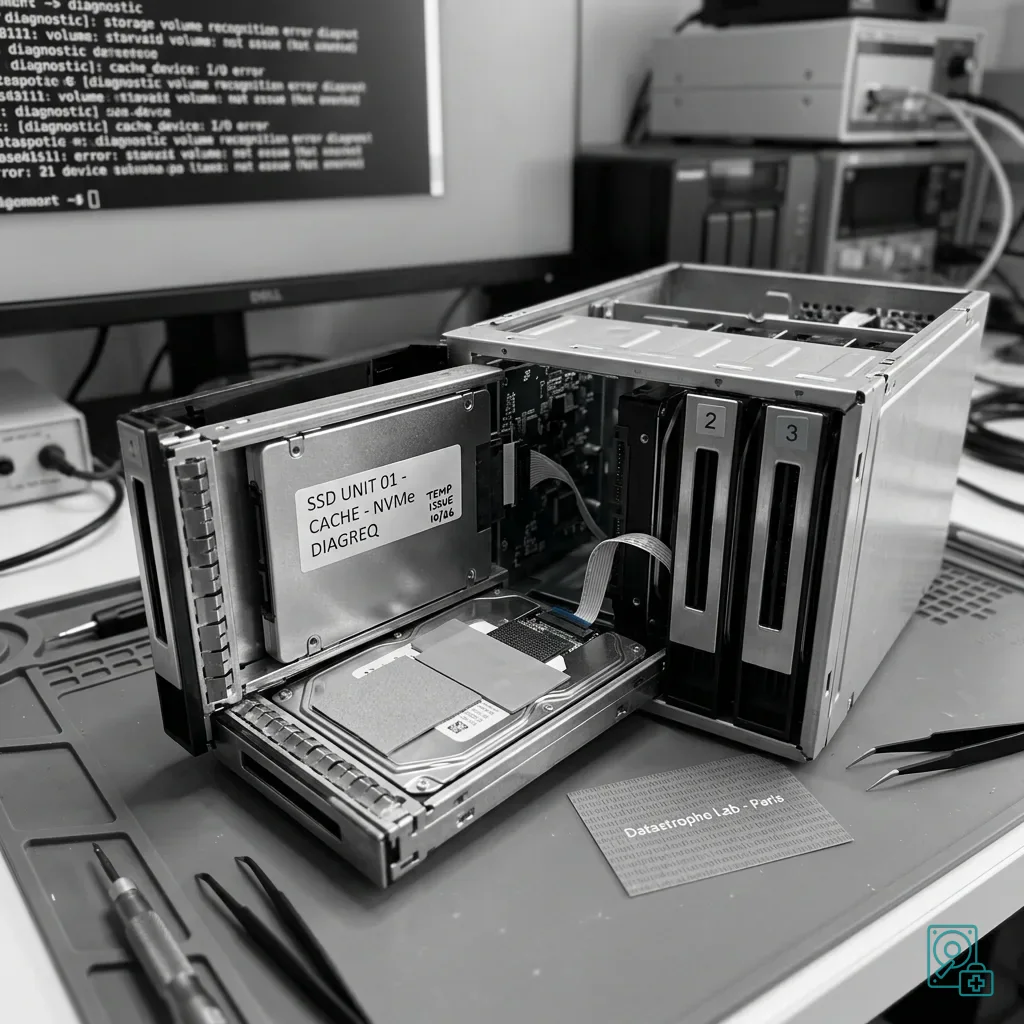
Diagnostic assessment
A NAS SSD Has Different Constraints From a Workstation SSD
A NAS SSD commonly works in a dense enclosure under steadier load than desktop storage. It may form part of the volume, accelerate reads, buffer writes or host virtual machines, and each role places a different sustained demand on its controller and NAND.
High temperature is significant but does not explain the incident by itself. Restricted bay airflow, unsuitable endurance, continual writes, firmware trouble, an active RAID rebuild or a cache at capacity may each contribute and need a shared timeline.
The risk to data depends on the SSD's role. A read cache has different implications from a write cache. A primary all-flash volume also has different priorities from a cache attached to a RAID made up of hard drives.
RAID system data recovery covers NAS and RAID cases more broadly. This article isolates the SSD scenario because flash media require a different approach from mechanical disks.
Do not replace the SSD or rebuild the volume before its function is understood. An operation that appears sensible from a hardware perspective may alter volume consistency or discard data still waiting in the cache.
The installation context matters too. An SSD positioned near a power supply, inside a compact enclosure or behind a poorly ventilated fascia can reach high temperatures before the user notices a problem. Preserve and review the NAS alerts before intervening.

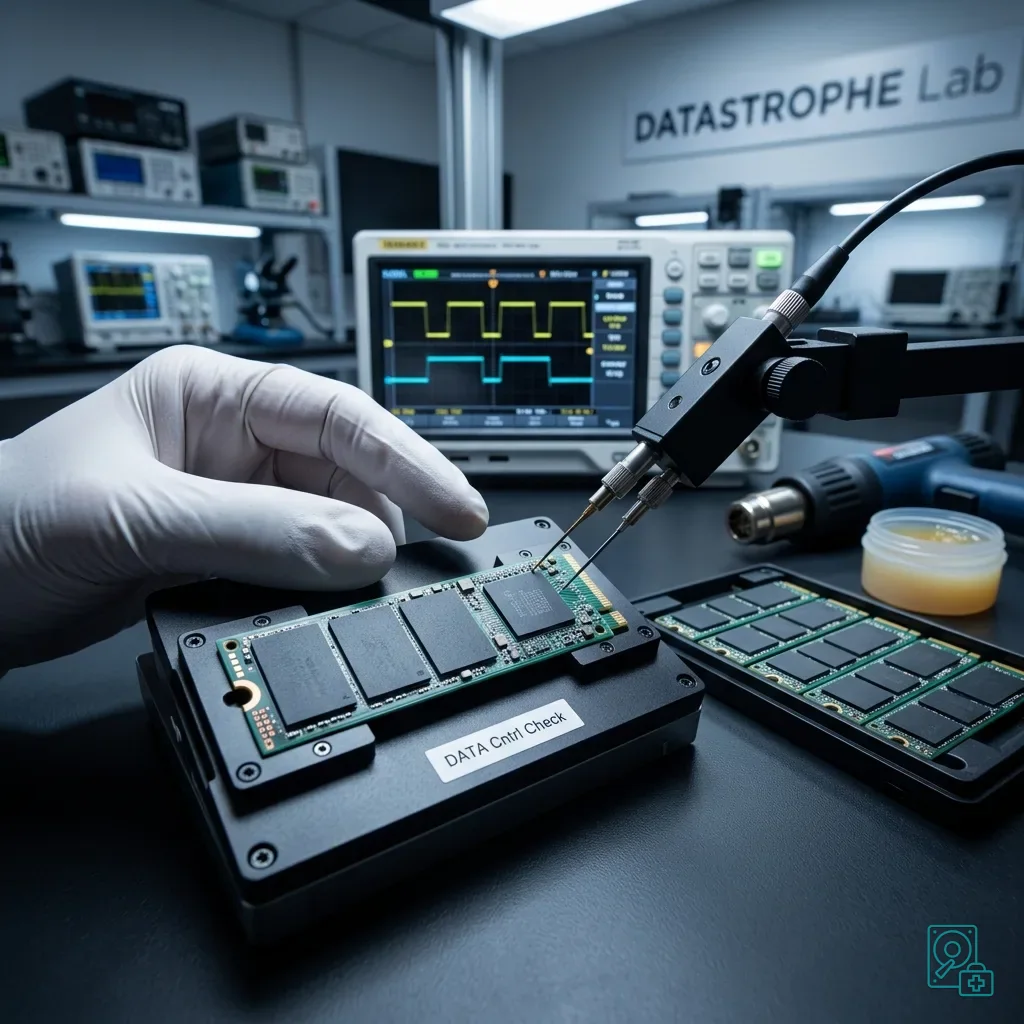
Diagnostic assessment
An SSD Cache Can Complicate Recovery
Cache adds a data-flow layer as well as performance. A read cache usually holds replaceable copies, while write-back mode may contain changes not yet committed to the main array; recovery consequences therefore depend on the exact configuration at failure time.
Identify whether the SSD served reads, buffered writes, provided tiering, held the system volume or stored virtual guests. NAS logs, cache policy, flush state and the physical disk order can all be decisive when reconstructing what reached permanent storage.
Removing the cache, resetting it or starting a rebuild can erase useful information. Even when the NAS offers an automatic repair, first establish what it will write and which volume it will change.
Why business NAS recovery is often underestimated explains why NAS appliances are too readily treated as simple enclosures. An SSD cache makes that shortcut still more hazardous.
Recovery must take every layer into account: the SSD, primary disks, RAID, snapshots, shares, virtual machines and backups. Looking only at the component that is running hot may leave the real data state unresolved.
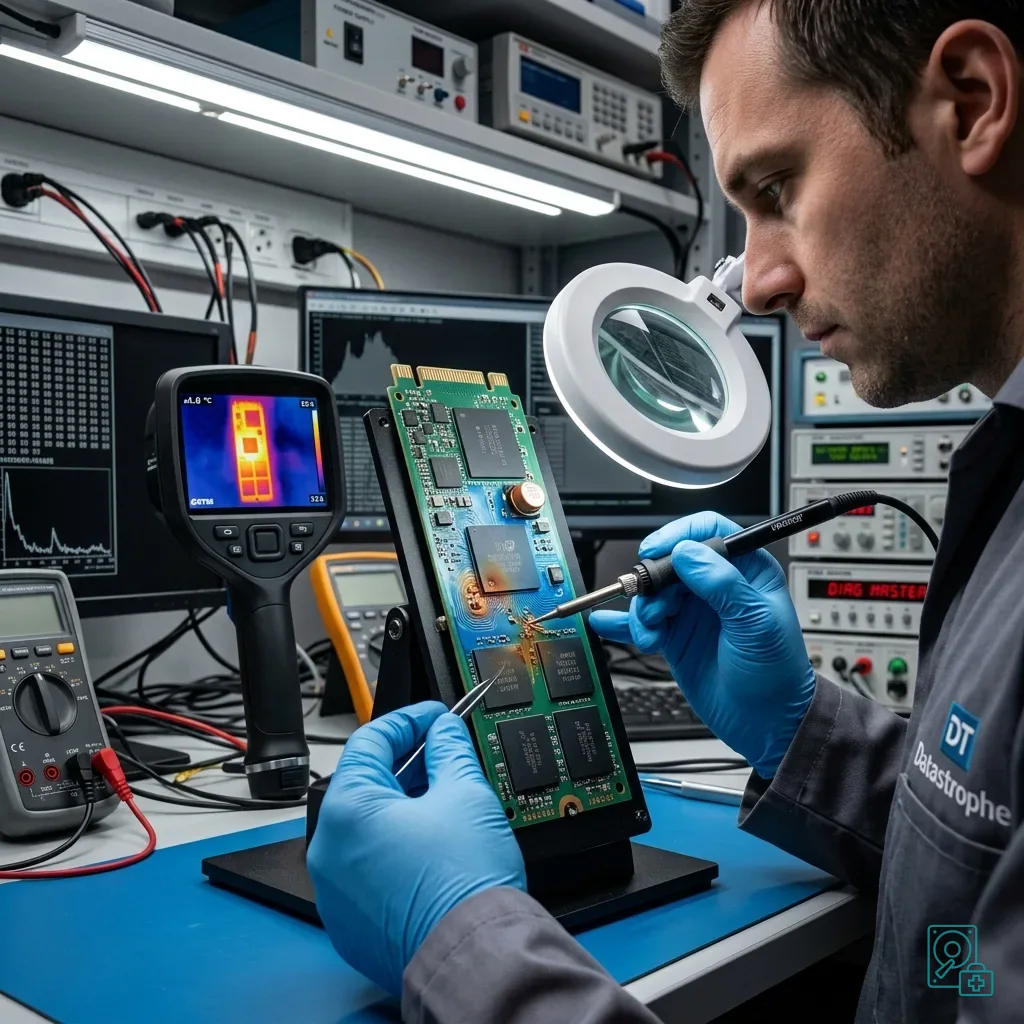
Diagnostic assessment
Heat, Endurance and Continuous Writes Accumulate
Lack of moving parts does not remove wear or thermal limits. Continuous cache churn, limited free space and heat can destabilise flash, while journalling, synchronisation and hosted VMs may generate far more writes than ordinary workstation use.
Concrete warning signs include latency, a disabled cache, degraded RAID, SMART alerts, thermal alarms, a missing SSD, unexpected reconstruction, stalled snapshots and inconsistent files. Reading them together helps establish whether cache trouble preceded volume damage.
Heat may affect several components at once. When airflow through the bay is poor, the SSD, neighbouring disks and power supply can all be exposed. Replacing a single part will not necessarily resolve the wider fault.
Why NVMe SSD recovery is difficult describes controller, TRIM and flash-memory constraints. In a NAS, those limits interact with the RAID and cache configuration.
Avoid prolonged tests on an unstable SSD. An intensive scan, rebuild or uncontrolled copy can consume the last useful reads and obscure the sequence in which the failure developed.
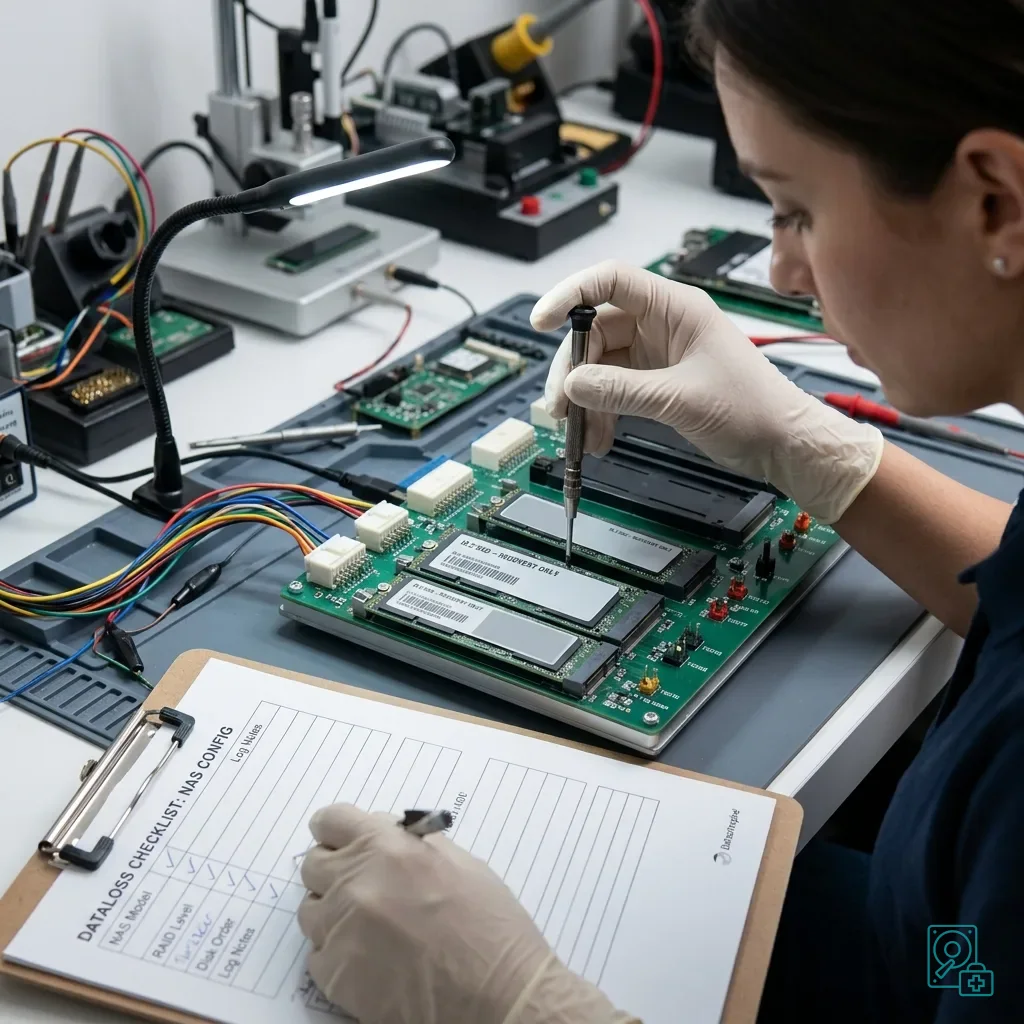
Diagnostic assessment
Preserve the NAS Before Any Rebuild
Before intervention, export the NAS model and software version, cache role and policy, member order, RAID layout, alerts, logs and every command already attempted. This evidence prevents a rebuild based on an assumed data flow.
Pause when the interface offers to remove, recreate or reintegrate the cache. A routine confirmation may modify the main volume; first establish whether the SSD contains unique pending writes or only disposable read copies.
Check backups on separate healthy storage. Restoring directly to the affected NAS can overwrite evidence needed for diagnosis. Operational recovery must remain separate from recovery of the lost data.
RAID servers under load and the risks of rebuilding reinforces this caution. Whenever several storage layers interact, the additional workload can make the incident worse.
A priority data list is essential. Shared folders, databases, photographs, video, workstation backups and virtual machines do not require the same checks. Recovery should target the content that has real operational value.
Diagnostic assessment
Prevent Repeat NAS SSD Failures
After an incident, prevention starts with the configuration. Confirm that the selected SSD suits its workload, airflow is adequate, temperature alerts are monitored and backups are tested.
The team administering the NAS should understand the cache. Knowing whether it is configured for reads or writes changes the correct response to a fault. A written procedure prevents a hurried click on a repair suggested by the interface.
Snapshots and backups must remain distinct. A local snapshot on the same NAS does not protect against enclosure-wide failure, corruption or a rebuilding error. It can help in some cases, but it is not a substitute for a healthy independent copy.
Datastrophe can assess a NAS with an SSD cache, primary SSD storage or a hybrid volume. The work aims to preserve the existing state, establish the SSD's role and return useful files without confusing a successful NAS restart with successful data recovery.
A NAS fitted with SSDs may be fast, but it remains a complex storage system. Its protection depends less on the media type than on configuration, backups and the decisions made when an incident occurs.
When the NAS hosts cameras, virtual machines or workstation backups, writes may be continuous. That workload must inform both SSD selection and the recovery plan because it affects wear as well as heat.
Diagnostic assessment
Primary Technical References And Limits
Reference scope — NAS SSD cache recovery: For overheated NAS SSD cache recovery, the primary references used are europe.kioxia.com. Physical evidence — NAS SSD cache recovery: They define the relevant preservation, storage or validation concepts, but they cannot establish the exact physical condition, controller state, key availability or business consistency of the device received. Controller evidence — NAS SSD cache recovery: Those points require measurements on the original set and verification on copies.
Diagnostic assessment
Arrange A Controlled Assessment
Complete set — NAS SSD cache recovery: For a technical assessment of overheated NAS SSD cache recovery, provide the complete device or storage set, its associated power and interface parts, the symptom timeline and the priority data. Incident history — NAS SSD cache recovery: Keep member order, labels and authorised credentials separate from the parcel paperwork; do not restart the source merely to obtain a new screenshot.
Laboratory responsibility — NAS SSD cache recovery: Datastrophe performs the diagnosis, integrity checks and recovery directly in its own laboratory with its own team. Free assessment — NAS SSD cache recovery: Diagnosis and the quote are free. Transport boundary — NAS SSD cache recovery: Return courier service is included; the carrier moves only the sealed parcel and neither accesses nor processes its data.
Controlled list — NAS SSD cache recovery: Before any payment, the client receives the proposed price and a checked list. Verification classes — NAS SSD cache recovery: Each item is classified, in order, as recoverable_verified, partial, detected_unverified or unrecoverable. Payment trigger — NAS SSD cache recovery: Only recoverable_verified items whose contents were checked and found usable are presented as recoverable. No-result rule — NAS SSD cache recovery: Payment is due only after the client accepts both the list and the price.
No-result rule — NAS SSD cache recovery: If no usable data is verified, recovery fails, or the client declines the list or price, no standard fee is payable. Rare-part exception — NAS SSD cache recovery: The only exception is a rare, costly and non-refundable part, which may be ordered only after a separate, explicit and priced proposal has been accepted.