
Diagnostic assessment
Understand what RAID really protects
RAID distributes data across several disks according to a particular configuration. For arrays used across multiple sites, nominate one incident owner and agree the priority data before any rebuild, restore or synchronisation. Depending on its level, it can improve availability, accelerate some reads or tolerate a failed disk. That redundancy is valuable, but doesn't protect data in every scenario.
RAID can't prevent intentional or accidental deletion, logical corruption, ransomware, an administrative mistake, an incorrect rebuild or an overwritten backup. When the volume stays accessible, damaging writes may propagate across it.
Redundancy sometimes buys time. It allows a disk to be replaced under controlled conditions. Use that time to verify backups, document the state and avoid automatic operations when several warnings are already present.
The RAID level changes the risk. RAID 1, RAID 5, RAID 6, RAID 10 and proprietary arrangements don't tolerate the same incidents. The same "degraded" message can describe very different circumstances depending on disk order, parity, mirrors and replacement history.
RAID data recovery covers the specialist service. The critical point is why an array alone can't guarantee recovery, and which limits should be understood before an incident.
Diagnostic assessment
Identify scenarios beyond redundancy
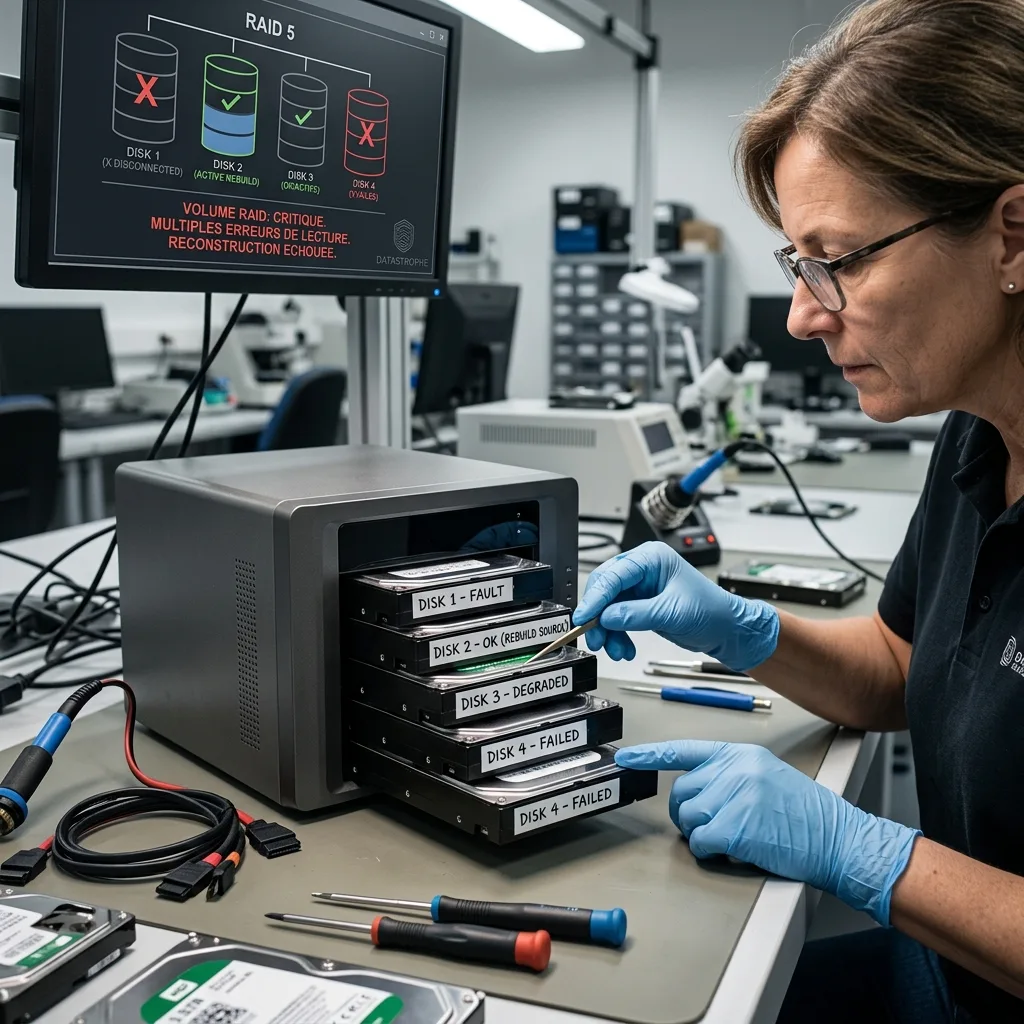
RAID can lose data when several disks become unreliable, particularly during rebuilding. Intensive reads from the surviving disks may expose weak sectors that went unnoticed under ordinary load. A degraded volume can then become inaccessible.
The controller or NAS may itself become the obstacle. Metadata, disk order, stripe size, parity, cache and firmware all contribute to correct interpretation. Moving disks without understanding that configuration can complicate examination.
Logical losses are common: deleted folders, formatting, a recreated volume, changed permissions, a corrupt database or an inconsistent virtual machine. RAID continues doing its job by maintaining the volume's current state, even when that state is wrong.
Virtualised environments add another layer. A virtual disk may remain on RAID but be unusable when snapshots, configuration or logs are inconsistent. Recovery must deliver usable data rather than stopping at a mounted volume.
Backups connected to the same system may be affected as well. A scheduled job can copy corruption, deletion or encryption. RAID stores the requested state even when that state destroys the known-good version, which is why backup needs separation, history and testing.

Diagnostic assessment
Don't rebuild without context
Rebuilding is widely misunderstood. It can be routine after a disk replacement, but becomes risky when the array's starting state is unclear. Replacing the wrong member, losing order, overlooking another weak disk or running several rebuilds can deepen the loss.
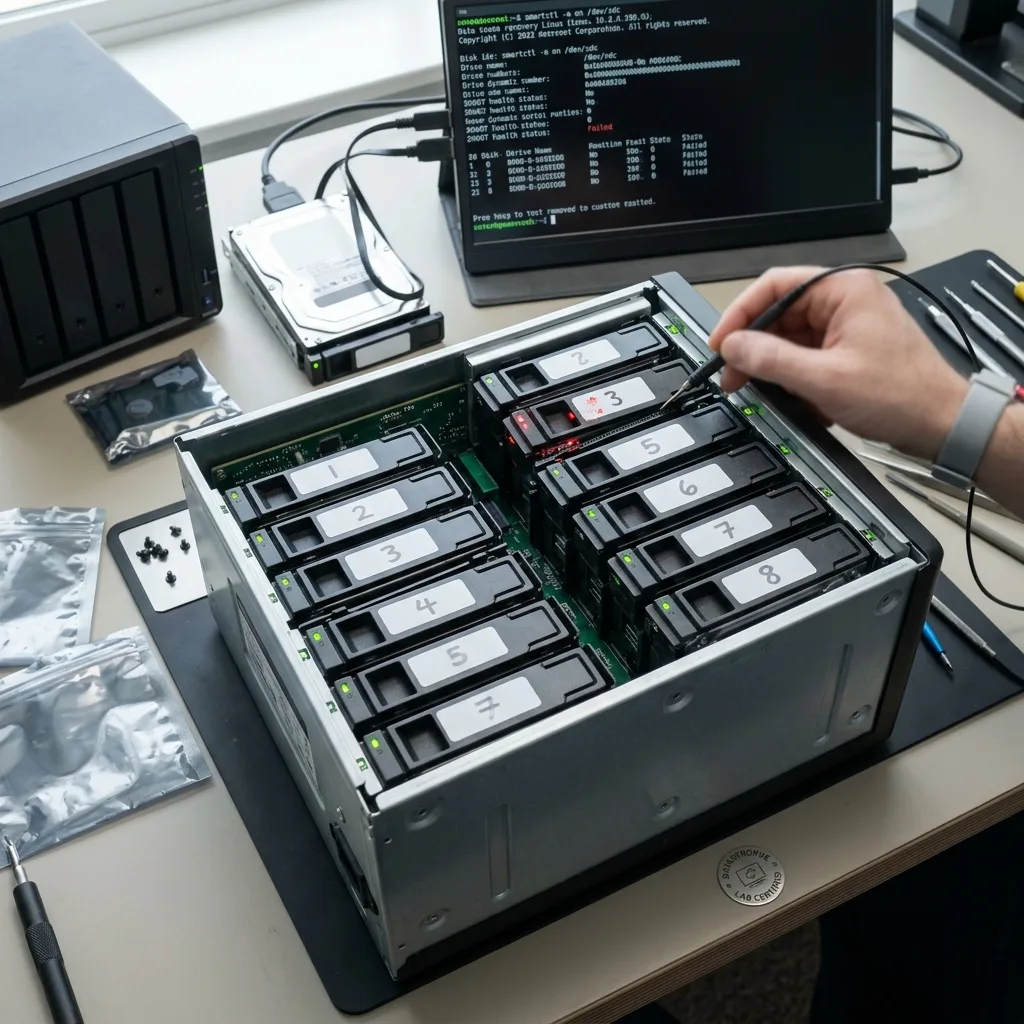
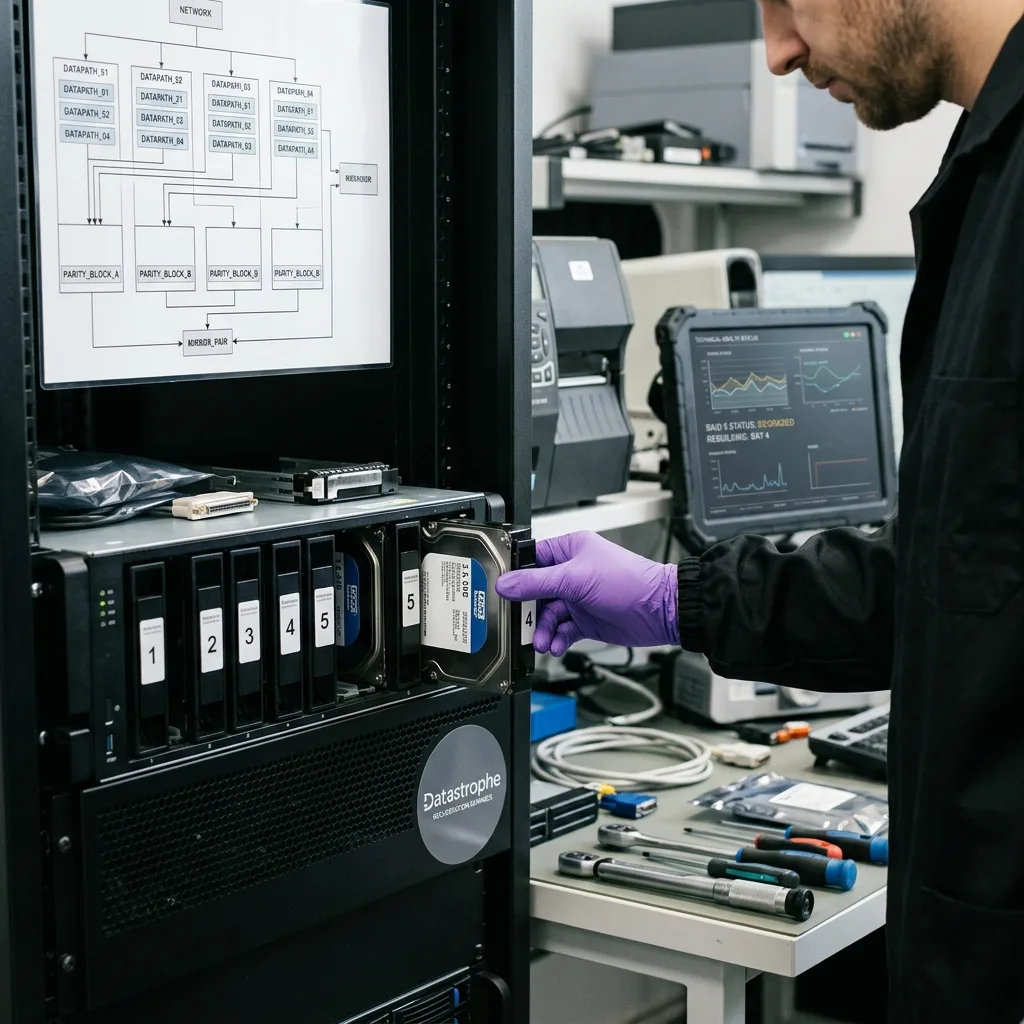
Before acting, retain disks in order, note bay positions, record serial numbers, keep controller messages and document every earlier attempt. Those details may be more valuable than a rapid intervention.
Test backups in a separate environment too. Don't discover that a copy is old or corrupt only after a rebuild has changed the source volume. The test should cover the files that genuinely matter.
Pressure frequently comes from the administration interface. It may offer repair, replacement or initialisation buttons that look reasonable. Those actions target availability, not necessarily data preservation. Distinguish uptime from recovery when data are critical.
Preserving RAID data after a power cut covers one electrical incident. The general rule is broader: until disks and configuration are understood, each write to RAID can reduce the remaining options.

Diagnostic assessment
Inspect the volume in layers
A serious RAID assessment covers several layers: physical disks, controller or NAS, RAID metadata, file system, logical volumes, files, databases and business priorities. A mounted volume isn't evidence that its data are intact.
When practicable, acquire copies or images of the disks before logical reconstruction. Working from copies limits risk to the originals and allows parameters to be analysed without writing to them. It takes longer than clicking rebuild, but protects the evidence.
Validate the output. A visible directory tree is insufficient when files are partial, databases inconsistent or virtual machines unusable. Users who recognise the expected periods, folders and applications should participate in verifying it.
Databases and virtual machines need particular validation. A disk image may copy successfully but fail to boot; a database may exist without required logs or contain an interrupted transaction. RAID reconstruction therefore has to connect with application-level checks.
Datastrophe treats RAID as a set of dependencies. The objective isn't to save a configuration for its own sake, but to deliver usable data to healthy storage with its limitations documented.
Diagnostic assessment
Prevent loss with backups and documentation
Prevention starts with one distinction: RAID and backup serve distinct purposes. RAID improves volume availability. Backup provides a separate, dated, controlled state that can be restored. They need to be designed together.
Keep documentation concise: RAID level, disk order, NAS or controller model, capacity, purpose of the volume, associated backups and responsible people. This avoids discovering the configuration during failure.
Alerts must result in action. A degraded disk, lengthy rebuild, failed backup or database error can't sit in an unread log. Redundancy is valuable only when it leaves time to respond.
Plan parts and responsibilities too. Knowing which disk to replace, who validates backup, who stops the volume and who records bay order prevents conflicting decisions. A short procedure is enough when people know it before the incident.
RAID can lose data, but its limits can be managed. Preserving order, testing backups, avoiding blind rebuilds and documenting dependencies provide stronger protection than abstract confidence in redundancy.
Before any RAID rebuild, Datastrophe records disk order, member condition, controller context and priority data, then validates recovery from a controlled copy; clean room work applies only to mechanical drives that must be opened.
Diagnostic assessment
Primary Technical References And Limits
Reference scope — redundancy data loss limits: For RAID redundancy data loss limits, the primary references used are Linux MD administration guide. Physical evidence — redundancy data loss limits: They define the relevant preservation, storage or validation concepts, but they cannot establish the exact physical condition, controller state, key availability or business consistency of the device received. Controller evidence — redundancy data loss limits: Those points require measurements on the original set and verification on copies.
Diagnostic assessment
Arrange A Controlled Assessment
Complete set — redundancy data loss limits: For a technical assessment of RAID redundancy data loss limits, provide the complete device or storage set, its associated power and interface parts, the symptom timeline and the priority data. Incident history — redundancy data loss limits: Keep member order, labels and authorised credentials separate from the parcel paperwork; do not restart the source merely to obtain a new screenshot.
Laboratory responsibility — redundancy data loss limits: Datastrophe performs the diagnosis, integrity checks and recovery directly in its own laboratory with its own team. Free assessment — redundancy data loss limits: Diagnosis and the quote are free. Transport boundary — redundancy data loss limits: Return courier service is included; the carrier moves only the sealed parcel and neither accesses nor processes its data.
Controlled list — redundancy data loss limits: Before any payment, the client receives the proposed price and a checked list. Verification classes — redundancy data loss limits: Each item is classified, in order, as recoverable_verified, partial, detected_unverified or unrecoverable. Payment trigger — redundancy data loss limits: Only recoverable_verified items whose contents were checked and found usable are presented as recoverable. No-result rule — redundancy data loss limits: Payment is due only after the client accepts both the list and the price.
No-result rule — redundancy data loss limits: If no usable data is verified, recovery fails, or the client declines the list or price, no standard fee is payable. Rare-part exception — redundancy data loss limits: The only exception is a rare, costly and non-refundable part, which may be ordered only after a separate, explicit and priced proposal has been accepted.