
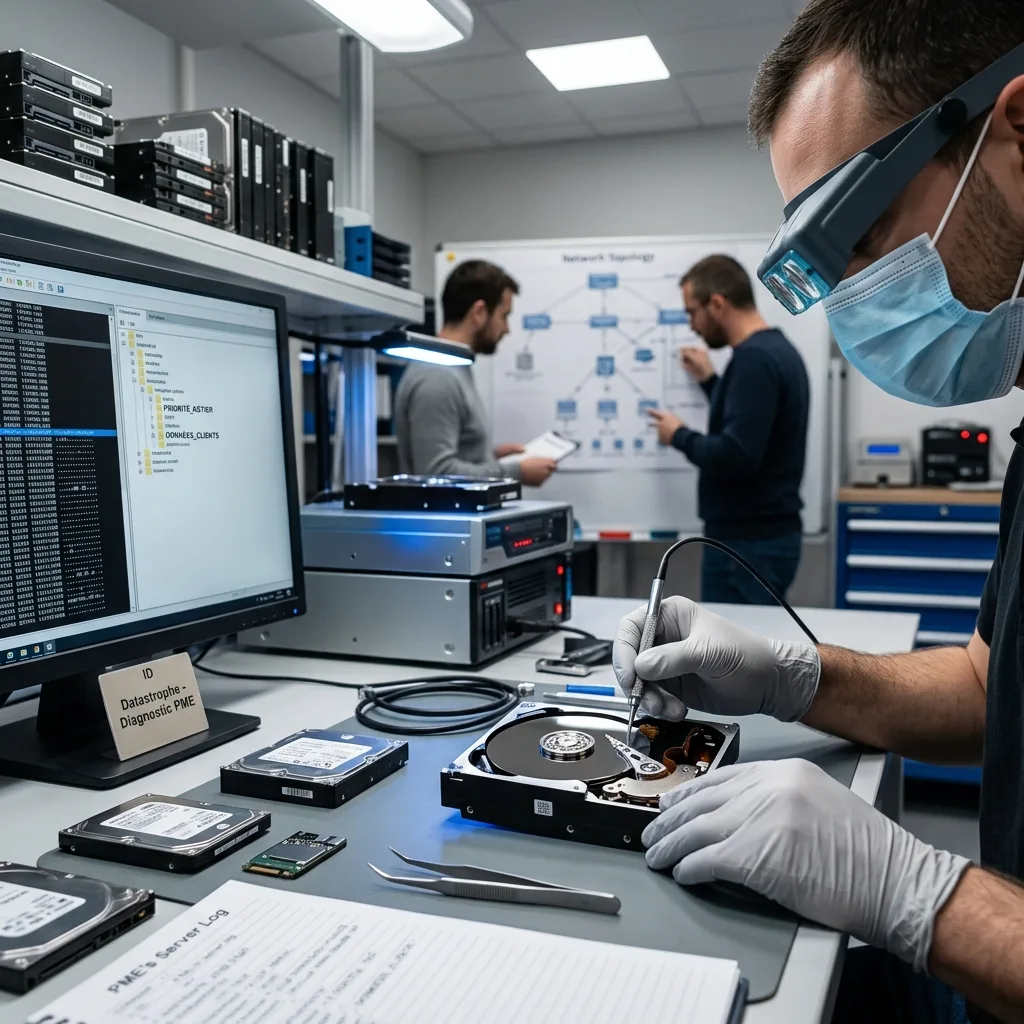
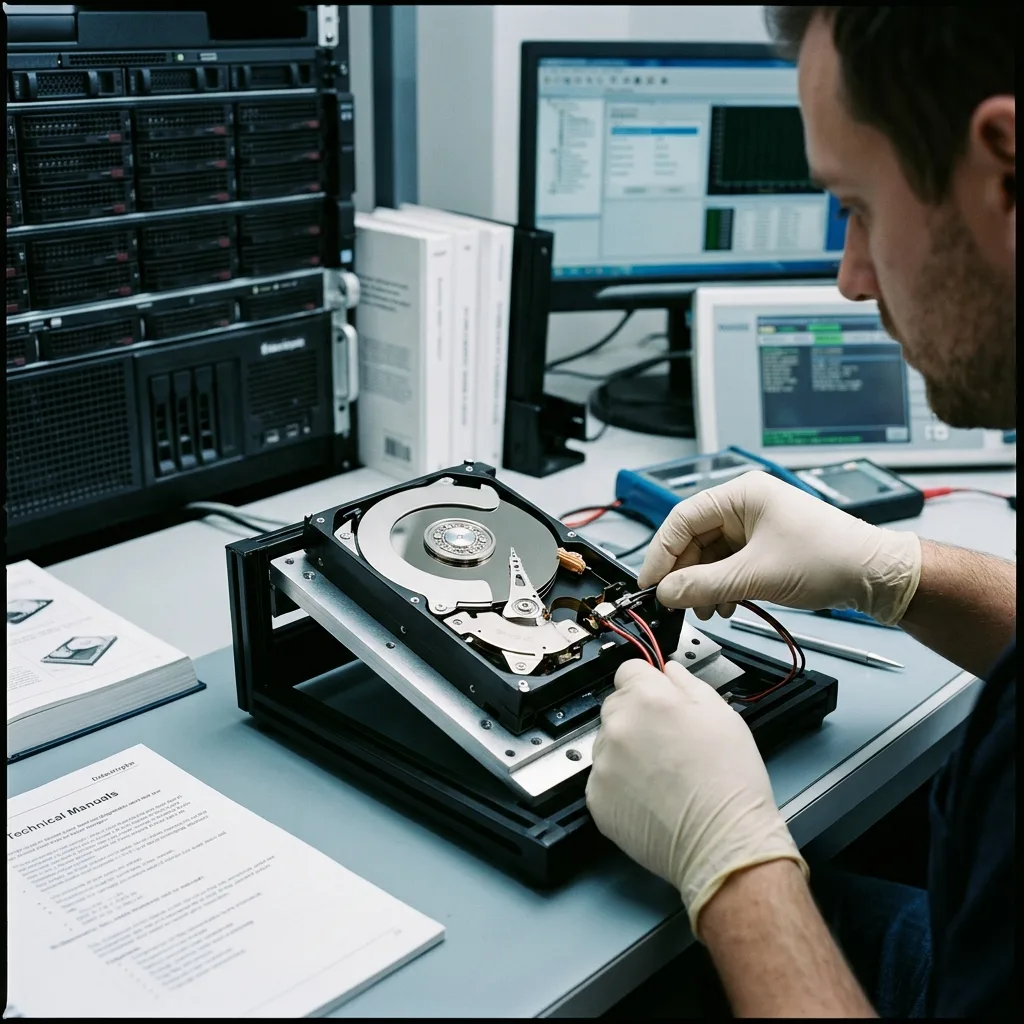
Diagnostic assessment
Stabilise before restarting
Data loss rarely reaches an SME at a convenient time. For an SME operating between Hamilton and Tauranga, nominate one incident owner and agree the priority data before any rebuild, restore or synchronisation. A workstation won't boot, a NAS becomes inaccessible, an external drive asks to be formatted or a shared folder disappears before a deadline. Pressure encourages restarts, restoration and several tests at once. Those are precisely the actions to resist.
Stabilise first. Stop writes to the affected device, avoid automatic repair and limit restarts. An unreliable volume may still contain usable data, but each uncontrolled action can change metadata, overwrite files or worsen a mechanical fault.
Separate the business emergency from the failed storage. A company may be able to run a minimal service from backup, a spare workstation or an older copy while protecting the original device for assessment. Combining fast continuity and recovery on the same source adds unnecessary risk.
Preserving data during a business IT failure addresses the immediate incident. Here the focus is an SME organising continuity without losing track of data that may still be recoverable.
This distinction matters in small organisations, where one person may make the decision, handle the device and speak to customers. Without a deliberate pause, an action meant to save time can complicate recovery through an interrupted copy, restoration from the wrong source, changed dates or deletion of a folder that still existed.
Diagnostic assessment
Establish the data needed for continuity
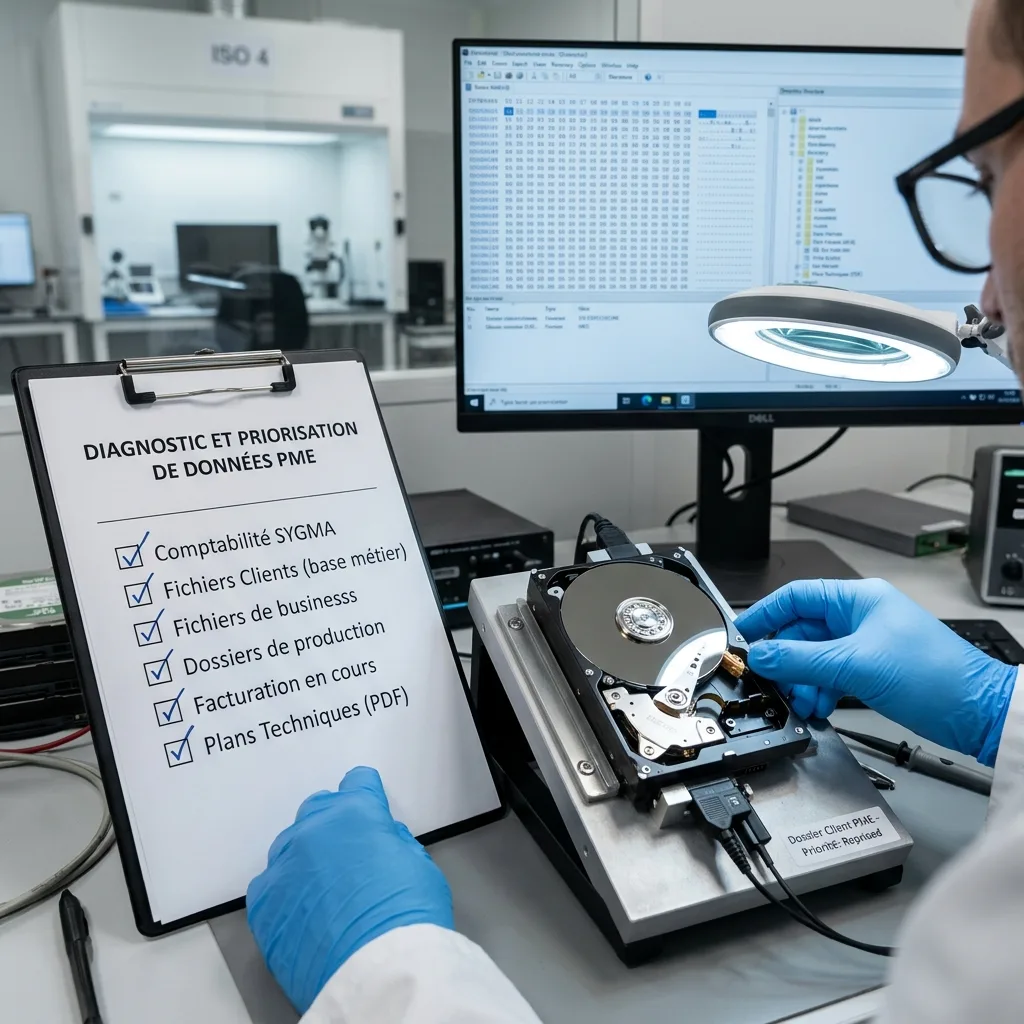
An SME doesn't always need an entire volume to resume work. First establish what genuinely blocks operations: invoicing, accounts, client files, drawings, production records, quotations, site photographs, line-of-business databases, contracts or HR documents. This priority changes how recovery is approached.
A multi-terabyte disk may hold little critical information, while one small folder can be decisive. Give the laboratory a concise list of expected data, their probable location and relevant period. It prevents early read-out time being spent on less critical regions.
Business users must set the priorities. IT knows which device has failed, but not always which folder enables invoicing, manufacturing or a customer response. Involving the owner of the work reduces large but unhelpful deliveries.
Consider dependencies too. A database may require configuration files, software, logs or a precise version. A shared folder may rely on access rights. Usable delivery is more than a visible directory tree.
Keep the list realistic. Marking the entire server as the highest priority doesn't guide the examination. Define a first essential scope, a second valuable tier and then secondary data. That hierarchy supports better decisions if the device proves highly unreliable.

Diagnostic assessment
Verify backups without overwriting the original
Backup is valuable, but its existence isn't proof. It may be too old, incomplete, corrupt or synchronised after the incident. Verify it before deciding that recovery is unnecessary.
When practicable, restore into a separate area. Direct restoration to the production volume can overwrite surviving versions or make analysis harder. A validation space allows priority files to be opened, dates compared and gaps measured.
Cloud synchronisation deserves particular attention. Local deletion, encryption or corruption may have propagated. Compare available versions, recycle bins, history and workstations that haven't yet synchronised. Establish the dependable source instead of merely collecting more copies.
The business data recovery plan clarifies how to prepare this verify before failure. Afterwards, the SME must avoid turning a partial backup into a premature permanent replacement.

Diagnostic assessment
Document the incident for assessment
A clear timeline saves examination time. Record the moment of failure, displayed messages, unusual sounds, restarts, software launched, restoration attempts and connected devices. These details show what changed after the initial loss.
Documentation need not be burdensome. One page of verifiable facts is enough. A short, precise timeline saying that a disk disappeared after a power cut, a NAS started rebuilding or a workstation asked to format is more informative than a long hypothesis.
Retain partial copies. Imperfect as they may be, they can provide a reference or complement the final output. Don't overwrite them during testing. Screenshots of messages, volume names, disk models and folder paths are valuable too.
Documenting a data recovery incident lists the relevant details. For an SME, the practical objective is to make assessment more dependable without tying staff up in a lengthy workflow.
This record also supports internal decisions. It clarifies why a device was stopped, a backup was left untouched and particular data were prioritised. In a pressured situation, straightforward traceability prevents colleagues working at cross purposes.
Diagnostic assessment
Resume on healthy storage with simple checks
Successful recovery must end in usable data, not merely a file list. Prepare healthy storage with enough capacity, separate from the failed device and accessible only to authorised staff. Returning data directly to faulty storage isn't dependable.
Verify priority files first. An archive may be listed but incomplete; a database may be present but incoherent; documents may be missing their latest versions. Validation should cover opening, the period represented and operational consistency.
Continuity should also correct the arrangement that made the incident critical: an untested backup, one external disk, a NAS without alerts, no named owner or misunderstood synchronisation. The change can remain simple, but should be decided while the incident is fresh.
Datastrophe works more effectively when the SME supplies protected storage, clear priorities and an honest timeline. Recovery remains technical, yet early decisions strongly influence the outcome. Controlled continuity begins with fewer, better-chosen actions.
Keep a short review after delivery: storage replaced, backup adjusted, permissions verified, an owner named and stop instructions clarified. The objective isn't to turn an SME into a large IT department, but to prevent the same failure causing the same loss a few months later.
Diagnostic assessment
Primary Technical References And Limits
Reference scope — data loss continuity priorities: For SME data loss continuity priorities, the primary references used are NIST SP 800-86. Physical evidence — data loss continuity priorities: They define the relevant preservation, storage or validation concepts, but they cannot establish the exact physical condition, controller state, key availability or business consistency of the device received. Controller evidence — data loss continuity priorities: Those points require measurements on the original set and verification on copies.
Diagnostic assessment
Arrange A Controlled Assessment
Complete set — data loss continuity priorities: For a technical assessment of SME data loss continuity priorities, provide the complete device or storage set, its associated power and interface parts, the symptom timeline and the priority data. Incident history — data loss continuity priorities: Keep member order, labels and authorised credentials separate from the parcel paperwork; do not restart the source merely to obtain a new screenshot.
Laboratory responsibility — data loss continuity priorities: Datastrophe performs the diagnosis, integrity checks and recovery directly in its own laboratory with its own team. Free assessment — data loss continuity priorities: Diagnosis and the quote are free. Transport boundary — data loss continuity priorities: Return courier service is included; the carrier moves only the sealed parcel and neither accesses nor processes its data.
Controlled list — data loss continuity priorities: Before any payment, the client receives the proposed price and a checked list. Verification classes — data loss continuity priorities: Each item is classified, in order, as recoverable_verified, partial, detected_unverified or unrecoverable. Payment trigger — data loss continuity priorities: Only recoverable_verified items whose contents were checked and found usable are presented as recoverable. No-result rule — data loss continuity priorities: Payment is due only after the client accepts both the list and the price.
No-result rule — data loss continuity priorities: If no usable data is verified, recovery fails, or the client declines the list or price, no standard fee is payable. Rare-part exception — data loss continuity priorities: The only exception is a rare, costly and non-refundable part, which may be ordered only after a separate, explicit and priced proposal has been accepted.