


Diagnostic evaluation
Compare failure mechanisms, not specifications
Capacity and speed don't explain recoverability. Compare mechanical components, NAND and controllers, optical layers, RAID metadata, file systems, and application dependencies to understand how each device can fail.
A device that's robust in one setting can be fragile in another. An SSD withstands transport better than a mechanical hard drive but may become inaccessible when its controller fails. A hard drive may show progressive symptoms while remaining vulnerable to impact and head failure. A memory card looks simple despite relying on complex internal flash management.
A useful comparison therefore begins with actual risks: how the device writes data, how it fails, which actions to avoid afterward and what information a diagnostic evaluation will require.
The role of the storage matters too. Working storage, a backup, an archive, a transport device and a server volume don't carry the same risk. The same technology may be suitable for a secondary copy but unsuitable as the sole source of a critical folder.
This complements common causes of data loss, which covers the broader scenarios. The practical aim here is to compare storage families.
Diagnostic evaluation
Separate mechanical hard drive and SSD risks
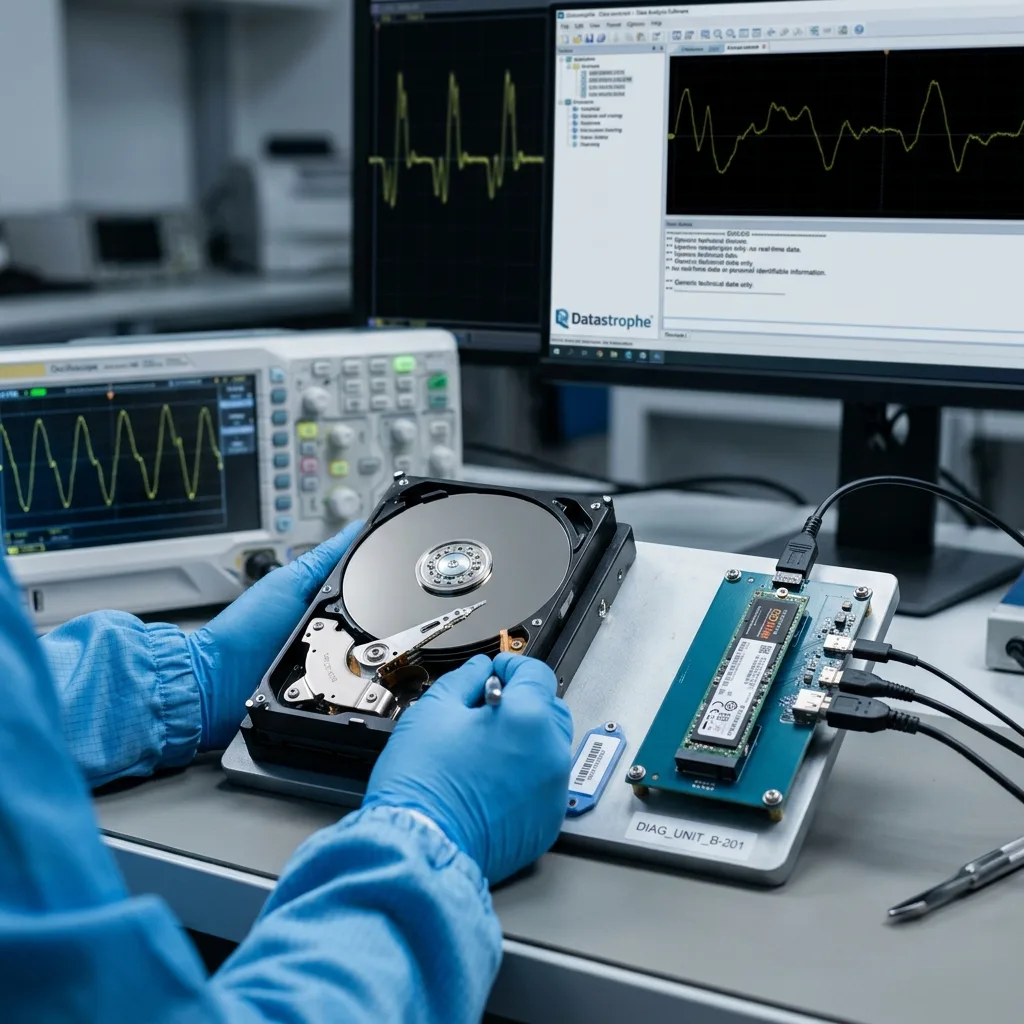
Hard drives combine platters, heads, a motor, electronics, and firmware and may warn through clicks, slow reads, weak sectors, or intermittent detection. Those symptoms call for fewer power-ups and controlled imaging, not long scans.
An SSD has no moving parts, but relies heavily on its controller, flash memory, firmware and wear management. Failure can be sudden: the device is no longer recognized, reports the wrong capacity, loses its volume or shows corruption after a power interruption.
The choice can't be reduced to "SSDs are safer". An SSD tolerates impact better, a hard drive may sometimes allow progressive reading, and both need verified backups. Recovery depends on the actual condition of the device, not its reputation.
Write activity matters as much as the hardware. An SSD used for caches, frequent exports or virtual machines has a different risk profile from a lightly used archive SSD. A hard drive fixed inside a ventilated server faces different risks from an external drive transported every week.
SSD data recovery and hard drive data recovery explain the respective service processes. Comparing them prevents availability, device fragility and recovery prospects from being confused.
Diagnostic evaluation
Compare removable flash with optical media
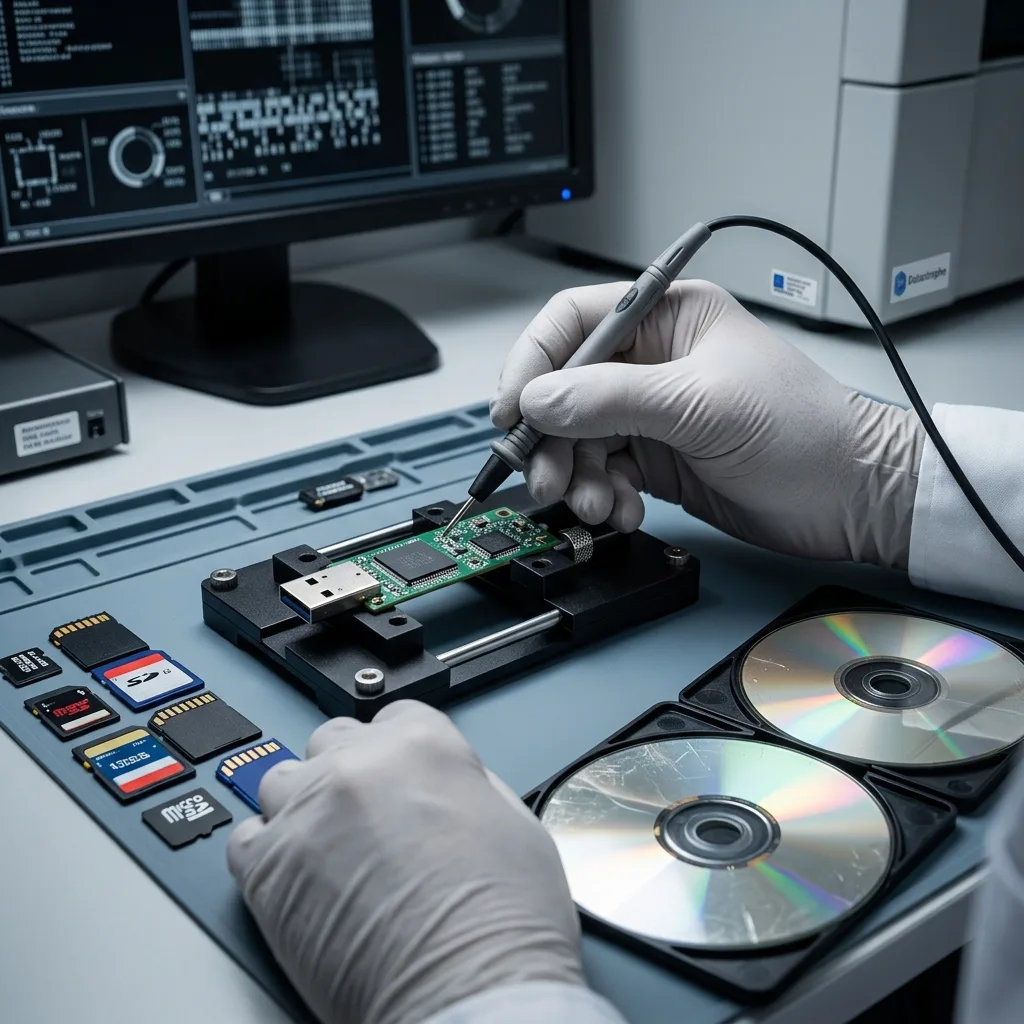
Flash drives and cards hide connectors, solder joints, controllers, and NAND inside small enclosures. Heat, disconnects, or format prompts require a stop, while optical discs depend instead on surface condition and compatible readers.
Memory cards often add the context of a camera, drone, dashcam, GPS device or video camera. The file system, file sequence and interrupted writes may matter as much as the card itself.
Optical media present different limits. CDs, DVDs and Blu-ray discs depend on the reading surface, data layer, recording quality and storage conditions. Improvised cleaning or polishing can worsen localized damage.
Damaged optical media examines this case in detail. The comparison shows that small storage isn't necessarily simple to recover.
Physical size says nothing about complexity. A memory card weighing a few grams can hold critical video, an unstable file system and fragments that are hard to associate. An old DVD may read in one drive but fail in another. The diagnostic evaluation must follow actual behavior, not outward appearance.
Diagnostic evaluation
Map dependencies in RAID, NAS, and virtual storage
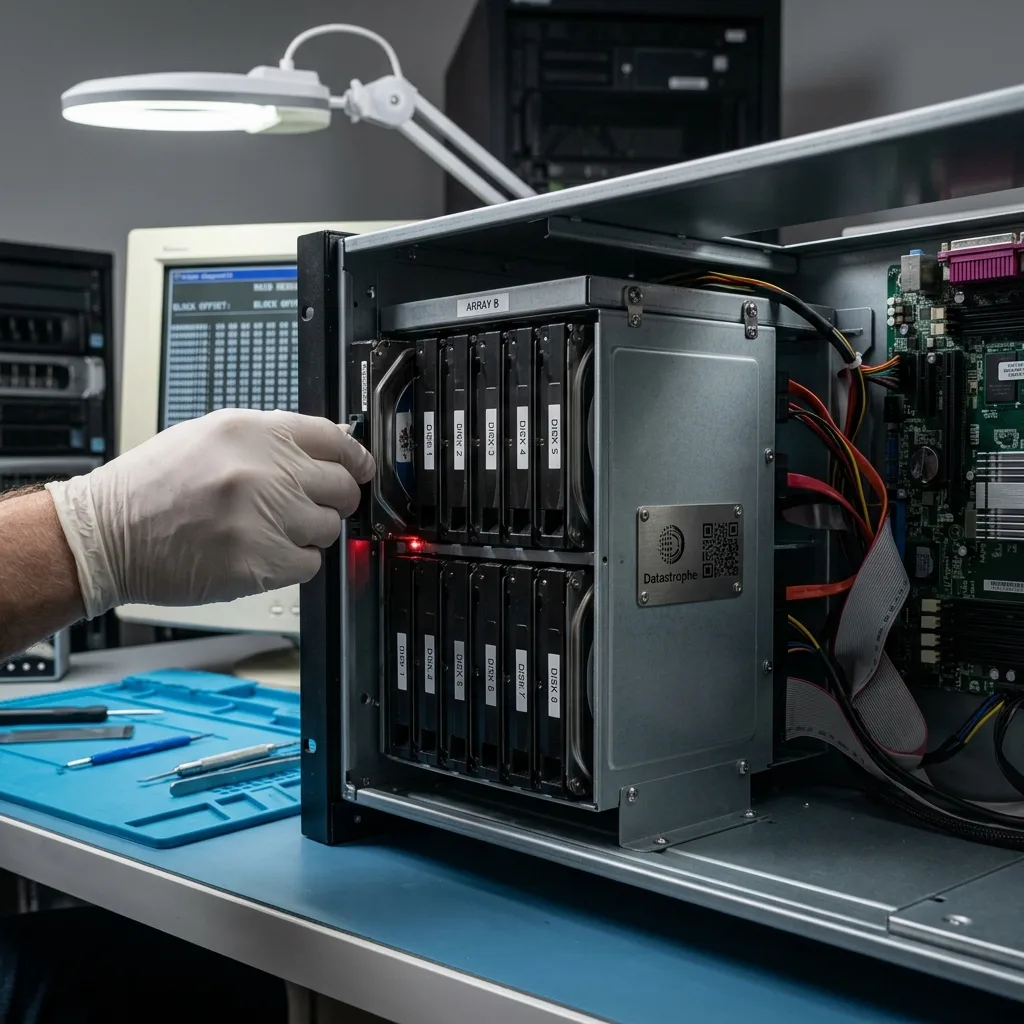
RAID, NAS, and virtual disks rely on member order, geometry, controllers, metadata, file systems, hypervisors, and storage software. A rebuild based on the wrong dependency map may cause more damage than the first fault.
In these environments, evaluation focuses on the architecture. Retain every drive in order, together with logs, configuration details and a record of previous actions. A copy of a single component may not be enough to restore a consistent volume.
Virtual storage adds an application layer. A virtual machine may appear as a file while relying on snapshots, disk chains, shared storage or partial backups. Validation needs to show that the system or application actually opens.
This follows the principle explained in RAID redundancy and its limits. Redundancy improves availability but doesn't remove the need to understand the storage architecture.
Automatic action presents the main risk. Replacing a drive, rebuilding a volume, consolidating a snapshot or restoring a backup can alter the initial state. Document the components and preserve every available item before taking such a step.
Diagnostic evaluation
Give working storage, transport, archives, and backups distinct roles
No device is failure-proof. Use documented, backed-up storage according to its role, and keep working media, transport devices, archives, and independent backups from quietly becoming the same copy.
Consider write frequency, transport conditions, exposure to heat or humidity, data criticality, the ability to test a restore and how easily the device can be preserved after an incident. These criteria matter more than an isolated specification sheet.
Prevention should remain clear: several copies, separate storage devices, tested restores, minimal documentation and an immediate stop to writes when symptoms appear. Once a device becomes suspect, it's no longer a working tool but a source to preserve.
Planning should also cover eventual migration away from the device. An archive needs to remain readable in several years, a backup should restore without the original computer, and specialist storage should be documented for someone other than its installer. Future recoverability often depends on this organization.
Comparing storage by recovery risk prevents two mistakes: assuming modern storage is invulnerable and handling every device in the same way. Datastrophe assesses the real risk for each storage family and individual device.
Diagnostic evaluation
Primary Technical References And Limits
Reference scope — storage device data recovery risks: For compare storage device data recovery risks, the primary references used are NIST SP 800-86. Physical evidence — storage device data recovery risks: They define the relevant preservation, storage or validation concepts, but they cannot establish the exact physical condition, controller state, key availability or business consistency of the device received. Controller evidence — storage device data recovery risks: Those points require measurements on the original set and verification on copies.
Diagnostic evaluation
Request A Controlled Evaluation
Complete set — storage device data recovery risks: For a technical evaluation of compare storage device data recovery risks, provide the complete device or storage set, its associated power and interface parts, the symptom timeline and the priority files. Incident history — storage device data recovery risks: Keep member order, labels and authorized credentials separate from the parcel paperwork; do not restart the source merely to obtain a new screenshot.
Laboratory responsibility — storage device data recovery risks: Datastrophe performs the diagnosis, integrity checks and recovery directly in its own laboratory with its own team. Free assessment — storage device data recovery risks: Diagnosis and the quote are free. Transport boundary — storage device data recovery risks: Private round-trip shipping is included; the carrier moves only the sealed parcel and neither accesses nor processes its data.
Controlled list — storage device data recovery risks: Before any payment, the client receives the proposed price and a checked list. Verification classes — storage device data recovery risks: Each item is classified, in order, as recoverable_verified, partial, detected_unverified or unrecoverable. Payment trigger — storage device data recovery risks: Only recoverable_verified items whose contents were checked and found usable are presented as recoverable. No-result rule — storage device data recovery risks: Payment is due only after the client accepts both the list and the price.
No-result rule — storage device data recovery risks: If no usable data is verified, recovery fails, or the client declines the list or price, no standard fee is payable. Rare-part exception — storage device data recovery risks: The only exception is a rare, costly and non-refundable part, which may be ordered only after a separate, explicit and priced proposal has been accepted.