

Tablet Data Recovery for Failed and Liquid-Damaged Devices
A tablet with no display, liquid exposure, a swollen battery, or a boot loop should not be reset or force-updated. Original board and passcode context may be essential.

Layered diagnosis
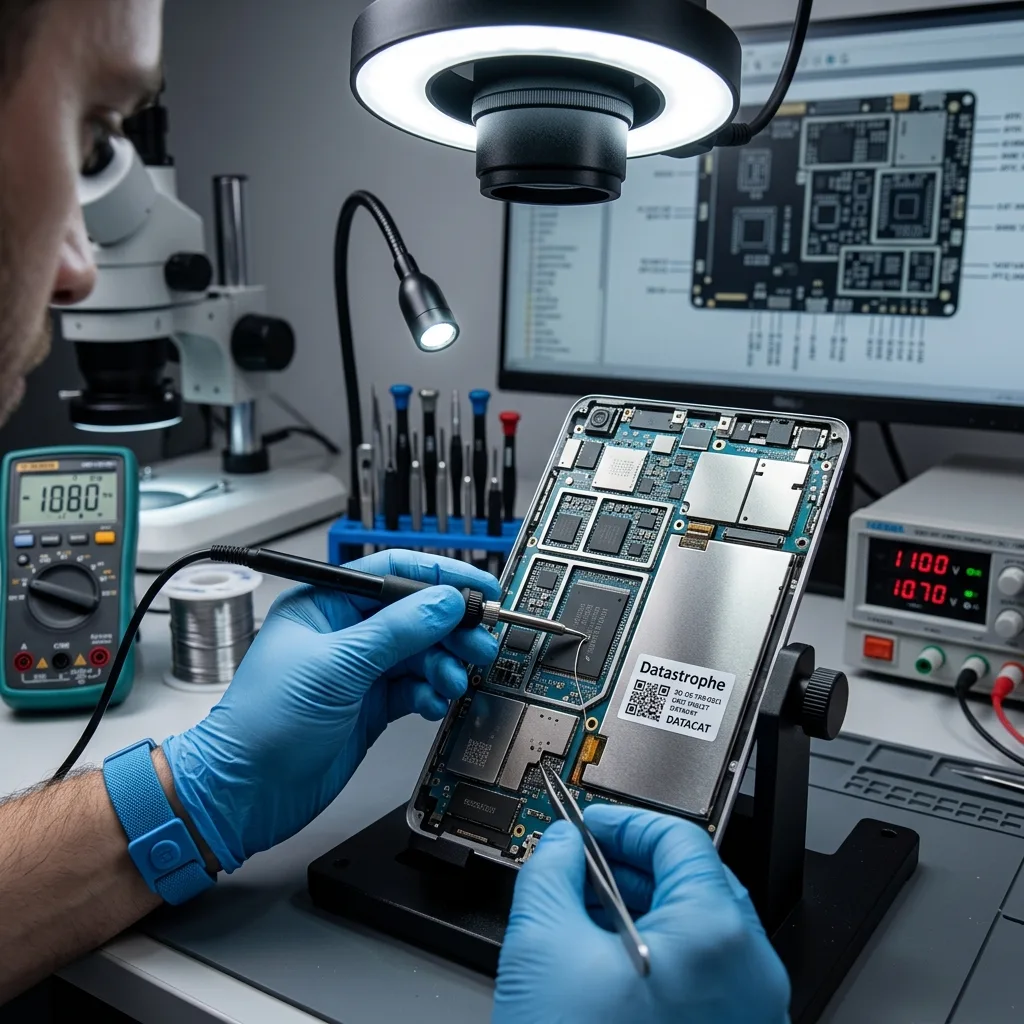
Stabilize the original board after separating display, power, and storage symptoms
A black screen can hide a running device, while charging heat can indicate a short that makes another startup unsafe.
A tablet can remain operational behind a broken display, fail to charge because of a power circuit, or stop because the logic board cannot access flash. The same black screen can represent each of those conditions. Known-computer detection, vibration, sound, external display output, current draw, and thermal behavior are documented.
The assessment records model, indicator behavior, charging history, passcode status, and the incident. That information determines whether non-destructive board stabilization can restore a controlled access path. A temporary screen path may permit authorized export without changing the storage architecture.
The original device usually remains part of the recovery path because storage, controller, and encryption keys are integrated. Removing the flash package does not automatically produce readable files. Board replacement is avoided when the original processor and flash are required to decrypt local content.
- Record every response signal
- Keep the original motherboard
- Stop after abnormal heat
When the screen alone failed
A controlled temporary display or output path can allow passcode entry and export while the original board remains intact.
When power behavior is abnormal
Current draw and heat are measured before charging, because a short can damage paired components needed for data access.
Immediate preservation
Do not reset, force-update, or exhaust passcode attempts
Restore and factory-reset paths are built to return a device to use, not to preserve inaccessible local data.
A factory reset can remove local data and the keys needed to decrypt it. A forced operating-system update writes new structures and may change the state being investigated. A restore can erase user data and the keys that make existing flash pages meaningful.
Repeated passcode attempts can trigger delays, lockout, or configured erasure. Authorized credentials should be preserved without experimenting on the original tablet. A forced update writes partitions and may require free space, changing a device already stuck in recovery mode.
The safest next step depends on whether the device is on, off, wet, damaged, or already locked. Those details are documented before any power or software action. Passcode attempts are limited by delays and optional erase policies, so guesses are never used as diagnosis.
- Do not choose factory reset
- Avoid forced update tests
- Preserve the correct passcode
If recovery mode appears
Record the screen and error code, then stop. The next step depends on model, version, storage state, and available backups.
If the passcode is known
Keep it secure and do not test repeatedly on unstable hardware. Authorized access is planned after the board and display path are stabilized.
Encryption architecture
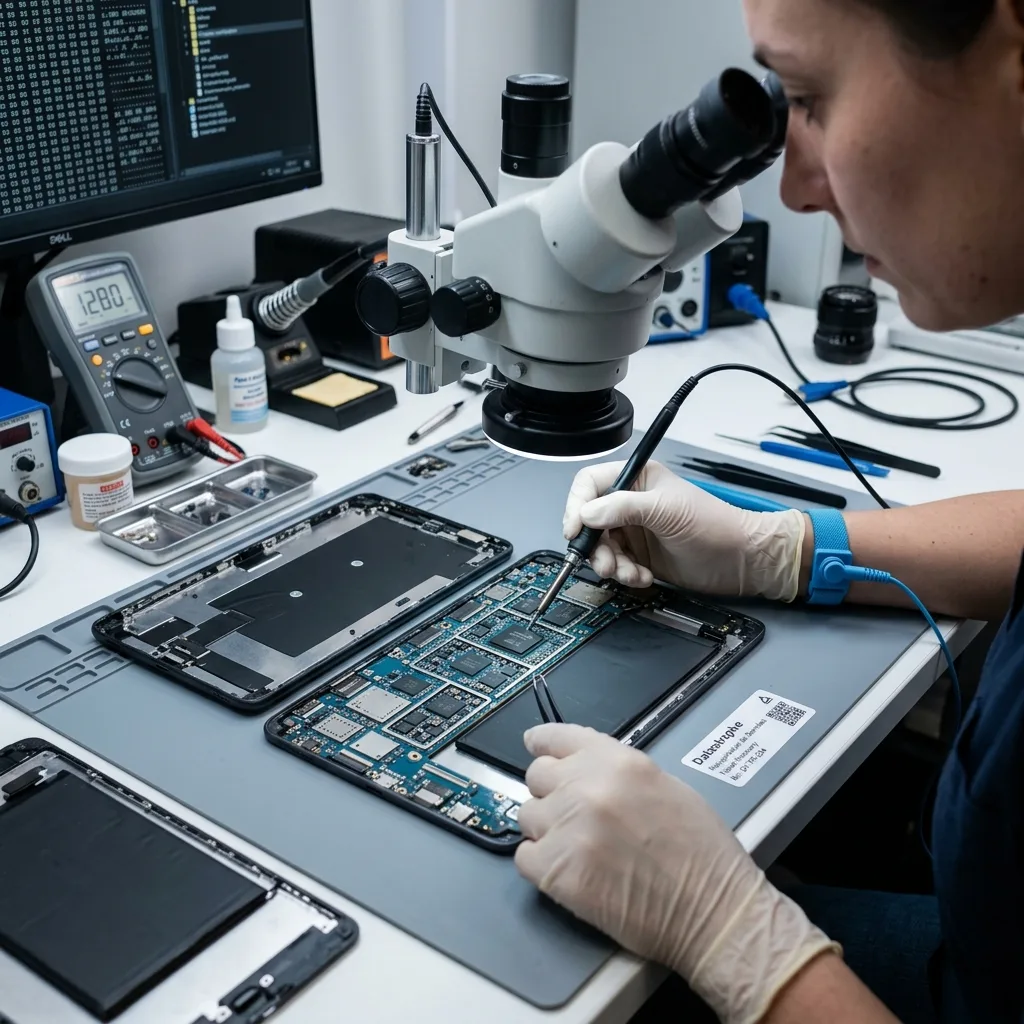
Keep soldered flash, processor, and security hardware together
Modern tablet storage is not a removable disk that becomes readable when the NAND package is detached.
Modern tablet flash is managed by the system-on-chip and protected by hardware-derived keys. Physical access to NAND pages does not bypass that translation and encryption. eMMC, UFS, or NAND can depend on controller translation, device keys, processor state, and a secure component.
Laboratory work focuses on stabilizing the original board long enough for an authorized logical or validated low-level acquisition. Component replacement is limited to preserving the existing key and storage relationship. A physical flash read may yield encrypted pages without the metadata or hardware needed to interpret them.
Unavailable encryption material, destroyed security hardware, or irreparable flash can remain a hard boundary. That limit is stated without implying a universal chip-off solution. The strategy therefore prioritizes stabilization of the original architecture and a decrypted authorized export.
- Preserve all paired components
- Avoid processor or NAND swaps
- Plan access before board work
Translation and file access
Raw pages still require controller mapping, ECC, encryption keys, and a coherent file-system state before documents can exist.
Temporary board repair
Only circuits needed for stable boot, unlock, and export are targeted; unrelated cosmetic functions do not define data-recovery success.
Physical damage
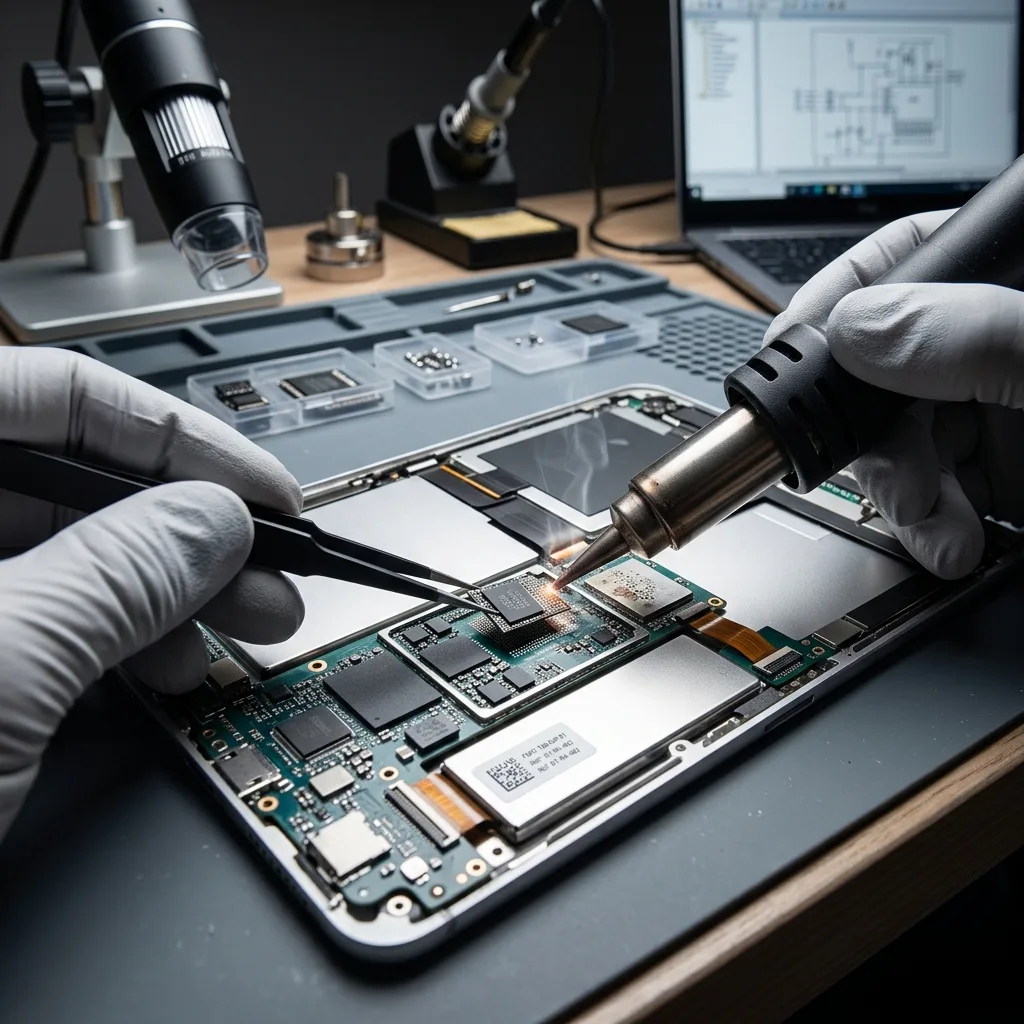
Contain liquid and battery risk before applying power
Moisture and a damaged lithium battery can threaten both safety and the board components that hold the data path.
Charging a wet tablet can energize short circuits and accelerate corrosion. The device should be disconnected and should not be heated or repeatedly powered for testing. Disconnect charging, do not press a swollen case, and do not use heat, rice, or household solvents.
The laboratory examines connectors, power rails, and affected board areas before controlled power is considered. The goal is stable access, not cosmetic repair. Residue can remain conductive under shields and packages after the surface appears dry.
Liquid type, immersion time, previous cleaning, charging attempts, odor, and heat are recorded before controlled inspection. A device that worked for several days after exposure can still fail later as corrosion progresses.
- Stop charging immediately
- Do not compress the battery
- Report liquid and elapsed time
Corrosion beneath shields
Cleaning and measurement focus on preserving processor, flash, and paired security components rather than restoring every tablet feature.
Why repeated charging is risky
Each attempt can feed a short, accelerate corrosion, and damage the same board that is needed to decrypt the storage.
Application data
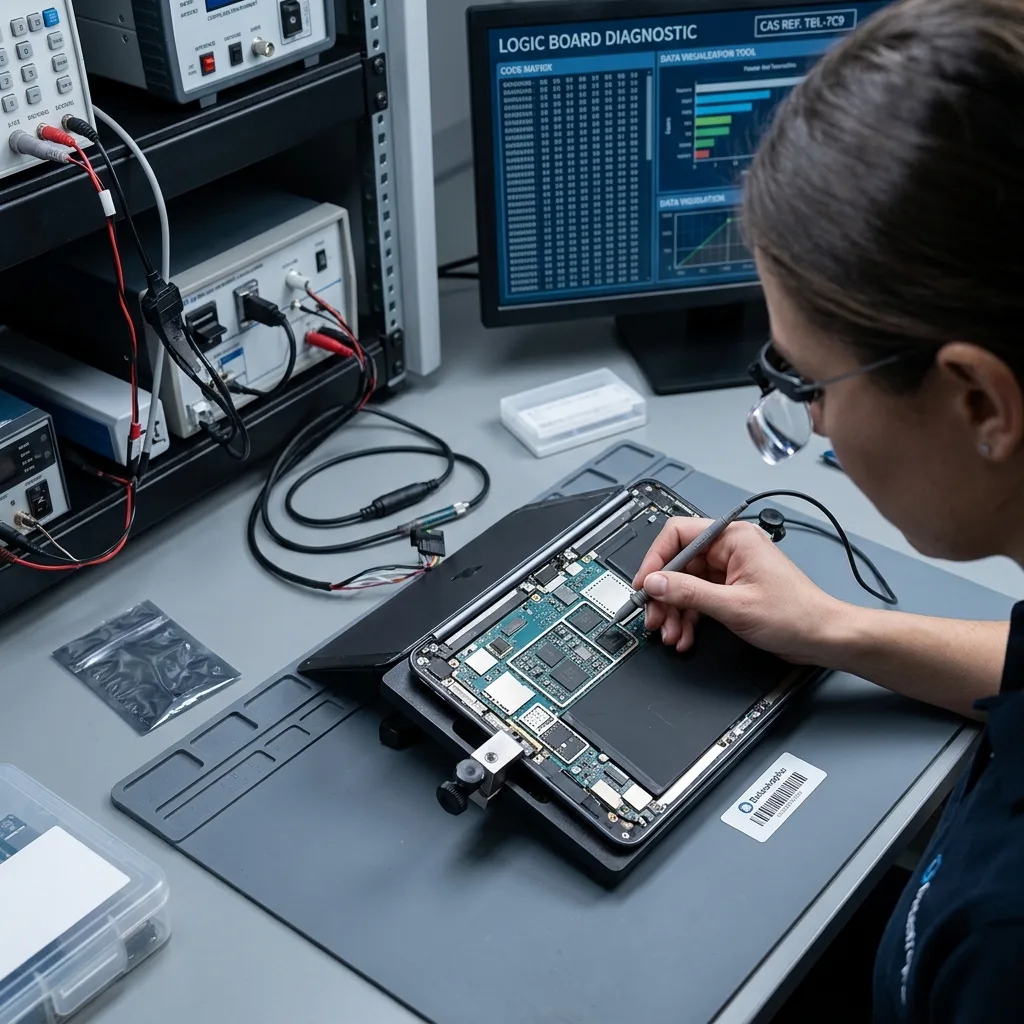
Validate originals inside app containers and local storage
An icon or on-screen preview may represent a local original, cached copy, encrypted container, or cloud-only item.
Photos, notes, documents, messages, and creative work may live in different application containers. A visible app icon or thumbnail does not prove that the local database, attachment, or full-resolution original remains complete.
After authorized acquisition, indexes, databases, media folders, and exportable content are evaluated together. App-specific structure may be required to reconnect records with their attachments. Some apps store content in encrypted sandboxes or on provider servers rather than in exportable device folders.
The requested applications and date ranges guide validation. Representative items are opened or exported so a database file is not counted solely because it exists. Source, timestamp, account, and download state are documented to prevent cache items from being mislabeled as originals.
- Name the priority applications
- Identify local-only content
- Separate cache from originals
Standard file locations
Camera media, downloads, and shared documents may export through standard authorized device channels once the tablet is stable and unlocked.
Application-specific stores
Notes, messaging attachments, drawing projects, and databases may require container-aware review and valid authorization.
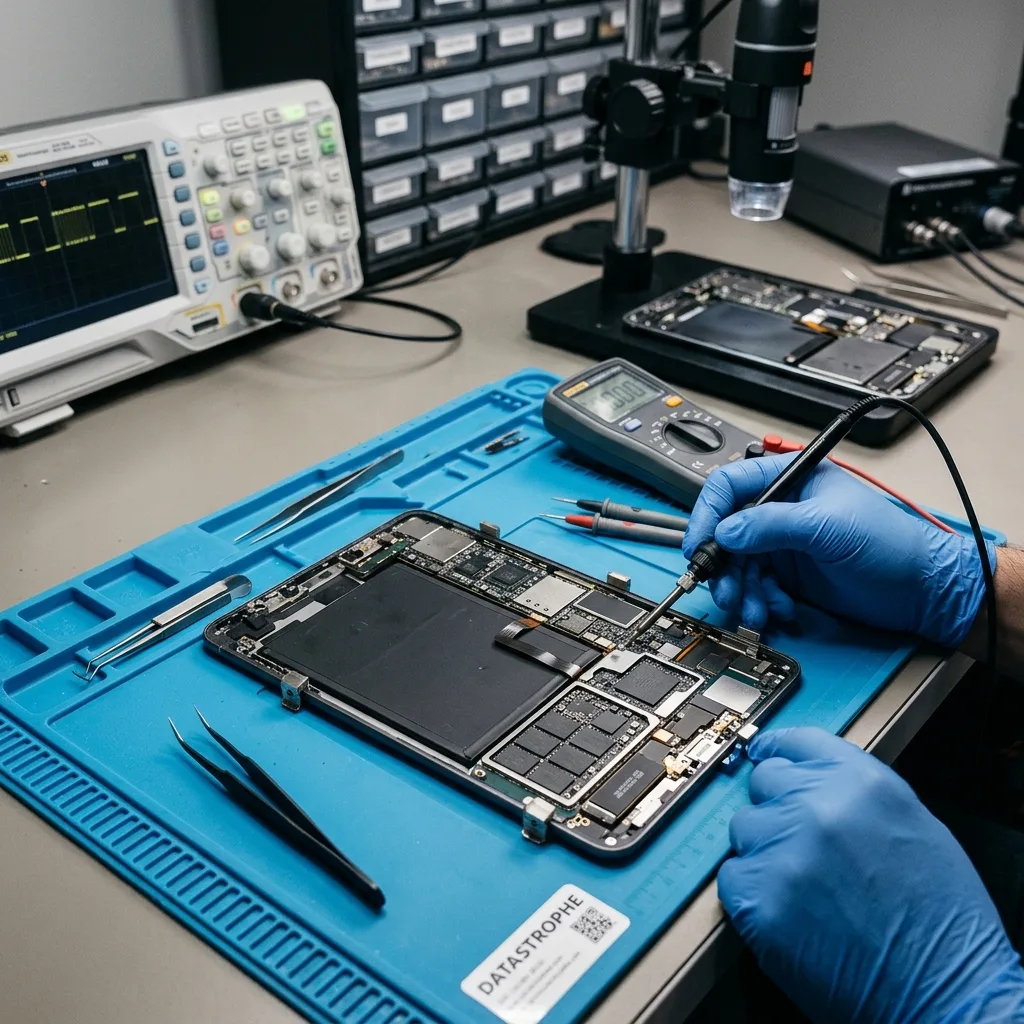
Copy reconciliation
Compare cloud copies and backups without changing the tablet
Another trusted device can reveal what exists remotely while the failed tablet stays powered down.
Cloud services may hold originals, optimized derivatives, placeholders, or deletions already propagated after the incident. The tablet can also contain local drafts or app data that never uploaded.
File size, metadata, account export, and local cache are compared where the owner authorizes it. A thumbnail is labeled as a preview rather than promoted to full-resolution recovery. Computer backups may be encrypted, incomplete, old, or tied to an account and application version.
This comparison prevents duplicate delivery and can reveal which material requires device-level recovery. It does not assume that cloud status is current. Each source is labeled by date and content so remote copies are not mixed silently with local recovery.
- Check cloud data elsewhere
- Preserve encrypted backup passwords
- Do not restore onto source
Cloud copy validation
Resolution, duration, metadata, and download state help distinguish a full original from a preview or optimized derivative.
Computer backup validation
The backup is checked for date, encryption, completeness, and the priority app data before it is treated as an alternative source.
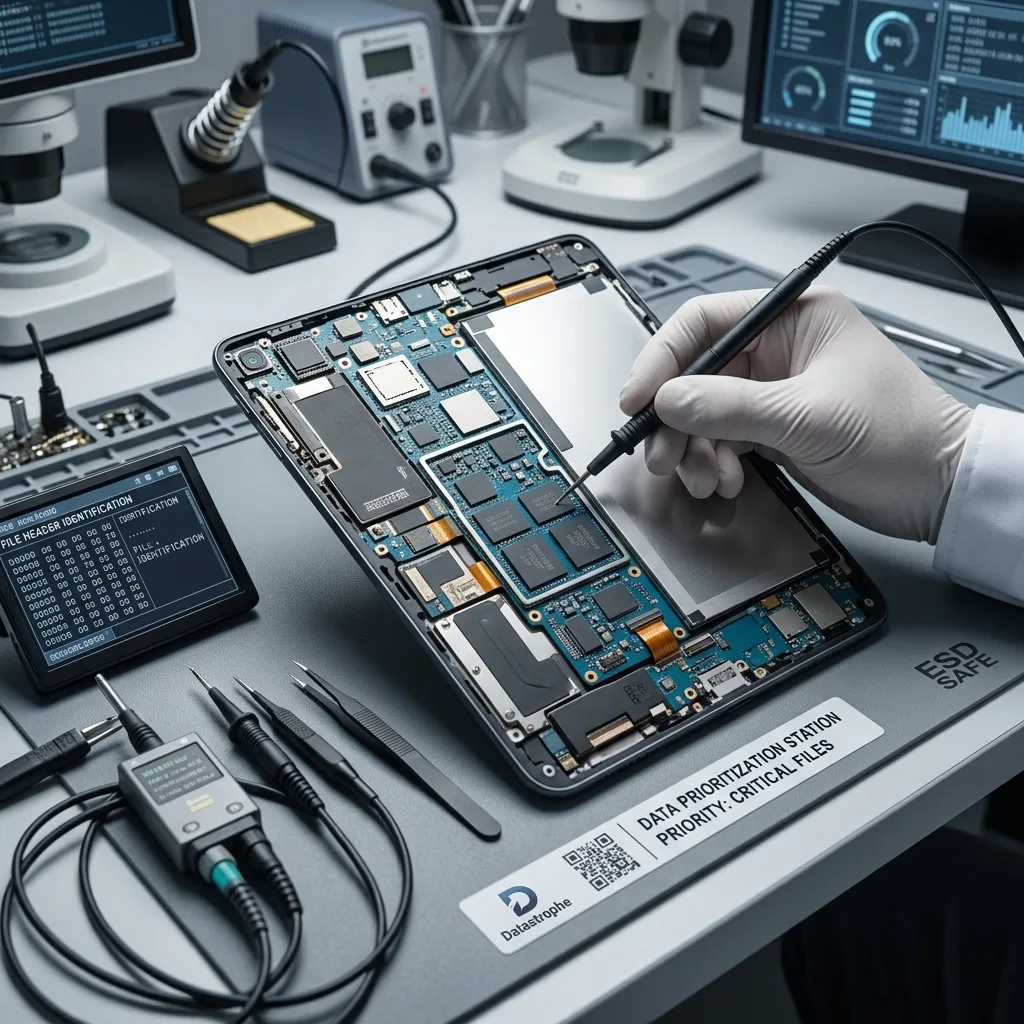
Result and scope
Export authorized files in reusable formats and verify them
Recovery is useful when the requested photos, video, documents, and app data can be opened outside the failed tablet.
Ownership and authorized access are established before passcodes, accounts, or private app data are used. Technical possession of a tablet is not treated as consent to inspect its contents. Photos are decoded at full resolution, video is played across duration, and documents are opened with appropriate software.
The result separates board failure, inaccessible encryption, damaged flash, missing local content, and incomplete synchronization. These causes have different implications and should not be collapsed into a generic failure label. Cache, thumbnails, partial databases, encrypted containers, and untested items remain identified separately.
Recovered material is delivered to separate verified destination storage. The stabilized original device is not represented as a reliable archive, and human review remains limited to the agreed validation purpose.
- Verify ownership or authority
- Open files by native format
- Document partial app data
What successful export means
The item is accessible from verified destination storage with coherent content and enough context to meet the named recovery objective.
What remains device-bound
Some application data may require the original app, account, or tablet environment even after the underlying container is acquired.
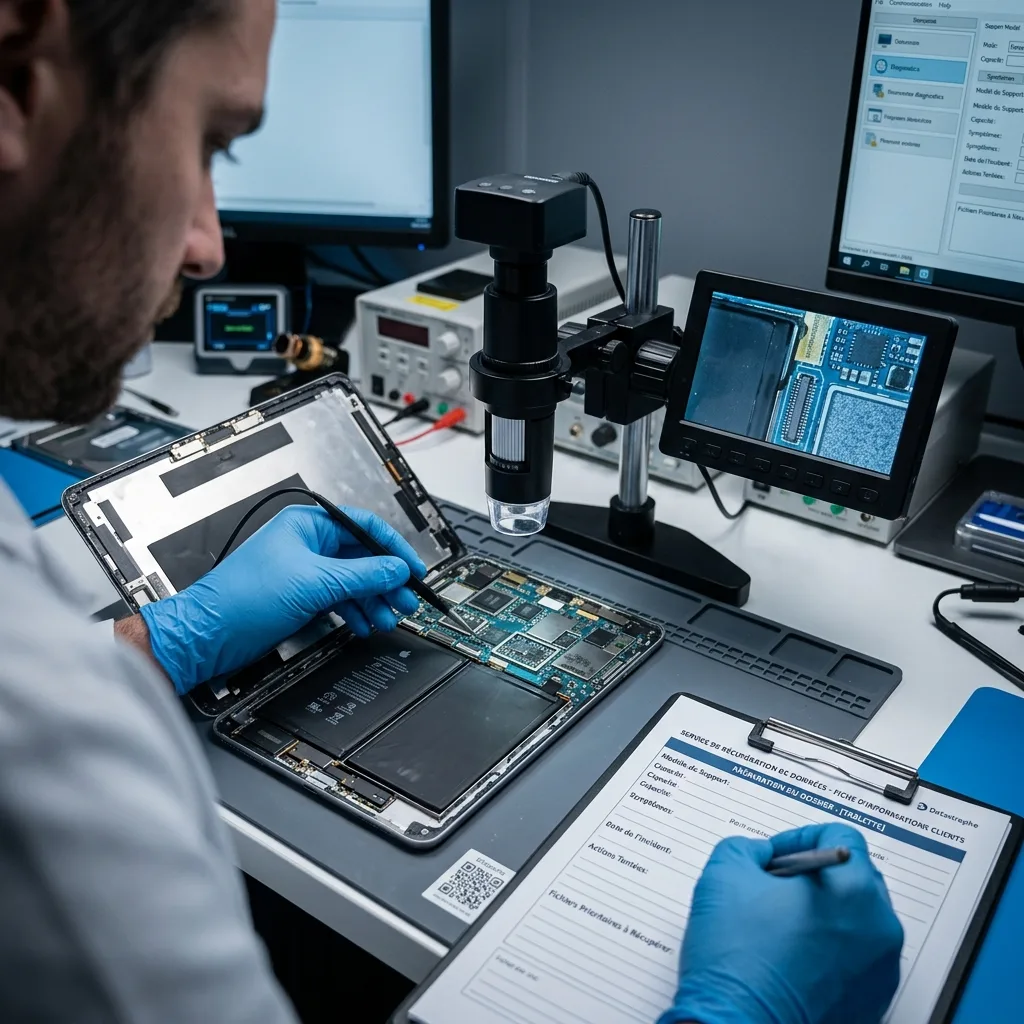
Intake preparation
Prepare the model, known passcode, backups, and priority apps
A useful tablet intake preserves the original board, battery condition, authorization, known credentials, connected media, and the app data that matters.
Record the exact model, operating-system version when known, incident, screen or charging behavior, battery condition, repair history, passcode status, backups, and priority applications. Do not reconnect or charge the tablet solely to collect more details.
A removable microSD card follows memory card recovery and may still depend on adopted-storage encryption from the source tablet. A Windows convertible with removable storage can belong in laptop data recovery.
The data recovery process separates authorization, board stabilization, acquisition, file validation, and destination-media delivery. Use the quote request to confirm the case scope and secure handoff route.
Before shipment, confirm whether the full tablet, charger, removable card, or prior replacement parts are required. Send passcodes and account material through a separate secure channel.
- Keep the complete tablet available
- Label removable media separately
- Send passcodes by secure channel
Preparing shipment
Confirm battery safety before transport. Use rigid cushioning and prevent pressure on a cracked screen or swollen enclosure.
Preparing authorization
Provide ownership or organizational authority and send passcodes only through the agreed secure channel, not inside the package.
FAQ
Frequently asked questions
Should I factory-reset a tablet that will not start?
No. A reset erases user data and encryption keys. Record the error or recovery screen, stop force-update attempts, and preserve the original board and passcode context.
Can data be recovered when the tablet screen is broken?
Possibly. If the original board still runs, a controlled temporary display or authorized output path may allow unlock and export without replacing the storage architecture.
Does removing tablet NAND produce photos and files?
Usually not by itself. Raw pages can depend on controller translation, ECC, hardware-bound keys, the processor, and secure components that remain on the original board.
What should I do after liquid reaches a tablet?
Do not charge or power it on. Avoid heat and pressure, report the liquid and battery condition, and arrange safe handling before corrosion or a short damages paired components.
Can cloud sync replace tablet data recovery?
Sometimes another copy exists, but sync may contain previews, old versions, placeholders, or deletions already propagated. Check remote data from another trusted device without restoring onto the tablet.
Media
Other expertise
- Hard Drive Data Recovery for Failed and Clicking Drives Recover data from clicking, dropped, slow, or unreadable hard drives through measured diagnostics, controlled imaging, and file-level verification.
- External Hard Drive Data Recovery for USB and Mechanical Failures Recover files from dropped, clicking, encrypted, or intermittently disconnecting external drives while preserving the original enclosure and electronics.
- SSD and NVMe Data Recovery for Flash Storage Failures Recover data from undetected, read-only, failed, or logically damaged SATA SSDs and NVMe drives with controller-aware acquisition and clear TRIM limits.
- USB Flash Drive Data Recovery for Connector and NAND Failures Recover data from bent, shorted, undetected, formatted or failed USB flash drives with architecture-specific acquisition and file verification.
- Memory Card Data Recovery for Photos and Video Recover photos, video, and device recordings from unreadable, formatted, damaged, or worn SD, microSD, CF, and CFexpress cards.
- Laptop Data Recovery for Drive, Board, and Startup Failures Recover files from failed Windows laptops, damaged boards, dropped drives, liquid exposure, BitLocker and unbootable systems without writing to the source.
- Apple Mac Data Recovery for APFS and Encrypted Storage Recover Mac files from failed storage, liquid damage, APFS corruption, FileVault, Fusion Drive, T2, and Apple silicon systems without destructive resets.
- VMDK and VHDX Virtual Disk Data Recovery Recover files, databases, and workloads from damaged VMDK, VHDX, QCOW2, snapshots, thin disks, and failed datastores without modifying the source chain.
- RAID, NAS, and Storage Array Data Recovery Recover shares, databases and virtual machines from failed RAID, NAS, SAN, ZFS, Btrfs and storage arrays while preserving member order and parity evidence.
- Business Server Data Recovery for Complex Storage Failures Recover server data from failed RAID, pools, virtual hosts, databases and file services with source-first acquisition and workload validation.
- NVR, DVR, and Security Camera Footage Recovery Recover missing NVR and DVR footage from proprietary indexes, H.264/H.265 streams, circular recording, failed disks and multi-drive recorder arrays.
- ISO 5 Cleanroom Data Recovery for Hard Drive Failures Controlled ISO 5 cleanroom handling for confirmed head, spindle, and contamination failures, followed by immediate sector imaging and file verification.
 Hard Drive Data Recovery for Failed and Clicking Drives
  SSD and NVMe Data Recovery for Flash Storage Failures
  USB Flash Drive Data Recovery for Connector and NAND Failures
  Memory Card Data Recovery for Photos and Video
  Laptop Data Recovery for Drive, Board, and Startup Failures
  VMDK and VHDX Virtual Disk Data Recovery
  RAID, NAS, and Storage Array Data Recovery
  Business Server Data Recovery for Complex Storage Failures
  NVR, DVR, and Security Camera Footage Recovery
  ISO 5 Cleanroom Data Recovery for Hard Drive Failures
 Diagnostic evaluation
Not sure what happened to your storage device?
Datastrophe evaluates the risk before any recovery attempt and points you toward the safest next step.