

Business Server Data Recovery for Complex Storage Failures
Stop writes before restarting, rebuilding, or repairing the server. A traceable recovery maps every layer from physical media to the business application, then reconstructs and validates each layer on protected copies.
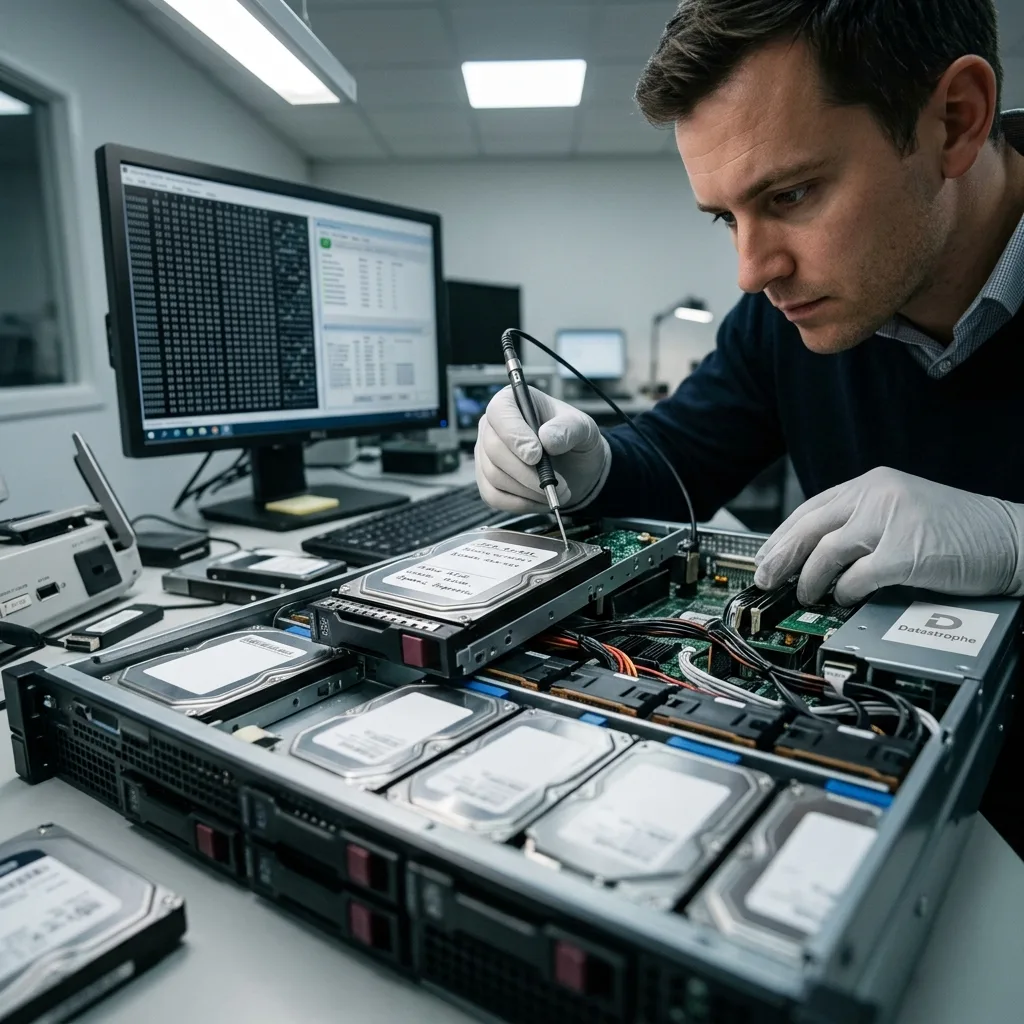
Incident containment
Contain every write path before troubleshooting the server
The first recovery decision is operational: stop the processes that can convert a recoverable outage into permanent overwrite.
A server incident should be contained before anyone reboots, replaces members, or starts a repair utility. Stop applications, virtual machines, backup retries, replication, indexing, database recovery, and controller rebuilds that write to the affected storage. Record the shutdown method, operator, exact time, alerts, and any commands already run.
Preserve controller logs, drive lists, enclosure slot maps, system event logs, hypervisor tasks, backup status, and screenshots of management consoles. Volatile information may disappear after power loss, while a reboot can trigger journal replay, resynchronization, log rotation, or an automatic consistency check that changes the source.
Containment does not mean disconnecting components at random. Some systems require a coordinated shutdown to avoid writes from clustered peers or shared storage. The diagnostic evaluation identifies which services can be queried safely, which hosts must remain isolated, and which media must stay powered down until a controlled acquisition is ready.
- Pause backups, replication, and automatic rebuilds
- Preserve logs and the intervention timeline
- Label every cable, bay, LUN, and member
Clustered and shared storage
Quorum, failover, SAN zoning, and peer nodes can keep writing after one server is stopped. The complete write path must be identified before isolation.
Ransomware or unauthorized access
If compromise is suspected, recovery copies remain separated from production credentials and networks. Incident response and data recovery coordinate, but they answer different questions.

Dependency map
Map hardware, storage, virtualization, and applications together
A database error may originate in a missing RAID member, a damaged LUN, a broken snapshot chain, or the database itself.
Server recovery begins with a dependency graph, not with the most visible error message. Power and enclosure state, drives, HBA or RAID controller, SAN or NAS presentation, storage pool, partitioning, volume manager, encryption, file system, hypervisor, guest disks, and applications are documented as one ordered stack.
The inventory records manufacturer and model, firmware, controller cache policy, disk serial numbers and bay order, logical-sector presentation, volume identifiers, encryption status, virtual disk paths, snapshot relationships, operating-system versions, and application releases. That detail prevents a plausible but incompatible replacement controller or import procedure from changing geometry.
Backups, replicas, snapshots, and exports are included as evidence and tested independently. A green backup job does not prove that the requested transaction, mailbox, share, or date range is usable. Conversely, an older application-consistent copy may be more valuable than a newer block-level replica that captured corruption.
- Diagram physical and logical layers
- Record firmware, geometry, and identifiers
- Verify backups instead of assuming coverage
Physical and presented storage
Direct-attached drives, RAID virtual disks, iSCSI LUNs, Fibre Channel volumes, and appliance exports are distinguished so controller translation is not mistaken for raw media.
Workload and application state
Virtual machines, databases, mail stores, identity services, file shares, and configuration repositories are mapped to the exact volumes and logs they require.

Source acquisition
Acquire server media before assembling volumes or importing pools
Reconstruction should consume protected images or controlled snapshots, while original members retain their identity and current condition.
Each source member is acquired before speculative assembly or repair. Physical drives, presented LUNs, virtual-disk files, and storage snapshots receive stable identifiers, read-error maps, acquisition logs, and hashes where the access path supports them. The plan adapts to healthy media, unstable sectors, controller translation, and limited maintenance windows.
A weak drive is not forced through endless linear reads simply to complete a nominal image. Read strategy can prioritize metadata and business-critical regions, control retries, and revisit difficult areas only when the expected value justifies added stress. A mechanically unstable hard drive may require specialized handling before imaging rather than repeated power cycles in the server.
When the only available access is through an appliance or controller, the record states exactly what that layer exposes. A logical export is not described as a raw member image, and a storage snapshot is not assumed complete until its dependency chain and consistency point have been confirmed.
- Image each member under a stable identifier
- Map unreadable ranges and acquisition choices
- Keep originals outside reconstruction
Unstable physical media
Acquisition may target critical metadata and known workload extents first, reducing unnecessary reads while preserving a transparent record of unreadable areas.
SAN, NAS, and appliance exports
Logical access can be useful, but hidden mapping, deduplication, snapshots, and controller behavior must remain part of the interpretation and limitations.
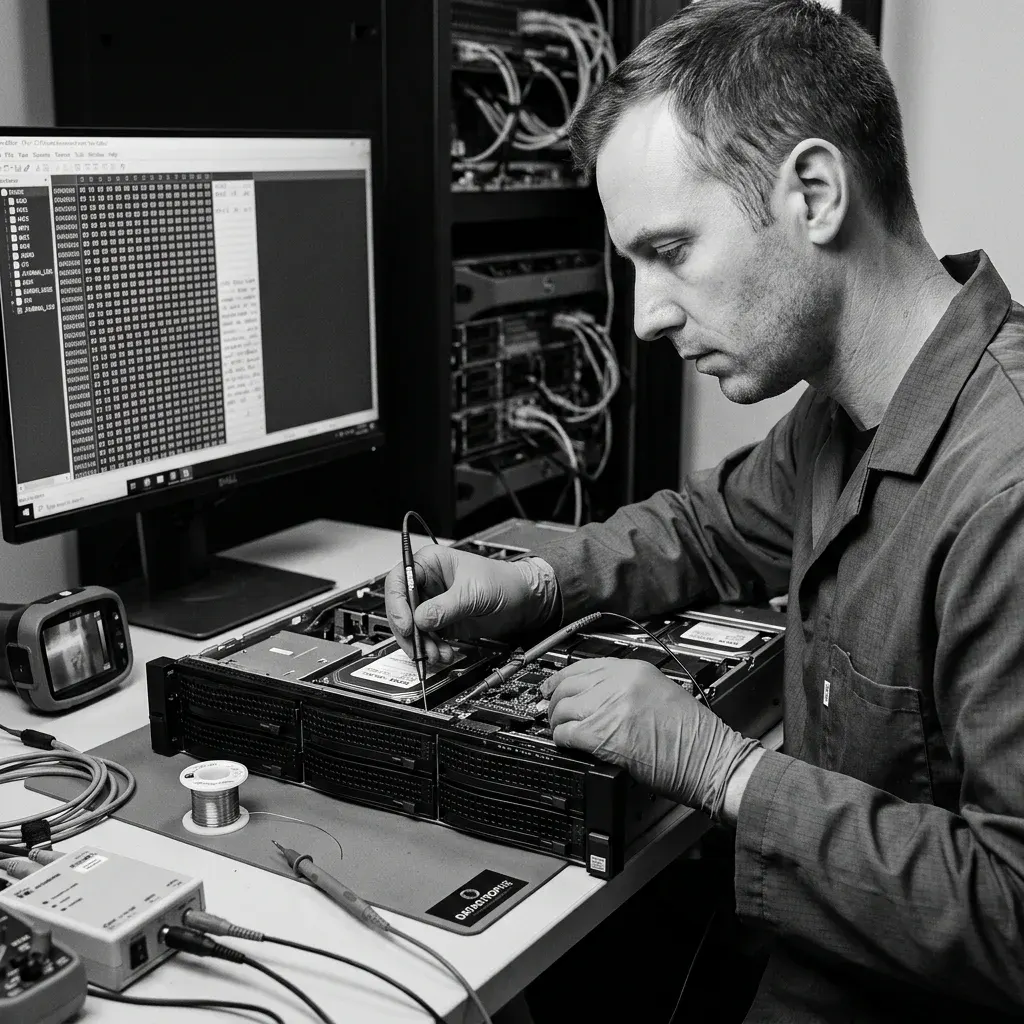
Virtual server storage
Preserve datastores and snapshot chains before reconstructing guests
A virtual machine depends on its datastore, descriptor files, extents, parent disks, deltas, and host configuration remaining in one documented chain.
Do not consolidate snapshots, import a damaged datastore, or boot a guest from the only surviving chain. Those actions can merge incompatible generations, allocate new blocks, or replay journals before the parent-child relationships have been proven.
Descriptors, extents, snapshot identifiers, sparse allocation, host inventory, datastore metadata, and underlying array state are preserved together. Each virtual disk is reconstructed on copies before its partitions or guest file systems are opened.
A guest that mounts is tested across changed regions and priority application data. Missing extents, contradictory parents, and unreadable datastore ranges remain visible instead of being filled with assumed zeros.
- Freeze snapshot and consolidation jobs
- Keep descriptors with every extent and delta
- Test guest disks only on isolated copies
VMware and Hyper-V chains
VMDK, VHDX, AVHDX, descriptors, extents, parent identifiers, and changed-block metadata must agree before guest reconstruction.
Datastore-level loss
When allocated blocks are missing from RAID, SAN, NAS, or a host file system, recovery begins below the guest rather than hiding gaps inside a converted virtual disk.

Application validation
Validate databases, mail, and identity as structured systems
Application files are useful only when their logs, control data, indexes, keys, and transaction state belong together.
A database cannot be validated by file presence or file size alone. Data files, transaction logs, control files, checkpoints, tablespaces, configuration, and encryption material are evaluated as a set. Where the recovered structure permits, page checks, log-sequence analysis, controlled attachment, or a logical export is performed on a recovery copy.
Mail systems and directory services have comparable dependencies: databases, logs, indexes, certificates, configuration, and identity relationships may all be required. Tests occur in an isolated environment with compatible software, without connecting a recovered service to production networks or letting it modify the only reconstructed copy.
Results distinguish an application-consistent recovery, a repaired or exported subset, raw files that require further work, and structures that remain unavailable. If only certain tables, mailboxes, users, or date ranges are coherent, the report and delivery preserve that boundary instead of describing the entire service as recovered.
- Keep data, logs, keys, and control files together
- Use application-aware checks on copies
- Report partial scope at the object level
Database workloads
SQL Server, PostgreSQL, MySQL, Oracle, and other engines require version-aware methods and consistent log relationships; one generic repair sequence does not fit every engine.
Mail and identity workloads
Message stores, directory databases, certificates, and indexes are checked with their dependencies while production authentication and outbound communication remain disabled.
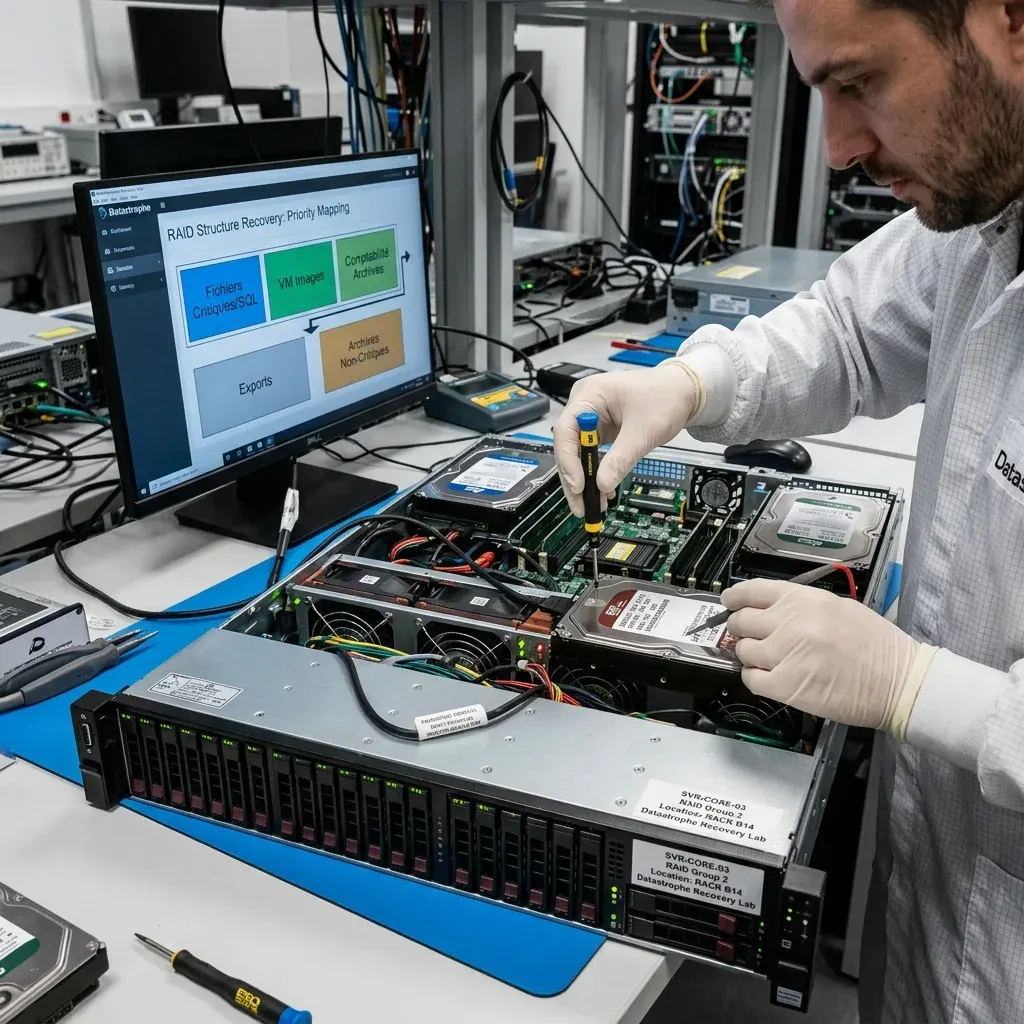
Business priorities
Recover workloads in the order that restores useful operations
Recovery order should reflect business dependencies and acceptable data loss, not simply file size or the order volumes appear.
Authorized owners define the shares, databases, virtual machines, and configuration records that enable the most important operations. The plan identifies the minimum useful recovery point, required date ranges, critical users or departments, and dependencies that must be restored before a priority workload can function.
Identity, DNS, certificates, license data, or configuration may be needed before a database or file share can be used. Those enabling components are included in the priority map even when they contain fewer bytes. Multiple U.S. time zones are normalized when incident, application, backup, and storage events are compared.
Progress is reported as validated deliverables: a coherent database export, an accessible share with permissions, a verified virtual machine, or an identified set of configuration files. Raw byte totals remain useful for transfer planning but do not replace evidence that recovered content meets the operational request.
- Define the minimum useful recovery point
- Map workload dependencies and owners
- Measure validated deliverables, not raw bytes
Recovery-point decisions
A slightly older but application-consistent state may be more useful than a newer volume containing incomplete transactions or mixed snapshot generations.
Parallel workstreams
Independent volumes or applications can be assessed in parallel when doing so does not create competing writes or obscure a shared root cause.

Controlled handoff
Deliver verified data separately from production restoration
Recovery establishes what data is usable; production restoration must also address security, reliability, configuration, and the original failure.
Recovered data is delivered to healthy, separate storage with its scope, checks, and known limitations documented. Folder inventories, checksums where appropriate, application exports, sample validation, and unreadable-file lists help authorized owners confirm the result without relying on the failed server as a test environment.
Returning services to production is a separate engineering phase. It may require new hardware, patched operating systems, clean credentials, network segmentation, application configuration, licensing, monitoring, backup redesign, and root-cause remediation. A recovered copy is not automatically a safe or supportable production image.
The handoff distinguishes recovered source data, transformed exports, repaired derivatives, and newly configured systems. Missing RAID stripes, overwritten transactions, inaccessible encryption, corrupt application structures, and files intersecting unreadable sectors remain attached to the relevant layer and are not hidden behind a single percentage.
- Deliver to known-good independent storage
- Separate source, repair, and export copies
- Document limits by workload and layer
Owner acceptance
Named representatives review priority folders, records, transactions, and date ranges against agreed criteria before the recovery phase is closed.
Secure rebuilding
Infrastructure teams rebuild services on maintained, compatible platforms and import validated data while preserving the recovery copy as a stable reference.

Intake preparation
Prepare topology, logs, backups, and recovery objectives
A complete server intake identifies the first damaged layer, every dependency, and the workloads that define a useful recovery point.
Provide a topology showing hosts, controllers, enclosures, bays, LUNs, pools, datastores, virtual machines, databases, and business services. Include firmware versions, serial numbers, configuration exports, alerts, screenshots, commands already run, and the exact incident timeline.
A degraded or incorrectly rebuilt array requires RAID and NAS data recovery, while broken VMDK, VHDX, AVHDX, QCOW2, or snapshot relationships use virtual disk data recovery. Keep every dependency and identifier with the intake record.
A clicking or unstable member may need hard drive data recovery, while flash-based members can require SSD data recovery. Record backup and replication status, retention dates, encryption material, and the oldest acceptable application state before acquisition begins.
The data recovery process connects source protection, diagnosis, reconstruction, verification, and handoff. Confirm the secure route before transferring images or shipping labeled media.
- Diagram every storage and application dependency
- Preserve logs, backups, and configuration exports
- Define workload priorities and recovery points
Recovery objectives
Name the critical services, required transaction or mailbox dates, acceptable restore points, and dependencies needed to make each workload useful.
Secure transfer or shipment
Agree on encrypted transfer for logical sources or tracked antistatic shipment for labeled physical media; send credentials through a separate secure channel.
FAQ
Frequently asked questions
What should we do first after a business server stops working?
Stop applications and every automated write path, including backup retries, replication, rebuilds, and repair jobs. Preserve logs, screenshots, drive and bay information, configuration exports, and a precise intervention timeline before rebooting or replacing components.
Can a server be recovered without repairing the original system?
Yes. Source storage is normally acquired first, then RAID, volumes, file systems, virtual disks, and applications are reconstructed on protected copies. This avoids using the failed server as both evidence and repair environment.
How do you validate a recovered server database?
Validation considers data files, transaction logs, control files, checkpoints, configuration, and keys together. Depending on the engine and condition, checks can include page analysis, log-sequence review, controlled attachment, representative queries, or a logical export on an isolated copy.
Do you recover the full server or the most important workloads first?
Authorized owners define the minimum useful recovery point and priority workloads. Dependencies such as identity, configuration, certificates, or logs are included, and progress is measured by validated deliverables rather than only total bytes copied.
Does data recovery include putting the server back into production?
Production restoration is a separate phase. Recovered data can be delivered and validated, while a secure return to service may also require new hardware, patches, clean credentials, network controls, application configuration, backups, and root-cause remediation.
Media
Other expertise
- Hard Drive Data Recovery for Failed and Clicking Drives Recover data from clicking, dropped, slow, or unreadable hard drives through measured diagnostics, controlled imaging, and file-level verification.
- External Hard Drive Data Recovery for USB and Mechanical Failures Recover files from dropped, clicking, encrypted, or intermittently disconnecting external drives while preserving the original enclosure and electronics.
- SSD and NVMe Data Recovery for Flash Storage Failures Recover data from undetected, read-only, failed, or logically damaged SATA SSDs and NVMe drives with controller-aware acquisition and clear TRIM limits.
- USB Flash Drive Data Recovery for Connector and NAND Failures Recover data from bent, shorted, undetected, formatted or failed USB flash drives with architecture-specific acquisition and file verification.
- Memory Card Data Recovery for Photos and Video Recover photos, video, and device recordings from unreadable, formatted, damaged, or worn SD, microSD, CF, and CFexpress cards.
- Laptop Data Recovery for Drive, Board, and Startup Failures Recover files from failed Windows laptops, damaged boards, dropped drives, liquid exposure, BitLocker and unbootable systems without writing to the source.
- Apple Mac Data Recovery for APFS and Encrypted Storage Recover Mac files from failed storage, liquid damage, APFS corruption, FileVault, Fusion Drive, T2, and Apple silicon systems without destructive resets.
- Tablet Data Recovery for Failed and Liquid-Damaged Devices Recover files from failed, locked, liquid-damaged or unbootable tablets while preserving soldered storage, paired hardware and encryption context.
- VMDK and VHDX Virtual Disk Data Recovery Recover files, databases, and workloads from damaged VMDK, VHDX, QCOW2, snapshots, thin disks, and failed datastores without modifying the source chain.
- RAID, NAS, and Storage Array Data Recovery Recover shares, databases and virtual machines from failed RAID, NAS, SAN, ZFS, Btrfs and storage arrays while preserving member order and parity evidence.
- NVR, DVR, and Security Camera Footage Recovery Recover missing NVR and DVR footage from proprietary indexes, H.264/H.265 streams, circular recording, failed disks and multi-drive recorder arrays.
- ISO 5 Cleanroom Data Recovery for Hard Drive Failures Controlled ISO 5 cleanroom handling for confirmed head, spindle, and contamination failures, followed by immediate sector imaging and file verification.
 Hard Drive Data Recovery for Failed and Clicking Drives
  SSD and NVMe Data Recovery for Flash Storage Failures
  USB Flash Drive Data Recovery for Connector and NAND Failures
  Memory Card Data Recovery for Photos and Video
  Laptop Data Recovery for Drive, Board, and Startup Failures
  Tablet Data Recovery for Failed and Liquid-Damaged Devices
  VMDK and VHDX Virtual Disk Data Recovery
  RAID, NAS, and Storage Array Data Recovery
  NVR, DVR, and Security Camera Footage Recovery
  ISO 5 Cleanroom Data Recovery for Hard Drive Failures
 Diagnostic evaluation
Not sure what happened to your storage device?
Datastrophe evaluates the risk before any recovery attempt and points you toward the safest next step.