

Apple Mac Data Recovery for APFS and Encrypted Storage
A Mac that shows a question mark, recovery screen, boot loop, or no power should not be erased or reinstalled. The model generation determines how storage and encryption can be preserved.
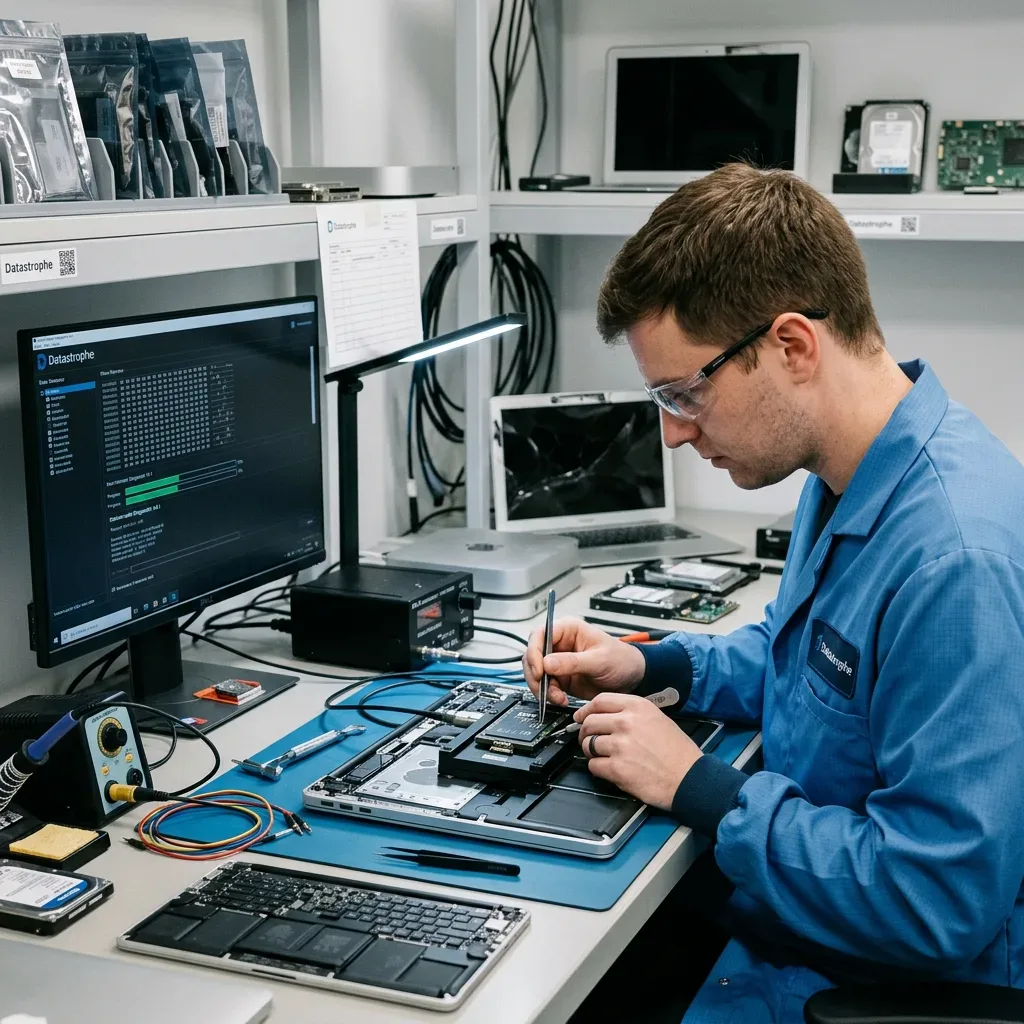
Architecture
Identify the Mac generation and stabilize the original board
Model identifier, year, board condition, and liquid history determine whether storage is removable, soldered, paired, or integrated with security hardware.
An Intel iMac with a hard drive, an older Fusion Drive, a T2 MacBook, and an Apple silicon system do not expose storage in the same way. Model number and year establish whether storage is removable, combined, or integrated. Older systems may contain a 2.5-inch drive, blade SSD, or Fusion Drive; newer systems can integrate NAND with the logic board.
Startup behavior adds a second layer of evidence. A folder icon, repeated recovery boot, power failure, liquid exposure, and a Mac that is not detected over an external connection lead to different diagnostic questions. T2 and Apple silicon link storage access to original security components and authorized credentials.
The original Mac and its power components remain with the case when encryption or soldered storage may depend on them. Removing a module is not assumed to remove the security architecture. The complete model, board behavior, prior repairs, and last successful startup are recorded before parts are exchanged.
- Record the model identifier
- Isolate power after liquid exposure
- Keep the original logic board and Touch ID components
Removable-storage generations
The media can often be acquired separately, but FileVault and file-system condition still control whether the image becomes usable files.
Integrated-storage generations
Board stabilization may be the only route because chip removal does not recreate the processor, keys, translation, or paired components.
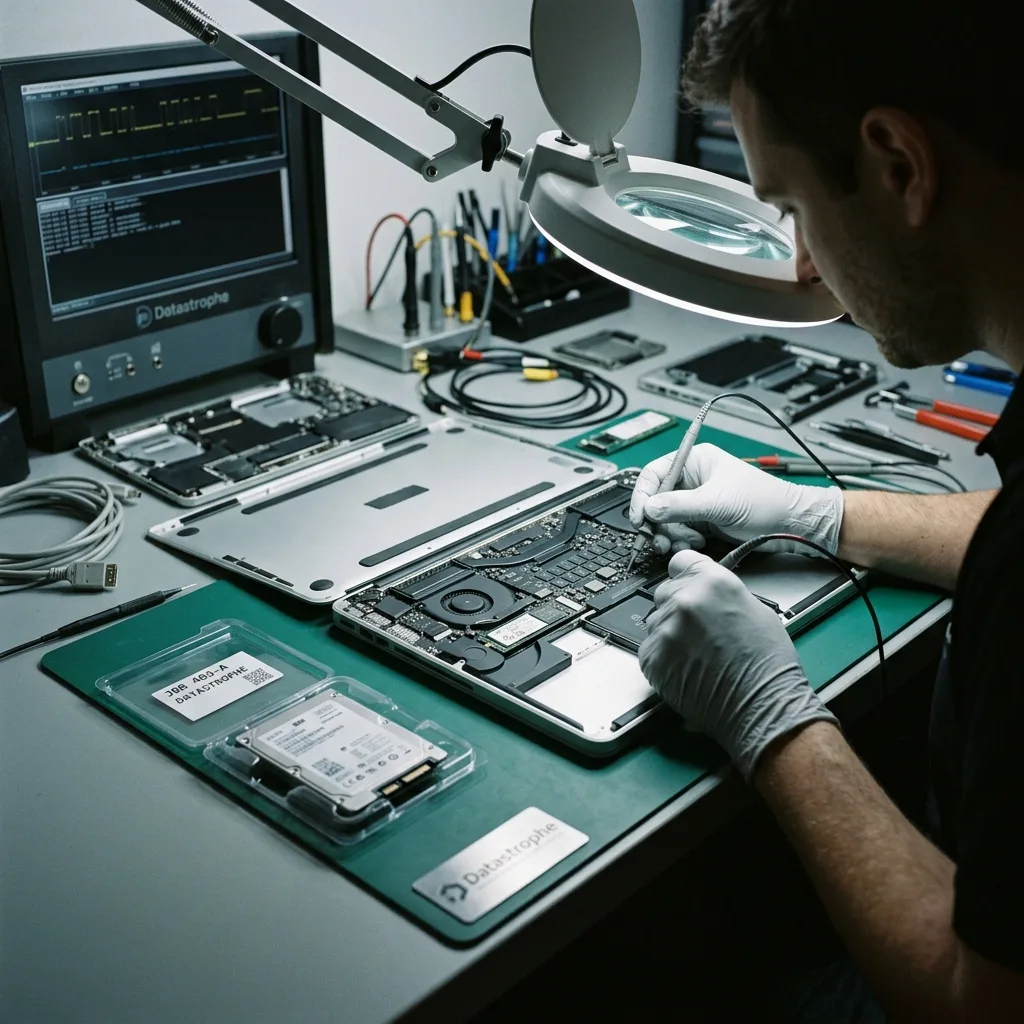
Immediate preservation
Avoid reinstall, erase, and destructive recovery options
Recovery tools designed to restore a bootable Mac can rewrite volumes or erase the only local copy.
Internet Recovery is designed to repair or reinstall a system, not to preserve an uncertain data state. It can write metadata and new operating-system files to the same APFS container that requires analysis. Do not erase from Find My, reinstall macOS, reset security settings, or run broad First Aid on the source.
Disk Utility repair, erase, and repeated upgrade attempts are also postponed. A procedure that makes the Mac boot can still replace older file-system evidence or user data. Photograph the icon or error, record the last update and good login, then shut down if the Mac loops or overheats.
The source is documented before intervention, including FileVault status, account access, and any messages already displayed. Reconstruction then proceeds from the least destructive readable path. A DFU Revive and a DFU Restore are not interchangeable; neither is used casually as a data test.
- Do not erase from Find My
- Avoid macOS reinstall
- Distinguish Revive from Restore
When First Aid is risky
File-system repair changes structures to make a volume mount, so it belongs on a controlled copy after acquisition whenever possible.
When board power is unstable
Repeated charger and power-button tests can extend corrosion or short damage into soldered storage and security components.
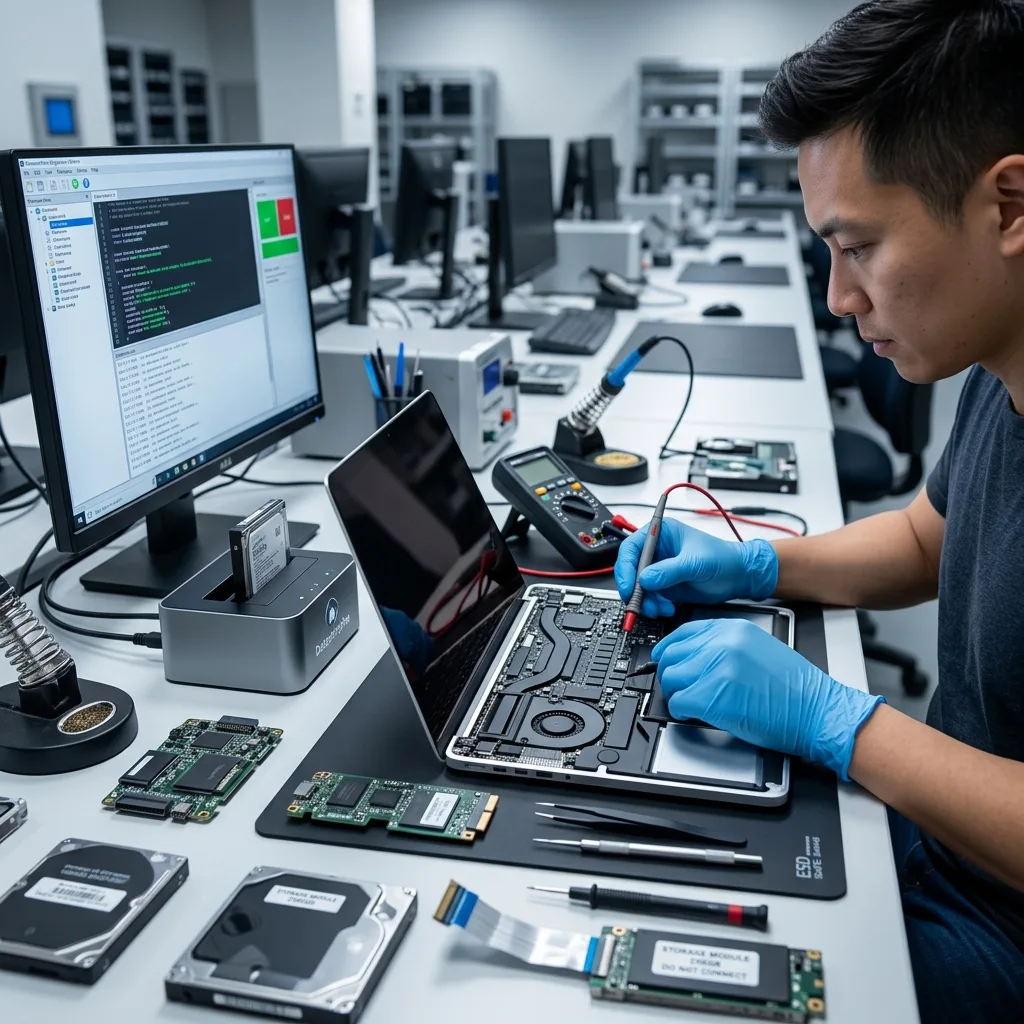
APFS analysis
Reconstruct APFS containers, volume groups, and snapshots coherently
APFS stores current state through checkpoints, trees, clones, snapshots, and paired System and Data volumes.
APFS stores space-sharing volumes, checkpoints, object maps, and snapshots inside a container. One damaged object can affect several logical volumes without making every block unreadable. A visible volume or file tree can reference missing blocks, stale generations, or an incomplete volume group.
Container superblocks, object maps, historical checkpoints, snapshots, encryption metadata, and allocation structures are compared on copies. The goal is a coherent System and Data volume relationship, not a directory assembled from unrelated APFS states.
Snapshots may provide earlier metadata, but they do not guarantee that every referenced data block still exists. Any version selected for recovery is validated against actual file content. Recovered paths remain tied to the checkpoint and volume context that produced them.
- Compare multiple APFS checkpoints
- Preserve volume-group relationships
- Validate referenced extents
Checkpoint selection
Generations are evaluated against the incident timeline and object consistency instead of choosing the highest transaction number automatically.
Clone and sparse-file behavior
Shared extents and clones can make two files depend on the same blocks; reconstruction preserves those relationships before export.
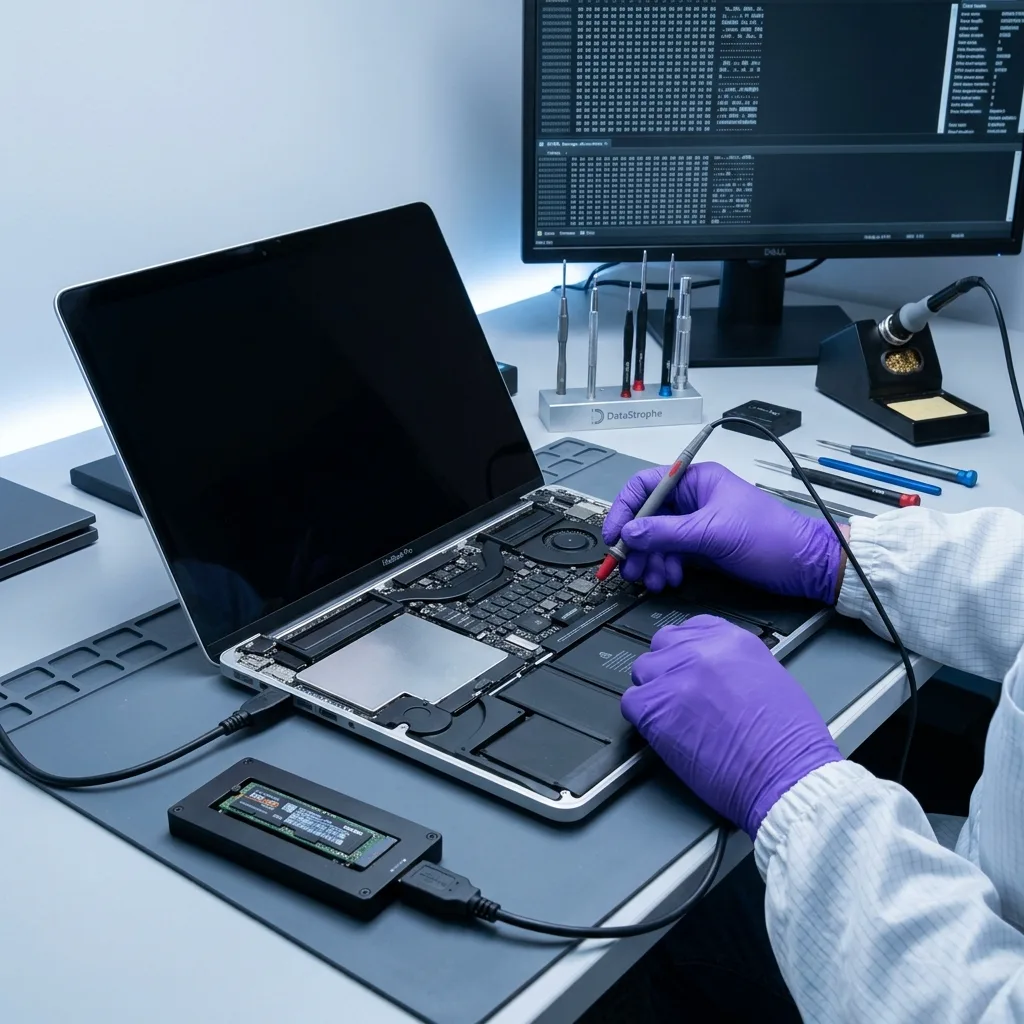
Encryption
Plan FileVault access around authorized keys and original hardware
FileVault can require a user password, recovery key, institutional material, and security hardware that still belongs to the source Mac.
FileVault can make readable storage blocks meaningless without valid credentials. On T2 and Apple silicon systems, encryption and keys may also be tied to the original hardware. The user account, recovery key, MDM or institutional context, and original board are documented before resets.
Passwords, recovery keys, and authorized account information are incorporated after the source has been stabilized. Data recovery does not bypass Secure Enclave or turn physical access into authorization. T2 and Apple silicon add device-level protection beneath the FileVault volume and can make paired components essential.
The report distinguishes media-access failure from missing credentials or a hardware-bound key path. That separation explains why a technically readable device may still not yield decrypted files. Unlock attempts occur on controlled copies or stabilized original hardware without bypassing access controls.
- Locate recovery keys early
- Do not reset security hardware
- Keep original board components
Personal credential sources
A known user password or recovery key may unlock the volume when the APFS and hardware layers are otherwise coherent.
Managed Mac environments
An organization may hold institutional keys or escrowed recovery material. An authorized administrator should preserve it before hardware changes.
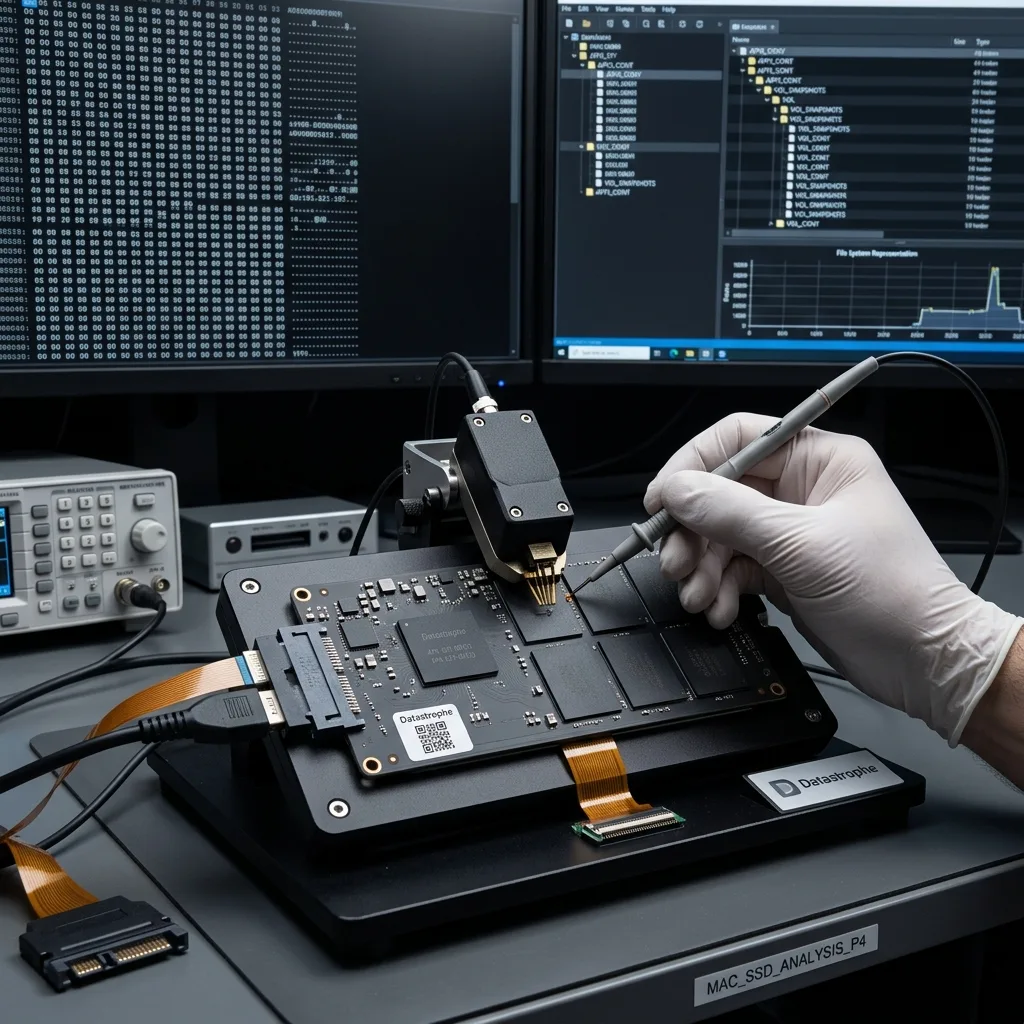
Paired storage
Keep both Fusion Drive members and their relationship
Some iMac and Mac mini systems combine a flash tier and hard disk into one logical storage set.
A Fusion Drive presents a logical volume built from flash and a hard drive. Either component alone can expose partial metadata while leaving user files incomplete. Initializing either member or creating a new Fusion Drive writes metadata that can break the original pairing.
Both devices are acquired independently and their logical relationship is rebuilt on working copies. If the hard-drive member has mechanical symptoms, laboratory imaging and cleanroom assessment occur before the pair is reconstructed. The SSD and hard disk are identified, diagnosed, and acquired separately according to their physical condition.
Missing extents remain identified rather than silently replaced with empty data. The final file checks reveal which libraries and documents span unavailable regions. CoreStorage or APFS relationships are reconstructed on copies before files spanning both members are tested.
- Label both physical members
- Do not recreate the Fusion set
- Acquire each device separately
Hard-drive member risks
Clicking, weak heads, and surface errors require magnetic-drive imaging controls and may limit extents used by large files.
Flash member risks
Controller instability, TRIM, or unreadable NAND can remove allocation and frequently used blocks needed to interpret the pair.
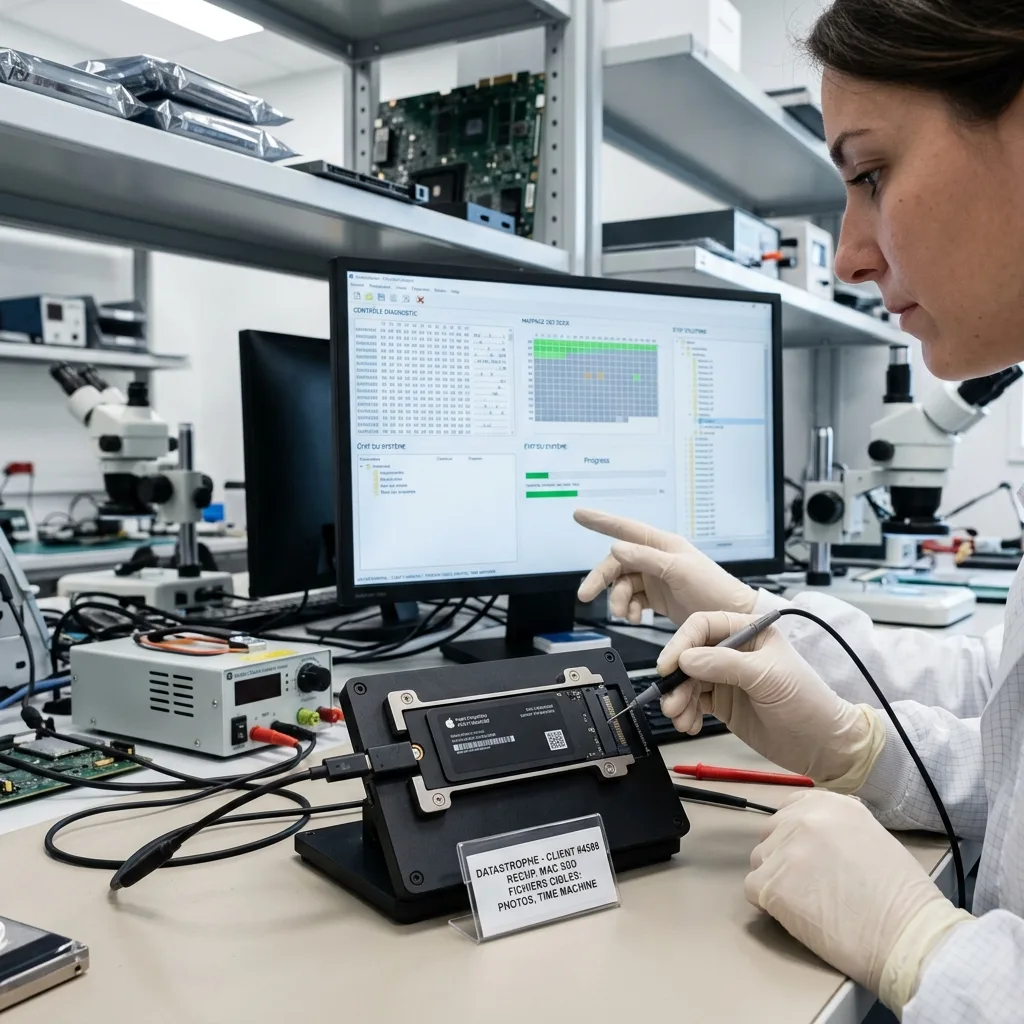
Application data
Validate Photos, Mail, and creative libraries as applications
Mac packages can contain databases, media, indexes, sidecars, and linked resources that must agree.
Apple libraries are packages with databases, indexes, previews, and media assets. Copying the package name does not demonstrate that Photos, Mail, Logic, or Final Cut can use its contents. A Photos library needs its database, originals, edits, and package relationships rather than only preview images.
Databases are checked for internal consistency and media is sampled beyond thumbnails. Where a library cannot reopen intact, recoverable originals and exports are separated from damaged catalog structure. Mail data may require envelopes, message stores, attachments, and account context to preserve useful organization.
The requested outcome guides the test: a recent photo collection, active video project, mail archive, or document folder may require different validation. Final Cut, Logic, and design projects are tested with linked media and version-aware application checks.
- Open libraries on verified destination storage
- Check original media links
- Record application versions
Photos and media libraries
Full-resolution originals are distinguished from optimized local copies, previews, thumbnails, and cloud placeholders.
Mail and project stores
Indexes can be rebuilt, but missing messages, attachments, or linked assets remain documented rather than hidden by a successful launch.
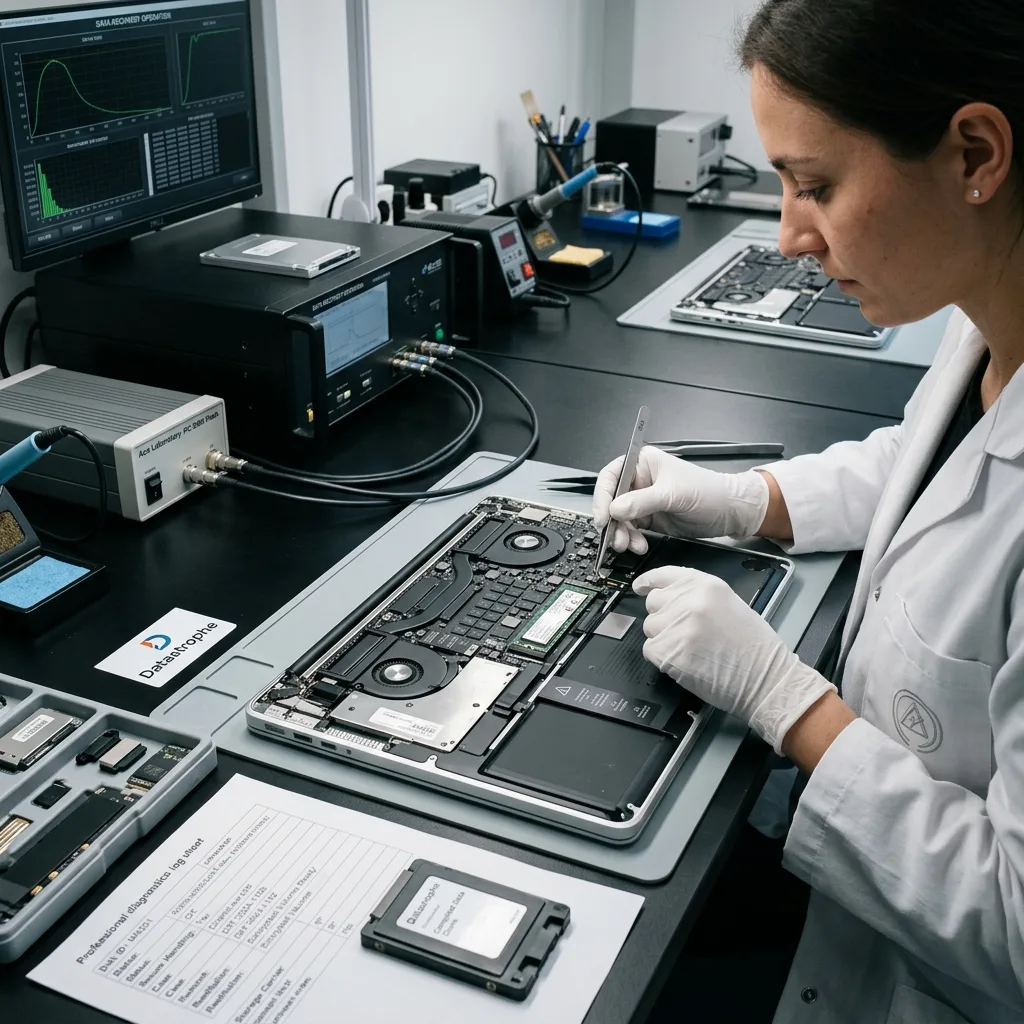
Copy reconciliation
Reconcile on-device originals, iCloud, and Time Machine before delivery
Cloud icons and backup dates do not prove that the missing full-resolution content exists in another location.
A Finder entry may represent a local file, a cloud placeholder, or a cached preview. Size, metadata, synchronization state, and actual bytes determine which one survived on the Mac. iCloud may hold an original, optimized derivative, placeholder, or item already synchronized after the incident.
Time Machine disks are treated as separate sources and compared with the internal storage. A backup date does not prove that an open file or application database was captured consistently. Time Machine can contain versions on an external disk, NAS, or encrypted sparse bundle with its own failure risks.
Unavailable encryption keys, overwritten APFS blocks, failed flash, and absent cloud originals are reported as different limits. A placeholder is never counted as a recovered original. Copies are reviewed from another trusted device and kept separate from the source Mac and recovery destination.
- Check cloud data from elsewhere
- Do not restore onto source
- Preserve backup drives separately
iCloud reconciliation
Asset identifiers, resolution, timestamps, and download state help distinguish a true original from an optimized local representation.
Time Machine validation
A backup set is checked for catalog, version, encryption, and storage integrity before it is treated as a reliable alternative.
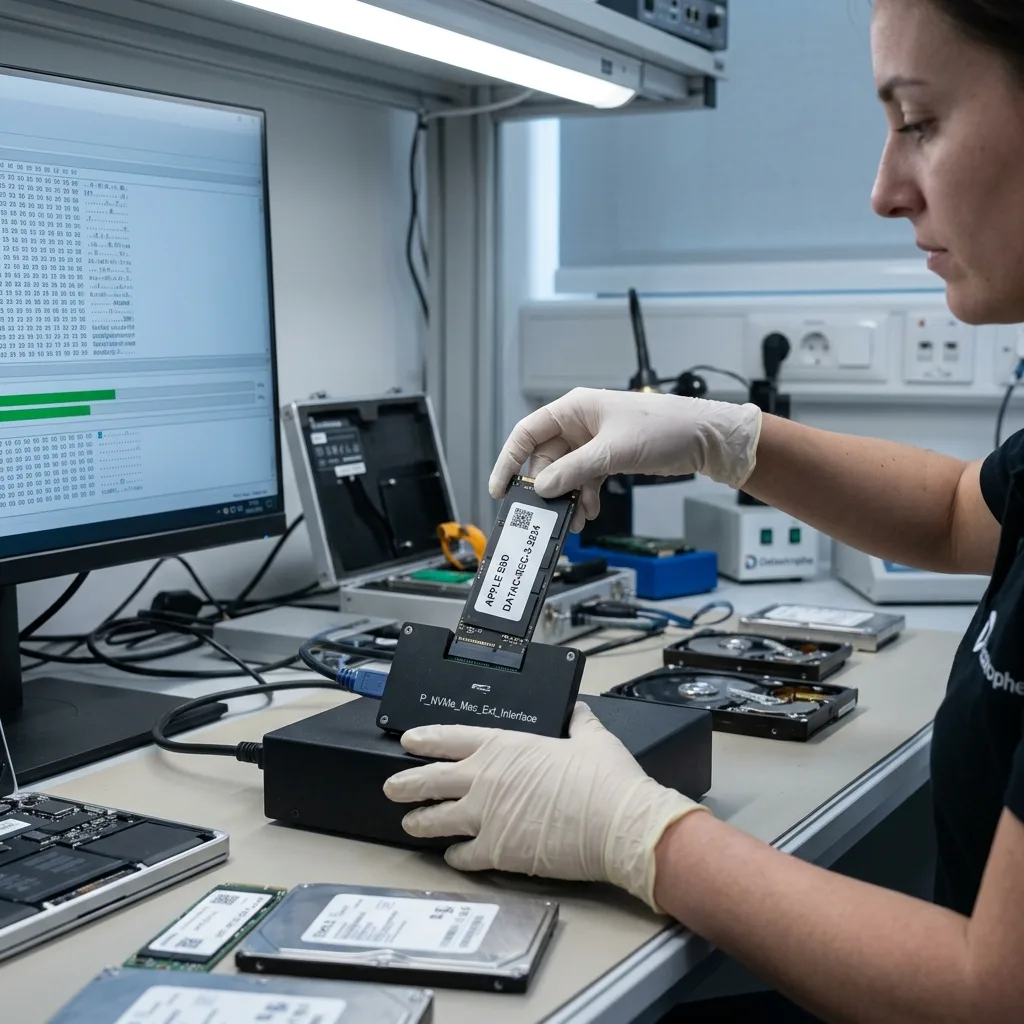
Intake preparation
Prepare the Mac model, credentials, and priority libraries
The complete intake keeps the original Mac architecture, authorized keys, connected storage, incident history, and requested libraries together.
Integrated and removable flash behavior belongs in SSD and NVMe recovery when controller, FTL, TRIM, or NAND condition controls access. The original Mac remains available when security hardware is part of the path.
Mechanical disks and Fusion Drive members follow hard drive recovery. A confirmed head or contamination finding can require ISO 5 cleanroom recovery before imaging.
Time Machine media with bridge, power, or disk trouble belongs in external hard drive recovery. The complete data recovery process keeps backup analysis separate from the source Mac.
Before shipping, confirm whether the Mac, charger, Touch ID components, external backup, or removed storage must stay together. Send FileVault and account material through a separate secure channel.
- Keep Mac and storage together
- Preserve FileVault credentials
- Use tracked protective shipping
Preparing the Mac
Confirm whether the full computer, charger, external backup, or removed members are required before shipment. Report any swollen battery first.
Preparing credentials
Transmit FileVault keys and account details through the agreed secure channel, never as a note packed with the Mac.
FAQ
Frequently asked questions
Should I reinstall macOS when a Mac will not boot?
Not before data preservation. Reinstall and repair options can change APFS metadata or overwrite local content. Record the error, stop repeated boots, and evaluate storage and encryption first.
Can data be recovered from a Mac with soldered storage?
Possibly, but access may depend on stabilizing the original logic board, processor, security hardware, and paired components. NAND removal alone does not recreate those relationships.
Why is the FileVault recovery key needed?
FileVault protects the volume cryptographically. A readable acquisition remains encrypted without a valid user password, recovery key, or authorized institutional method.
Can a single Fusion Drive member be recovered alone?
It may contain some fragments, but the logical set normally depends on both members and their pairing metadata. Preserve the SSD, hard disk, and source Mac together.
Does iCloud guarantee that every local file is backed up?
No. The Mac may contain optimized copies, unsynchronized originals, application data, or deletions already propagated to the cloud. Each source must be checked independently.
Media
Other expertise
- Hard Drive Data Recovery for Failed and Clicking Drives Recover data from clicking, dropped, slow, or unreadable hard drives through measured diagnostics, controlled imaging, and file-level verification.
- External Hard Drive Data Recovery for USB and Mechanical Failures Recover files from dropped, clicking, encrypted, or intermittently disconnecting external drives while preserving the original enclosure and electronics.
- SSD and NVMe Data Recovery for Flash Storage Failures Recover data from undetected, read-only, failed, or logically damaged SATA SSDs and NVMe drives with controller-aware acquisition and clear TRIM limits.
- USB Flash Drive Data Recovery for Connector and NAND Failures Recover data from bent, shorted, undetected, formatted or failed USB flash drives with architecture-specific acquisition and file verification.
- Memory Card Data Recovery for Photos and Video Recover photos, video, and device recordings from unreadable, formatted, damaged, or worn SD, microSD, CF, and CFexpress cards.
- Laptop Data Recovery for Drive, Board, and Startup Failures Recover files from failed Windows laptops, damaged boards, dropped drives, liquid exposure, BitLocker and unbootable systems without writing to the source.
- Tablet Data Recovery for Failed and Liquid-Damaged Devices Recover files from failed, locked, liquid-damaged or unbootable tablets while preserving soldered storage, paired hardware and encryption context.
- VMDK and VHDX Virtual Disk Data Recovery Recover files, databases, and workloads from damaged VMDK, VHDX, QCOW2, snapshots, thin disks, and failed datastores without modifying the source chain.
- RAID, NAS, and Storage Array Data Recovery Recover shares, databases and virtual machines from failed RAID, NAS, SAN, ZFS, Btrfs and storage arrays while preserving member order and parity evidence.
- Business Server Data Recovery for Complex Storage Failures Recover server data from failed RAID, pools, virtual hosts, databases and file services with source-first acquisition and workload validation.
- NVR, DVR, and Security Camera Footage Recovery Recover missing NVR and DVR footage from proprietary indexes, H.264/H.265 streams, circular recording, failed disks and multi-drive recorder arrays.
- ISO 5 Cleanroom Data Recovery for Hard Drive Failures Controlled ISO 5 cleanroom handling for confirmed head, spindle, and contamination failures, followed by immediate sector imaging and file verification.
 Hard Drive Data Recovery for Failed and Clicking Drives
  SSD and NVMe Data Recovery for Flash Storage Failures
  USB Flash Drive Data Recovery for Connector and NAND Failures
  Memory Card Data Recovery for Photos and Video
  Laptop Data Recovery for Drive, Board, and Startup Failures
  Tablet Data Recovery for Failed and Liquid-Damaged Devices
  VMDK and VHDX Virtual Disk Data Recovery
  RAID, NAS, and Storage Array Data Recovery
  Business Server Data Recovery for Complex Storage Failures
  NVR, DVR, and Security Camera Footage Recovery
  ISO 5 Cleanroom Data Recovery for Hard Drive Failures
 Diagnostic evaluation
Not sure what happened to your storage device?
Datastrophe evaluates the risk before any recovery attempt and points you toward the safest next step.