

VMDK and VHDX Virtual Disk Data Recovery
Stop the affected virtual machine, snapshot jobs, replication, and consolidation. A usable recovery depends on preserving descriptors, extents, parent disks, deltas, and the storage beneath them.
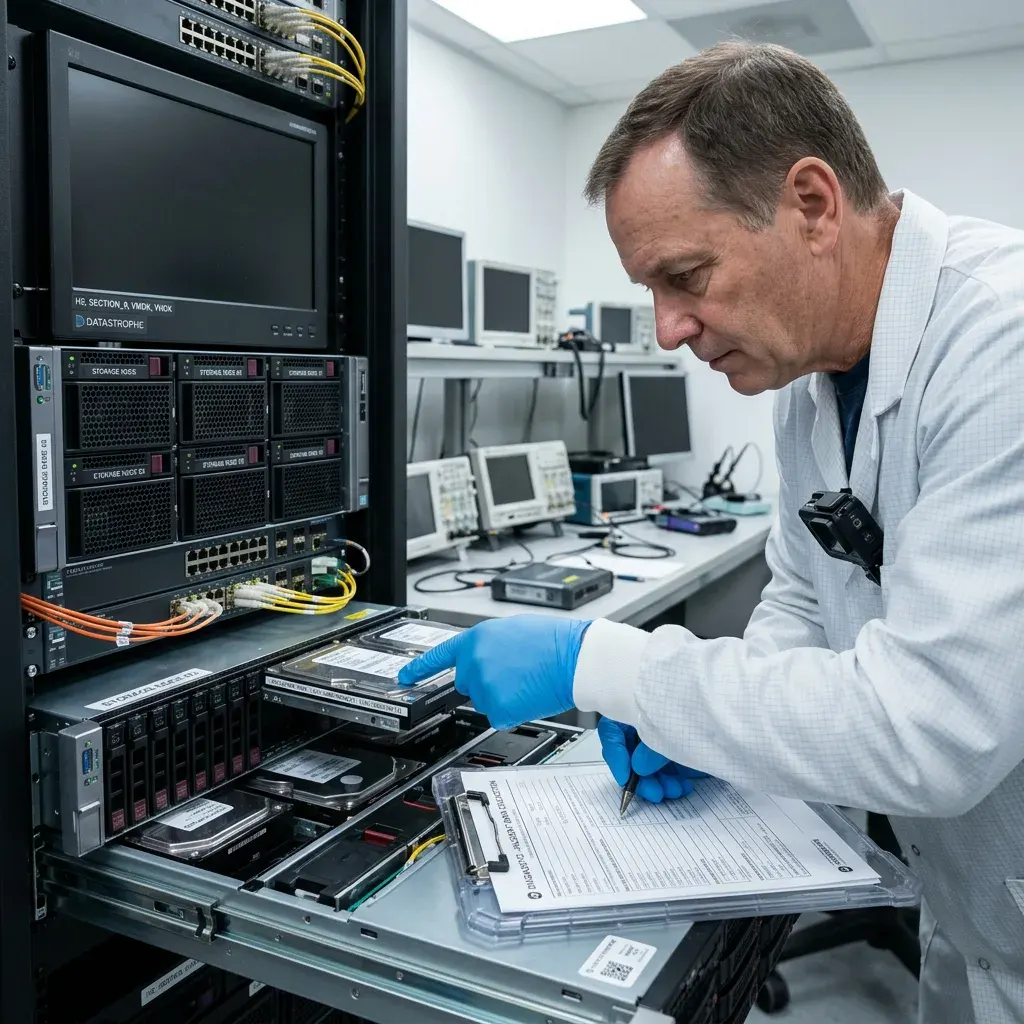
Chain capture
Inventory every descriptor, extent, delta, and configuration file
A small descriptor or old-looking delta can be essential even when the largest flat disk appears intact.
A virtual disk can be split into a descriptor and multiple data extents, with additional files for each snapshot. Missing one small descriptor may be fixable, while a missing data extent removes actual blocks. Names, sizes, timestamps, UUIDs, parent references, datastore paths, and checksums already available are recorded together.
The inventory records filenames, sizes, hashes, modification times, datastore paths, and VM configuration. Original names are preserved because they often express parent-child relationships. Split extents, redo logs, checkpoints, lock files, and configuration exports remain in their original directory relationships.
No component is edited in place. The complete source set is copied or write-protected before metadata is interpreted. The inventory distinguishes copied evidence from files still located on unstable storage.
- Freeze the complete directory tree
- Preserve every numbered extent
- Record platform and versions
VMware-style chains
Descriptor CID values, parentCID, extent lines, snapshot metadata, and datastore paths must agree before a VMDK chain is opened.
Hyper-V and QCOW2 chains
VHDX identifiers, AVHDX parents, QCOW2 backing files, and metadata tables require their own relationship checks rather than filename guesses.
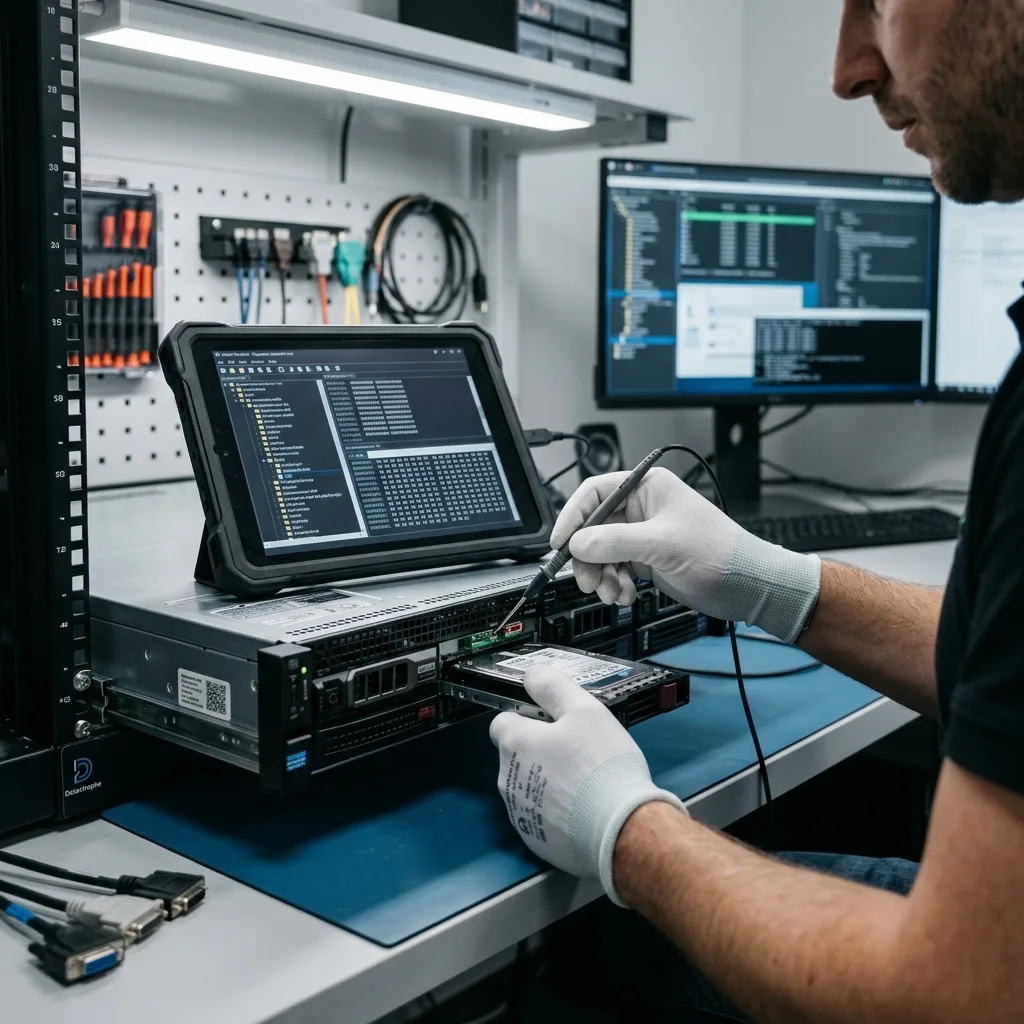
Write containment
Stop boots, snapshots, replication, and automatic consolidation
Starting the guest can alter journals, swap, logs, databases, and previously unallocated thin blocks within seconds.
Starting a guest writes logs, journals, caches, and application data. A hypervisor may also create a new delta or attempt background consolidation. A test boot can trigger CHKDSK, fsck, database recovery, log rotation, or an application upgrade.
Consolidation changes parent-child relationships and can merge the wrong state when metadata is already damaged. A failed merge may leave partially rewritten extents, while a new snapshot can create another child that obscures the evidence needed to select an earlier state.
The source datastore remains unchanged while candidate chains are assembled on working copies. Administrative logs are preserved because they help locate the moment the chain diverged. Replication and backup agents are paused so the frozen source does not diverge while copies are prepared.
- Do not boot the source VM
- Disable snapshot cleanup jobs
- Pause replication and backup writes
Isolated testing later
When a boot is necessary for application checks, it occurs on a disposable clone without production network access.
Read-only inspection first
Priority files and guest structures are examined directly from copies before any operating system or service is allowed to write.

Relationship validation
Prove each parent-child link instead of trusting dates
Timestamps can change during copies, migrations, restores, and administrator cleanup, so newest does not necessarily mean current.
Snapshot identifiers, parent references, virtual geometry, and block-grain metadata are compared across files. Modification time alone is unreliable after copies, restores, or manual renaming, so every candidate is checked against its embedded relationships and changed-block structures.
Candidate parents are tested against expected block maps and guest structures. A chain that merely opens but mixes incompatible points in time is rejected. A valid relationship must remain coherent beyond the first sectors and across files that span multiple changed regions.
The reconstructed sequence is documented from base disk to selected child. Missing or contradictory components remain visible in the case report. Competing chain hypotheses are mounted or parsed only on copies and discarded when cross-layer evidence fails.
- Compare embedded identifiers
- Test blocks across the disk
- Keep alternate hypotheses separate
Chain forks and orphan deltas
Multiple children can reference one parent after failed operations. Each branch is evaluated against the incident and requested recovery point.
Copied or renamed files
A renamed disk can still belong to the chain if embedded relationships agree; a matching timestamp cannot substitute for those identifiers.

Sparse storage
Distinguish thin unallocated space from missing source blocks
A virtual capacity of several terabytes can occupy far less physical space by leaving untouched regions unallocated.
Thin-provisioned and sparse formats do not store every logical block physically. An absent block can mean never allocated, intentionally zero, discarded, or lost with a missing extent. VMDK grain tables, VHDX BAT entries, QCOW2 L1 and L2 tables, and datastore allocation metadata identify assigned regions.
Allocation maps, grain tables, and the underlying datastore are evaluated together. Treating all absent blocks as zero can create a mountable but internally false volume. Sparse holes should read as defined zeros, while missing allocated blocks represent unavailable evidence and a different limit.
Storage-level damage is separated from virtual-format damage. This shows whether RAID, a file system, or the VMDK/VHDX metadata is the first broken layer. A conversion that expands every hole can exhaust destination space or conceal truncation and extent loss.
- Preserve sparse-file attributes
- Compare logical and physical sizes
- Identify missing allocated regions
Stream-optimized and sparse formats
Compression, grain directories, and marker records must be interpreted before the file is presented as a normal block device.
Datastore-level loss
When allocated extents are absent because the datastore failed, recovery begins below the virtual disk rather than filling gaps with assumptions.
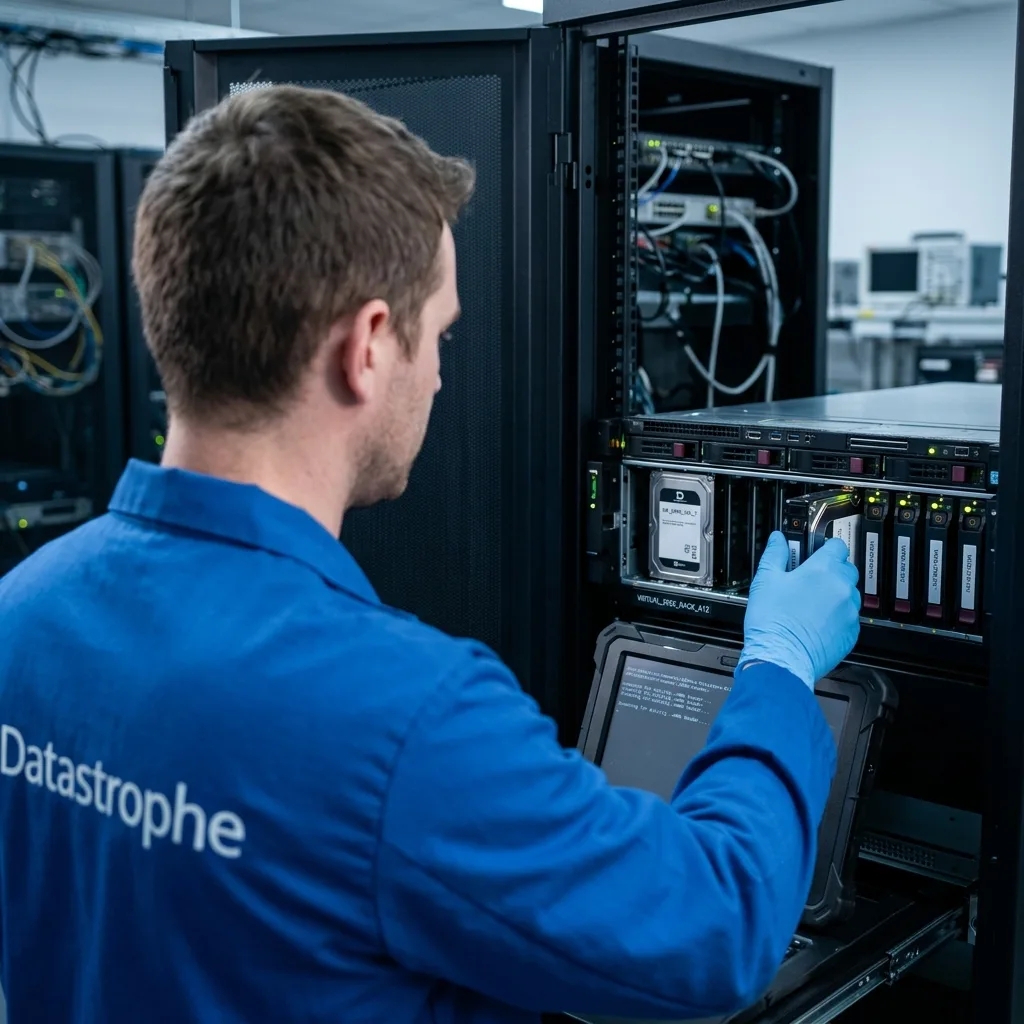
Guest reconstruction
Open the guest file system only after the chain is coherent
Partition, volume, and file-system analysis is meaningful only when the virtual block device represents one consistent state.
NTFS, ReFS, ext, XFS, and other guest structures are analyzed after the virtual block stream has been rebuilt. GPT, MBR, and LVM define the surrounding volume layout, while journals and timestamps help test whether directories belong to the chosen recovery point.
File-system repair is performed on a derivative copy. It is not allowed to rewrite the only reconstructed virtual disk. File-system journals and repair operations are tested on working copies, never committed into the only reconstructed image.
When multiple plausible states exist, they are kept separate. The owner can compare a newer partial point with an older but more consistent one. Encryption keys, guest configuration, and application dependencies remain associated with the selected state.
- Validate the virtual block layer
- Reconstruct volumes on copies
- Preserve guest encryption keys
Windows guest layers
Dynamic disks, Storage Spaces, BitLocker, ReFS, and VSS can add dependencies above VHDX or VMDK reconstruction.
Linux guest layers
LVM, mdraid, LUKS, ext, XFS, and application journals require the correct volume sequence and authorized keys.

Application recovery
Validate guest databases and application services above the file layer
A recovered virtual disk is useful only when priority services can interpret their files and logs consistently.
A domain controller, database, or mail server depends on coordinated data, log, and configuration files. A mounted disk does not show whether those components share a valid transaction point. Database files are kept with transaction logs, control files, keys, configuration, and the requested point in time.
Application-aware checks, controlled exports, or structural validation are used where possible. The test is chosen for the workload and does not require returning the original VM to production. Mail stores, directory services, and line-of-business applications are checked with compatible tools in an isolated environment.
When only part of a service is coherent, the recoverable subset is described precisely. File presence is not substituted for application usability. Results distinguish a clean application state, a repaired or exported state, and raw files that remain partial.
- Keep data and logs together
- Test on an isolated clone
- Document the recovered point
Database consistency
Page checks, log sequence, attachment access, and controlled exports provide stronger evidence than file size or a successful service start.
Service dependencies
DNS, identity, certificates, mounts, and external databases may be required for validation without being part of the recovered virtual disk itself.
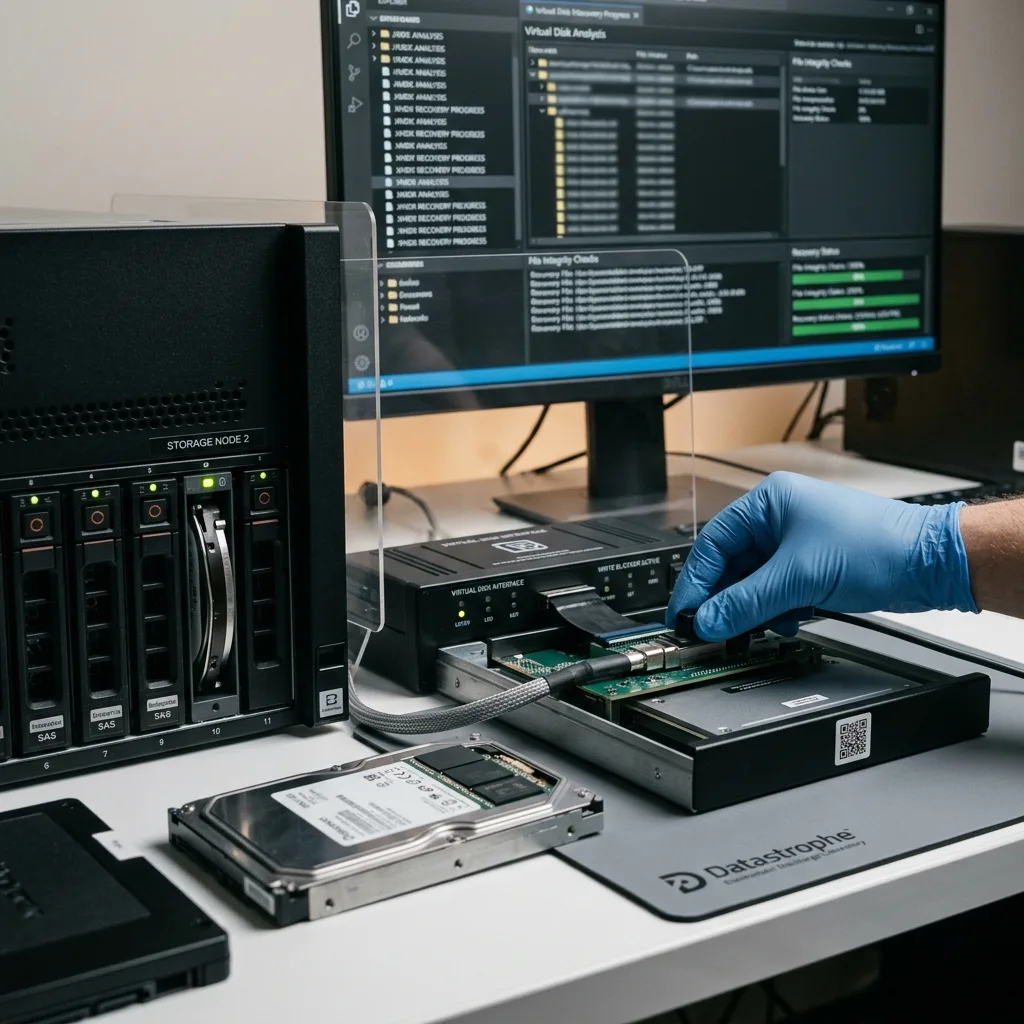
Point-in-time decision
Select the recovery point from the incident timeline
The newest timestamp may reflect a failed consolidation, late copy, or empty child created after the damaging event.
The most recent delta may contain the incident, incomplete writes, or a failed rollback. An earlier point can be more useful if it preserves a consistent database or directory. Administrator actions, alerts, backup status, replication, storage events, and application reports are aligned to one time zone.
Administrator notes, backup logs, snapshot purpose, and the time of the outage guide comparison. Candidate points are labeled so versions are not blended during delivery. Candidate states are compared for guest consistency and priority data rather than chosen from filename order.
Missing extents, overwritten deltas, inconsistent applications, and encrypted guest volumes remain honest limits. The report identifies which layer prevents further recovery. A slightly older coherent database may be more useful than a later chain with mixed or missing blocks.
- Normalize all event times
- Compare candidate guest states
- Agree on acceptable data loss
Time-zone discipline
Distributed U.S. operations can record events in local time, UTC, or a management platform zone; offsets are preserved before correlation.
Business acceptance point
The owner defines the oldest acceptable transaction, document, or mailbox state so technical testing answers a practical question.

Underlying systems
Trace virtual-disk damage back to the physical storage layer
Missing or corrupt virtual files can originate in RAID, server storage, SSDs, or a failed datastore rather than in the guest.
When the datastore or storage array failed first, preserve its disks and configuration for RAID and NAS recovery before exporting VMDK or VHDX files. A broken physical layer can create plausible but mixed virtual blocks.
Host configuration, application dependencies, and multiple workloads may require server data recovery rather than isolated treatment of one guest disk. Keep hypervisor logs and storage mappings with the case.
An unstable SSD or NVMe source belongs in SSD and NVMe recovery before a long virtual-disk copy. The data recovery process then continues from stable blocks to chain reconstruction and service testing.
For an initial evaluation, provide descriptors, configuration, sizes, errors, snapshot inventory, and hashes already available. Transfer credentials separately and do not upload multi-terabyte images until the required scope and secure channel are agreed.
- Preserve host and datastore logs
- Keep array member order
- Avoid exporting from unstable media
Preparing a remote evaluation
Provide descriptors, configuration, sizes, error messages, and hashes already available before transferring large images.
Protecting a physical shipment
Label every host drive or array member, use tracked antistatic packaging, and send credentials through a separate secure channel.
FAQ
Frequently asked questions
Should I boot a damaged virtual machine to see whether it works?
No. A boot can write journals, swap, databases, and thin blocks or trigger automatic repair. Preserve the complete disk and snapshot chain before any isolated test.
Why are small descriptor files important in VMDK recovery?
Descriptors can define extent order, geometry, format, and parent relationships. Deleting one because it contains no user files can make the larger flat or delta files ambiguous.
Can the newest snapshot simply be attached to the base disk?
Not safely. Parent-child identifiers and changed-block relationships must agree. A wrong pairing can mount while assembling files from incompatible points in time.
How is thin-provisioned space distinguished from missing data?
Allocation tables and datastore metadata identify which logical regions were never assigned and which allocated blocks should exist but are unavailable.
How are recovered virtual machines validated?
The chain, guest volumes, priority files, and application data are checked in stages. Any boot or service test occurs on an isolated disposable clone, not on the source.
Media
Other expertise
- Hard Drive Data Recovery for Failed and Clicking Drives Recover data from clicking, dropped, slow, or unreadable hard drives through measured diagnostics, controlled imaging, and file-level verification.
- External Hard Drive Data Recovery for USB and Mechanical Failures Recover files from dropped, clicking, encrypted, or intermittently disconnecting external drives while preserving the original enclosure and electronics.
- SSD and NVMe Data Recovery for Flash Storage Failures Recover data from undetected, read-only, failed, or logically damaged SATA SSDs and NVMe drives with controller-aware acquisition and clear TRIM limits.
- USB Flash Drive Data Recovery for Connector and NAND Failures Recover data from bent, shorted, undetected, formatted or failed USB flash drives with architecture-specific acquisition and file verification.
- Memory Card Data Recovery for Photos and Video Recover photos, video, and device recordings from unreadable, formatted, damaged, or worn SD, microSD, CF, and CFexpress cards.
- Laptop Data Recovery for Drive, Board, and Startup Failures Recover files from failed Windows laptops, damaged boards, dropped drives, liquid exposure, BitLocker and unbootable systems without writing to the source.
- Apple Mac Data Recovery for APFS and Encrypted Storage Recover Mac files from failed storage, liquid damage, APFS corruption, FileVault, Fusion Drive, T2, and Apple silicon systems without destructive resets.
- Tablet Data Recovery for Failed and Liquid-Damaged Devices Recover files from failed, locked, liquid-damaged or unbootable tablets while preserving soldered storage, paired hardware and encryption context.
- RAID, NAS, and Storage Array Data Recovery Recover shares, databases and virtual machines from failed RAID, NAS, SAN, ZFS, Btrfs and storage arrays while preserving member order and parity evidence.
- Business Server Data Recovery for Complex Storage Failures Recover server data from failed RAID, pools, virtual hosts, databases and file services with source-first acquisition and workload validation.
- NVR, DVR, and Security Camera Footage Recovery Recover missing NVR and DVR footage from proprietary indexes, H.264/H.265 streams, circular recording, failed disks and multi-drive recorder arrays.
- ISO 5 Cleanroom Data Recovery for Hard Drive Failures Controlled ISO 5 cleanroom handling for confirmed head, spindle, and contamination failures, followed by immediate sector imaging and file verification.
 Hard Drive Data Recovery for Failed and Clicking Drives
  SSD and NVMe Data Recovery for Flash Storage Failures
  USB Flash Drive Data Recovery for Connector and NAND Failures
  Memory Card Data Recovery for Photos and Video
  Laptop Data Recovery for Drive, Board, and Startup Failures
  Tablet Data Recovery for Failed and Liquid-Damaged Devices
  RAID, NAS, and Storage Array Data Recovery
  Business Server Data Recovery for Complex Storage Failures
  NVR, DVR, and Security Camera Footage Recovery
  ISO 5 Cleanroom Data Recovery for Hard Drive Failures
 Diagnostic evaluation
Not sure what happened to your storage device?
Datastrophe evaluates the risk before any recovery attempt and points you toward the safest next step.