

External Hard Drive Data Recovery for USB and Mechanical Failures
An external drive can fail in its cable, power adapter, USB bridge, encryption layer, or internal disk. Preserve the complete device before changing enclosures or testing adapters.
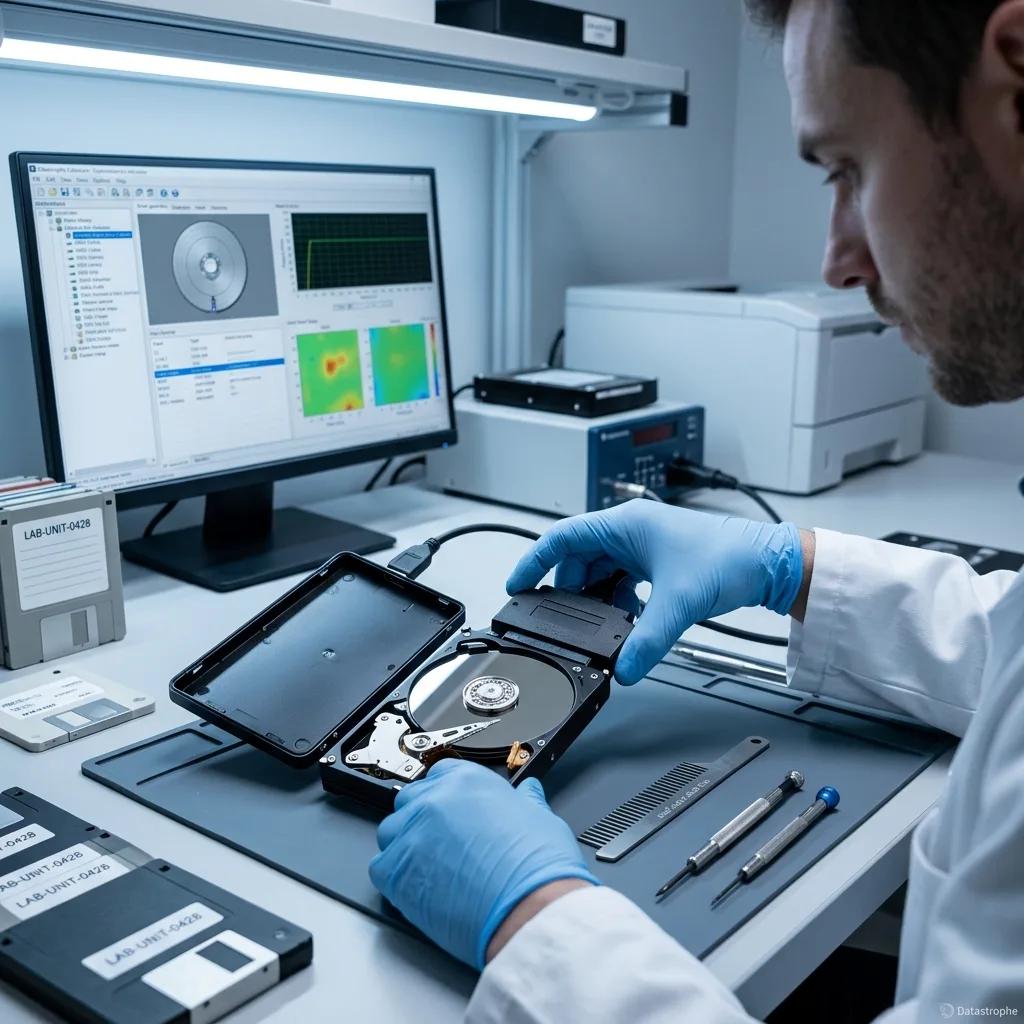
Layered diagnosis
Trace power and USB behavior before removing the internal drive
A lit status LED does not prove that the motor, bridge, and data path remain stable under load.
A dark status light, repeated USB disconnect, or an unrecognized volume can originate outside the magnetic disk. Cable damage, an incorrect power adapter, a broken port, and a failed USB-to-SATA bridge require different tests. Voltage is measured under controlled conditions rather than inferred from a matching connector.
A lit indicator does not prove that the spindle, read heads, or platter surface are healthy. Likewise, a bare disk that responds after removal does not prove the enclosure was irrelevant. The original enclosure is retained because its board may hold sector translation or encryption functions.
The assessment isolates each component without allowing the operating system to initialize the volume. This preserves evidence about both the original connection and the stored data. Only after those layers are understood is the internal media evaluated on its own.
- Keep every original accessory
- Record disconnect and reset timing
- Do not swap random adapters
Portable versus desktop models
Bus-powered units stress the USB port and cable; desktop units add an external adapter whose condition belongs in the diagnostic record.
When a cable test is reasonable
A brief controlled test may isolate a cable only when there was no impact, noise, overheating, odor, or repeated reset behavior.
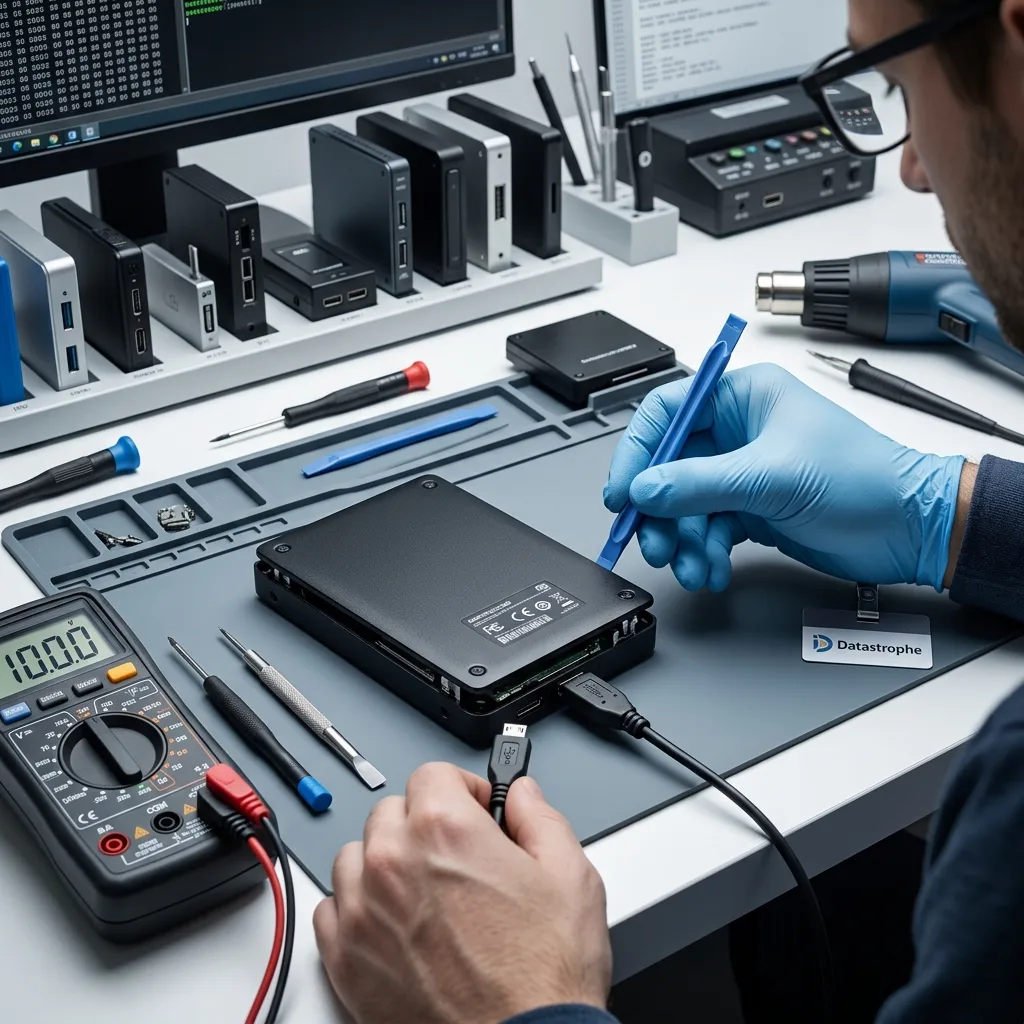
Failure history
Treat a drop, surge, and intermittent link as different incidents
The safest next step depends on whether the platters were spinning, power was unstable, or USB communication began resetting.
A fall while the drive was spinning raises concern for the heads and magnetic surface. New clicking or scraping calls for immediate power removal, not a sequence of alternate cables and ports. A fall during a transfer raises a different mechanical risk from a bump while the unit was stored.
A wrong adapter or power surge can damage protection circuits, bridge electronics, the drive PCB, or several layers at once. Energizing the enclosure again before electrical checks can extend that damage.
Intermittent USB resets may come from power, firmware retries, bad sectors, an unstable connector, or slow sectors behind the bridge. The incident timeline helps the diagnostic process select the least risky first test.
- Note whether data was transferring
- List all power events
- Stop after repeated USB resets
Evidence from the last session
Record the open folder, copy direction, noises, and time until disconnect. That sequence can guide early imaging priorities.
What not to reproduce
Do not reconnect the unit to recreate an error message. A photo already taken and a factual description are enough for initial triage.
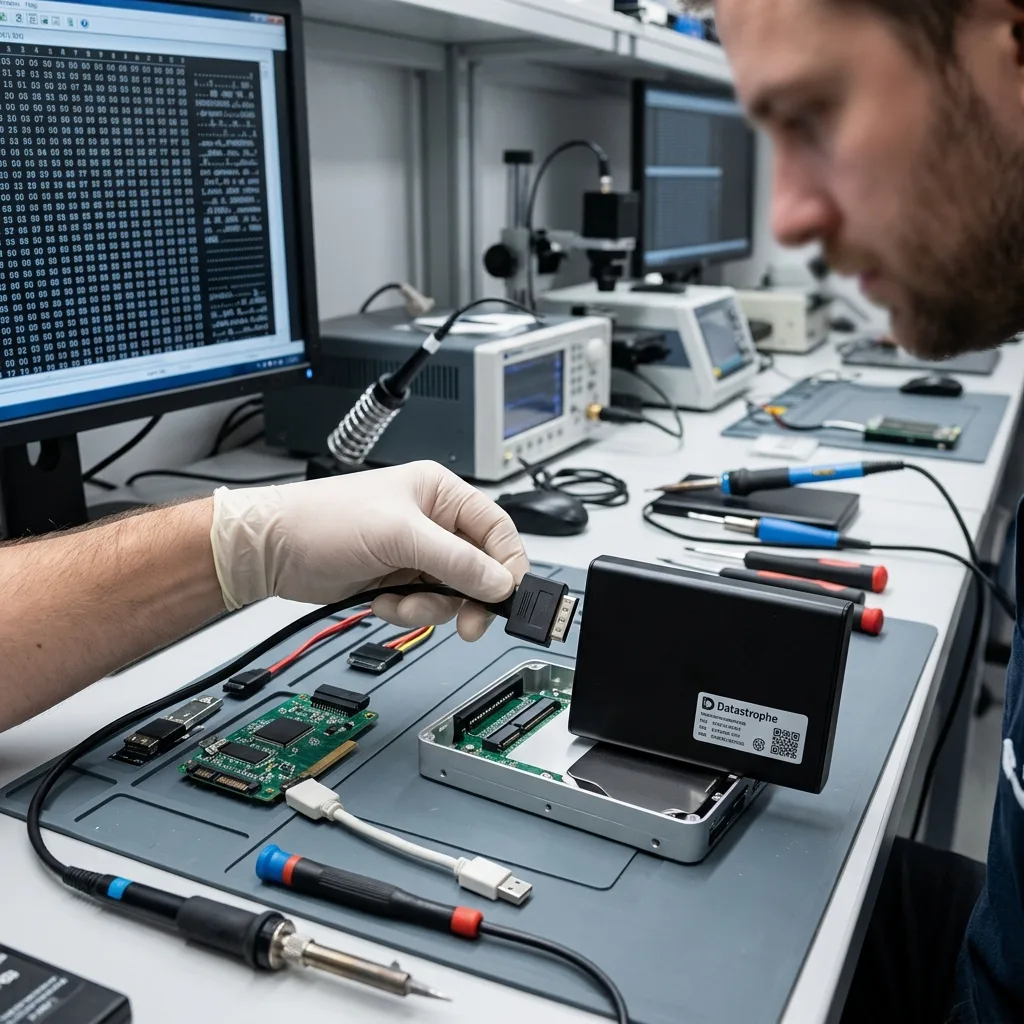
Enclosure electronics
Preserve bridge encryption and sector translation
Some external drives encrypt every sector or present a translated geometry even when the owner never set a password.
Some external products transform sector data through the USB bridge even when the user never enabled a password. The bare disk can therefore look scrambled or request initialization despite being physically readable.
Bridge model, board revision, controller, reported sector size, and enclosure behavior are documented before bypassing anything. If the original electronics are required for decryption, they remain part of the recovery path.
User passwords, BitLocker or VeraCrypt credentials, and hardware translation are separate layers. Readable sectors cannot become usable files until every required layer is available.
- Never initialize a direct-SATA view
- Retain the original bridge board
- Provide valid recovery credentials securely
Transparent hardware encryption
The bridge can decrypt continuously without displaying a password prompt. Preserving that board may be necessary to interpret an otherwise complete image.
User-configured protection
Vendor unlock software, BitLocker, or another container still requires authorized credentials after the physical data path is stabilized.
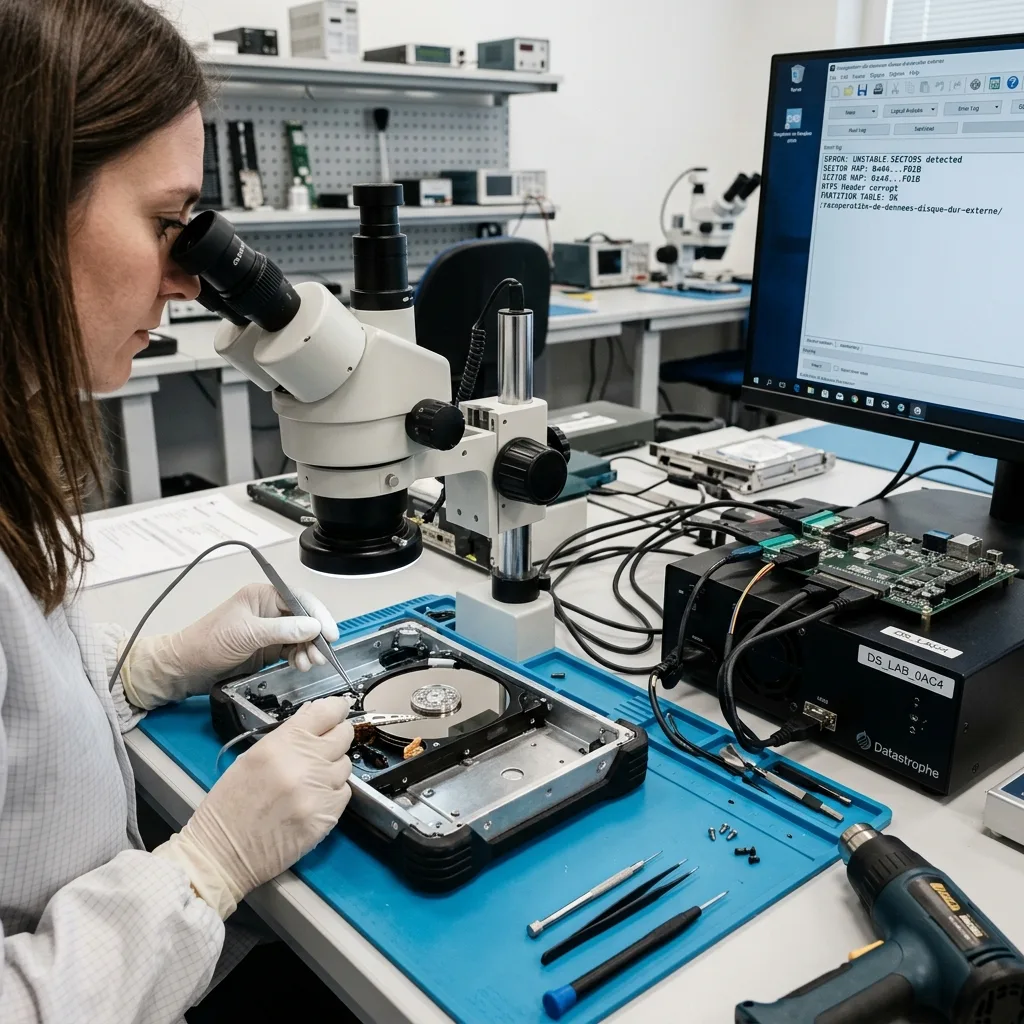
Logical escalation
Treat a format prompt or invisible partition as a no-write condition
A bridge, damaged partition table, or encrypted translation layer can make an external drive appear RAW, unallocated, or uninitialized.
A request to format, initialize, or repair does not prove that the original data is gone. Decline the prompt and do not run CHKDSK, Disk Utility repair, or partition-writing tools on the source.
Reported geometry, partition metadata, bridge translation, and encryption are compared on a protected image. The enclosure and bare drive stay associated because the original bridge can change sector size or decrypt data transparently.
A stable mechanism can be imaged before logical reconstruction begins. Clicking, scraping, failed spin-up, or severe read delays end this no-write assessment and route the device to controlled mechanical diagnosis instead of another software attempt.
- Cancel format and repair prompts
- Keep the original bridge with the disk
- Reconstruct partitions only on copies
RAW or unallocated display
Partition and file-system metadata are examined on the image without accepting an operating-system repair prompt.
Stable disk or unstable mechanism
Logical analysis continues only when the device can be acquired safely; new mechanical symptoms change the workflow immediately.
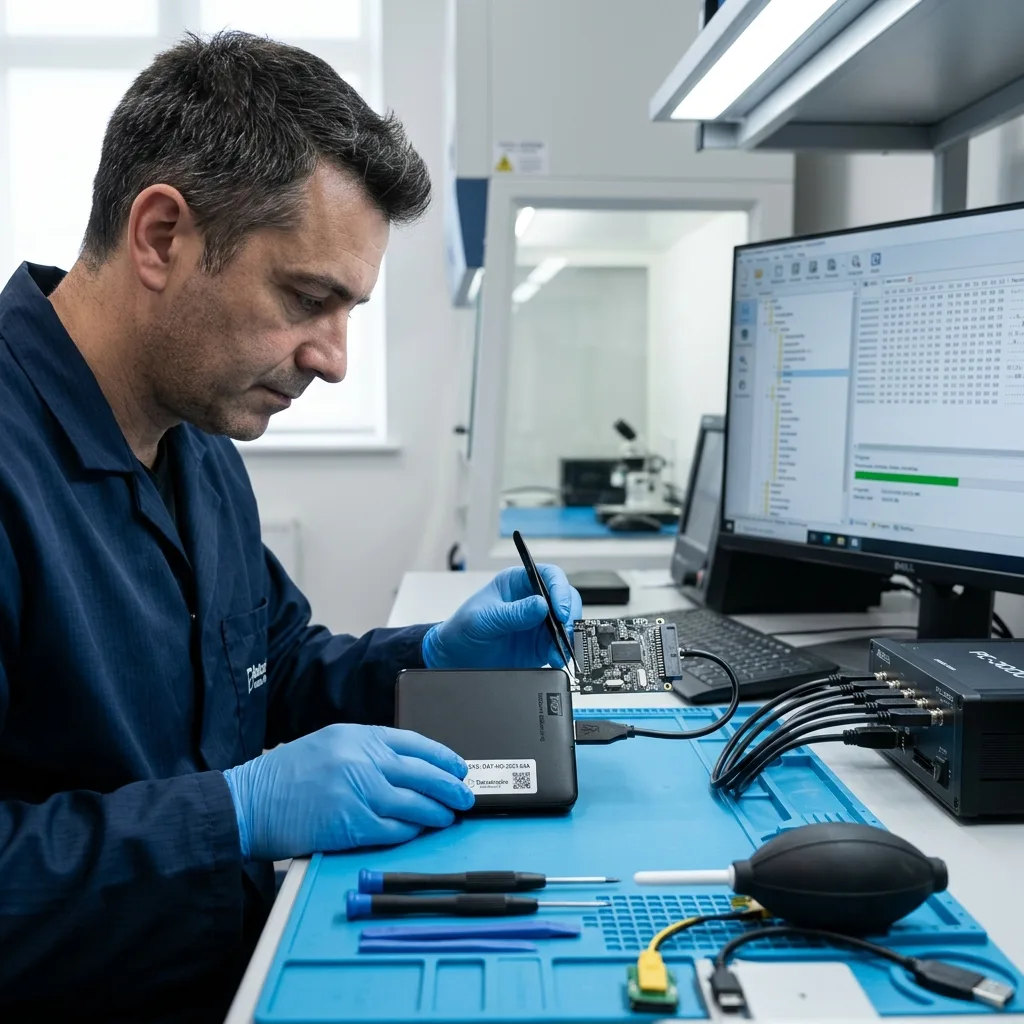
Controlled imaging
Acquire around resets instead of restarting ordinary copies
A consumer copy stalls at the first hard region and repeatedly asks the drive to revisit the same failure.
Ordinary copy commands can restart a large file from the beginning after each disconnect. A controlled image records completed regions and resumes from a known sector without discarding earlier progress. Imaging logs responsive ranges, reset behavior, temperature, and error density across controlled passes.
Stable areas, file-system metadata, and priority folders can be scheduled before weak zones. Timeout behavior is logged so the reading strategy follows the source condition rather than exhausting it. Directory structures and named priorities can be secured before large replaceable files or unused space.
When safe, the acquisition path may bypass an unstable USB link while preserving any bridge function needed to interpret data. Reconstruction still occurs on the image, never on the original media. If the bridge resets, power and communication are reassessed before another session begins.
- Read stable ranges first
- Limit heat and resets
- Return to weak zones deliberately
Why Explorer copies are risky
Folder order does not reflect physical location. One damaged video can block access to healthy documents stored later on the disk.
How the bridge stays involved
When translation or encryption matters, acquisition uses the original electronics or a controlled equivalent rather than bypassing the layer.
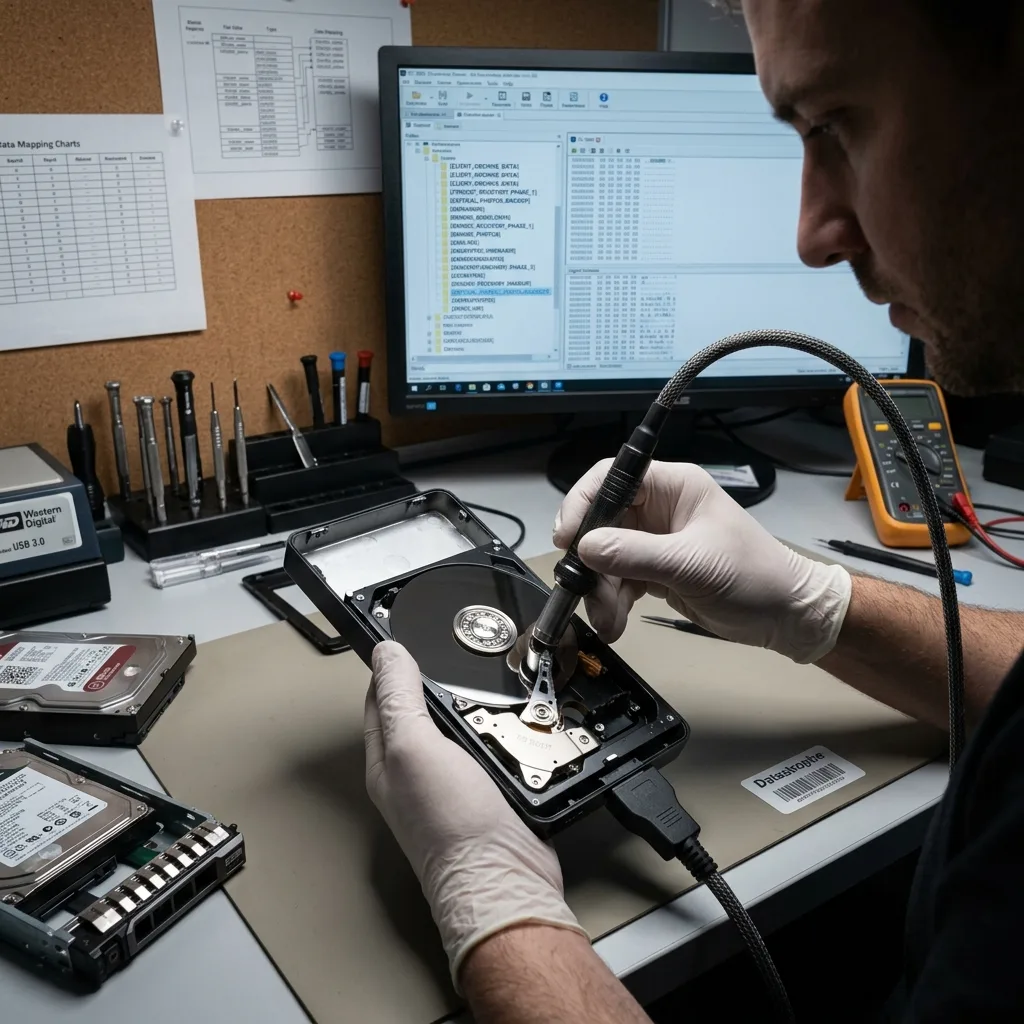
Backup analysis
Reconstruct backup history without counting duplicates as success
External disks often mix live files, sync folders, snapshots, and years of repeated backups.
External drives often contain manual copies, application backups, exports, and years of near-duplicate folders. Recovering every filename does not identify the newest coherent version. NTFS, exFAT, APFS, HFS+, and application-specific catalogs are compared on the protected image.
Catalogs, timestamps, path history, and user priorities are compared on the working copy. A recent database, photo library, or project folder is checked as a set rather than as unrelated files. Time Machine and other versioned sets are analyzed for dates and relationships, not flattened immediately into loose files.
Damaged backup catalogs do not automatically make their payload unusable. Their contents may be reconstructed directly, but the report distinguishes catalog recovery from validation of the files inside. Duplicate content, thumbnails, caches, and abandoned backup fragments remain identified in the inventory.
- Preserve version timestamps
- Separate originals from previews
- Group duplicate content transparently
Application-aware reconstruction
Backup software can store manifests, hard links, sparse bundles, and version metadata that require more than a signature scan.
Cross-device usage
TVs, game systems, cameras, and computers can create valid partitions of their own; usage history prevents a correct structure from being mislabeled as corruption.
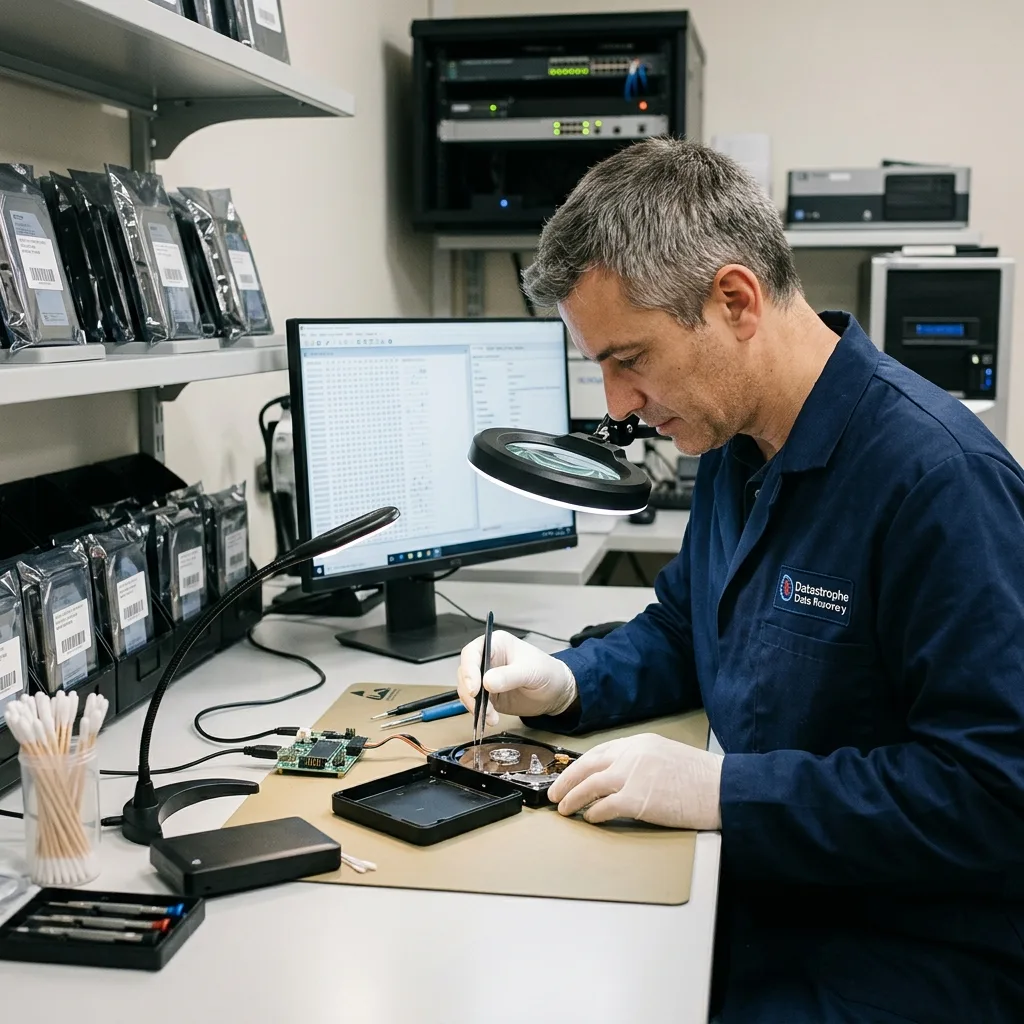
Result testing
Validate projects, media, and business records in context
A usable recovery joins related files and checks the application-level outcome the owner actually needs.
A healthy bridge cannot recover sectors destroyed by a head crash, and a clean platter cannot supply a missing encryption key. Physical readability and logical accessibility are independent findings. A photo workflow may require RAW originals, catalog, edits, and sidecars rather than a folder of previews.
Overwritten backup generations, zero-filled files, and incomplete archives are not counted as intact because their names survive. Representative content checks expose those differences. A business set may depend on a company database, attachments, exports, and the most recent transaction period.
The final result identifies which enclosure components failed, how the disk was read, and which limits remain. It does not promise that the hardware will be reusable. Files are sampled across dates and physical regions so the review is not biased toward one healthy directory.
- Name the required application
- Define the useful date range
- Identify linked project assets
Creative project checks
Linked media, proxies, fonts, and project metadata are reviewed together when they determine whether the recovered work can reopen.
Business data checks
Accounting, email, archives, and shared folders are tested with appropriate tools and reported as usable, partial, or unverified.
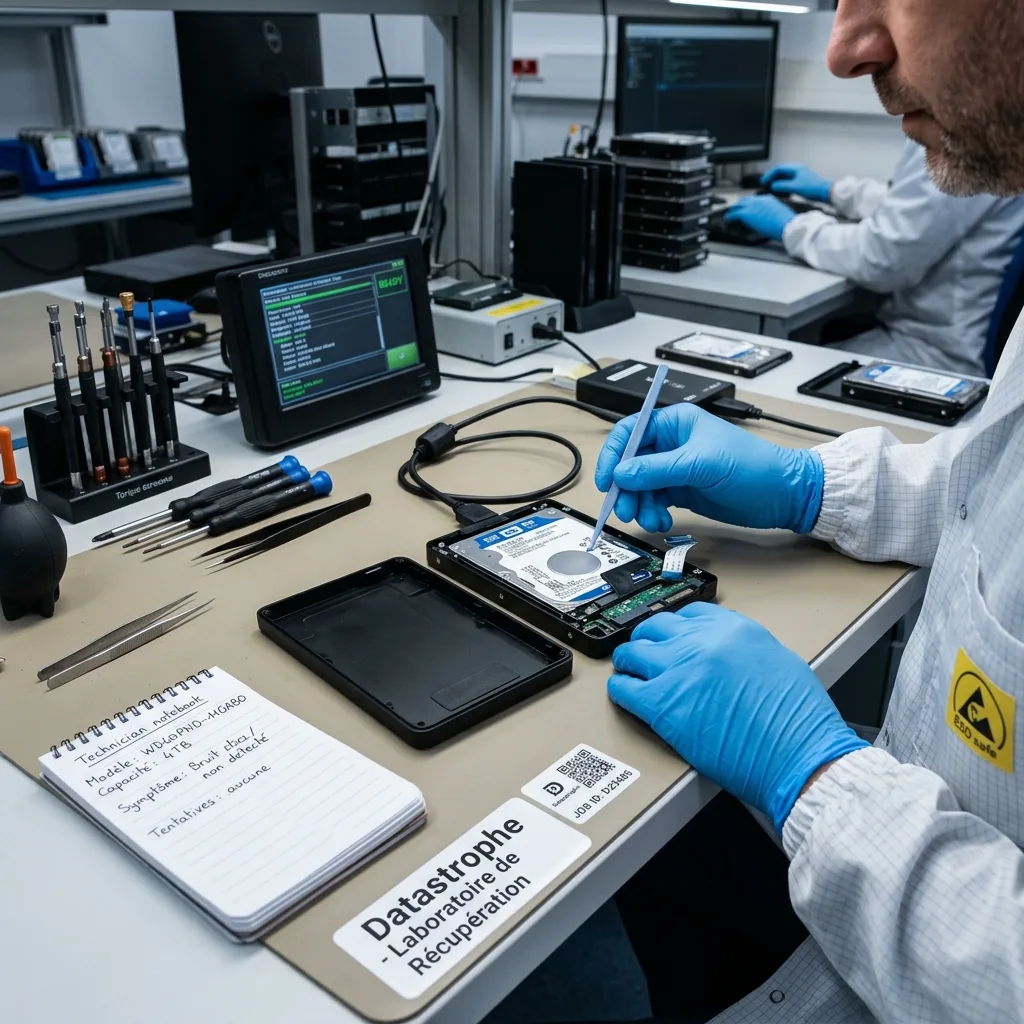
Intake planning
Send the complete device and keep credentials off the package
The enclosure, bridge, cable, adapter, labels, and incident timeline can all affect a correct diagnostic plan.
Include the enclosure, original cable, power supply, and any password or backup software details. A label photo and the sequence of connection errors help preserve the original context. Use an antistatic bag, rigid cushioning, and enough space separation that the adapter cannot strike the enclosure.
If the problem is clearly with a bare internal disk, continue with hard drive data recovery; a multi-drive enclosure belongs under RAID and NAS recovery. The data recovery process begins with an inventory of the received components and prior actions.
Use the quote request to confirm timing, the secure handoff route, and which accessories should accompany the device before anything is shipped.
- Photograph labels before shipping
- Use a tracked carrier
- Send passwords by secure channel
Requesting an evaluation
Include model, capacity, symptoms, impact or power history, software attempts, and the files that would make recovery useful.
Preparing the destination
Recovered content is delivered on separate verified destination storage. The failed external drive is not returned to active backup duty.
FAQ
Frequently asked questions
Should I try another cable when an external drive disappears?
Only a brief controlled cable test may be reasonable when there was no drop, noise, odor, overheating, or repeated reset. If the drive clicks or disconnects under load, power it down and preserve every original accessory.
Can I remove the disk and connect it directly by SATA?
Not before identifying the enclosure. A USB bridge may encrypt data or translate sectors, so direct SATA access can display unreadable content and trigger an initialization prompt that must be canceled.
Does a dropped external drive always lose its files?
No, but the fall can damage heads, motor components, connectors, or surfaces. Later startups can worsen some failures, especially when the drive was spinning during impact.
Why should the original enclosure and power adapter be included?
They establish the original power and data path. The bridge may also contain encryption or sector-translation functions that are required to interpret the internal disk correctly.
Can a formatted external backup still be recovered?
Possibly, depending on the format operation and later writes. Disconnect the unit immediately. Catalogs, version metadata, and file-system structures are evaluated before content-only extraction.
Media
Other expertise
- Hard Drive Data Recovery for Failed and Clicking Drives Recover data from clicking, dropped, slow, or unreadable hard drives through measured diagnostics, controlled imaging, and file-level verification.
- SSD and NVMe Data Recovery for Flash Storage Failures Recover data from undetected, read-only, failed, or logically damaged SATA SSDs and NVMe drives with controller-aware acquisition and clear TRIM limits.
- USB Flash Drive Data Recovery for Connector and NAND Failures Recover data from bent, shorted, undetected, formatted or failed USB flash drives with architecture-specific acquisition and file verification.
- Memory Card Data Recovery for Photos and Video Recover photos, video, and device recordings from unreadable, formatted, damaged, or worn SD, microSD, CF, and CFexpress cards.
- Laptop Data Recovery for Drive, Board, and Startup Failures Recover files from failed Windows laptops, damaged boards, dropped drives, liquid exposure, BitLocker and unbootable systems without writing to the source.
- Apple Mac Data Recovery for APFS and Encrypted Storage Recover Mac files from failed storage, liquid damage, APFS corruption, FileVault, Fusion Drive, T2, and Apple silicon systems without destructive resets.
- Tablet Data Recovery for Failed and Liquid-Damaged Devices Recover files from failed, locked, liquid-damaged or unbootable tablets while preserving soldered storage, paired hardware and encryption context.
- VMDK and VHDX Virtual Disk Data Recovery Recover files, databases, and workloads from damaged VMDK, VHDX, QCOW2, snapshots, thin disks, and failed datastores without modifying the source chain.
- RAID, NAS, and Storage Array Data Recovery Recover shares, databases and virtual machines from failed RAID, NAS, SAN, ZFS, Btrfs and storage arrays while preserving member order and parity evidence.
- Business Server Data Recovery for Complex Storage Failures Recover server data from failed RAID, pools, virtual hosts, databases and file services with source-first acquisition and workload validation.
- NVR, DVR, and Security Camera Footage Recovery Recover missing NVR and DVR footage from proprietary indexes, H.264/H.265 streams, circular recording, failed disks and multi-drive recorder arrays.
- ISO 5 Cleanroom Data Recovery for Hard Drive Failures Controlled ISO 5 cleanroom handling for confirmed head, spindle, and contamination failures, followed by immediate sector imaging and file verification.
 Hard Drive Data Recovery for Failed and Clicking Drives
  SSD and NVMe Data Recovery for Flash Storage Failures
  USB Flash Drive Data Recovery for Connector and NAND Failures
  Memory Card Data Recovery for Photos and Video
  Laptop Data Recovery for Drive, Board, and Startup Failures
  Tablet Data Recovery for Failed and Liquid-Damaged Devices
  VMDK and VHDX Virtual Disk Data Recovery
  RAID, NAS, and Storage Array Data Recovery
  Business Server Data Recovery for Complex Storage Failures
  NVR, DVR, and Security Camera Footage Recovery
  ISO 5 Cleanroom Data Recovery for Hard Drive Failures
 Diagnostic evaluation
Not sure what happened to your storage device?
Datastrophe evaluates the risk before any recovery attempt and points you toward the safest next step.