

Laptop Data Recovery for Drive, Board, and Startup Failures
A laptop that will not boot may have a display, power, motherboard, storage, or encryption problem. Stop repeated starts and identify the failed layer before replacing parts.
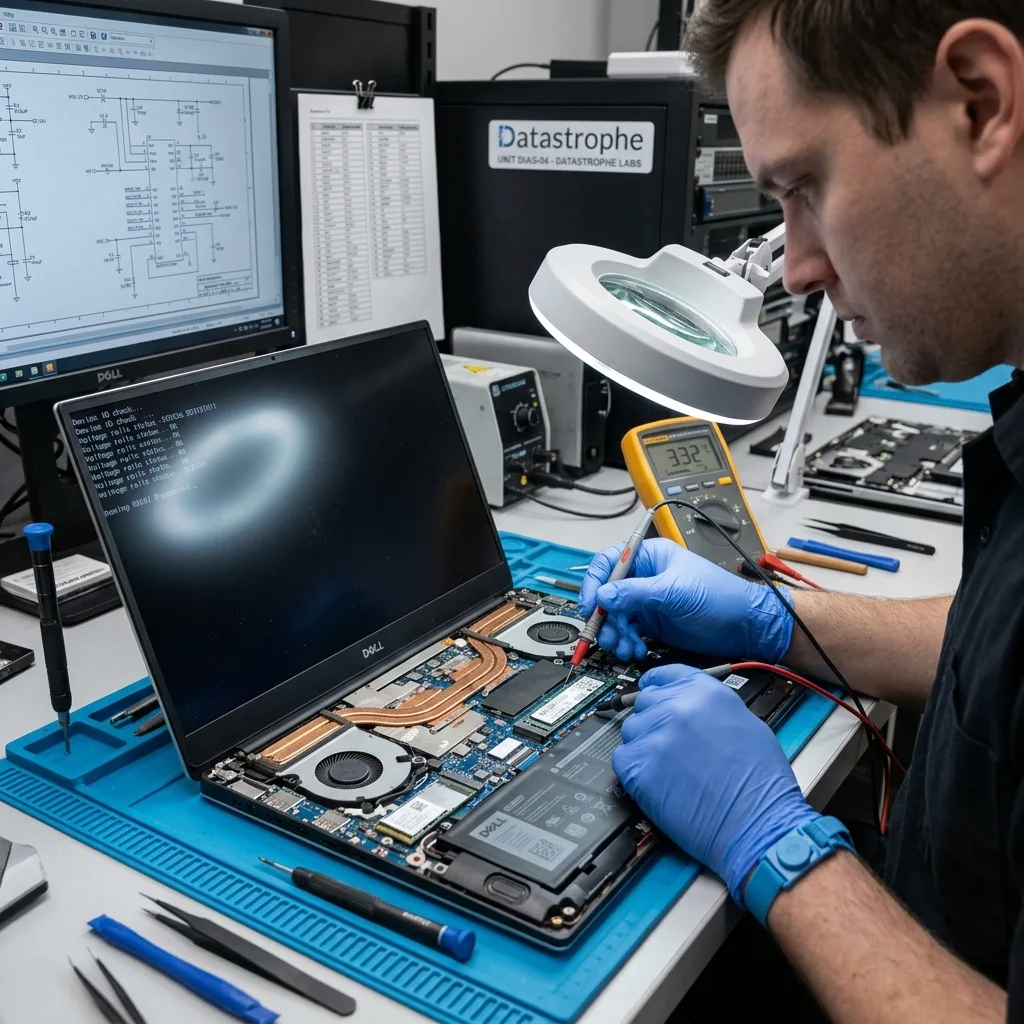
System triage
Find the failed layer before replacing the laptop’s storage
No display, no power, a boot loop, and a missing drive point to different parts of the computer.
A black screen, a boot loop, and an absent operating system can come from power, memory, motherboard, firmware, or storage. The symptom alone does not identify which layer holds the fault. POST behavior, charging current, external display output, BIOS detection, and drive response are documented together.
The assessment records model, incident, indicator behavior, BIOS detection, and storage configuration. This separates a computer-access problem from a drive that needs direct recovery. A removable SSD may be healthy while the motherboard failed, or the board may be the only path to soldered encrypted storage. For an employer-owned computer, the intake also identifies the authorized data owner and any managed encryption or endpoint controls needed for a legitimate, reviewable handoff.
When the storage device is removable and stable, it can be acquired independently. Soldered storage may require the original board and its security components to remain part of the path. The initial plan preserves whichever components hold data or the credentials needed to unlock it.
- Record every startup symptom
- Keep the original motherboard
- Do not swap storage blindly
If BIOS sees the drive
Detection can support a logical path, but it does not prove stable reads or a complete BitLocker volume.
If the drive is absent
Power, connector, firmware, controller, and motherboard faults are separated before another adapter or replacement part is tried.
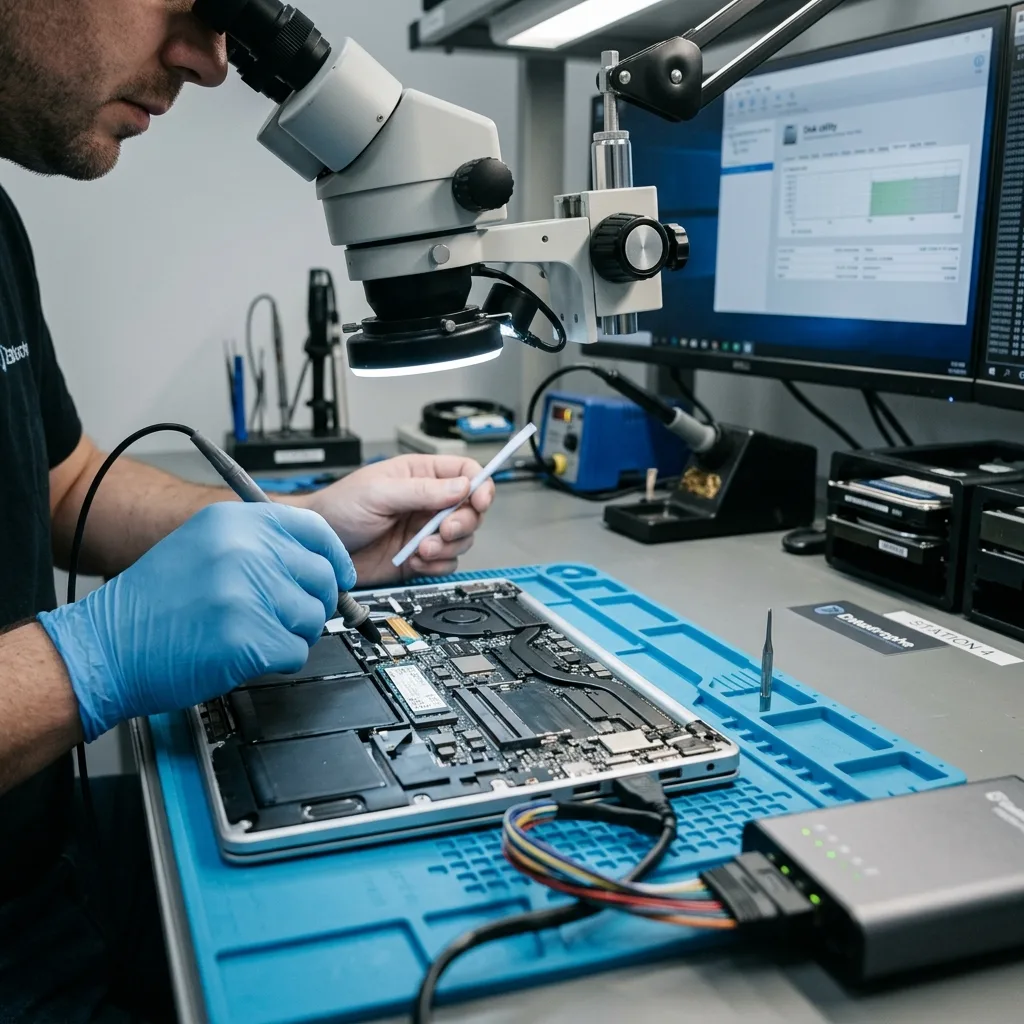
Immediate safety
Disconnect power after liquid, heat, or electrical odor
Current accelerates corrosion and can spread a board fault into storage or security components.
Power can accelerate corrosion after a spill and can worsen a short circuit that has not yet reached the storage. Disconnect the charger and stop keyboard, power-button, charging, and drying tests.
A fall can damage a mechanical laptop drive even when the computer case looks intact. New clicking or scraping calls for power removal and a mechanical laboratory assessment. An internal battery can continue feeding corroded lines even when the screen is dark.
Document the liquid type, impact, elapsed time, charging attempts, heat, and repair-shop actions. That timeline helps determine which components were energized before board-level evaluation.
- Stop charging immediately
- Do not use heat or rice
- Report battery swelling
Why drying is not enough
Residue remains conductive under shields and packages after visible moisture disappears, so a later startup can create new shorts.
What board work is for
Cleaning or temporary repair targets stable authorized data access, not a cosmetic restoration of every laptop function.
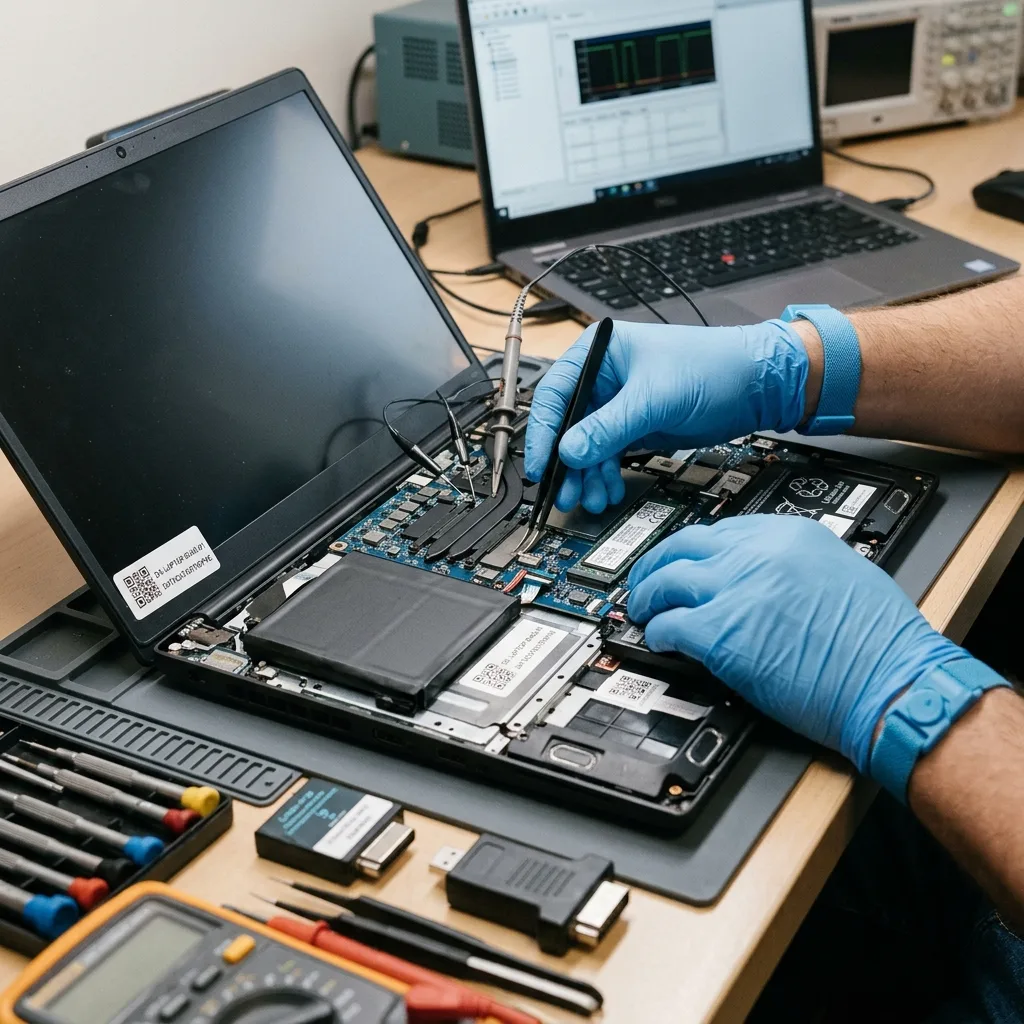
Storage architecture
Choose the acquisition route for 2.5-inch, M.2, and soldered storage
Physical shape, protocol, controller, and encryption decide whether the media can be acquired away from the computer.
A 2.5-inch hard drive, SATA SSD, NVMe module, and soldered flash present different physical and logical dependencies. Connector shape, protocol, capacity, controller, and encryption context are documented before removal because each path requires different commands, adapters, and risk controls.
A removable device can still depend on encryption credentials from the laptop. Conversely, a healthy drive may be inaccessible only because the motherboard cannot power or communicate with it. Soldered NAND can depend on the original processor, security hardware, and motherboard power sequence.
For soldered flash, board stabilization may be the least destructive way to reach hardware-bound data. Chip removal is not assumed to bypass controller translation or encryption. Model and board identifiers are recorded before disassembly so paired parts are not separated casually.
- Identify SATA versus NVMe
- Preserve soldered-board context
- Label every removed component
Removable media path
Stable drives are acquired with write protection and error logging before Windows repair or profile reconstruction.
Soldered media path
The original board may need targeted stabilization because chip removal does not automatically recreate controller translation or encryption keys.
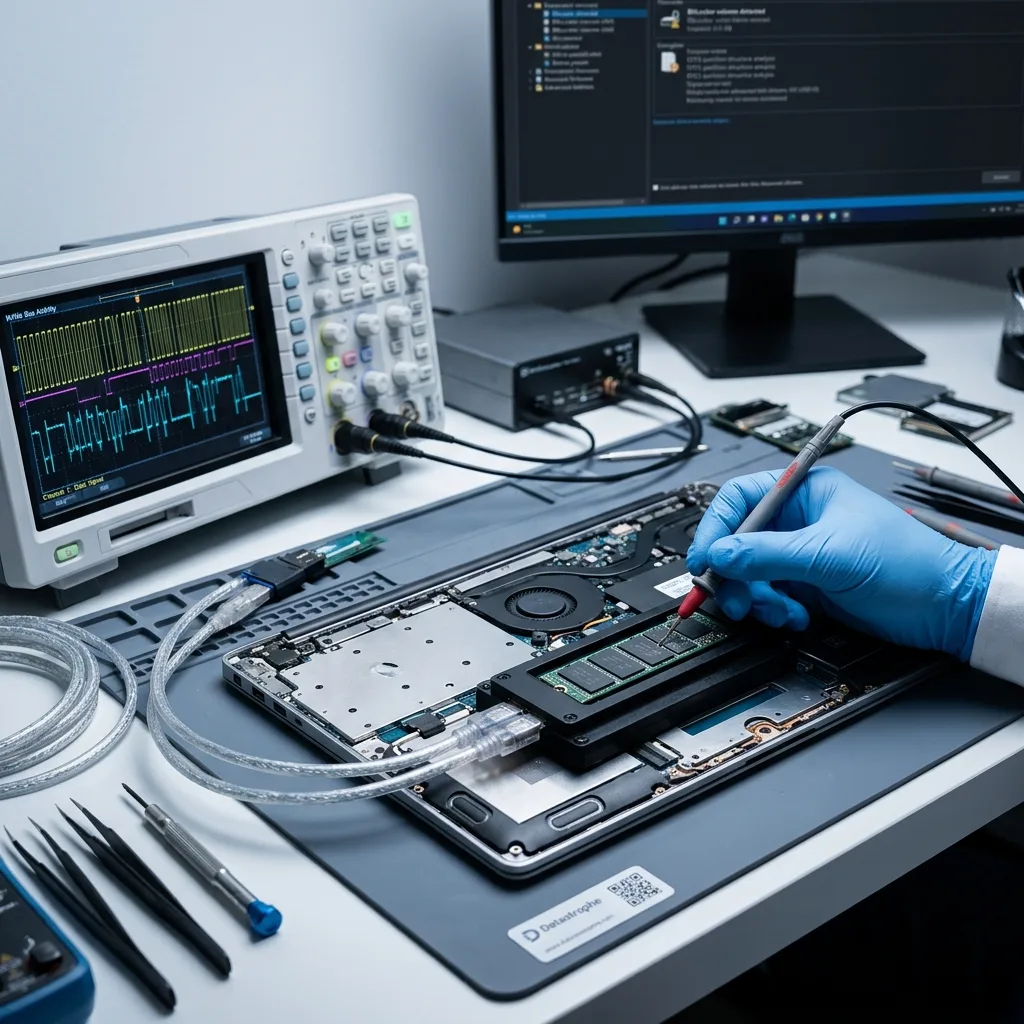
Controlled disassembly
Document the storage context before removing any device
Model, bay, interface, encryption, BIOS state, and incident evidence can be lost when a drive is removed without a record.
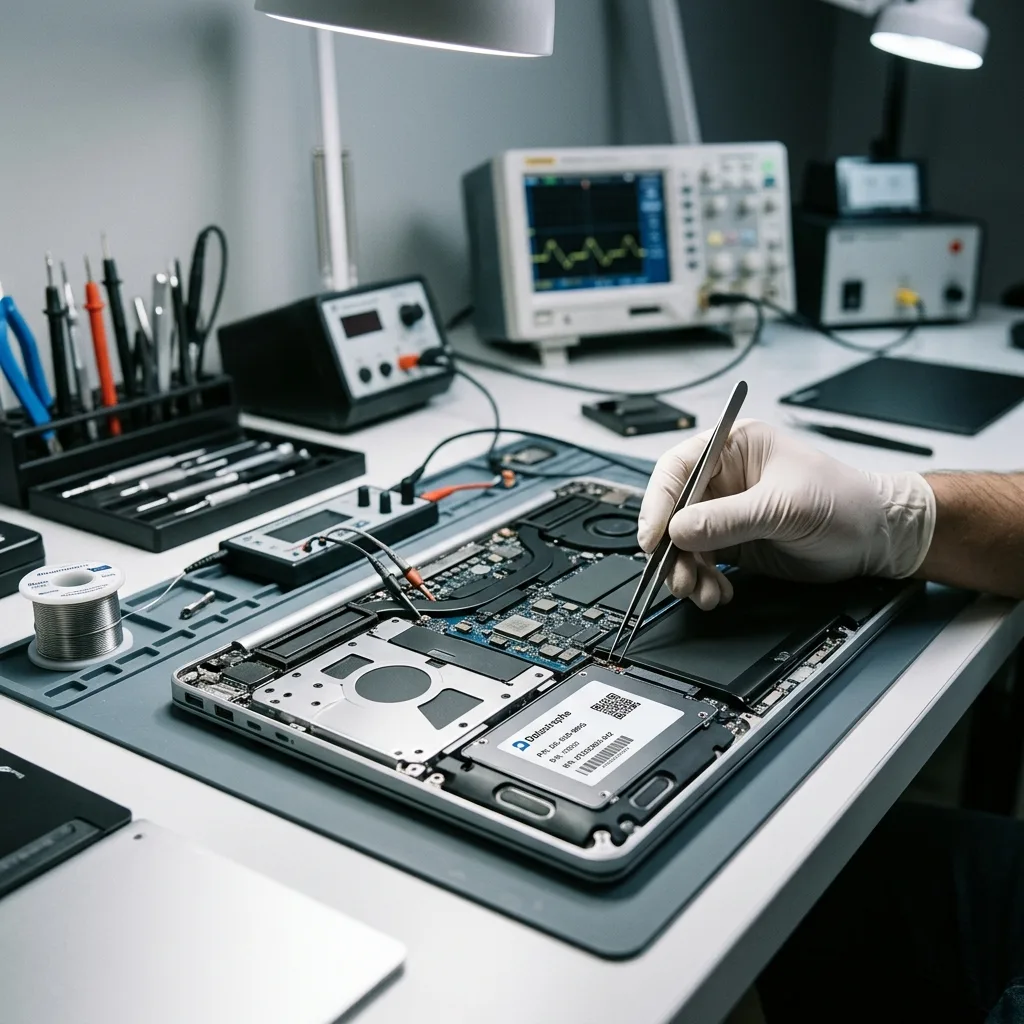
Photograph the laptop model, installed position, drive label, connector, adapter, BIOS detection, and any error screen before removal. Record whether the device is a hard drive, SATA SSD, NVMe module, or soldered storage and whether BitLocker or another security layer was active.
Shut the computer down, isolate charger and battery power when safe, and label every removed screw, bracket, cable, and storage device. Do not boot the laptop after removal to test a replacement against the original volume state.
A clicking hard drive remains powered down for laboratory assessment, while an SSD or soldered device keeps its controller and board context. Every subsequent image and reconstruction record points back to the documented original position and hardware.
- Photograph labels and installed position
- Record BIOS and encryption state
- Keep brackets, adapters, and board context
Removable storage
Label the device and its adapter before write-protected acquisition; preserve the laptop when encryption or power behavior still depends on it.
Soldered or security-bound storage
Keep the original board, processor, TPM, and security components together because physical chip access does not recreate their key relationships.
Authorized decryption
Preserve BitLocker, TPM, and Windows profile context
A readable SSD can remain inaccessible when the recovery key, TPM relationship, or account context is missing.
NTFS records, user-profile paths, permissions, and application data are evaluated after acquisition. A bootable Windows installation is not required to reconstruct a coherent file set. Windows device encryption may be enabled through a Microsoft account, organization, or TPM without a memorable setup event.
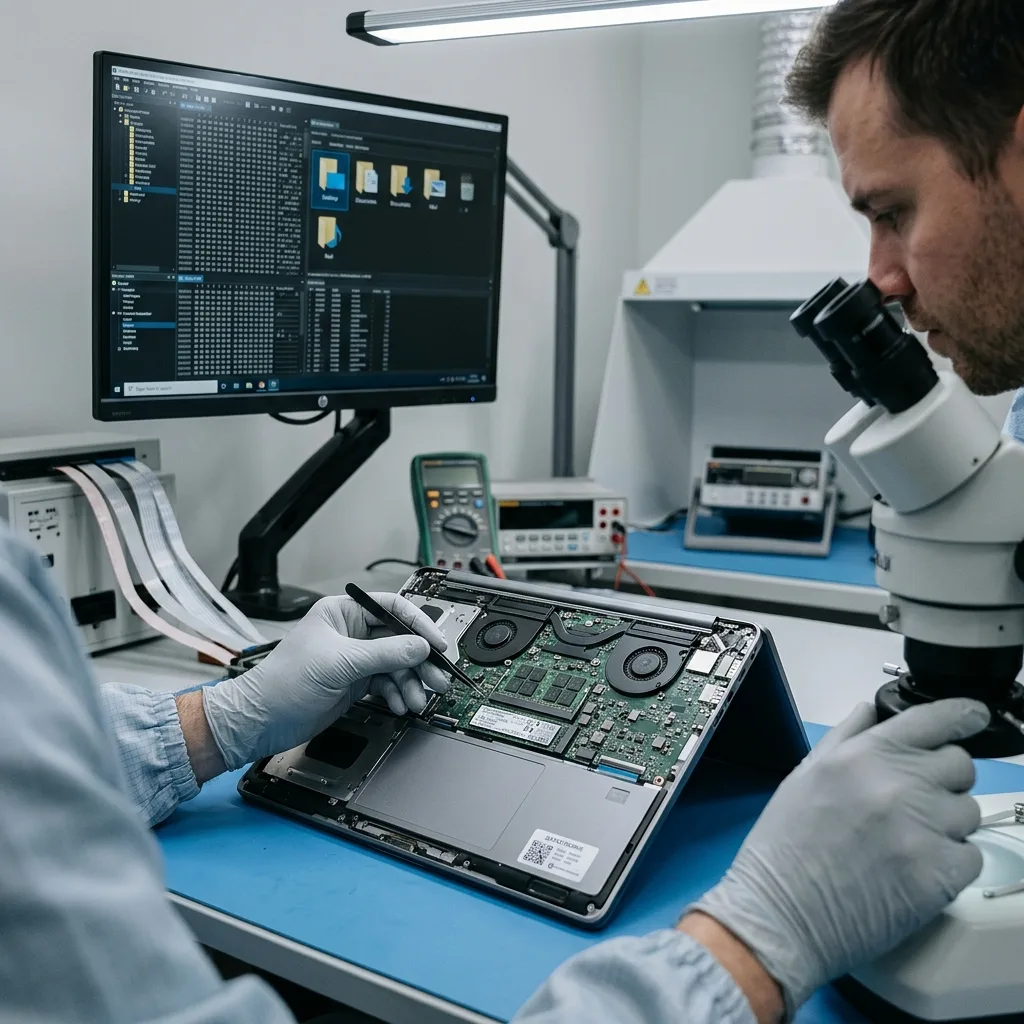
BitLocker recovery material should be preserved from the authorized account, directory service, or printed records. Readable sectors remain encrypted until a valid key is available. Recovery identifiers, Microsoft or directory-held keys, domain context, and the original motherboard are preserved before BIOS resets.
Documents, email stores, browser exports, and local databases are checked in their application context. A folder that opens is only the start of validation. Unlock and profile reconstruction are tested on controlled copies through an authorized workflow.
- Locate BitLocker keys early
- Do not clear the TPM
- Keep account identifiers available
Personal recovery-key sources
A Microsoft account or printed recovery record may hold the matching identifier; verify it from another trusted device.
Organization-managed keys
Entra ID, Active Directory, or endpoint management may store the key. An authorized administrator should preserve it before hardware changes.
Priority planning
Recover the files that restore useful work first
Current business records, active projects, and local-only family archives can require different acquisition and testing order.
Current contracts, accounting data, design files, source code, and a local mail archive may be more urgent than older downloads. The owner defines these priorities before deep reconstruction. A small-business laptop may depend on accounting data, tax records, email archives, browser exports, or local application databases.
Date ranges, project names, and known paths guide review and can influence acquisition order on unstable media. That priority is documented rather than inferred from file size. Creative and engineering work can require project files, linked media, fonts, plug-ins, and version-specific sidecars.
The delivery distinguishes user-created data from operating-system files and reinstallable applications. This keeps the result focused on what cannot simply be recreated. Priorities name paths, applications, dates, and a useful partial outcome before unstable storage receives additional reads.
- Name the critical application
- Identify the required date range
- Define a useful partial result
Windows profile relationships
Desktop, Documents, AppData, Outlook data, browser profiles, and application stores can depend on permissions and related configuration.
Project-level validation
A project must reopen with its assets or report the missing dependencies; file count alone cannot establish usability.
Outcome boundary
Separate file recovery from returning the laptop to service
The safest route to data may leave the failed computer unrepaired, partially assembled, or unsuitable for continued use.
Replacing a failed component or reinstalling Windows may make a laptop start without recovering the missing version of a file. Conversely, usable data can often be delivered even when the computer itself is not economical to repair. Temporary board or power work exists to obtain a stable acquisition window, not to certify the laptop for everyday operation.
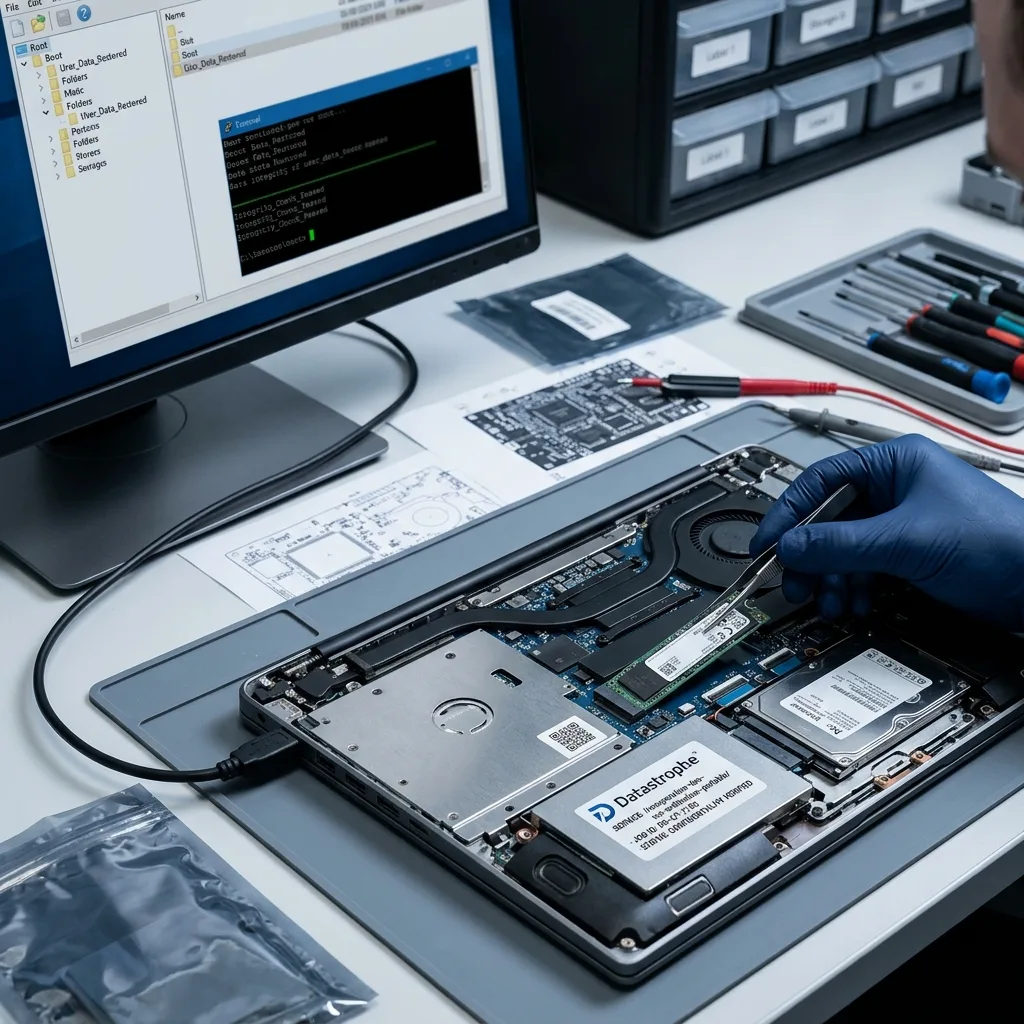
Source-media preservation, file reconstruction, and content validation form the data-recovery result. Hardware repair and return-to-service testing are separate decisions. Recovered files are delivered on separate verified destination media and sampled with the appropriate applications.
Unreadable cells, overwritten data, broken database consistency, and unavailable encryption keys are reported individually. None is hidden by a successful boot screen. Hardware repair decisions can follow after the original storage image and priority data are protected.
When an employer, school, or other organization owns the laptop, an authorized contact should define the requested accounts and files. That boundary keeps technical validation focused while preserving custody of business credentials and regulated records.
- Deliver to verified destination storage
- Document temporary board work
- Retire unreliable source media
What recovery verifies
The result classifies usable, partial, encrypted, detected-only, and untested items from the recovery copy.
What computer repair verifies
A separate repair assessment addresses charging, display, cooling, ports, battery, and long-term hardware reliability.
Intake preparation
Prepare the computer, charger, keys, and priority folders
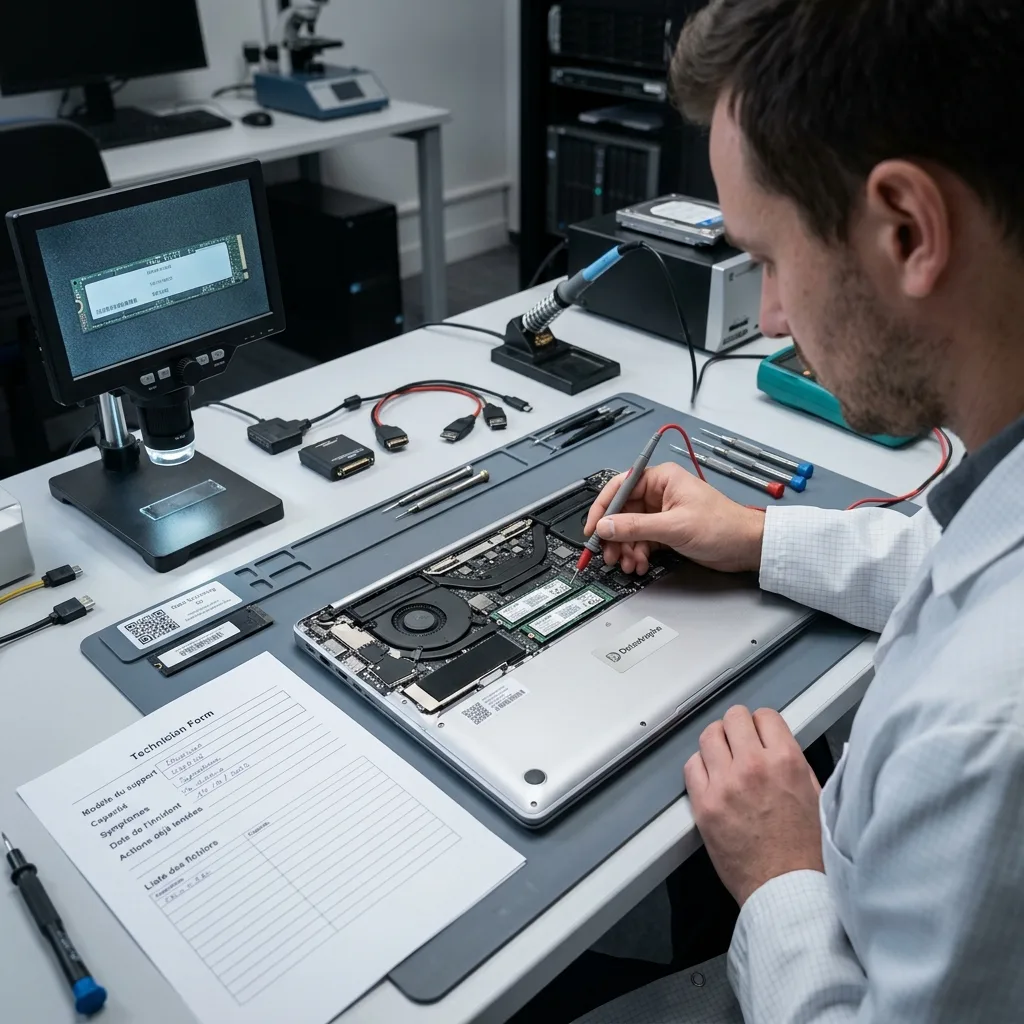
A complete laptop intake keeps the storage, board, encryption context, incident history, and requested work together.
A flash-based laptop follows SSD and NVMe recovery when controller, FTL, TRIM, or NAND behavior controls the access path. Keep the original computer available when TPM or motherboard context may still be required.
A mechanical laptop disk follows hard drive recovery. New clicking after impact can justify ISO 5 cleanroom recovery once an internal fault is confirmed.
Local VMDK or VHDX files add descriptors and snapshot relationships handled through virtual disk recovery. The broader data recovery process keeps every repair experiment away from the source image.
Before shipment, confirm battery condition and whether the complete laptop, charger, removed drive, or paired motherboard components are required. Send BitLocker keys only through the agreed secure channel.
- Keep charger and motherboard
- Use tracked protective shipping
- Send credentials separately
Shipping a complete laptop
Confirm battery condition first. Use rigid cushioning, prevent movement, and follow carrier rules for damaged lithium batteries.
Protecting credentials
Send BitLocker keys and account material through the agreed secure channel, never on a note inside the package.
FAQ
Frequently asked questions
Should I keep restarting a laptop that will not boot?
No. Repeated starts can write to a damaged file system, issue TRIM to an SSD, or worsen a clicking hard drive. Record the error and power the laptop down.
Can files be recovered when the laptop motherboard failed?
Often, depending on storage design and encryption. Removable media may be acquired separately, while soldered or hardware-bound storage can require stabilization of the original motherboard.
Why is the BitLocker recovery key important?
A complete sector image can still remain encrypted. The matching key or authorized hardware context is needed to turn readable blocks into usable files.
How should a liquid-exposed laptop be handled before recovery?
Disconnect the charger, stop power-on tests, and do not use heat or rice. Report the liquid, time, battery condition, and every later charging attempt.
Will data recovery also repair the laptop?
Not necessarily. Temporary board or drive work is performed to acquire data. Long-term computer repair and reliability are separate outcomes from verified file recovery.
Media
Other expertise
- Hard Drive Data Recovery for Failed and Clicking Drives Recover data from clicking, dropped, slow, or unreadable hard drives through measured diagnostics, controlled imaging, and file-level verification.
- External Hard Drive Data Recovery for USB and Mechanical Failures Recover files from dropped, clicking, encrypted, or intermittently disconnecting external drives while preserving the original enclosure and electronics.
- SSD and NVMe Data Recovery for Flash Storage Failures Recover data from undetected, read-only, failed, or logically damaged SATA SSDs and NVMe drives with controller-aware acquisition and clear TRIM limits.
- USB Flash Drive Data Recovery for Connector and NAND Failures Recover data from bent, shorted, undetected, formatted or failed USB flash drives with architecture-specific acquisition and file verification.
- Memory Card Data Recovery for Photos and Video Recover photos, video, and device recordings from unreadable, formatted, damaged, or worn SD, microSD, CF, and CFexpress cards.
- Apple Mac Data Recovery for APFS and Encrypted Storage Recover Mac files from failed storage, liquid damage, APFS corruption, FileVault, Fusion Drive, T2, and Apple silicon systems without destructive resets.
- Tablet Data Recovery for Failed and Liquid-Damaged Devices Recover files from failed, locked, liquid-damaged or unbootable tablets while preserving soldered storage, paired hardware and encryption context.
- VMDK and VHDX Virtual Disk Data Recovery Recover files, databases, and workloads from damaged VMDK, VHDX, QCOW2, snapshots, thin disks, and failed datastores without modifying the source chain.
- RAID, NAS, and Storage Array Data Recovery Recover shares, databases and virtual machines from failed RAID, NAS, SAN, ZFS, Btrfs and storage arrays while preserving member order and parity evidence.
- Business Server Data Recovery for Complex Storage Failures Recover server data from failed RAID, pools, virtual hosts, databases and file services with source-first acquisition and workload validation.
- NVR, DVR, and Security Camera Footage Recovery Recover missing NVR and DVR footage from proprietary indexes, H.264/H.265 streams, circular recording, failed disks and multi-drive recorder arrays.
- ISO 5 Cleanroom Data Recovery for Hard Drive Failures Controlled ISO 5 cleanroom handling for confirmed head, spindle, and contamination failures, followed by immediate sector imaging and file verification.
 Hard Drive Data Recovery for Failed and Clicking Drives
  SSD and NVMe Data Recovery for Flash Storage Failures
  USB Flash Drive Data Recovery for Connector and NAND Failures
  Memory Card Data Recovery for Photos and Video
  Apple Mac Data Recovery for APFS and Encrypted Storage
  Tablet Data Recovery for Failed and Liquid-Damaged Devices
  VMDK and VHDX Virtual Disk Data Recovery
  RAID, NAS, and Storage Array Data Recovery
  Business Server Data Recovery for Complex Storage Failures
  NVR, DVR, and Security Camera Footage Recovery
  ISO 5 Cleanroom Data Recovery for Hard Drive Failures
 Diagnostic evaluation
Not sure what happened to your storage device?
Datastrophe evaluates the risk before any recovery attempt and points you toward the safest next step.