NAS SSD Overheating: Protect Cache, RAID, and Source Data
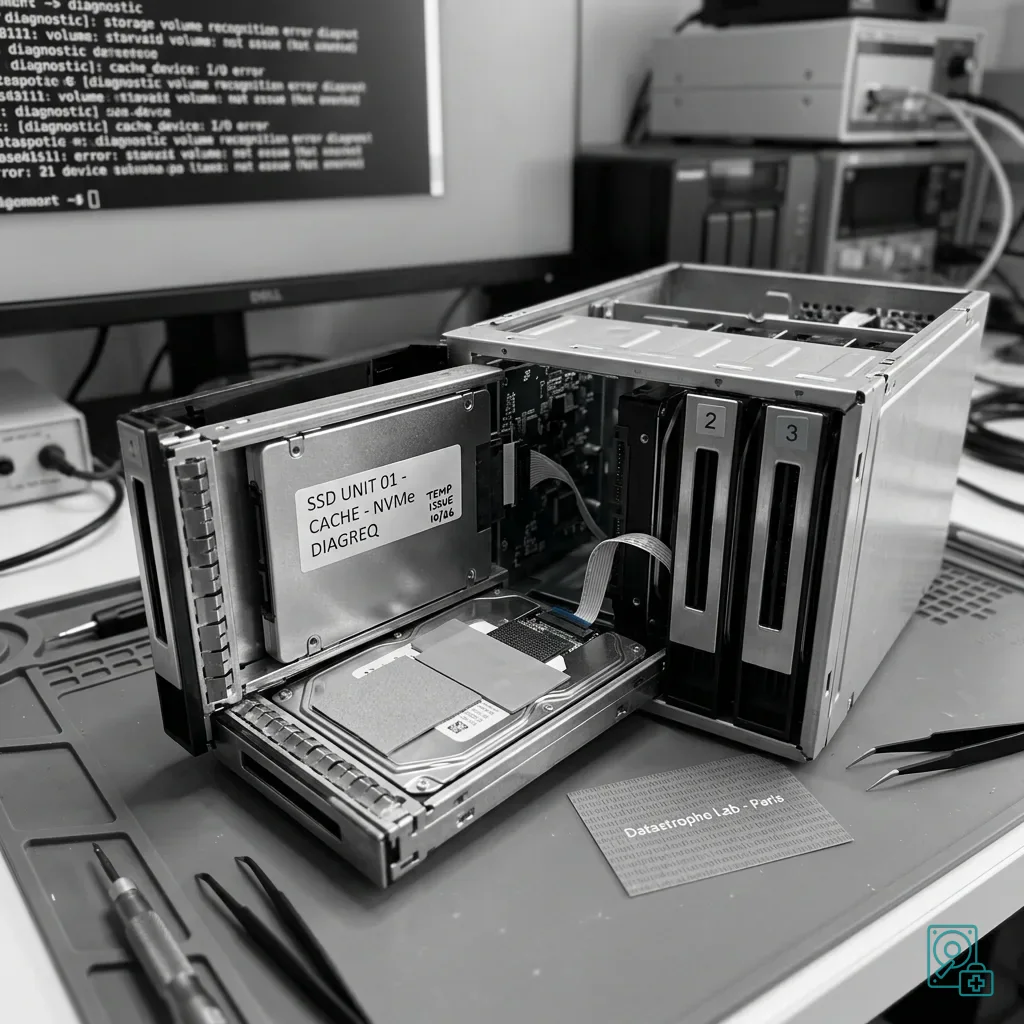
Establish whether hot NAS SSDs hold primary data, read cache, or uncommitted write cache before rebuild, eviction, or replacement changes the storage state.
Read the articleTechnical guides on data loss prevention, storage failures and controlled data recovery methods.
Establish whether hot NAS SSDs hold primary data, read cache, or uncommitted write cache before rebuild, eviction, or replacement changes the storage state.
Read the articleExplain why snapshots, replication, redundant storage, and copied virtual-disk files do not automatically provide a complete recoverable system.
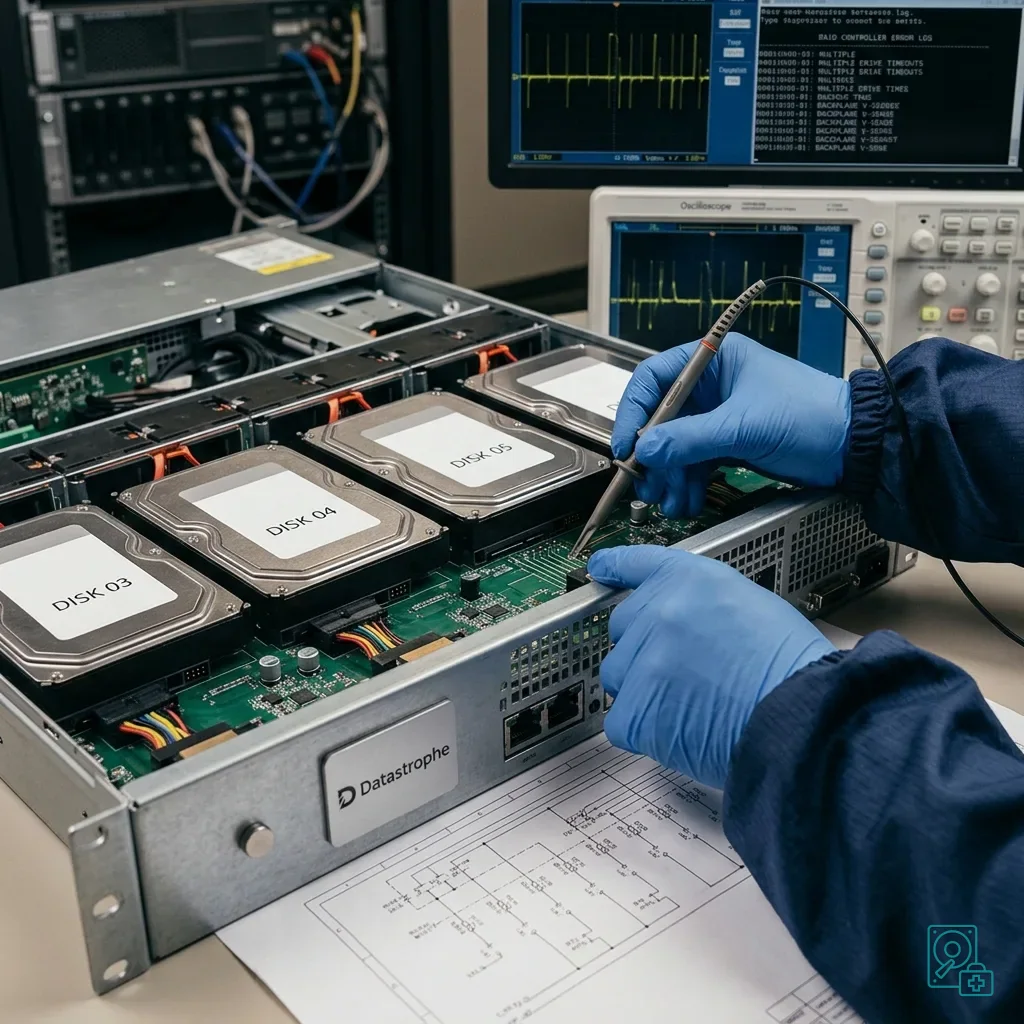
Read the articleEvaluate application load, weak members, controller, backplane, power, and business priorities before a server RAID rebuild turns one failure into a wider outage.
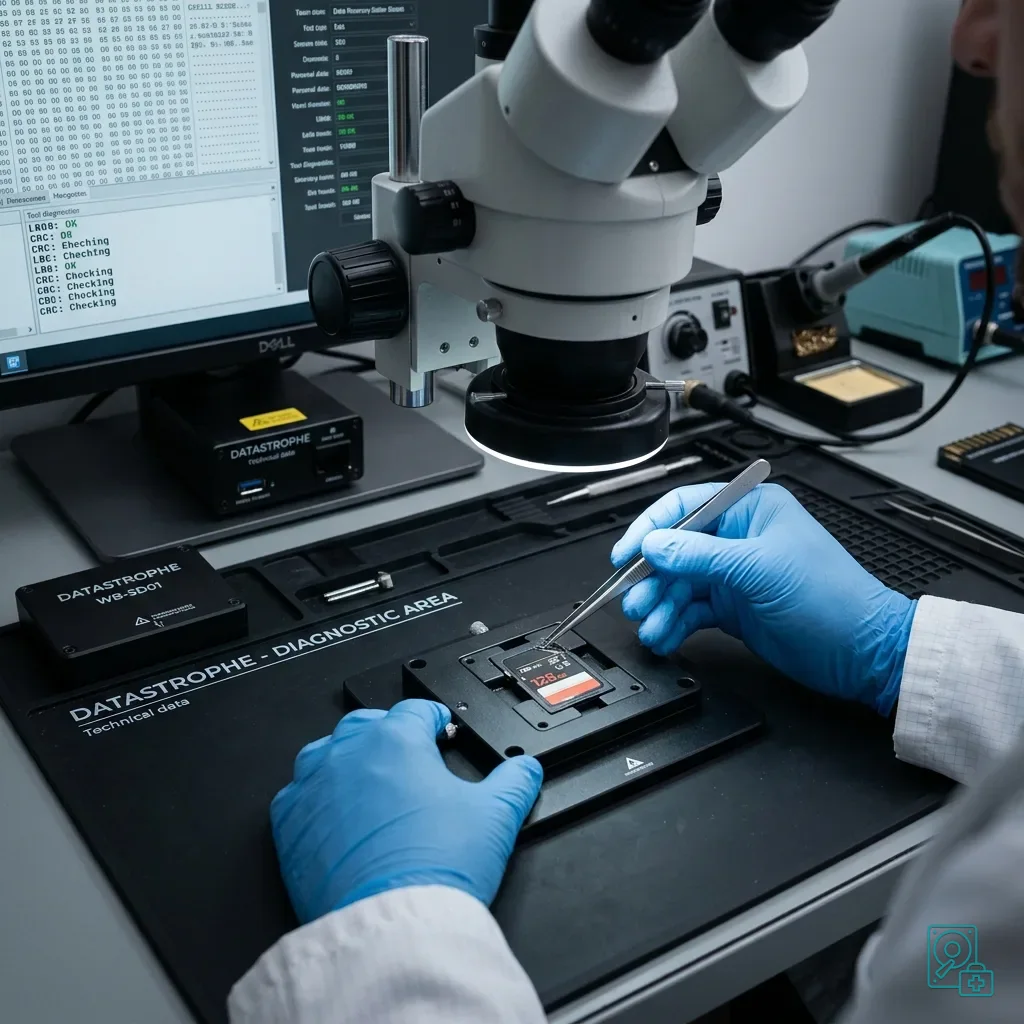
Read the articleUnderstand how card damage, controller access, earlier attempts, required file types, validation effort, and data priorities affect recovery pricing.
Read the articleInvestigate RAID, backplane, cooling, vibration, firmware, and power when server drives fail repeatedly instead of treating each disk as an isolated event.
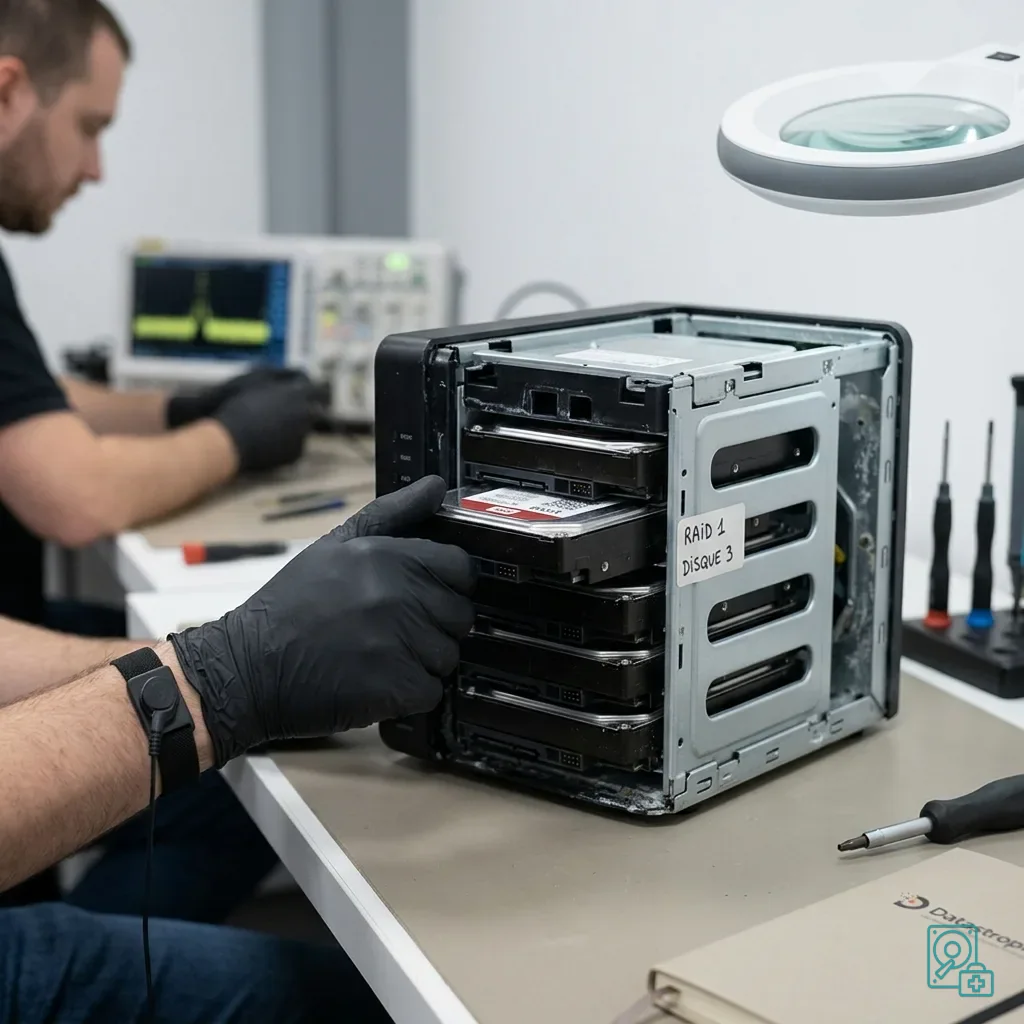
Read the articleIsolate power after flooding, retain bay order and the enclosure, document exposure and corrosion, and recover RAID data only onto healthy storage.
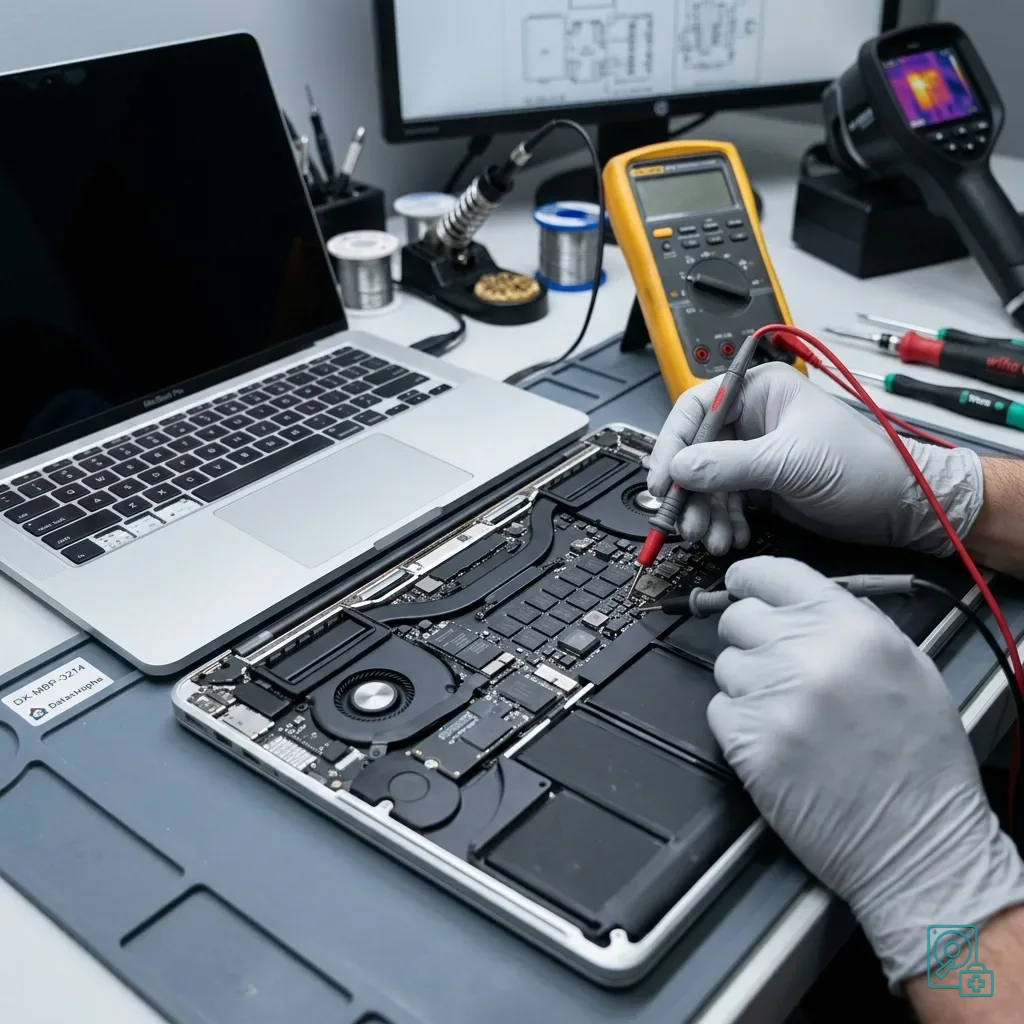
Read the articleEvaluate heat, power, cooling, logic-board, and integrated-SSD risks on a MacBook Pro while avoiding repeated boots and premature macOS repair.
Read the articleConfirm recovered files before delivery through priority-based sampling, readability checks, documented gaps, version review, and healthy destination media.
Read the articleProtect remote-work virtual disks from sync conflicts, VPN interruptions, partial uploads, snapshot confusion, and hurried reconstruction after an incident.
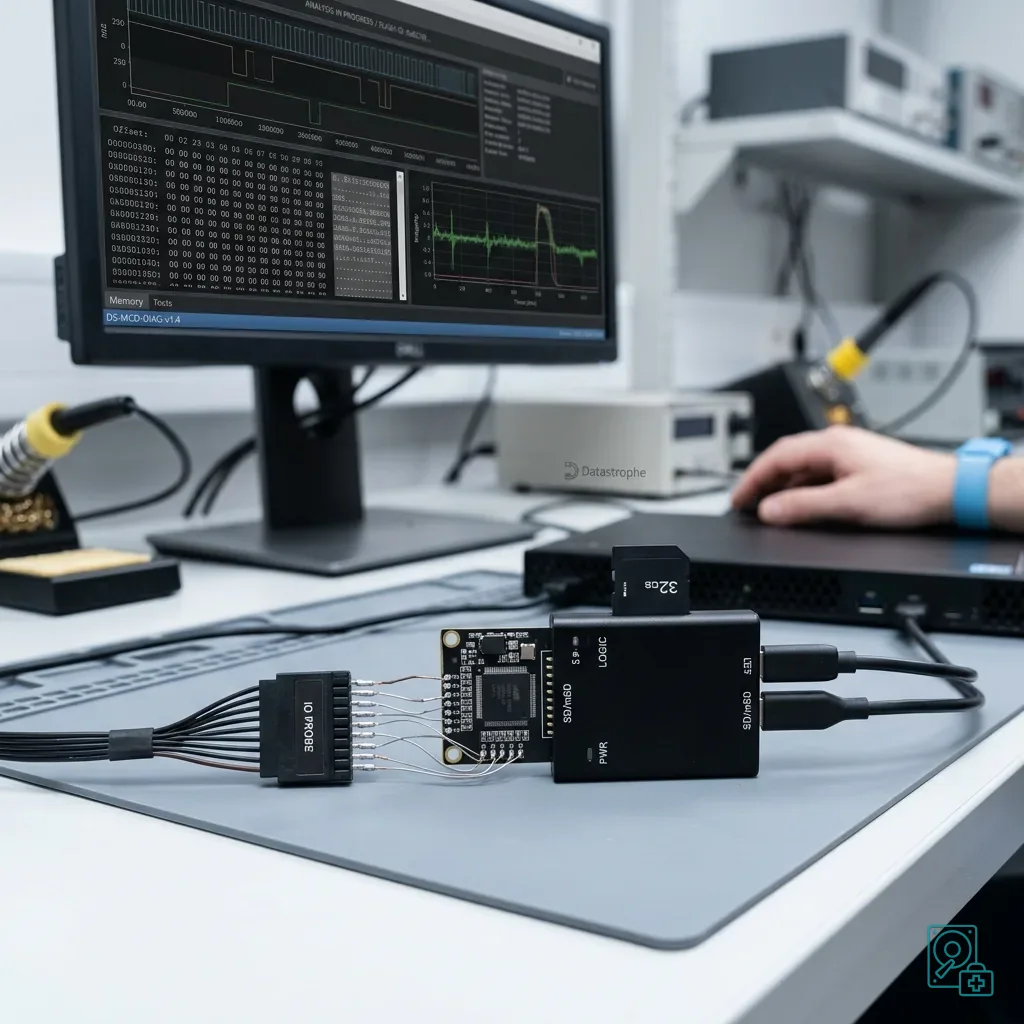
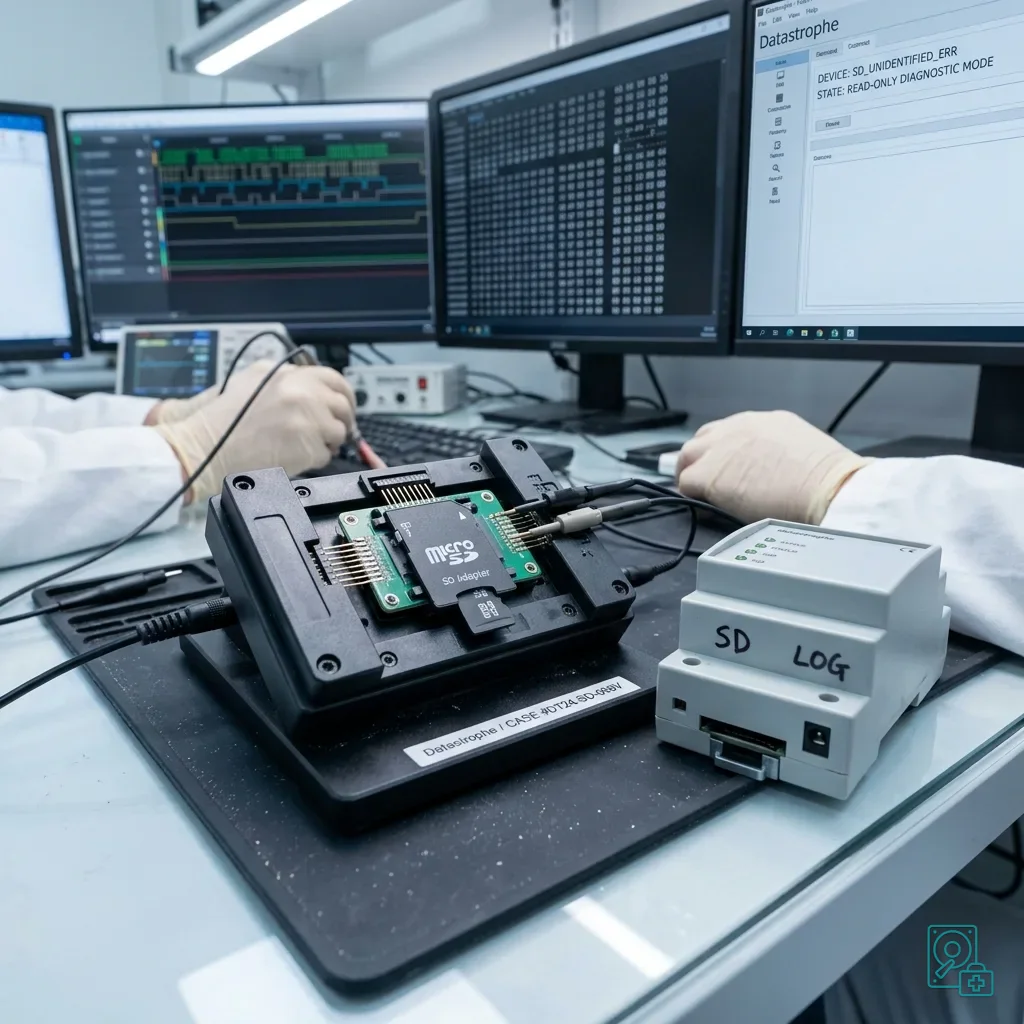
Read the articleProtect logs, configuration files, images, and local exports when a memory card fails inside technical equipment.
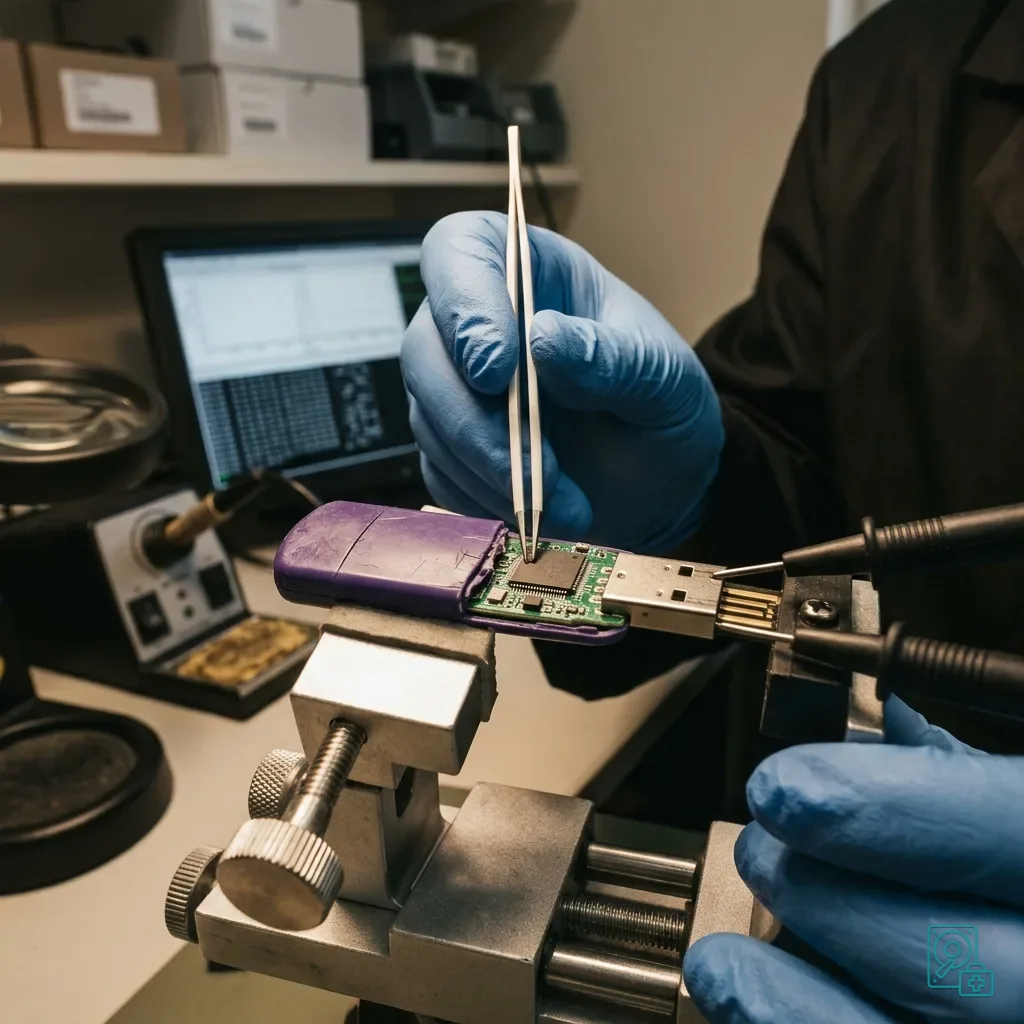
Read the articleLearn how flash quality, controller limits, false capacity, interrupted writes, and weak backup habits affect low-cost USB storage.
Read the articleAfter a memory card or camera is dropped, inspect for connector damage, preserve the card, and avoid reinsertion, formatting, or new writes.
Read the article