RAID Data Recovery After a Power Outage
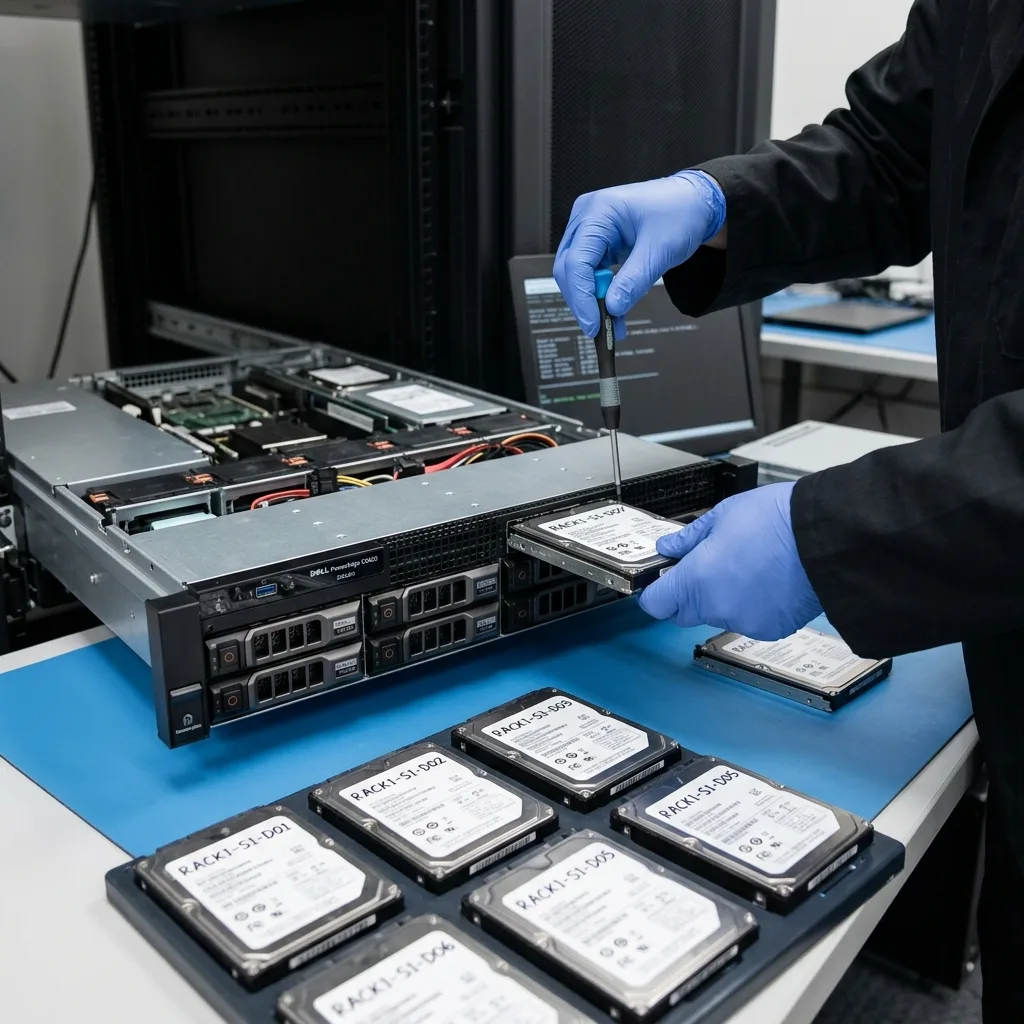
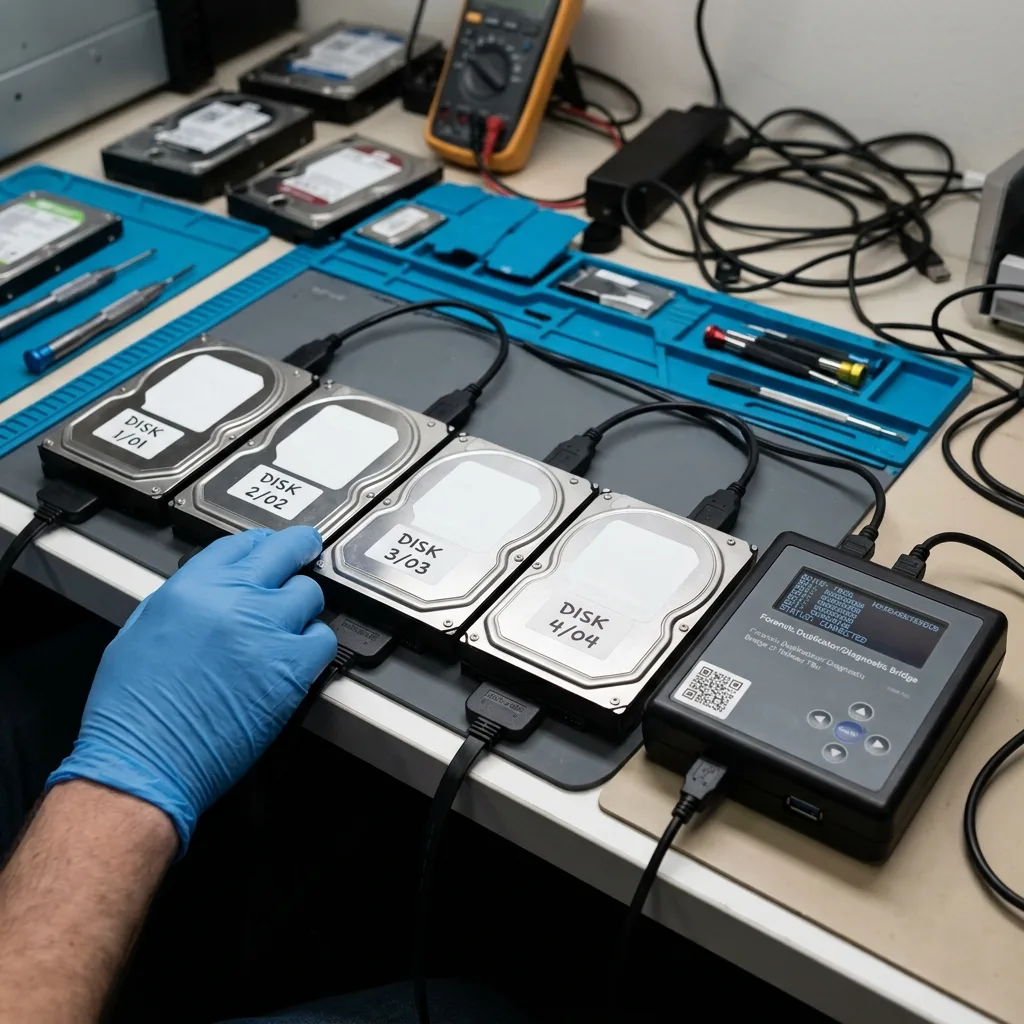
A power outage can interrupt RAID writes, cache, or rebuild activity and expose weak disks. Preserve every member before automatic reconstruction.
Read the articleTechnical guides on data loss prevention, storage failures and controlled data recovery methods.
A power outage can interrupt RAID writes, cache, or rebuild activity and expose weak disks. Preserve every member before automatic reconstruction.
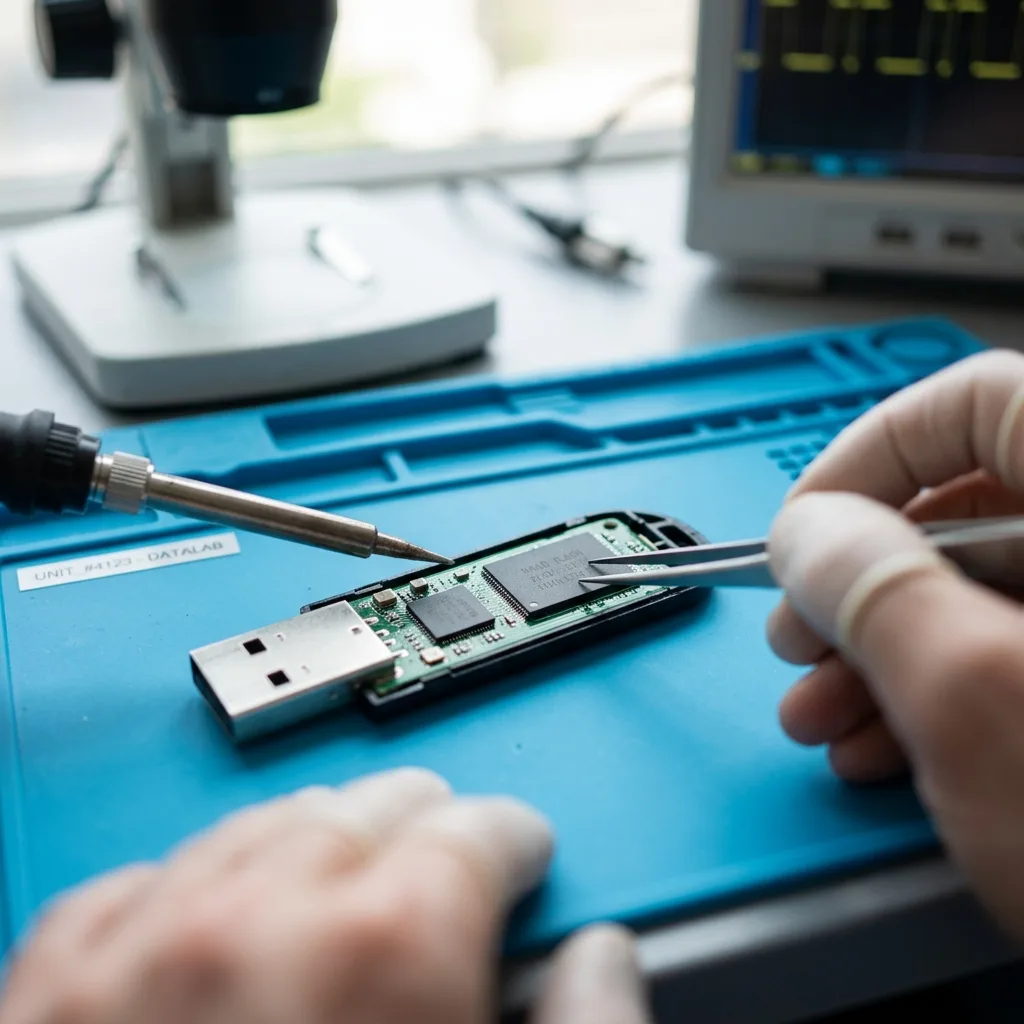
Read the articleUSB flash drive recovery may involve connector damage, controller translation, NAND wear, FAT32 or exFAT corruption, and monolithic device construction.
Read the articleMarine humidity, salt, vibration, temperature shifts, and unstable power threaten hard drives. Use independent copies and stop testing after exposure or abnormal noise.
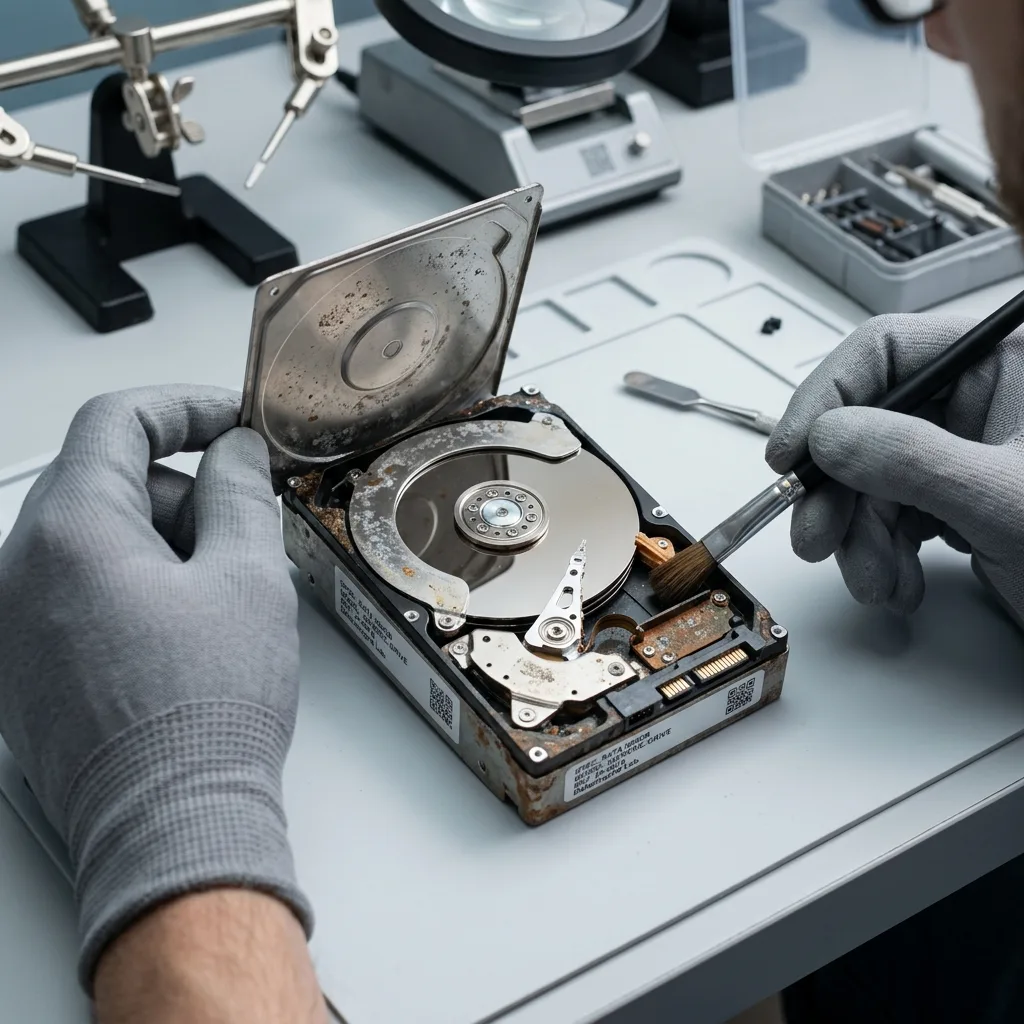
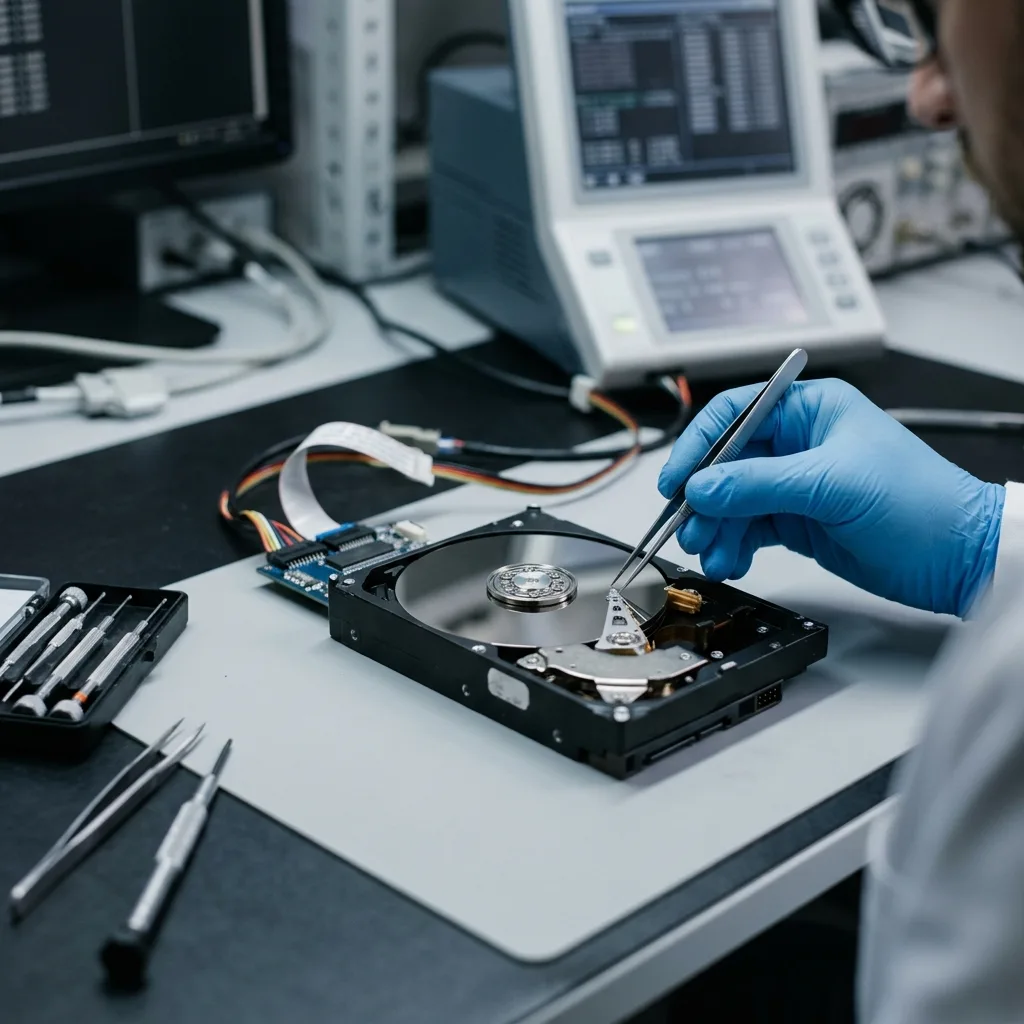
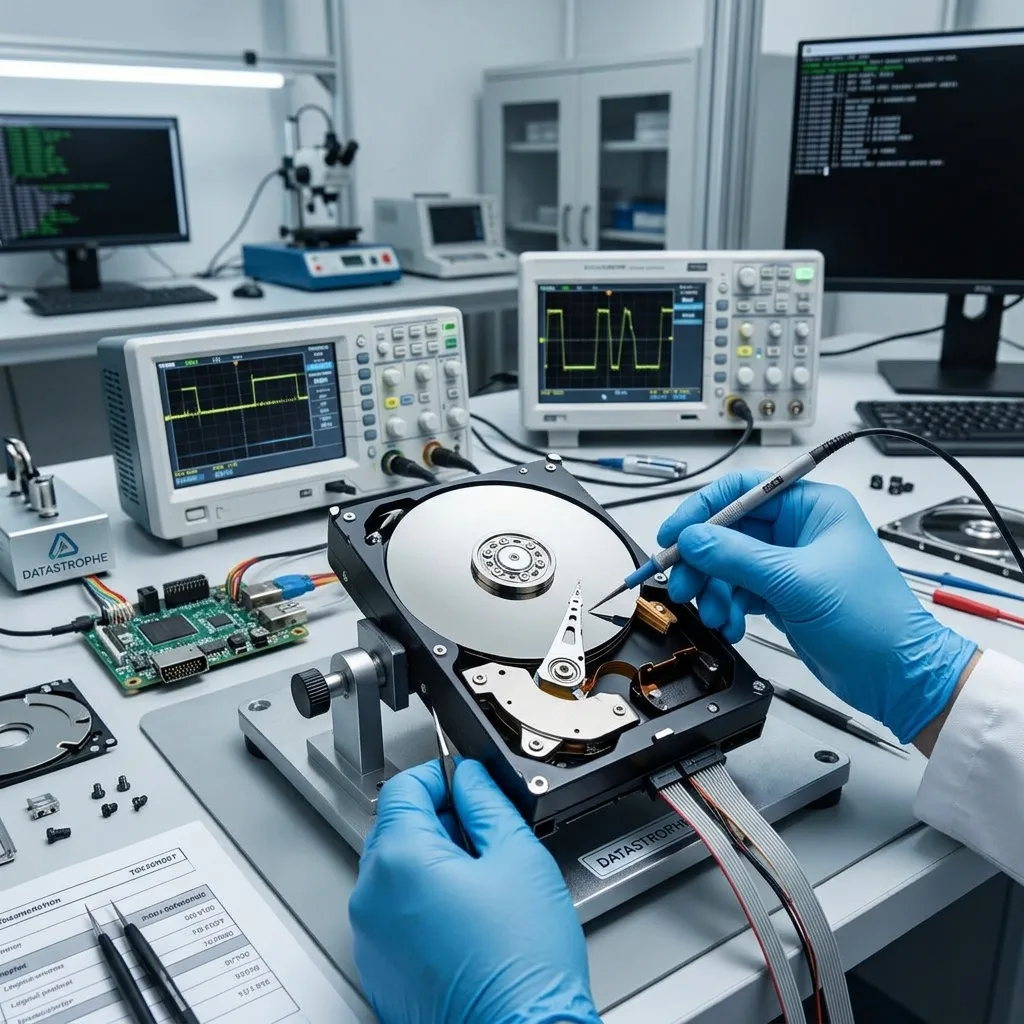
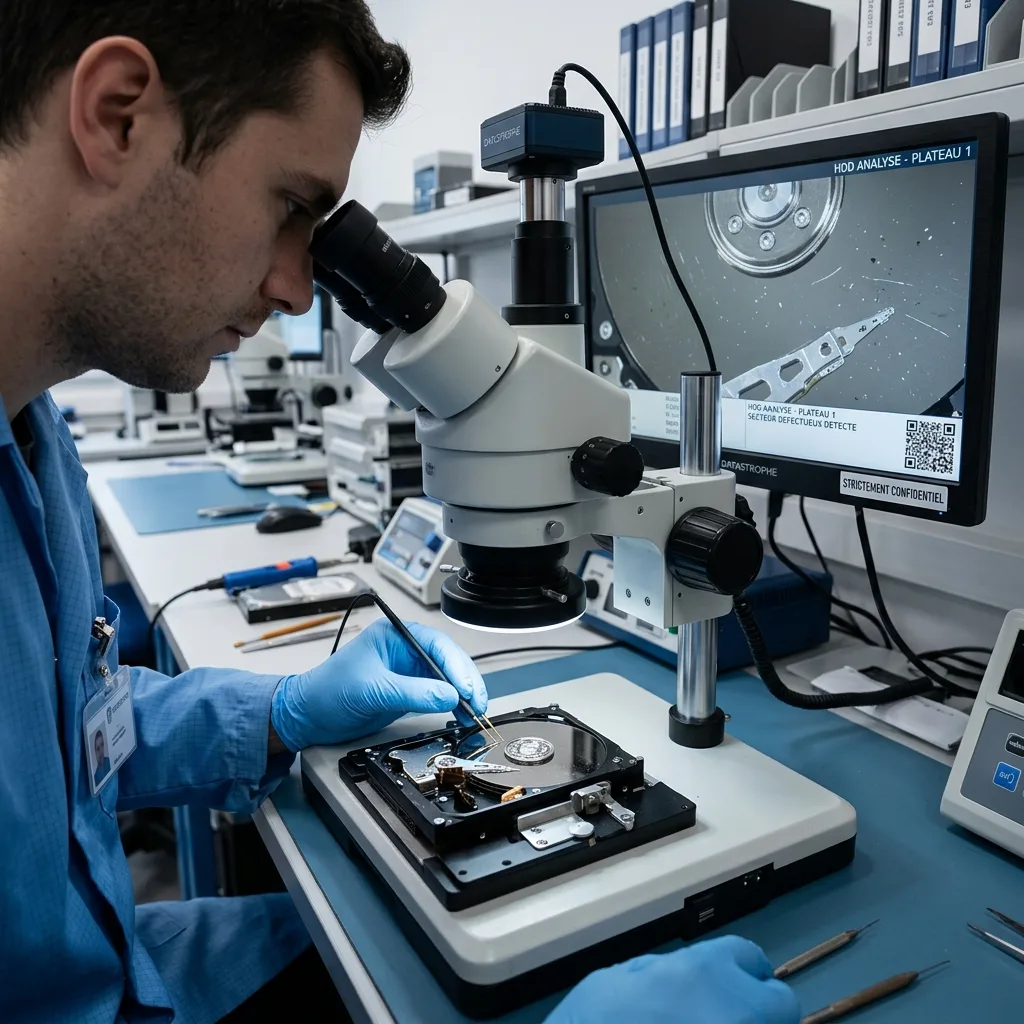
Read the articleUse symptoms, sound, stability, electronics, and controlled imaging to evaluate a failed hard drive before any recovery or repair attempt.
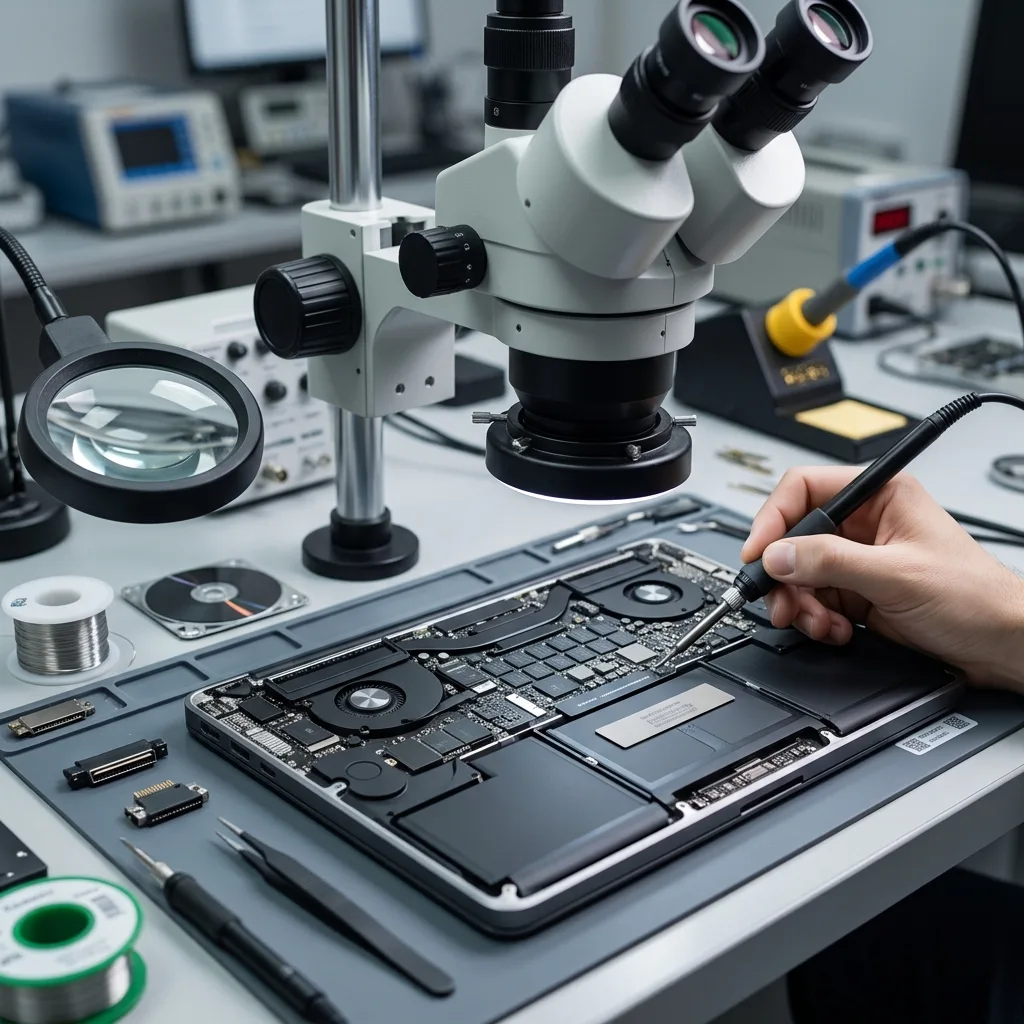
Read the articleProtect MacBook files with verified Time Machine restores, independent copies, retained FileVault keys, and a prompt response to storage warning signs.
Read the articleLearn how sustained bitrate, flash wear, interrupted finalization, and sudden power loss can corrupt 4K recordings, plus the safest response.
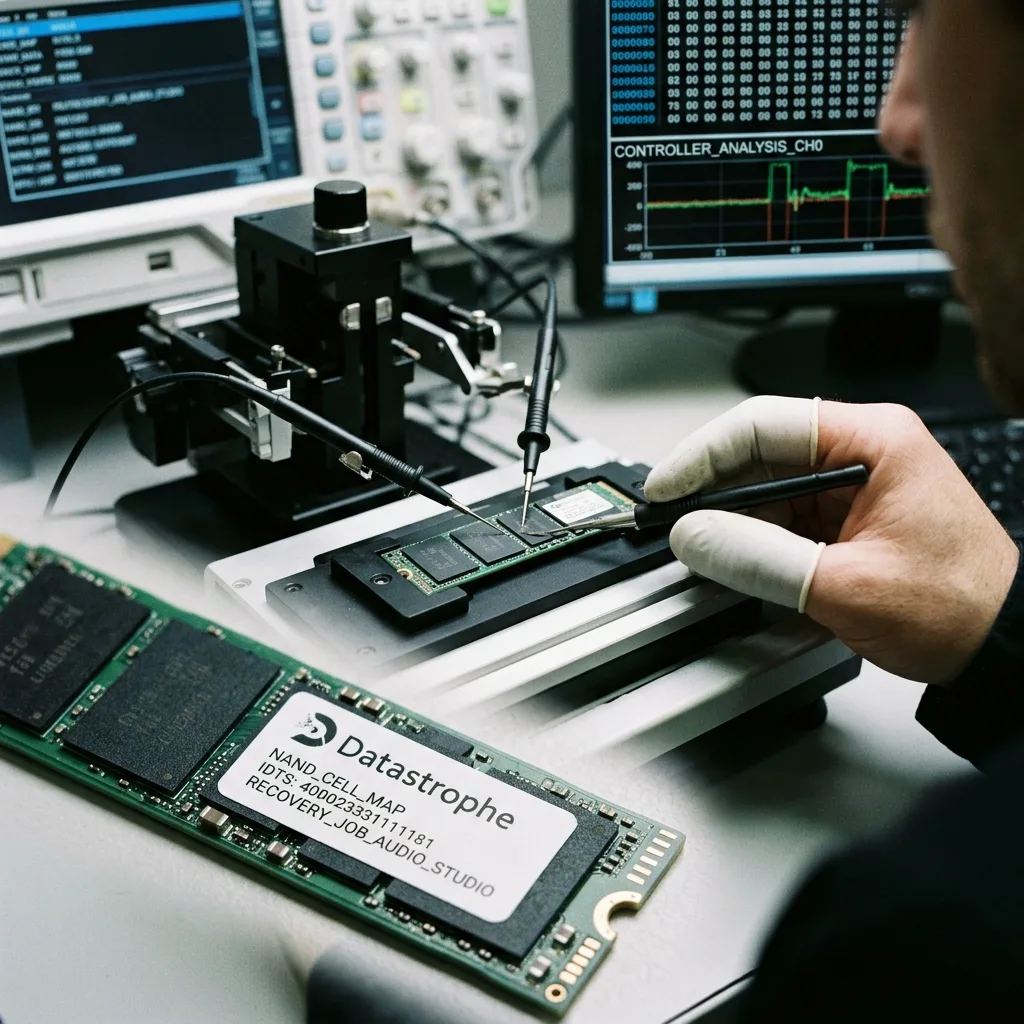
Read the articleProtect recording sessions by separating working SSDs from backups, verifying audio files, monitoring warning signs, and copying projects after each session.
Read the articleIndustrial hard drives may hold logs, events, settings, or video while facing vibration, heat, power cycles, and continuous writes. Preserve the equipment context before recovery.
Read the articleRAID, databases, permissions, incomplete backups, synchronization, and rushed continuity work can combine to make critical server data unavailable.
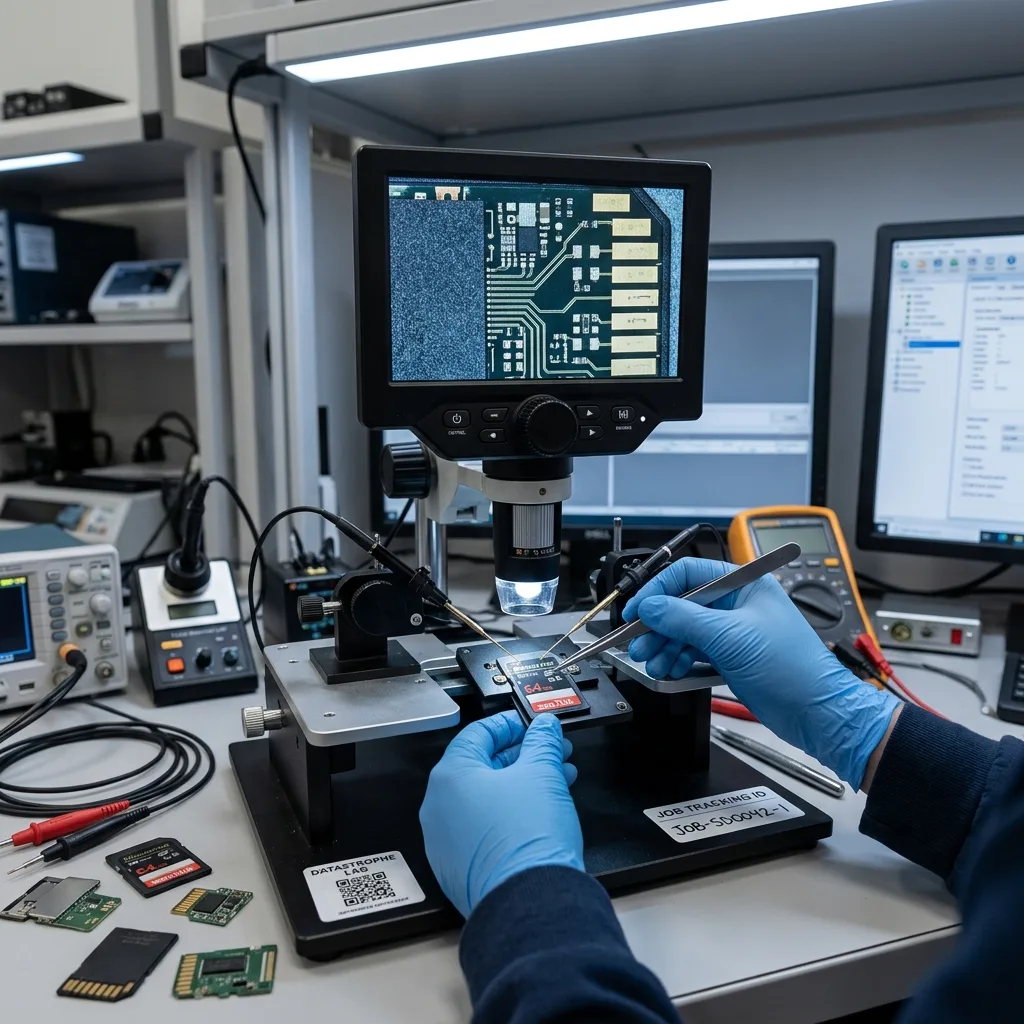
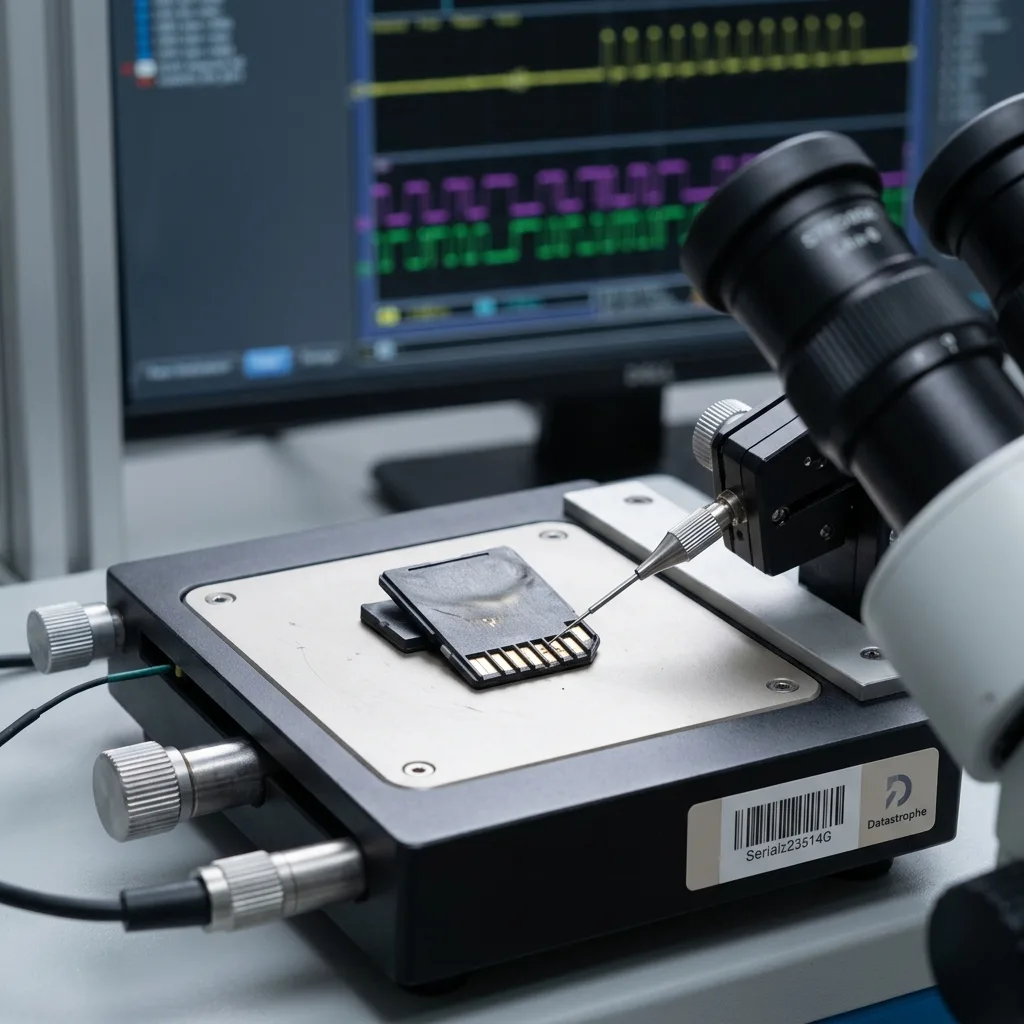
Read the articleUnderstand how unstable power can damage an SD card controller or corrupt flash data, what symptoms to watch for, and how to preserve the card for evaluation.
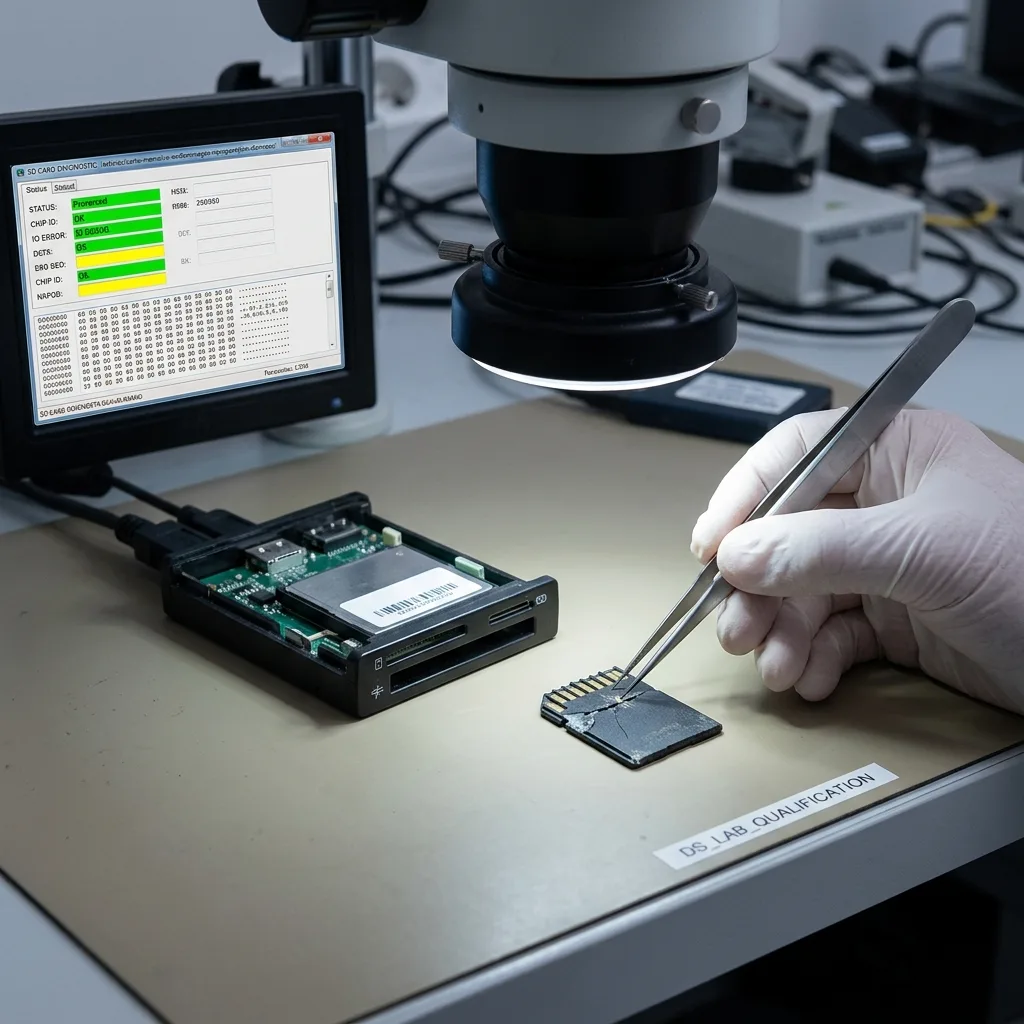
Read the articleLearn how to protect a damaged memory card, distinguish common symptoms, create a controlled image, and focus recovery on the files that matter most.
Read the articleTechnical expertise shapes device diagnosis, acquisition strategy, file validation, confidentiality, and honest limits before any recovery promise.
Read the article