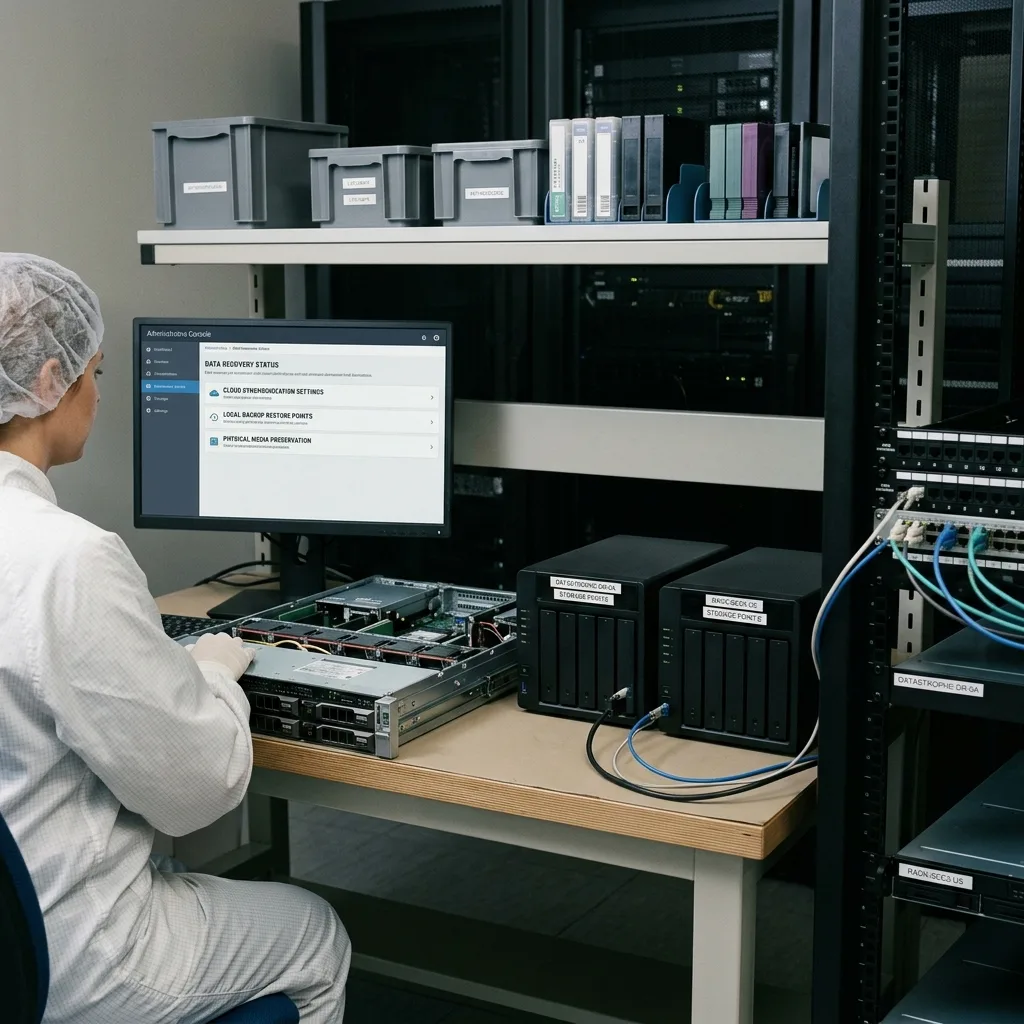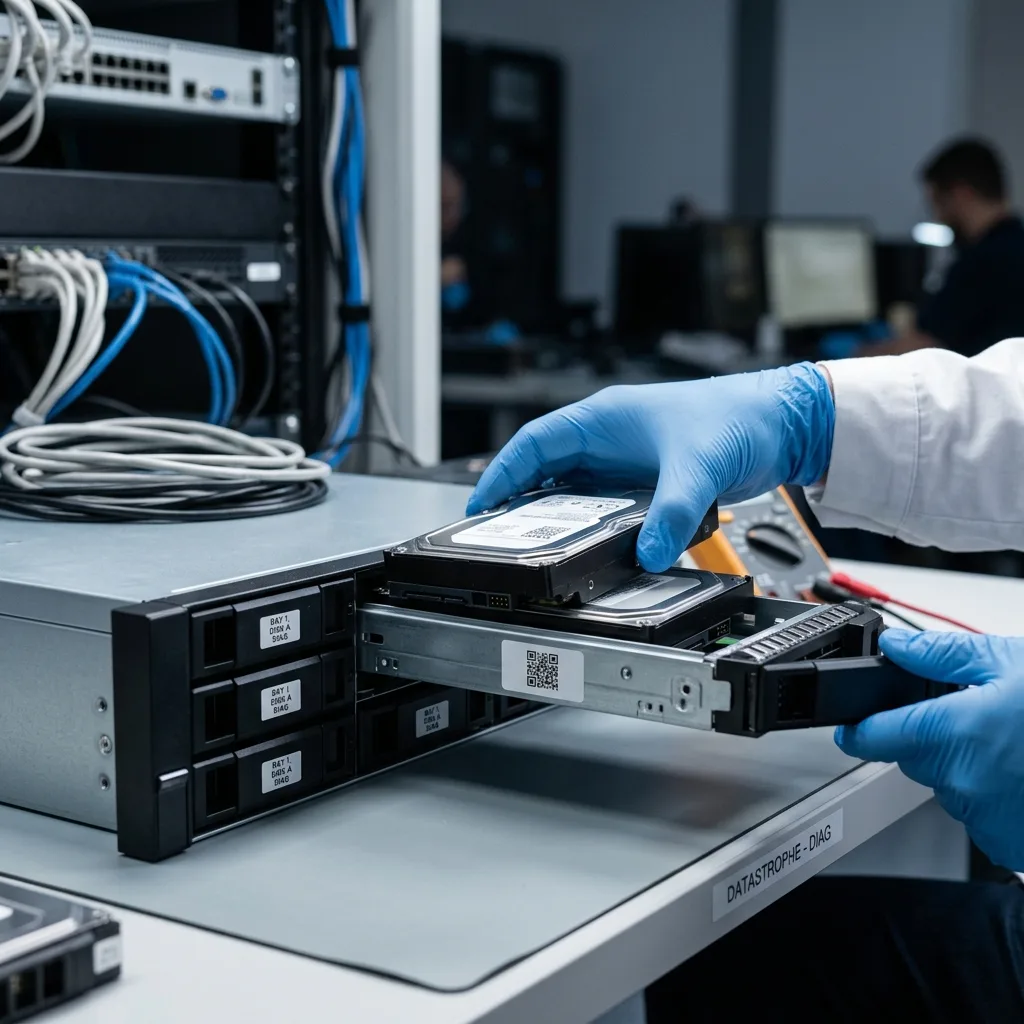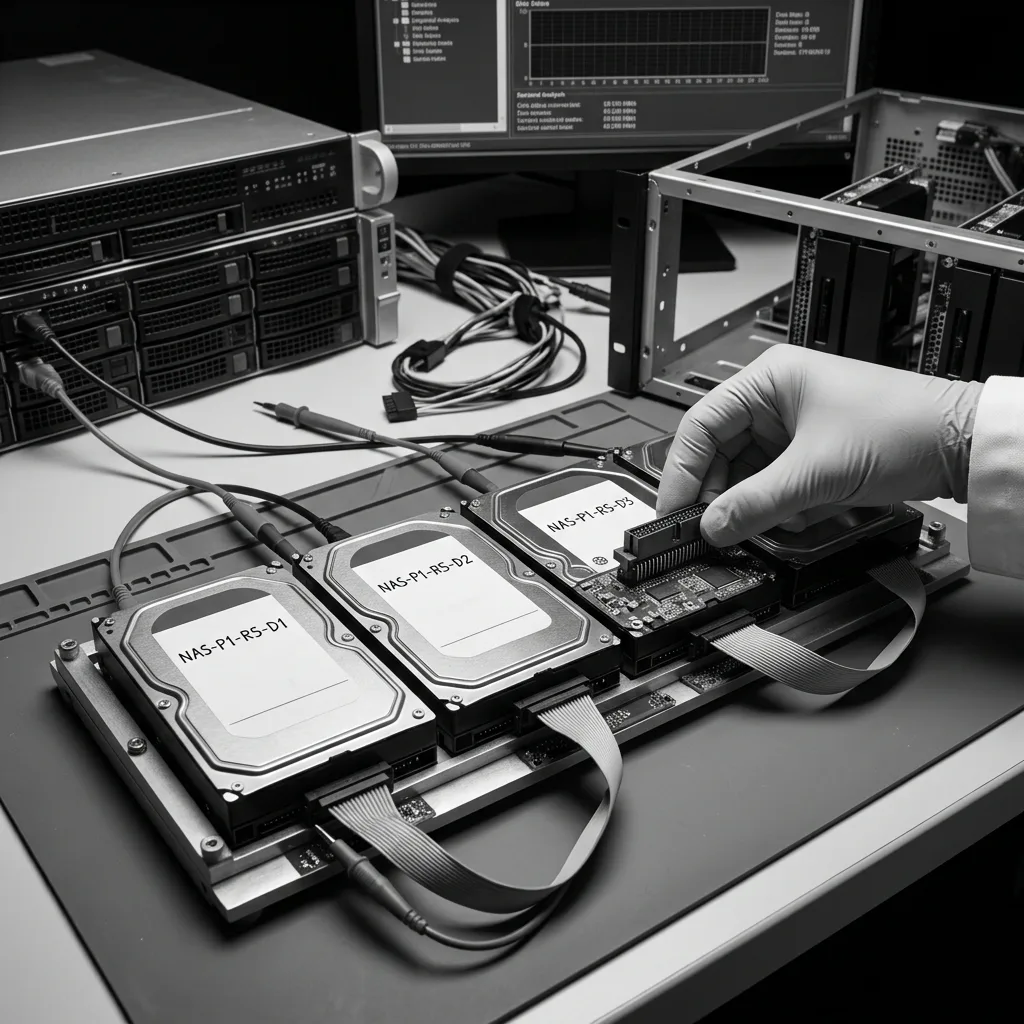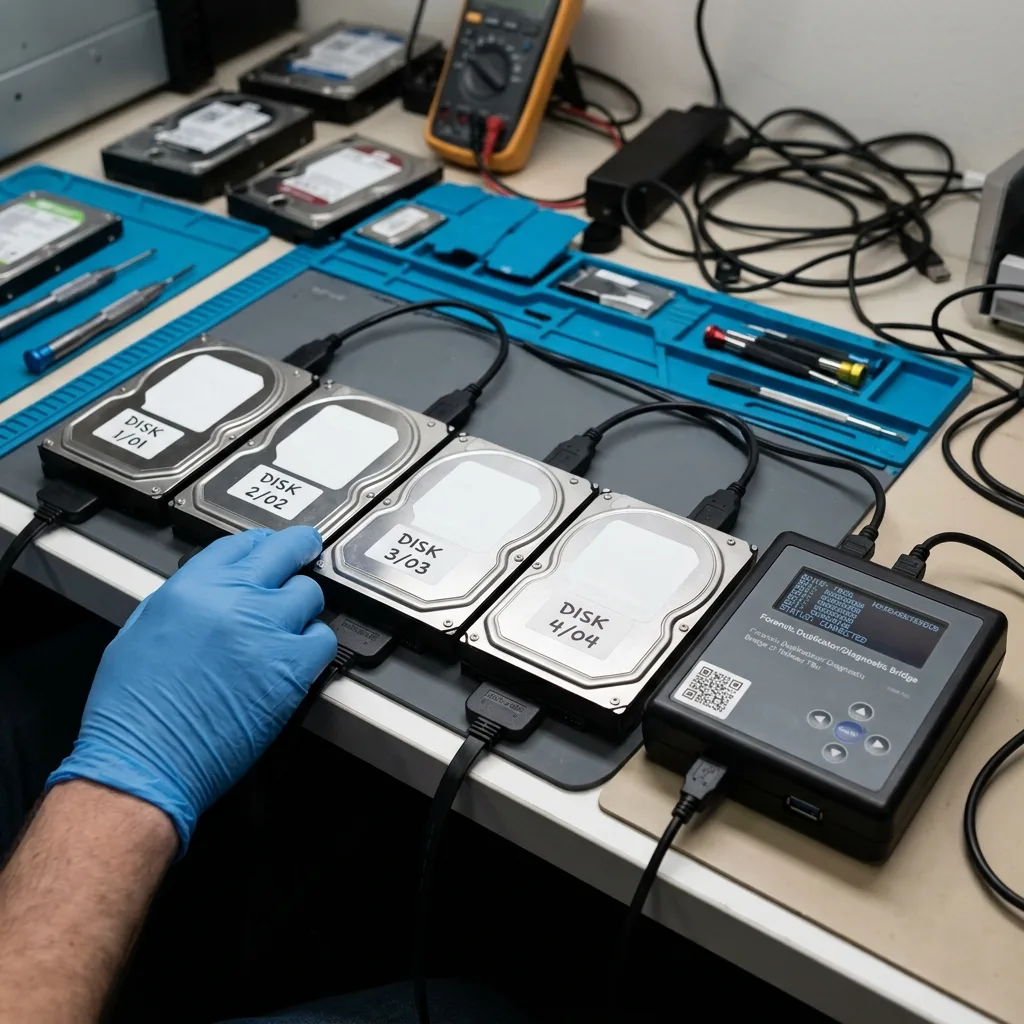
NAS SSD Overheating: Protect Cache, RAID, and Source Data
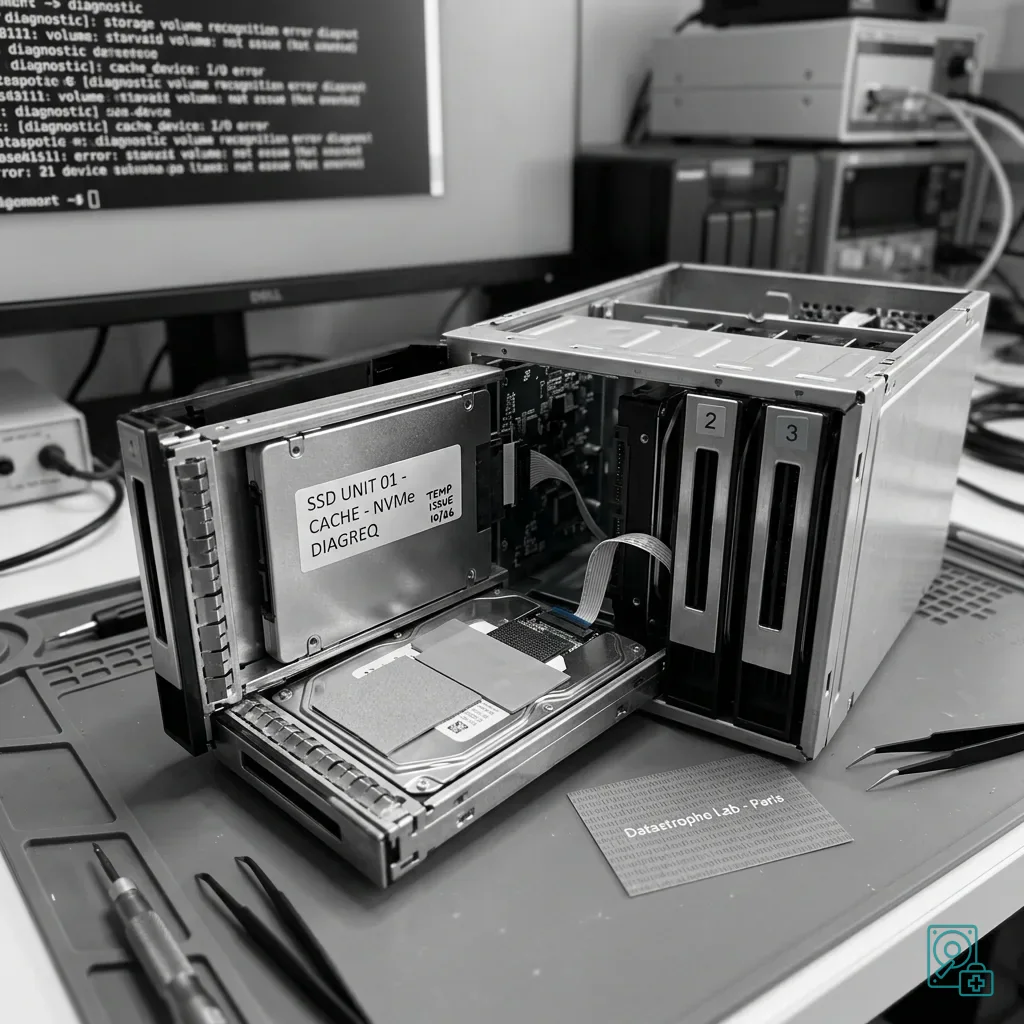
Establish whether hot NAS SSDs hold primary data, read cache, or uncommitted write cache before rebuild, eviction, or replacement changes the storage state.
Read the articleTechnical guides on data loss prevention, storage failures and controlled data recovery methods.
Establish whether hot NAS SSDs hold primary data, read cache, or uncommitted write cache before rebuild, eviction, or replacement changes the storage state.
Read the articleEvaluate application load, weak members, controller, backplane, power, and business priorities before a server RAID rebuild turns one failure into a wider outage.
Read the articleInvestigate RAID, backplane, cooling, vibration, firmware, and power when server drives fail repeatedly instead of treating each disk as an isolated event.
Read the articleIsolate power after flooding, retain bay order and the enclosure, document exposure and corrosion, and recover RAID data only onto healthy storage.
Read the articleAfter ransomware reaches a RAID volume, isolate the system without resetting it, preserve disks and logs, verify backups, and avoid rushed rebuilds.
Read the articleCloud synchronization can propagate deletion, corruption, ransomware, and permission errors. Use independent versions and tested restoration for real backup protection.
Read the articleSeparate service restoration from data recovery after a business IT failure. Stabilize storage, verify backups, rank critical files, and document every action.
Read the articleRAID redundancy, centralized files, snapshots, and synchronization can create false confidence in a business NAS. Preserve disk order and incident history before recovery.
Read the articleA power outage can interrupt RAID writes, cache, or rebuild activity and expose weak disks. Preserve every member before automatic reconstruction.
Read the articleRAID, databases, permissions, incomplete backups, synchronization, and rushed continuity work can combine to make critical server data unavailable.
Read the articlePreserve RAID order, controller metadata, server context, backups, and continuity plans when recovering a failed hard drive from a data center.
Read the articleSlow access, failed backups, disk alerts, and long rebuilds can warn of RAID 10 failure. Preserve disk order and metadata before taking action.
Read the article