
Diagnostic evaluation
Centralized storage can create false confidence
A NAS appears reliable because files are centralized, permissions are managed, disks may be redundant, and one dashboard reports status. That convenience can hide how many business workflows now depend on the same storage system.
A NAS isn't inherently a backup. It may contain RAID, snapshots, replication or cloud synchronization, but these serve different purposes. RAID addresses some hardware failures, not deletion, corruption, malicious encryption or an incorrect rebuild.
When a NAS becomes inaccessible, the first instinct is to restart, replace a drive or accept an interface repair. These may suit routine maintenance but can change the initial state and reduce recovery prospects.
Separate business continuity from preservation. If operations must resume quickly, use a verified backup, healthy copy or separate infrastructure instead of creating more writes on the failed NAS.
Diagnostic evaluation
Know which failures RAID can't prevent
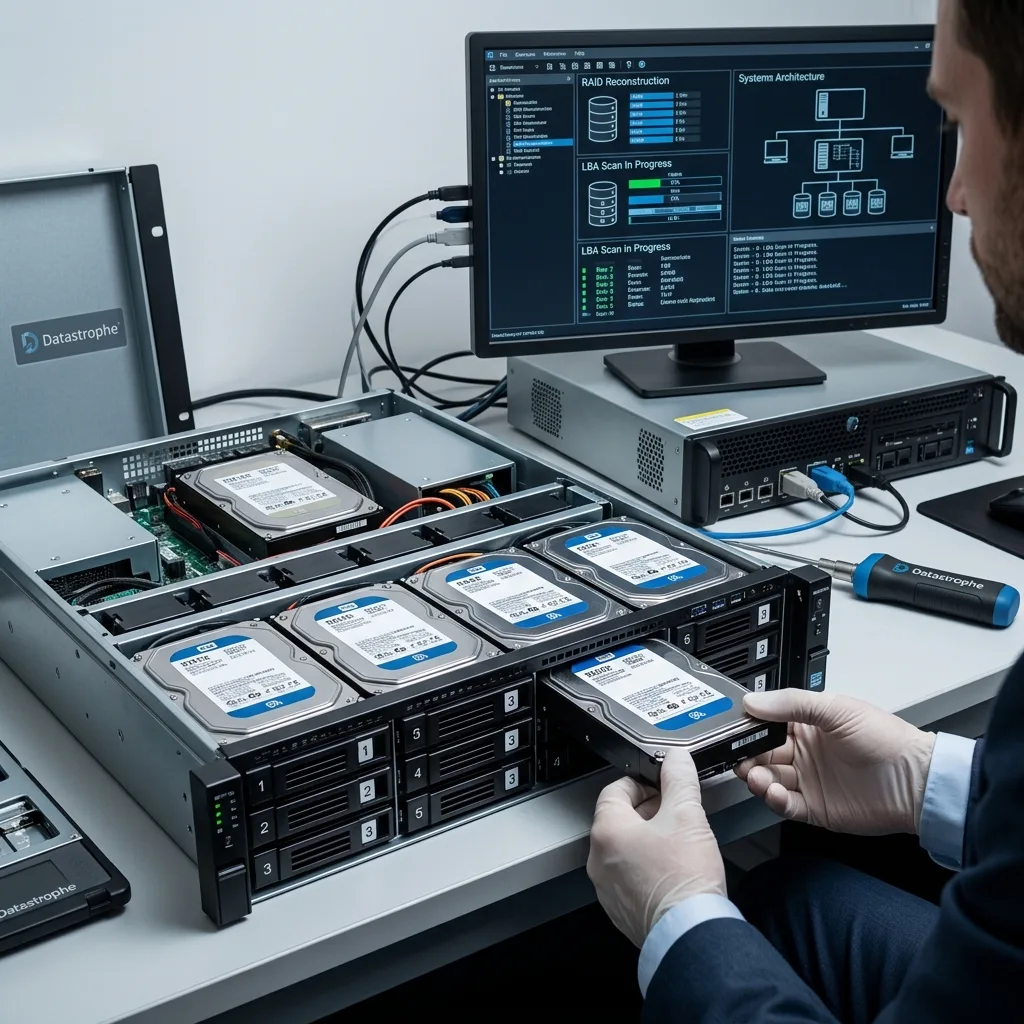
RAID follows a specific disk layout and may tolerate selected drive failures or improve performance. It still remains vulnerable to multiple failures, rebuild mistakes, disks aging together, controller issues, and lost configuration.
Replacing one disk without checking the others can become critical. Rebuilding stresses every remaining drive. A second member with weak sectors may make the volume inconsistent during the process.
Drives in one NAS often share age, power cycles and thermal conditions. One failure can reveal wider fatigue. Forcing a rebuild can turn a limited incident into broader loss.
RAID data recovery explains the volume-level service. The business context here concerns hurried decisions, untested backups and confusion between availability and recovery.

Diagnostic evaluation
Include permissions, snapshots, and synchronization
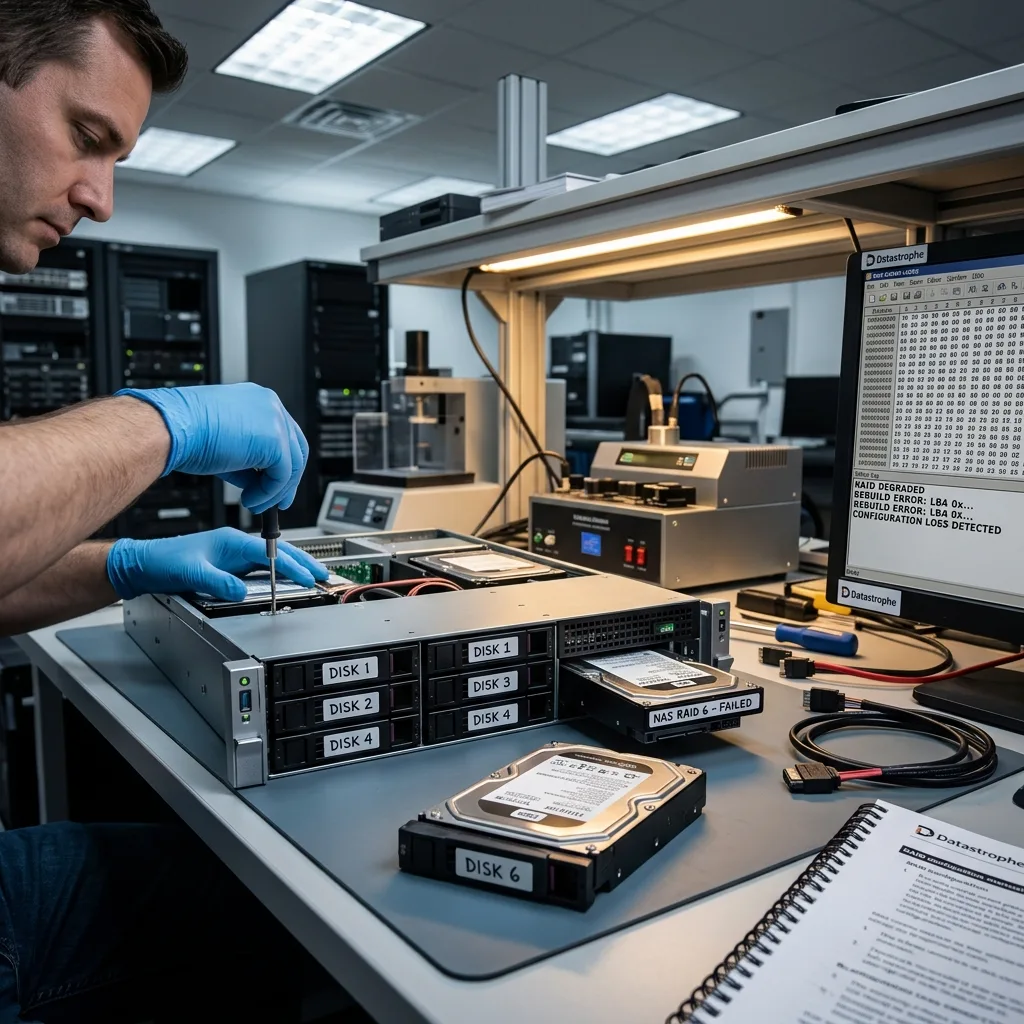
Business NAS recovery may need permissions, shares, snapshots, synchronization jobs, application links, and workstation context along with the files. The loss may begin with hardware, propagated deletion, or an incorrect restore.
Synchronization deserves particular care. Replication can copy deletion to several places, connected cloud storage may already contain corruption, and short retention may remove the required file from an incremental backup.
Compare sources before replacing anything. A snapshot, offline backup or older copy may hold a usable version, while a global restore could overwrite useful traces on the NAS.
Users and business priorities matter too. The most important files aren't always in the largest share. Accounts, production, client archives and application databases may outrank more visible folders.
Diagnostic evaluation
Preserve disk order and the full event timeline
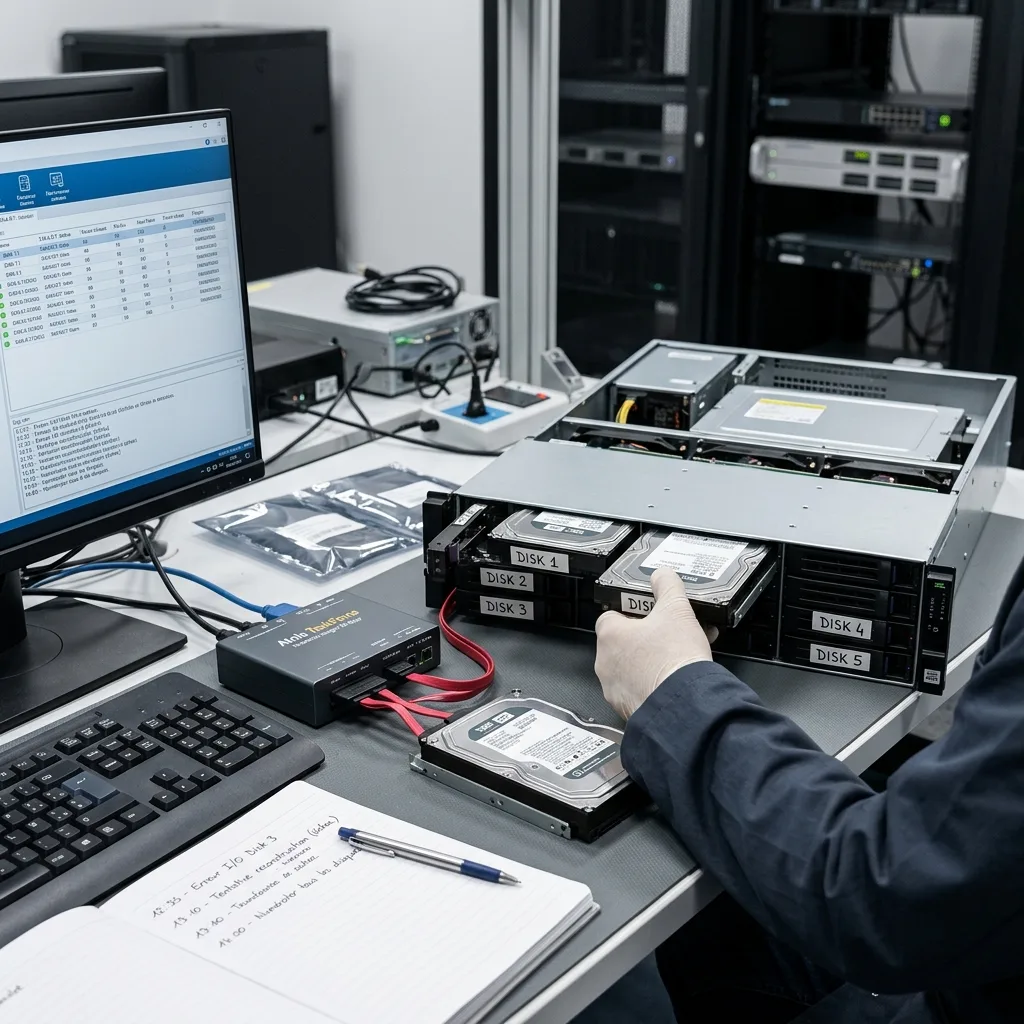
The timeline is part of the NAS evidence. Record the first error, every restart, failed and replacement disks, slot changes, rebuilds, updates, and restore attempts before moving anything else.
Retain every drive, including ones marked failed or already removed. An older member may hold parity or a more coherent state than one recently rebuilt. Resetting or discarding it removes an analytical source.
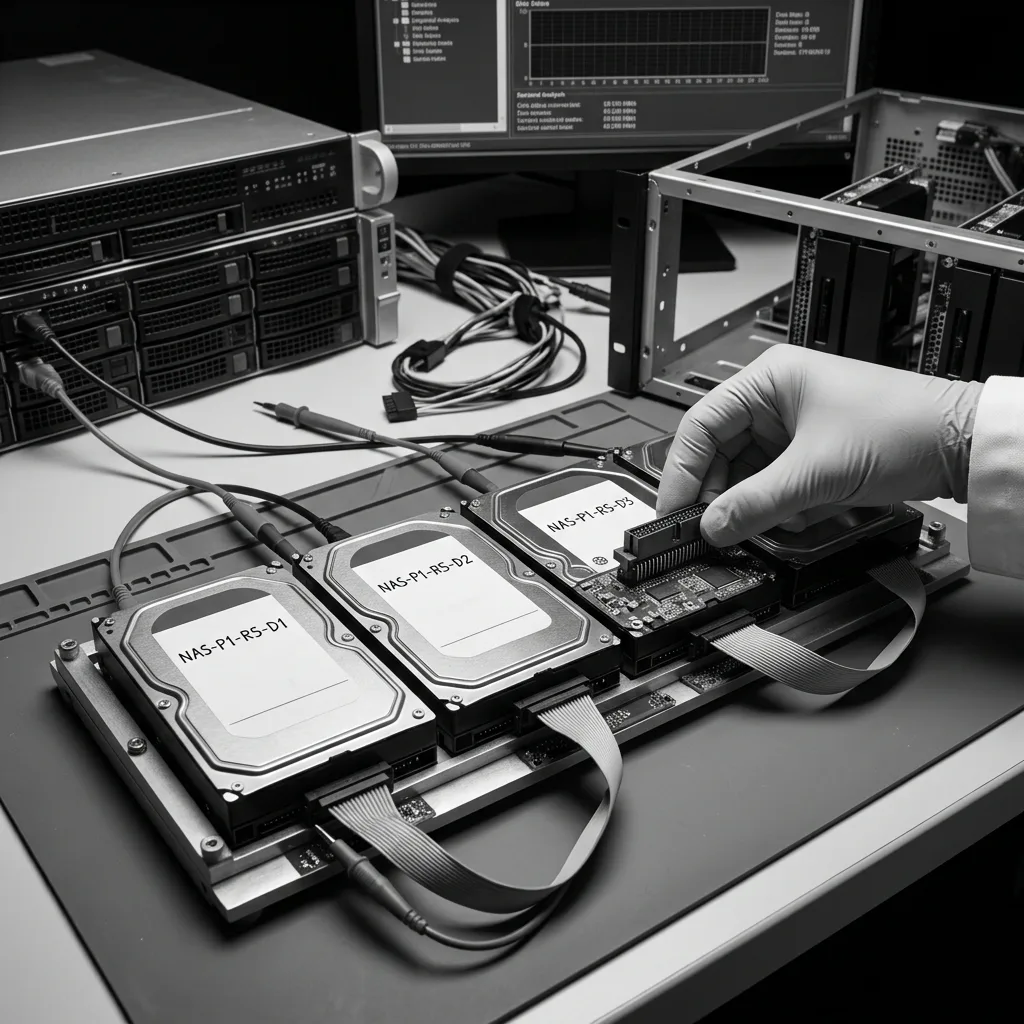
Document enclosure order. A photograph, serial numbers, slots and model can help. Record accessible configuration without launching repairs.
Datastrophe treats a NAS as a system: drives, configuration, file system, permissions and business need. This prevents a multi-layer volume being reduced to one disk.
Diagnostic evaluation
Restore service without sacrificing the original evidence
Define critical shares, available backups, and prohibited actions before attempting a full recovery. A small continuity plan on healthy infrastructure can preserve the original NAS while avoiding hours of destructive tests.
Test a backup in a separate area. Don't overwrite the NAS or the only traces of failure. Validate actually useful files instead of only the mechanics of restoration.
Document the NAS before an incident: RAID level, drive positions, backup policy, retention, permissions, dependent applications and responsible contact. This reduces decisions under stress.
Once failure exists, freeze the system, keep the drives, describe the need and avoid uncertain rebuilding. NAS recovery is often protected before the lab, at the moment a business decides to preserve instead of force.
Service restoration can then use a separate environment. A backup can be checked, a temporary server prepared or essential folders extracted without changing the original disks. This keeps availability separate from complete data recovery.
Treat a NAS as business storage, not a box of drives. Permissions, shares, versions and applications belong to the case. Early context lets the evaluation target files the organization actually needs instead of scanning the full volume without priorities.
Keep the incident review brief and concrete: backup tested, drive alert acted upon, RAID documented and owner identified. These points reduce hesitation at the next failure and prevent the same risky actions recurring.
Diagnostic evaluation
Primary Technical References And Limits
Reference scope — NAS data recovery risks: For business NAS data recovery risks, the primary references used are csrc.nist.gov. Physical evidence — NAS data recovery risks: They define the relevant preservation, storage or validation concepts, but they cannot establish the exact physical condition, controller state, key availability or business consistency of the device received. Controller evidence — NAS data recovery risks: Those points require measurements on the original set and verification on copies.
Diagnostic evaluation
Request A Controlled Evaluation
Complete set — NAS data recovery risks: For a technical evaluation of business NAS data recovery risks, provide the complete device or storage set, its associated power and interface parts, the symptom timeline and the priority files. Incident history — NAS data recovery risks: Keep member order, labels and authorized credentials separate from the parcel paperwork; do not restart the source merely to obtain a new screenshot.
Laboratory responsibility — NAS data recovery risks: Datastrophe performs the diagnosis, integrity checks and recovery directly in its own laboratory with its own team. Free assessment — NAS data recovery risks: Diagnosis and the quote are free. Transport boundary — NAS data recovery risks: Private round-trip shipping is included; the carrier moves only the sealed parcel and neither accesses nor processes its data.
Controlled list — NAS data recovery risks: Before any payment, the client receives the proposed price and a checked list. Verification classes — NAS data recovery risks: Each item is classified, in order, as recoverable_verified, partial, detected_unverified or unrecoverable. Payment trigger — NAS data recovery risks: Only recoverable_verified items whose contents were checked and found usable are presented as recoverable. No-result rule — NAS data recovery risks: Payment is due only after the client accepts both the list and the price.
No-result rule — NAS data recovery risks: If no usable data is verified, recovery fails, or the client declines the list or price, no standard fee is payable. Rare-part exception — NAS data recovery risks: The only exception is a rare, costly and non-refundable part, which may be ordered only after a separate, explicit and priced proposal has been accepted.