

USB Flash Drive Data Recovery for Connector and NAND Failures
A USB flash drive with a loose plug, no detection, unusual heat, or a format prompt should be unplugged. Connector, controller, NAND, and file-system faults require different access paths.
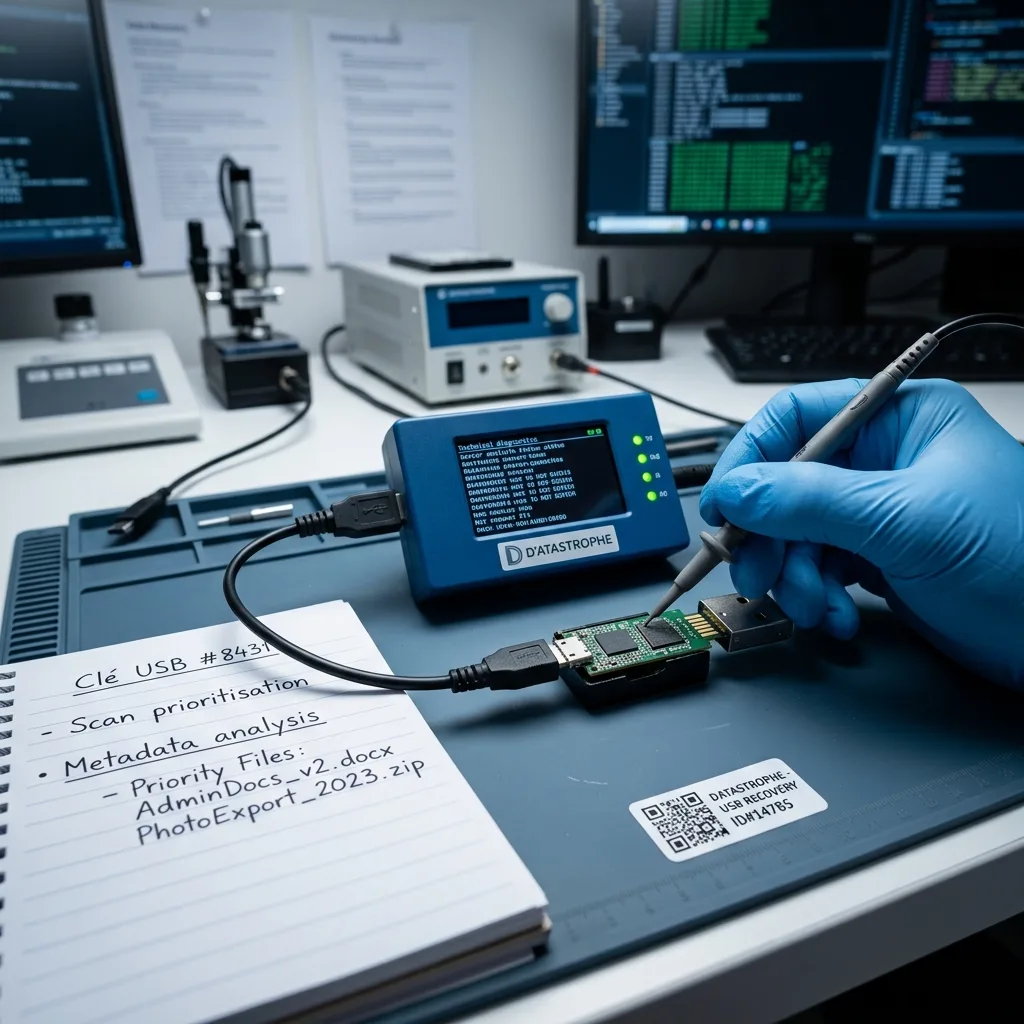
Device construction
Identify the architecture before opening the plastic shell
A thumb drive can use a conventional PCB, a monolithic package, or several NAND components behind one USB connector.
A flash drive contains more than a connector and a memory chip. Power protection, printed traces, oscillator, controller, and one or more NAND packages can fail independently. The enclosure size and capacity do not reveal where the controller, memory, test points, and power protection are located.
A device that lights up but is not detected may have a communication or controller fault. A device that pulls excessive current requires electrical diagnosis before another connection. Model markings, board layout, connector condition, and detection behavior guide the access plan.
The assessment records capacity, controller identity, detection behavior, and the incident. Those observations determine whether the safest path remains through the original controller. References are photographed before removing adhesive or shields that may cover signal paths.
- Photograph every device marking
- Do not pry near components
- Keep broken shell pieces
Conventional PCB design
Separate controller and NAND packages can allow board-level stabilization or validated direct memory access while preserving original translation information.
Monolithic design
Microscopic access points and internal damage require a device-specific pinout and controlled preparation rather than a generic USB cable.
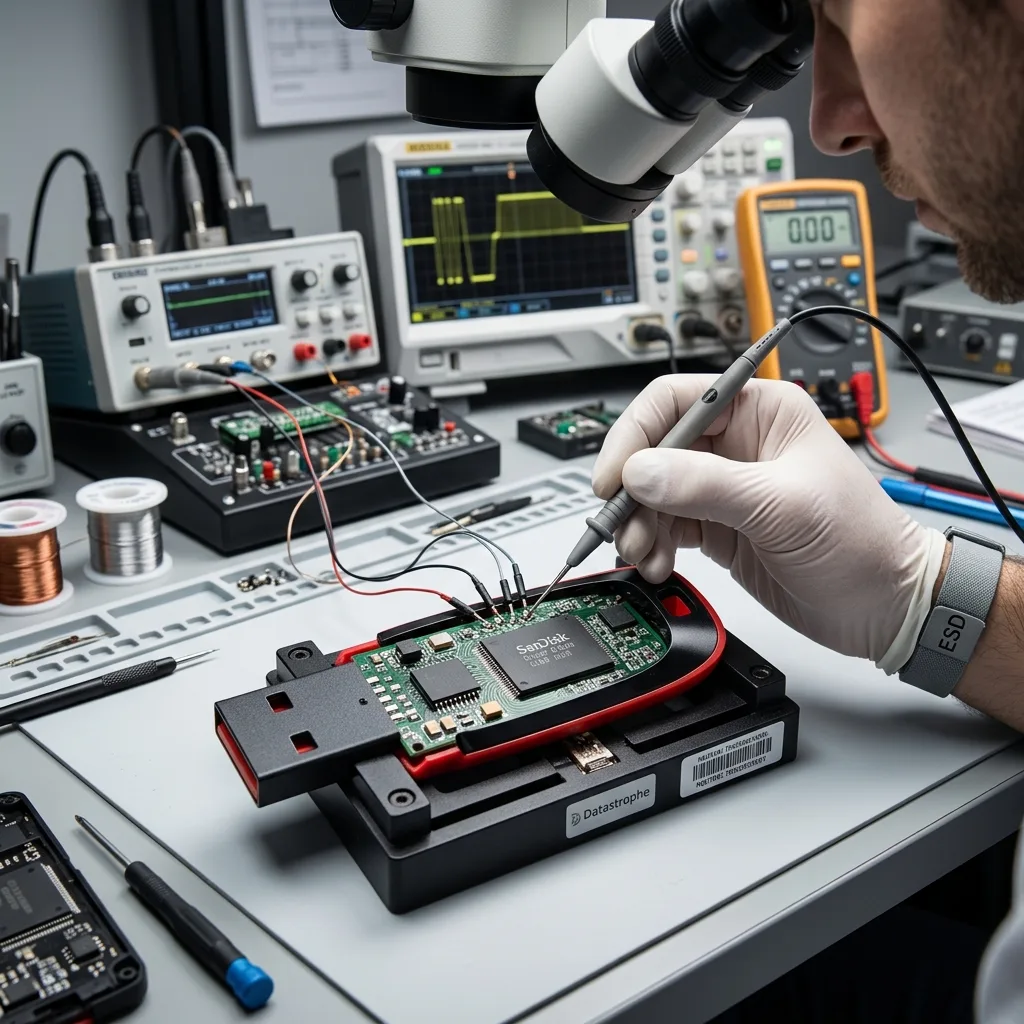
Mechanical damage
Immobilize a loose connector before copper traces tear farther
A plug that works only at an angle is warning evidence, not an invitation to hold it in place during a long copy.
Do not bend a loose plug to find a temporary angle. Movement can lift copper pads, fracture vias, bridge power to data lines, or turn a repairable joint into missing copper.
The flash drive should be stored so the connector cannot move and should not be taped under tension. A clear photograph can document the break without energizing the board. The device is kept unpowered while anchoring points, continuity, orientation, and trace routing are inspected.
If a controlled connector repair is appropriate, continuity and current are checked first. Any temporary connection exists only to create a stable acquisition path, not to return the damaged drive to everyday use.
- Stop flexing the connector
- Do not tape it in position
- Preserve detached metal pieces
Bent versus detached plugs
A bent shell may hide intact solder joints; a detached plug can remove pads and require trace-level reconstruction.
Why cosmetic repair is insufficient
A connector that lights the LED may still drop packets or power under load, so stability is proved during imaging rather than assumed.
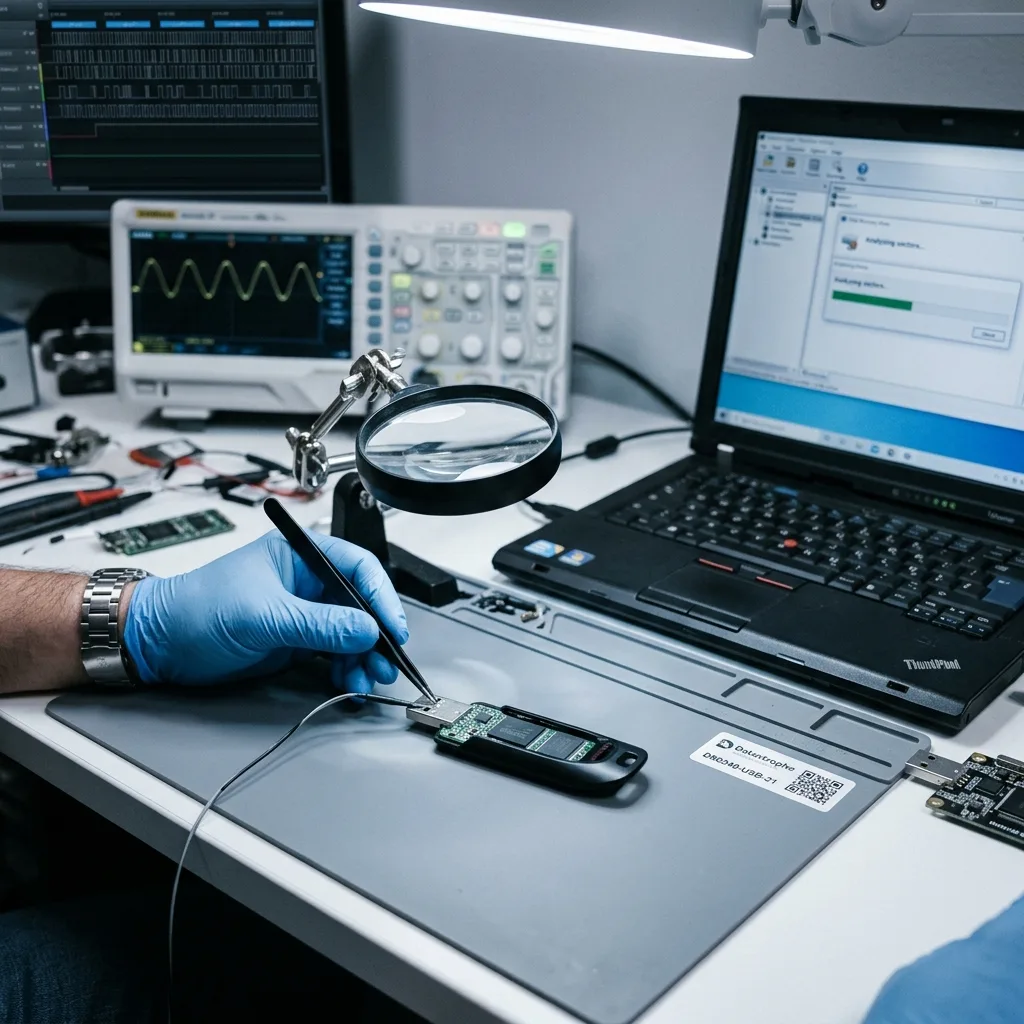
No-write diagnosis
Treat zero capacity and format prompts as diagnostic symptoms
A drive detected as zero bytes, RAW, or unformatted may have a controller, electrical, translation, or file-system fault that another computer cannot repair safely.
Do not initialize or format a USB drive because its reported capacity changed or its volume disappeared. Those prompts describe failed access; accepting them writes new metadata without resolving the controller or electrical cause.
Current draw, protection components, regulators, clock behavior, temperature, ground resistance, and supply behavior are measured before sustained power. Liquid, bent metal, or a failed protection component can place a short across the supply, and another computer only provides another uncontrolled power source.
If the controller communicates after electrical stabilization, the device is imaged immediately through the least invasive path. Continued browsing from the source is avoided, and repairs are limited to what is needed to create a stable reading window.
- Cancel initialization and format prompts
- Report heat or burning odor
- Use current-limited diagnostics
Liquid exposure
Residue remains conductive under packages even after the surface looks dry. Do not use heat, rice, or household cleaners.
Electrical overstress
A charger, hub, or damaged port can affect several components. Preserve the incident accessories and describe exactly what was connected.
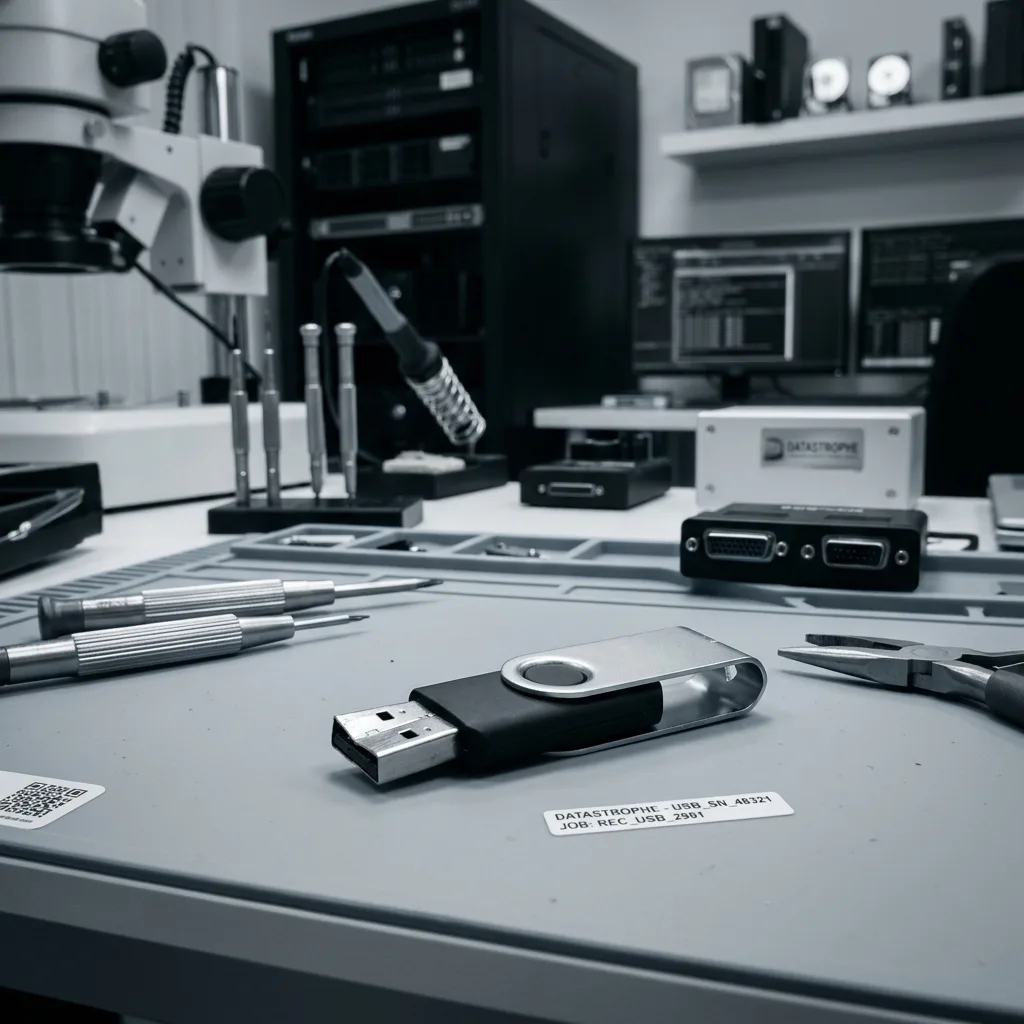
Flash mapping
Reconstruct controller translation when normal USB access is gone
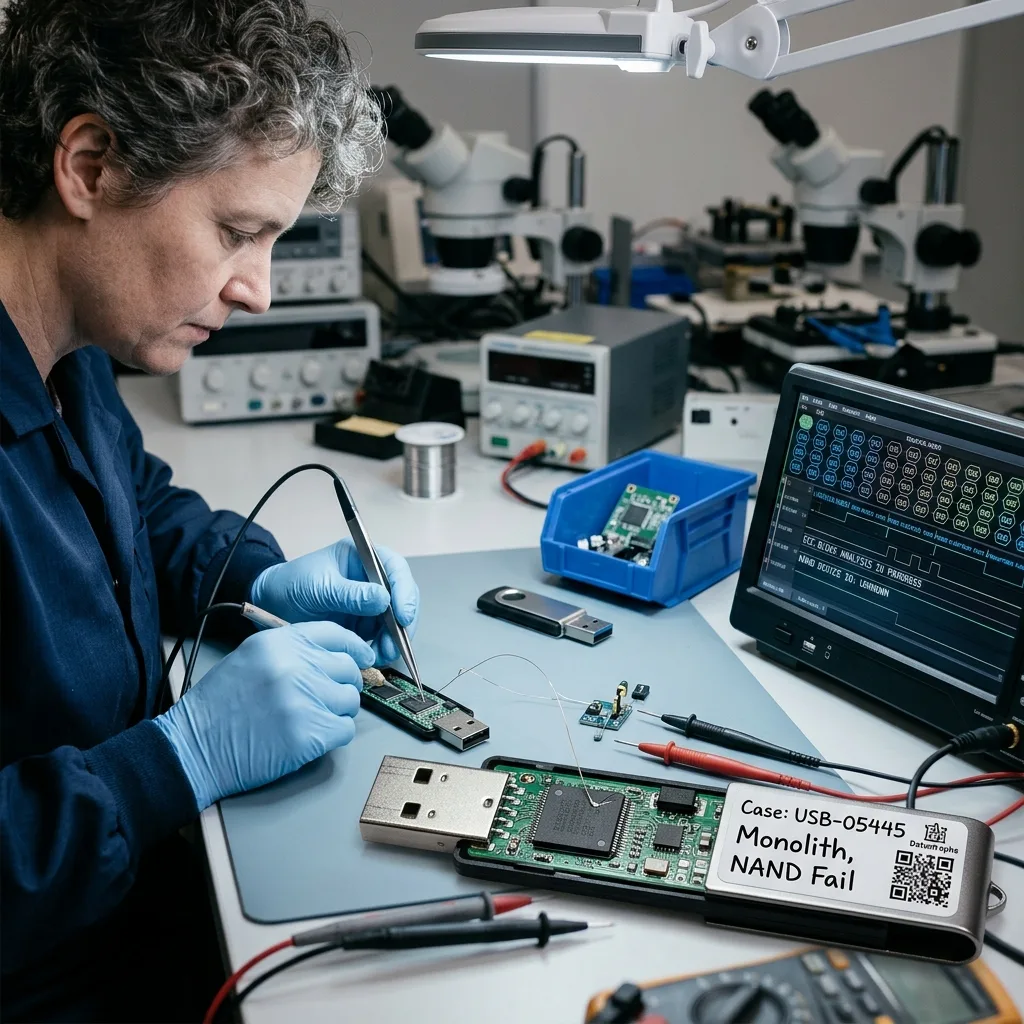
Raw NAND pages contain ECC, spare areas, block markers, and controller transformations rather than ready-to-open files.
The controller assigns logical addresses, manages bad blocks, applies error correction, and may scramble or encrypt stored pages. Reading NAND packages does not automatically produce ordered files. The controller can apply wear leveling, bad-block management, interleaving, XOR, scrambling, and sometimes encryption.
When a validated laboratory path exists, physical pages are acquired and the controller’s translation is reconstructed from metadata and page behavior. Multiple chips may need to be interleaved in the correct sequence. Direct NAND or monolithic reads are repeated and compared so unstable bits are identified before logical reconstruction.
Some controller families or degraded NAND cannot yield a coherent map. That limit is reported directly rather than hidden behind a list of raw fragments. Page order, channel layout, ECC, and translation generations are resolved into a coherent image.
- Capture multiple stable reads
- Resolve ECC and block order
- Preserve controller metadata
What ECC contributes
Error-correction data can repair some bit errors, but excessive wear or physical damage can exceed its correction capacity.
What wear leveling changes
Logical sectors move among physical pages over time, so chronological and block-map evidence matters when choosing a translation state.
Logical reconstruction
Acquire unstable flash before rebuilding FAT, exFAT, and NTFS
A stable, logged image must be secured before a format prompt, missing folder, or damaged allocation structure is reconstructed.
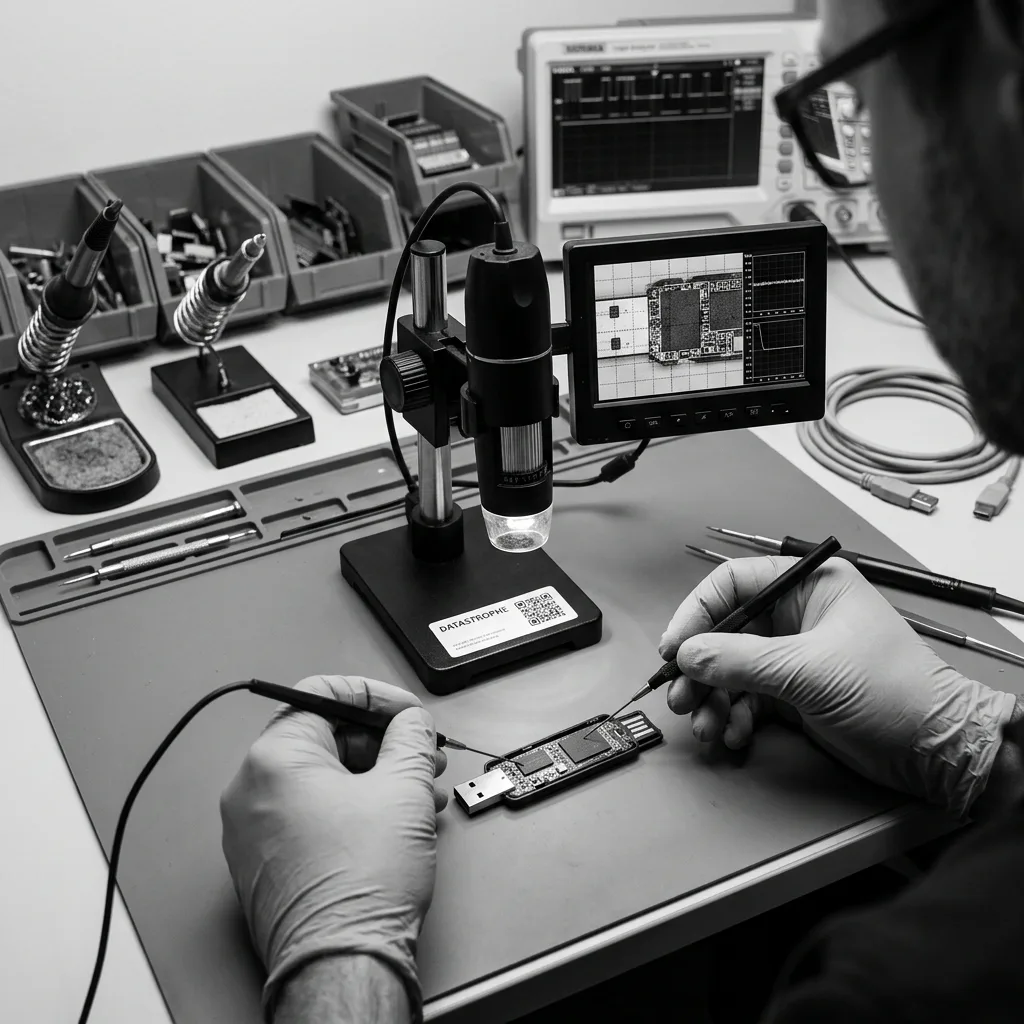
Unstable flash is acquired with controlled retries and an error map before directory entries, allocation tables, long filenames, or file signatures are reconstructed. The resulting image separates device-access failures from logical volume damage. Initialization, quick format, CHKDSK, and copied test files can overwrite allocation tables and directory entries.
Deleted entries may reference clusters that have been reused, while intact content may survive without its original name. Both conditions are tested before files are organized. The image is examined for partitions, backup structures, allocation chains, deleted entries, and coherent file signatures.
Documents, spreadsheets, certificates, and archives are opened from working copies. A reconstructed directory is accepted only when representative content is coherent. Names and folders are kept only when their metadata still points to content that passes verification.
- Cancel every format prompt
- Do not run CHKDSK
- Never save results to source
Recently deleted files
Stop all writes because office applications, antivirus tools, and the operating system may create hidden metadata on a mounted drive.
Corrupt directory trees
Alternate allocation copies and surviving entries can preserve hierarchy, but apparent folder names still require content checks.
Case priorities
Prioritize the small files that carry the highest impact
A tiny flash drive can contain the only copy of a signing key, tax document, presentation, or machine configuration.
USB drives often hold a limited number of critical items: a presentation, signing certificate, accounting export, source archive, or machine configuration. Maximum byte count may not reflect the real goal. Record exact filenames, extensions, date ranges, folder names, and the application that created each item.
Names, extensions, project dates, and expected folders guide the acquisition and review. This focus is particularly useful when NAND errors make every additional read expensive. Small structured files may deserve earlier targeted work than large replaceable installers or media copies.
Priority does not mean silently discarding other recoverable data. It establishes an order and gives the owner a meaningful early measure of the case. A useful partial outcome is defined before fragile memory is subjected to additional reads.
- Name critical files precisely
- List creator applications
- Define acceptable partial results
Office and financial files
Spreadsheets, tax records, accounting exports, and signed PDFs are opened and checked rather than counted from directory entries.
Technical and creative files
CAD data, CNC settings, source archives, and project bundles may require related files and version-aware validation.
Result and privacy
Validate content and restrict review to the agreed purpose
A recovered filename is not accepted until its body, structure, and intended use are checked from verified destination storage.
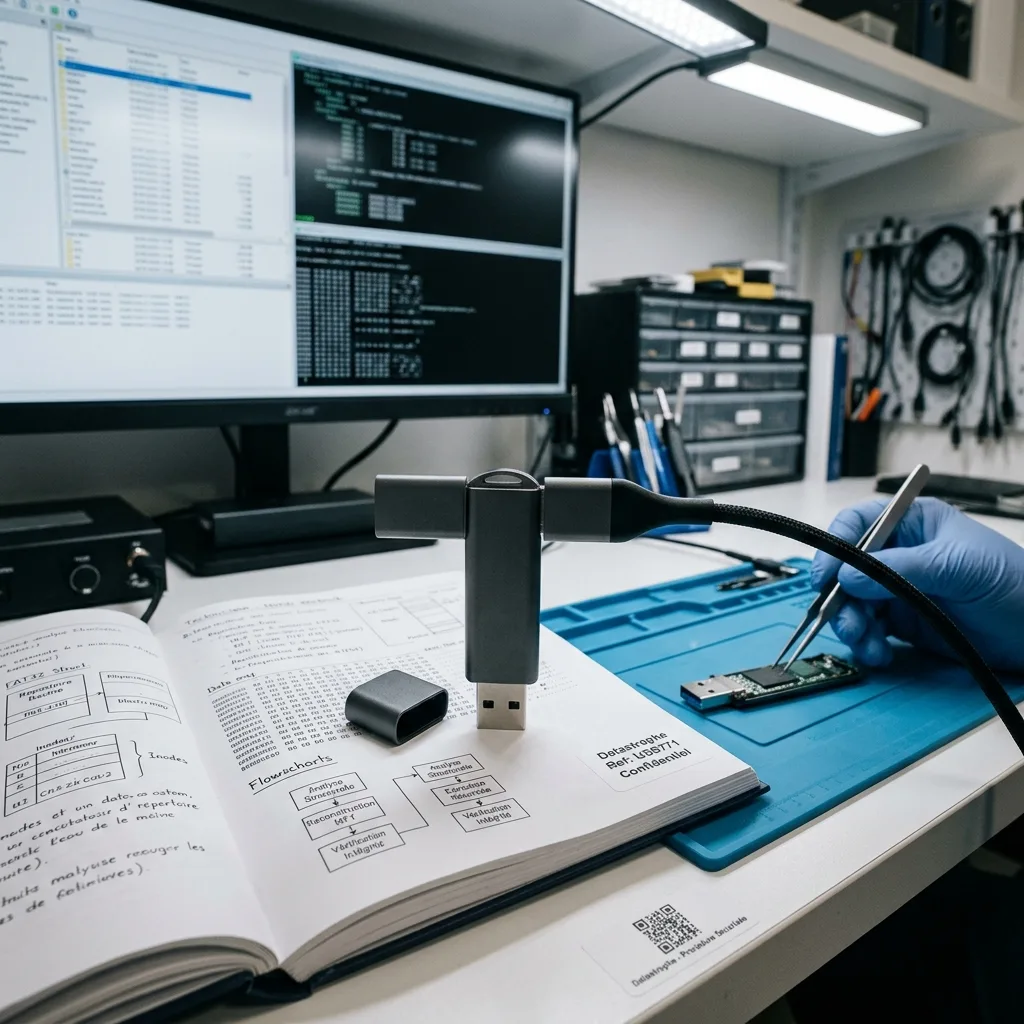
Portable media may mix work records, personal files, credentials, and unrelated archives. The authorized scope is documented before content-level checks begin. Samples cover priorities, file types, dates, and different reconstructed regions instead of one healthy folder.
Failed error correction, physically unreadable cells, lost controller mapping, overwrite, and encryption without a key are separate constraints. The report identifies which one affects each result set. Broken archives, zero-filled documents, damaged database pages, and preview-only media remain marked as partial.
Recovered items are delivered from a healthy destination, not from the repaired flash drive. The original device remains unsuitable for trusted reuse. Human access is limited to what is necessary to confirm opening and integrity under the agreed scope.
When the device contains both personal and company records, validation can be divided into named folders or file classes. That boundary reduces unnecessary viewing while still proving that the high-priority documents are structurally usable.
- Open files from verified destination storage
- Sample multiple reconstructed regions
- Document partial and encrypted items
Content-level checks
Native applications or appropriate parsers test document structure, archive members, database pages, and media decoding.
Delivery classification
Usable, partial, encrypted, detected-only, and untested items remain distinguishable in the result inventory.
Intake preparation
Photograph the device and document the incident before intake
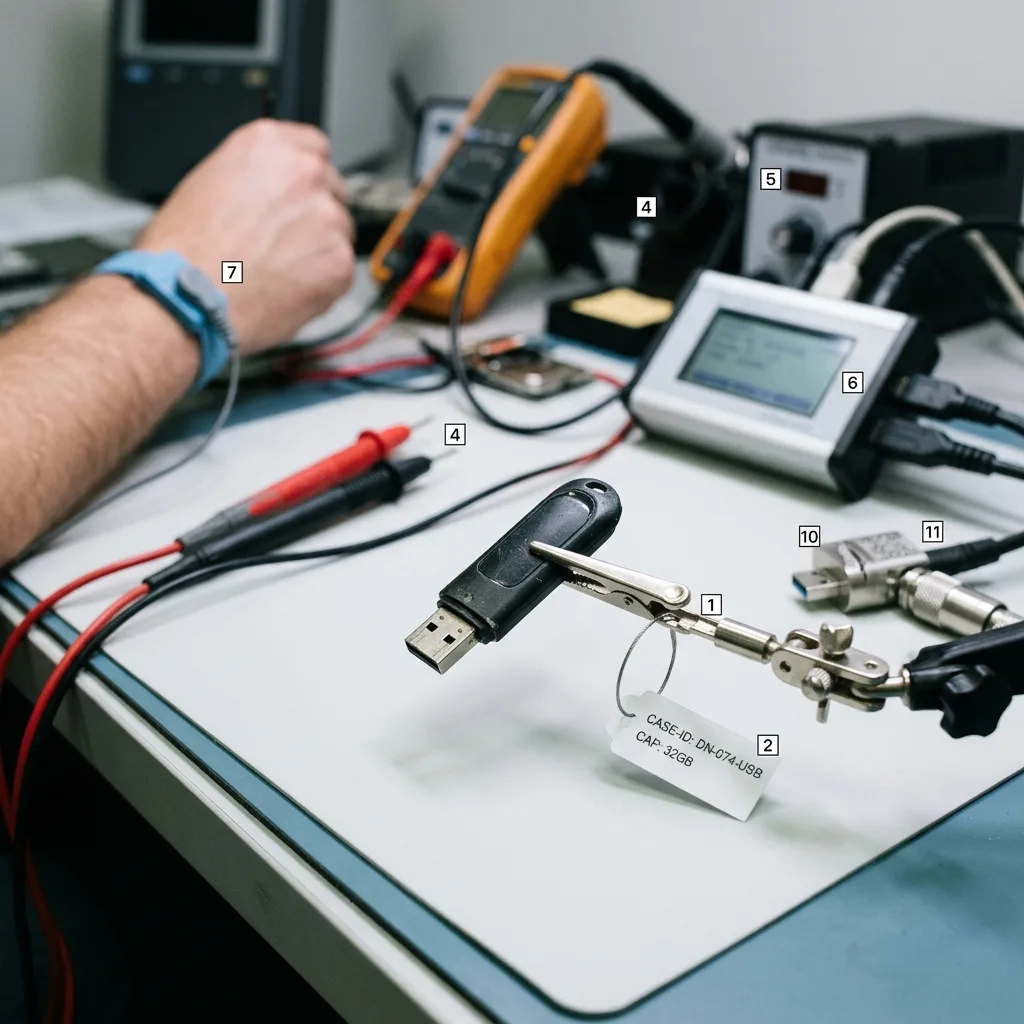
Clear markings, connector condition, symptoms, and prior attempts help select the correct flash workflow without reconnecting the source.
Photograph both sides, every label, and the connector without opening the shell or applying power. Record whether the device is undetected, reports zero capacity, asks to format, disconnects, heats up, or was exposed to liquid or impact.
Before shipping, immobilize any loose connector and place the device in antistatic, rigid protection. Keep detached parts identified, confirm the managed intake route, and transmit passwords or encryption material through a separate agreed channel.
Camera, drone, and recorder cards belong in memory card recovery, while a portable SSD follows SSD and NVMe recovery because its FTL and TRIM behavior differ from a thumb drive.
The data recovery process connects diagnosis, protected acquisition, reconstruction, verification, and destination-media delivery. Use the quote request to provide the incident record and named priority files.
- Keep the source device unpowered
- Use antistatic rigid packaging
- Send credentials separately
Preparing safe shipment
Immobilize a loose connector so it cannot flex in transit. Protect the device from static and prevent metal parts from moving inside the package.
Choosing what to send
Include detached connector or shell pieces and incident accessories when relevant. Confirm the managed intake route before shipping.
FAQ
Frequently asked questions
Should I wiggle a loose USB connector to copy files?
No. Movement can tear pads or bridge power into data lines. Unplug the device, keep the connector still, and preserve any detached parts for controlled stabilization.
Why does a USB drive get hot when connected?
A shorted protection component, controller, NAND package, or damaged power path may draw excessive current. Disconnect it immediately because continued heat can destroy remaining access.
Can files be recovered from a monolithic flash drive?
Sometimes, using architecture-specific access points and reconstruction. Feasibility depends on internal damage, a verified pinout, read stability, controller transformations, ECC, and encryption.
Can a formatted USB drive still be recovered?
Possibly, if later writes did not replace required data and metadata. Stop using it immediately. Analysis is performed on an image before content-only carving is considered.
Will the USB flash drive be repaired for continued use?
No. Any temporary board or connector work exists to acquire data. The recovered files are delivered on separate verified destination storage, and the failed device should not be trusted again.
Media
Other expertise
- Hard Drive Data Recovery for Failed and Clicking Drives Recover data from clicking, dropped, slow, or unreadable hard drives through measured diagnostics, controlled imaging, and file-level verification.
- External Hard Drive Data Recovery for USB and Mechanical Failures Recover files from dropped, clicking, encrypted, or intermittently disconnecting external drives while preserving the original enclosure and electronics.
- SSD and NVMe Data Recovery for Flash Storage Failures Recover data from undetected, read-only, failed, or logically damaged SATA SSDs and NVMe drives with controller-aware acquisition and clear TRIM limits.
- Memory Card Data Recovery for Photos and Video Recover photos, video, and device recordings from unreadable, formatted, damaged, or worn SD, microSD, CF, and CFexpress cards.
- Laptop Data Recovery for Drive, Board, and Startup Failures Recover files from failed Windows laptops, damaged boards, dropped drives, liquid exposure, BitLocker and unbootable systems without writing to the source.
- Apple Mac Data Recovery for APFS and Encrypted Storage Recover Mac files from failed storage, liquid damage, APFS corruption, FileVault, Fusion Drive, T2, and Apple silicon systems without destructive resets.
- Tablet Data Recovery for Failed and Liquid-Damaged Devices Recover files from failed, locked, liquid-damaged or unbootable tablets while preserving soldered storage, paired hardware and encryption context.
- VMDK and VHDX Virtual Disk Data Recovery Recover files, databases, and workloads from damaged VMDK, VHDX, QCOW2, snapshots, thin disks, and failed datastores without modifying the source chain.
- RAID, NAS, and Storage Array Data Recovery Recover shares, databases and virtual machines from failed RAID, NAS, SAN, ZFS, Btrfs and storage arrays while preserving member order and parity evidence.
- Business Server Data Recovery for Complex Storage Failures Recover server data from failed RAID, pools, virtual hosts, databases and file services with source-first acquisition and workload validation.
- NVR, DVR, and Security Camera Footage Recovery Recover missing NVR and DVR footage from proprietary indexes, H.264/H.265 streams, circular recording, failed disks and multi-drive recorder arrays.
- ISO 5 Cleanroom Data Recovery for Hard Drive Failures Controlled ISO 5 cleanroom handling for confirmed head, spindle, and contamination failures, followed by immediate sector imaging and file verification.
 Hard Drive Data Recovery for Failed and Clicking Drives
  SSD and NVMe Data Recovery for Flash Storage Failures
  Memory Card Data Recovery for Photos and Video
  Laptop Data Recovery for Drive, Board, and Startup Failures
  Tablet Data Recovery for Failed and Liquid-Damaged Devices
  VMDK and VHDX Virtual Disk Data Recovery
  RAID, NAS, and Storage Array Data Recovery
  Business Server Data Recovery for Complex Storage Failures
  NVR, DVR, and Security Camera Footage Recovery
  ISO 5 Cleanroom Data Recovery for Hard Drive Failures
 Diagnostic evaluation
Not sure what happened to your storage device?
Datastrophe evaluates the risk before any recovery attempt and points you toward the safest next step.