

Hard Drive Data Recovery for Failed and Clicking Drives
A hard drive that clicks, stalls, disappears, or was dropped should be powered down. A measured diagnosis protects the platters before sector imaging and file reconstruction begin.
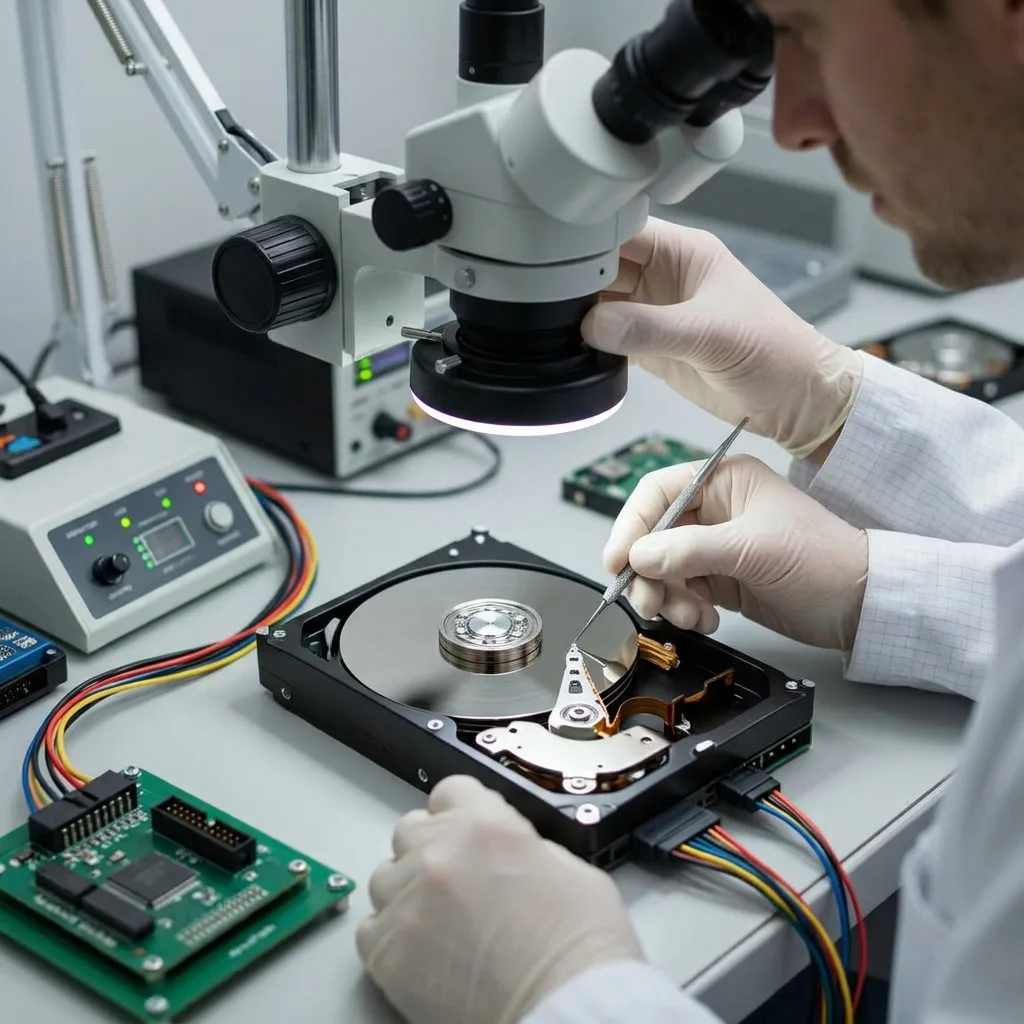
First response
A noise pattern narrows risk but does not name the failed part
Clicking, spin retries, scraping, and extreme delays each change what can safely happen next.
Clicking, repeated spin-up, scraping, and a drive that never reaches speed do not point to one universal failure. The sound pattern, timing, and model help separate read-head trouble from motor, firmware, or power faults. The safest interpretation combines sound with current draw, identification behavior, and the exact model.
A drive that appears briefly can still be mechanically unstable. Detection by the computer only proves that part of the communication path responded; it does not prove the platter surface can be read safely. A one-time mount can disappear as soon as the drive reaches a weak head or damaged surface.
The diagnostic assessment combines the incident history with controlled observations. Repeated reconnects are avoided because they can turn a localized fault into wider surface damage. Those observations establish whether any further power-on has a defined acquisition purpose.
- Record sound and timing
- Note every prior startup
- Keep the drive powered down
What the first minute reveals
Spin timing, repeated recalibration, temperature, and interface response help separate a mechanical emergency from firmware or power trouble.
Why a phone recording is unnecessary
Do not restart a noisy drive to capture video. A written description and incident timeline preserve more options than another uncontrolled spin cycle.
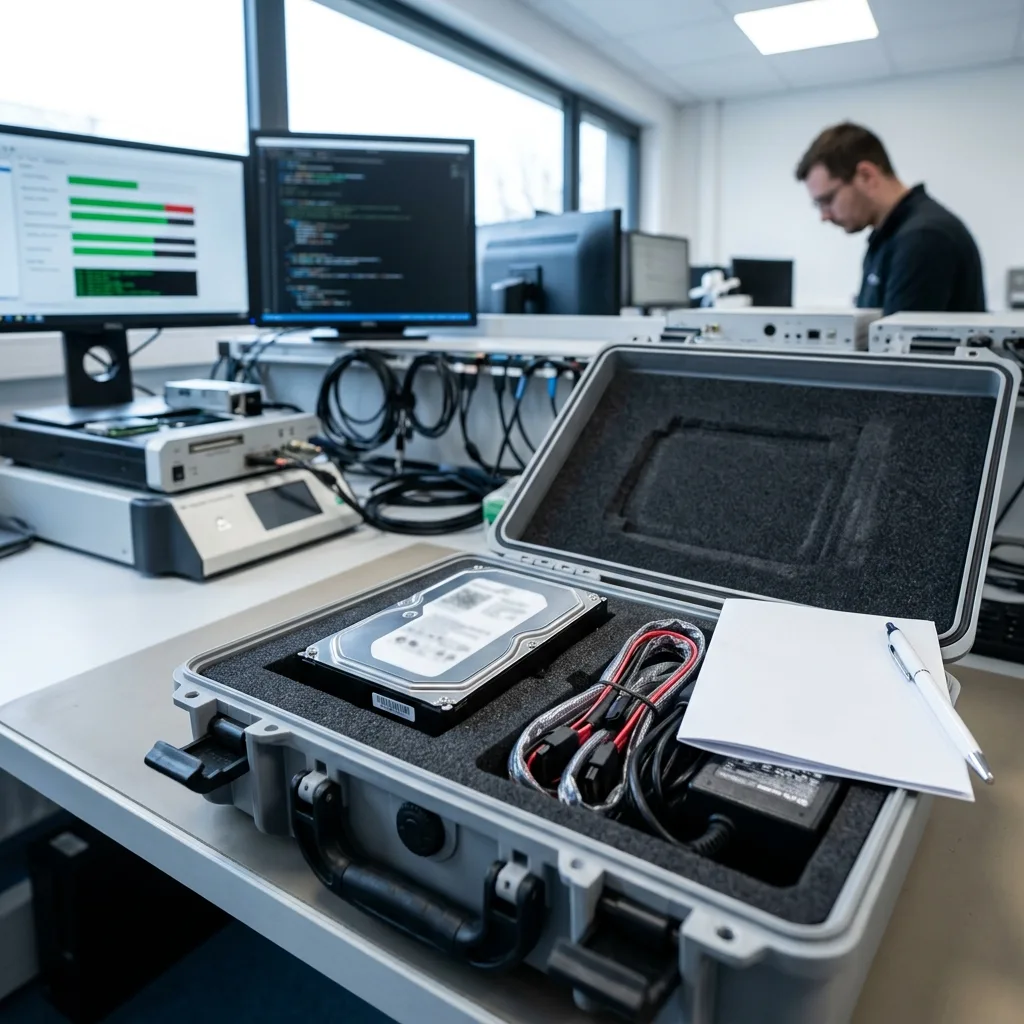
Preservation
Document the incident and stop operating-system repairs before metadata changes
Initialization and repair prompts are designed to restore use, not to preserve the state created by data loss.
Remove power after new clicking, a fall during use, repeated resets, or severe read delays. Keep the drive label and any adapter information with the case so the original configuration remains documented. A photo of the message from another device is sufficient; the drive does not need to remain attached.
Do not initialize, format, run CHKDSK, or let an operating system repair the volume. Those actions can rewrite metadata while the physical condition is still unknown. For a workstation or office PC, record the last successful session and any update, outage, or crash.
The source drive is treated as evidence, not as a test bench. A short list of priority folders and a factual timeline are more useful than one more attempt to open the files. This timeline helps distinguish a logical event from a physical failure that surfaced at the same time.
- Cancel format and initialize prompts
- Do not run CHKDSK
- Preserve encryption recovery keys
If the volume appears RAW
RAW describes what the operating system can interpret, not whether the files are gone. Partition and file-system analysis belongs on an image.
If deletion caused the loss
Stop background sync, downloads, and updates. New writes can reuse clusters that still contain deleted documents or database pages.
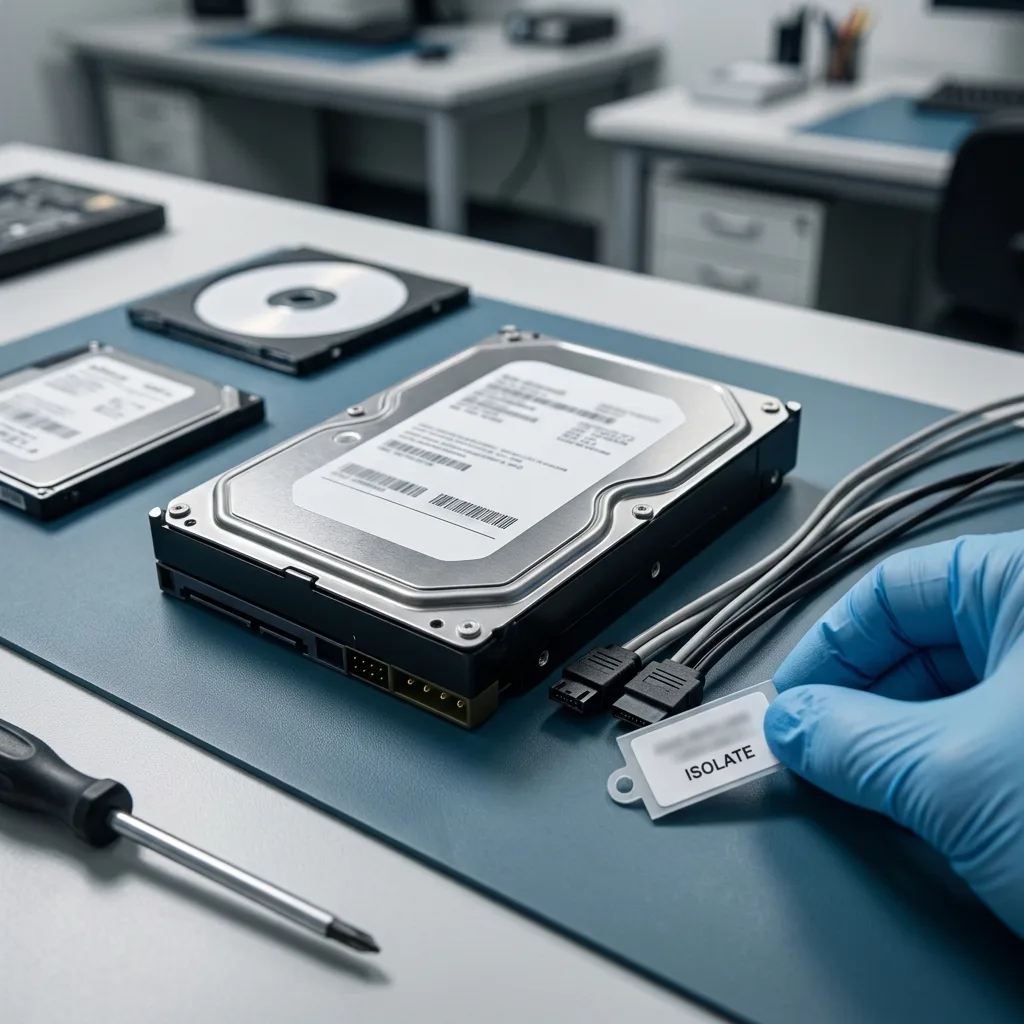
Cleanroom decision
Open the enclosure only after a mechanical finding confirms the need
Head damage, contamination, or a seized mechanism can require controlled internal access; many other failures do not.
A head crash, seized spindle, or impact while the platters were turning may require opening under controlled particulate conditions. The purpose is a specific mechanical intervention, not a routine step applied to every failed disk. Electronic, firmware, and logical faults are investigated with the cover sealed whenever possible.
Current draw, spin behavior, firmware response, model history, and incident evidence are compared before any opening decision. Exposing the platters without a mechanical reason adds contamination risk and does not make deleted or encrypted data easier to read.
If cleanroom work is warranted, the goal is temporary reading stability followed by imaging. Replacing parts is not presented as a repair that makes the hard drive safe for continued use. The original drive remains failed equipment even if a donor component allows it to read again.
- Confirm the mechanical finding
- Select compatible donor parts
- Image immediately after intervention
Cases that may stay closed
No-spin electronics, service-area faults, damaged partitions, deletion, and encryption often require different tools rather than internal access.
Cases that may require opening
Impact while spinning, persistent recalibration, stuck heads, or visible contamination can justify inspection under controlled particulate conditions.
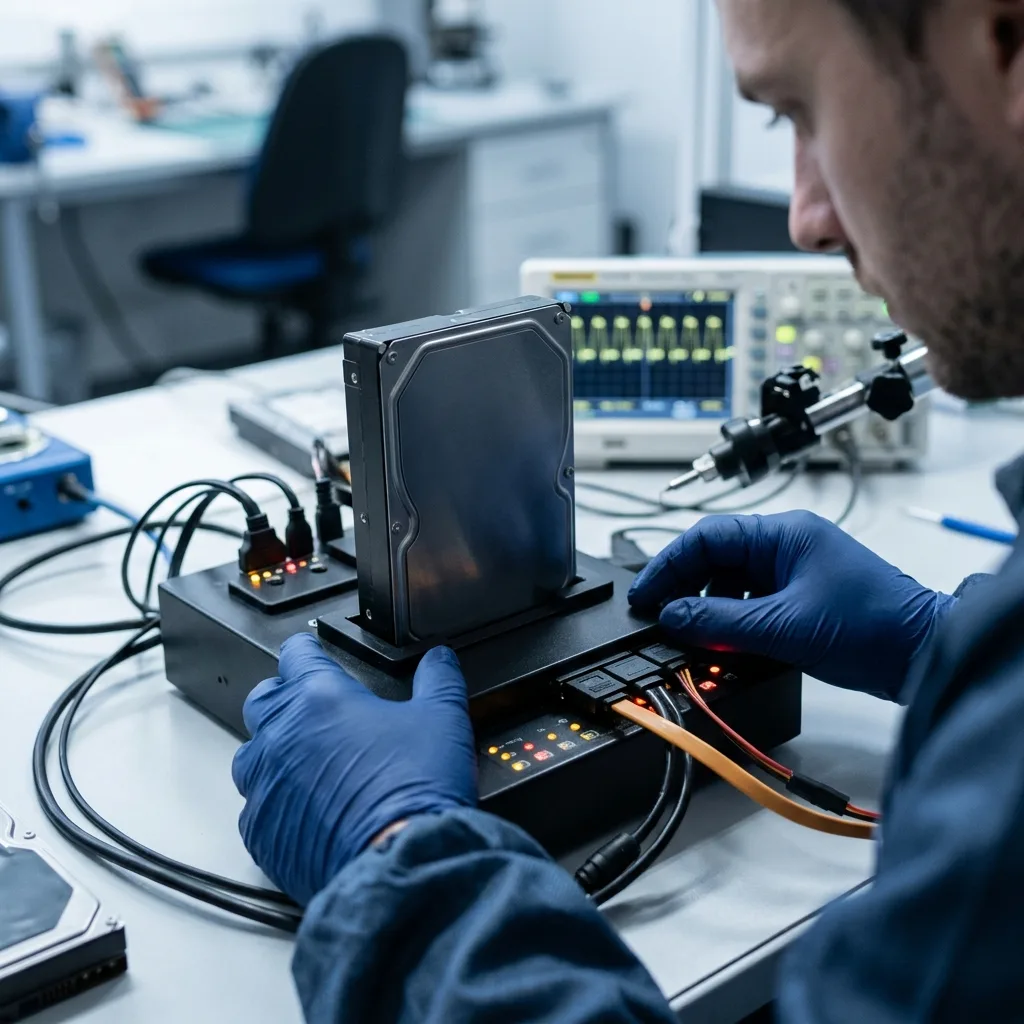
Acquisition strategy
Map weak heads and secure stable regions before intensive retries
A failing disk is rarely best read in one uninterrupted pass from sector zero to the end.
A failing surface is rarely read best with one uninterrupted pass from beginning to end. Head behavior, timeouts, and error density are mapped so stable areas can be secured before fragile regions are revisited. Read speed, timeout patterns, and error locations are logged by pass and by head behavior.
Partition metadata and named priority data may receive earlier attention when the drive cannot tolerate unlimited access. Retry counts, direction, and read speed are adjusted to observed behavior rather than left to a generic cloning tool. Early passes secure directory structures and readable priority regions before difficult areas are revisited.
Every usable sector is written to a separate image. The original media remains unchanged while later reconstruction proceeds from controlled copies. The resulting sector image becomes the source for every later reconstruction experiment.
- Capture stable regions first
- Limit repeated head stress
- Log every skipped range
How retries are controlled
Block size, direction, timeout, and retry count are adjusted to measured behavior instead of left at consumer-tool defaults.
How priorities affect imaging
Named paths and date ranges can guide targeted reads when the media may not tolerate an exhaustive pass across every surface.
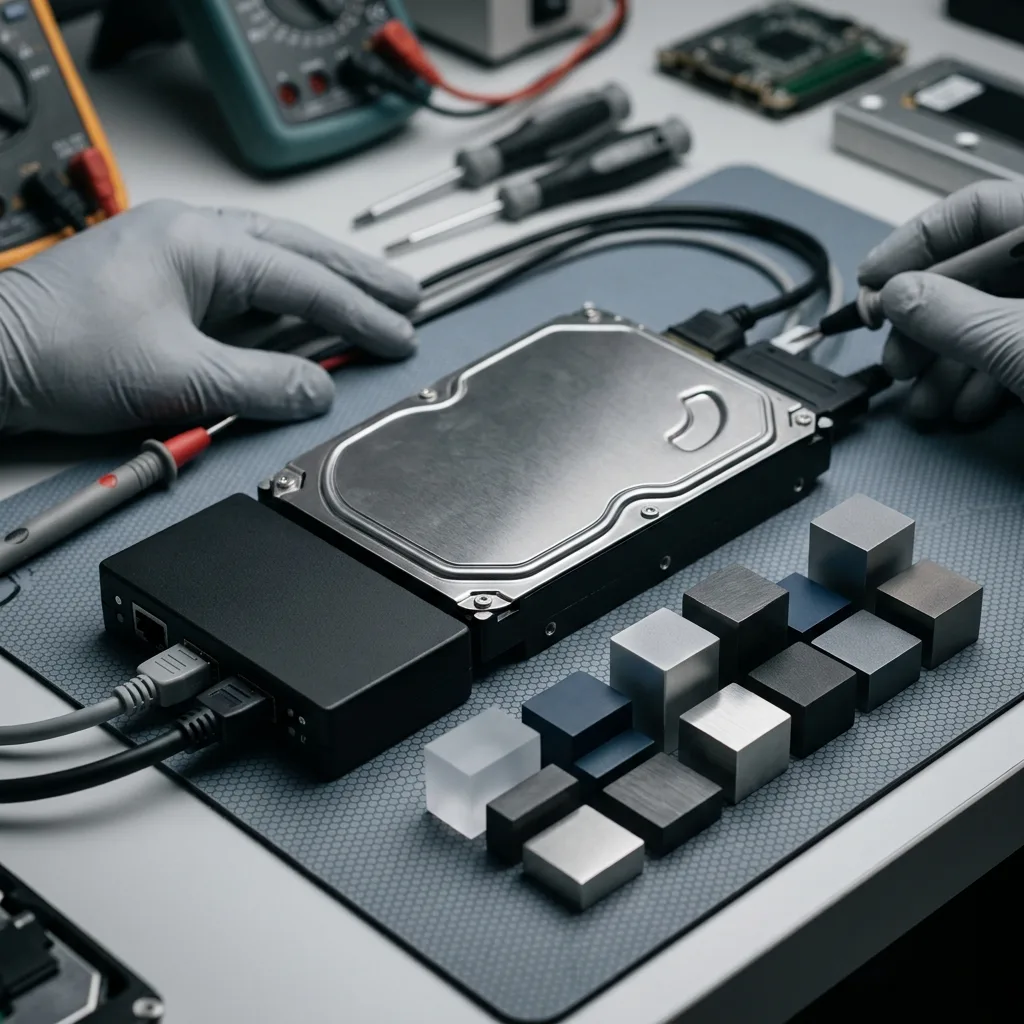
Logical reconstruction
Rebuild partitions and file systems on working copies
Partition tables, allocation maps, journals, and directory trees are interpreted after the physical acquisition is protected.
GPT, MBR, NTFS, exFAT, APFS, ext, and other structures are evaluated only after acquisition. A damaged partition table does not by itself describe the files stored behind it, so competing volume and file-system hypotheses are tested without touching the drive.
Directory records, allocation maps, journals, and file signatures are compared on working copies. This allows competing reconstruction hypotheses to be tested without asking the failing hard drive to repeat the same reads. A directory that displays correctly may still reference unreadable or mismatched clusters.
A visible directory tree is not accepted as the result. Representative documents, photographs, archives, and databases must open with coherent internal structure and content.
- Compare primary and backup metadata
- Test alternate reconstruction hypotheses
- Keep the source image unchanged
Metadata-led recovery
Healthy directory and allocation records can preserve names, paths, dates, and fragmentation even when the partition entry is damaged.
Content-led recovery
File signatures can recover material when metadata is lost, but names, folders, versions, and fragmented content may remain incomplete.
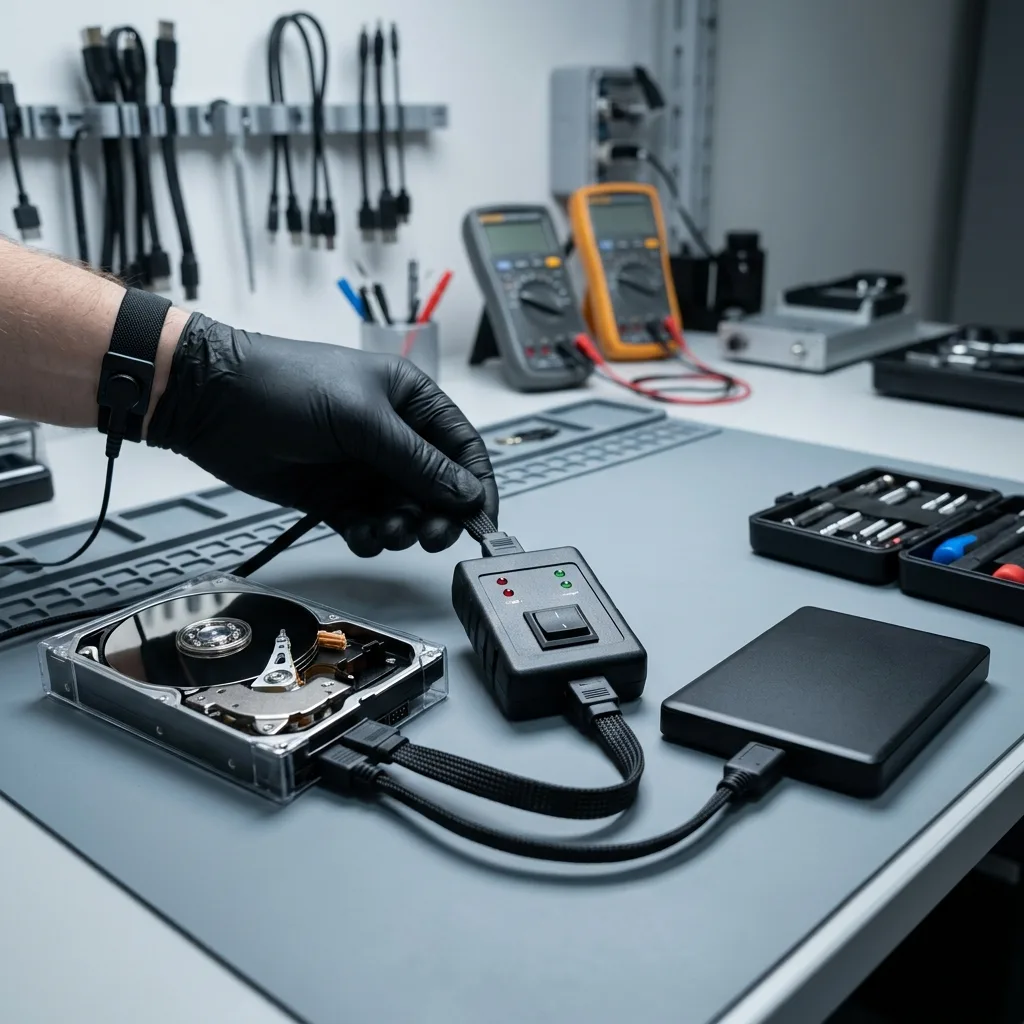
Priority planning
Use business impact to set the order of difficult reads
A current company file, active project, or family archive may matter more than maximum recovered capacity.
Current accounting records, an active project, a family photo archive, or a local database can matter more than maximum recovered volume. The case plan uses named paths, file types, and date ranges to reflect that reality. A small-business case may center on accounting data, tax records, email archives, or a point-of-sale database.
Priority guidance is especially valuable when one head or surface zone is deteriorating. It can place the most consequential material ahead of lower-value reads without claiming that untouched areas are unimportant. Creative work can depend on project files, linked media, fonts, and catalogs that must be evaluated together.
The final inventory keeps requested data separate from incidental findings. Volume alone is not used as a substitute for relevance or usability. Priorities are documented before fragile regions are revisited so the order reflects a real decision.
- Name critical folders and dates
- Identify source applications and versions
- Define a useful partial outcome
Structured data priorities
Databases and mail stores require logs, indexes, and related files. A single large file may need internal validation rather than a simple copy.
Media archive priorities
Photos and video are checked at full resolution and duration. Thumbnails and previews are not counted as recovered originals.
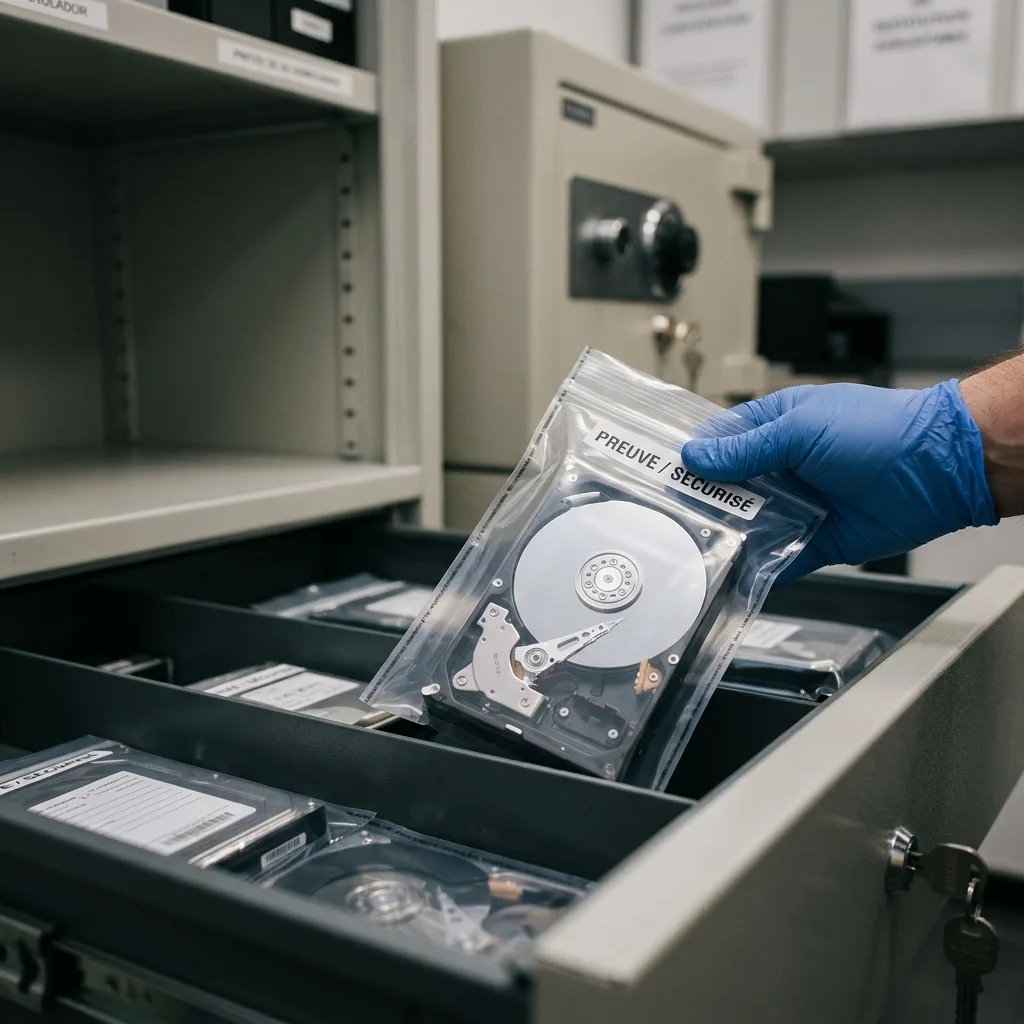
Result quality
Verify usable content and separate each permanent limit
Recovered volume is meaningful only when the requested files can be opened and used.
Files are sampled by format and opened from the reconstructed copy. A filename with zero-filled content, broken internal structure, or unreadable database pages is identified as partial rather than counted as successful recovery. Sampling covers different folders, dates, sizes, and physical regions instead of a few convenient examples.
Scraped magnetic coating, overwritten sectors, missing metadata, and unavailable encryption keys are reported as distinct limits. A cleanroom can limit new contamination but cannot recreate magnetic material that is already gone.
The inventory distinguishes usable, partial, and detected-only items without inflating the result, so the customer can decide whether the recovered set meets the practical need.
- Open files by native format
- Sample across affected regions
- Document partial results clearly
What a verified file means
The file opens with coherent internal structure and expected content from the recovery copy, not merely with the correct extension.
What cannot be inferred
Untested files are not silently assumed healthy. Their status and any sampling limits remain visible in the delivery notes.
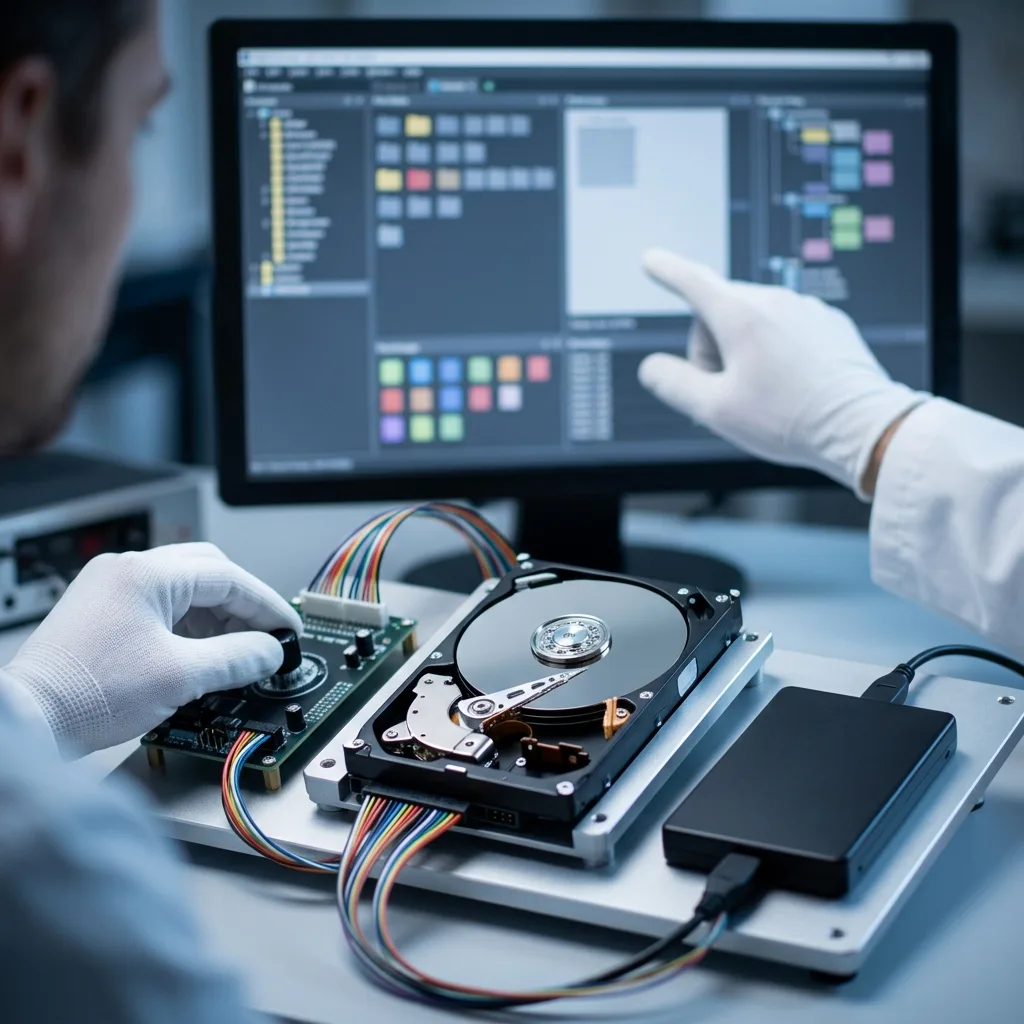
Case routing
Match the next workflow to the drive’s actual configuration
The same symptom requires different handling when the disk sits inside USB electronics, an array, or a mechanical enclosure.
A USB enclosure changes the case because its bridge may control power, sector translation, or transparent encryption. Keep the board, cable, and adapter with the disk, then use the external hard drive workflow to preserve that complete data path.
A member removed from a NAS or storage array cannot be interpreted safely as an independent disk. Preserve bay order, controller details, and every member for RAID and NAS recovery, where geometry and parity are reconstructed together.
Confirmed head, spindle, or contamination evidence may move a case into ISO 5 cleanroom recovery. That path is selected from mechanical findings, not merely because the drive failed to mount or display files.
- Keep enclosure electronics together
- Label every array member
- Choose tracked protective shipping
Shipping from any state
Use an antistatic bag, rigid cushioning, and a tracked carrier. Confirm the managed intake channel before sending sensitive media.
What travels separately
Passwords and recovery keys should use an agreed secure channel, not a note packed beside the failed drive.
FAQ
Frequently asked questions
What should I do when a hard drive starts clicking?
Shut down the computer, disconnect power, and do not repeat the startup. Clicking may involve heads, firmware, motor behavior, or surface damage. Record the sound and incident history without powering the drive solely to make a recording.
Does a failed hard drive always need cleanroom work?
No. Controlled internal access is reserved for a mechanical finding that requires the cover to be opened. Electronic, firmware, file-system, deletion, and encryption cases may follow other paths with the enclosure sealed.
Why is a sector image created before file-system repair?
Imaging secures readable regions and limits repeated stress on weak ones. Repair tools change metadata, so partition and file-system work is performed on controlled copies after the source has been protected.
Can deleted hard-drive files still be recovered?
Possibly, if their clusters and enough metadata have not been overwritten. Stop using the computer immediately because updates, downloads, sync, and even installed recovery tools can reuse the same space.
How are recovered hard-drive files checked?
Representative documents, photos, archives, and structured data are opened from the recovery copy. The review distinguishes usable content from partial, zero-filled, encrypted, or merely detected files.
Media
Other expertise
- External Hard Drive Data Recovery for USB and Mechanical Failures Recover files from dropped, clicking, encrypted, or intermittently disconnecting external drives while preserving the original enclosure and electronics.
- SSD and NVMe Data Recovery for Flash Storage Failures Recover data from undetected, read-only, failed, or logically damaged SATA SSDs and NVMe drives with controller-aware acquisition and clear TRIM limits.
- USB Flash Drive Data Recovery for Connector and NAND Failures Recover data from bent, shorted, undetected, formatted or failed USB flash drives with architecture-specific acquisition and file verification.
- Memory Card Data Recovery for Photos and Video Recover photos, video, and device recordings from unreadable, formatted, damaged, or worn SD, microSD, CF, and CFexpress cards.
- Laptop Data Recovery for Drive, Board, and Startup Failures Recover files from failed Windows laptops, damaged boards, dropped drives, liquid exposure, BitLocker and unbootable systems without writing to the source.
- Apple Mac Data Recovery for APFS and Encrypted Storage Recover Mac files from failed storage, liquid damage, APFS corruption, FileVault, Fusion Drive, T2, and Apple silicon systems without destructive resets.
- Tablet Data Recovery for Failed and Liquid-Damaged Devices Recover files from failed, locked, liquid-damaged or unbootable tablets while preserving soldered storage, paired hardware and encryption context.
- VMDK and VHDX Virtual Disk Data Recovery Recover files, databases, and workloads from damaged VMDK, VHDX, QCOW2, snapshots, thin disks, and failed datastores without modifying the source chain.
- RAID, NAS, and Storage Array Data Recovery Recover shares, databases and virtual machines from failed RAID, NAS, SAN, ZFS, Btrfs and storage arrays while preserving member order and parity evidence.
- Business Server Data Recovery for Complex Storage Failures Recover server data from failed RAID, pools, virtual hosts, databases and file services with source-first acquisition and workload validation.
- NVR, DVR, and Security Camera Footage Recovery Recover missing NVR and DVR footage from proprietary indexes, H.264/H.265 streams, circular recording, failed disks and multi-drive recorder arrays.
- ISO 5 Cleanroom Data Recovery for Hard Drive Failures Controlled ISO 5 cleanroom handling for confirmed head, spindle, and contamination failures, followed by immediate sector imaging and file verification.
 External Hard Drive Data Recovery for USB and Mechanical Failures
  SSD and NVMe Data Recovery for Flash Storage Failures
  USB Flash Drive Data Recovery for Connector and NAND Failures
  Memory Card Data Recovery for Photos and Video
  Laptop Data Recovery for Drive, Board, and Startup Failures
  Tablet Data Recovery for Failed and Liquid-Damaged Devices
  VMDK and VHDX Virtual Disk Data Recovery
  RAID, NAS, and Storage Array Data Recovery
  Business Server Data Recovery for Complex Storage Failures
  NVR, DVR, and Security Camera Footage Recovery
  ISO 5 Cleanroom Data Recovery for Hard Drive Failures
 Diagnostic evaluation
Not sure what happened to your storage device?
Datastrophe evaluates the risk before any recovery attempt and points you toward the safest next step.