
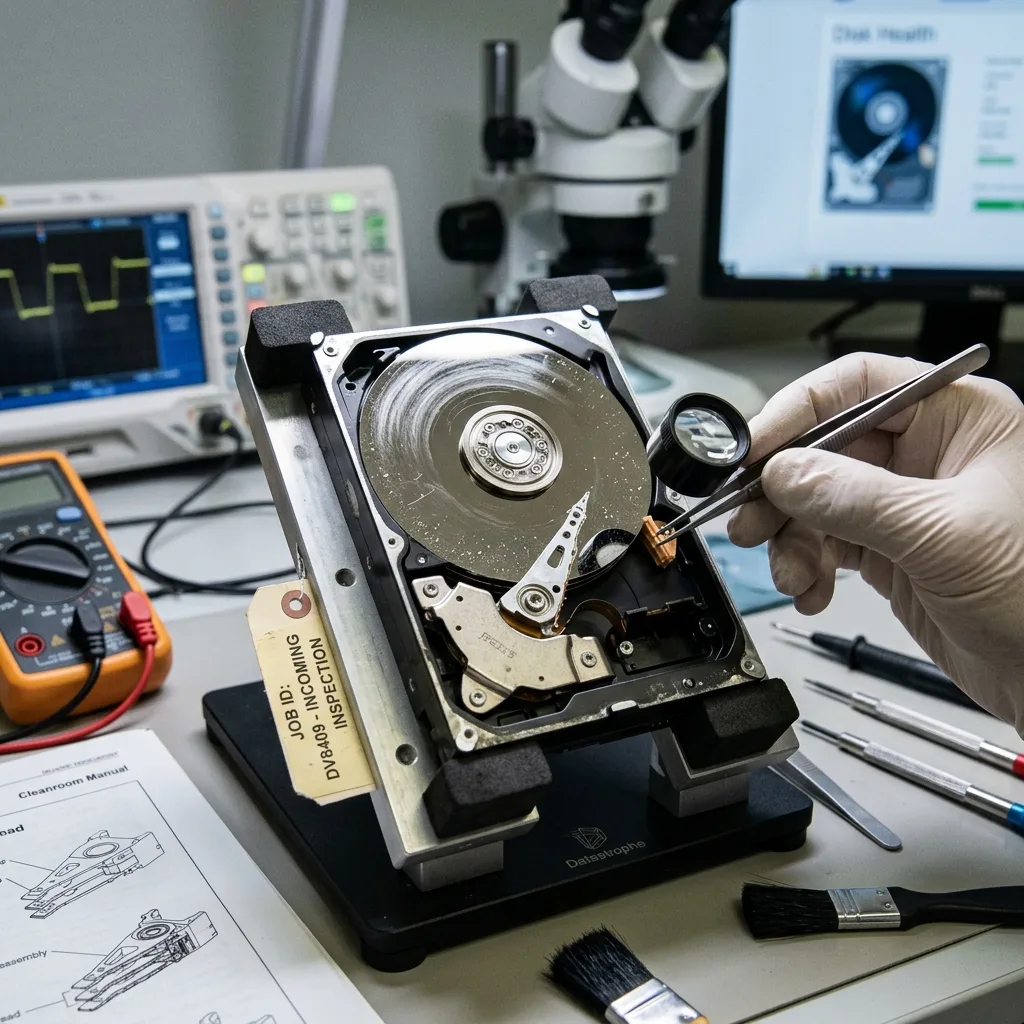
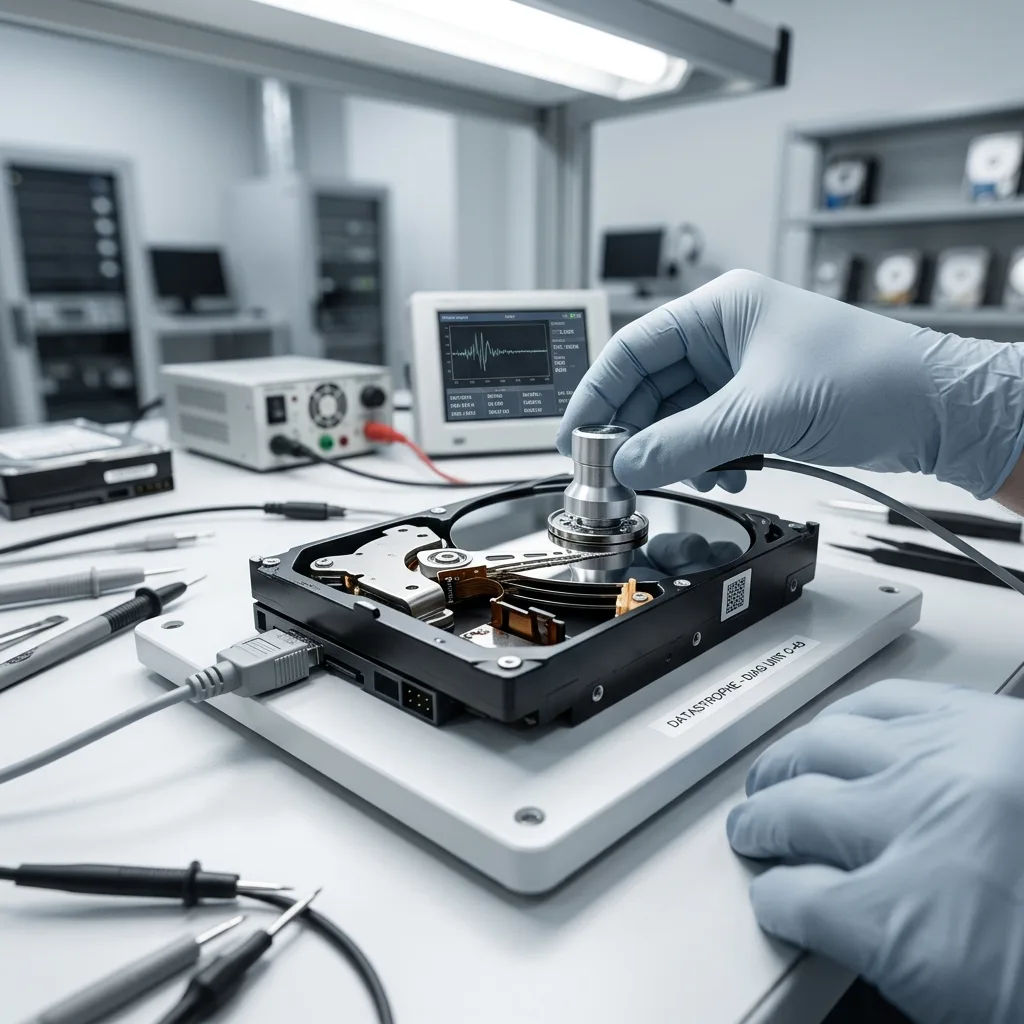
Diagnostic evaluation
Understand the mechanics behind impact damage
Inside a hard drive, heads move extremely close to spinning platters driven by a precision motor. Vibration, tipping, impact, and weak transport protection can disturb those mechanics even when the outer enclosure shows no damage.
Impact while powered off differs from impact during reading. While the disk spins, its heads sit close to the platters. Heavy vibration or a fall can cause contact, scratching, misalignment or read errors. The drive may continue to be recognized while becoming unstable.
Repeated vibration is less obvious. It may come from a vehicle, boat, machine, poorly secured array or desk that's struck regularly. Failure then develops through slowness, unreliable copying, unusual noise and unreadable sectors.
Drive position matters too. Storage on an unstable surface, powered through a taut cable or stacked with other equipment experiences additional strain. Prevention depends on installation along with model.
External backup drives are particularly exposed. They're moved, connected quickly, placed near desk edges and carried without rigid protection. An unplanned backup routine can therefore expose the copy to the same risk as the primary disk.
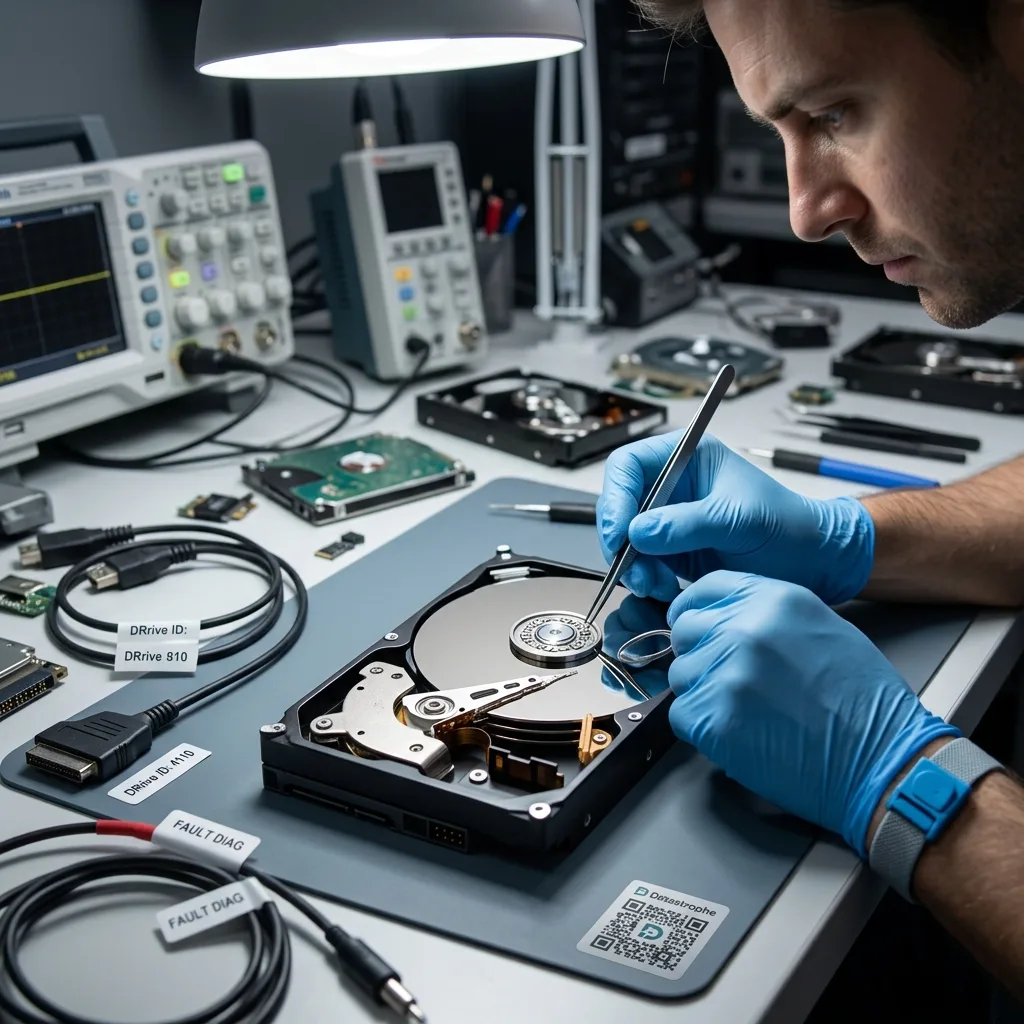
Diagnostic evaluation
Recognize warning signs after vibration or impact
Repeated clicks, scraping, stalls, missing detection, collapsing copy speed, empty folders, and format prompts are all serious warnings. None identifies one failure by itself, but together they show that routine reading is no longer safe.
A drive isn't healthy simply because it appears once. A damaged device may be recognized for several minutes and then vanish, display its folder structure without reading files, or stall on the most important areas.
Stop repeated attempts. Every restart can move the heads, initiate a check or stress an already weak area. Assess the device before a large copy.
Record when impact or vibration occurred. A drive moved during backup, carried in a bag or used in a vehicle presents different risks from storage kept powered off. The distinction indicates whether data may have changed during writing.
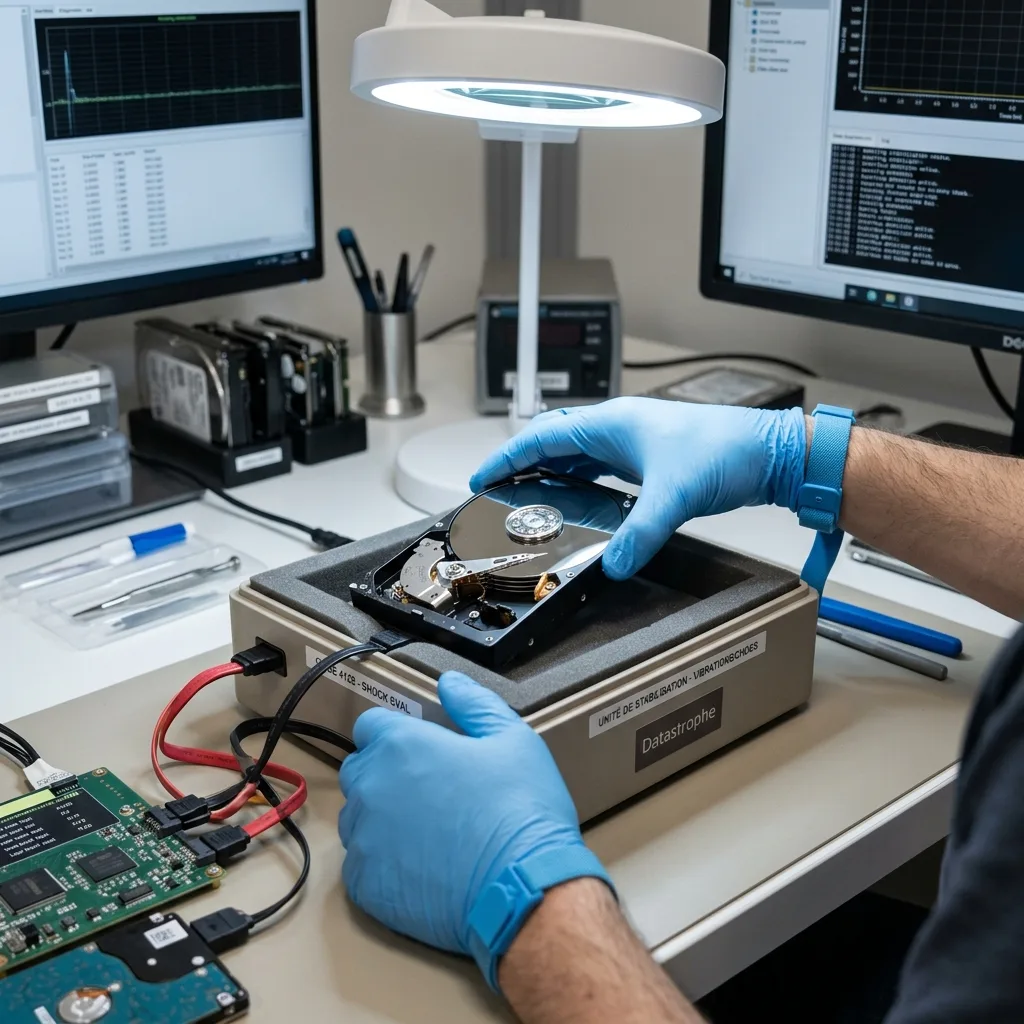
Diagnostic evaluation
Stabilize the device without running repairs
After an impact, keep the drive still, disconnect it normally if the system remains responsive, and don't force it to mount. File-system repair can change useful metadata while doing nothing to correct a mechanical fault.
An ordinary copy isn't always appropriate. On an unstable drive, copying a whole folder can stall at weak areas and tire the device. Controlled acquisition prioritizes sectors, slows down around errors and records what could not be read.
The same applies to external drives. The USB enclosure may be damaged, but so may the disk inside. A replacement cable or case can help in some situations, but stop if the drive makes noise, heats up or disappears.
When important data are present, returning the device to service isn't the objective. A drive affected by impact can work briefly before deteriorating. The purpose of examination is to obtain a usable image, not prolong uncertain hardware.
This avoids copying visible files alphabetically or one complete folder at a time. On unstable storage, define essential data and adapt acquisition. Critical folders, databases, photographs and recent documents can precede secondary archives.
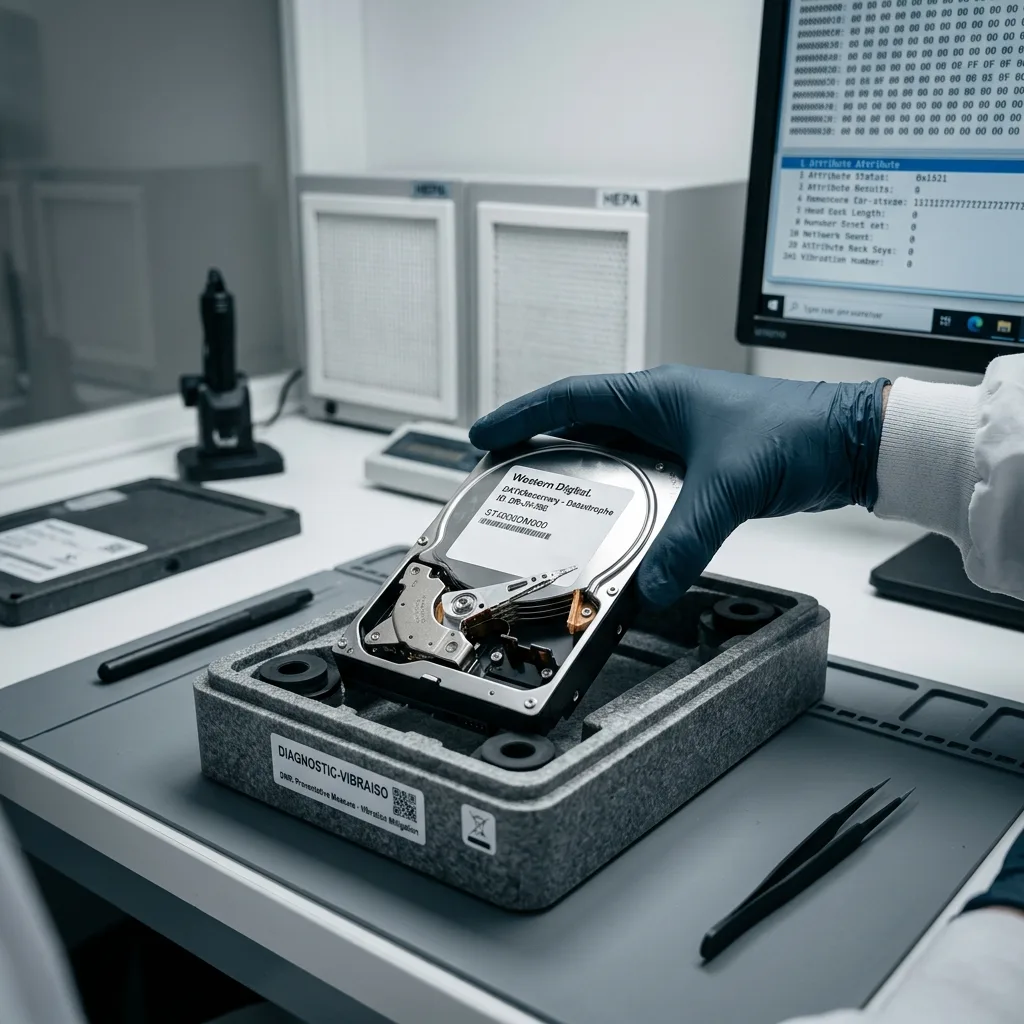
Diagnostic evaluation
Reduce vibration and movement during operation
Keep running drives stationary, use shock-absorbing enclosures, secure disks in arrays, protect cables, supply stable power, and verify backups. Unsupported devices and storage installed beside constant vibration face avoidable risk.
Mobile and industrial environments shouldn't depend on one drive. A disconnected external backup, controlled replication or media rotation can prevent impact becoming permanent loss. Verify backups by restoration instead of file presence alone.
SSDs resist mechanical shock better but aren't invulnerable. Power outages, flash wear, controller failure and logical corruption remain possible. Choose storage for the actual operating context.
Separate working storage from backup in exposed installations. A protected transport drive must not hold the only copy. A disconnected, tested copy elsewhere protects against impact no case can absorb.
Diagnostic evaluation
Choose the service that matches the drive
For a symptomatic internal disk, hard drive data recovery covers physical handling. External hard drive data recovery also considers the enclosure, cable, and power supply.
This guide addresses vibration and impact only. It doesn't replace physical damage analysis or specialist handling. Its purpose is to identify when testing should stop and how to preserve the device for transport.
The most useful decision is often restrained: don't format, run automatic repairs or persist when the drive becomes noisy or unstable.
When sending it, describe the type of impact, condition beforehand, sounds, priority files and previous attempts. These details support adapted acquisition with fewer unnecessary actions.
Don't open the hard drive outside a lab. Dust and misalignment can turn limited damage into a more serious loss. Mechanical noise means the device should remain powered off until examined.
Diagnostic evaluation
Primary Technical References And Limits
Reference scope — drive vibration impact damage: For hard drive vibration impact damage, the primary references used are NIST SP 800-86. Physical evidence — drive vibration impact damage: They define the relevant preservation, storage or validation concepts, but they cannot establish the exact physical condition, controller state, key availability or business consistency of the device received. Controller evidence — drive vibration impact damage: Those points require measurements on the original set and verification on copies.
Diagnostic evaluation
Request A Controlled Evaluation
Complete set — drive vibration impact damage: For a technical evaluation of hard drive vibration impact damage, provide the complete device or storage set, its associated power and interface parts, the symptom timeline and the priority files. Incident history — drive vibration impact damage: Keep member order, labels and authorized credentials separate from the parcel paperwork; do not restart the source merely to obtain a new screenshot.
Laboratory responsibility — drive vibration impact damage: Datastrophe performs the diagnosis, integrity checks and recovery directly in its own laboratory with its own team. Free assessment — drive vibration impact damage: Diagnosis and the quote are free. Transport boundary — drive vibration impact damage: Private round-trip shipping is included; the carrier moves only the sealed parcel and neither accesses nor processes its data.
Controlled list — drive vibration impact damage: Before any payment, the client receives the proposed price and a checked list. Verification classes — drive vibration impact damage: Each item is classified, in order, as recoverable_verified, partial, detected_unverified or unrecoverable. Payment trigger — drive vibration impact damage: Only recoverable_verified items whose contents were checked and found usable are presented as recoverable. No-result rule — drive vibration impact damage: Payment is due only after the client accepts both the list and the price.
No-result rule — drive vibration impact damage: If no usable data is verified, recovery fails, or the client declines the list or price, no standard fee is payable. Rare-part exception — drive vibration impact damage: The only exception is a rare, costly and non-refundable part, which may be ordered only after a separate, explicit and priced proposal has been accepted.