

SSD and NVMe Data Recovery for Flash Storage Failures
An SSD that vanishes, reports zero capacity, enters read-only mode, or fails after a power event should be taken offline. Flash translation and TRIM make repeated testing consequential.
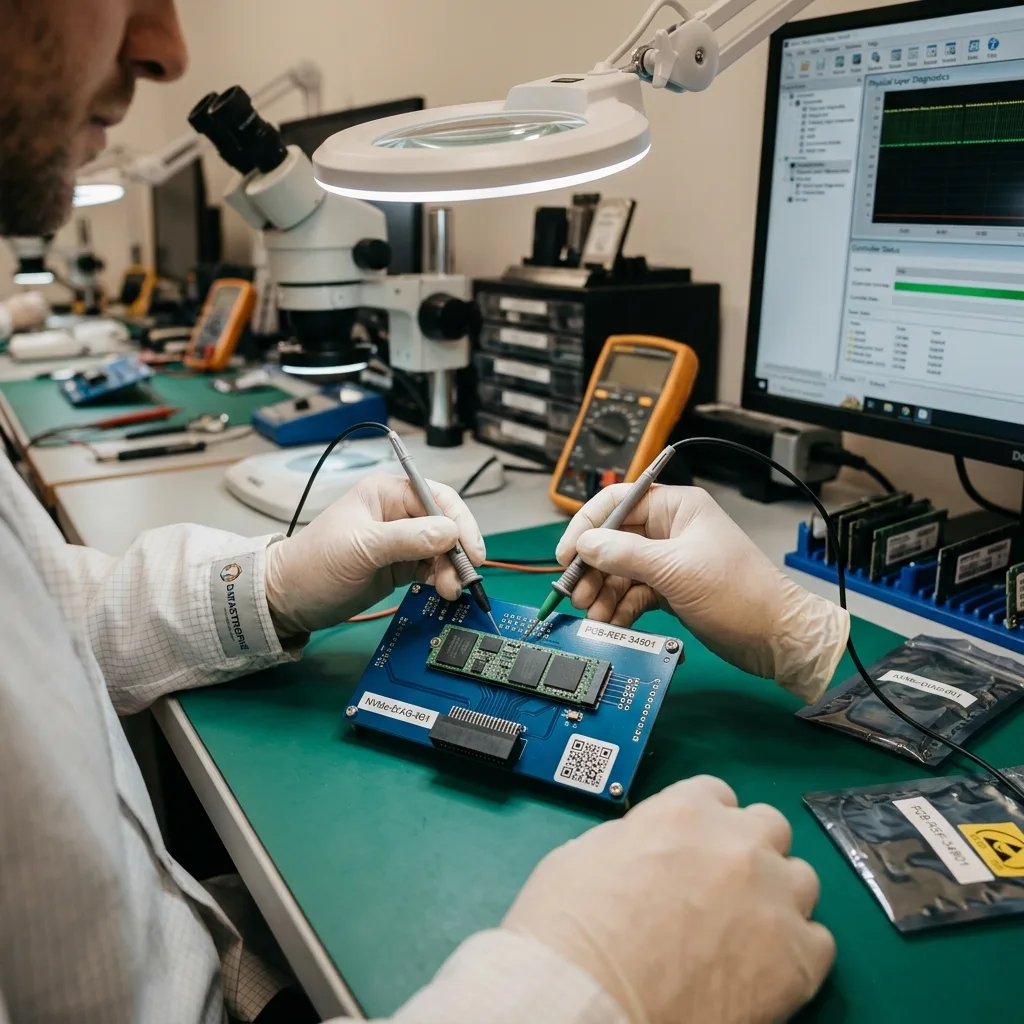
Failure signals
Treat capacity changes and read-only mode as controller evidence
Zero capacity, intermittent detection, and forced read-only behavior can indicate different controller responses to NAND or firmware trouble.
A missing SSD can reflect power, firmware, controller, or NAND failure. Zero capacity and a device locked in read-only mode are different states and should not trigger the same procedure. The exact model, firmware, interface, and event history determine which interpretation is plausible.
The diagnostic review records BIOS or operating-system detection, model, interface, reported capacity, and failure timing. That evidence helps distinguish a communication fault from an internal translation problem. A brief appearance in BIOS does not prove that sustained reads or every NAND channel remain stable.
Repeated boot attempts can change controller behavior or allow background cleanup to continue. The device is powered only when a planned observation or acquisition justifies it. These signals are recorded before the operating system can initialize or repair the device.
- Record reported capacity exactly
- Note read-only behavior
- Stop after intermittent detection
What zero capacity can mean
The controller may start without exposing user-addressable blocks because firmware, mapping metadata, or NAND communication did not complete.
Why read-only mode matters
Some controllers protect remaining flash by refusing writes. Attempts to clear that state can remove the safest available access path.
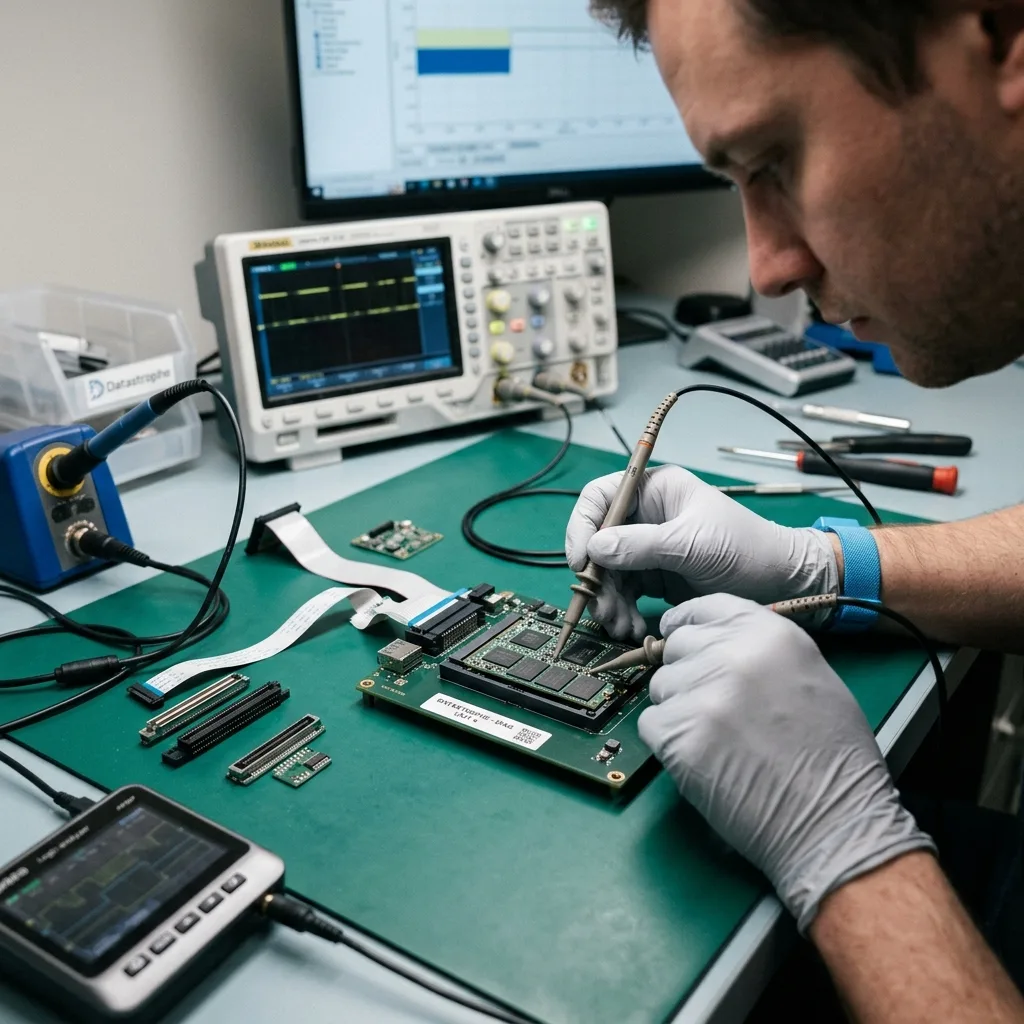
Immediate preservation
Stop writes after deletion, formatting, or a TRIM-capable repair prompt
Initialization, reinstall, and continued power can issue new writes, TRIM, or garbage collection that reduces what remains recoverable.
Initialization and operating-system repair create new metadata. A reinstall writes large amounts of data, while an unvalidated firmware tool may alter internal tables that are needed to interpret the flash. A screenshot from another device is enough; the SSD should not stay powered to reproduce an error.
The original SSD is not used to test speculative fixes. Its state is documented first, and any recovery keys or device credentials are collected without changing the volume. For a boot drive, record the last successful session, crash, update, outage, and every subsequent attempt.
If the SSD is still readable, continued normal use is avoided. TRIM and garbage collection can reduce the remaining evidence after files have been deleted or a volume has been reformatted. That timeline helps distinguish deletion, file-system corruption, controller failure, and an interrupted update.
- Cancel initialization prompts
- Do not reinstall the OS
- Avoid blind firmware updates
If the computer still boots
Shut it down rather than browsing or syncing. Background indexing, updates, and temporary files can change blocks without an obvious user action.
If BIOS sees the drive
Preserve the reported model and capacity, then power down. Detection does not establish stable access to logical blocks or encrypted content.
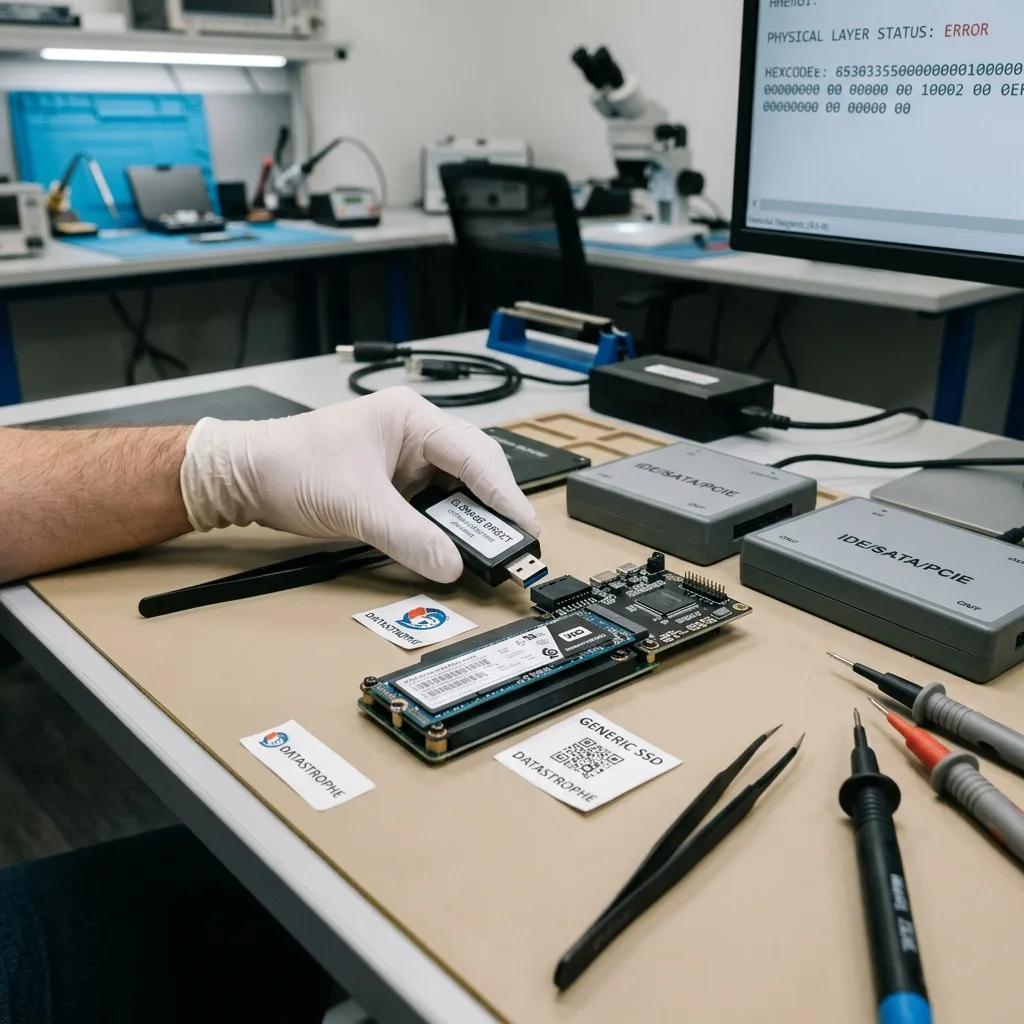
Flash translation
Account for FTL mapping, wear leveling, and TRIM together
The host sees logical block addresses while the controller constantly maps them across physical NAND pages and spare blocks.
The controller moves logical addresses among physical NAND pages throughout the life of the device. Wear leveling, bad-block management, ECC, garbage collection, spare blocks, and overprovisioning all shape where current data resides.
A raw chip read is therefore not a ready-to-mount volume. FTL metadata and controller-specific transformations must be reconstructed before physical pages become ordered logical blocks. TRIM can mark deleted logical ranges for internal cleanup even before later user files overwrite them.
TRIM adds a separate limit by identifying blocks that may be erased internally. Deleted-file expectations are based on observed data, not on methods that apply to magnetic disks. Recovery therefore depends on controller state, operating-system behavior, power history, and whether the command reached the device.
- Preserve mapping metadata
- Identify whether TRIM ran
- Separate logical and physical views
Translation metadata
Without a coherent FTL, raw NAND pages do not line up as a normal disk image. Mapping generations and channel order must be interpreted.
Garbage-collection timing
Cleanup can occur during idle power, not only while files are copied. Leaving the SSD connected can reduce remaining options.
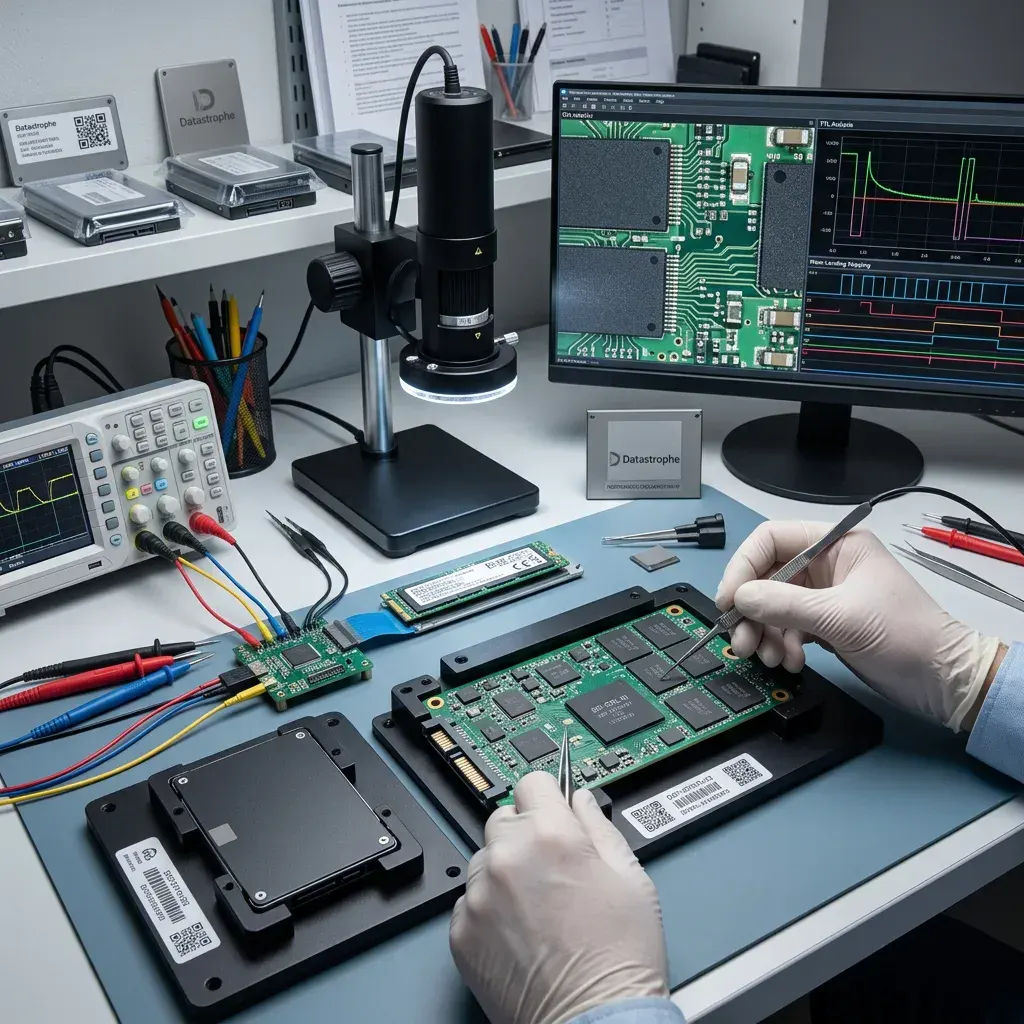
Electrical diagnosis
Stabilize shorts, liquid damage, and power faults before reading
A compatible connector does not make a liquid-damaged or shorted SATA or NVMe module safe to power.
Corrosion, failed protection components, damaged regulators, and conductive residue are assessed before sustained power. Repeated insertion can extend a short into the controller or NAND and remove the original translation path.
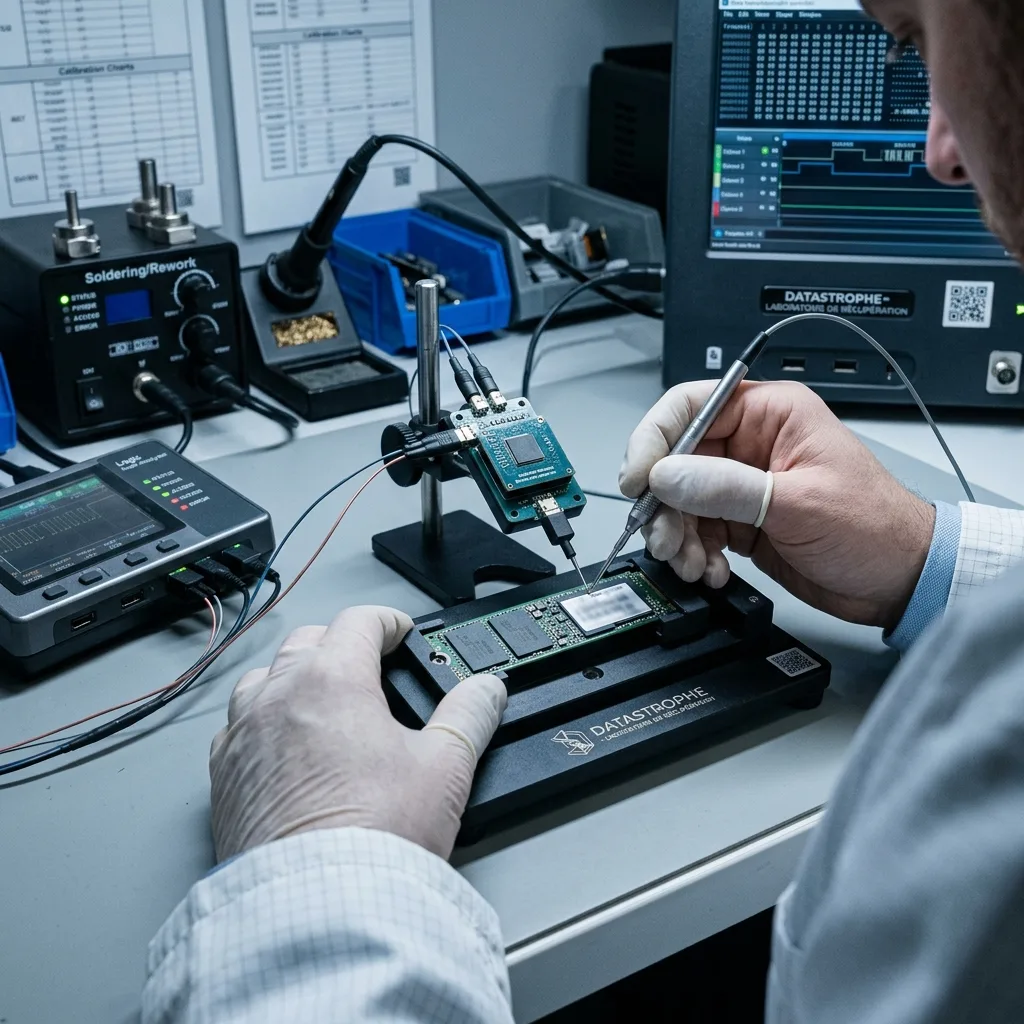
Board inspection covers supply rails, ground resistance, current draw, temperature, connector condition, and signs of liquid or thermal damage. Any stabilization is limited to creating a controlled reading window through the original controller when possible.
SATA, M.2 SATA, and PCIe/NVMe still require the correct electrical and command environment after stabilization. Integrated encryption or severely degraded NAND may prevent coherent translation even when some components respond.
- Keep liquid-damaged media unpowered
- Measure supply rails before sustained power
- Preserve the original controller and NAND
Liquid and corrosion
Residue can remain conductive beneath packages after the surface looks dry; household heat, rice, and repeated charging do not make the board safe.
Protocol after stabilization
SATA command behavior, PCIe link state, namespaces, thermal response, and controller resets are documented before long reads.
Acquisition
Choose the least intrusive access path before reconstruction
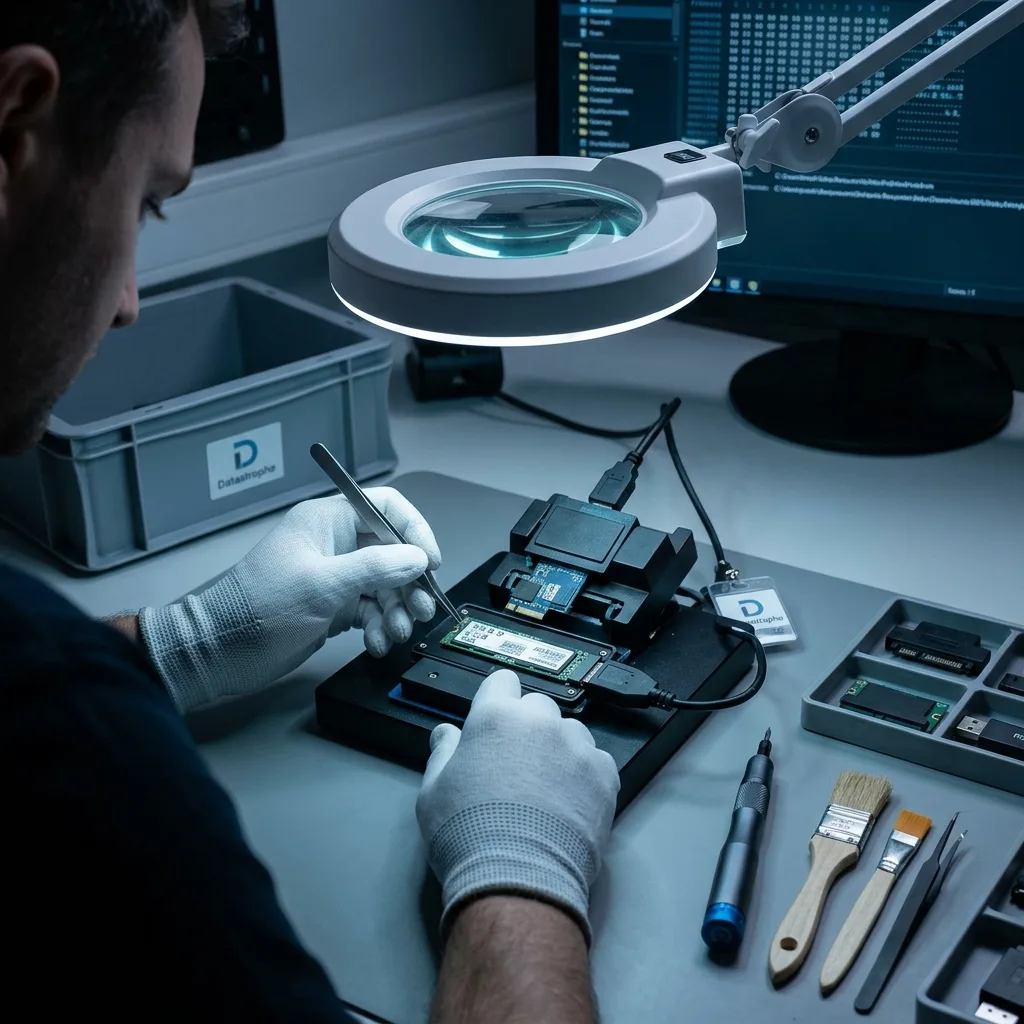
Controlled logical imaging is preferred while the controller returns coherent blocks; direct NAND reconstruction is considered only when that path is unavailable.
Readable logical ranges are acquired before any file-system work. If the controller cannot present coherent blocks, laboratory assessment determines whether direct NAND access and FTL reconstruction are technically possible. Error patterns and retry history stay attached to every image.
APFS, NTFS, ext, and other structures are examined on copies. File carving is used as supporting evidence, not as a replacement for directory, allocation, and application context. Metadata and named priorities can be captured early when the controller is deteriorating or thermal windows are short.
Databases, virtual disks, and media projects require internal continuity. Sample exports or application-aware checks determine whether a recovered file can actually be used. GPT, NTFS, APFS, ext, and other structures are then evaluated on separate working copies.
- Log every unstable range
- Capture priorities early
- Reconstruct only on copies
Logical acquisition path
When the controller exposes coherent blocks, the safest route usually retains its ECC, decryption, and translation functions.
Physical NAND path
Direct NAND work is considered only for validated architectures and still requires reconstruction of controller transformations before files exist.
Authorized access
Bring BitLocker, FileVault, and hardware encryption into the plan
A complete block image may remain unusable when the necessary credentials or original hardware relationship is missing.
BitLocker, FileVault, LUKS, and hardware encryption can leave perfectly readable blocks unusable without valid credentials. The owner should preserve recovery keys, account information, and the original computer when hardware binding may matter. BitLocker, FileVault, LUKS, OPAL, and controller-level encryption can exist in separate layers.
Credentials are used only within the authorized scope of the case. Data recovery does not bypass platform security or treat possession of the SSD as proof of access rights. Recovery keys, account details, and the original computer architecture are preserved before a motherboard swap or security reset.
The report separates a media-reading failure from an encryption barrier. That distinction prevents an inaccessible volume from being misreported as physically unreadable NAND. Credentials are tested against copies through an authorized workflow rather than bypassed or guessed on the source.
- Locate recovery keys early
- Keep original hardware together
- Use a separate secure channel
Enterprise-managed keys
An organization may hold BitLocker recovery material in directory or device-management systems. Record the identifier before changing hardware.
Hardware-bound access
TPM, T2, Secure Enclave, or controller secrets can make the original board part of the data path, not merely a replaceable component.
Result limits
Report results against TRIM, NAND errors, and file usability
Recovered capacity is separated from overwritten, trimmed, unreadable, encrypted, and structurally invalid content.
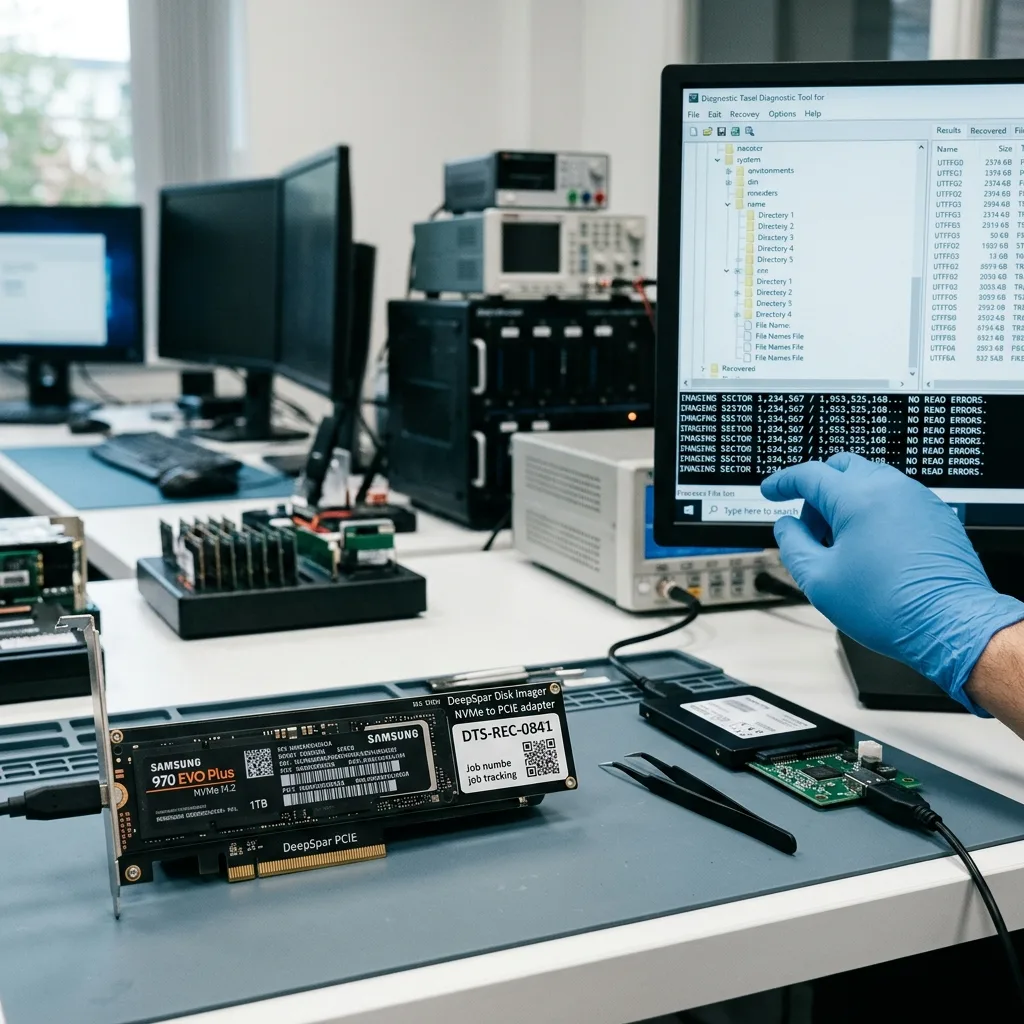
Directory entries may survive after their referenced blocks have been erased, while an unnamed file fragment may still contain usable data. Names and sizes are not sufficient validation. Files are opened by native format and sampled across folders, dates, sizes, and affected ranges.
Recovered documents, photos, archives, and structured files are opened from the working copy. Items affected by missing pages or failed error correction are identified as partial. Zero-filled content, failed archive checks, broken database pages, and thumbnail-only images remain marked as partial.
A controller replacement, laboratory read, or firmware path cannot recreate cells that no longer retain correct values. The final assessment states which layers were acquired and where interpretation stopped. The report explains whether the limit arose from logical overwrite, TRIM, NAND decay, translation loss, or missing credentials.
- Open representative native files
- Test across multiple ranges
- Name each limiting mechanism
What can be verified
Documents, media, archives, and structured files are tested from the recovery copy with tools appropriate to their format.
What remains uncertain
Untested items and controller-dependent assumptions stay visible in the inventory rather than being generalized from a small sample.
Intake preparation
Prepare the model, interface, encryption, and last known access
Exact hardware and incident details determine whether the SSD can be acquired alone or must remain associated with its computer and security context.
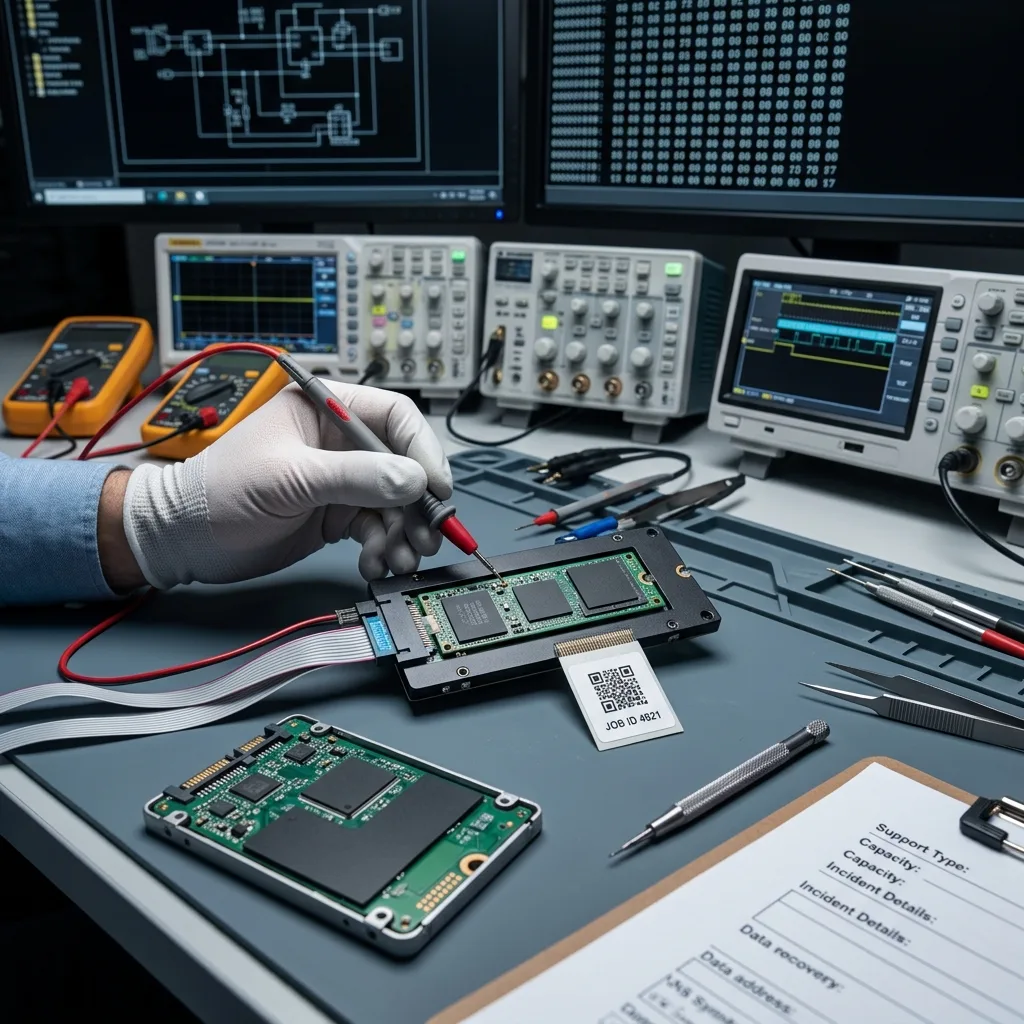
Record the manufacturer, complete model, capacity, interface, reported capacity, last successful access, failure event, and every attempt made afterward. Note whether BitLocker, FileVault, hardware encryption, or a vendor security feature was enabled and keep authorized recovery keys separate from the device.
An SSD removed from a laptop may still depend on motherboard power, TPM material, or BitLocker context. Keep the source computer available and use laptop data recovery when board condition and storage access must be evaluated together.
APFS, FileVault, T2, and Apple silicon can bind flash access to the original Mac architecture; Apple Mac recovery preserves those relationships. Virtual-machine storage adds descriptors and snapshots handled through virtual disk recovery.
The data recovery process connects safe acquisition to reconstruction, file testing, and destination-media delivery. Use the quote request to confirm whether the module, whole computer, charger, or other related hardware is required.
- Keep the source computer available
- Identify encryption before shipping
- Use tracked antistatic packaging
Preparing the device
Use an antistatic container and rigid protection. Confirm whether the whole computer, module, or related hardware is required before shipment.
Preparing credentials
Send recovery keys only through the agreed secure channel and never on paper inside the package with the device.
FAQ
Frequently asked questions
Does an SSD showing zero capacity still contain data?
It may. Zero capacity can reflect controller, firmware, mapping, or NAND communication failure rather than an empty device. Power it down and preserve the exact model and reported behavior for diagnosis.
What can TRIM change after files are deleted from an SSD?
Sometimes, but TRIM can cause the controller to return zeros or erase marked pages during idle time. The outcome depends on whether the command reached the SSD, later power-on time, controller behavior, and subsequent writes.
Should I update SSD firmware when the drive disappears?
Not as a blind diagnostic step. A firmware action can change the state or mapping needed for recovery. Record the installed version and failure history, then evaluate the safest read path first.
Why are BitLocker or FileVault keys needed for SSD recovery?
A readable sector image can still contain encrypted blocks. Recovery reconstructs available data but does not manufacture missing credentials or bypass authorized access controls.
How are recovered SSD files validated?
Representative files are opened from the recovery copy and checked by format. Trimmed, zero-filled, structurally damaged, encrypted, and untested items remain identified separately.
Media
Other expertise
- Hard Drive Data Recovery for Failed and Clicking Drives Recover data from clicking, dropped, slow, or unreadable hard drives through measured diagnostics, controlled imaging, and file-level verification.
- External Hard Drive Data Recovery for USB and Mechanical Failures Recover files from dropped, clicking, encrypted, or intermittently disconnecting external drives while preserving the original enclosure and electronics.
- USB Flash Drive Data Recovery for Connector and NAND Failures Recover data from bent, shorted, undetected, formatted or failed USB flash drives with architecture-specific acquisition and file verification.
- Memory Card Data Recovery for Photos and Video Recover photos, video, and device recordings from unreadable, formatted, damaged, or worn SD, microSD, CF, and CFexpress cards.
- Laptop Data Recovery for Drive, Board, and Startup Failures Recover files from failed Windows laptops, damaged boards, dropped drives, liquid exposure, BitLocker and unbootable systems without writing to the source.
- Apple Mac Data Recovery for APFS and Encrypted Storage Recover Mac files from failed storage, liquid damage, APFS corruption, FileVault, Fusion Drive, T2, and Apple silicon systems without destructive resets.
- Tablet Data Recovery for Failed and Liquid-Damaged Devices Recover files from failed, locked, liquid-damaged or unbootable tablets while preserving soldered storage, paired hardware and encryption context.
- VMDK and VHDX Virtual Disk Data Recovery Recover files, databases, and workloads from damaged VMDK, VHDX, QCOW2, snapshots, thin disks, and failed datastores without modifying the source chain.
- RAID, NAS, and Storage Array Data Recovery Recover shares, databases and virtual machines from failed RAID, NAS, SAN, ZFS, Btrfs and storage arrays while preserving member order and parity evidence.
- Business Server Data Recovery for Complex Storage Failures Recover server data from failed RAID, pools, virtual hosts, databases and file services with source-first acquisition and workload validation.
- NVR, DVR, and Security Camera Footage Recovery Recover missing NVR and DVR footage from proprietary indexes, H.264/H.265 streams, circular recording, failed disks and multi-drive recorder arrays.
- ISO 5 Cleanroom Data Recovery for Hard Drive Failures Controlled ISO 5 cleanroom handling for confirmed head, spindle, and contamination failures, followed by immediate sector imaging and file verification.
 Hard Drive Data Recovery for Failed and Clicking Drives
  USB Flash Drive Data Recovery for Connector and NAND Failures
  Memory Card Data Recovery for Photos and Video
  Laptop Data Recovery for Drive, Board, and Startup Failures
  Tablet Data Recovery for Failed and Liquid-Damaged Devices
  VMDK and VHDX Virtual Disk Data Recovery
  RAID, NAS, and Storage Array Data Recovery
  Business Server Data Recovery for Complex Storage Failures
  NVR, DVR, and Security Camera Footage Recovery
  ISO 5 Cleanroom Data Recovery for Hard Drive Failures
 Diagnostic evaluation
Not sure what happened to your storage device?
Datastrophe evaluates the risk before any recovery attempt and points you toward the safest next step.