
Diagnostic evaluation
Understand the stresses of a marine environment
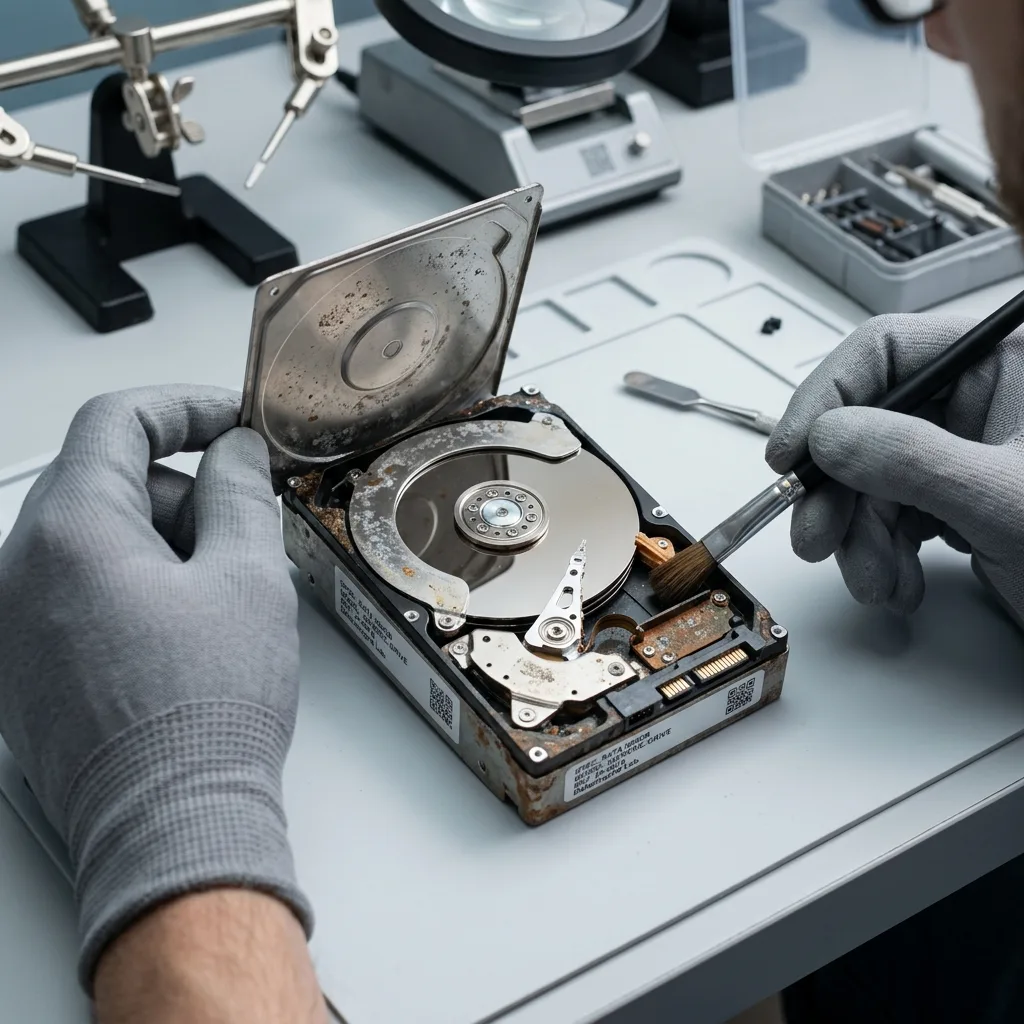
Hard drives on boats face conditions rarely found in an office. Humidity, salt, constant vibration, temperature swings, and occasional power instability can affect the drive, its electronics, and the external enclosure.
Large splashes aren't the only concern. Repeated condensation, storage in a damp locker or a connector exposed to salt can create progressive corrosion. The drive may work for a long time, then become unstable when its data are read.
Boat movement adds mechanical stress. A platter drive remains vulnerable to impact, especially while connected. Cables and ports may loosen as well, interrupting writes.
This context brings together moisture, impact, salt, power and the organization of copies aboard. It supplements, instead of replaces, the hard drive service route.
Diagnostic evaluation
Keep an independent copy off the boat
Don't leave photos, charts, logs, administrative records, business files, or navigation data on one onboard drive. Maintain at least one verified copy on separate storage, preferably outside the same marine environment.
Separate that copy physically. Keeping every device in the same bag or damp locker simply transfers the risk. A copy off the boat, carefully synchronized or stored elsewhere, offers better protection against a wider incident.
Check the copies. A backup drive that has never been read may hold an incomplete version. Regularly open several critical files on another device to confirm that the copy is usable.
Keep the routine simple. An elaborate process won't be followed while traveling. A working drive, a separate copy and a short check after each important transfer are often the most effective arrangement.
Diagnostic evaluation
Protect the enclosure, cable, and connectors
Keep the powered-off drive in a dry, stable case and remove the cable during transport. Avoid direct pressure, heavy movement while connected, and any power source that's fluctuating or uncertain.
Connectors deserve particular attention. Salt and moisture can create deposits and intermittent contact. A faulty cable can interrupt copying and corrupt a file. Don't force a port or multiply connections once the drive becomes unstable.
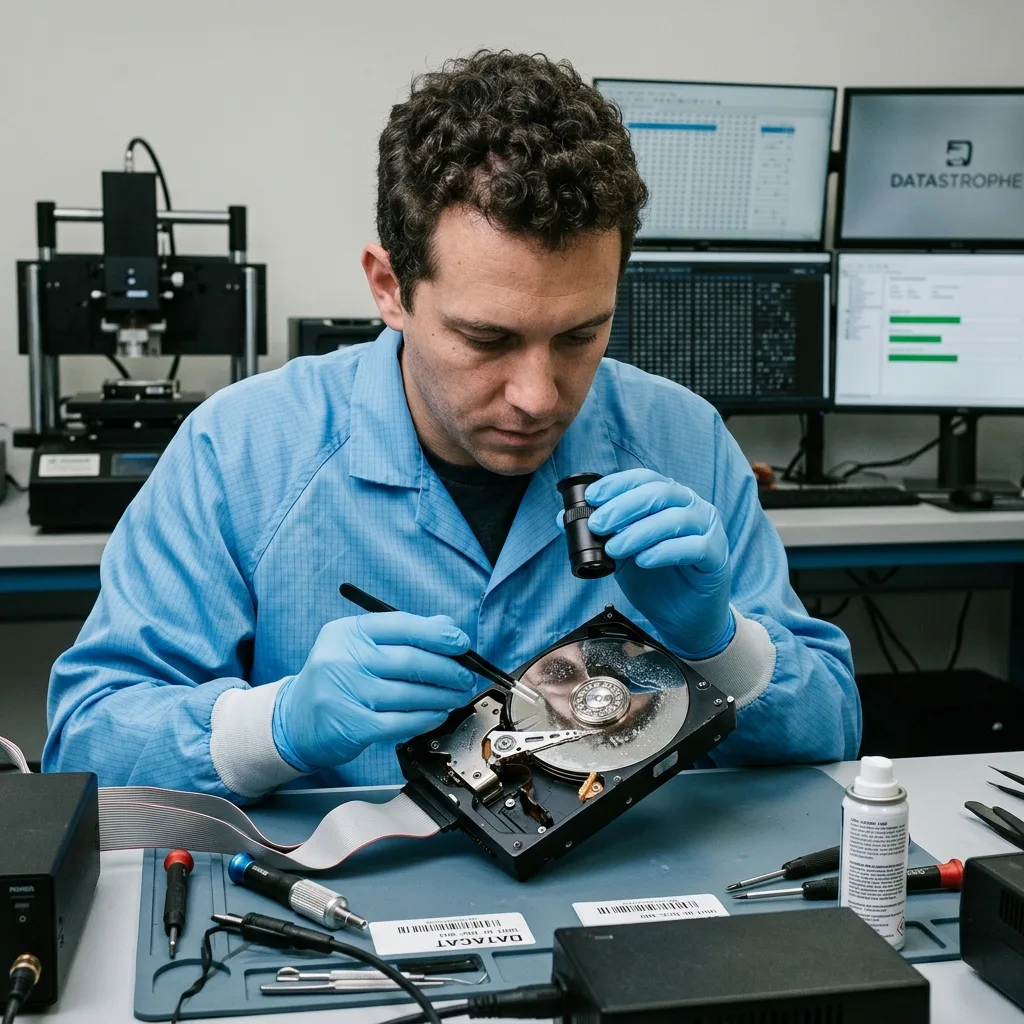
After moisture exposure, don't plug the drive in to check it. Water, salt or condensation can cause a short circuit or accelerate corrosion. Isolate the media, record the circumstances and arrange a diagnostic evaluation.
External hard drive data recovery applies once external media have failed. Moisture explains why a power-up can be especially risky.
Diagnostic evaluation
Stop testing after impact or moisture exposure
Stop when the drive falls, becomes wet, disappears from the system, or develops abnormal mechanical noise. Don't heat moisture-exposed storage or apply power as a test, and don't repeat startups on a clicking drive.
Keep the enclosure, cable, power supply, adapter and computer used. The fault may lie in the enclosure or connector, but that conclusion shouldn't be made hastily. Every test must be justified when the data matter.
The circumstances are important: fresh or salt water, duration, whether the drive was powered, any fall, displayed message, required files and actions already attempted. This information helps rank electronic, mechanical and logical risks.
Preserve partial copies. An older backup, memory card, computer or cloud store may contain useful versions. Don't overwrite these sources while attempting restoration.
Diagnostic evaluation
Build a backup routine that works aboard
A useful onboard routine defines when files are copied, where the independent copy lives, and how a sample is opened for verification. Design it around the boat's real connectivity, schedule, and working conditions.
For critical data, a copy away from the boat remains preferable. A backup permanently attached to the same computer can be corrupted, deleted or exposed to the same incident. Physical separation is clear protection.
Replace weakened media. A drive that disconnects, becomes hot, clicks or requests repair should no longer be the primary device. Continuing to use it invites loss at the least convenient moment.
A hard drive can be used on a boat without incident when the approach is clear: protect the device, avoid writes in poor conditions, retain several copies and don't reconnect it after exposure. Recovery starts with that discipline.
Version management needs care too. Aboard, files may be copied in short sessions without stable connectivity. Avoid replacing an older healthy version with an interrupted copy. Several dated versions provide better protection than one folder that's continually overwritten.
Associated media should also be preserved. A camera memory card, laptop, second drive or partial synchronization may contain useful material if the main device fails. Comparing them before restoration can produce a more complete set.
Never clean a salt-exposed drive by improvisation. Wiping the outside can't remove internal contamination or repair an affected connector. Limit handling, describe the exposure accurately and let the diagnostic evaluation determine whether power can be applied.
After recovery or replacement, review the arrangement instead of simply buying the same model. Drier storage, a suitable sleeve, an off-boat copy and regular tests are simple improvements that prevent a repeat with new media.
The best protection is a short routine that can be checked and is actually followed after every trip.
Diagnostic evaluation
Primary Technical References And Limits
Reference scope — hard drive data protection: For boat hard drive data protection, the primary references used are NIST SP 800-86. Physical evidence — hard drive data protection: They define the relevant preservation, storage or validation concepts, but they cannot establish the exact physical condition, controller state, key availability or business consistency of the device received. Controller evidence — hard drive data protection: Those points require measurements on the original set and verification on copies.
Diagnostic evaluation
Request A Controlled Evaluation
Complete set — hard drive data protection: For a technical evaluation of boat hard drive data protection, provide the complete device or storage set, its associated power and interface parts, the symptom timeline and the priority files. Incident history — hard drive data protection: Keep member order, labels and authorized credentials separate from the parcel paperwork; do not restart the source merely to obtain a new screenshot.
Laboratory responsibility — hard drive data protection: Datastrophe performs the diagnosis, integrity checks and recovery directly in its own laboratory with its own team. Free assessment — hard drive data protection: Diagnosis and the quote are free. Transport boundary — hard drive data protection: Private round-trip shipping is included; the carrier moves only the sealed parcel and neither accesses nor processes its data.
Controlled list — hard drive data protection: Before any payment, the client receives the proposed price and a checked list. Verification classes — hard drive data protection: Each item is classified, in order, as recoverable_verified, partial, detected_unverified or unrecoverable. Payment trigger — hard drive data protection: Only recoverable_verified items whose contents were checked and found usable are presented as recoverable. No-result rule — hard drive data protection: Payment is due only after the client accepts both the list and the price.
No-result rule — hard drive data protection: If no usable data is verified, recovery fails, or the client declines the list or price, no standard fee is payable. Rare-part exception — hard drive data protection: The only exception is a rare, costly and non-refundable part, which may be ordered only after a separate, explicit and priced proposal has been accepted.