
Diagnostic evaluation
Separate carried storage from onboard equipment
A portable drive taken on a commercial flight is a different recovery problem from storage installed in aviation equipment. Here, the device is an external work drive, project archive, or transfer disk moving with a traveler. Its risks come from custody, packing, impact, and the quality of the copies left behind.
The embedded aircraft SSD involves controllers, vehicle power, firmware, and application context. None of those should be inferred merely because a portable drive traveled by air. Keeping the two situations separate leads to a more accurate diagnostic evaluation.
Normal cabin altitude is not the usual explanation when an unpowered drive fails after a trip. A drop at a checkpoint, pressure from a tightly packed carry-on, movement in an overhead bin, or a rushed copy during a layover is more plausible. Travel can also expose a drive that was already developing mechanical or electronic faults.
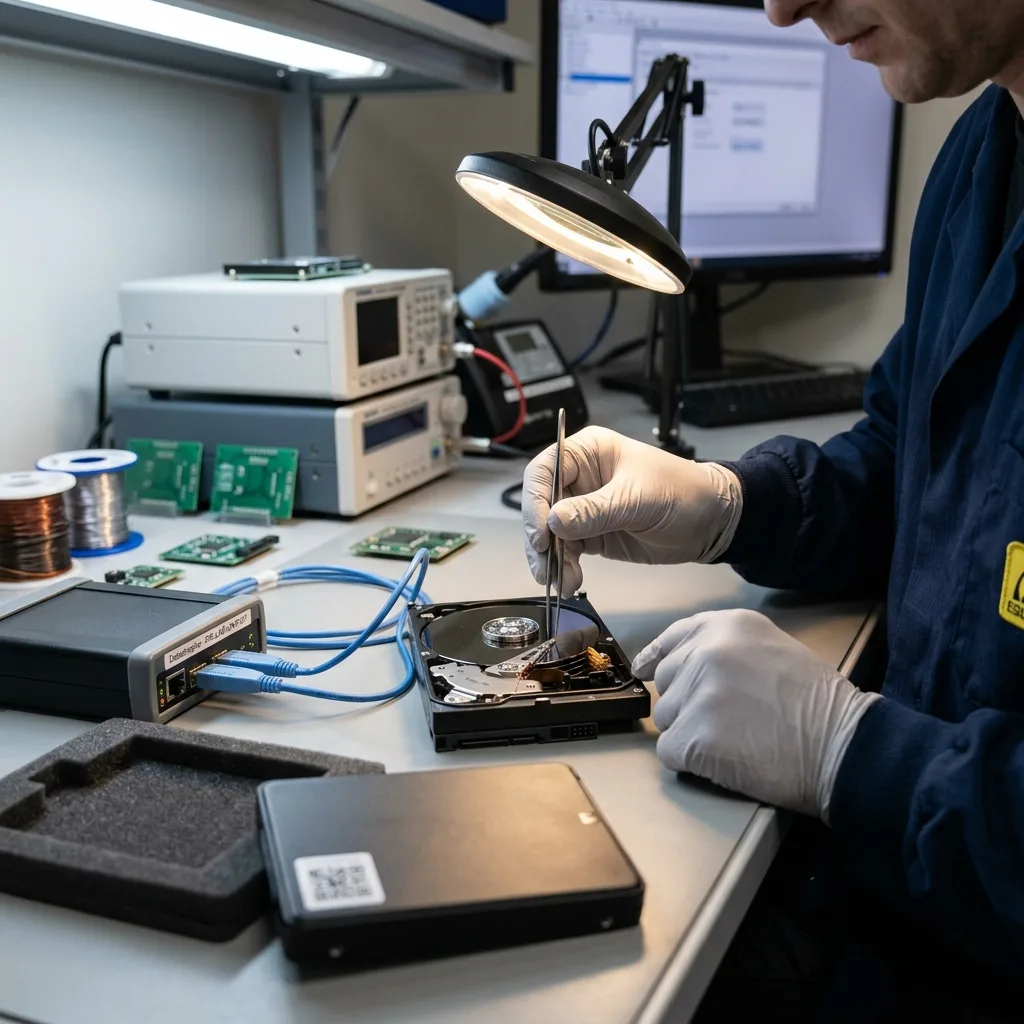
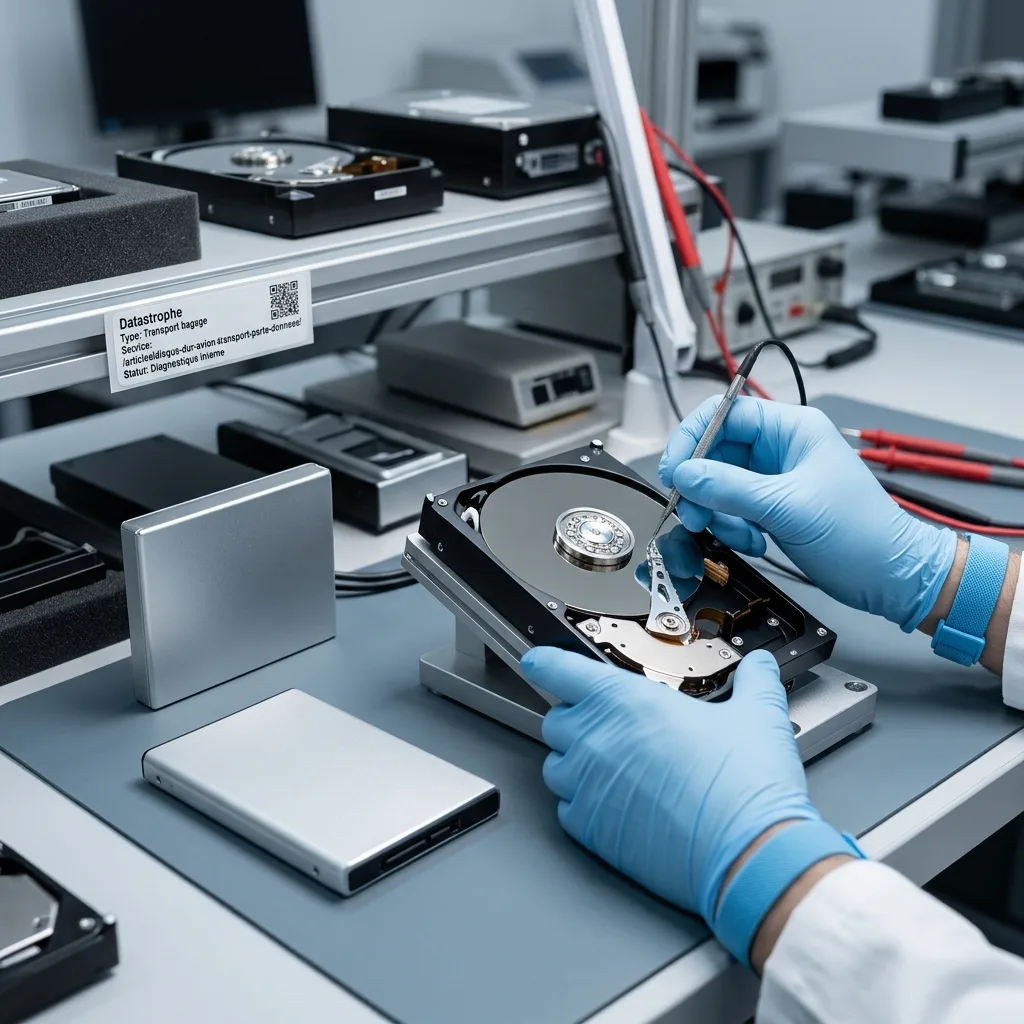
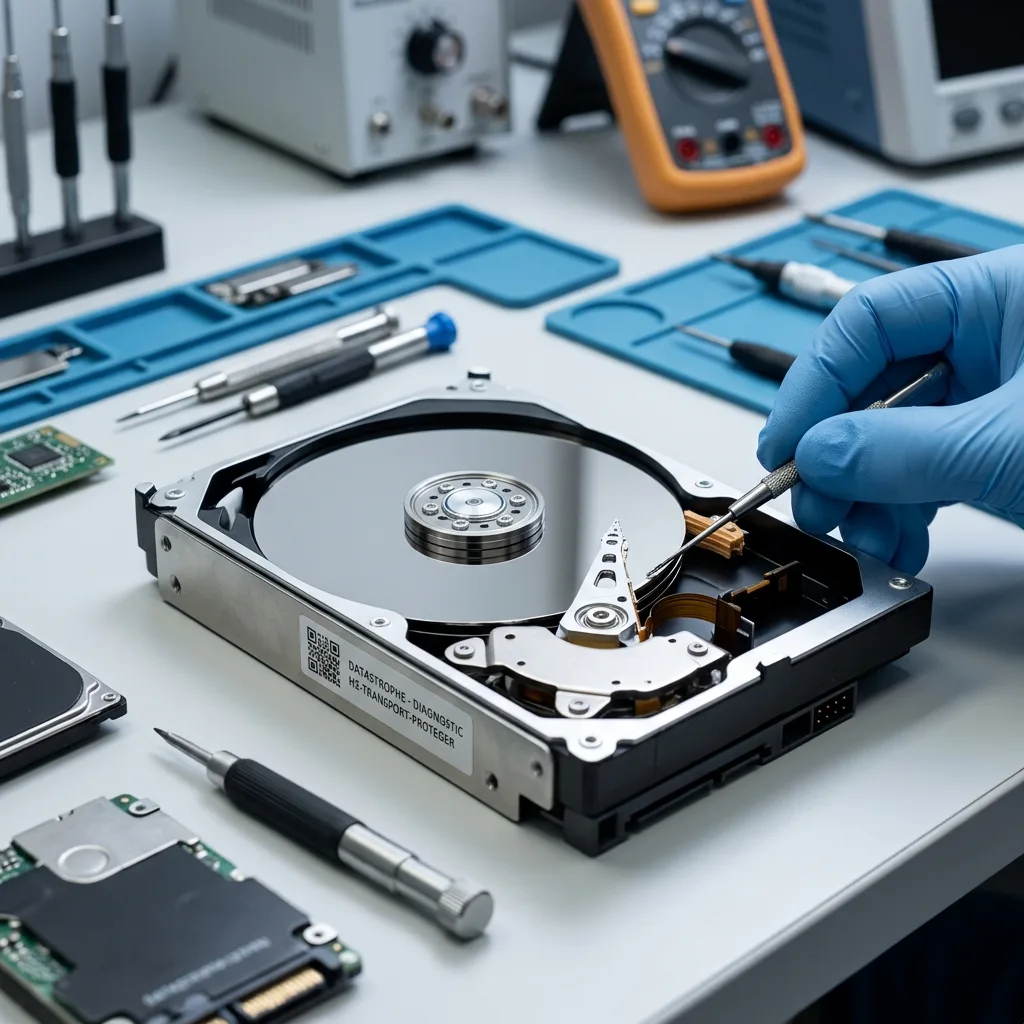
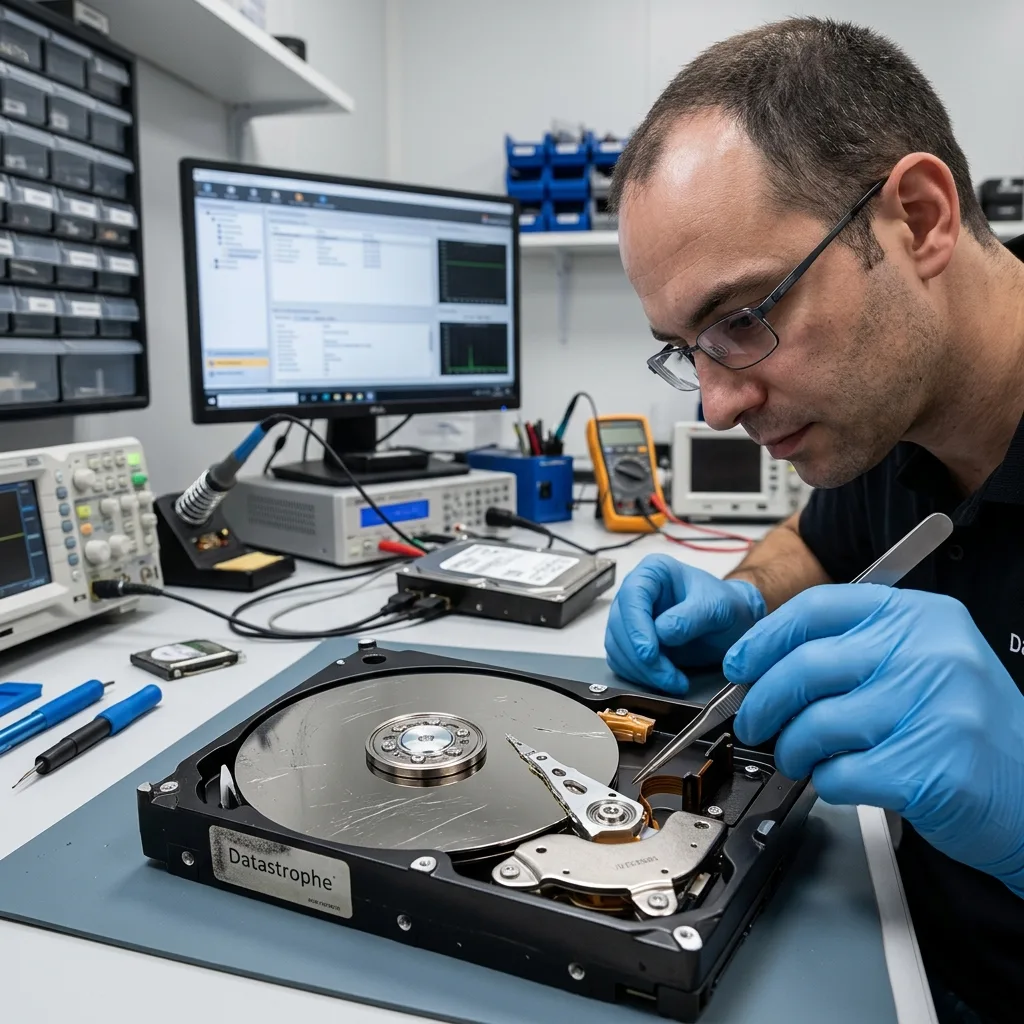
Unlike an SSD, a hard disk contains a spindle, heads, and rotating platters. Powering it off protects it from an active head movement during transport, but it does not make the enclosure or internal mechanics immune to a fall. Damage may become obvious only at the next connection, when the drive clicks, disconnects, or is no longer detected.
Diagnostic evaluation
Travel with an independent copy strategy
Before leaving for the airport, create a second copy that will not travel in the same bag, car, or flight. It may remain on healthy storage at the office or in another controlled location. The essential point is independence: theft, loss, or impact during one journey must not remove every usable version.
A disk used to carry files is not automatically a backup. The transport disk changes location with the traveler; a backup preserves a known state and can be restored if that traveling disk is damaged or lost. Calling one device both things hides a single point of failure.
Test the copy while there is still time to correct it. Open representative documents, media, archives, and project files with the applications that created them. Compare expected folders, dates, and file counts. A completed progress bar proves that a job ended, not that the resulting data are complete and usable.
Business travelers should also define which data matter first. If a drive contains client work, a local database, images, exports, and administrative records, note the priority set before departure. Encryption protects data in the event of loss, but the recovery key and authorized access process must remain available somewhere other than the traveling drive.
Diagnostic evaluation
Protect the powered-off drive in transit
Shut the drive down completely and remove its USB and power cables. A fitted, padded case should prevent the unit from sliding and should keep laptop chargers, metal objects, and the weight of other luggage away from the connector and enclosure.
When airline and security instructions permit, personal custody in a carry-on gives the traveler more control than checked-bag handling. It still does not justify placing the drive loose in a backpack or at the bottom of an overfilled roller bag. Keep the protective case accessible so an inspection does not require rough unpacking.
Do not use a gate area or layover as the moment to reorganize the only copy. Battery changes, loose cables, sleep mode, and a hurried departure can interrupt a transfer. If operational needs require a copy during travel, write it to separate healthy media and verify the destination before deleting nothing from the source.
A drive moved from a cold vehicle or cargo environment into warm, humid air may collect condensation. Leave it powered off until it has gradually reached the surrounding temperature. This precaution is especially important when a trip includes winter ground transport or a long temperature change before arrival.
Diagnostic evaluation
Stop after impact, clicking, or detection failure
A drive that clicks, scrapes, repeatedly disconnects, or takes minutes to identify after a flight should be powered down. Repeated restarts do not diagnose the fault. On an unstable mechanical disk, they may consume the limited time available for a controlled image.
Reject operating-system prompts to initialize, format, or repair the volume. The visible problem may come from the filesystem, the USB bridge, the connector, or the disk itself. Writing a new structure before the cause is understood can remove information needed for recovery.
A known-good cable is a reasonable check only when there was no significant impact and the drive remains silent and electrically stable. A disk with new mechanical noise should not be moved through several enclosures and computers. Each power cycle starts the mechanism again without addressing the underlying damage.
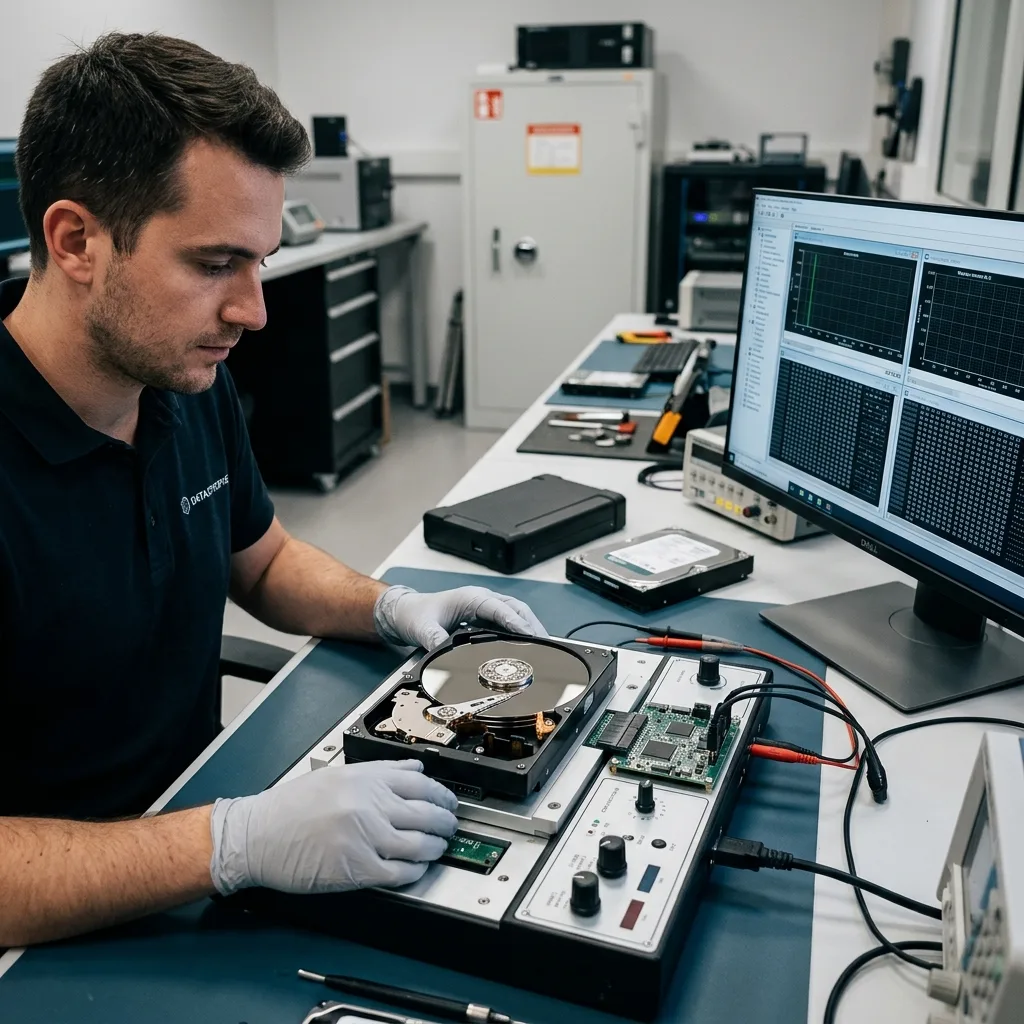
Hard drive data recovery describes the controlled path once the disk has failed. The diagnostic record should distinguish what happened during travel from what happened during later connection attempts, because both can affect the safest acquisition method.
Diagnostic evaluation
Prepare the travel history for evaluation
Build a short timeline for the diagnostic evaluation: the drive model and enclosure, departure and arrival, carry-on or checked-bag handling, checkpoint inspection, any drop, first connection after the flight, messages displayed, sounds heard, and tests already attempted. If the trip crossed time zones, include the zone used for each event rather than relying on ambiguous local timestamps.
List the data in recovery order. Travel disks often combine replaceable archives with a few current project files that exist nowhere else. A priority list can guide targeted imaging when the mechanism is unstable and a full sequential read would create unnecessary exposure.
Preserve every existing version. An older office copy, a partial transfer, a synchronized folder, or an emailed export may help confirm dates and completeness. Do not overwrite those references simply to make the backup set look tidy after the incident.
Flying with a hard drive is manageable when failure has been planned for. The unsafe combination is one aging disk, one copy, weak physical protection, and repeated testing after new symptoms. Independent copies, careful custody, and a disciplined stop decision are the practical safeguards.
Finish archive consolidation before the trip or postpone it until the drive is back in a stable environment. Deleting old folders for space, moving large directories between devices, or combining several project copies at an airport creates avoidable writes and uncertainty about which transfer completed.
Treat encryption and recovery as parts of the same plan. Keep the password, key file, or authorized key-recovery process available through a separate secure channel. A lab may be able to read the media technically and still be unable to return usable files if the access context disappeared with the traveling computer.
Diagnostic evaluation
Primary Technical References And Limits
Reference scope — with hard drive prevent data loss: For traveling with hard drive prevent data loss, the primary references used are NIST SP 800-86. Physical evidence — with hard drive prevent data loss: They define the relevant preservation, storage or validation concepts, but they cannot establish the exact physical condition, controller state, key availability or business consistency of the device received. Controller evidence — with hard drive prevent data loss: Those points require measurements on the original set and verification on copies.
Diagnostic evaluation
Request A Controlled Evaluation
Complete set — with hard drive prevent data loss: For a technical evaluation of traveling with hard drive prevent data loss, provide the complete device or storage set, its associated power and interface parts, the symptom timeline and the priority files. Incident history — with hard drive prevent data loss: Keep member order, labels and authorized credentials separate from the parcel paperwork; do not restart the source merely to obtain a new screenshot.
Laboratory responsibility — with hard drive prevent data loss: Datastrophe performs the diagnosis, integrity checks and recovery directly in its own laboratory with its own team. Free assessment — with hard drive prevent data loss: Diagnosis and the quote are free. Transport boundary — with hard drive prevent data loss: Private round-trip shipping is included; the carrier moves only the sealed parcel and neither accesses nor processes its data.
Controlled list — with hard drive prevent data loss: Before any payment, the client receives the proposed price and a checked list. Verification classes — with hard drive prevent data loss: Each item is classified, in order, as recoverable_verified, partial, detected_unverified or unrecoverable. Payment trigger — with hard drive prevent data loss: Only recoverable_verified items whose contents were checked and found usable are presented as recoverable. No-result rule — with hard drive prevent data loss: Payment is due only after the client accepts both the list and the price.
No-result rule — with hard drive prevent data loss: If no usable data is verified, recovery fails, or the client declines the list or price, no standard fee is payable. Rare-part exception — with hard drive prevent data loss: The only exception is a rare, costly and non-refundable part, which may be ordered only after a separate, explicit and priced proposal has been accepted.