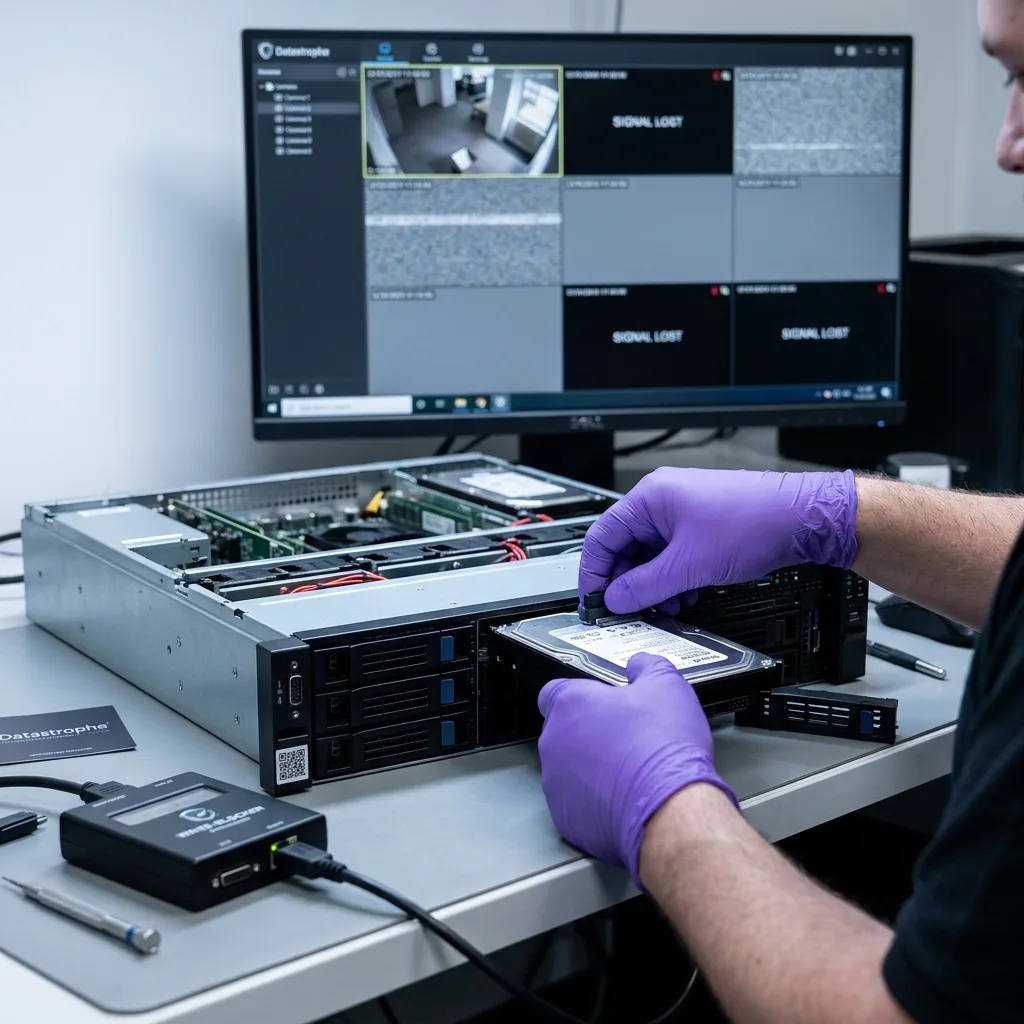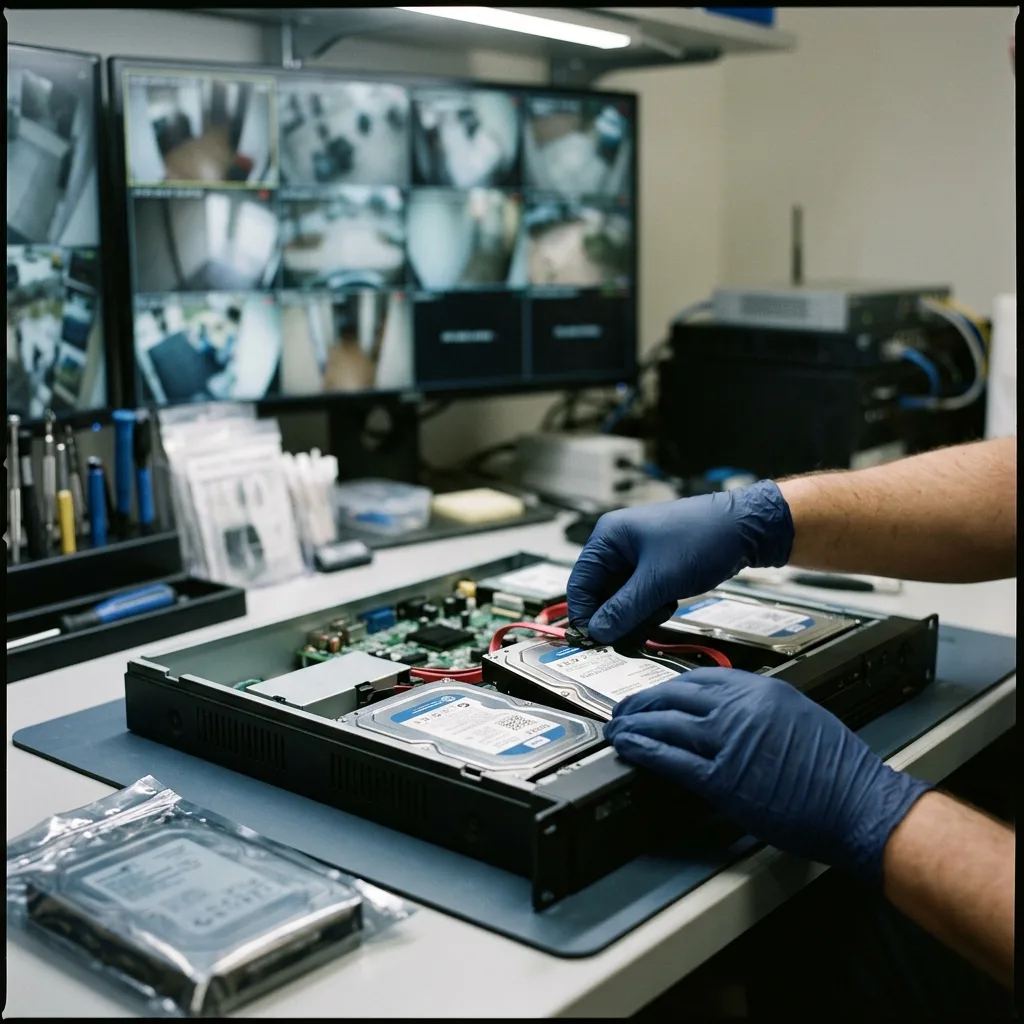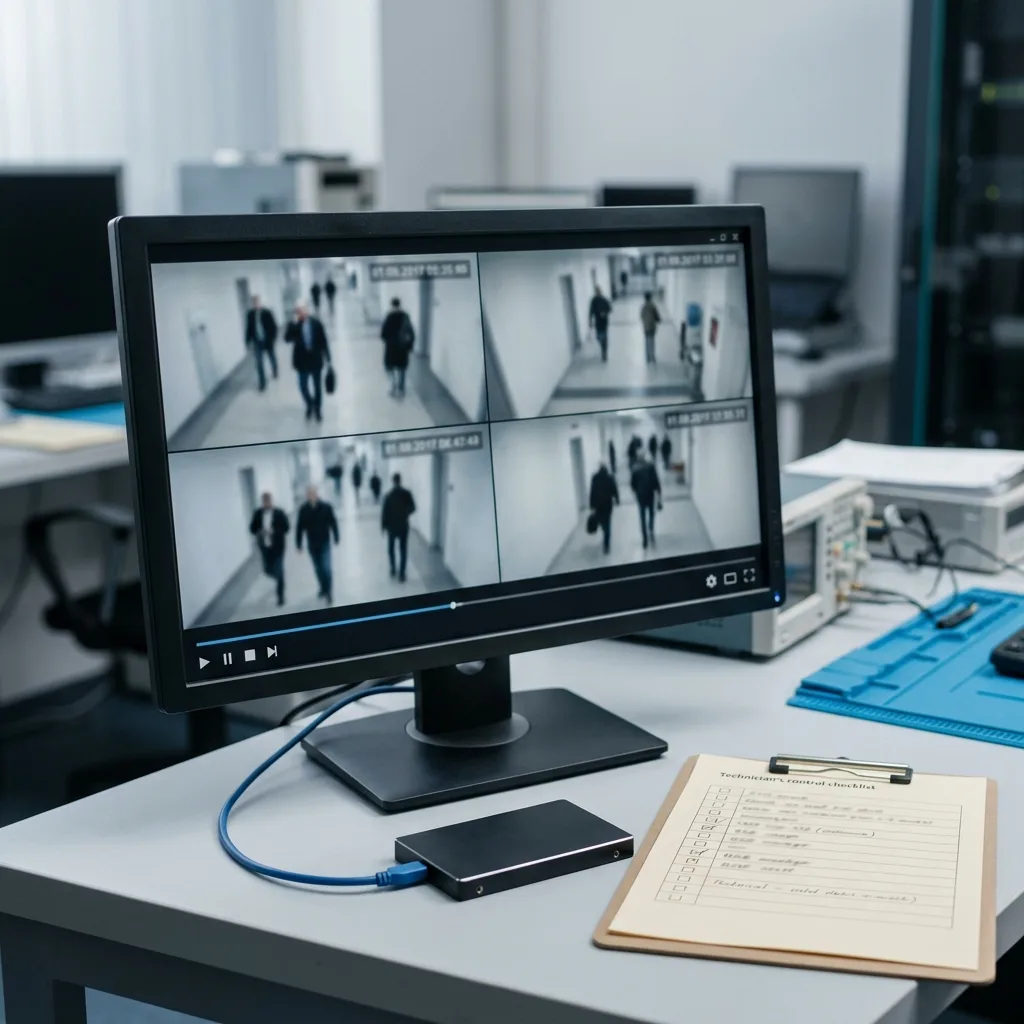
Recover Security Camera Footage from DVRs, NVRs, and IP Cameras
Preserve recorder storage, identify every device, reconstruct streams and timestamps, and avoid writes when recovering security camera footage.
Read the articleTechnical guides on data loss prevention, storage failures and controlled data recovery methods.
Preserve recorder storage, identify every device, reconstruct streams and timestamps, and avoid writes when recovering security camera footage.
Read the articleProfessional video systems may spread recordings across RAID, NAS, VMS servers, indexes, and network layers. Preserve disk order before repair or rebuild.
Read the articleDVR and NVR drives may use proprietary streams, indexes, timestamps, and players instead of ordinary video files. Learn why reconstruction must preserve that context.
Read the articleMissing footage may be deleted, hidden by a damaged index, lost after failure, or overwritten by retention. Stop new recording before evaluation.
Read the articleLearn what clicking, slow exports, recorder restarts, and missing detection mean for a failed DVR or NVR drive, and why imaging comes before video reconstruction.
Read the articleSee how the recorder, failed storage, proprietary video format, requested time window, urgency, and validation determine security camera recovery cost and timing.
Read the articleMissing IP camera footage may result from network outages, local card storage, NVR indexes, NAS or RAID failure, or automatic overwriting.
Read the articleFootage used to document an incident needs controlled imaging, verified timestamps and channels, traceable handling, original context, and stated limits.
Read the articleContinuous recording, heat, vibration, weak sectors, corrupted indexes, and maintenance errors are common causes of DVR and NVR hard drive failure.
Read the article