
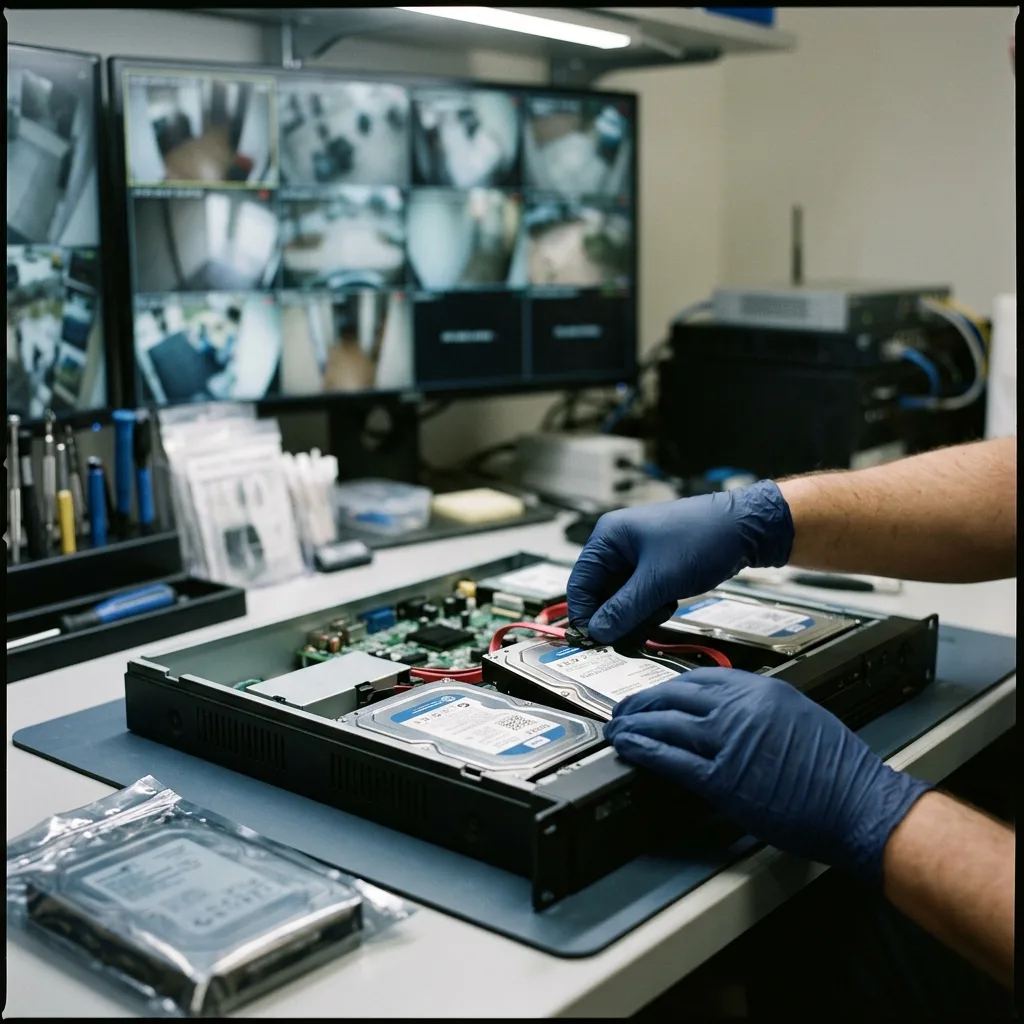
Diagnostic evaluation
Footage integrity depends on source context
Playable footage can help explain an incident, but its usefulness decreases when time is uncertain, the camera is unknown, or repeated conversion has no handling record. Source context gives the images meaning.
The role of a data recovery lab isn't to turn footage into legal proof by promise. It's to preserve what can be preserved, extract relevant sequences, document the limits and avoid handling that obscures their context.
This caution matters after a theft, intrusion, damaging event or dispute. The need is often urgent, but urgency shouldn't lead to connecting the drive everywhere, making random exports or running software that alters files.
DVR and NVR video surveillance data recovery explains the general process. This guide addresses a more precise risk: preserving the integrity and traceability of potentially sensitive footage.
Internal review and potential evidential use should also be distinguished. A business may need to watch a sequence to understand an incident, while an insurer, adviser or authority may require fuller context. The more sensitive the footage, the more explicit the imaging, export and file handoff stages should be.
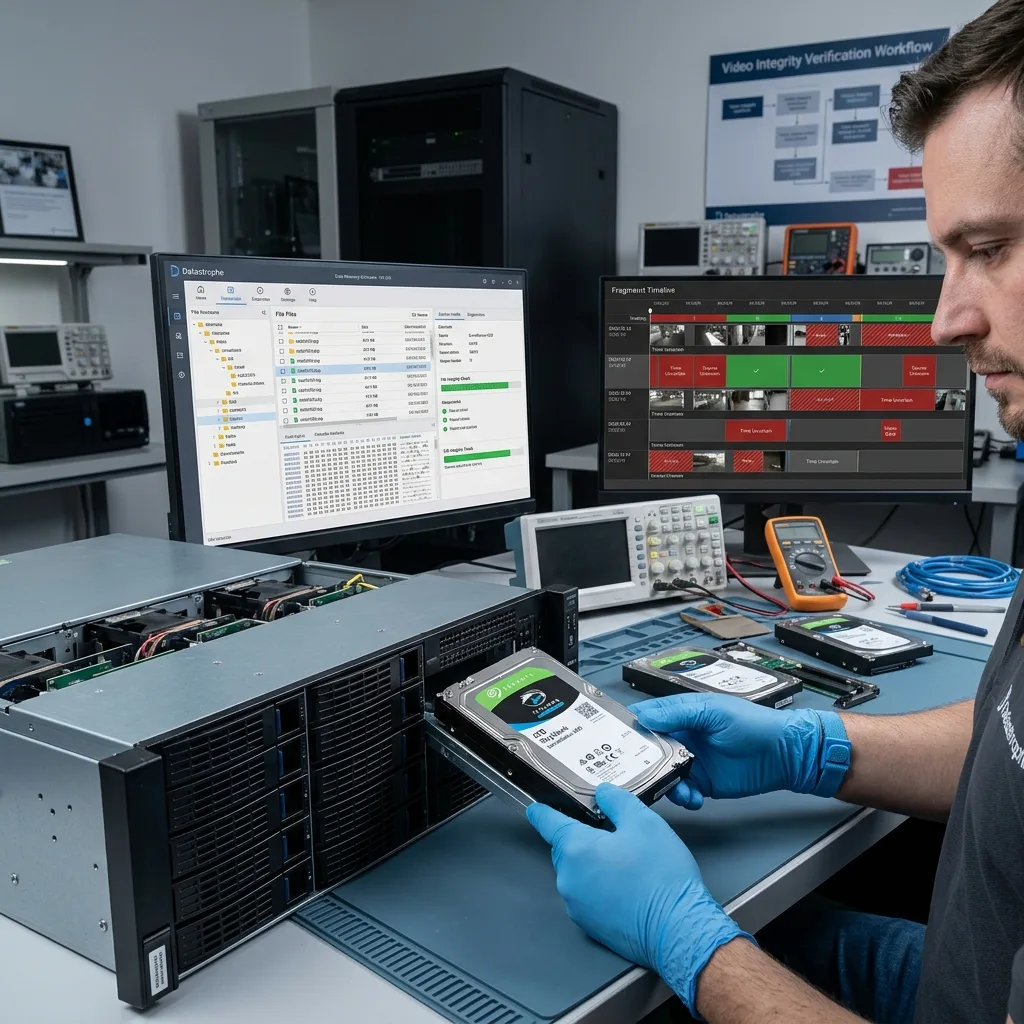
Diagnostic evaluation
Stop the retention loop and preserve the source
DVRs and NVRs typically record in a loop, so continued operation may overwrite the exact event window. Limit writes and preserve the original drive before extraction or conversion.
Avoid automatic repairs offered by a computer. Video surveillance drives may use proprietary formats that Windows or macOS can't interpret. Accepting initialization, repair or formatting can replace useful information with new structures.
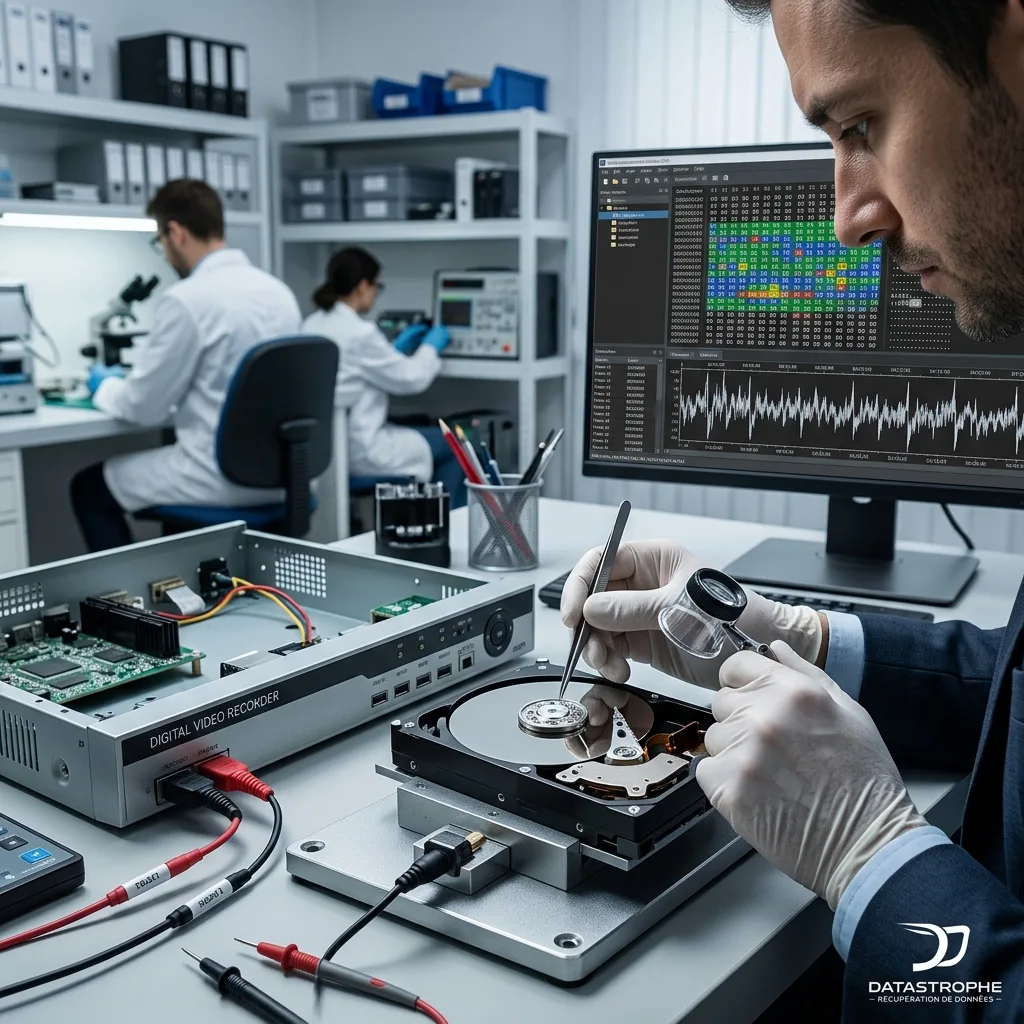
When the storage device is unstable, reading needs to be controlled. The lab prioritizes imaging, analysis of the copy and checks of usable sectors or fragments. The original remains the reference, particularly if several exports or conversions are later required.
This approach also supports discussion with a third party. If the final file is questioned, the method, source device and known limits can be explained.
Preservation includes associated items. The recorder, power supply, other drives, camera settings and existing exports can help establish the initial state. Separating them too early from the main case can make the result harder to substantiate.
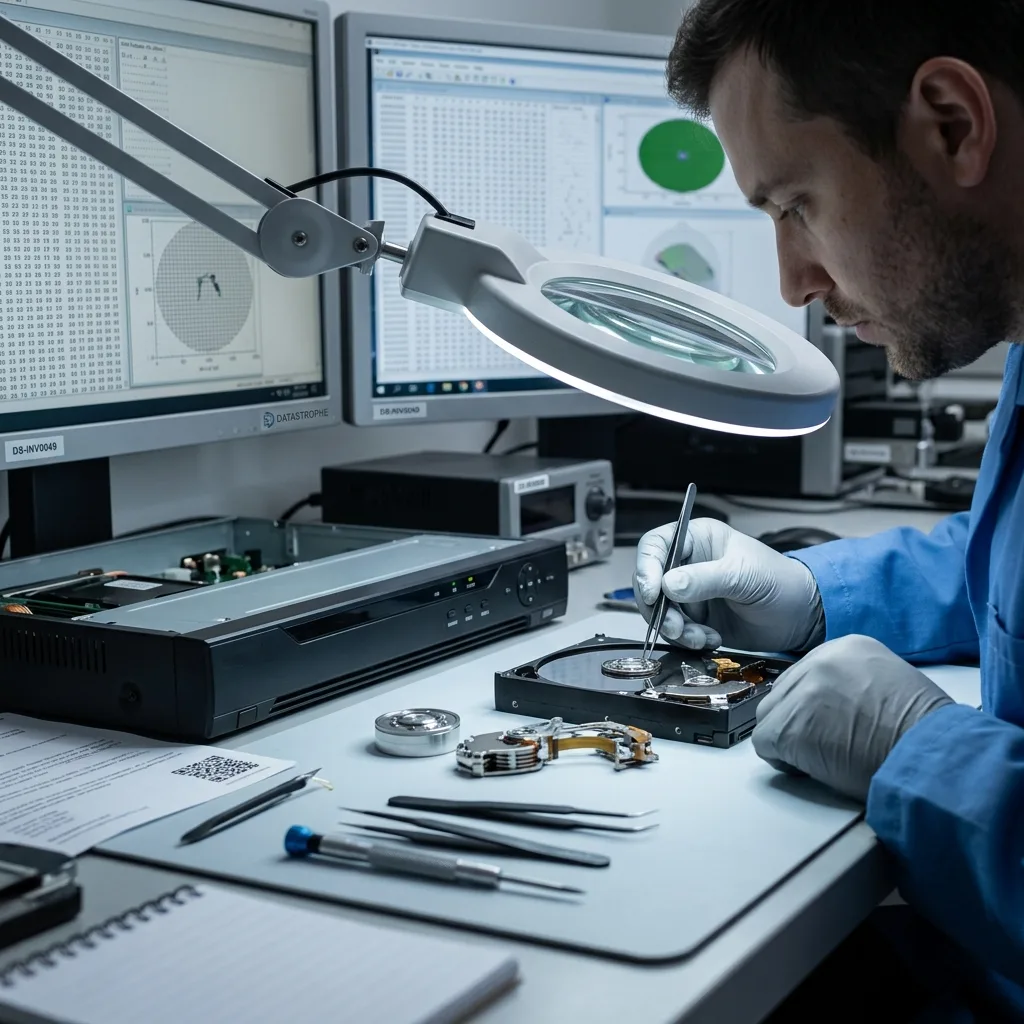
Diagnostic evaluation
Cross-check timestamps, channels, and event periods
Security-video time may come from the recorder, camera, network time source, index, or image overlay. Compare those sources because a fault or outage can leave them out of agreement.
Provide a precise search period while allowing for a possible offset. A daylight-saving change, incorrect time zone, unsynchronised camera or system restart can shift the expected sequence.
The channel number or camera name matters as much as the date. In a multi-camera system, footage with no clear identification may be difficult to use. The lab seeks to retain the link between image, channel and time.
Proprietary DVR and NVR formats explain why internal indexes are essential. Images may remain without them, but not always with enough context for a reliable file handoff.
When timestamps appear contradictory, don't correct the recovered files manually. Document the offset, retain native versions and describe how times were reconciled. A silent correction can create more doubt than a clearly stated limitation.
Diagnostic evaluation
Retain proprietary exports and original metadata
A proprietary export may support review but shouldn't replace the original storage when the event is critical. Export can change containers, omit metadata, detach timestamps, or depend on a dedicated player.
Automatic conversion may create a playable but misleading file. It can combine fragments, lose channels, cut a sequence or introduce a time offset. The result looks usable while failing to match the request precisely.
Datastrophe keeps the elements distinct: source storage, working image, requested period, recovered sequences, any conversions and known limits. This separation avoids presenting artificial certainty.
If an export already exists, provide it with the original device when possible. The export can act as a reference but shouldn't conceal data that remain on the recorder or drives.
A partial export may also narrow the search. It can reveal the correct channel, exact format or approximate period. The lab can use it as a reference while checking whether the storage holds a more complete, better dated or less compressed version.
Diagnostic evaluation
Document missing, partial, and shifted sequences
Report when footage is overwritten, incomplete, corrupted, shifted in time, or missing channel metadata. Clear limits are part of an honest recovery result.
Provide the DVR or NVR model, camera count, requested period, event context, previous handling and confidentiality requirements. This information directs the diagnostic evaluation and avoids irrelevant searches.
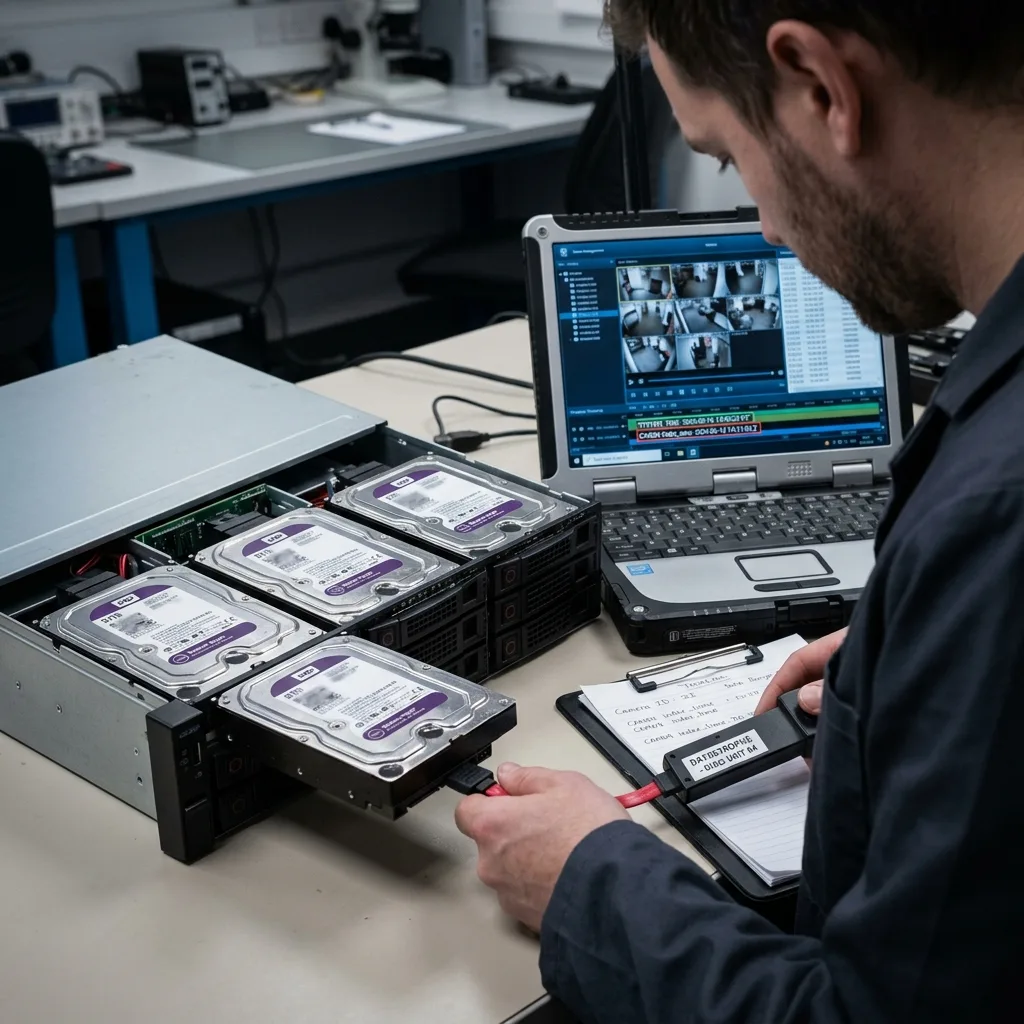
When several storage devices belong to one system, retain their order and role. One drive removed from a RAID, NAS or VMS server can be difficult to interpret without the others.
Preserving the integrity of footage that may be used as evidence means choosing the method before apparent speed. The relevant sequence should be playable, dated, contextualized and accompanied by clear limits.
This method also protects privacy. Video surveillance storage may contain people, vehicle registration plates, premises, employees or visitors unrelated to the incident. A targeted file handoff limits unnecessary exposure and avoids multiplying copies of sensitive footage.
It also makes discussion with the final recipient easier because everyone can see which sequences were extracted, which periods remain uncertain and which actions were avoided.
That clarity reduces ambiguity.
Diagnostic evaluation
Primary Technical References And Limits
Reference scope — camera footage evidence integrity: For security camera footage evidence integrity, the primary references used are NIST SP 800-86. Physical evidence — camera footage evidence integrity: They define the relevant preservation, storage or validation concepts, but they cannot establish the exact physical condition, controller state, key availability or business consistency of the device received. Controller evidence — camera footage evidence integrity: Those points require measurements on the original set and verification on copies.
Diagnostic evaluation
Request A Controlled Evaluation
Complete set — camera footage evidence integrity: For a technical evaluation of security camera footage evidence integrity, provide the complete device or storage set, its associated power and interface parts, the symptom timeline and the priority files. Incident history — camera footage evidence integrity: Keep member order, labels and authorized credentials separate from the parcel paperwork; do not restart the source merely to obtain a new screenshot.
Laboratory responsibility — camera footage evidence integrity: Datastrophe performs the diagnosis, integrity checks and recovery directly in its own laboratory with its own team. Free assessment — camera footage evidence integrity: Diagnosis and the quote are free. Transport boundary — camera footage evidence integrity: Private round-trip shipping is included; the carrier moves only the sealed parcel and neither accesses nor processes its data.
Controlled list — camera footage evidence integrity: Before any payment, the client receives the proposed price and a checked list. Verification classes — camera footage evidence integrity: Each item is classified, in order, as recoverable_verified, partial, detected_unverified or unrecoverable. Payment trigger — camera footage evidence integrity: Only recoverable_verified items whose contents were checked and found usable are presented as recoverable. No-result rule — camera footage evidence integrity: Payment is due only after the client accepts both the list and the price.
No-result rule — camera footage evidence integrity: If no usable data is verified, recovery fails, or the client declines the list or price, no standard fee is payable. Rare-part exception — camera footage evidence integrity: The only exception is a rare, costly and non-refundable part, which may be ordered only after a separate, explicit and priced proposal has been accepted.