
Diagnostic evaluation
Map every link in the IP video path
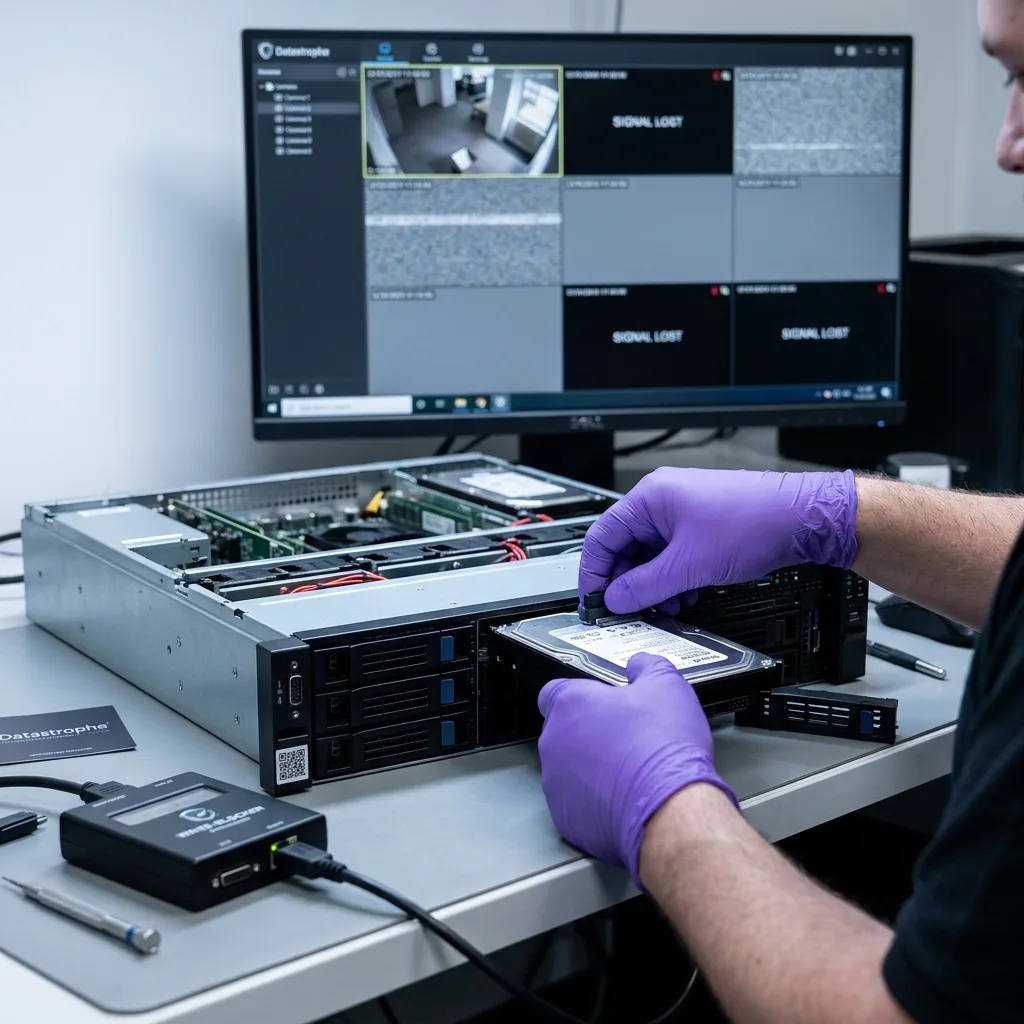
An IP security camera system extends from cameras and network links to the NVR, NAS, VMS server, local memory cards, and retention rules. A missing sequence can originate at any one of those points.
An empty period in the interface doesn't prove images are absent. The index may be incomplete, recording may have switched to another device, or the camera may have stored footage locally during an outage.
Diagnosis should reconstruct the video path: capture, transmission, writing, indexing, retention and eventual overwriting. Looking only for visible files on one disk may miss the actual issue.
NVR and video surveillance data recovery presents the service. This guide concentrates on network loss and multiple storage locations.
Small installations often underestimate this complexity. A camera may depend on a PoE switch, router, Wi-Fi access or hybrid cloud storage. A brief failure at one point can leave a gap that's difficult to interpret later.
Diagnostic evaluation
Determine what each camera did during the outage
During a network outage, an IP camera may stop sending video, buffer it, record locally, or resume later without backfilling the gap. The outcome depends on its model, configuration, and available local storage.
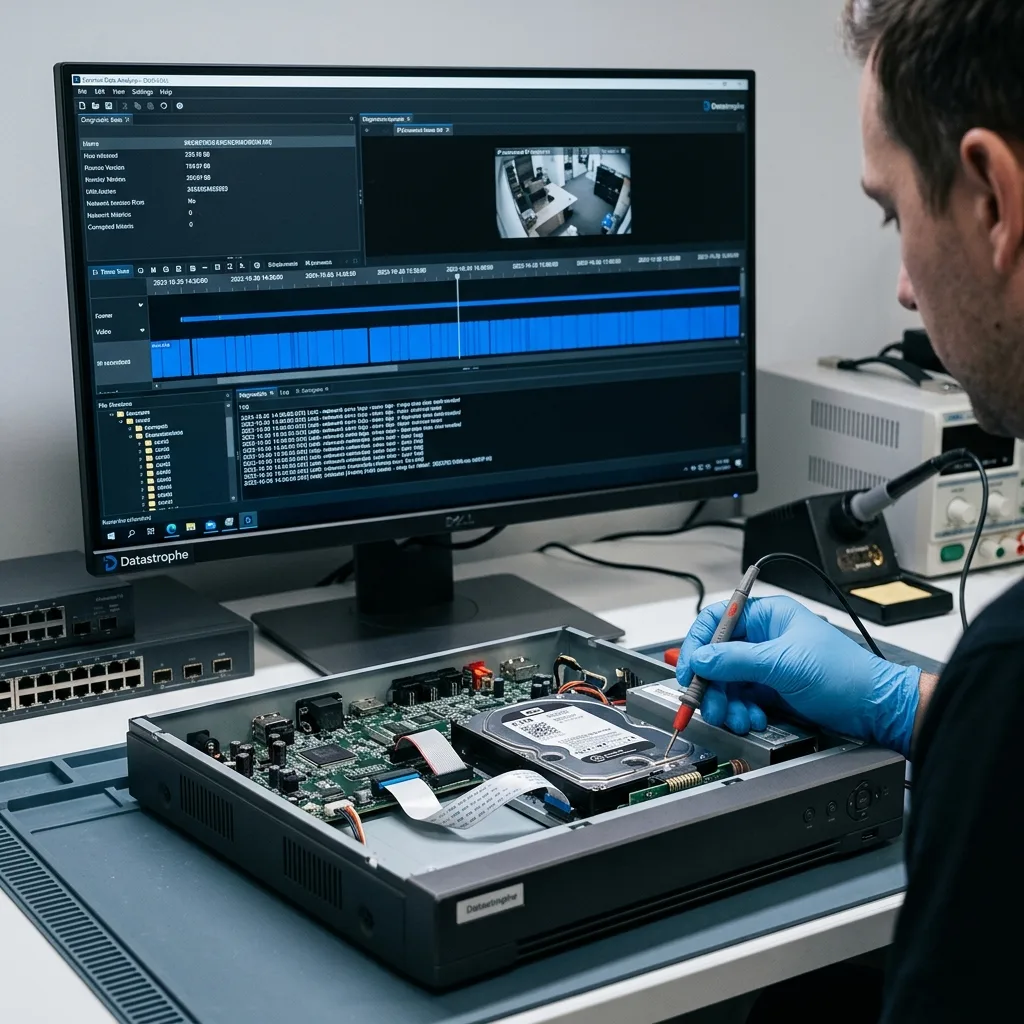
Network faults can also create partial files. A sequence may begin before the outage and resume after it, with a break in between. The interface may conceal the interruption or show a complete period despite a discontinuous stream.
Avoid quick conclusions. NVR logs, camera settings, local cards and fragments on the principal disk can complement one another. Recovery compares these sources without overwriting remaining traces.
For a sensitive case, note the approximate incident time, relevant cameras, restarts, network faults and previous handling. This narrows the search.
Network logs can help where retained. They don't replace images but indicate whether a camera was connected, the NVR lost its stream or recording continued elsewhere. Cross-checking prevents work focusing on the wrong device.

Diagnostic evaluation
Check local camera storage for the event
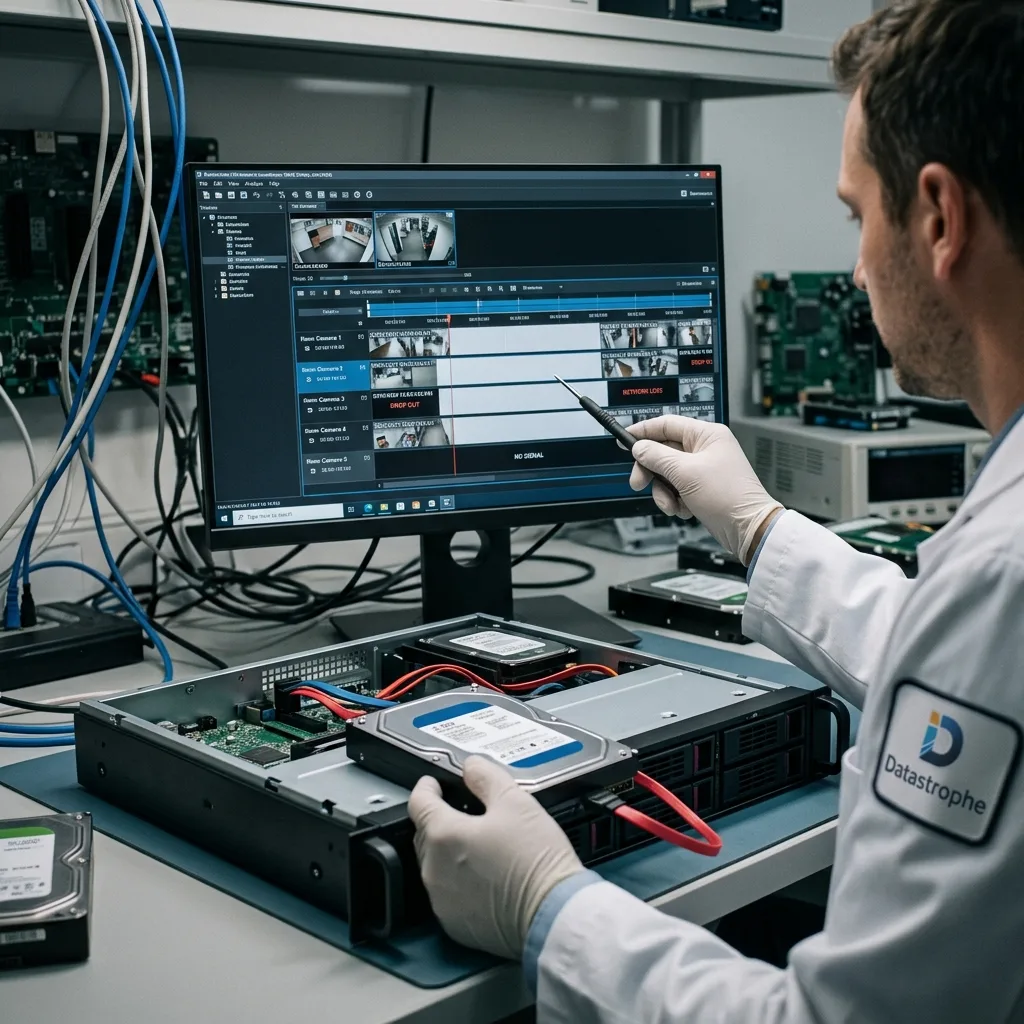
Some cameras write to an internal memory card while also streaming to the NVR. That local copy may preserve a period missed by the network, server, or NAS and can provide a different resolution, angle, or timeline.
Don't remove, format or reuse these cards before evaluation. Apparently secondary storage may contain the only copy of the required period. Loop recording can overwrite it quickly while the camera remains in service.
Local storage has its own limits: wear, corruption, segmented files, proprietary indexes, power loss and lack of recognition. Damaged memory card recovery covers the device-specific risks.
When the system uses several locations, preserve all of them: NVR, NAS, server, cameras and cards. Collection order can affect the chance of finding footage.
Assess local overwriting promptly. A small card may retain only hours or days. Leaving the camera active can remove the only available copy of the useful period.
Diagnostic evaluation
Evaluate the NAS, RAID, and VMS layers
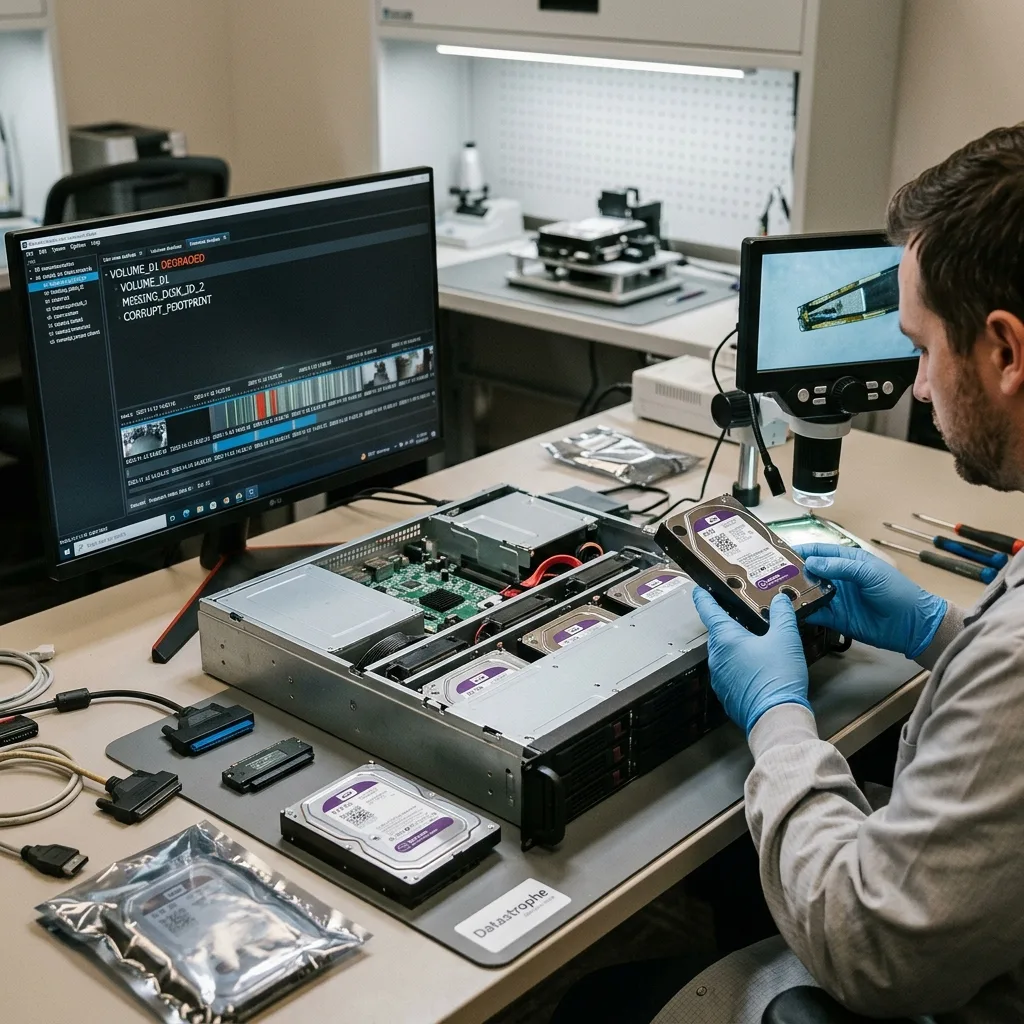
Professional deployments may store video on a NAS, RAID set, or VMS server. Missing footage can therefore combine a degraded volume, failed disk, corrupted index, changed permissions, damaged database, and scheduled overwrite.
Don't rebuild RAID without a plan. Changing disk order, initializing or forcing a rebuild can worsen the situation. Video and RAID metadata need to be understood together.
Video surveillance recovery from RAID, NAS and servers covers the wider reconstruction. For an IP NVR, establish whether the missing sequence relates to the stream, storage or index.
Keep logs, configuration exports, camera names and interface screenshots. They can direct the search without modifying storage.
Configuration may reveal conditional rules. Some cameras record only on motion, others to a schedule, and others switch to secondary storage after network loss. Without these rules, an absence can be mistaken for a recovery failure.
Diagnostic evaluation
Define the cameras and time window precisely
Provide the NVR model, camera count, exact event window, relevant channels, storage topology, and known network interruptions. That precision avoids searching entire high-capacity volumes without a target.
Stop writes where the required period may be overwritten. Continued loop recording can remove old footage, especially in systems with short retention.
Datastrophe works from copies when possible, then correlates streams, indexes and devices. The goal isn't simply a playable file but a sequence coherent with its context.
Treat loss from an NVR or IP camera as a system incident. The response depends on networking, storage, indexes and overwriting rules instead of one disk.
Prioritize the case. State a short period and relevant cameras clearly. A wider requirement, such as several days around an incident, needs the evaluation to account for validation volume and file handoff limits.
Prioritization protects the most useful devices first, particularly where new footage continues to replace old recordings.
Diagnostic evaluation
Primary Technical References And Limits
Reference scope — IP camera network storage video loss: For NVR IP camera network storage video loss, the primary references used are NIST SP 800-86. Physical evidence — IP camera network storage video loss: They define the relevant preservation, storage or validation concepts, but they cannot establish the exact physical condition, controller state, key availability or business consistency of the device received. Controller evidence — IP camera network storage video loss: Those points require measurements on the original set and verification on copies.
Diagnostic evaluation
Request A Controlled Evaluation
Complete set — IP camera network storage video loss: For a technical evaluation of NVR IP camera network storage video loss, provide the complete device or storage set, its associated power and interface parts, the symptom timeline and the priority files. Incident history — IP camera network storage video loss: Keep member order, labels and authorized credentials separate from the parcel paperwork; do not restart the source merely to obtain a new screenshot.
Laboratory responsibility — IP camera network storage video loss: Datastrophe performs the diagnosis, integrity checks and recovery directly in its own laboratory with its own team. Free assessment — IP camera network storage video loss: Diagnosis and the quote are free. Transport boundary — IP camera network storage video loss: Private round-trip shipping is included; the carrier moves only the sealed parcel and neither accesses nor processes its data.
Controlled list — IP camera network storage video loss: Before any payment, the client receives the proposed price and a checked list. Verification classes — IP camera network storage video loss: Each item is classified, in order, as recoverable_verified, partial, detected_unverified or unrecoverable. Payment trigger — IP camera network storage video loss: Only recoverable_verified items whose contents were checked and found usable are presented as recoverable. No-result rule — IP camera network storage video loss: Payment is due only after the client accepts both the list and the price.
No-result rule — IP camera network storage video loss: If no usable data is verified, recovery fails, or the client declines the list or price, no standard fee is payable. Rare-part exception — IP camera network storage video loss: The only exception is a rare, costly and non-refundable part, which may be ordered only after a separate, explicit and priced proposal has been accepted.