
Diagnostic evaluation
Identify the type of memory card damage
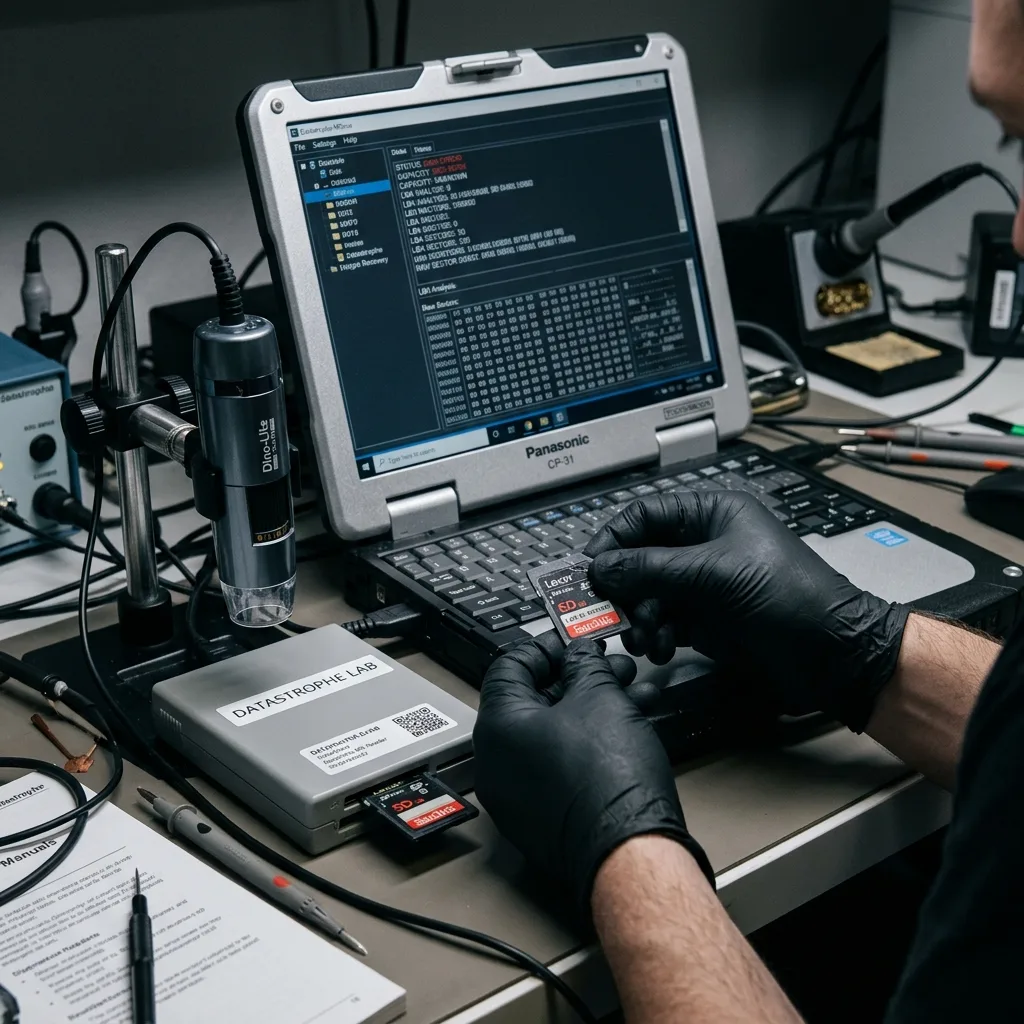
Memory card damage can appear as a format request, missing folders, files that no longer open, incorrect capacity, severe slowness, broken contacts, or a card that never appears. Each symptom points to a different level of risk and may require a different recovery method.
The damage may be logical, electrical, mechanical or linked to flash memory wear. An SD card used in a camera, a microSD card in a GPS device or a card removed too quickly during a write don't tell the same story. The device should therefore be observed before being put under load.
The first question isn't "which manipulation should we try", but "what could make the card's condition worse". A card that disconnects during reading shouldn't be scanned for hours. A card that asks to be formatted shouldn't be repaired directly from the file explorer.
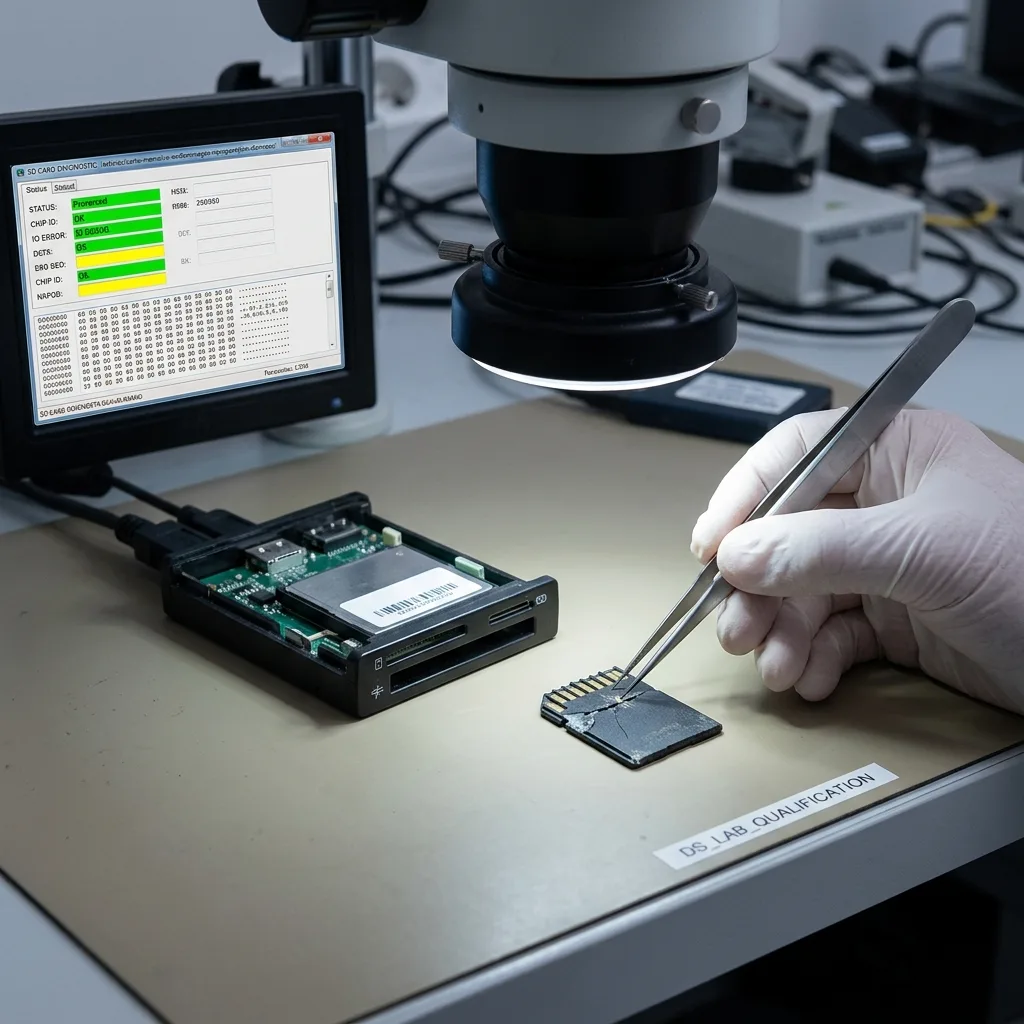
The connector also needs cautious inspection. A cracked, bent or oxidized card may remain partly readable, but each insertion into a reader can shift the fault. Conversely, a card that looks intact may be affected at controller or flash memory level.
Start with the controlled workflow for memory card data recovery, then account for the physical condition described here. A cracked shell, damaged connector, corrosion, or flexed board changes how the card should be stabilized before any acquisition attempt.
Diagnostic evaluation
Stop new writes and automatic repairs
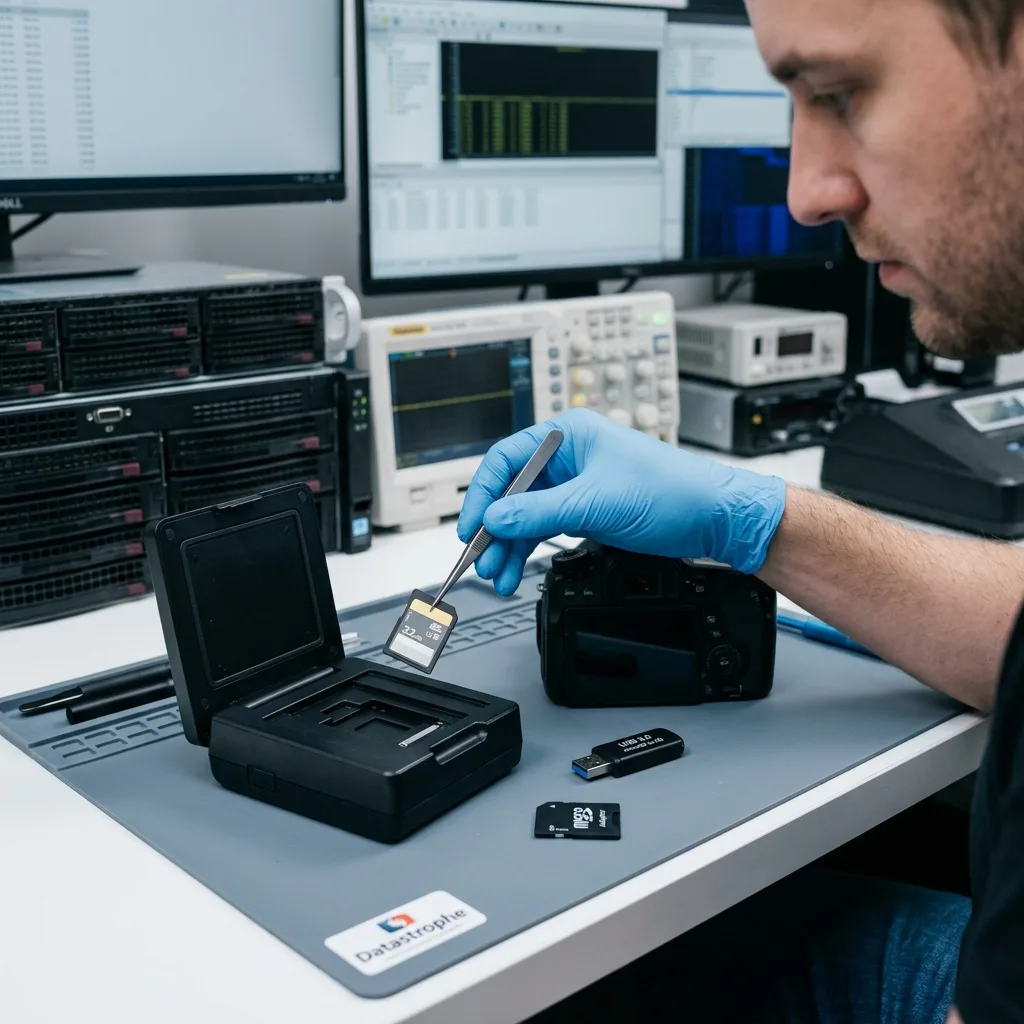
Remove the card from its device and preserve it in its current state. Recording more video, taking another photo, logging a route, or restarting the device can create files that overwrite the areas containing the missing data.
Formatting, automatic repair and initialization prompts should be refused. These actions can change the logical structure and make file reconstruction harder. Even an apparently successful repair can rewrite information that would have helped the analysis.
Tests with several readers should also be limited. A faulty reader, unstable microSD adapter or poorly powered port can produce extra errors. If the card heats up, disappears or changes displayed capacity, attempts should stop.
The context should be recorded: device used, message displayed, point of failure, file types, last actions and importance of the data. This chronology helps distinguish simple corruption from physically unstable media.
This caution still applies when some files remain visible. Copying the first files that appear can feel reassuring, but reading may then block on critical areas. If the card is unstable, it's better to organize a controlled read than use its last responses on secondary files.
Diagnostic evaluation
Work from an image instead of the original card
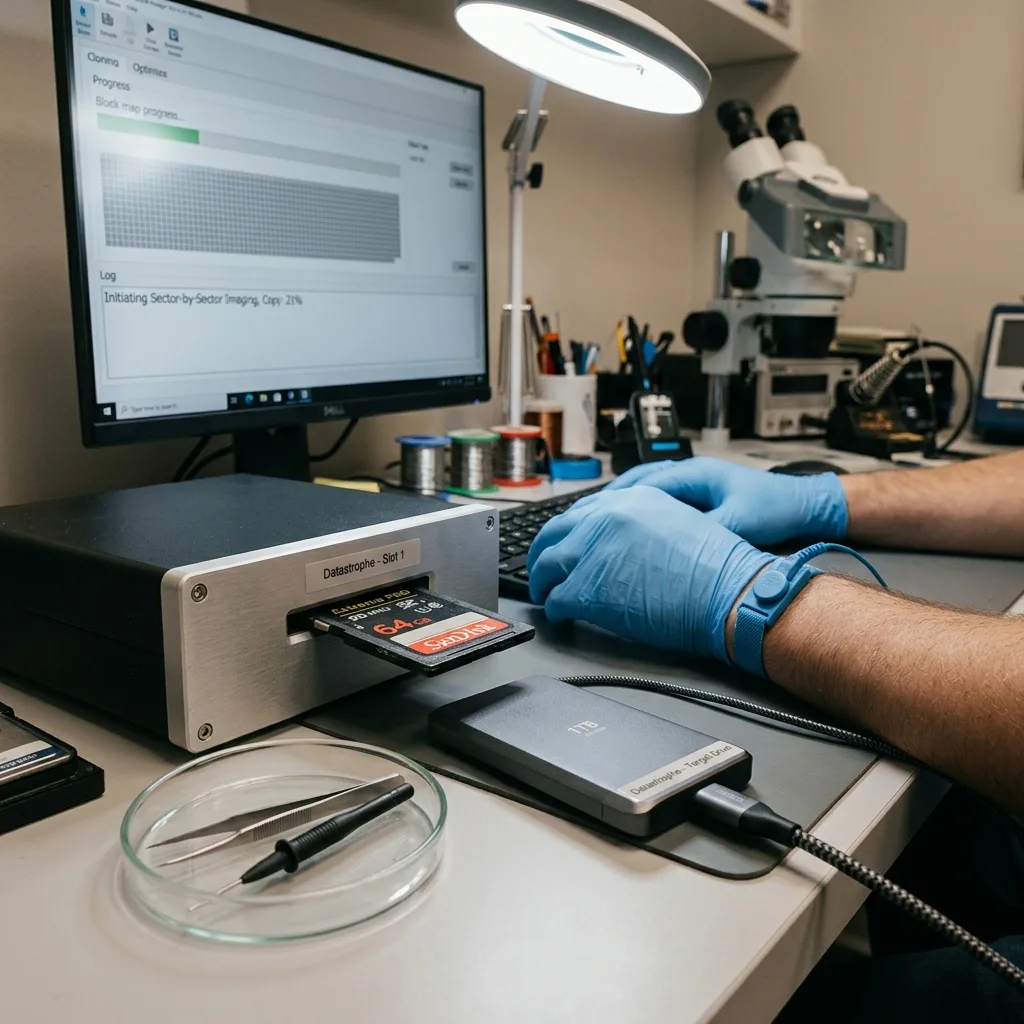
If the card is stable enough to read, first create a controlled image of its blocks. Copying only the visible files isn't equivalent. Imaging records errors and reduces repeated access to the original while preserving data outside the current folder view.
Working from a copy protects the original. Partition, folder, file signature and video fragment analysis can then be carried out without multiplying access to the source card. This approach is especially important when flash memory responds irregularly.
A partial image can still be useful. If priority files relate to a date, video sequence or specific photo session, the acquisition can preserve those areas before a wider read is attempted. Recovering everything isn't always the best approach when the card is fragile.
Cards affected by a power surge or an interruption during writing need particular care. Recent files may lack indexes, be incomplete or require specific validation.

Diagnostic evaluation
Define the priority files before extraction
Capacity doesn't measure the value of a memory card. One photo, a short recording, a GPS track, or a professional image set may justify the entire effort. Identify those priorities before beginning a broad extraction.
Formats should be known: RAW, JPEG, MP4, MOV, GPS files, proprietary exports, application folders or camera structure. Some devices create auxiliary files that help interpret the data. Deleting or ignoring them can limit the file handoff.
Recovery must qualify the results. A visible file isn't necessarily usable. A photo may open as a preview but contain defects. A video may start and then freeze. A route file may lose points. The final check must focus on the real use of the files.
Datastrophe treats this stage as file handoff, not as a simple volume of files. Complete, partial, corrupted and missing elements should be separated so that the client can decide what to do next.
Recent files require careful attention. On many devices, the last writes are the most exposed to interruption, low battery or removal too soon. Older files may remain intact while the last video, last burst or last log stays incomplete.
Diagnostic evaluation
Retire the damaged card after file delivery
Once the recovered files have been delivered, retire the damaged card. A card that becomes readable again is still not trustworthy after these symptoms. Replace it, copy new work promptly, and verify those copies on a routine schedule.
Cards used in embedded devices should match the write pattern. Dashcam, drone, camera, GPS device and inspection camera don't impose the same constraints. An unsuitable card can wear quickly or produce errors during long writes.
The environment should also be checked. A damaged adapter, doubtful reader, low battery or device that cuts out abruptly can damage several cards in succession. Replacing only the card isn't enough if the cause comes from the device.
Prevention remains simple: copy data after each important session, check that files open, rotate media when captures are critical and remove the card only once writing has finished. These habits reduce risk without turning everyday use into a heavy procedure.
A card intended for important work should finally be tested before the assignment, not only afterward. A short recording, a copy and a file-opening check can expose a doubtful card. This verification can't guarantee everything, but avoids discovering failure when the data can no longer be recreated.
Diagnostic evaluation
Primary Technical References And Limits
Reference scope — damaged memory card data: For damaged memory card data recovery, the primary references used are www.sdcard.org. Physical evidence — damaged memory card data: They define the relevant preservation, storage or validation concepts, but they cannot establish the exact physical condition, controller state, key availability or business consistency of the device received. Controller evidence — damaged memory card data: Those points require measurements on the original set and verification on copies.
Diagnostic evaluation
Request A Controlled Evaluation
Complete set — damaged memory card data: For a technical evaluation of damaged memory card data recovery, provide the complete device or storage set, its associated power and interface parts, the symptom timeline and the priority files. Incident history — damaged memory card data: Keep member order, labels and authorized credentials separate from the parcel paperwork; do not restart the source merely to obtain a new screenshot.
Laboratory responsibility — damaged memory card data: Datastrophe performs the diagnosis, integrity checks and recovery directly in its own laboratory with its own team. Free assessment — damaged memory card data: Diagnosis and the quote are free. Transport boundary — damaged memory card data: Private round-trip shipping is included; the carrier moves only the sealed parcel and neither accesses nor processes its data.
Controlled list — damaged memory card data: Before any payment, the client receives the proposed price and a checked list. Verification classes — damaged memory card data: Each item is classified, in order, as recoverable_verified, partial, detected_unverified or unrecoverable. Payment trigger — damaged memory card data: Only recoverable_verified items whose contents were checked and found usable are presented as recoverable. No-result rule — damaged memory card data: Payment is due only after the client accepts both the list and the price.
No-result rule — damaged memory card data: If no usable data is verified, recovery fails, or the client declines the list or price, no standard fee is payable. Rare-part exception — damaged memory card data: The only exception is a rare, costly and non-refundable part, which may be ordered only after a separate, explicit and priced proposal has been accepted.