Data Center Hard Drive Recovery Without Additional Damage
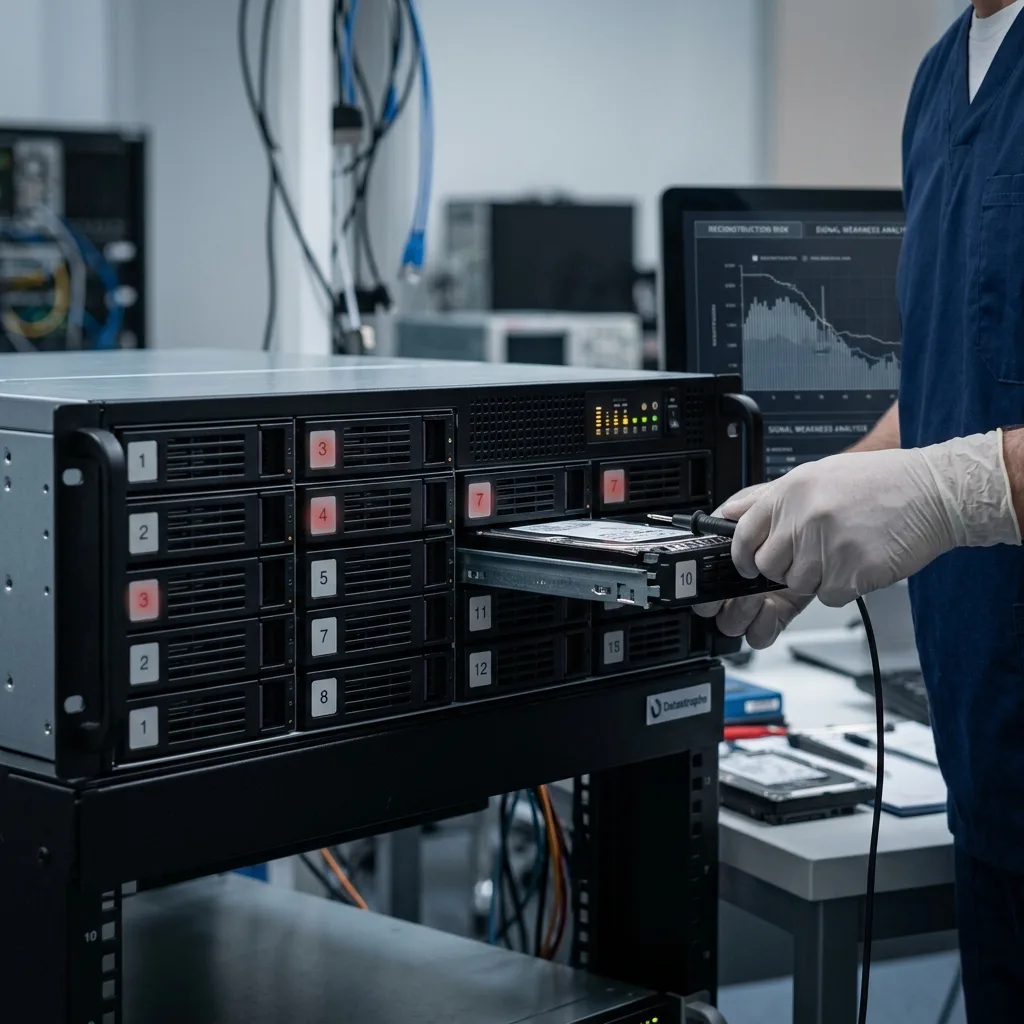
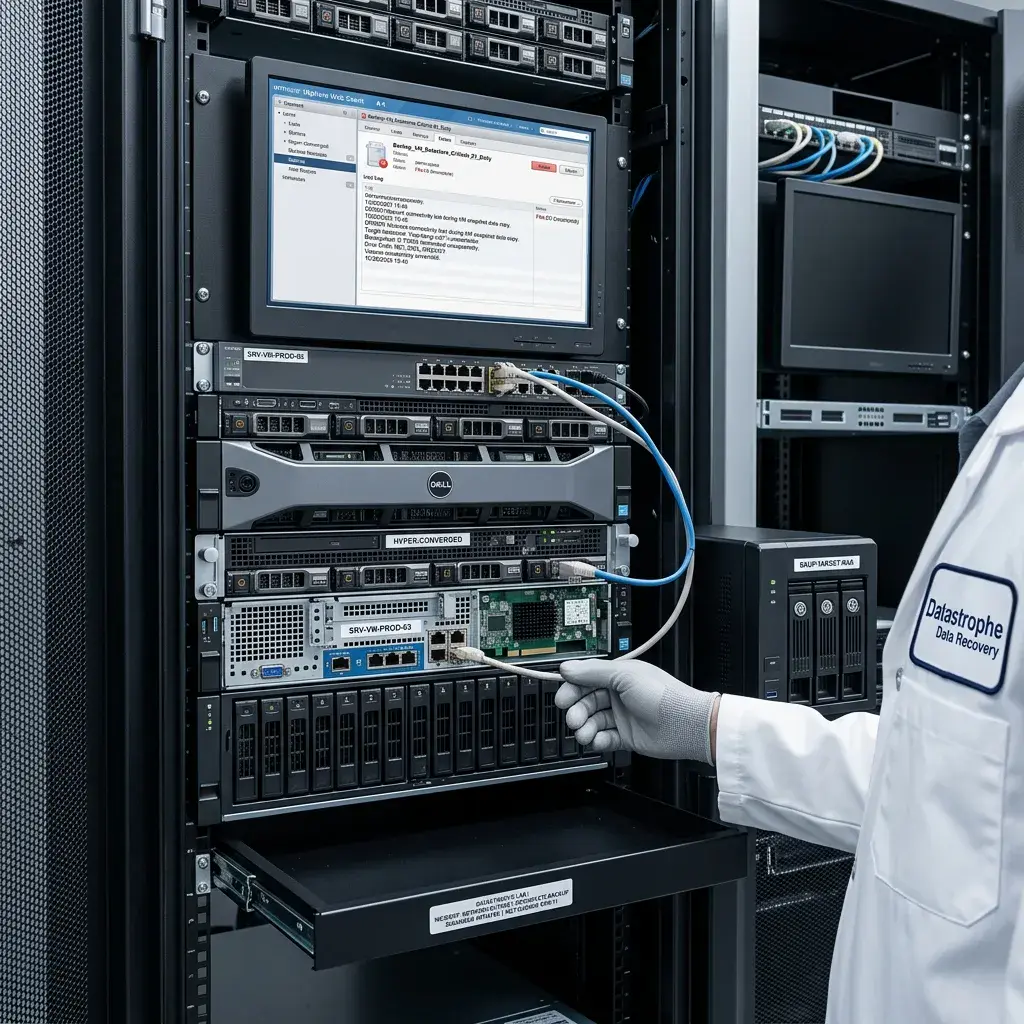
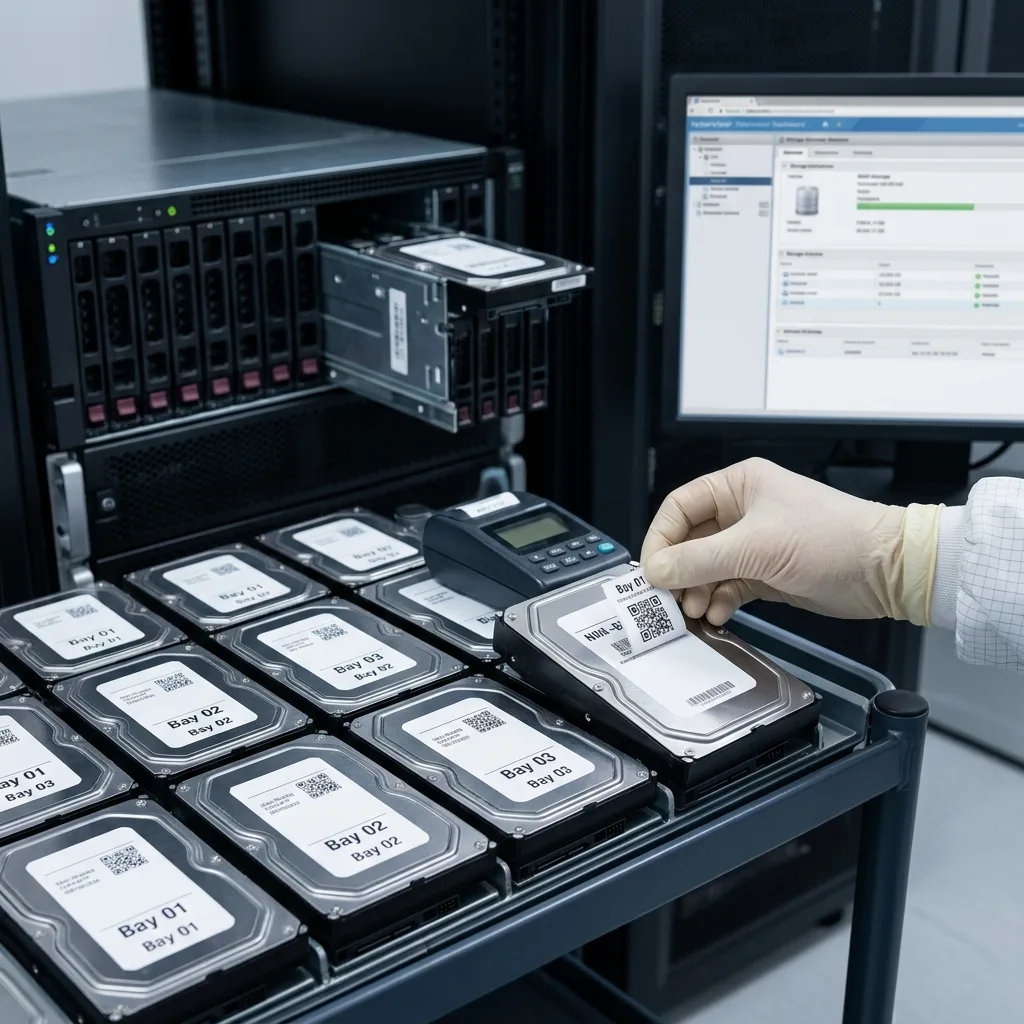
Preserve RAID order, controller metadata, server context, backups, and continuity plans when recovering a failed hard drive from a data center.
Read the articleTechnical guides on data loss prevention, storage failures and controlled data recovery methods.
Preserve RAID order, controller metadata, server context, backups, and continuity plans when recovering a failed hard drive from a data center.
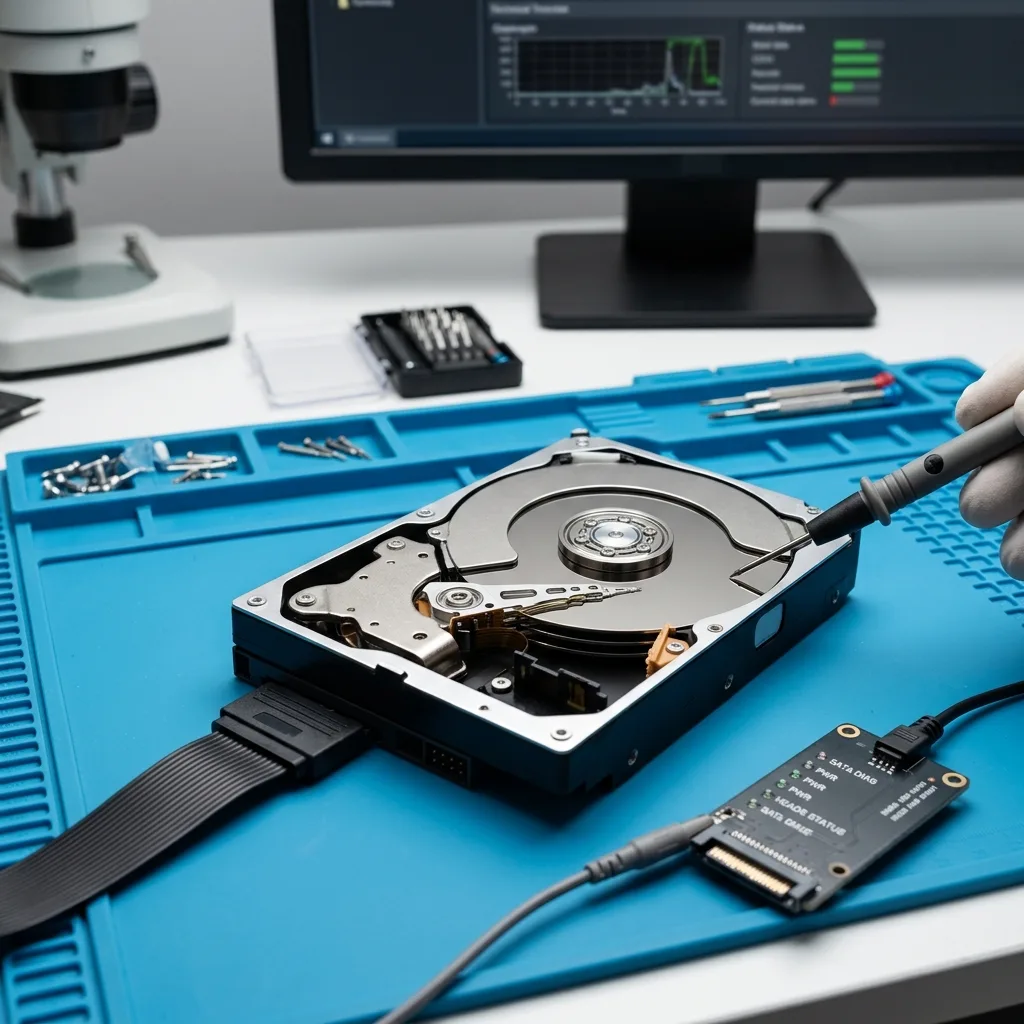
Read the articleDecide whether a damaged hard drive needs data recovery, hardware replacement, or both by checking backups, symptoms, file value, and technical risk.
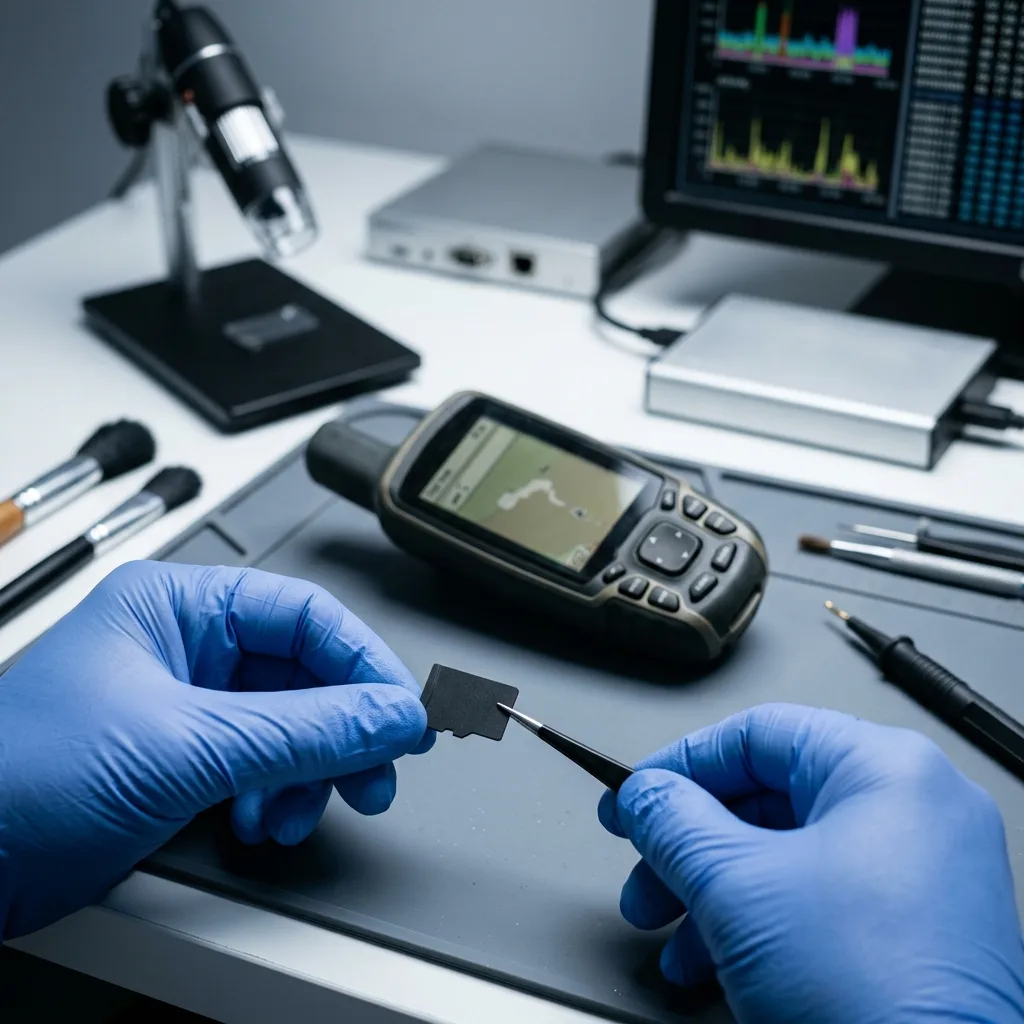
Read the articleSee why GPS memory cards lose tracks, maps, and logs through interrupted writes, failed updates, power loss, or corruption, and how to preserve the card.
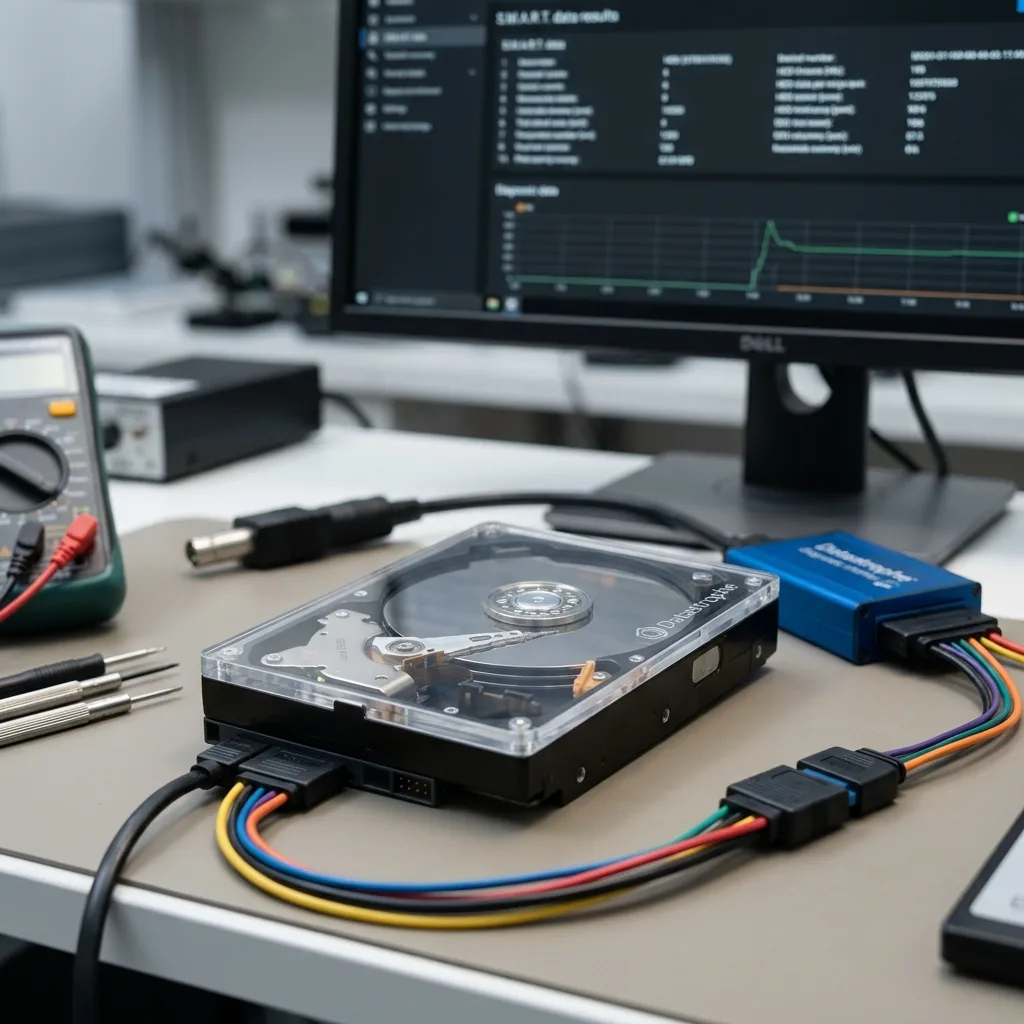
Read the articleA hard drive health check can reveal early warning signs, verify backups, and support a replacement decision before a failure destroys important files.
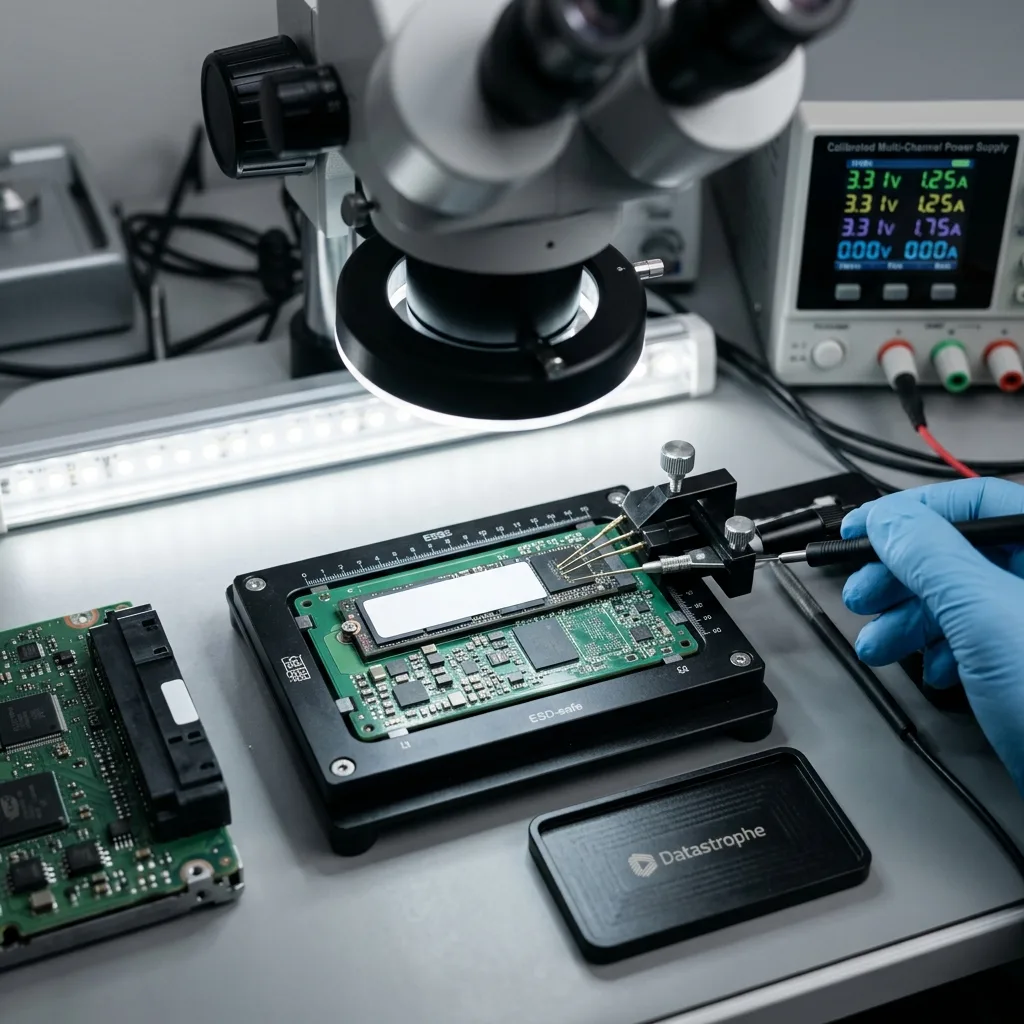
Read the articleEmbedded SSDs and flash modules can lose logs, settings, and exports through heat, vibration, abrupt power loss, restart loops, and frequent writes.
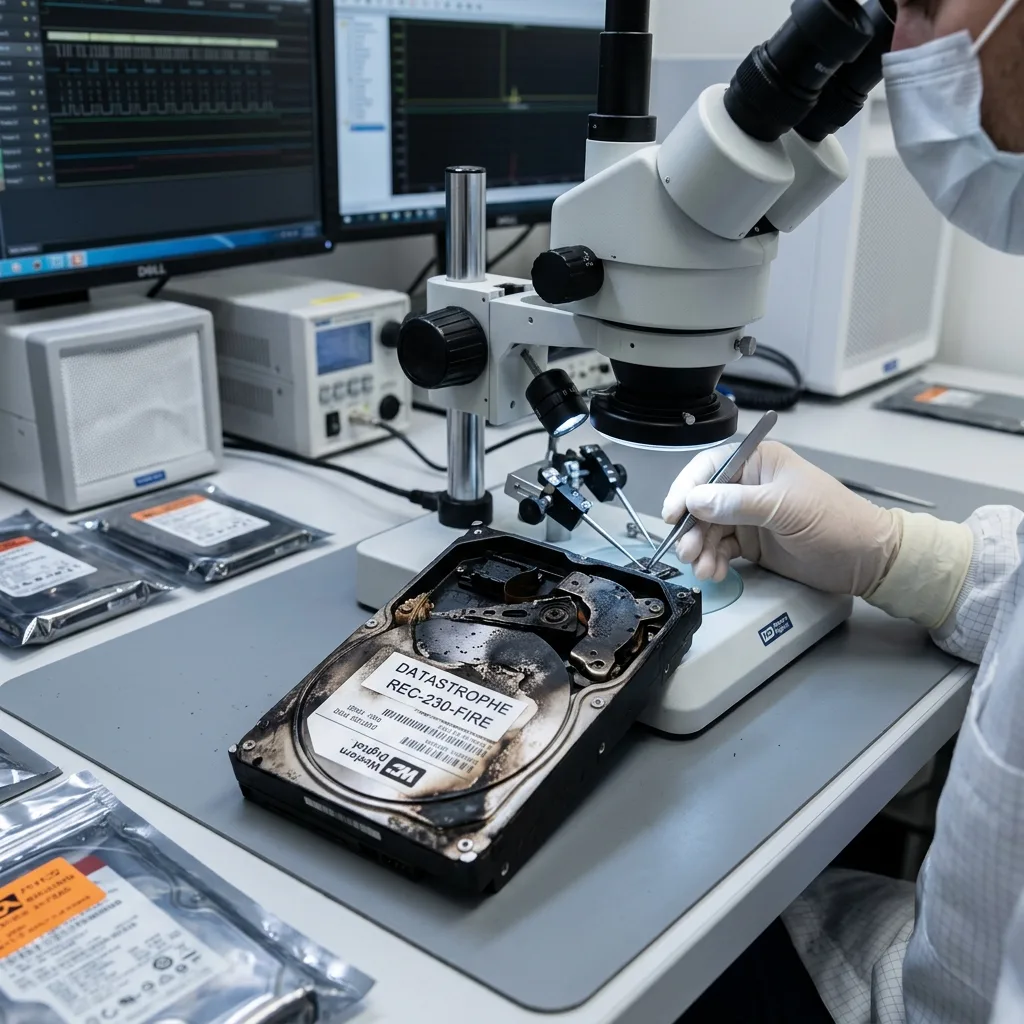
Read the articleHeat, soot, smoke, water, foam, impact, and corrosion can damage hard drives, SSDs, flash drives, and memory cards after a fire. Avoid power and cleaning.
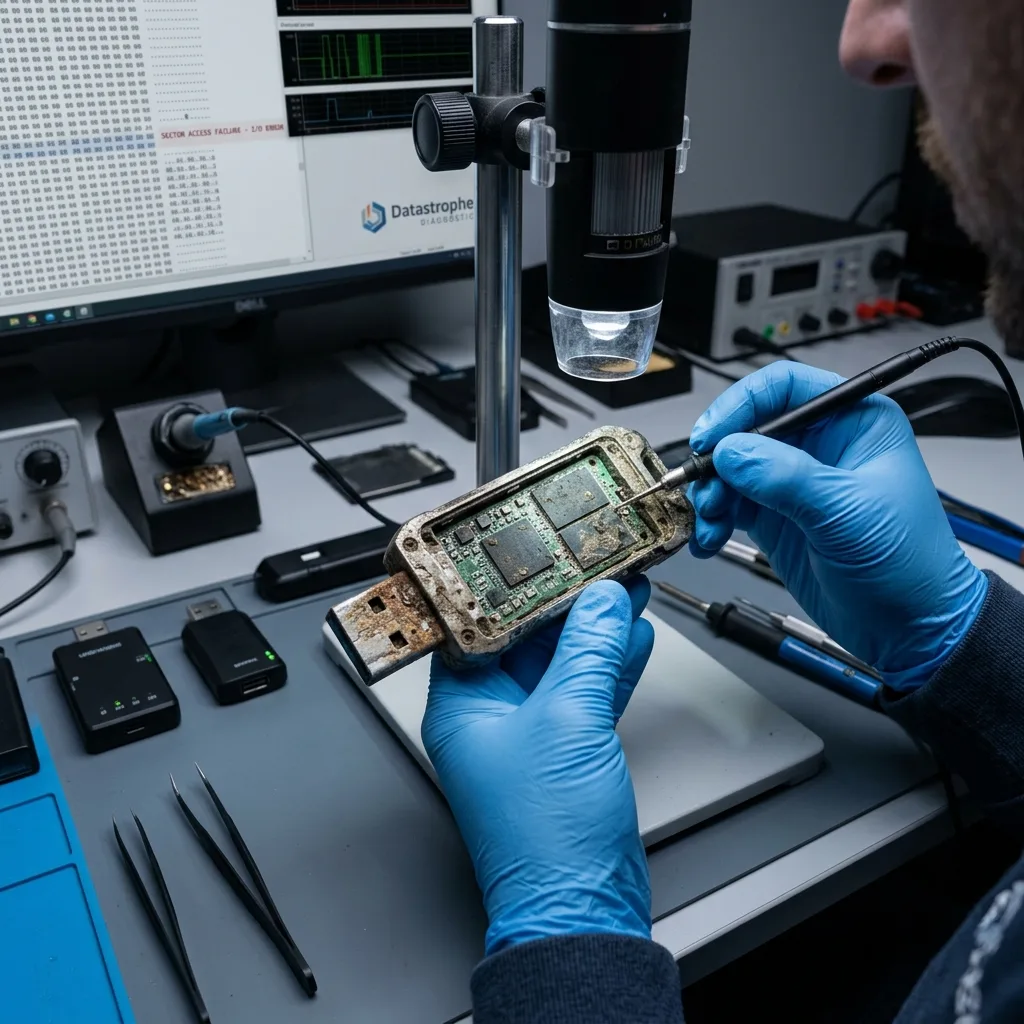
Read the articleSee how heat, cold, humidity, dust, impact, and field handling damage USB flash drives, and learn what to do before attempting to read exposed media.
Read the articleSlow access, failed backups, disk alerts, and long rebuilds can warn of RAID 10 failure. Preserve disk order and metadata before taking action.
Read the articleRecovery after formatting depends on the format type, later writes, file system, and storage technology. Stop using the device before attempting repair.
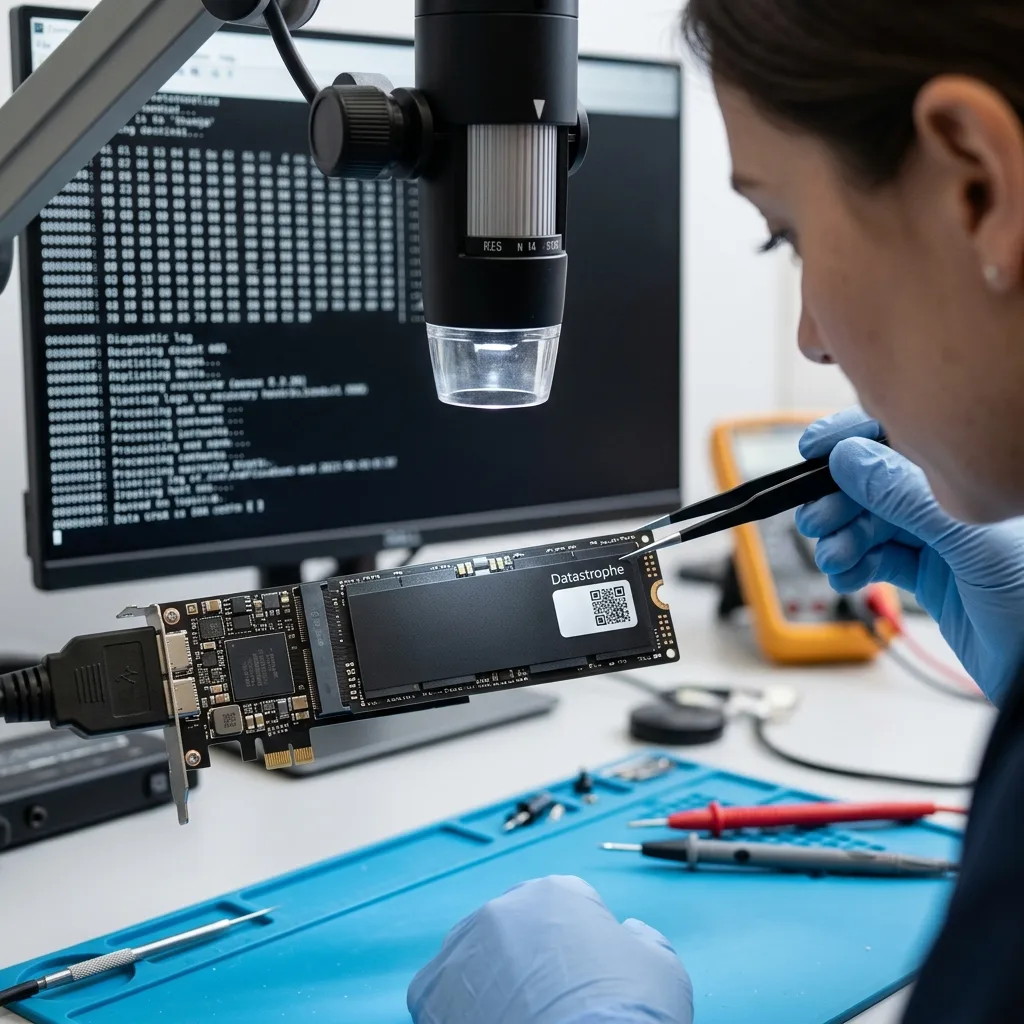
Read the articleNVMe recovery depends on controller translation, NAND condition, TRIM, encryption, firmware, and the original computer. Avoid writes after the first symptom.
Read the articleAfter a network outage interrupts a backup, preserve the source, read the job logs, reconcile time zones, and test a separate restore before trusting any copy.
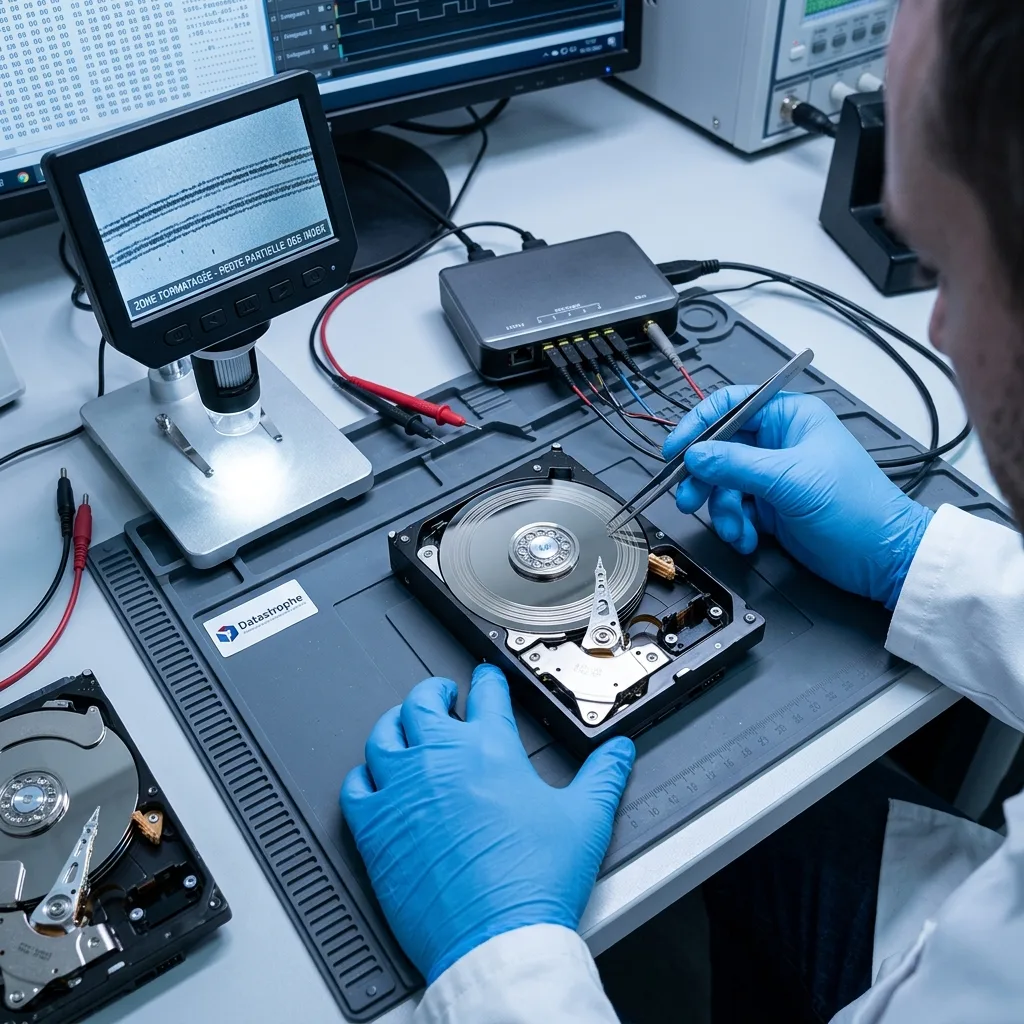
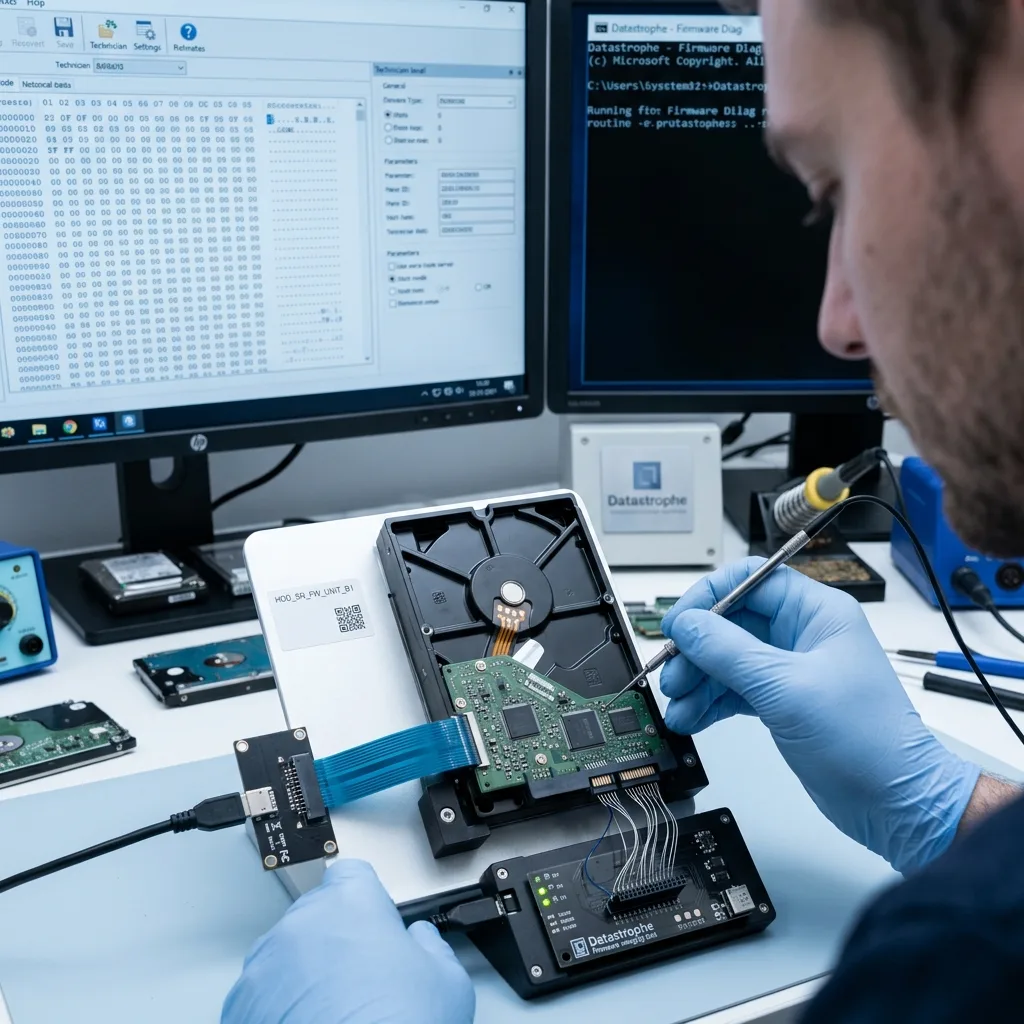
Read the articleFirmware controls hard drive identification, service areas, defect management, and head access. Learn which symptoms suggest failure and why repeated restarts add risk.
Read the article