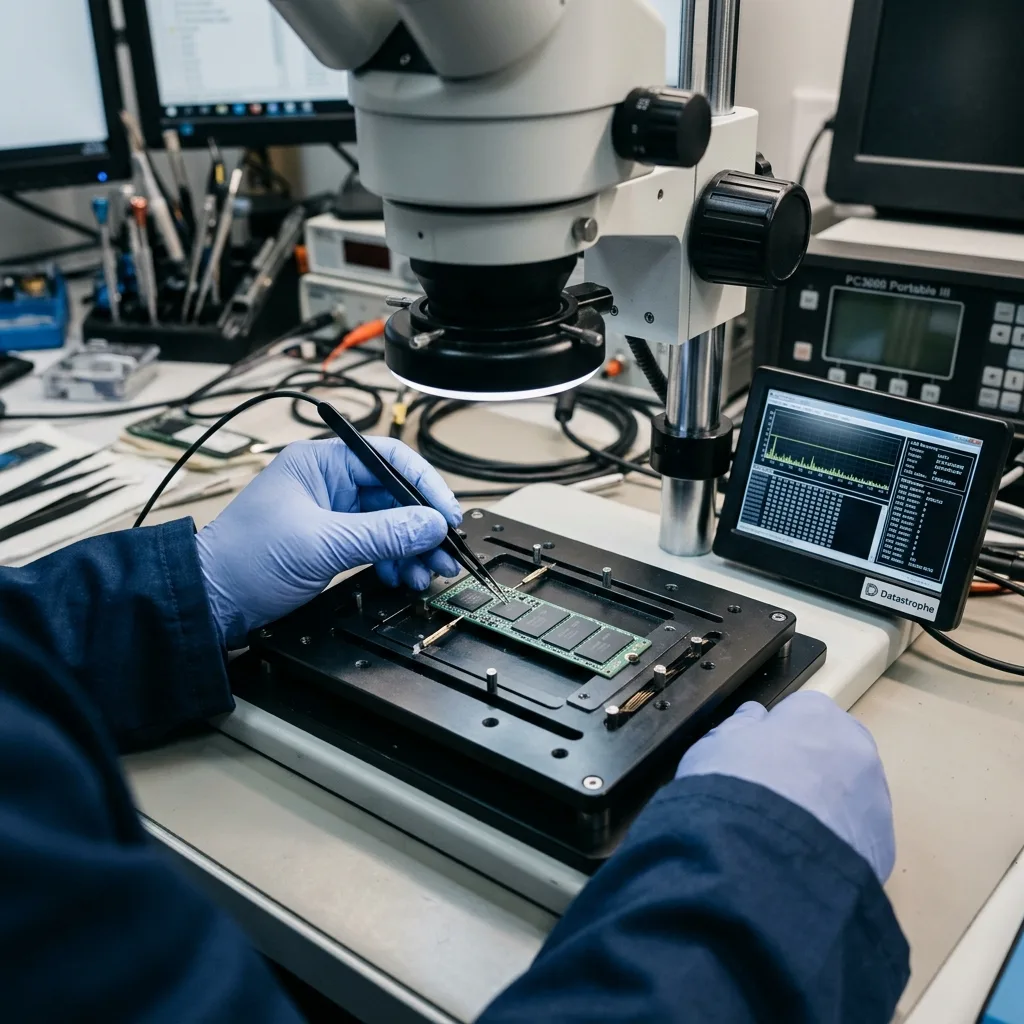
Industrial USB Flash Drives: Where Data Protection Ends
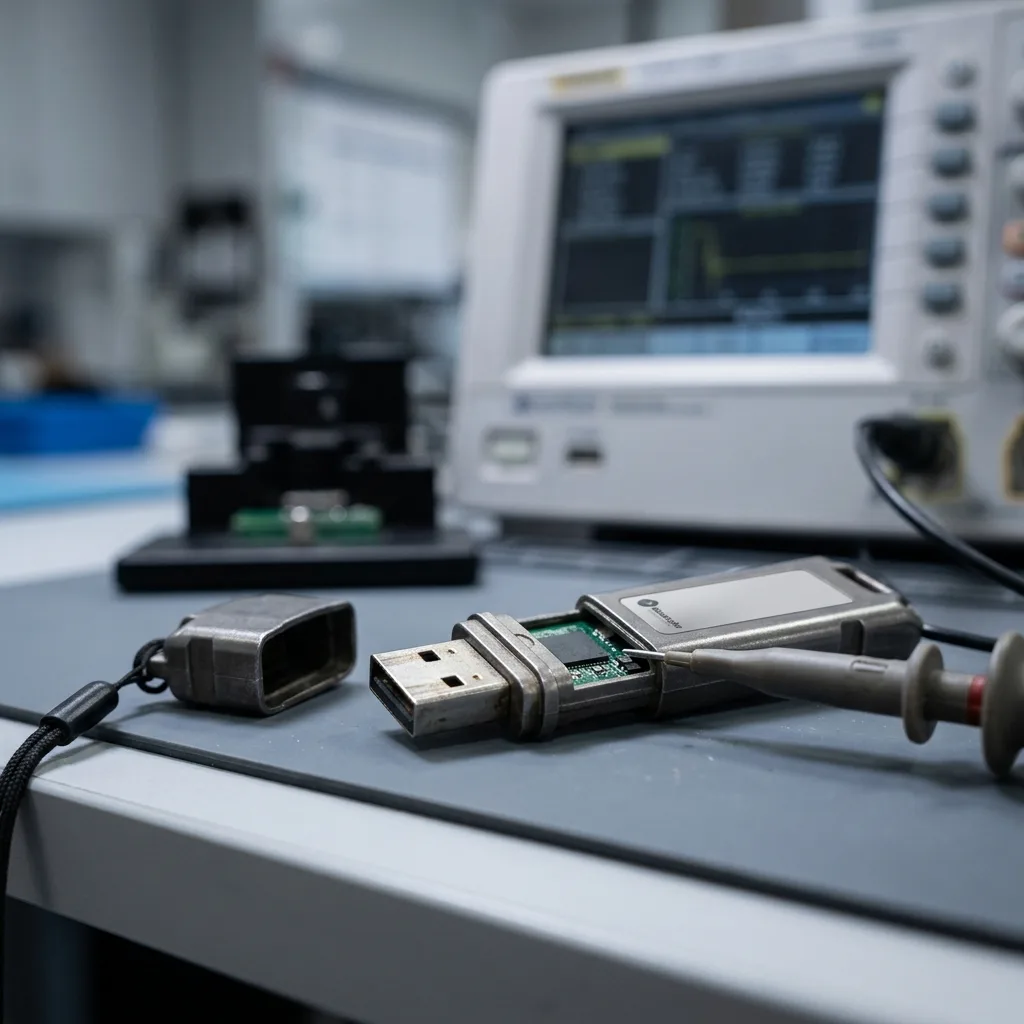
Industrial flash drives can resist harsh conditions, but controller faults, NAND wear, corruption, and unsafe workflows still put their data at risk.
Read the articleTechnical guides on data loss prevention, storage failures and controlled data recovery methods.
Industrial flash drives can resist harsh conditions, but controller faults, NAND wear, corruption, and unsafe workflows still put their data at risk.
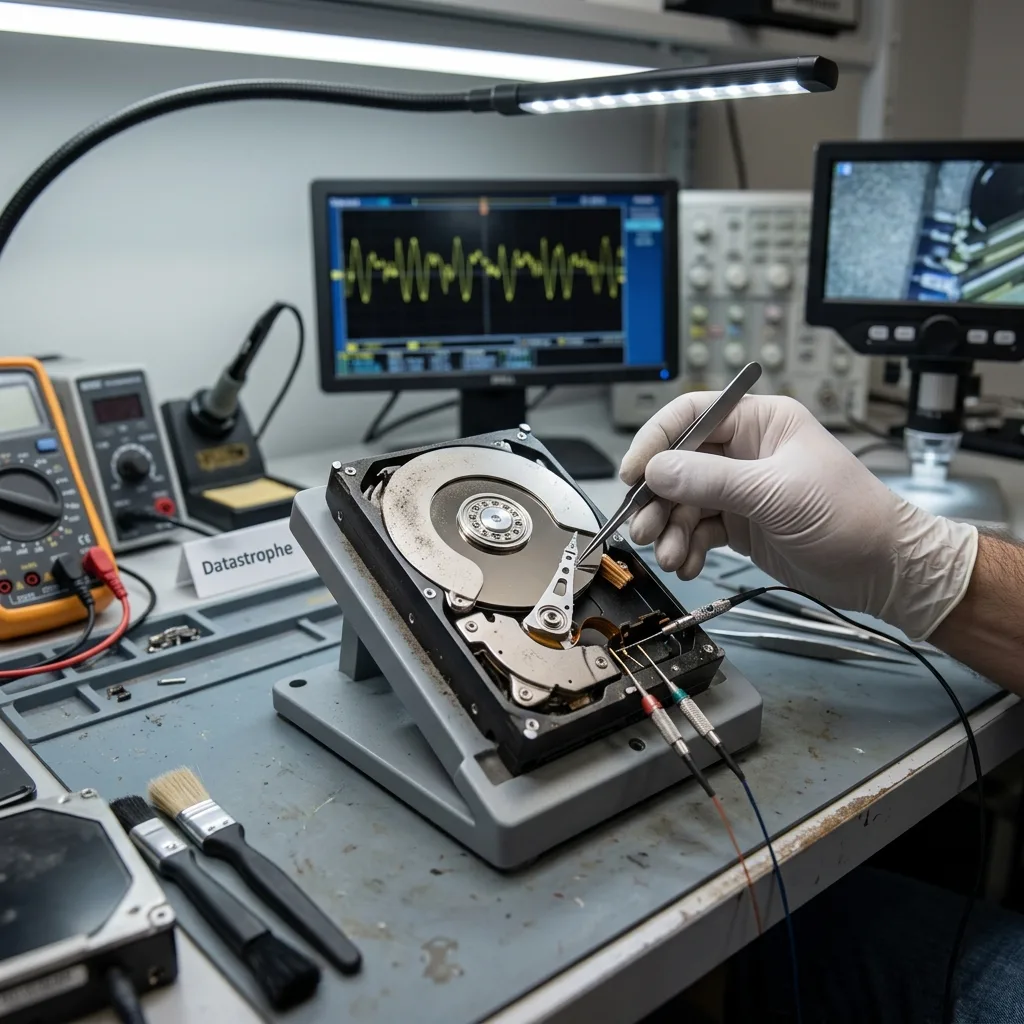
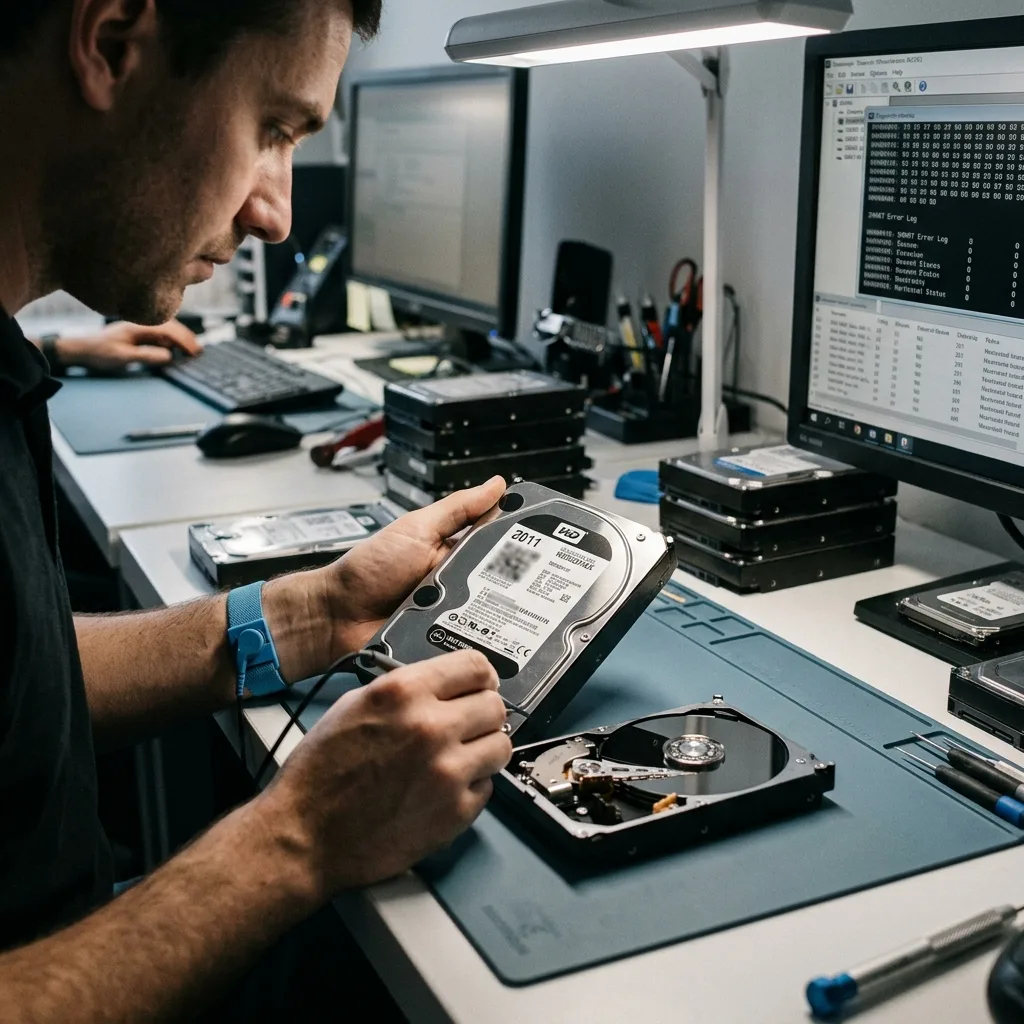
Read the articleMechanical wear, weak sectors, legacy interfaces, magnetic degradation, and long storage make the first read of an old hard drive especially important.
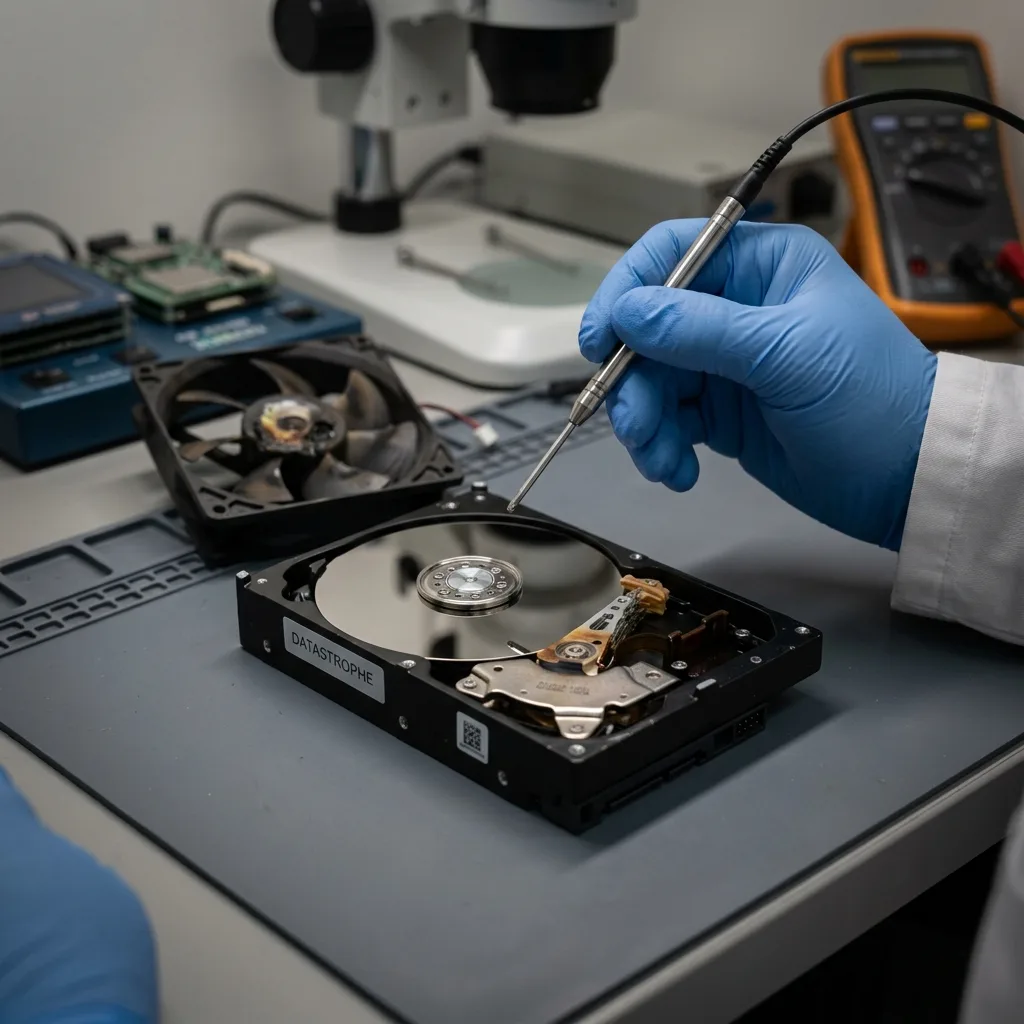
Read the articleFan failure can expose a hard drive to prolonged heat, unstable sectors, and weakened electronics. Learn how to cool it safely and preserve the data.
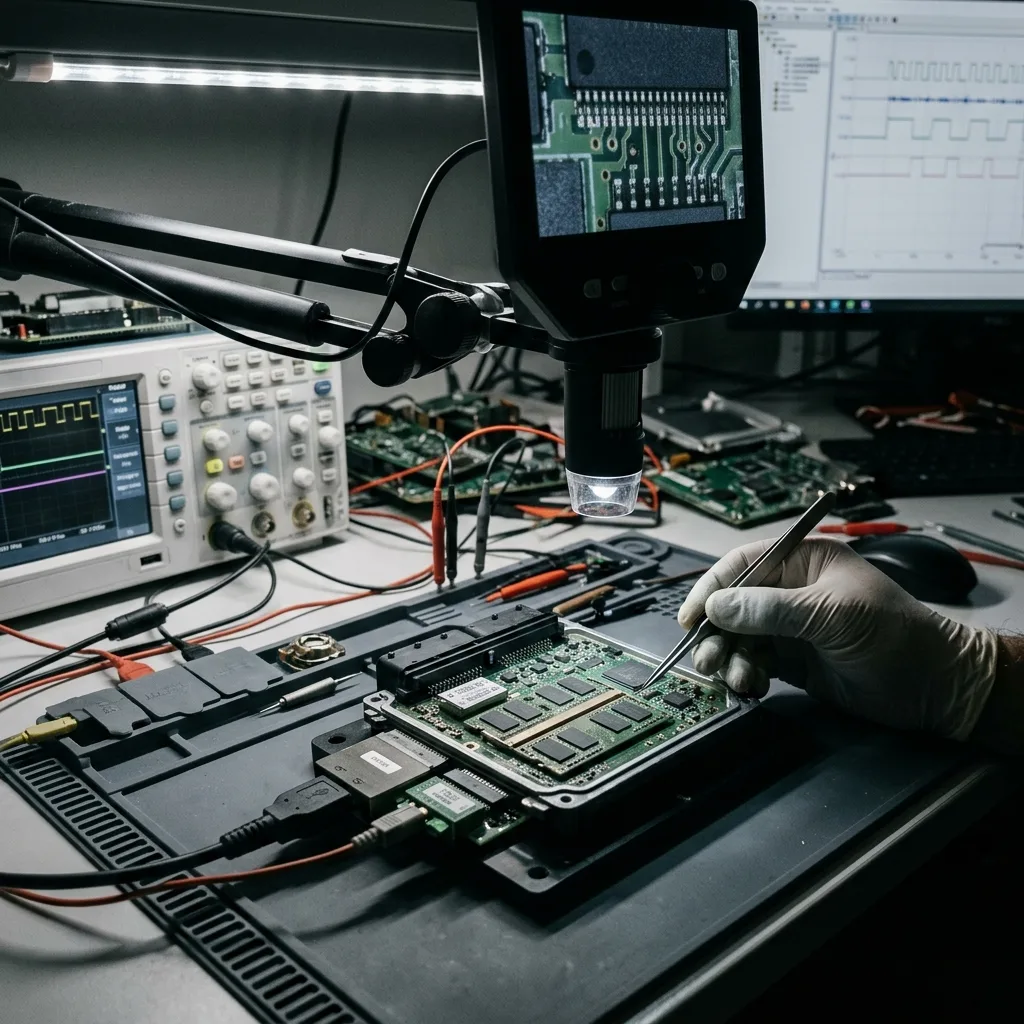
Read the articleNonstandard storage may depend on embedded equipment, proprietary interfaces, legacy formats, soldered memory, encryption, and specialized software.
Read the articleAfter a shutdown or maintenance window, verify backups, restart systems in priority order, record anomalies, and isolate unstable storage before restoring.
Read the articleDeleted files may remain until their blocks are reused. See how later writes, SSD TRIM, cloud synchronization, and storage type change recovery prospects.
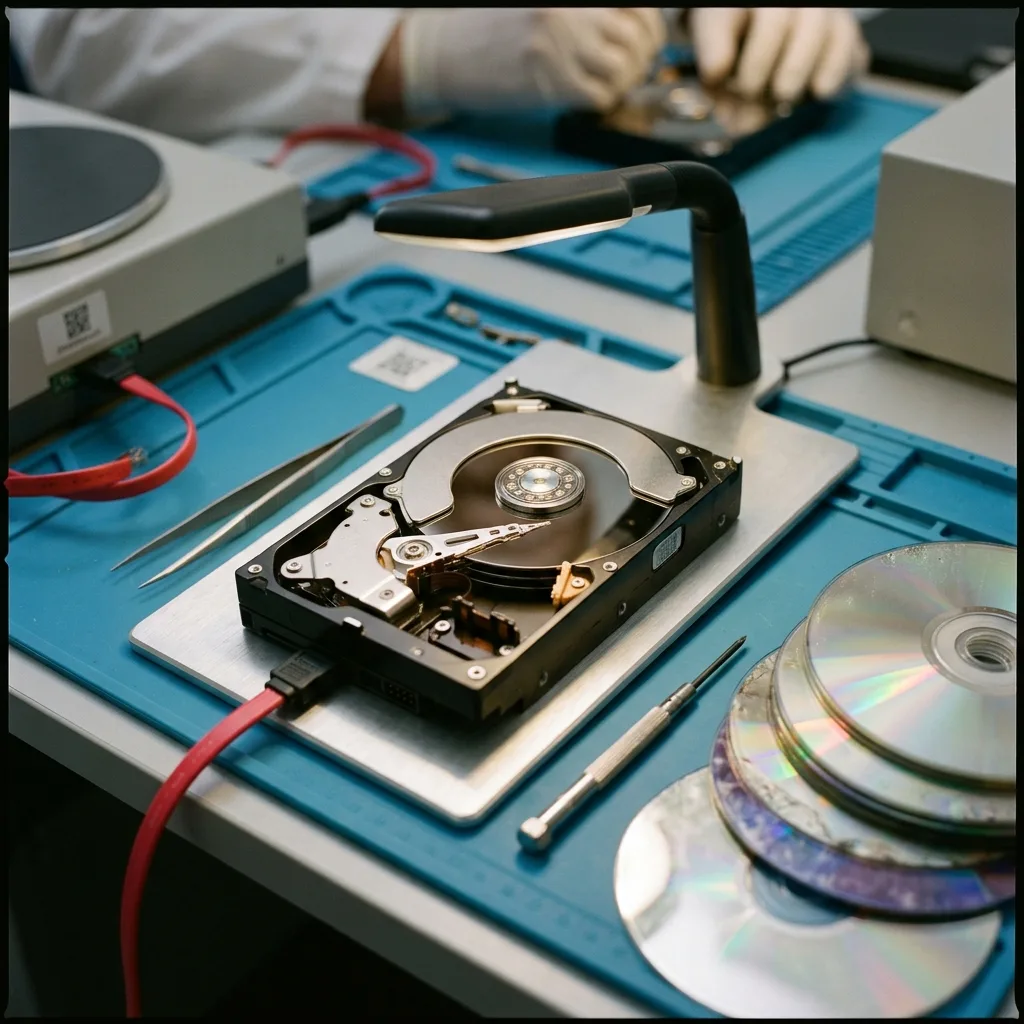
Read the articleHard drives and optical discs fail differently. Compare mechanical faults, surface damage, read errors, file structures, acquisition methods, and recovery limits.
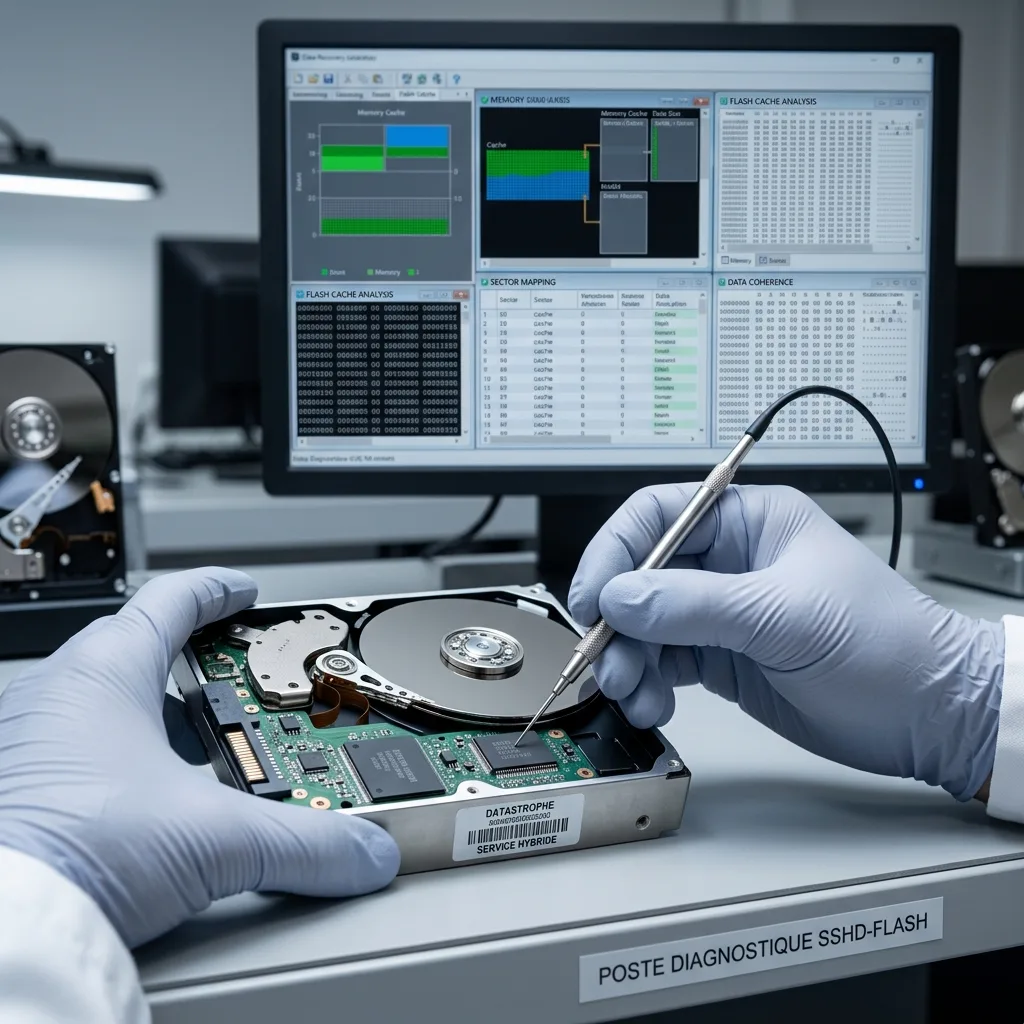
Read the articleRecovering hybrid storage requires the hard drive, flash cache, controller or software metadata, encryption context, and a consistent version of the files.
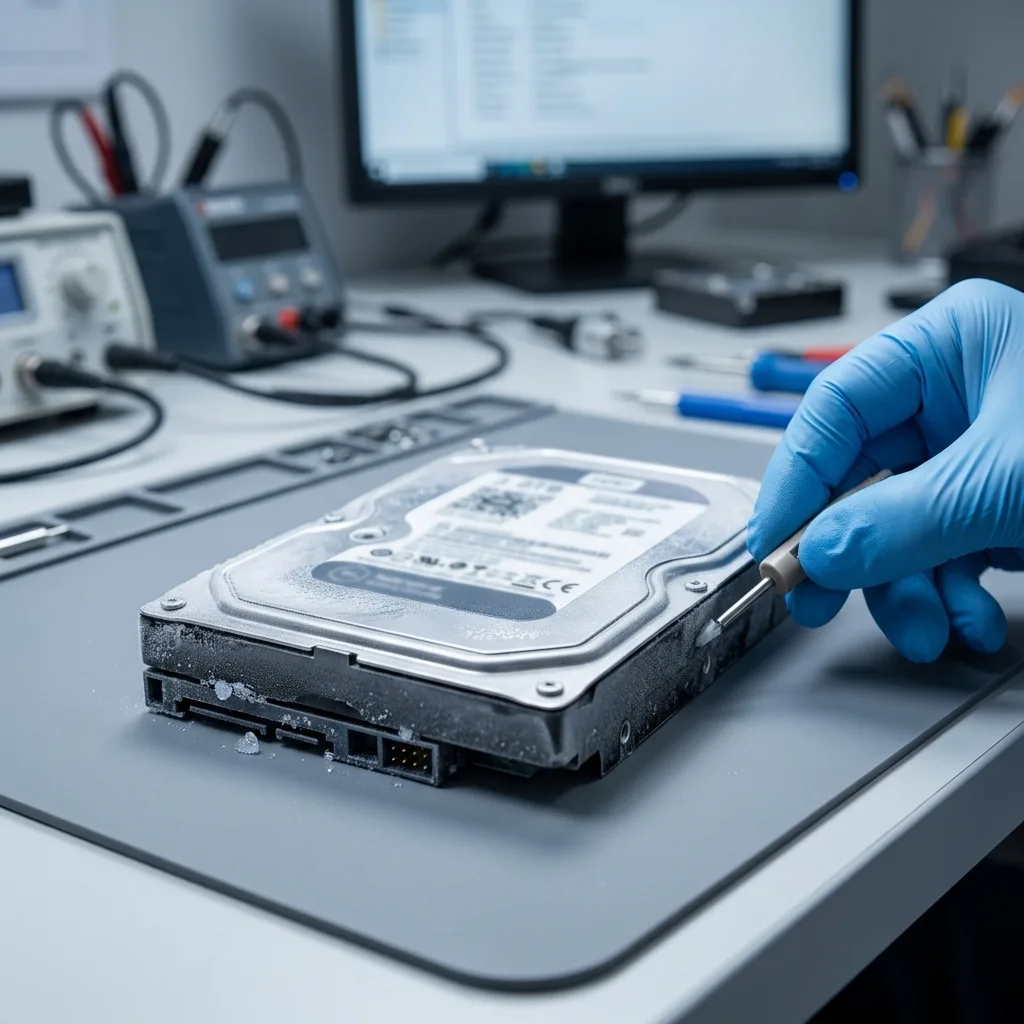
Read the articleCold exposure can create condensation, mechanical stress, and startup errors. Let the drive warm gradually in a dry place before any controlled evaluation.
Read the articleA practical recovery plan maps critical data, assigns decisions, defines stop points, separates backups from continuity, and verifies usable delivery.
Read the articleLimited staffing and delayed alerts complicate data loss during holidays or planned shutdowns. Stabilize systems and verify backups before restarting operations.
Read the articleExternal hard drives fail through impact, cable or enclosure faults, unstable power, frequent handling, and unverified backups. Learn which warning signs require a stop.
Read the article