
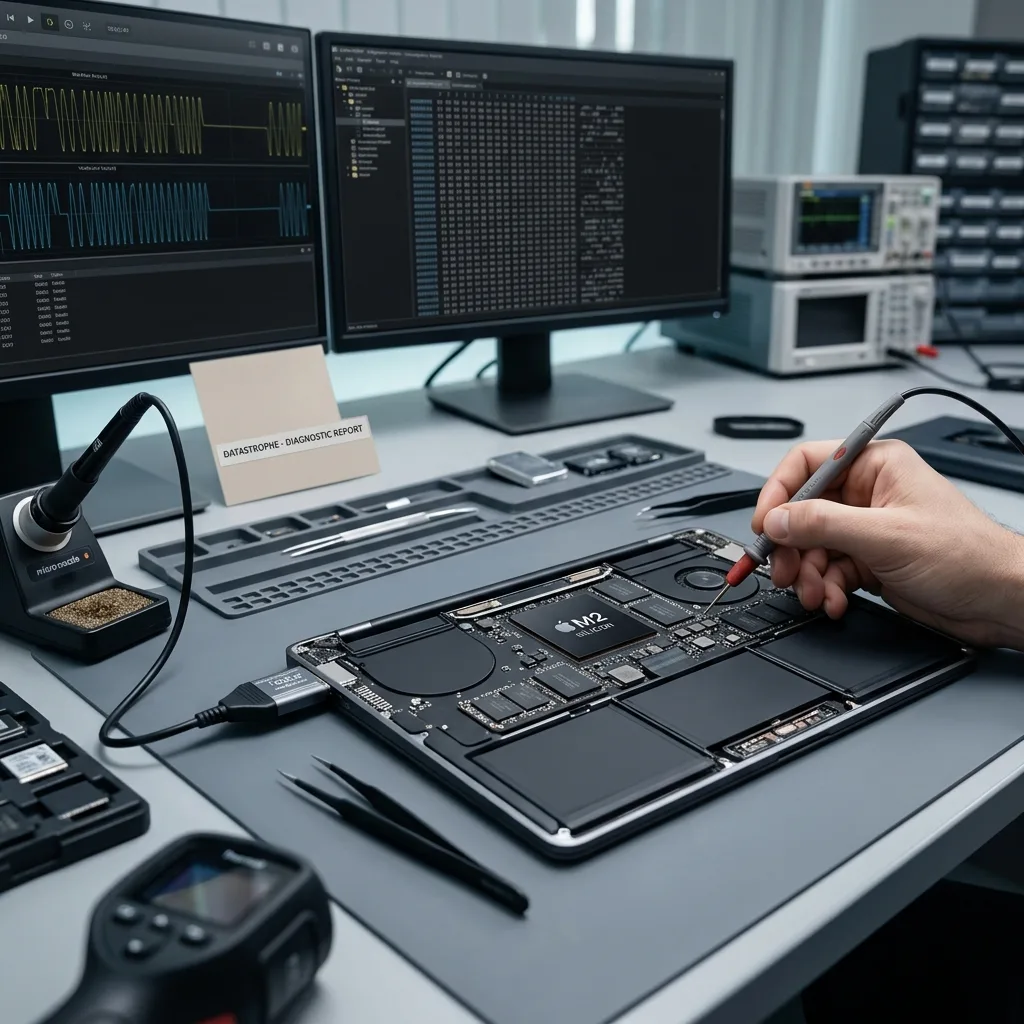
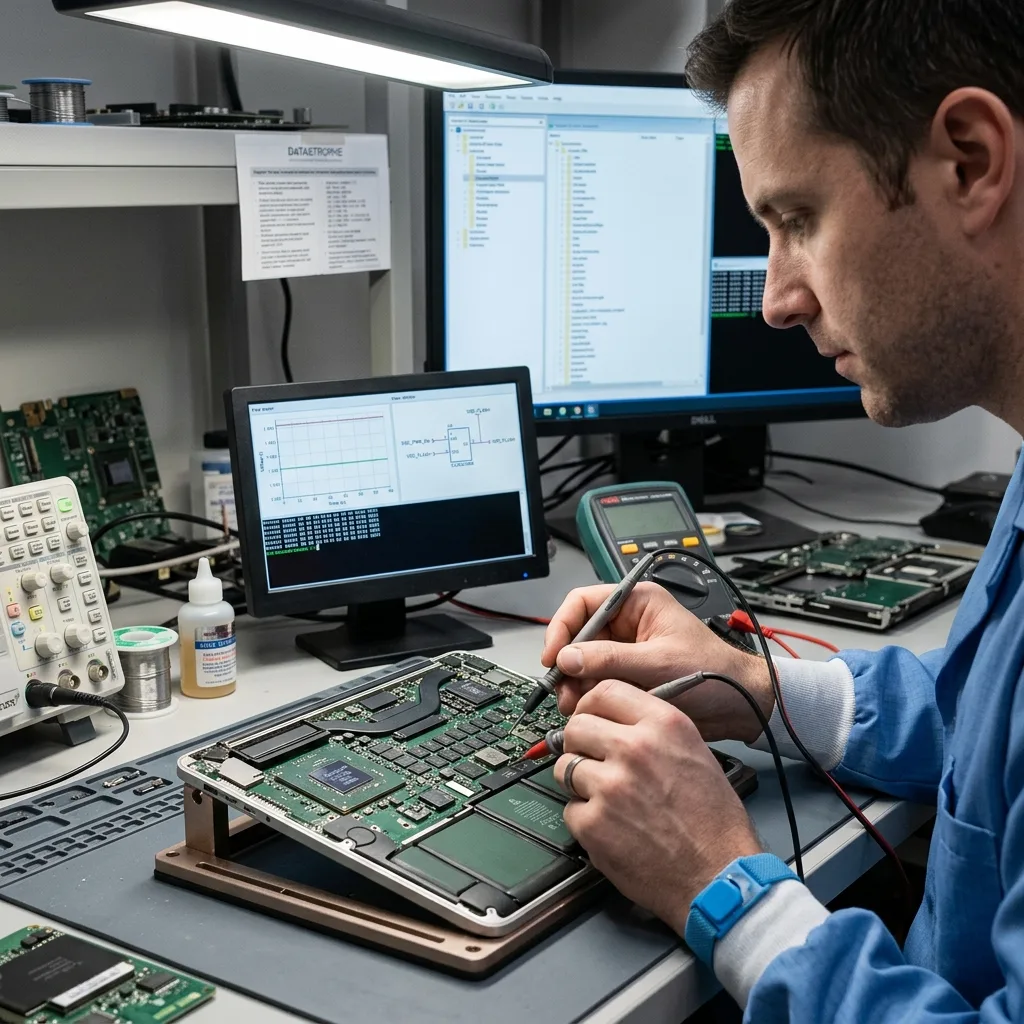
Diagnostic evaluation
Treat the Mac and its storage as one system
Modern Mac storage is more tightly connected to the computer than a removable drive in an older system. A soldered SSD, board-level controller, and security hardware may all participate, so the failure can't always be isolated to one component.
When a Mac stops starting, removing its storage and reading it elsewhere may seem obvious. On many recent models that's impossible or insufficient. Data can depend on the computer, encryption and user account.
Preserve the complete context: Mac, charger, account, password, recovery key, failure history and symptoms. Sending one isolated part can limit analysis when the storage can't be read outside its environment.
Apple system data recovery describes the service. The important point is why these constraints require a cautious method.
This is particularly important when a Mac holds unbacked-up work: a photo catalog, video project, accounts folder, local database, development environment or management documents. Returning the machine to operation must not take precedence over the data.
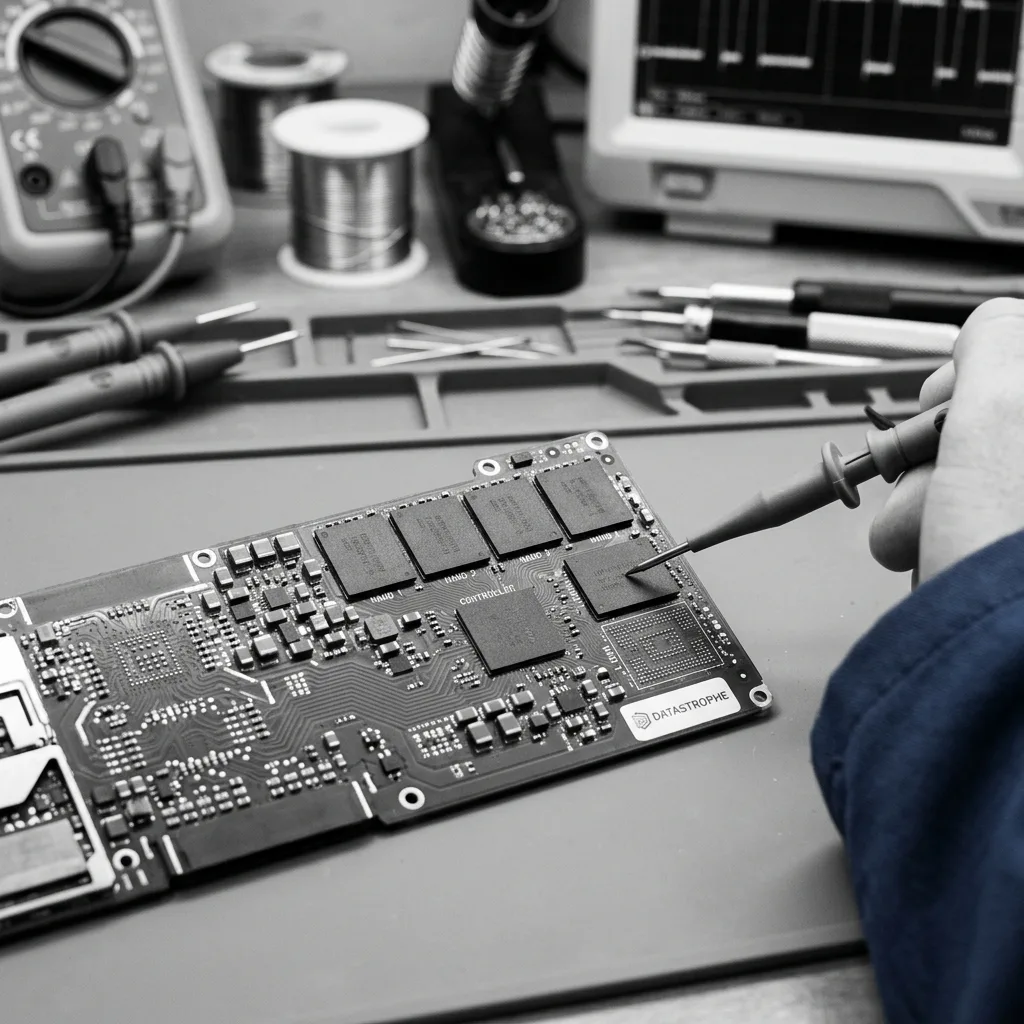
Diagnostic evaluation
Understand why a soldered SSD limits testing
A soldered SSD can't be moved to a standard reader. When the Mac won't power on or its board and controller are damaged, access depends on diagnosing the electronics and logical layers in the original system.
Integration makes improvised tests riskier. Reinstallation, restoration and automatic repair can write to the volume. Don't turn a boot problem into deeper data loss when no backup exists.
Document concrete symptoms: black screen, boot loop, question mark, absent volume, rejected password, interrupted update, liquid, impact or overheating. Each one informs the examination.
Preventing MacBook data loss covers preparation before failure. Once failure exists, protecting the volume and credentials comes first.
Liquid and impact complicate matters further. A Mac may start partly, display a symbol and switch off, or run just long enough to create false confidence. Consider every power-up carefully when storage depends on a weakened logic board.
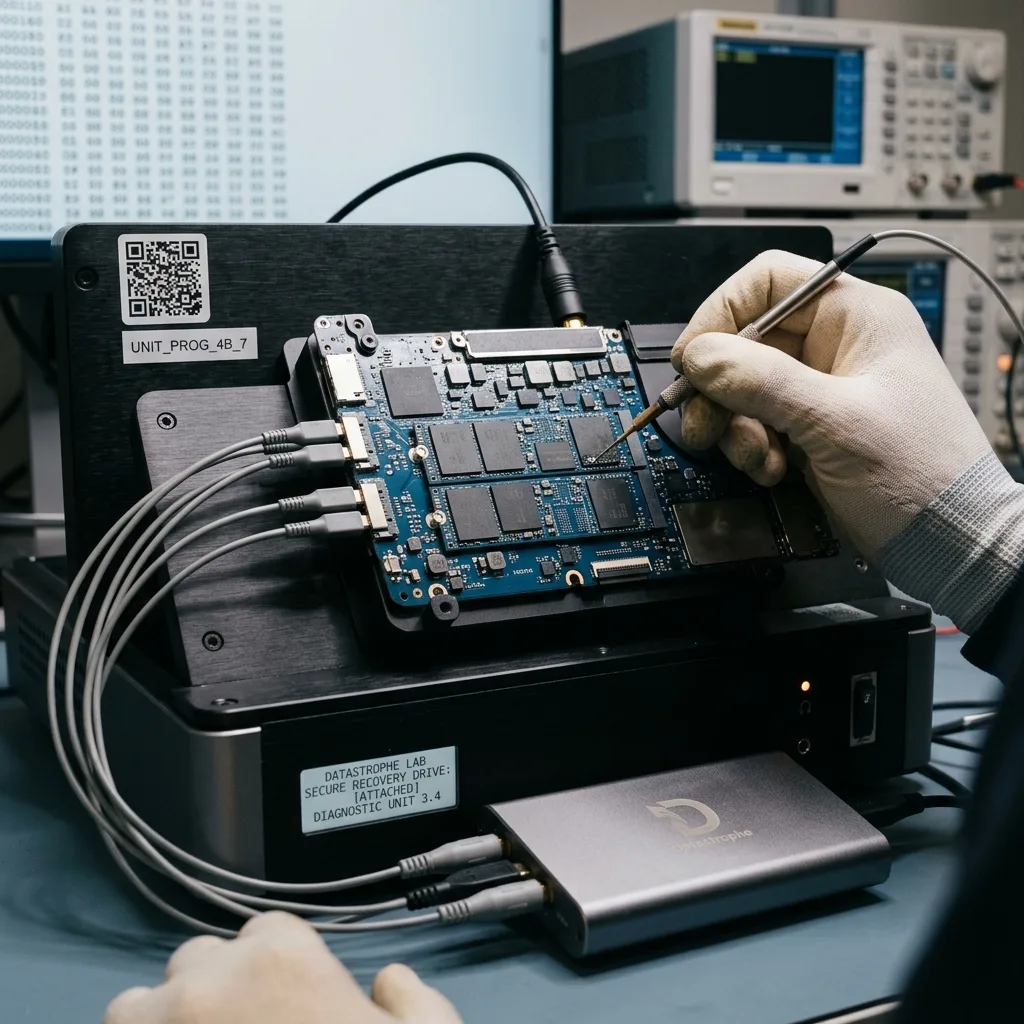
Diagnostic evaluation
Preserve FileVault keys and account access
FileVault and Apple security controls can keep technically present blocks unreadable without authorized credentials. The login password, recovery key, and administrator or Apple Account context may be as important as the flash itself.
Don't confuse failure with locking. A healthy volume can be inaccessible because unlocking fails. Conversely, a damaged encrypted volume requires several layers to be resolved before usable files emerge.
Avoid password changes, account resets and remote erasure until data are secured. A security action may be logical after theft while making local recovery more difficult.
Datastrophe therefore asks about available access without promising it's sufficient. The information helps distinguish storage, system and encryption issues or a combination.
Keep Apple account details available where appropriate. They shouldn't be shared without a proper process, but their existence can shape the case. Report missing access early instead of assume unlocking will be possible.
Diagnostic evaluation
Don't overlook logical and software failures
Modern Mac failures aren't always physical. Interrupted updates, damaged APFS volumes, accidental erasure, cloud synchronization, and corrupted user profiles can block access even when the hardware shows no obvious damage.
Continued use then creates new writes. Repeated starts, reinstallation and the wrong Time Machine restore can replace useful files or metadata.
Check backups before erasing the Mac. A copy can be incomplete, old or password-dependent. An unchecked restore can make the computer appear fixed while important data remain absent.
Logical SSD failures explains the wider risk. On a Mac, add Apple-specific dependencies, encryption and accounts.
iCloud and other synchronization can add confusion. A locally absent file may exist elsewhere, while deletion may also propagate. Establish what was local, synchronized or online only before deciding that recovery is needed.
Diagnostic evaluation
Preserve the complete Mac before evaluation
Stop reinstallation, erasure, automatic repair, forced migration, and uncontrolled synchronization before evaluation. Keep the unstable Mac, power adapter, access credentials, and relevant accessories together.
Prepare the model, approximate year, processor type where known, symptoms, recent events, available access and priority data. A list of expected folders or projects helps if acquisition must be progressive.
Associated devices can matter too: backup disk, adapter, charger, external enclosure or another Mac used for tests. They provide context and prevent previous actions being repeated.
Modern Mac recovery is complex because storage, security and hardware are linked. Preserve the complete system, document the incident and avoid resetting anything before evaluation.
Review backup strategy after file handoff. Modern Macs are reliable day to day, but their integration makes some failures harder to bypass. A tested backup and properly retained access remain the strongest protection.
Diagnostic evaluation
Primary Technical References And Limits
Reference scope — Mac soldered SSD encryption recovery: For modern Mac soldered SSD encryption recovery, the primary references used are NIST SP 800-111. Physical evidence — Mac soldered SSD encryption recovery: They define the relevant preservation, storage or validation concepts, but they cannot establish the exact physical condition, controller state, key availability or business consistency of the device received. Controller evidence — Mac soldered SSD encryption recovery: Those points require measurements on the original set and verification on copies.
Diagnostic evaluation
Request A Controlled Evaluation
Complete set — Mac soldered SSD encryption recovery: For a technical evaluation of modern Mac soldered SSD encryption recovery, provide the complete device or storage set, its associated power and interface parts, the symptom timeline and the priority files. Incident history — Mac soldered SSD encryption recovery: Keep member order, labels and authorized credentials separate from the parcel paperwork; do not restart the source merely to obtain a new screenshot.
Laboratory responsibility — Mac soldered SSD encryption recovery: Datastrophe performs the diagnosis, integrity checks and recovery directly in its own laboratory with its own team. Free assessment — Mac soldered SSD encryption recovery: Diagnosis and the quote are free. Transport boundary — Mac soldered SSD encryption recovery: Private round-trip shipping is included; the carrier moves only the sealed parcel and neither accesses nor processes its data.
Controlled list — Mac soldered SSD encryption recovery: Before any payment, the client receives the proposed price and a checked list. Verification classes — Mac soldered SSD encryption recovery: Each item is classified, in order, as recoverable_verified, partial, detected_unverified or unrecoverable. Payment trigger — Mac soldered SSD encryption recovery: Only recoverable_verified items whose contents were checked and found usable are presented as recoverable. No-result rule — Mac soldered SSD encryption recovery: Payment is due only after the client accepts both the list and the price.
No-result rule — Mac soldered SSD encryption recovery: If no usable data is verified, recovery fails, or the client declines the list or price, no standard fee is payable. Rare-part exception — Mac soldered SSD encryption recovery: The only exception is a rare, costly and non-refundable part, which may be ordered only after a separate, explicit and priced proposal has been accepted.