
Diagnostic evaluation
Build the timeline before proposing a cause
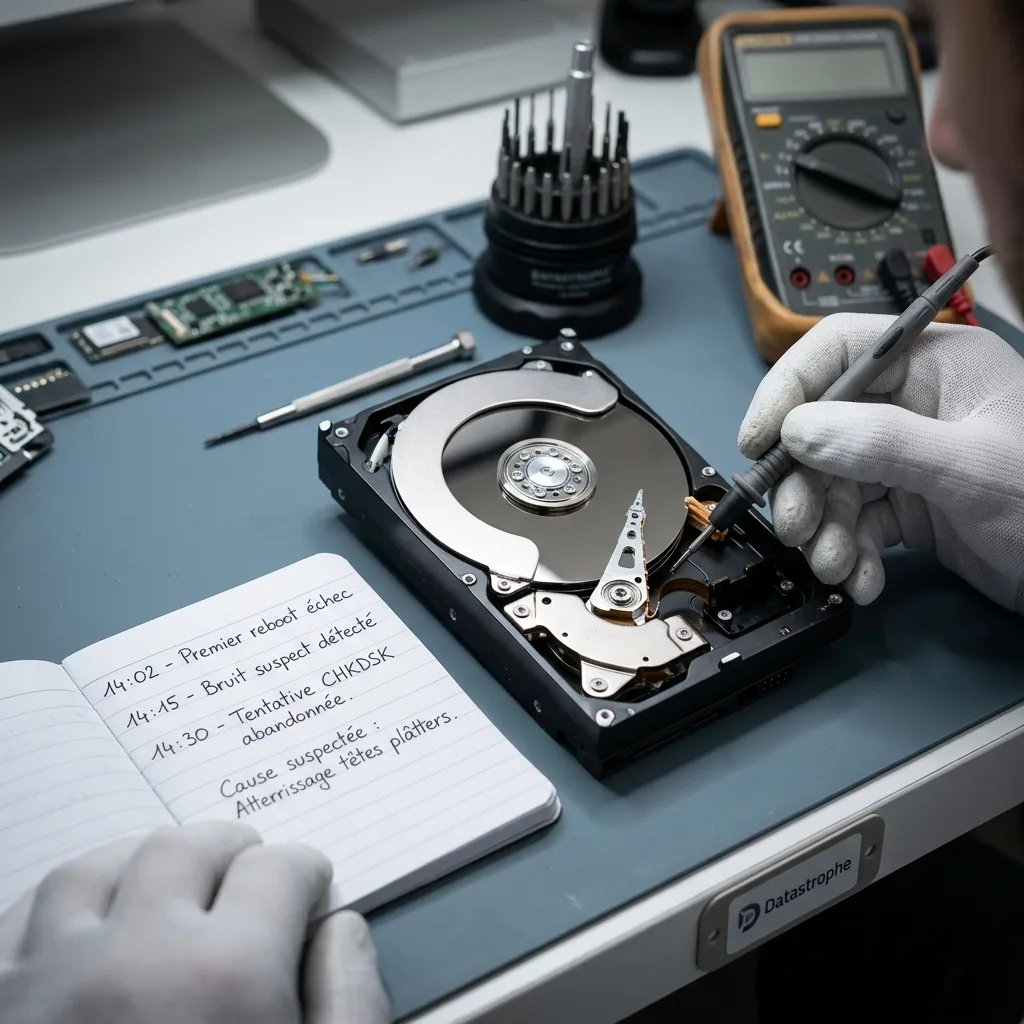
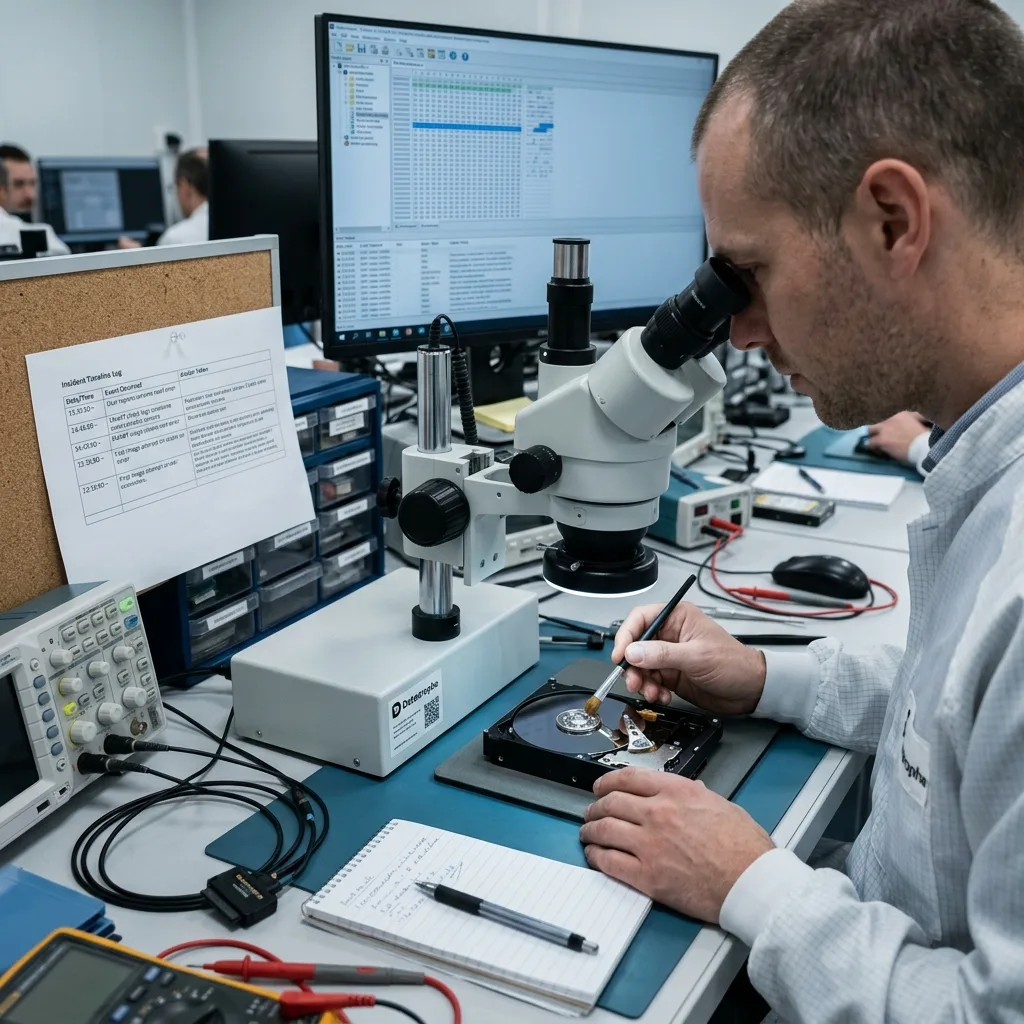
A factual timeline is more useful than an early theory. Record when the files were last confirmed, when symptoms began, what happened next, and when each backup was checked so the evaluation follows evidence.
A failure may be discovered long after it began. A synchronized deletion, interrupted backup or progressive corruption can date back several days. Without a timeline, choosing the right source or period becomes difficult.
Keep the record simple: approximate time, computer, device, message, action and result. A complex report is unnecessary. The goal is to retain facts before they disappear from memory or logs.
Human errors and storage devices shows why handling matters. Operationally, the record turns those facts into useful diagnostic context.
Include periods of uncertainty. When no one knows the precise time of loss, note the last confirmed presence and first confirmed absence. That interval helps select backups or versions for comparison.
Diagnostic evaluation
Identify every device and its symptoms
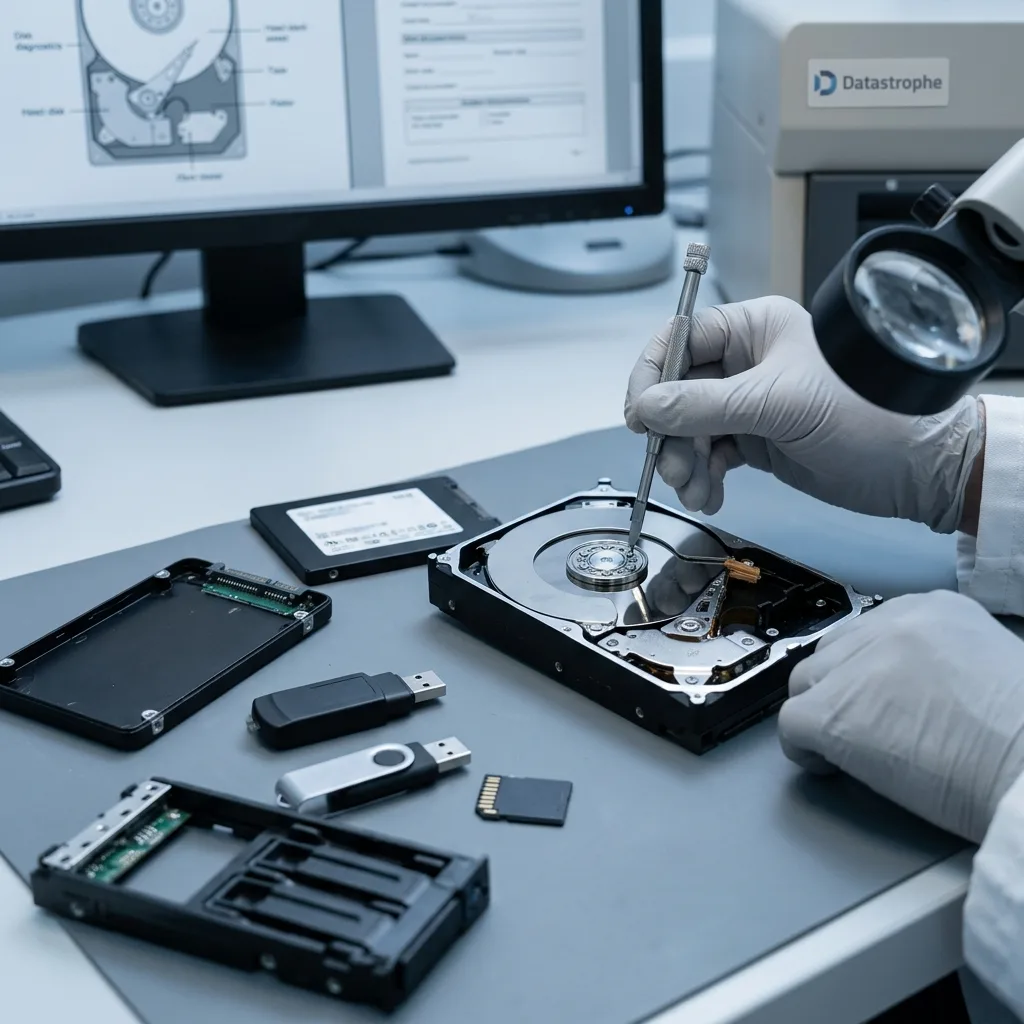
List every affected source, including internal or external hard drives, SSDs, flash drives, cards, NAS, RAID, servers, virtual machines, and backups. Similar symptoms can require very different methods on each storage family.
Describe symptoms precisely. An absent drive, noise, format request, slow copy, empty file, missing folder, inconsistent capacity and application error don't indicate the same fault. Exact messages, even photographed, are valuable.
Retain associated items: cables, enclosures, power supplies, adapters, drive order, screenshots and partial backups. They may explain why a device stopped responding or how data changed.
Avoid vague statements such as "it no longer works". Diagnosis is quicker when it's known whether the device is recognized, disappears during reading, becomes hot or affects only particular files.
Hardware references help without needing excessive detail. Drive model, capacity, enclosure type, number of RAID members, source equipment and the exact camera using a memory card may all shape the method.
Diagnostic evaluation
Record every action taken after discovery
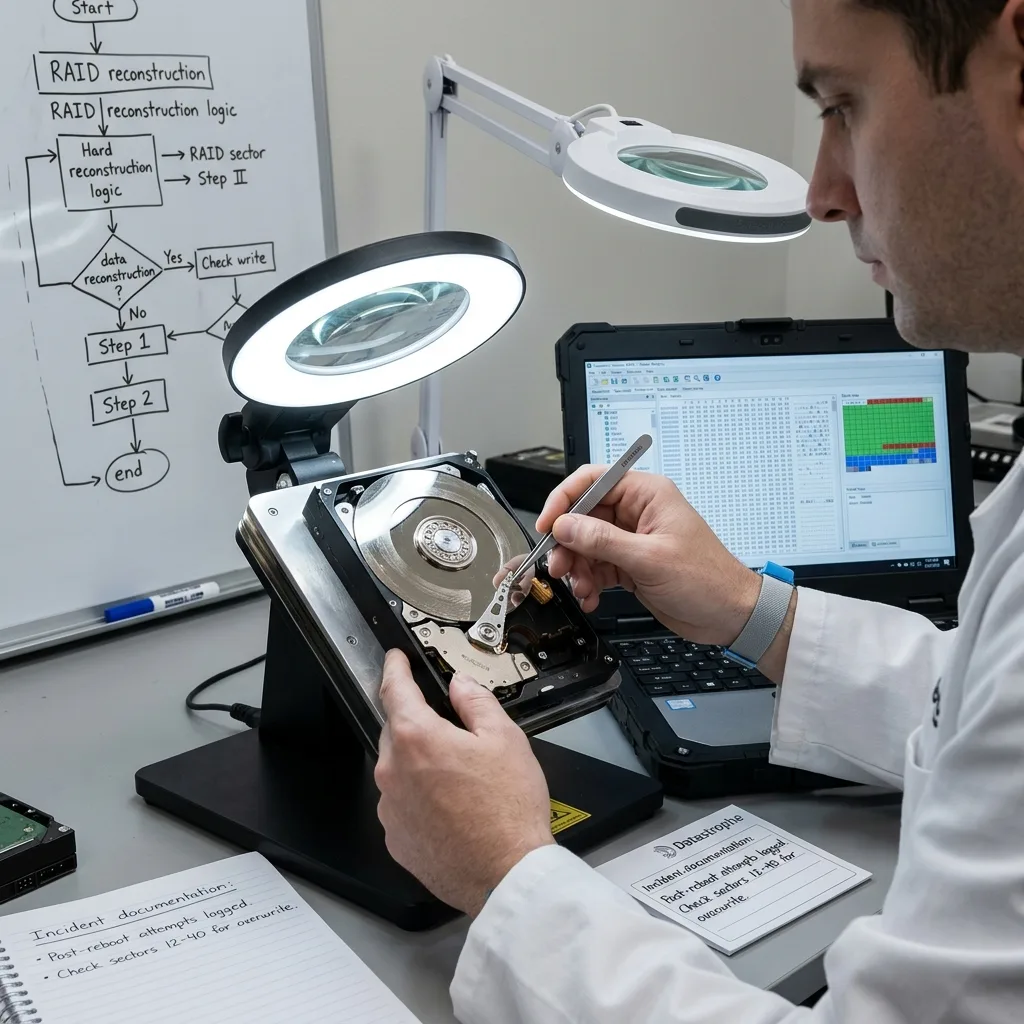
Reboots, repair tools, formatting, restoration, drive replacement, recovery utilities, RAID rebuilds, and interrupted copies all change the current state. Record them accurately to guide diagnosis, not to assign blame.
An action may have created writes or altered metadata. It may also have produced a useful partial copy. The examination needs to know what exists, what was replaced and what failed.
Transparency prevents false leads. State early if a backup was restored to the wrong place, a card formatted or a disk opened. Hidden information can direct analysis toward a cause that no longer reflects the evidence.
Actions to avoid after data loss explains the risks. Documentation then allows their consequences to be evaluated without repeating the same attempts.
Keep partial copies instead of replacing them. Even incomplete material can reveal a version, date or folder structure. Deleting an imperfect copy may remove a valuable point of comparison.
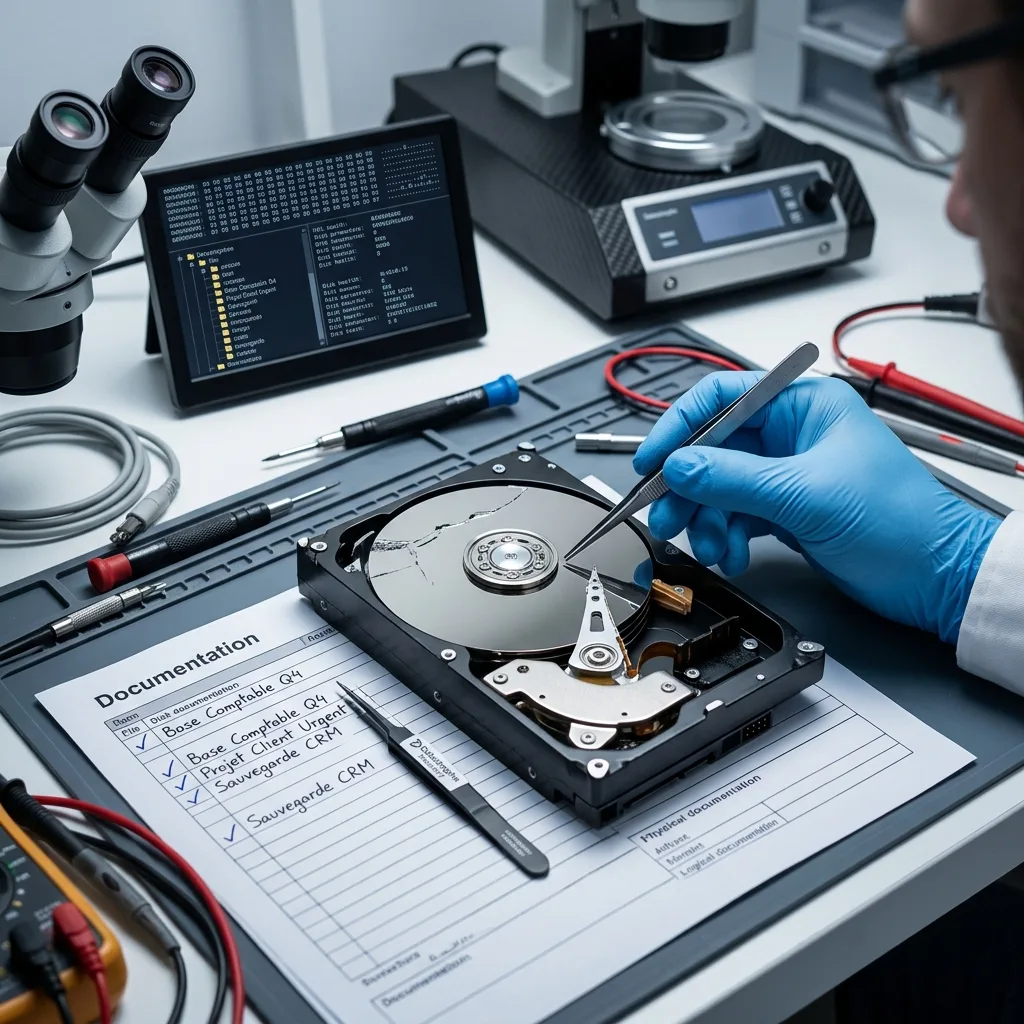
Diagnostic evaluation
Define the files and periods that matter most
Name the specific folders, databases, photos, video periods, or legal archives that matter most. Recovering the entire volume may be impossible or unnecessary, and priorities can direct the limited reads of an unstable device.
Specify the period. A business may need the latest month, an individual one year of photographs and a department several recent files. This affects acquisition order and validation.
List important formats too. Databases, spreadsheets, archives, video, raw images, audio projects and office documents require different checks. A visible file isn't automatically usable.
Priorities can reduce delay. On fragile storage, reading essential areas before secondary archives may protect the best recovery opportunity. Without them, effort can be spent on less useful files.
Use concrete examples. "The May files for this client", "photographs from this event" and "this week's billing database" are more actionable than "everything is important". Precision focuses final checks.
Diagnostic evaluation
Use the record to validate delivery and prevention
The same record supports file delivery: expected items can be checked, gaps reported, partial files separated, and dates verified. It also preserves the lessons needed to prevent a repeat incident.
It supports prevention as well. When an incident stems from an untested backup, poorly labeled device, misunderstood synchronization or handling error, the record identifies what needs correction.
For a business, the notes can strengthen a recovery plan. For an individual, they help avoid repeating the mistake with new storage. In either case, keep them concrete and usable.
Datastrophe works more effectively with a preserved device, clear chronology and explicit priorities. These can't guarantee complete recovery, but they reduce uncertainty and unnecessary handling.
Good documentation is short, factual and available. It doesn't replace technical diagnosis; it provides a reliable starting point.
Keep it accessible when the principal server is unavailable. An exported note, screenshot, shared message or paper sheet may be sufficient. Incident records shouldn't depend solely on the system that has just failed.
After file handoff, the same record supports the incident review. It shows which alerts were missed, which backups helped and which actions complicated the case, turning a crisis note into a prevention tool.
Diagnostic evaluation
Primary Technical References And Limits
Reference scope — loss incident documentation: For data loss incident documentation, the primary references used are NIST SP 800-86. Physical evidence — loss incident documentation: They define the relevant preservation, storage or validation concepts, but they cannot establish the exact physical condition, controller state, key availability or business consistency of the device received. Controller evidence — loss incident documentation: Those points require measurements on the original set and verification on copies.
Diagnostic evaluation
Request A Controlled Evaluation
Complete set — loss incident documentation: For a technical evaluation of data loss incident documentation, provide the complete device or storage set, its associated power and interface parts, the symptom timeline and the priority files. Incident history — loss incident documentation: Keep member order, labels and authorized credentials separate from the parcel paperwork; do not restart the source merely to obtain a new screenshot.
Laboratory responsibility — loss incident documentation: Datastrophe performs the diagnosis, integrity checks and recovery directly in its own laboratory with its own team. Free assessment — loss incident documentation: Diagnosis and the quote are free. Transport boundary — loss incident documentation: Private round-trip shipping is included; the carrier moves only the sealed parcel and neither accesses nor processes its data.
Controlled list — loss incident documentation: Before any payment, the client receives the proposed price and a checked list. Verification classes — loss incident documentation: Each item is classified, in order, as recoverable_verified, partial, detected_unverified or unrecoverable. Payment trigger — loss incident documentation: Only recoverable_verified items whose contents were checked and found usable are presented as recoverable. No-result rule — loss incident documentation: Payment is due only after the client accepts both the list and the price.
No-result rule — loss incident documentation: If no usable data is verified, recovery fails, or the client declines the list or price, no standard fee is payable. Rare-part exception — loss incident documentation: The only exception is a rare, costly and non-refundable part, which may be ordered only after a separate, explicit and priced proposal has been accepted.