
Diagnostic evaluation
Inventory every device that still holds data
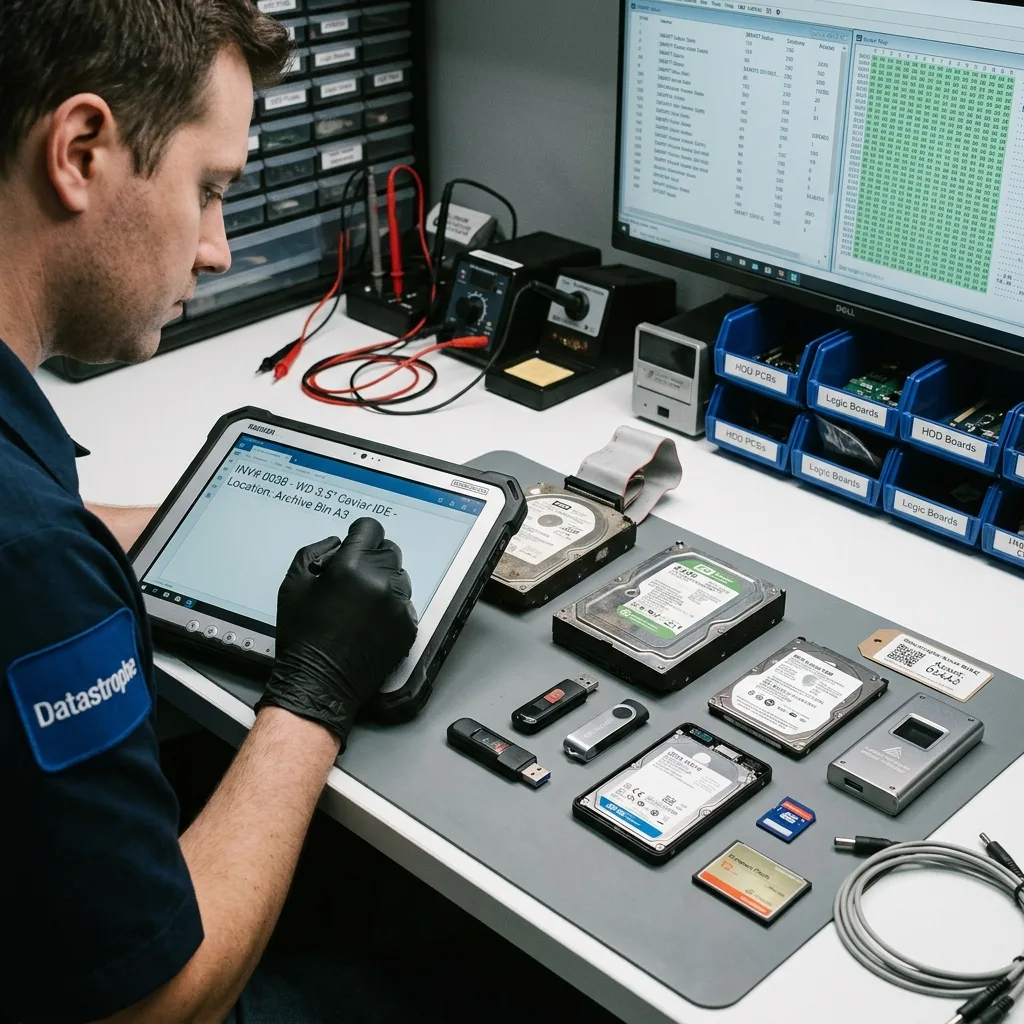
Start with an accurate inventory. Businesses often discover a forgotten external drive, old workstation, flash device, secondary NAS, or retired computer only after failure; storage that isn't listed can't be monitored or backed up deliberately.
Keep the inventory simple: device type, location, owner, stored data, last known backup, approximate age and importance. The goal isn't burdensome documentation, but knowing which devices deserve regular attention.
Flag isolated storage. A single archive disk, rotating memory card or unprotected workstation SSD represents greater practical risk than a replicated and tested system. Importance follows the role, not capacity alone.
Common causes of data loss shows how incidents often combine aging hardware, an untested backup, hurried handling and unclear priorities.
Review the inventory as use changes. Temporary drives become permanent, memory cards begin holding evidential material and legacy computers remain in use through habit. Maintenance fails when these shifts stay invisible.
Diagnostic evaluation
Monitor warning signs and define stop points
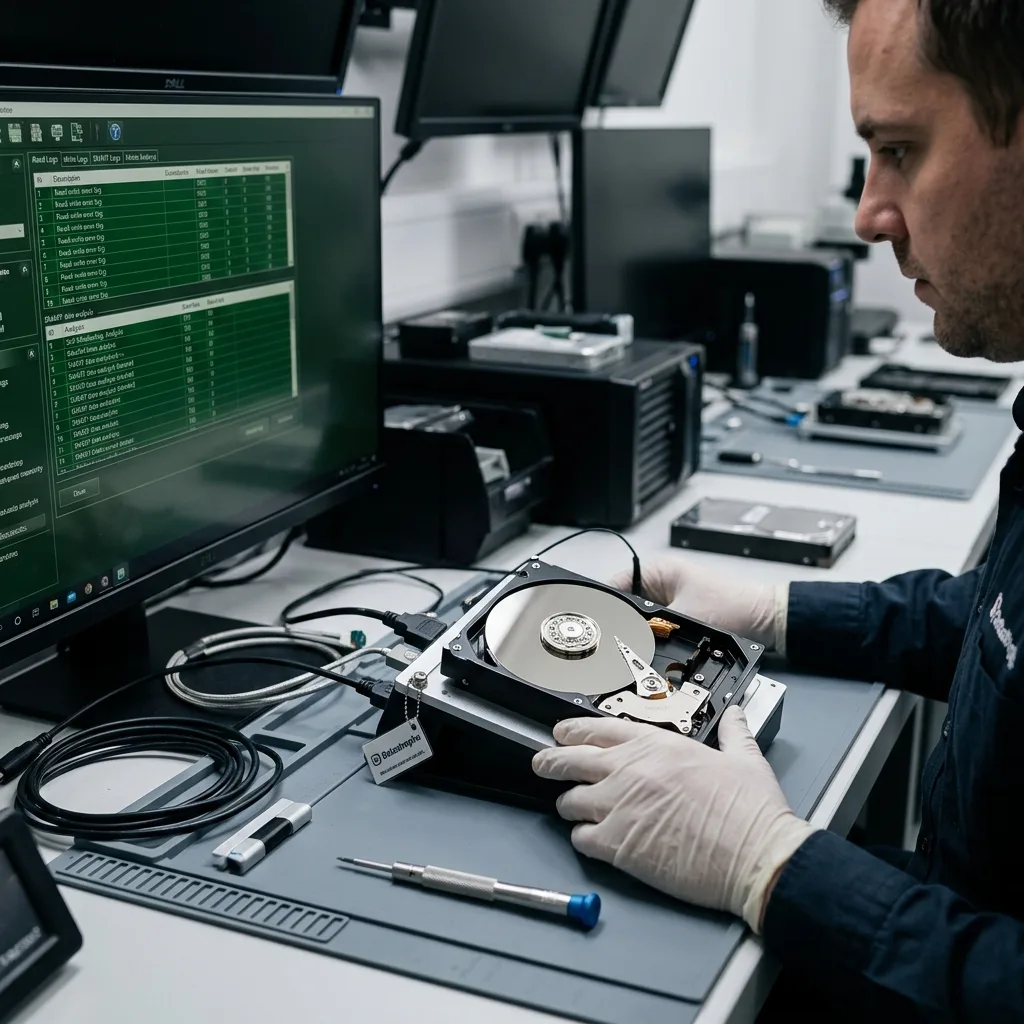
Slow reads, copy errors, disconnects, noise, heat, incorrect capacity, corrupted files, and system alerts may precede failure. They don't diagnose the cause, but they should trigger a pause, review, and controlled copy when safe.
Avoid both extremes. Ignoring weak signs lets the device deteriorate into an emergency. Overinterpreting them can trigger unnecessary repairs. Preserve data, check backups and decide whether examination is needed.
Treat SMART alerts, NAS logs and system messages as clues, not guarantees. A device can fail without warning or report an alert that needs wider analysis. Combine observation, history and data importance.
Hard drive auditing covers disks specifically. Maintenance includes every device used by the organization: hard drives, SSDs, NAS, memory cards, USB flash drives and external storage.
Monitoring must be actionable. Alerts no one reads change nothing. Assign who reviews them, which thresholds trigger replacement and when hardware should leave service before becoming inaccessible.
Diagnostic evaluation
Restore sample files to test each backup
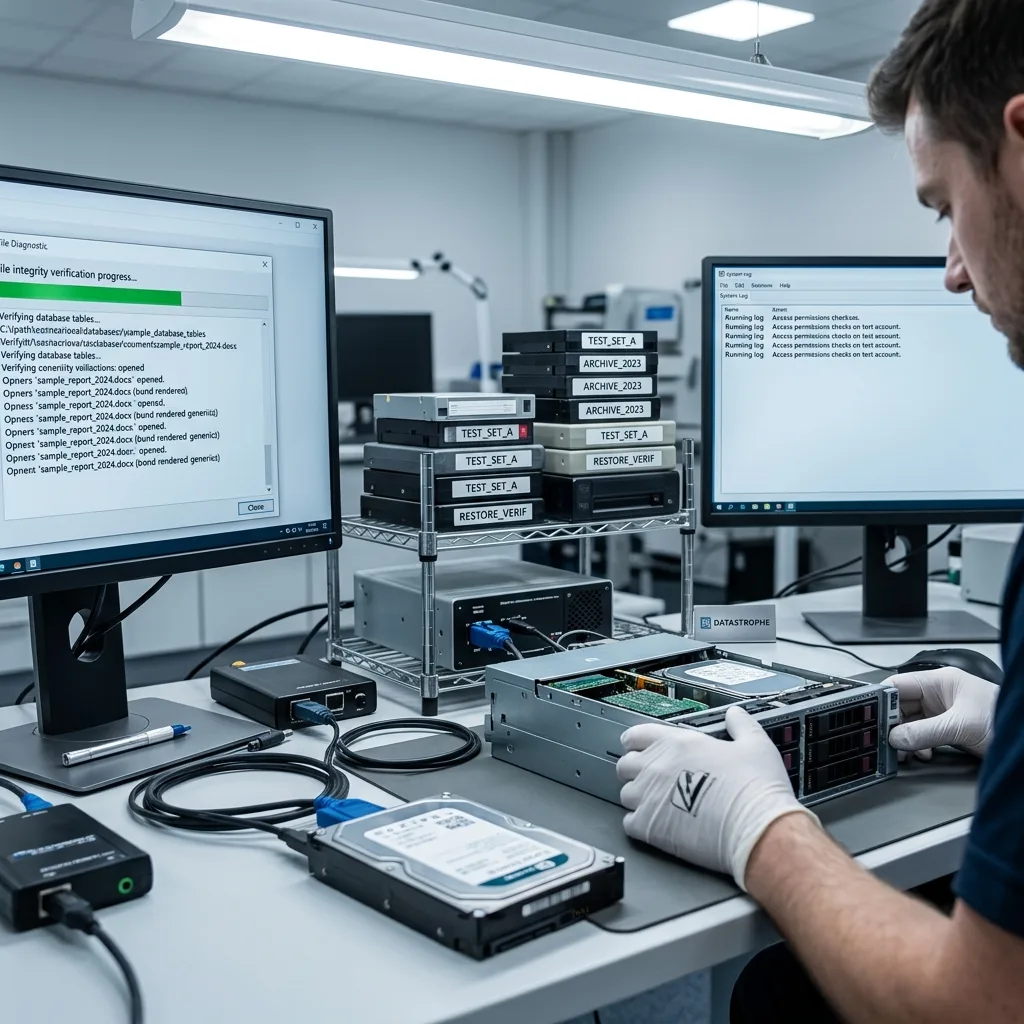
A backup remains an assumption until it restores. Schedule sample recoveries, open real files, test a database and recent date range, and confirm that permissions allow the restored data to be used.
Test in a separate area. Restoring over production can overwrite useful versions. A validation environment reveals the difference between the backup and the real need without adding risk.
Removable storage needs particular attention. A memory card, USB flash drive or external disk may receive occasional copies without ever joining the backup routine. Include it when it transports important data.
Test deletion and corruption scenarios too. Synchronization can propagate an error, short retention can remove a healthy version and encrypted backups need their keys. A successful restore is stronger evidence than a backup file's presence.
Include the people who validate the data. A technically restored file may be unusable for work because it's from the wrong folder or period, lacks database content or has lost permissions. A short user check reveals this before a real incident.
Diagnostic evaluation
Replace aging storage before visible failure
A device can still operate while being unsuitable for production. Age, abnormal noise, slowness, accumulated errors, write cycles, harsh conditions, and the value of its files may justify planned replacement.
Organize replacement. Copy to healthy storage, check files, update paths, verify backups and remove the old device. Keeping a doubtful disk as an active archive only moves the risk.
Treat exposed environments carefully: workshops, heat, moisture, vibration, transport, cheap enclosures and unstable power. Maintenance is physical along with logical; it includes how devices are used and stored.
The business data recovery plan defines responsibilities. Maintenance supplies the facts that make the plan realistic.
Preserve traceability during replacement. Record whether data were copied, checked, erased or archived. This prevents obsolete devices being retained indefinitely without knowing whether they still hold sensitive information.
Diagnostic evaluation
Include a short incident-response procedure
Maintenance should also define what users must not improvise: no formatting, automatic repair, uncertain RAID rebuild, repeated connections, or writes to the affected device. Keep those stop instructions short and visible.
People handling storage need to know these rules. A small business can have a sound backup and still lose data when its first actions overwrite recoverable versions. Prevention includes reflexes.
At an incident, the inventory and history become useful. They reveal device age, recent alerts, available backup and critical files. Datastrophe can then work with concrete context instead of starting from zero.
Professional maintenance stays restrained. It doesn't promise zero failures. It reduces blind spots, makes backups testable and limits dangerous handling. That discipline prevents every incident becoming complex recovery.
The best maintenance remains sustainable. A few regular checks, a critical-device list, tested backups and clear stop rules are better than an ambitious procedure abandoned after two months. Prevention should support operations, not become decorative paperwork.
Diagnostic evaluation
Primary Technical References And Limits
Reference scope — maintenance data loss prevention: For storage maintenance data loss prevention, the primary references used are NIST SP 800-86. Physical evidence — maintenance data loss prevention: They define the relevant preservation, storage or validation concepts, but they cannot establish the exact physical condition, controller state, key availability or business consistency of the device received. Controller evidence — maintenance data loss prevention: Those points require measurements on the original set and verification on copies.
Diagnostic evaluation
Request A Controlled Evaluation
Complete set — maintenance data loss prevention: For a technical evaluation of storage maintenance data loss prevention, provide the complete device or storage set, its associated power and interface parts, the symptom timeline and the priority files. Incident history — maintenance data loss prevention: Keep member order, labels and authorized credentials separate from the parcel paperwork; do not restart the source merely to obtain a new screenshot.
Laboratory responsibility — maintenance data loss prevention: Datastrophe performs the diagnosis, integrity checks and recovery directly in its own laboratory with its own team. Free assessment — maintenance data loss prevention: Diagnosis and the quote are free. Transport boundary — maintenance data loss prevention: Private round-trip shipping is included; the carrier moves only the sealed parcel and neither accesses nor processes its data.
Controlled list — maintenance data loss prevention: Before any payment, the client receives the proposed price and a checked list. Verification classes — maintenance data loss prevention: Each item is classified, in order, as recoverable_verified, partial, detected_unverified or unrecoverable. Payment trigger — maintenance data loss prevention: Only recoverable_verified items whose contents were checked and found usable are presented as recoverable. No-result rule — maintenance data loss prevention: Payment is due only after the client accepts both the list and the price.
No-result rule — maintenance data loss prevention: If no usable data is verified, recovery fails, or the client declines the list or price, no standard fee is payable. Rare-part exception — maintenance data loss prevention: The only exception is a rare, costly and non-refundable part, which may be ordered only after a separate, explicit and priced proposal has been accepted.