
Diagnostic assessment
Hardware failures and unstable media
The common causes of data loss fall into four broad families: physical failure, logical damage, human action and environmental events. The symptom alone never identifies the cause. A missing volume may result from a failed drive, controller fault, RAID configuration or inconsistent file system.
One visible cause can conceal two others
Read an incident as a chain: stress, failure, loss of access, then possible aggravation. An unstable power supply may expose an already worn drive; the failure reveals there was only one copy; an urgent rebuild then stresses the remaining members. Calling this merely a “drive fault” leaves the other causes untreated.
Establish the likely cause by correlating symptoms, chronology, available logs and every intervention. One indicator in isolation is insufficient.
An unstable medium may still respond partially. It can display folders and then fail as files are opened, disconnect during a copy or slow down over specific regions. Partial readability must not be mistaken for health.
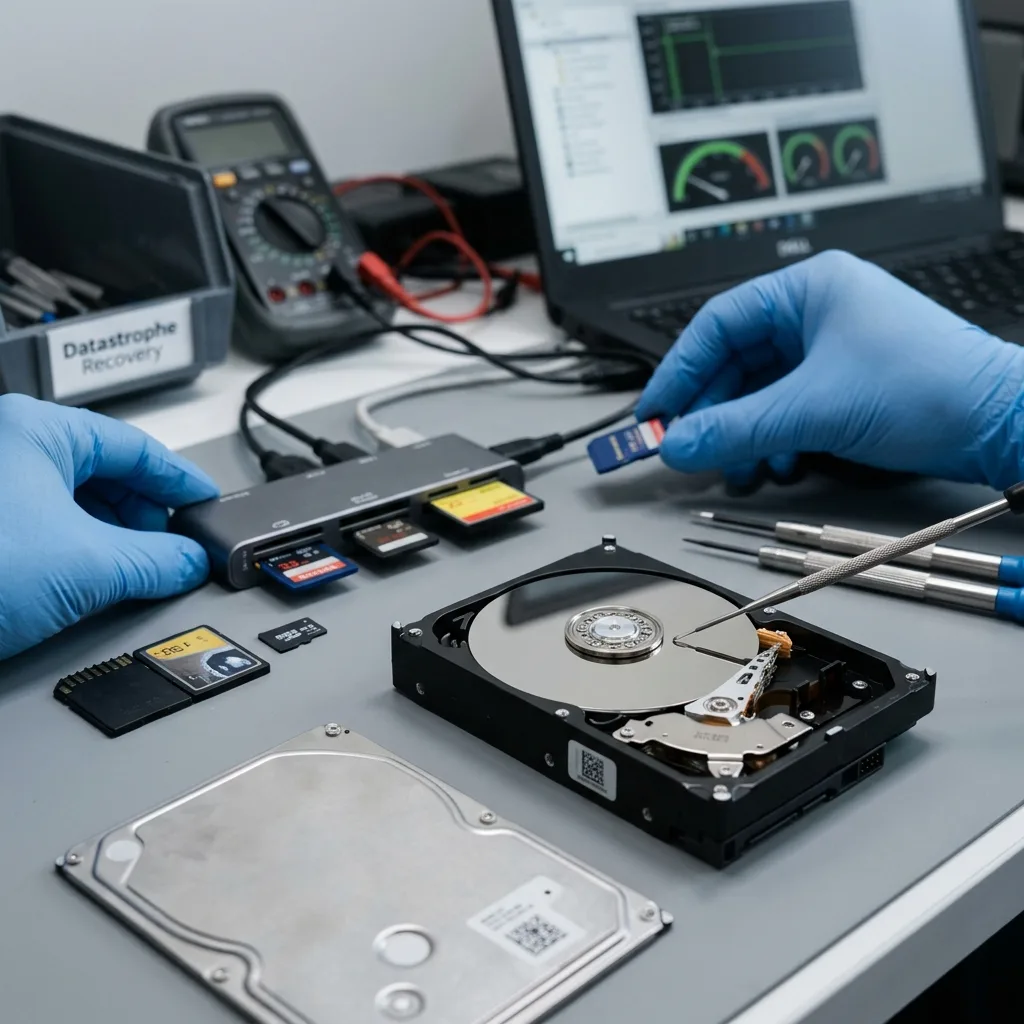
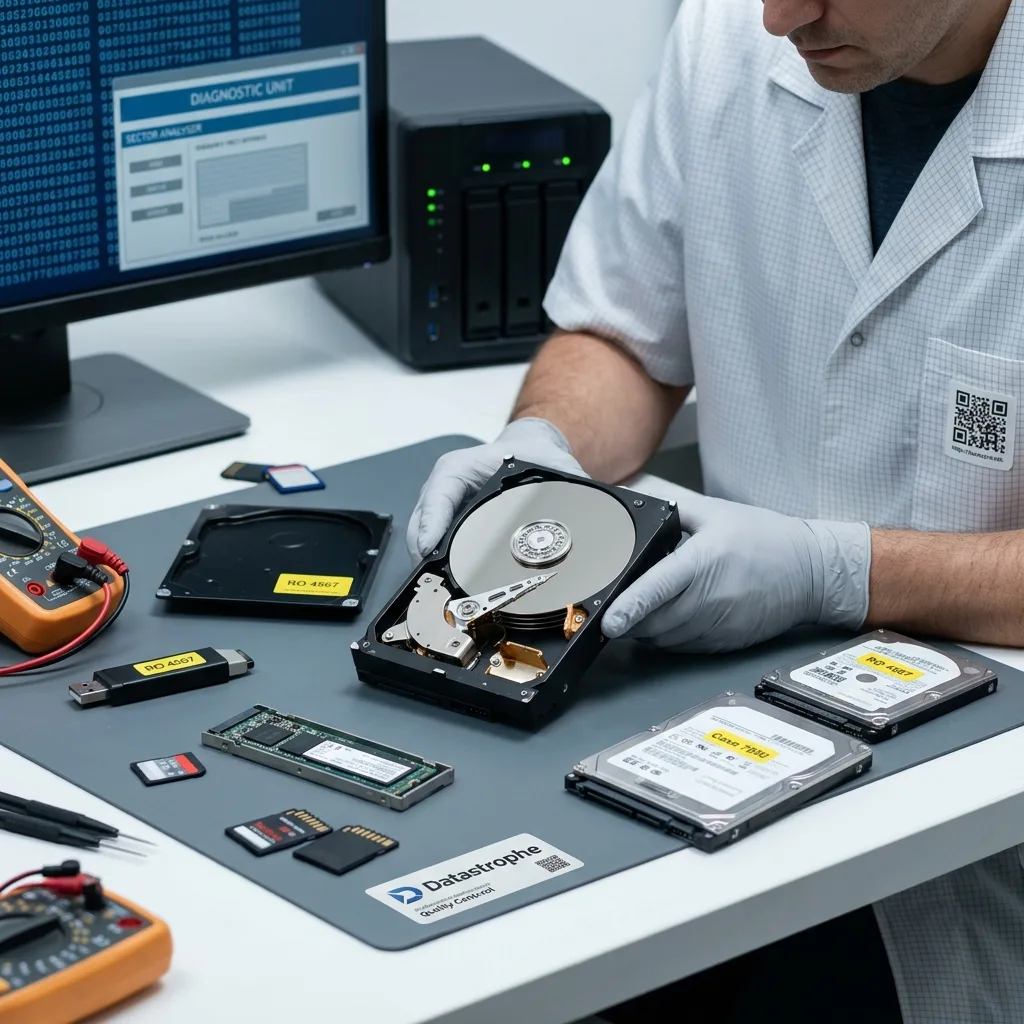
Diagnosis distinguishes mechanical, electronic, flash-memory and logical faults. That distinction first determines what not to do: do not repeatedly power a clicking hard drive, cycle an absent SSD or run file-system repair on physically unstable storage media.
| Initial observation | Possible causes | Cautious decision |
|---|---|---|
| Noisy or extremely slow hard drive | Heads, mechanics or platter surface | Stop repeated reads |
| SSD or USB device not detected | Controller, power or flash memory | Retain it unpowered |
| Volume visible but files unreadable | File system, unstable sectors or encryption | Work from a controlled copy |
| Degraded RAID after replacement | Another weak disk, wrong order or parameters | Freeze every member and the chronology |
The storage media damage assessment explains this separation. A probable cause is useful because it prevents an unsuitable repair, not because it provides a convenient label.
Hardware failure may also expose an organisational weakness. If the device held the only copy, the visible cause is the failed medium but the scale of loss also reflects the absence of a verified backup. Both need to be addressed.
Diagnostic assessment
Human error and unintended writes
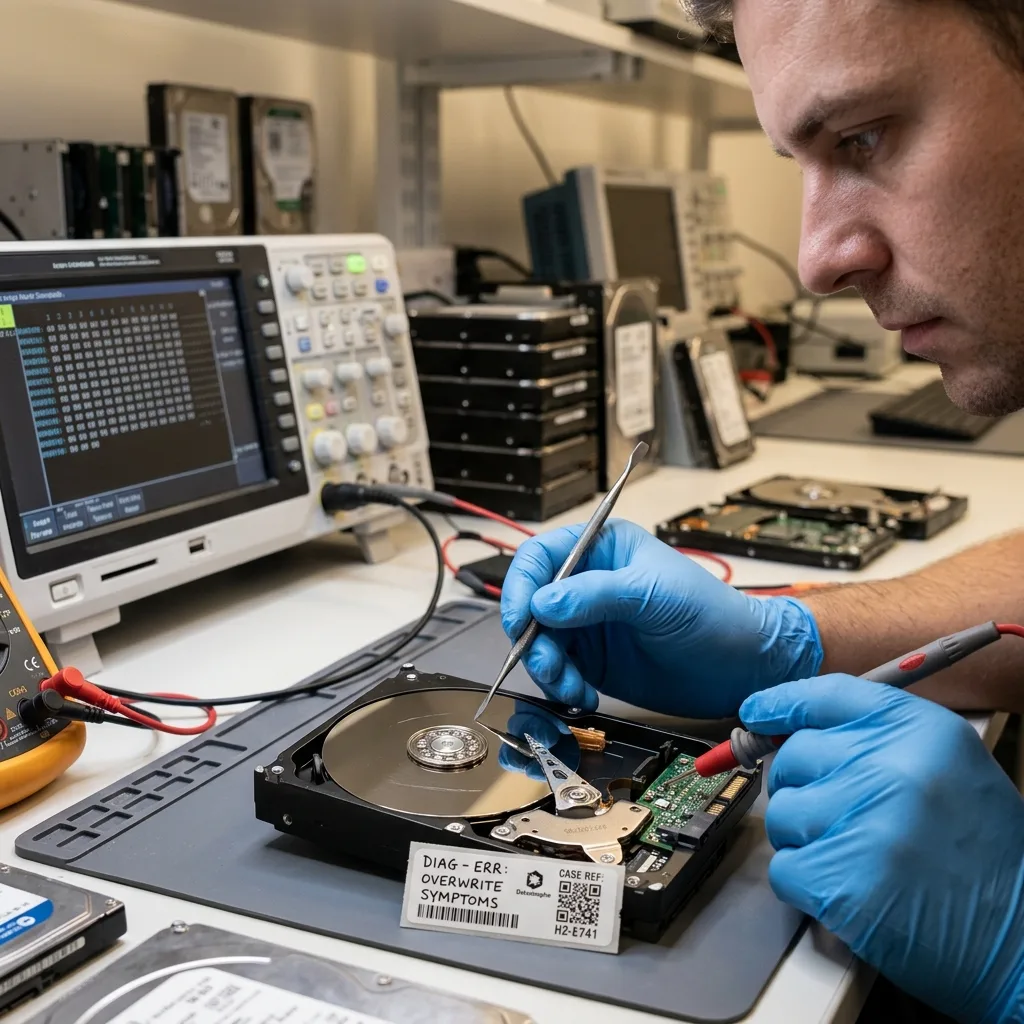
Human error is rarely the whole cause. It becomes an aggravating factor when deletion is followed by new writes, a failing array is rebuilt or a backup is restored to the wrong target. Interface design, procedure and architecture may have made the mistake easy and its effect hard to reverse.
| Recorded action | Possible technical effect | Information to keep |
|---|---|---|
| Deletion or formatting | Metadata changed and blocks released for reuse | Time, volume and subsequent use |
| Restore operation | Newer version replaced by an older one | Source, target and version date |
| RAID rebuild | Intensive reading and redistributed blocks | Member order, states and parameters |
| Automatic repair | File-system metadata rewritten | Original message and tool report |
Unintended writes create the greatest risk. After deletion or formatting, continued use can replace useful areas. After logical damage, automatic repair can alter the metadata needed to reconstruct the previous state.
These actions do not always make recovery impossible, but they change the method. The exact steps must be known so overwritten, moved or superseded regions can be interpreted correctly.
The guide to human handling errors on storage devices addresses prevention. After an incident, the useful response is simpler: stop writes and document facts.
Describe the action without blame. Recovery needs its technical consequence — write, deletion, move, format, restore or device replacement. Honest detail improves the diagnosis and avoids repeating the same manipulation.
Diagnostic assessment
Logical corruption and synchronisation
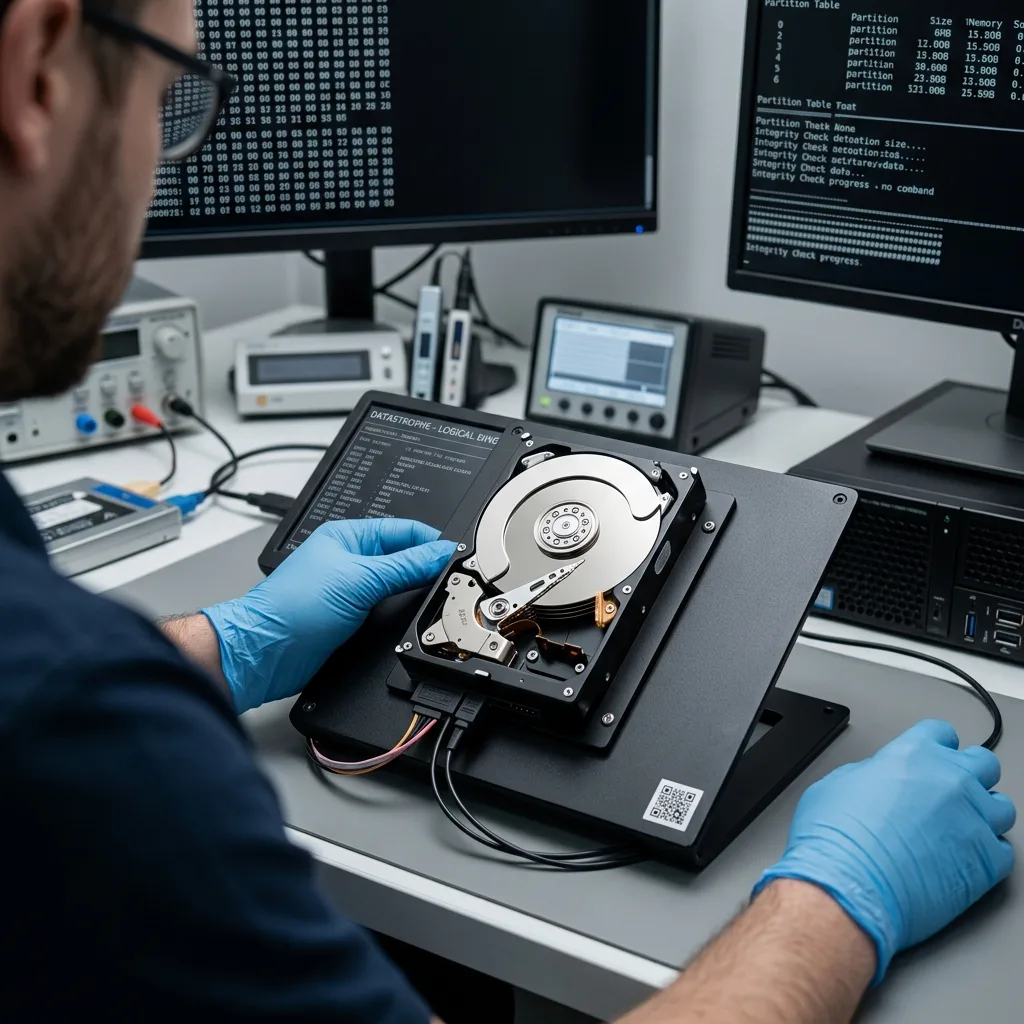
Logical corruption makes data structures inconsistent while the underlying device may continue to respond normally. Partition tables, file systems, databases, indexes, archives and virtual machines can all be affected. Repairing a container without preserving its initial state can remove the evidence needed to reconstruct it.
Essential distinction: synchronisation reproduces a state, including deletion or corruption. A useful backup retains restorable, tested versions. Several synchronised copies do not necessarily provide several independent recovery points.
Synchronisation complicates the chronology. A local deletion can propagate to cloud storage, a NAS and several computers. Corruption can enter a backup if it already exists when the job runs. The usable version may survive only in history, an export or a disconnected copy.
Compare sources before restoring anything. Production, backup, local workstation, cloud account and external storage can contain different generations. An urgent restore may overwrite the one version that was still useful.
The article on cloud backup limitations explains this risk. A backup is reliable only when the expected data have been restored and checked.
Databases and line-of-business applications require particular care. A file may exist yet be inconsistent with its logs, dependent volumes or application version. The cause may therefore lie in the service layer as well as the storage device.
Diagnostic assessment
Environmental and incident damage
An environmental event is often the final link in a longer chain: unstable power, ageing media, abrupt shutdown and corruption at restart. Water, damp, heat, a power surge, vibration or impact can make access unsafe before files have physically disappeared.
Document exposure before cleaning
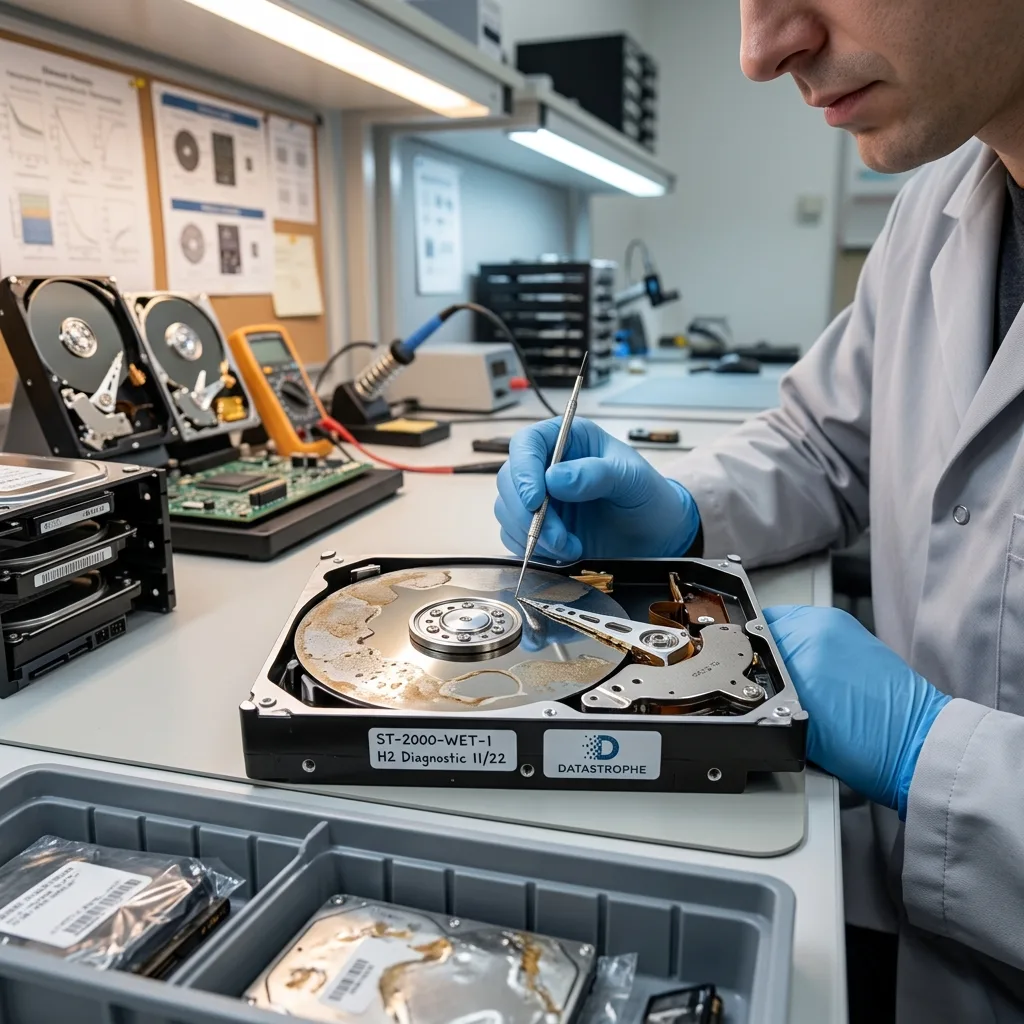
Record the liquid or residue, exposure time, whether the device was powered, approximate temperature and any drying or cleaning already attempted. Photographs and isolation provide more evidence than cosmetic cleaning. Never open a hard drive outside the correct clean-room environment or apply a domestic drying recipe.
Incident damage often combines faults. A water-exposed drive may have corroded electronics and weakened mechanics. A power cut may create logical corruption on already ageing media. An impact may make some sectors unreadable and then halt a copy.
Respond in proportion to the risk: isolate the medium, document the context, avoid heat and repeated power cycles, and prepare the facts required for laboratory diagnosis.
The guides to extreme cold and hard drives and fire-damaged storage illustrate two such contexts. Water and flooding require equally specific handling.
Do not rely on appearance. A device can look intact after an electrical or thermal event yet be unstable. Conversely, visibly damaged storage may retain useful areas if it is preserved before further attempts.
Diagnostic assessment
Prevent loss by controlling the sources
Effective prevention links each cause to a checkable barrier. It does not try to predict the exact incident; it prevents one event from removing every copy or triggering a destructive emergency response.
- Hardware failure: independent copy and planned replacement of ageing media;
- Handling error: appropriate permissions, versioning and confirmation before deletion;
- Corruption or synchronisation: sufficient history and tested restoration;
- Environmental incident: disconnected or off-site copy and a power-off instruction;
- RAID or NAS failure: member inventory, retained configuration and separate backup.
Find the cause that changes a decision
After an incident, the useful question is not only which component broke but which control would have limited the loss. The answer may be a restore test, disconnected copy, earlier replacement, reduced deletion rights or a clearer stop threshold. This produces a specific action rather than a generic policy.
Check less visible data sources as well. A workstation, external disk, memory card, manual export or old computer can hold the only recent version. Ignoring them can make a central-system failure needlessly harder to recover from.
The cause should improve the future arrangement. A single-medium failure calls for an independent copy; synchronisation loss calls for stronger version history; a handling error calls for clearer, safer procedure.
Datastrophe relates the probable cause to the medium, chronology, interventions and available sources before selecting a recovery method. A common cause must never become an automatic diagnosis.
Decision point: until the dominant cause is sufficiently qualified, limit writes, retain every existing copy and avoid reconstruction. That pause protects more options than a repair chosen from the latest error message.
Diagnostic assessment
Primary Technical References And Limits
Reference scope — causes of data loss: For common causes of data loss, the primary references used are NIST SP 800-86. Physical evidence — causes of data loss: They define the relevant preservation, storage or validation concepts, but they cannot establish the exact physical condition, controller state, key availability or business consistency of the device received. Controller evidence — causes of data loss: Those points require measurements on the original set and verification on copies.
Diagnostic assessment
Arrange A Controlled Assessment
Complete set — causes of data loss: For a technical examination of common causes of data loss, provide the complete device or storage set, its associated power and interface parts, the symptom timeline and the priority records. Incident history — causes of data loss: Keep member order, labels and authorised credentials separate from the parcel paperwork; do not restart the source merely to obtain a new screenshot.
Laboratory responsibility — causes of data loss: Datastrophe performs the diagnosis, integrity checks and recovery directly in its own laboratory with its own team. Free assessment — causes of data loss: Diagnosis and the quotation are free. Transport boundary — causes of data loss: Private collection and return is included; the carrier moves only the sealed parcel and neither accesses nor processes its data.
Controlled list — causes of data loss: Before any payment, the client receives the proposed price and a checked list. Verification classes — causes of data loss: Each item is classified, in order, as recoverable_verified, partial, detected_unverified or unrecoverable. Payment trigger — causes of data loss: Only recoverable_verified items whose contents were checked and found usable are presented as recoverable. No-result rule — causes of data loss: Payment is due only after the client accepts both the list and the price.
No-result rule — causes of data loss: If no usable data is verified, recovery fails, or the client declines the list or price, no standard fee is payable. Rare-part exception — causes of data loss: The only exception is a rare, costly and non-refundable part, which may be ordered only after a separate, explicit and priced proposal has been accepted.