
Diagnostic assessment
Identify Mistakes Before Failure
Human errors are not always dramatic. An external drive disconnected during copying, a memory card formatted in the wrong camera, a USB flash drive used as the only archive or a NAS reset too quickly can all cause data loss. Hardware failure may then be only part of the problem.
Risk rises when devices look alike. Two identical drives, several memory cards, unnamed backups and synchronised folders can create version confusion. Someone believes they are working on a copy but may be altering the only useful source.
Prevention begins with clarity. Name each device, record its purpose, separate working data from backup, avoid indiscriminate copying and check dates. This straightforward organisation reduces reflex decisions.
Mistakes to avoid after data loss covers post-incident actions. The concern here starts earlier, with habits that prepare the ground for loss.
These errors are common when storage changes hands. A backup drive moves between offices, a memory card is reused before a complete copy, or a USB device holds the only document version. Risk increases when no one knows which device is authoritative.
Diagnostic assessment
Separate Working Storage From Backups
Using the same device for work, transport and backup is a frequent mistake. An external drive containing the only copy of a folder is not a dependable backup. A USB device moving between computers is transport storage exposed to deletion and disconnection.
Everyone should understand the separation. Working storage can change. A backup connects only for the time required, is then checked and disconnected. An archive should not receive daily writes. Mixing these roles makes mistakes almost invisible.
Confirm that the backup holds the right version. An empty folder, old version or incomplete tree gives false confidence. Check important files by opening them, not merely seeing the folder.
Business environments must include local sources. An individual workstation, synchronised desktop, project disk or memory card may contain data absent from the server. Ignoring it creates dependence on fragile storage.
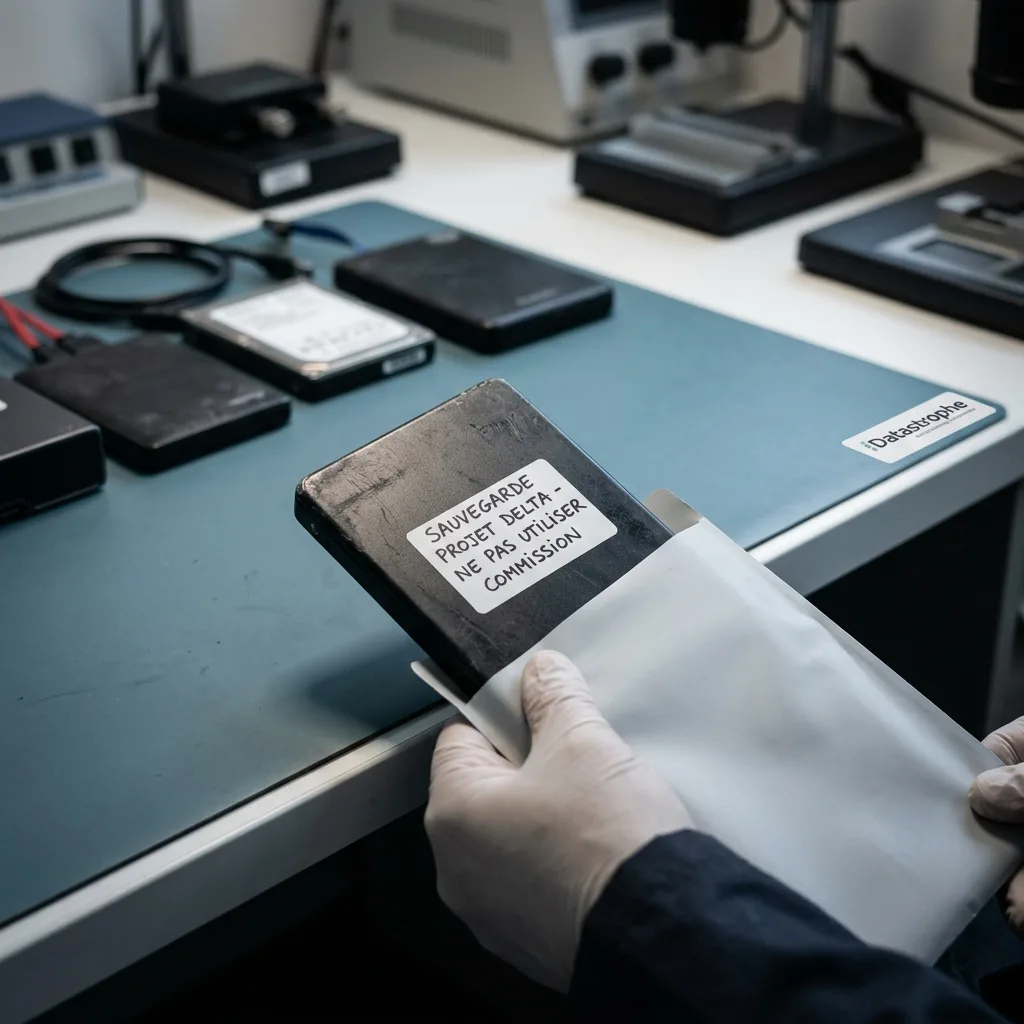
Make roles visible with a label, volume name, storage location, short note or rotation rule. An unidentified backup often ends up reused as spare space.
Diagnostic assessment
Reduce Risky Actions
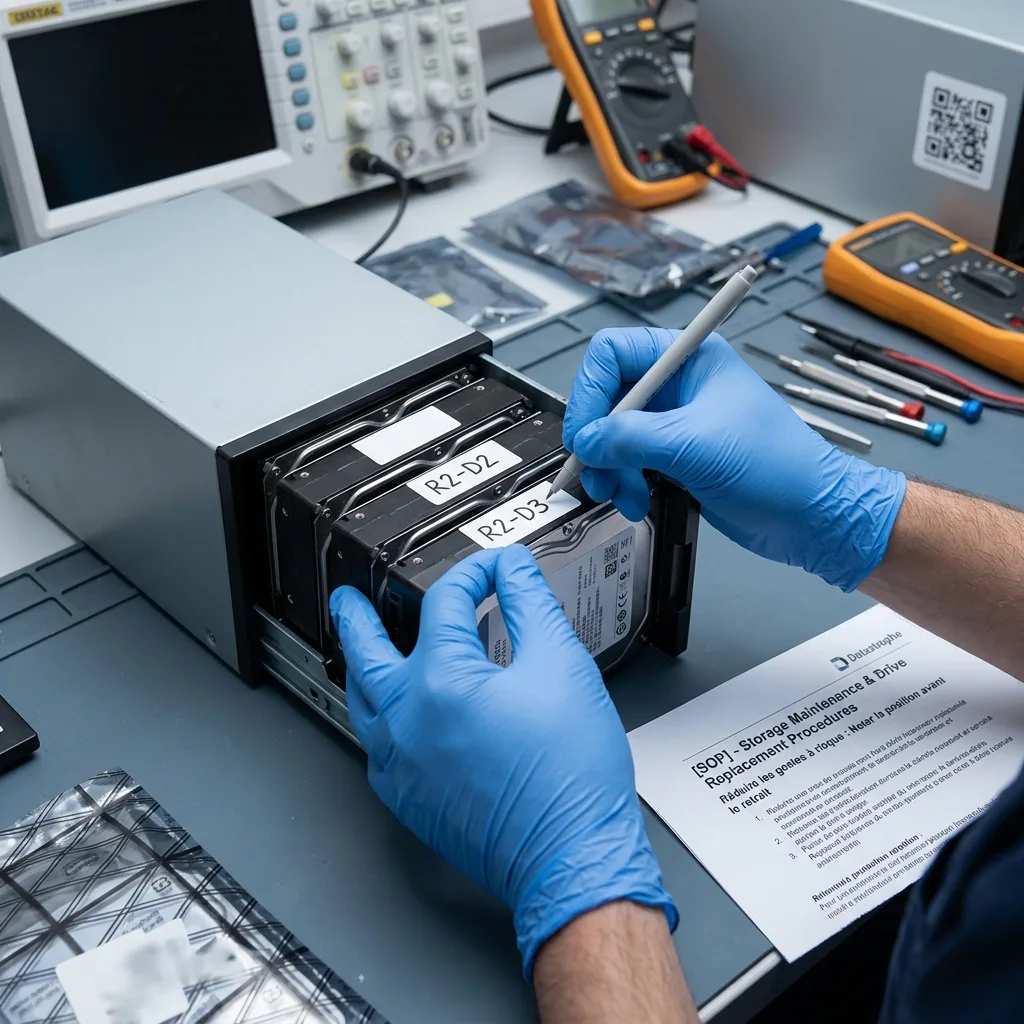
The risky actions are familiar: remove a device during writing, accept a format request, start automatic repair, replace a disk without noting its position, restore to the wrong place or continue using a computer after deletion.
They usually begin with a sensible intention. The user wants to restore service or retrieve a file quickly. The action may instead write to an area that must be preserved, alter metadata or hide the incident chronology.
The answer is not an oppressive procedure. Set a few stop conditions: unusual noise, a format request, a disappearing disk, degraded RAID, uncertain backup or missing critical folder. Stop attempts and document the event at those points.
A short visible instruction is often enough: do not format, automatically repair, restore over production without checks or replace a disk without a photograph or note. These sentences prevent more secondary loss than a long unread document.
Limit parallel initiatives too. When two people investigate one incident, one may restore while the other copies, or replace a device while diagnosis begins. One temporary coordinator, even a non-specialist, centralises decisions.
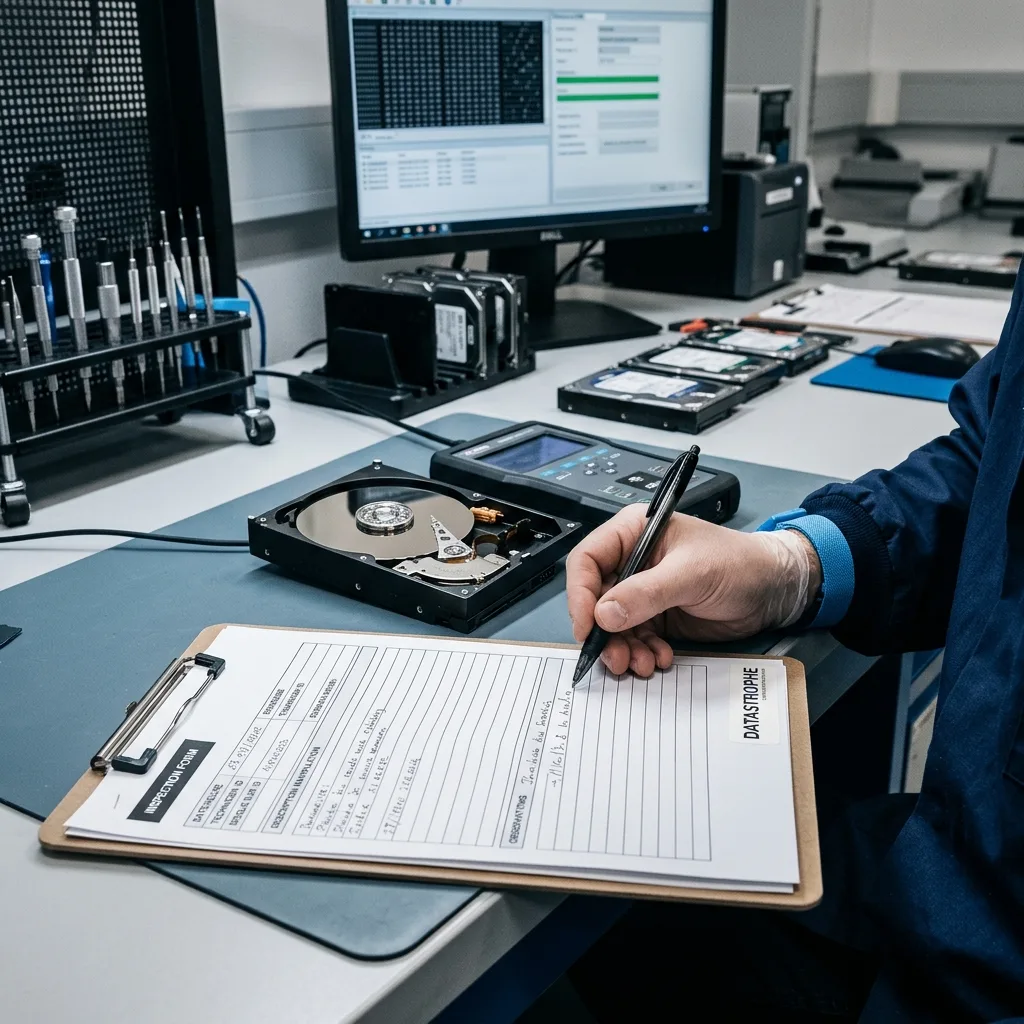
Diagnostic assessment
Document Relevant Handling
Once an error has occurred, documentation becomes decisive. Record who did what, at which time, on which device and after which message. This separates the original fault from later actions.
Keep it factual. A Windows repair, attempted copy, drive returned to an enclosure or restored backup is more useful than a theory about cause. Diagnosis needs observable facts.
Retain associated items. Cables, enclosures, cards, adapters, partial backups and screenshots may explain the incident. Replacing or discarding them too soon can remove useful information.
Incident documentation examines this in detail. Human handling is not a fault to conceal; it is technical information that changes the recovery approach.
Early disclosure saves time. Deletion followed by copying, quick formatting, incomplete restoration and folder movement have different effects. Chronology indicates where to look and which areas to preserve.
Diagnostic assessment
Establish Restrained Routines
The most effective routines are short: name devices, test a backup by opening it, disconnect copies, photograph RAID before work, record actions and isolate storage when uncertain. A non-specialist team can follow these steps.
Limit temporary devices too. The more data circulate on untracked USB drives, cards and external disks, the more versions become confused. One clear reference location reduces copying and deletion mistakes.
Training should be practical. Show risky situations rather than reciting principles: a format request, unrecognised device, apparently empty backup, slow disk or memory card removed too soon. Users then recognise when to stop.
Datastrophe can work from a clearer timeline and better-preserved devices. The aim is not to eliminate all human error, but to reduce actions that write, erase or conceal the initial state.
Adjust the routine after an incident. Correct poor labelling, add an opening check to an untested backup or simplify a process until people genuinely follow it.
Diagnostic assessment
Primary Technical References And Limits
Reference scope — error storage device handling: For human error storage device handling, the primary references used are NIST SP 800-86. Physical evidence — error storage device handling: They define the relevant preservation, storage or validation concepts, but they cannot establish the exact physical condition, controller state, key availability or business consistency of the device received. Controller evidence — error storage device handling: Those points require measurements on the original set and verification on copies.
Diagnostic assessment
Arrange A Controlled Assessment
Complete set — error storage device handling: For a technical examination of human error storage device handling, provide the complete device or storage set, its associated power and interface parts, the symptom timeline and the priority records. Incident history — error storage device handling: Keep member order, labels and authorised credentials separate from the parcel paperwork; do not restart the source merely to obtain a new screenshot.
Laboratory responsibility — error storage device handling: Datastrophe performs the diagnosis, integrity checks and recovery directly in its own laboratory with its own team. Free assessment — error storage device handling: Diagnosis and the quotation are free. Transport boundary — error storage device handling: Private collection and return is included; the carrier moves only the sealed parcel and neither accesses nor processes its data.
Controlled list — error storage device handling: Before any payment, the client receives the proposed price and a checked list. Verification classes — error storage device handling: Each item is classified, in order, as recoverable_verified, partial, detected_unverified or unrecoverable. Payment trigger — error storage device handling: Only recoverable_verified items whose contents were checked and found usable are presented as recoverable. No-result rule — error storage device handling: Payment is due only after the client accepts both the list and the price.
No-result rule — error storage device handling: If no usable data is verified, recovery fails, or the client declines the list or price, no standard fee is payable. Rare-part exception — error storage device handling: The only exception is a rare, costly and non-refundable part, which may be ordered only after a separate, explicit and priced proposal has been accepted.