
Diagnostic assessment
Map the loop-recording window
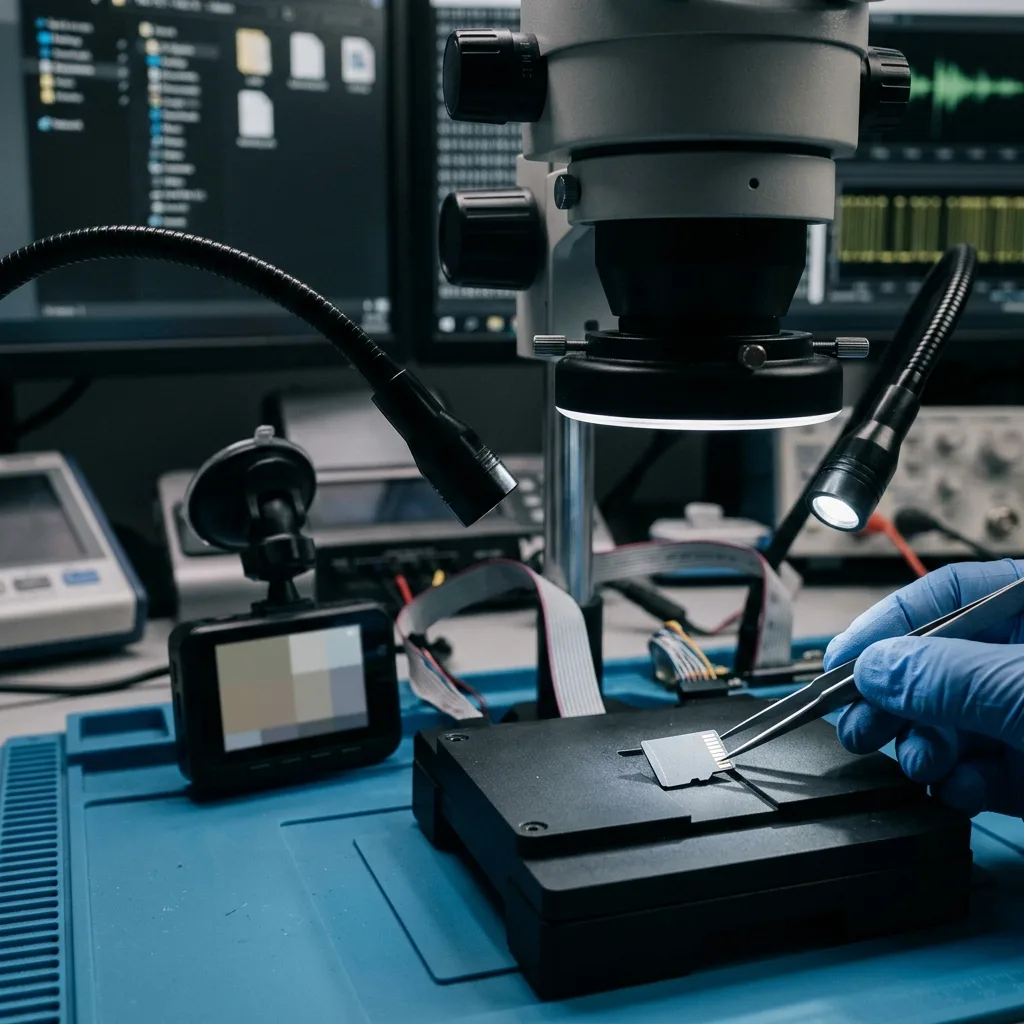
A dashcam memory card loses required data most often because loop recording has already reused the relevant blocks, or because a power interruption left the newest segment unfinished. Do not power the camera merely to check. Stop writing and record the time of the event first.
Most dashcams divide their stream into clips lasting a few minutes. As free space falls, the device reuses blocks belonging to the oldest clips unless an impact sensor or manual command marks one as protected. Protection is model- and setting-dependent, and the event area can also fill.
Three different conditions can explain a missing recording:
- Power was lost before the current segment and its index were finalised;
- The directory entry or container index is damaged while video fragments remain;
- Later recordings have physically overwritten the blocks that held the segment.
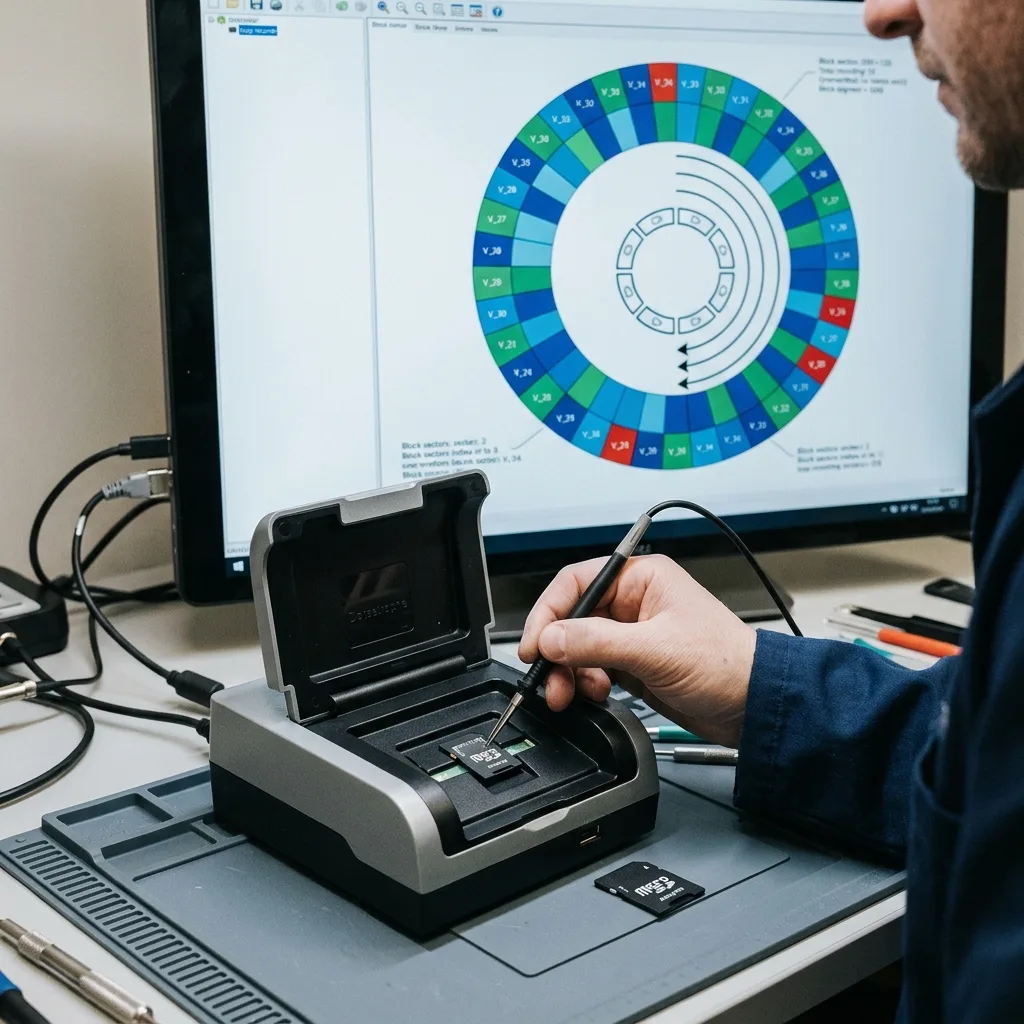
These conditions require different analysis. A data recovery assessment records capacity, file system, segment sequence and use after the incident. It must not present a physically overwritten interval as though it can be reconstructed from nothing.
Parking mode matters. Some hard-wired systems continue to record motion or impacts after the ignition is switched off. Removing the card hours later does not establish that it remained inactive in the meantime.

Diagnostic assessment
Account for conditions inside the vehicle
A microSD card mounted near a windscreen faces heat, thermal cycling, vibration and constant writing. A parked vehicle can become far hotter than an ordinary office environment and then cool quickly, stressing contacts, casing and flash storage.
Endurance matters more than capacity alone. Media intended for occasional file transfer is not equivalent to a card designed for continuous recording. As flash cells wear, the internal controller remaps blocks and corrects more errors. Symptoms can be intermittent: zero-length clips, mosaics, restarts, wrong capacity or a format request.
Vehicle power introduces another variable. An interruption while a file closes can leave encoded video without its final index. A loose power connection or unstable adaptor may create several unfinished segments during one journey, so the visible directory may not tell the full history.
Record clues without repeating tests
Note the dashcam message, indicator state, most recent visible timestamp, normal clip length and whether parking mode was enabled. Do not cycle through readers, applications and repeated restarts: each environment can create service files, update metadata or offer an unsafe repair.
This usage differs from 4K camera card failures. A dashcam case often concerns one exact time window in a circular stream, rather than a collection of independent shots waiting to be copied.
Diagnostic assessment
Preserve the card after an event
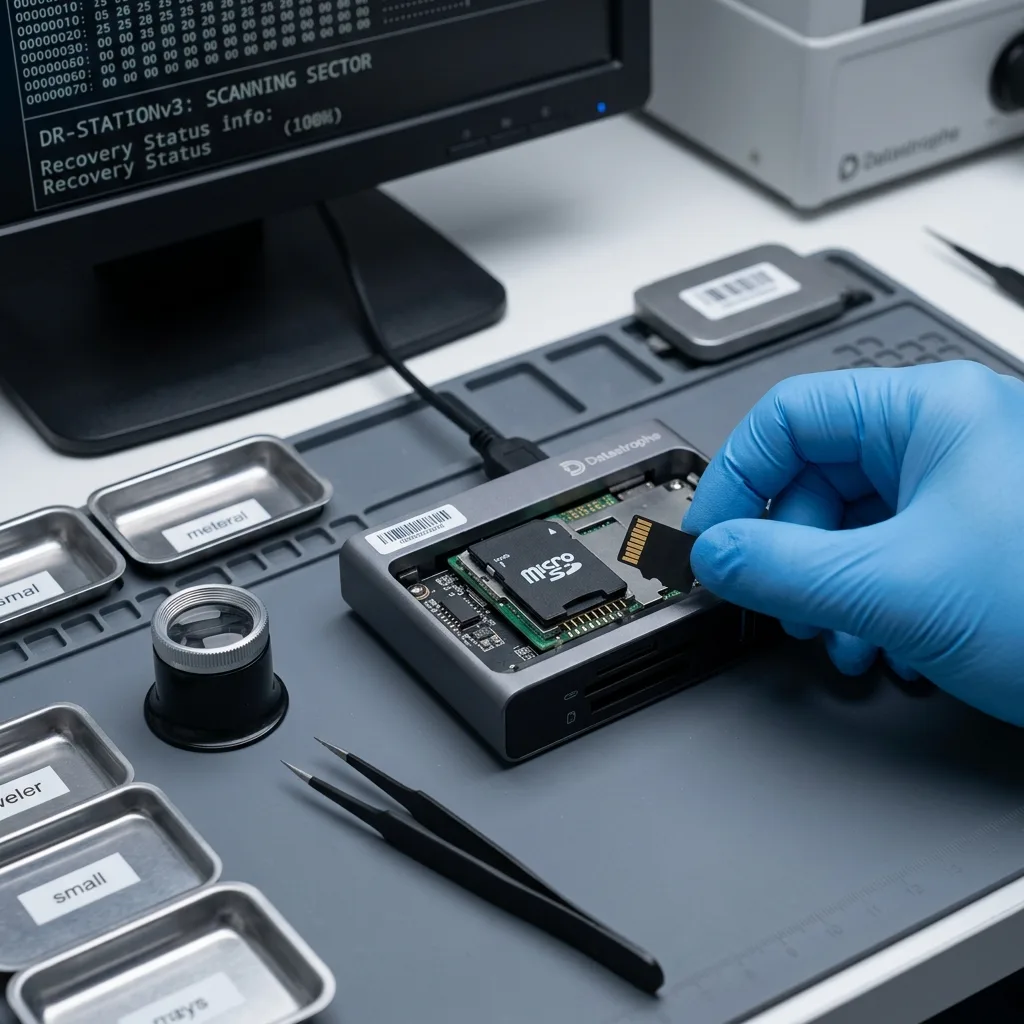
After a collision, near miss or another event that must be documented, disconnect power and remove the card without forcing it. Do not return it to the dashcam. If the camera also has internal storage, retain the complete device. Place the card by itself in suitable protective packaging and label it.
A written chronology is more useful than another playback attempt. Record:
- The approximate event time;
- How long the dashcam continued running;
- Any restart, playback or copy already attempted;
- The timezone and any known clock offset;
- Whether the required interval is before, during or after the event.
Decline formatting and automatic repair prompts on a computer. They can rewrite file-system structures, alter directory entries and make the timeline harder to establish. Never copy new files onto the same card.
When the medium is stable, acquisition starts with a complete controlled image. When it disconnects, becomes unusually warm or returns errors, laboratory work should limit access and prioritise useful areas. Memory card data recovery explains why analysis is performed from a copy wherever possible.
Remember: playing the clip in the dashcam can be the action that overwrites the minutes you need.
Diagnostic assessment
Distinguish a listed file from usable footage
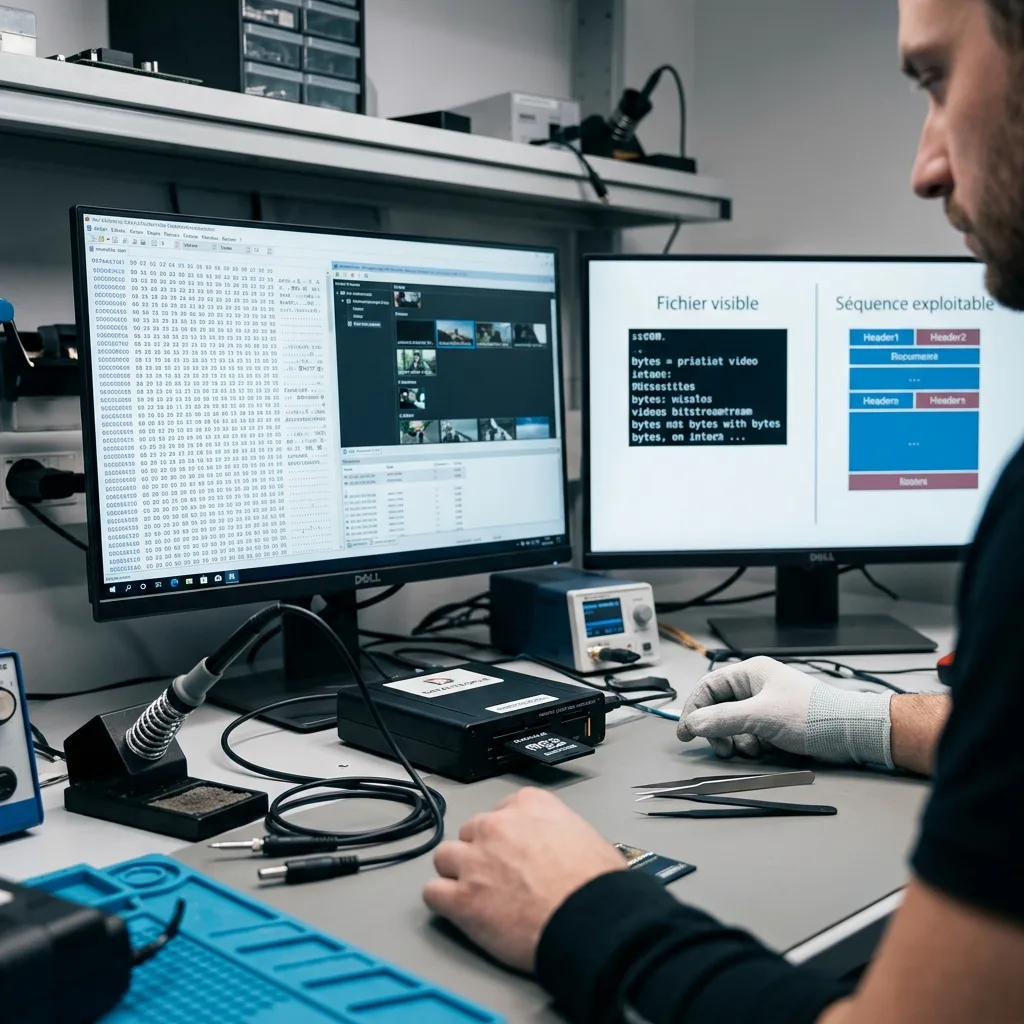
A filename in a directory is not proof of a complete video. A segment can have a plausible size yet lack index tables, stop before the event or combine blocks from successive writes. Conversely, recognisable video fragments may remain even when no file appears in the folder.
Validation therefore checks several layers:
- Container structure and the expected audio and video tracks;
- Genuinely decodable duration rather than the displayed duration alone;
- Continuity around the required time;
- Agreement between timestamp, GPS data and physical segment order;
- Freezes, mosaics and discontinuities in recovered output.
Some dashcams store front and rear views, protected events, GPS information or acceleration readings separately. Others need proprietary playback software to combine those elements. Retaining the camera model and settings helps the data recovery laboratory interpret the files without fabricating missing metadata. Clean-room work is associated mainly with opened mechanical hard drives, not routine reading of an intact microSD card.
For evidential or insurance use, describe the result factually. A readable fragment is not a continuous sequence; a timestamp in a filename does not certify the actual time; and overwritten data cannot be recreated. Keep original acquisitions, working copies and repaired exports distinct.
This validation belongs within the data recovery process: the result is measured against the declared time window and its limitations, not counted as a list of filenames.
Diagnostic assessment
Prevent loss without disabling the system
Realistic prevention does not disable loop recording, which is central to a dashcam. Use a card rated for sustained recording, sample-check clips periodically and extract any important interval immediately to separate healthy storage.
Check actual playback, date, duration and both camera channels where fitted. A recording icon does not prove that the generated files decode. Repeated format requests, restarts, timeline gaps and zero-length segments justify retiring the card after the available data have been secured.
Keep a tested spare rather than reformatting the only card that may contain an incident. Label removed cards separately; combining their folders can obscure numbering and chronology.
After an important event, copy the original files to healthy storage and validate the copy. Keep an unchanged copy before editing or transcoding sensitive footage so the available quality and metadata remain preserved.
A dashcam is a recorder, not an archive: its card is deliberately overwritten. Endurance, routine checks and prompt extraction provide the practical protection. If video still disappears, stopping writes quickly allows a diagnostic assessment to distinguish an unfinalised file, logical corruption and irreversible overwrite.
Diagnostic assessment
Primary Technical References And Limits
Reference scope — dashcam memory card lost video: For dashcam memory card lost video recovery, the primary references used are www.onvif.org. Physical evidence — dashcam memory card lost video: They define the relevant preservation, storage or validation concepts, but they cannot establish the exact physical condition, controller state, key availability or business consistency of the device received. Controller evidence — dashcam memory card lost video: Those points require measurements on the original set and verification on copies.
Diagnostic assessment
Arrange A Controlled Assessment
Complete set — dashcam memory card lost video: For a technical examination of dashcam memory card lost video recovery, provide the complete device or storage set, its associated power and interface parts, the symptom timeline and the priority records. Incident history — dashcam memory card lost video: Keep member order, labels and authorised credentials separate from the parcel paperwork; do not restart the source merely to obtain a new screenshot.
Laboratory responsibility — dashcam memory card lost video: Datastrophe performs the diagnosis, integrity checks and recovery directly in its own laboratory with its own team. Free assessment — dashcam memory card lost video: Diagnosis and the quotation are free. Transport boundary — dashcam memory card lost video: Private collection and return is included; the carrier moves only the sealed parcel and neither accesses nor processes its data.
Controlled list — dashcam memory card lost video: Before any payment, the client receives the proposed price and a checked list. Verification classes — dashcam memory card lost video: Each item is classified, in order, as recoverable_verified, partial, detected_unverified or unrecoverable. Payment trigger — dashcam memory card lost video: Only recoverable_verified items whose contents were checked and found usable are presented as recoverable. No-result rule — dashcam memory card lost video: Payment is due only after the client accepts both the list and the price.
No-result rule — dashcam memory card lost video: If no usable data is verified, recovery fails, or the client declines the list or price, no standard fee is payable. Rare-part exception — dashcam memory card lost video: The only exception is a rare, costly and non-refundable part, which may be ordered only after a separate, explicit and priced proposal has been accepted.