
Diagnostic assessment
Understanding Optical Disc Reading
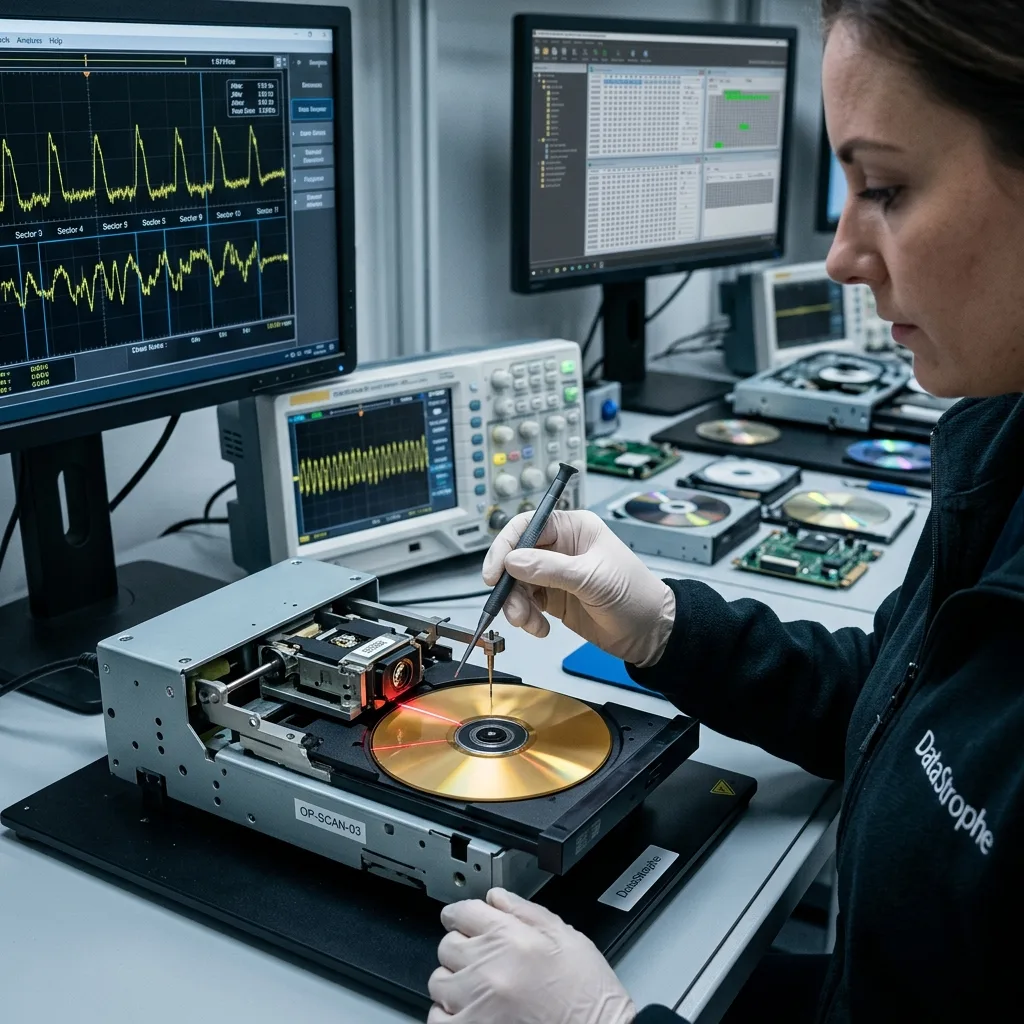
An optical disc stores information along a spiral track read by a laser. The drive interprets changes in the reflected signal, applies error correction, then exposes sectors to the file system or application. A disc that appears in a computer has therefore passed only the first part of a longer chain; it has not proved that every file can be read.
CDs, DVDs and Blu-ray discs use different densities and optical systems. Pressed media also differ from CD-R, DVD-R and recordable Blu-ray, while rewritable formats use phase-change material. In recorded media, the condition of the recording layer, the original write quality and the storage history can matter as much as a visible mark on the outer surface.
From reflected signal to usable file
| Layer of the assessment | What must be established |
|---|---|
| Physical disc | Cracks, distortion, delamination, contamination and handling risk |
| Optical reading | Whether sectors can be acquired consistently with a suitable drive |
| Decoding | Whether error correction and sector interpretation remain coherent |
| Session structure | Whether the disc was finalised and whether earlier sessions exist |
| Logical content | Whether folders, files and application structures are complete |
This distinction prevents a catalogue or mounted volume from being mistaken for a successful recovery. A directory may be visible even when the sectors belonging to its largest or most important files cannot be read.
Diagnostic assessment
Identifying Physical Limits
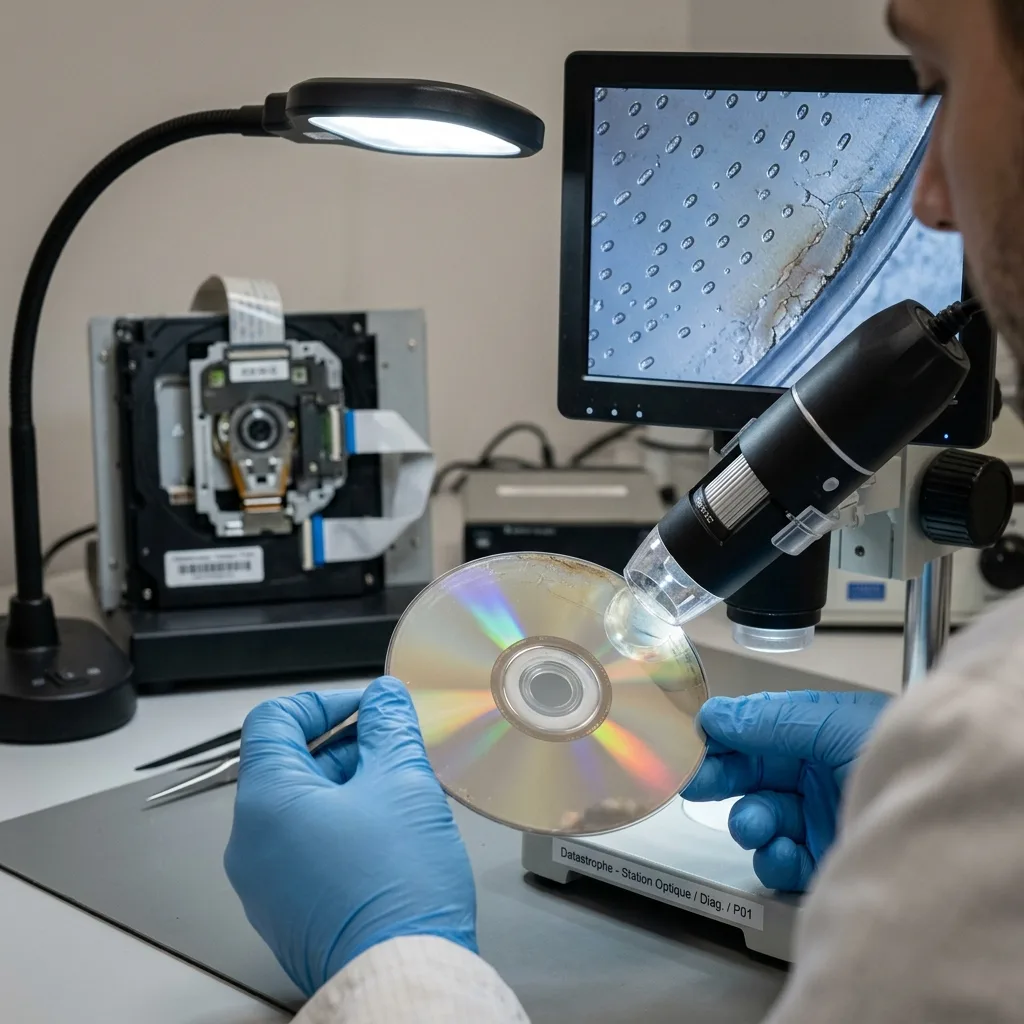
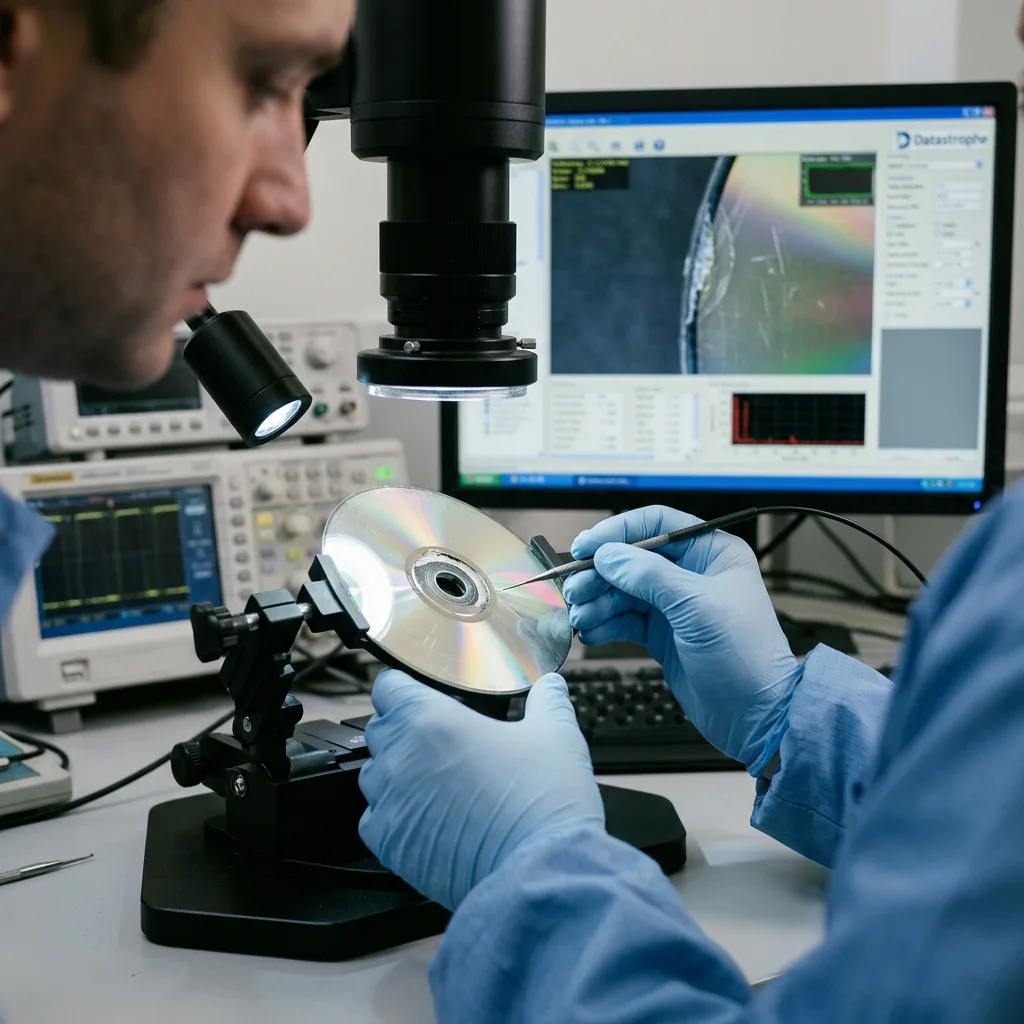
Visible defects are useful observations, not verdicts. A shallow scratch may fall within the disc's error-correction capacity, while damage to the recording layer can make a small area permanently unreadable.
Heat may distort the disc; ageing adhesive may contribute to delamination; a crack near the centre can make rotation unsafe even when the data surface looks clean.
The direction and position of a scratch matter. Radial marks interrupt a short portion of many tracks, whereas a mark following the spiral can affect a longer sequence. Damage to the lead-in, table of contents or session information can prevent normal mounting even when substantial data regions remain readable.
Observe without attempting a repair
Before any read, record:
- The medium type and any printed or handwritten identifier;
- Cracks, deformation, clouding, lifted layers and surface contamination;
- The direction and approximate location of scratches;
- Whether the disc was exposed to heat, moisture or unsuitable sleeves;
- Every cleaning, polishing or previous read attempt.
A cracked or visibly warped disc should not be spun at high speed. Abrasive polishing, bending, heating or applying an unknown solvent may move the problem from a limited area to the data layer itself. Removing loose dust with an appropriate non-abrasive method is not the same as attempting to resurface the disc.
The physical boundary must remain explicit: no reader or software can reconstruct a signal that the medium no longer contains. A controlled acquisition can, however, distinguish a local unreadable region from a failure of the drive, session or logical structure.
Diagnostic assessment
Choosing the Right Drive and Context
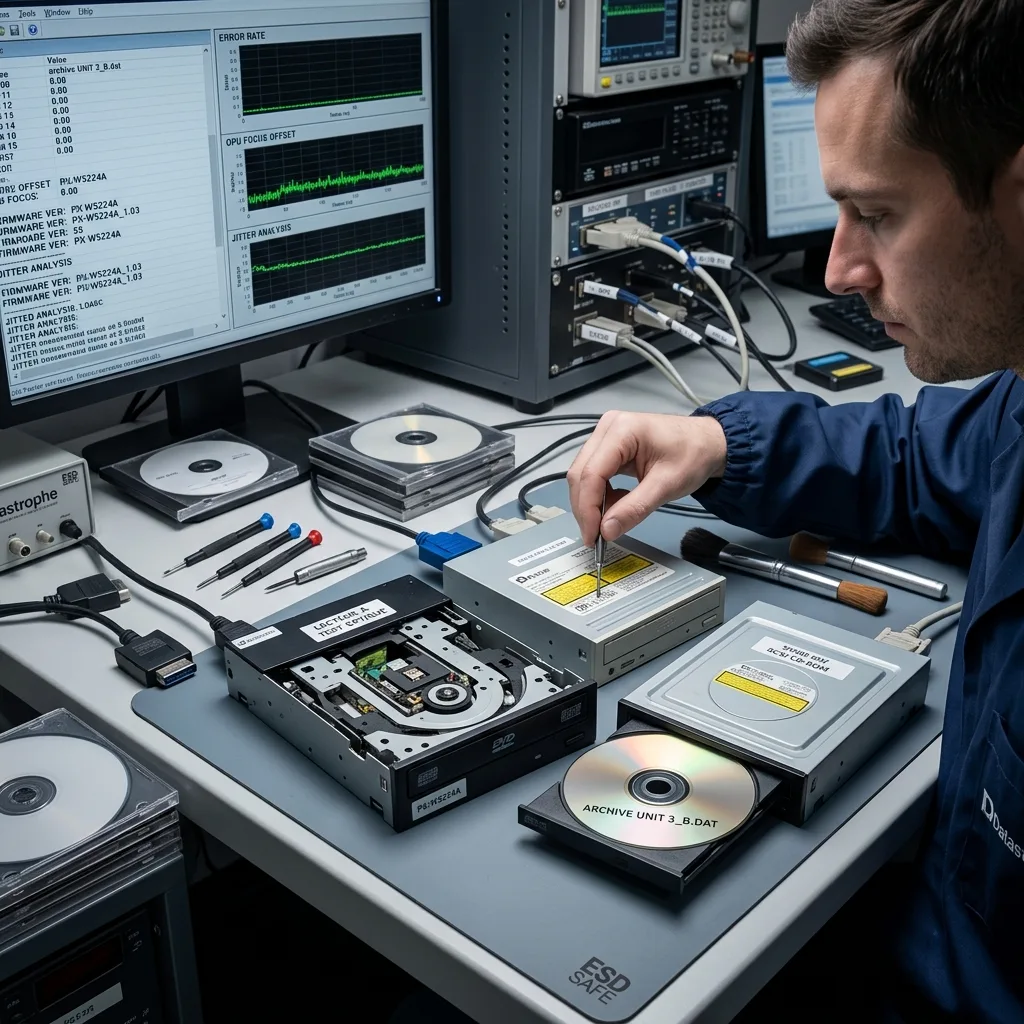
Two optical drives can behave differently on the same disc because their optics, firmware, mechanics, supported formats and defect tolerance differ. That does not justify trying drives at random.
Each attempt should have a purpose, use a sound mechanism and preserve enough information to compare the result.
The original recording context is equally important. A disc may have been left unfinalised, written in several sessions, produced by a camcorder or medical device, or packaged in a file system that a current desktop does not expose correctly. The writing device, approximate date, operating system, disc type and expected content can explain an apparent blank disc.
Build a reproducible acquisition
A controlled workflow records:
- The disc identifier and its physical condition;
- The drive model, interface and relevant firmware context;
- The reading speed and retry policy;
- The sectors acquired, retried or left unreadable;
- The image, checksums and observations produced by each pass.
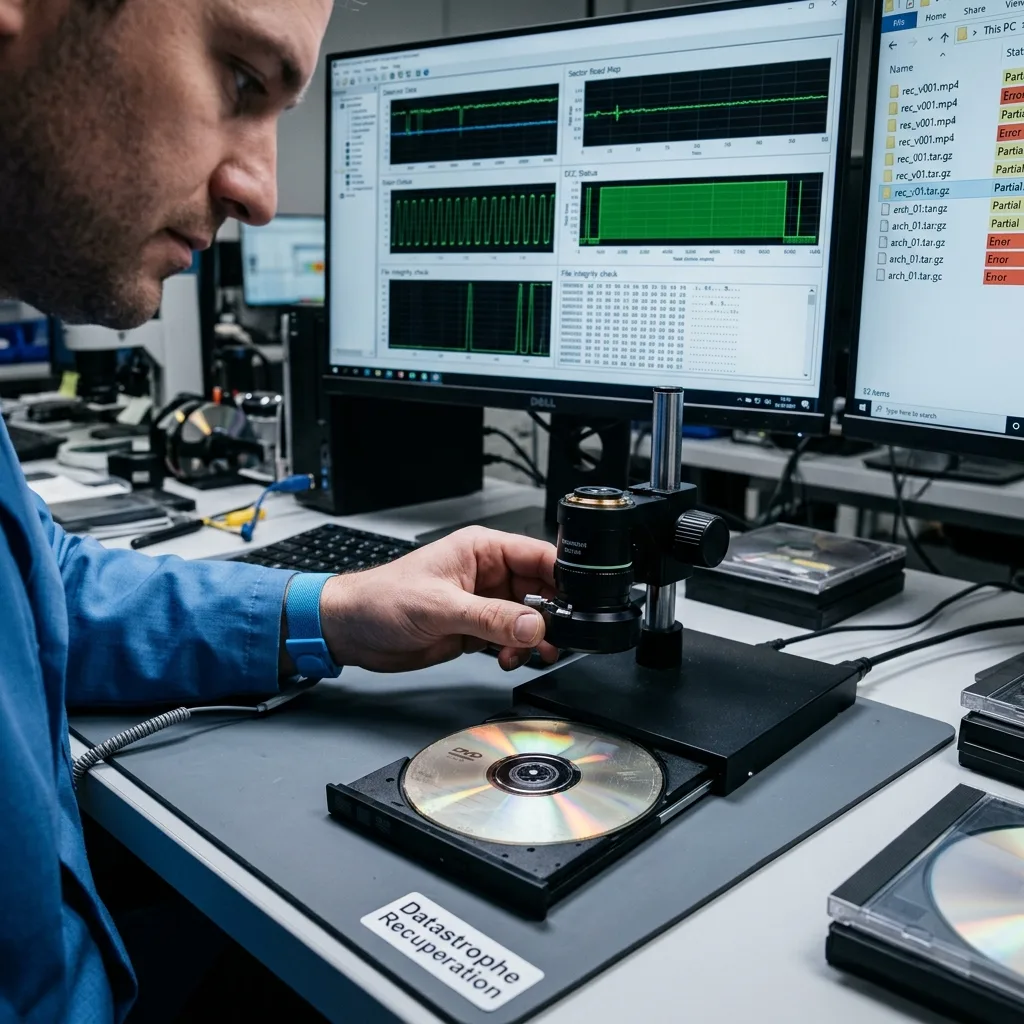
Speed is not the objective. A slower pass may reduce instability, but repeated reading is not harmless when a disc is cracked or a drive is struggling mechanically. Datastrophe treats the drive as part of the diagnostic chain and stops when another pass adds risk without a credible prospect of improving the acquisition.
Different passes should be compared at sector level. Combining them is justified only when their identity and offsets are known; a larger output assembled without provenance is not stronger evidence.
Diagnostic assessment
Validating the Recovered Files
A sector image preserves what was acquired, but its size alone says nothing about whether the intended documents are usable.
A video may start and fail later, an archive may list its contents but refuse extraction, and a photograph may open with concealed corruption. Validation must follow the purpose of the files.
Checks must match the content
The result should distinguish:
- Fully readable files that pass appropriate format checks;
- Partial files whose usable range and limitation are stated;
- Directory entries with no recoverable content;
- Unread sectors and their relationship to priority material;
- Metadata or application dependencies needed to interpret the archive.
Priority files are opened or tested with tools appropriate to their format. A collection of family photographs, an audiovisual master, an accounting export and evidential footage require different checks.
Metadata, dates, folder relationships and disc labels may also be part of the value and should not be discarded during extraction.
Optical recovery is therefore distinct from merely copying every visible item. The handover should say what was acquired, what was validated and what remains uncertain. Listed is not the same as validated.
Diagnostic assessment
Migrating Before Optical Drives Disappear
A readable disc should not return to service as the sole archive. Drives are becoming less common, software support changes and all media continue to age.
Migration is most reliable while the disc can still be read without an incident forcing urgent decisions.
Preserve provenance during migration
A useful migration package records:
- The identity, order and labels of the original discs;
- The image or extracted source representation where appropriate;
- Checksums and the acquisition log;
- Validated files in a current, documented structure;
- Partial or unreadable items and the checks applied;
- Any software, codec or contextual information needed for use.
Keep the original until the migrated data have been checked on at least two healthy, independent copies. If conversion to a current format is needed, retain the source file alongside the converted version so that later tools can revisit the decision.
Multi-disc archives need a collection-level comparison. Duplicate names may represent separate versions, and one disc may contain a catalogue or dependency used by the next. Preserving order and provenance is safer than merging everything into one unlabelled directory.
Optical data recovery is a chain: qualify the medium, acquire reproducibly, validate the files and migrate the result. That chain protects both the data and the evidence needed to understand its limits.
Diagnostic assessment
Primary Technical References And Limits
Reference scope — storage data recovery limits: For optical storage data recovery limits, the primary references used are NIST SP 800-86. Physical evidence — storage data recovery limits: They define the relevant preservation, storage or validation concepts, but they cannot establish the exact physical condition, controller state, key availability or business consistency of the device received. Controller evidence — storage data recovery limits: Those points require measurements on the original set and verification on copies.
Diagnostic assessment
Arrange A Controlled Assessment
Complete set — storage data recovery limits: For a technical examination of optical storage data recovery limits, provide the complete device or storage set, its associated power and interface parts, the symptom timeline and the priority records. Incident history — storage data recovery limits: Keep member order, labels and authorised credentials separate from the parcel paperwork; do not restart the source merely to obtain a new screenshot.
Laboratory responsibility — storage data recovery limits: Datastrophe performs the diagnosis, integrity checks and recovery directly in its own laboratory with its own team. Free assessment — storage data recovery limits: Diagnosis and the quotation are free. Transport boundary — storage data recovery limits: Private collection and return is included; the carrier moves only the sealed parcel and neither accesses nor processes its data.
Controlled list — storage data recovery limits: Before any payment, the client receives the proposed price and a checked list. Verification classes — storage data recovery limits: Each item is classified, in order, as recoverable_verified, partial, detected_unverified or unrecoverable. Payment trigger — storage data recovery limits: Only recoverable_verified items whose contents were checked and found usable are presented as recoverable. No-result rule — storage data recovery limits: Payment is due only after the client accepts both the list and the price.
No-result rule — storage data recovery limits: If no usable data is verified, recovery fails, or the client declines the list or price, no standard fee is payable. Rare-part exception — storage data recovery limits: The only exception is a rare, costly and non-refundable part, which may be ordered only after a separate, explicit and priced proposal has been accepted.