
Diagnostic assessment
Preserve The Sequence Before Any Attempt
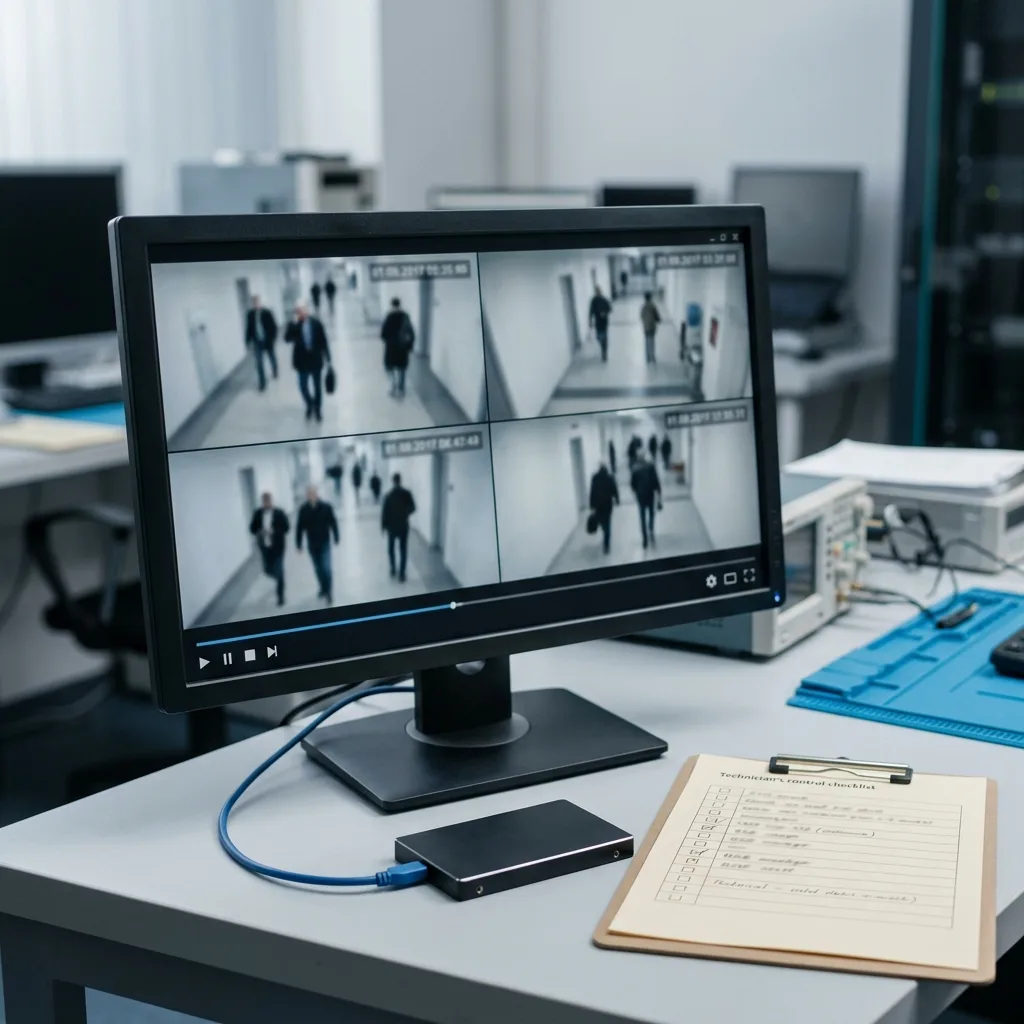
CCTV recovery begins before the laboratory. The most useful first action is often to stop writing. A recorder left running can continue its loop, recreate an index, compact files or overwrite the required period. This is less dramatic than technical examination, but protects what remains usable.
A DVR, NVR or IP camera does not invariably store video as ordinary files. Streams may be divided by channel, time, event or motion, and tied to proprietary indexes that Windows and macOS cannot interpret. A disk shown as empty may therefore still hold footage.
Before handling anything, note the approximate date and time, number of cameras involved, recorder model and actions already attempted. These details prevent a speculative search and focus work on the right period.
Establish who still needs the system. In a shop, warehouse or industrial site, stopping CCTV may create an operational risk. Isolate the affected device and restore surveillance with another disk or recorder instead of continuing to write to the storage due for analysis.
Keep preservation simple. Removing a disk without labels, reversing two bays or restarting the unit to "see whether it comes back" complicates examination. Photographs of the error screen, disk order, cabling and visible settings are often more valuable than immediate repair.
The person discovering the loss should not change settings to test a theory. Altering retention, system time, recording mode or active camera count can create logs and blur the chronology. Even settings that appear unrelated to the target footage may change how the recorder reorganises indexes.
Diagnostic assessment
Understand Which Devices Are Involved
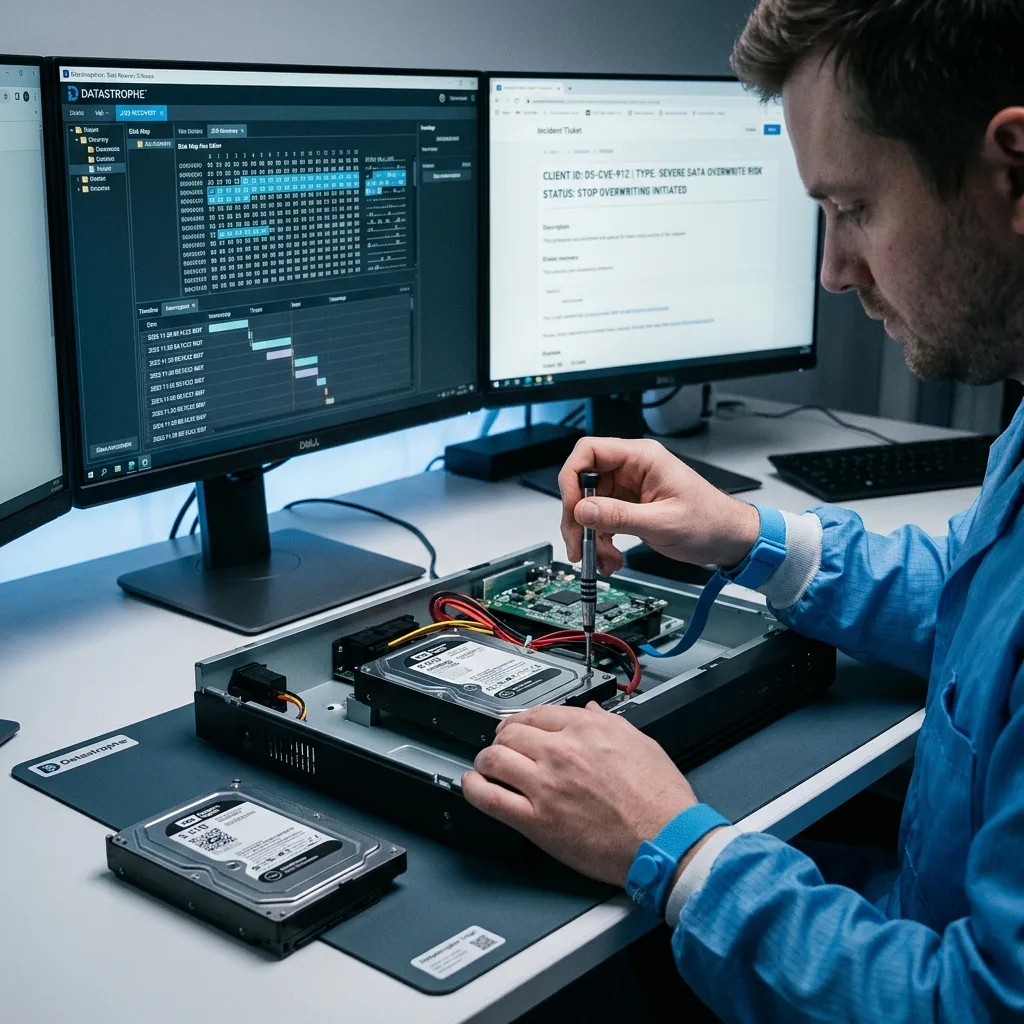
CCTV can span several storage types. An analogue DVR commonly uses an internal SATA disk. An NVR may use several disks, RAID, NAS or a VMS server. An IP camera can record to microSD, an NVR and remote storage at once. The correct method follows the device, not merely the label "CCTV".
Surveillance drives endure continuous writes, heat, vibration and long operating cycles. IP-camera cards handle high video bit rates and can lose blocks during a power cut. RAID adds disk order, stripe size, parity, a missing member and possible partial rebuilding.
Datastrophe first separates failure of the storage from failure of the format. A healthy disk with a corrupt index needs different work from an unstable one. Unreadable video may arise from its container, codec, timestamp or a missing fragment.
This prevents hasty conclusions. A DVR may call a disk "unformatted" after index damage while video blocks remain. An NVR can show live cameras but no history because its event database has stopped responding. An IP camera may retain a local microSD copy after central recording disappears.
Hardware condition also sets priorities. With a noisy mechanical disk, careful acquisition comes before video analysis. On a memory card, preventing new writes is immediate. With RAID, disk order and rebuild status precede any file search.
A mixed installation may require several lines of enquiry. The NVR can hold the main history, one camera a local microSD copy and a server automated exports. Before concluding that footage is gone, document every possible destination. This does not justify connecting all devices and scanning them indiscriminately.
Diagnostic assessment
Reconstruct Indexes, Streams And Timestamps
Recovered video needs to be playable and placed in time. Pictures alone may be insufficient for an insurance claim, police report or internal review. Timestamp, camera channel and fragment order can matter as much as the pixels.
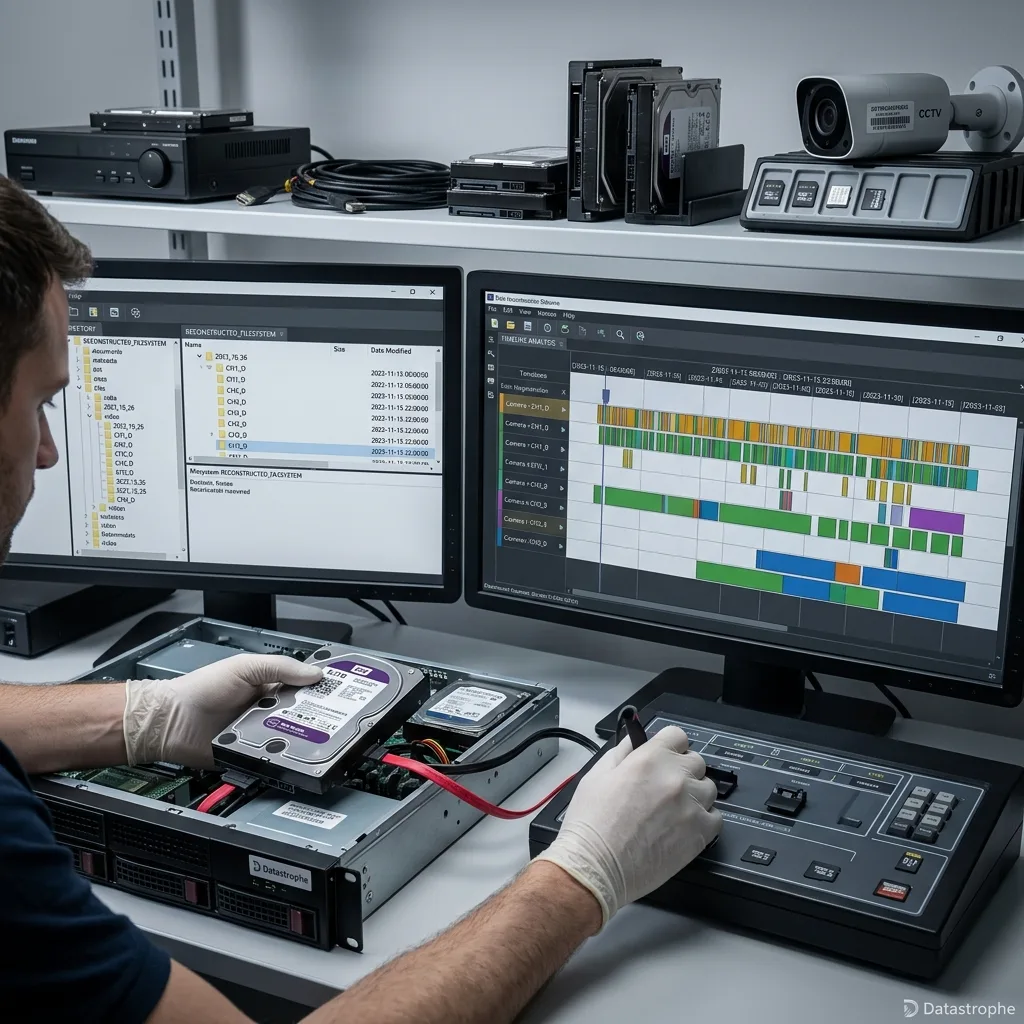
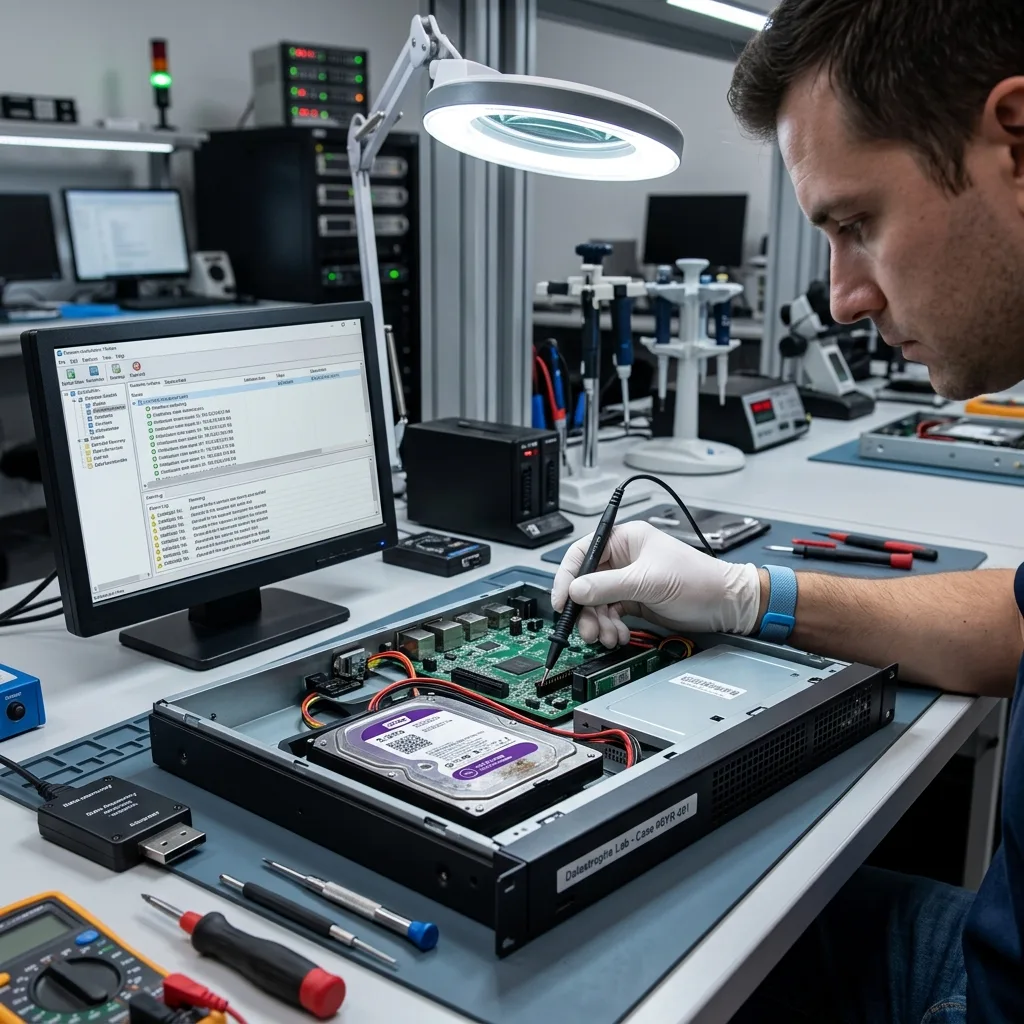
Work proceeds from a clone where device condition permits. The laboratory then looks for H.264, H.265/HEVC, MJPEG or proprietary stream signatures. Fragments are associated with available indexes, logs, thumbnails and metadata.
Some cases produce usable files quickly. Others need manual sequence reconstruction, particularly where the recorder continued writing after the incident. In sensitive cases, each transformation should be documented so that extracted and unrecoverable material can be distinguished.
Reconstruction is not merely conversion. Confirm that the camera channel matches the required area, footage has not been mixed with another source, gaps are declared and the final file plays in a suitable application. A proprietary format may require two deliverables: a native version retaining metadata and a viewable copy for everyday use.
Timestamps need their own check. A recorder may have changed time, lost network synchronisation or recorded in UTC while the interface displayed local time. Datastrophe cross-checks available evidence to avoid supplying visually correct footage under the wrong date.
Continuity also needs review. Check usable footage before, during and after the required period for jumps, duplicated frames and silent sections. This matters when the sequence is meant to explain a particular action: a few missing seconds may alter interpretation.
Diagnostic assessment
Avoid Actions That Destroy Evidence
Common poor responses include restarting the recorder repeatedly, accepting disk initialisation, running automatic repair, placing the disk in a USB enclosure or exporting a whole day rather than the relevant window. These steps may complicate analysis or overwrite surviving blocks.
Generic automated tools are unsuitable for CCTV storage. They rarely understand DVR/NVR formats, may mount a volume for writing and can produce fragments without chronology. A scan can also accelerate deterioration on an unstable disk.
The professional rule is straightforward: preserve the device, work from a copy, then analyse. Remove storage from the write chain and stop repeated attempts if it clicks, overheats, disappears, slows down or blocks the recorder.
The riskiest steps often look harmless. Connecting the disk to an office computer may trigger a format prompt. File-system repair can replace proprietary structures. Exporting every available period may impose prolonged reads on a disk already beginning to fail.
Do not mix objectives. If one sequence matters, assess that window before a complete extraction. An unnecessarily broad approach consumes time, places more load on storage and can bury useful footage among unusable files.
Generic automated scanning software deepens that confusion. It seeks familiar file signatures rather than recorder logic, potentially producing thousands of .avi, .mp4 or unlabelled fragments without channel or dependable time, sometimes combining several cameras. Result count is not the same as usable delivery.
Diagnostic assessment
Organise Submission And Assessment
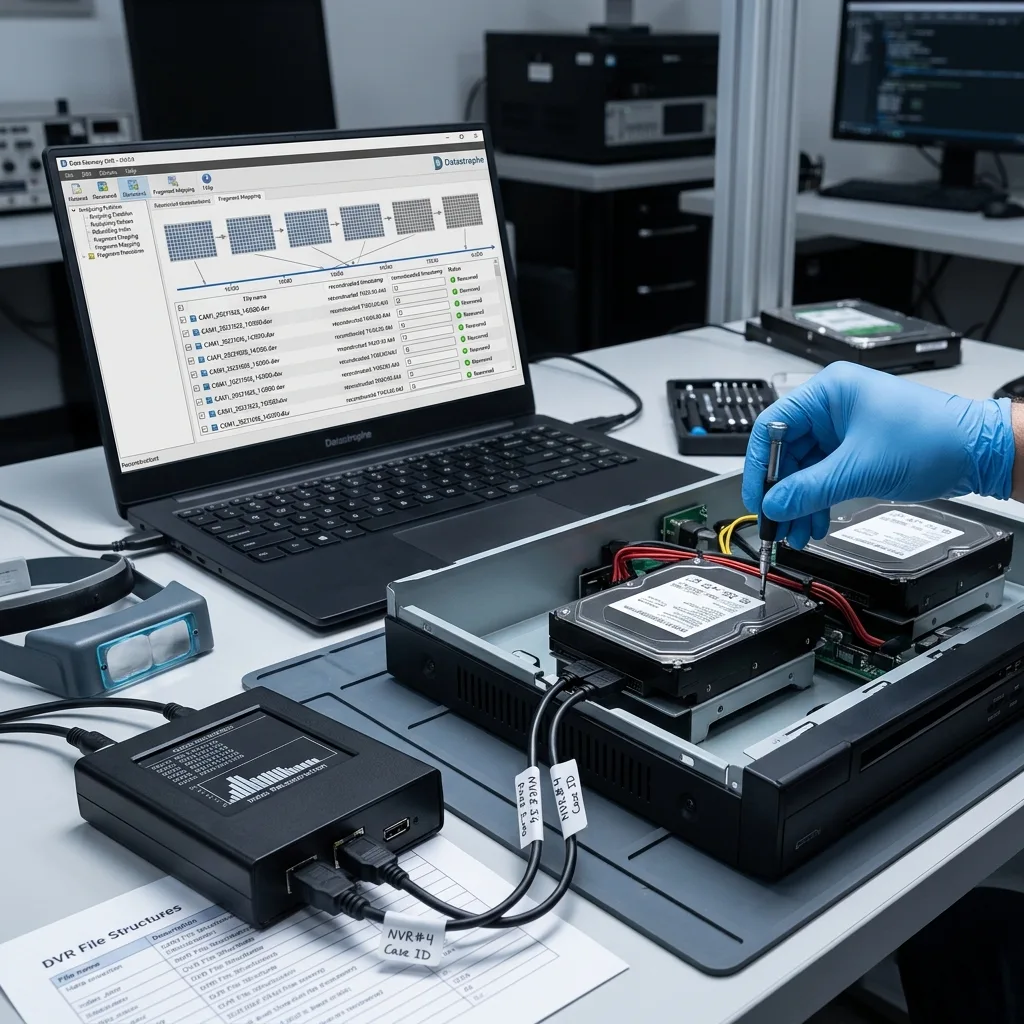
Prepare the context for a useful assessment. Photograph the installation, disk order, labels and connections. State the precise period sought, even if approximate, and whether the aim is viewing, evidence, file delivery or full extraction.
The laboratory then checks physical condition, sector readability, recording structure, indexes and streams. Limits are explained early: fully overwritten blocks cannot be reconstructed, badly degraded storage may yield partial periods, and corrupt timestamps can require manual validation.
This scope prevents vague promises. The objective is not to recover "everything" by default, but to deliver footage that is genuinely usable, in a readable format and with enough context.
Assessment should reach a clear decision: recoverable storage, a device too badly damaged, present data with indexes to reconstruct, probably overwritten footage or a need for further information. That decision informs the quotation, lead time and intended deliverable.
For sensitive cases, state at the outset whether footage will be shared with an insurer, police, legal team or viewed only internally. Output format, filenames, documentation and retention of originals will differ.
A useful report remains understandable to a non-specialist. It can identify the device received, avoided actions, copying method, detected formats, recovered periods and limitations. It need not be long, but should show whether the supplied video answers the original request.
When no usable sequence is found, assessment still has value if it explains why: complete overwriting, unreadable areas, absent index, severe damage or a date inconsistency. That account prevents further attempts that would only degrade the devices.
Diagnostic assessment
Choose The Right Route
For a complete NVR recorder, NVR and CCTV data recovery describes the service route. If one isolated hard drive has failed, hard drive data recovery helps frame the hardware fault.
Other articles in this cluster cover specific cases: proprietary formats, deleted footage, a failed DVR disk, CCTV RAID and surveillance-drive wear. Keeping those intentions distinct avoids repeating one general article across the subject.
The overall method follows the dominant symptom: RAID needs a multi-disk approach, deleted video needs an overwrite analysis, and a proprietary format requires index reconstruction.
The next step therefore depends on that symptom. Begin with the failed DVR/NVR disk article for physical faults, the deletion article after erasure or rotation, and the proprietary-format article when files exist but will not play. The NVR service remains the entry point when the complete installation requires handling.
Diagnostic assessment
Primary Technical References And Limits
Reference scope — CCTV DVR NVR IP camera footage: For recover CCTV DVR NVR IP camera footage, the primary references used are www.onvif.org. Physical evidence — CCTV DVR NVR IP camera footage: They define the relevant preservation, storage or validation concepts, but they cannot establish the exact physical condition, controller state, key availability or business consistency of the device received. Controller evidence — CCTV DVR NVR IP camera footage: Those points require measurements on the original set and verification on copies.
Diagnostic assessment
Arrange A Controlled Assessment
Complete set — CCTV DVR NVR IP camera footage: For a technical examination of recover CCTV DVR NVR IP camera footage, provide the complete device or storage set, its associated power and interface parts, the symptom timeline and the priority records. Incident history — CCTV DVR NVR IP camera footage: Keep member order, labels and authorised credentials separate from the parcel paperwork; do not restart the source merely to obtain a new screenshot.
Laboratory responsibility — CCTV DVR NVR IP camera footage: Datastrophe performs the diagnosis, integrity checks and recovery directly in its own laboratory with its own team. Free assessment — CCTV DVR NVR IP camera footage: Diagnosis and the quotation are free. Transport boundary — CCTV DVR NVR IP camera footage: Private collection and return is included; the carrier moves only the sealed parcel and neither accesses nor processes its data.
Controlled list — CCTV DVR NVR IP camera footage: Before any payment, the client receives the proposed price and a checked list. Verification classes — CCTV DVR NVR IP camera footage: Each item is classified, in order, as recoverable_verified, partial, detected_unverified or unrecoverable. Payment trigger — CCTV DVR NVR IP camera footage: Only recoverable_verified items whose contents were checked and found usable are presented as recoverable. No-result rule — CCTV DVR NVR IP camera footage: Payment is due only after the client accepts both the list and the price.
No-result rule — CCTV DVR NVR IP camera footage: If no usable data is verified, recovery fails, or the client declines the list or price, no standard fee is payable. Rare-part exception — CCTV DVR NVR IP camera footage: The only exception is a rare, costly and non-refundable part, which may be ordered only after a separate, explicit and priced proposal has been accepted.