

Diagnostic evaluation
Account for the conditions on an industrial site
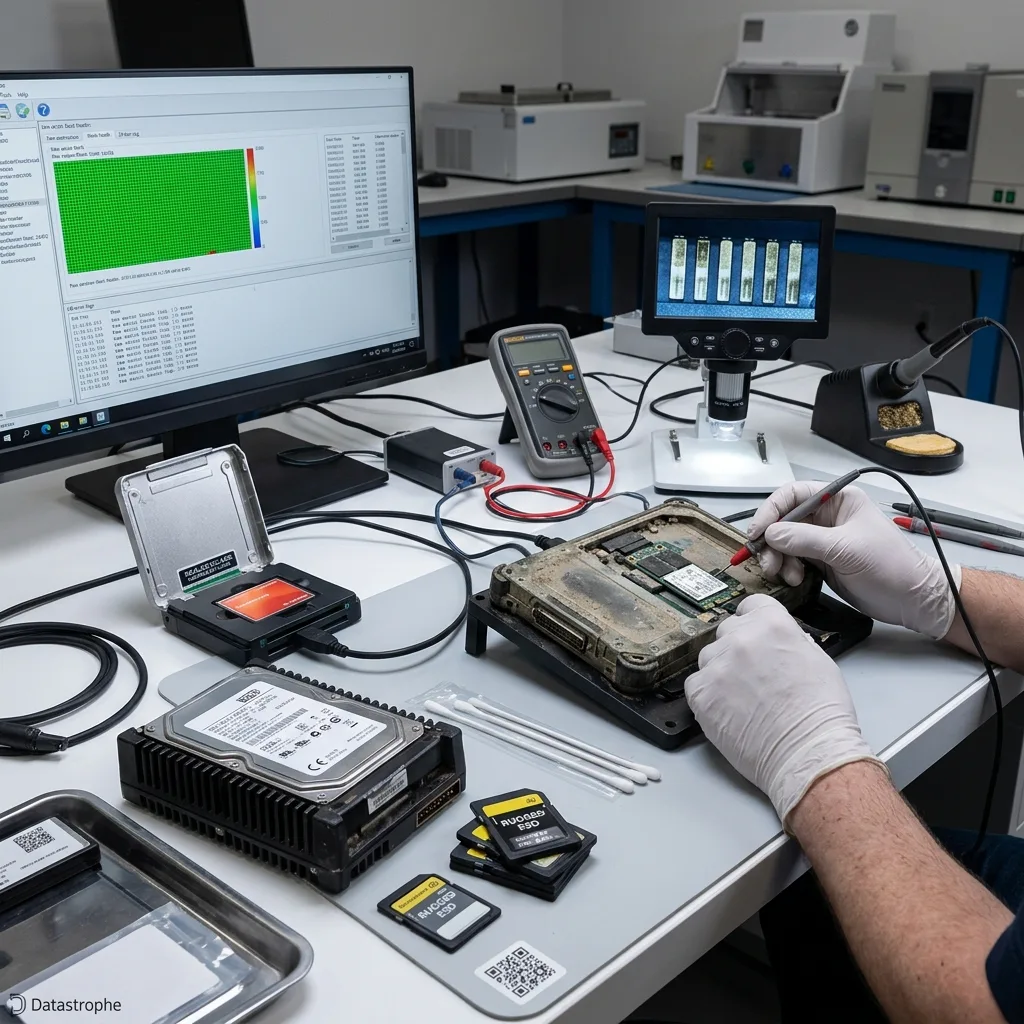
Industrial storage may operate beside vibrating machinery, inside hot cabinets, on supervisory computers that rarely shut down, or in dusty equipment areas. Years of service in those conditions can produce gradual wear without an obvious single incident.
Data loss often appears at the worst moment: a production-line stoppage, a request for historical records, a quality check, a manufacturing incident or an export needed after the event. The device seemed to work, but may already have become unreliable. An archive that won't open or a database that won't start can reveal long-standing deterioration.
Avoid explanations that are too simple. Dust alone doesn't invariably destroy a sealed hard drive, and vibration alone may not explain a fault. Accumulation matters: vibration alongside power outages, heat and maintenance creates the risk.
Production cycles introduce another difficulty. A machine may write logs continuously, create temporary files or retain only the most recent useful periods. When failure is found late, the most important data may already have been overwritten, moved or fragmented.
Diagnostic evaluation
Inventory every embedded and removable device
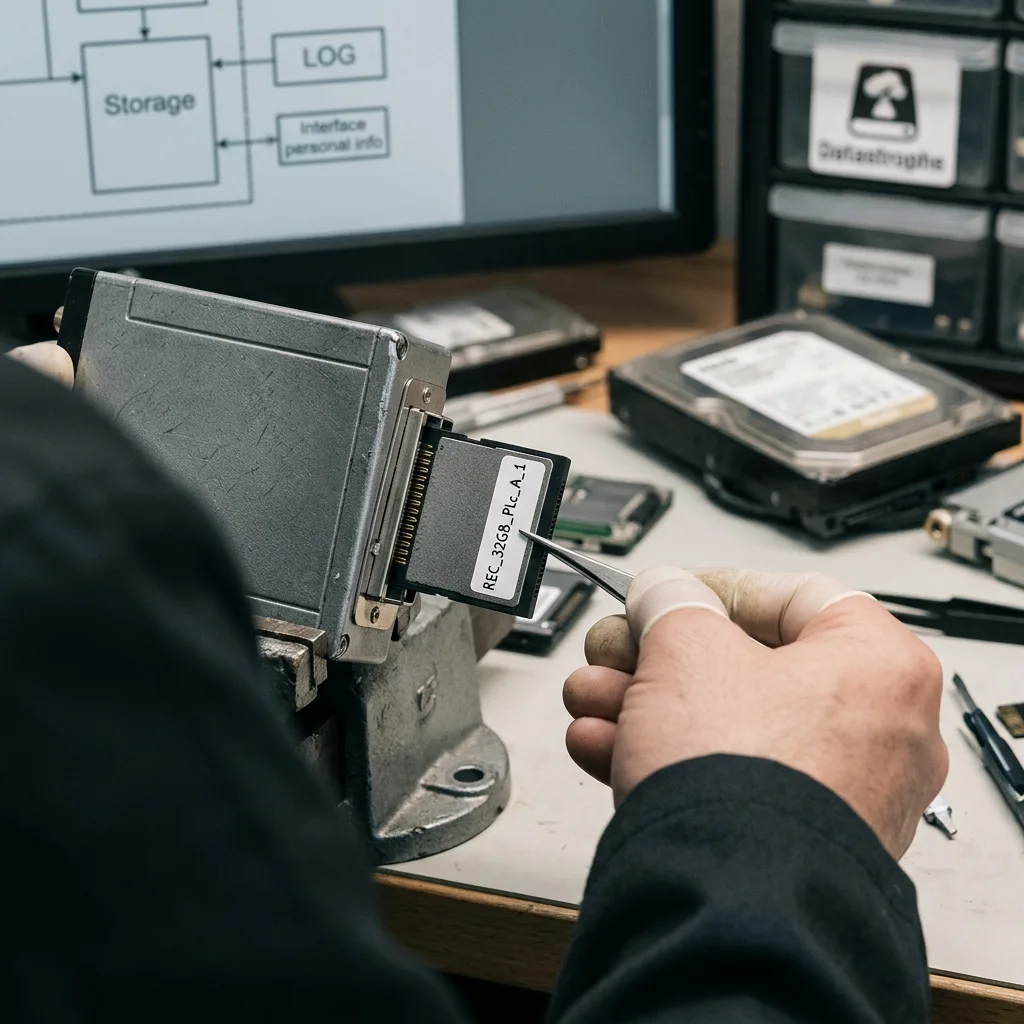
Servers are only part of the storage map. PLC cards, machine flash drives, old supervisory-PC disks, NAS volumes, and SSDs may hold recipes, logs, exports, images, and configuration data under very different write loads.
Each technology has distinct weaknesses. Mechanical disks are sensitive to vibration and shock. An SSD depends on its controller, flash memory and wear management. USB drives suffer from removal, damaged ports and interrupted writes. NAS introduces RAID behavior, rebuilding and shared volumes.
A useful evaluation begins with a map: where the data were written, which device held them, which machine used them, when failure appeared and what actions have already been tried. Without that timeline, examination may focus on the wrong source.
Include backups and exports in this map. A file may survive on an operator workstation, supervisory server, maintenance USB drive, NAS or an older disk that was replaced. The primary device isn't always the only usable source.
Identify dependencies too. A production database may need several files, a service, configuration and logs before it becomes usable. Recovering the most obvious file may achieve little if the application expects the complete structure.
Diagnostic evaluation
Separate production restart from data preservation
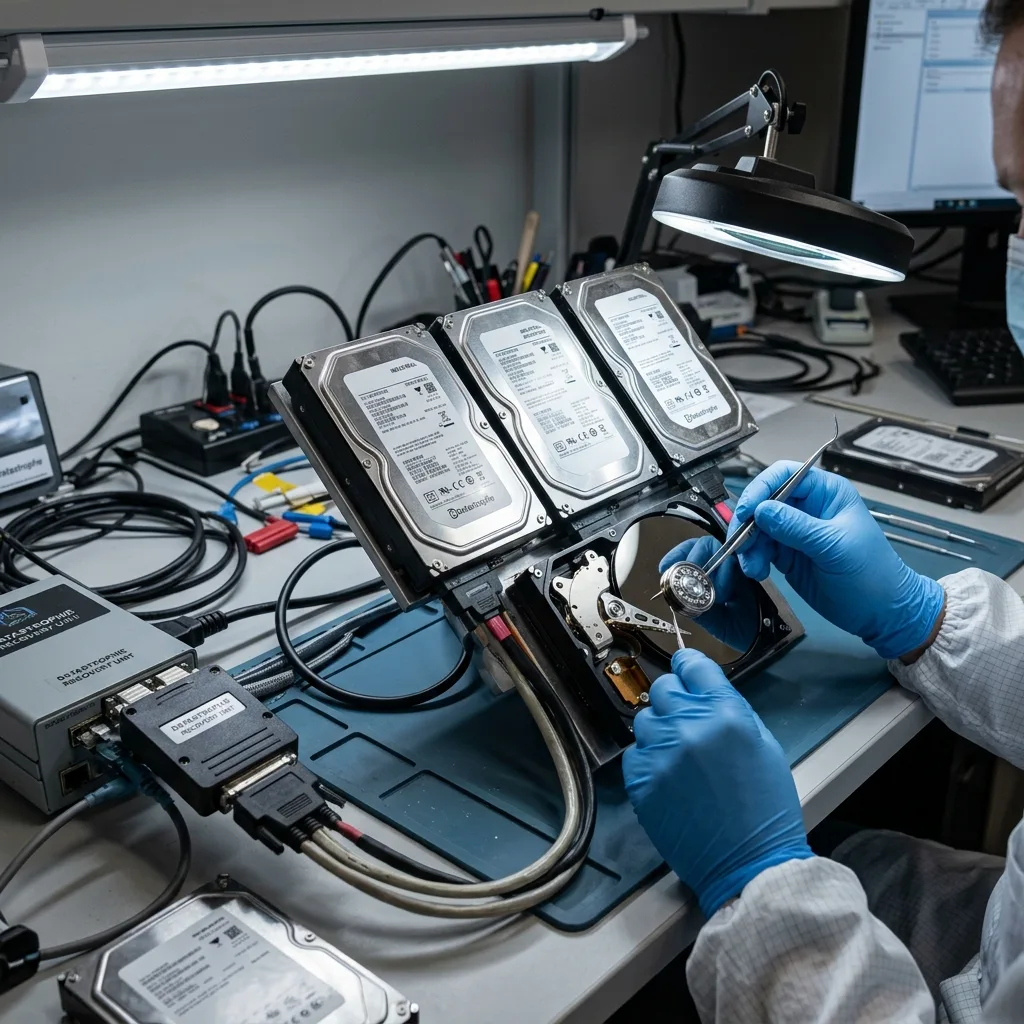
Restarting machinery, rebuilding RAID, repairing a volume, formatting flash storage, or reinstalling a workstation may restore production quickly, but each step changes the failed source. Preserve that source before routine maintenance begins.
Separate production continuity from data recovery. Where operations must resume, use healthy storage, a checked backup or a replacement system. Isolate the failed device for examination. This protects what remains without holding production back unnecessarily.
Document work already carried out: restarts, error messages, a replaced disk, automatic checking, a partial copy or a failed export. These details help establish which areas may have been rewritten or placed under further load.
When production must restart quickly, build it on sound storage and retain the old device. Continuity and recovery no longer have to compete: the failed storage becomes evidence for evaluation while the installation resumes from a controlled base.
Diagnostic evaluation
Validate proprietary files in their application context
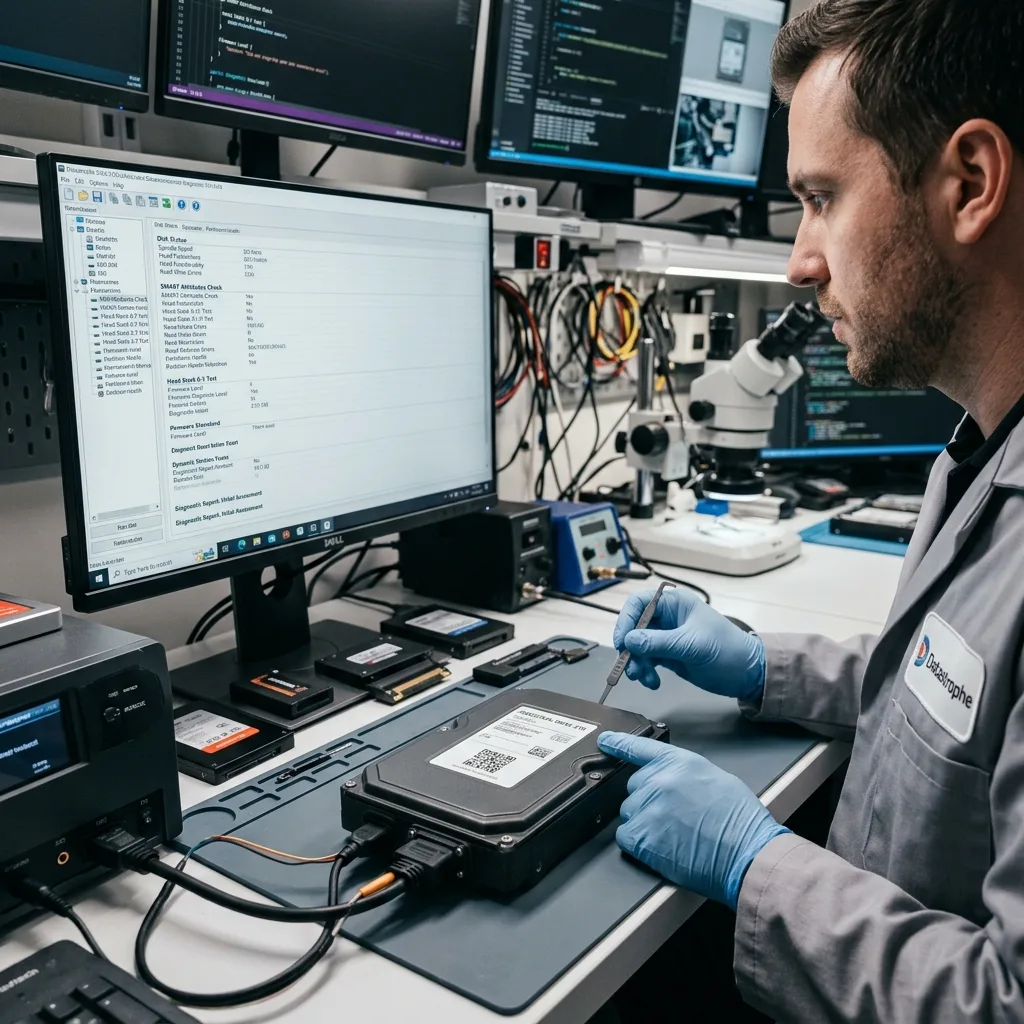
Supervisory databases, machine files, proprietary exports, inspection images, event logs, and archives must be more than visible. Validate their internal consistency and ability to open in the intended industrial application.
Datastrophe favors controlled acquisition from the device followed by logical analysis of the copy. This separates physical instability from file corruption, an index problem or overwriting. It also avoids presenting a large file count as success while critical data remain unusable.
Limits need to be explicit: unreadable regions, partial files, incomplete history, an inconsistent database or storage too badly degraded. In an industrial setting, that transparency is as important as recovery because it informs the choice between backup, archive and partial reconstruction.
Industrial formats sometimes require application-level validation. A file can be technically recovered yet rejected by the machine because its index, timestamp or dependencies are missing. Delivery must reflect its intended use, not simply whether File Explorer can open it.
Where the data support quality control, traceability or production continuity, checks should be stricter. Confirm the period, log coherence, batch naming and file integrity. A partial recovery can still be valuable when its limitations are clear.
Diagnostic evaluation
Use controls matched to the industrial environment
Use ventilation, stable power, a maintained UPS, restore-tested backups, planned device replacement, scheduled exports, and clear failure instructions. A backup that has never been restored isn't proven protection.
This evaluation remains focused on factory conditions. Hard drive faults are covered by hard drive data recovery, while multi-disk volumes belong under RAID and NAS data recovery. The broader examination of damaged devices addresses the general lab case.
This division avoids duplication. The industrial context defines preservation steps; specialist handling takes over once the exact technology is known.
A short internal procedure can make a substantial difference: stop writes, photograph messages, isolate the device, record the timeline and contact the lab before rebuilding anything. It limits secondary loss and keeps a local fault from becoming a wider incident.
Sites under heavy operational strain should make that procedure familiar before an incident. On the day of failure, the engineering team may have little time for a measured decision. A simple instruction prevents automatic rebuilds, quick formats and incomplete copies made under pressure.
Diagnostic evaluation
Primary Technical References And Limits
Reference scope — environment data loss risks: For industrial environment data loss risks, the primary references used are NIST SP 800-86. Physical evidence — environment data loss risks: They define the relevant preservation, storage or validation concepts, but they cannot establish the exact physical condition, controller state, key availability or business consistency of the device received. Controller evidence — environment data loss risks: Those points require measurements on the original set and verification on copies.
Diagnostic evaluation
Request A Controlled Evaluation
Complete set — environment data loss risks: For a technical evaluation of industrial environment data loss risks, provide the complete device or storage set, its associated power and interface parts, the symptom timeline and the priority files. Incident history — environment data loss risks: Keep member order, labels and authorized credentials separate from the parcel paperwork; do not restart the source merely to obtain a new screenshot.
Laboratory responsibility — environment data loss risks: Datastrophe performs the diagnosis, integrity checks and recovery directly in its own laboratory with its own team. Free assessment — environment data loss risks: Diagnosis and the quote are free. Transport boundary — environment data loss risks: Private round-trip shipping is included; the carrier moves only the sealed parcel and neither accesses nor processes its data.
Controlled list — environment data loss risks: Before any payment, the client receives the proposed price and a checked list. Verification classes — environment data loss risks: Each item is classified, in order, as recoverable_verified, partial, detected_unverified or unrecoverable. Payment trigger — environment data loss risks: Only recoverable_verified items whose contents were checked and found usable are presented as recoverable. No-result rule — environment data loss risks: Payment is due only after the client accepts both the list and the price.
No-result rule — environment data loss risks: If no usable data is verified, recovery fails, or the client declines the list or price, no standard fee is payable. Rare-part exception — environment data loss risks: The only exception is a rare, costly and non-refundable part, which may be ordered only after a separate, explicit and priced proposal has been accepted.