

Diagnostic assessment
Comparing by Failure Mechanism
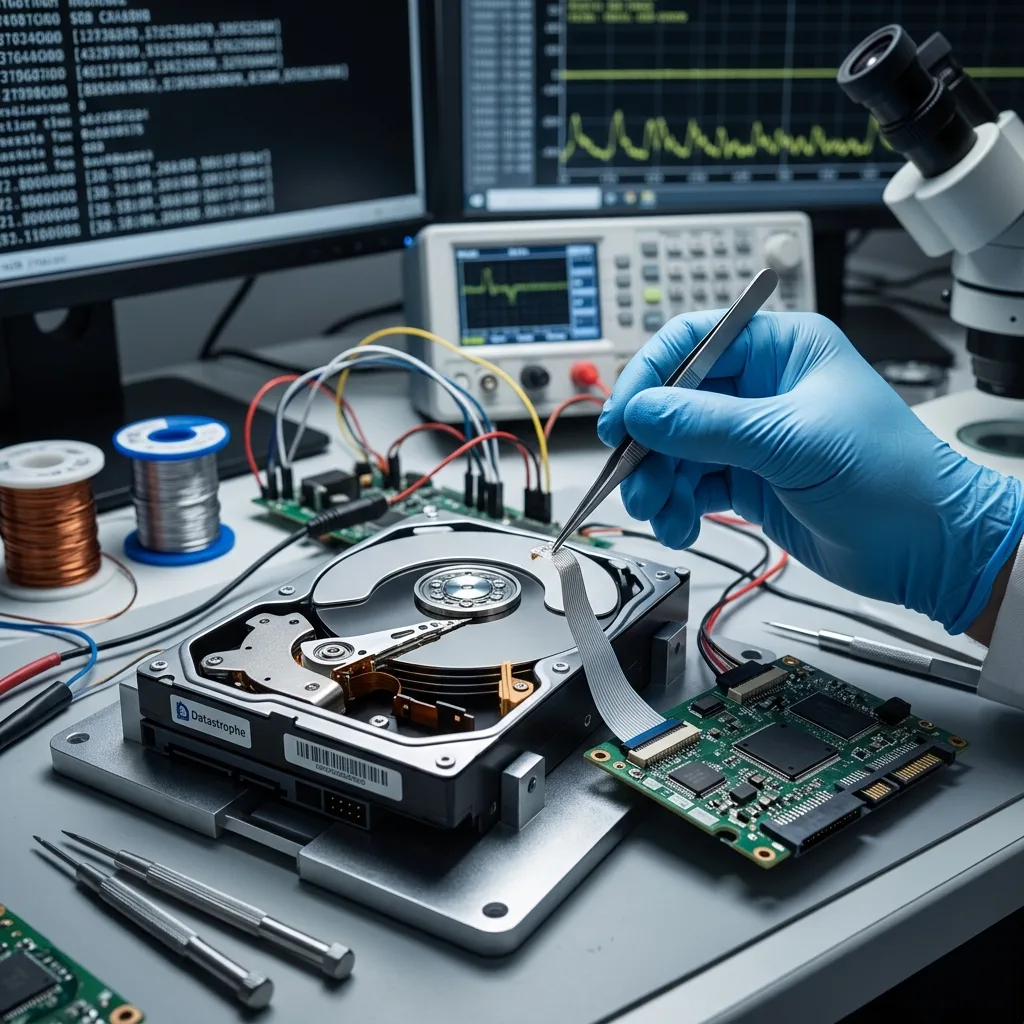
Capacity, speed and warranty say little about what happens after data loss. The useful comparison follows the chain from recorded signal to usable file: medium, mechanics or memory cells, controller, metadata, encryption and operating context. Each link has different failure modes and different actions that can make recovery harder.
An SSD tolerates impact better than a hard drive yet can become wholly inaccessible after controller failure. A hard drive may show progressive read problems, while prolonged scanning can worsen a mechanical fault. Optical media usually receive no new writes during reading, but depend on an intact recording layer, a suitable drive and a recognised session format.
Use a decision matrix, not a league table
| Family | Dominant fault or limit | Risky action after failure | Dependency to preserve |
|---|---|---|---|
| Mechanical hard drive | Heads, platters, motor, electronics or firmware | Repeated starts, long scans and write repair | Enclosure, power supply, board and impact history |
| SSD, USB and card | Controller, NAND, soldering, translation or encryption | Formatting, reset and further writes | Host device, keys, controller and timeline |
| Optical disc | Surface, layers, session and reader | Heat, polishing or spinning a cracked disc | Medium type, drive and original software |
| RAID or NAS | Member order, geometry, parity, cache and metadata | Rebuild, initialisation or multiple replacements | Every member, order, controller and logs |
| Tape or legacy removable media | Medium condition, reader, format and catalogue | Reading in unchecked equipment | Volume sequence, reader, software and inventory |
The matrix does not predict a guaranteed result. It identifies what must be preserved and which next action remains reversible.
Diagnostic assessment
Hard Drives and SSDs Have Different Risks
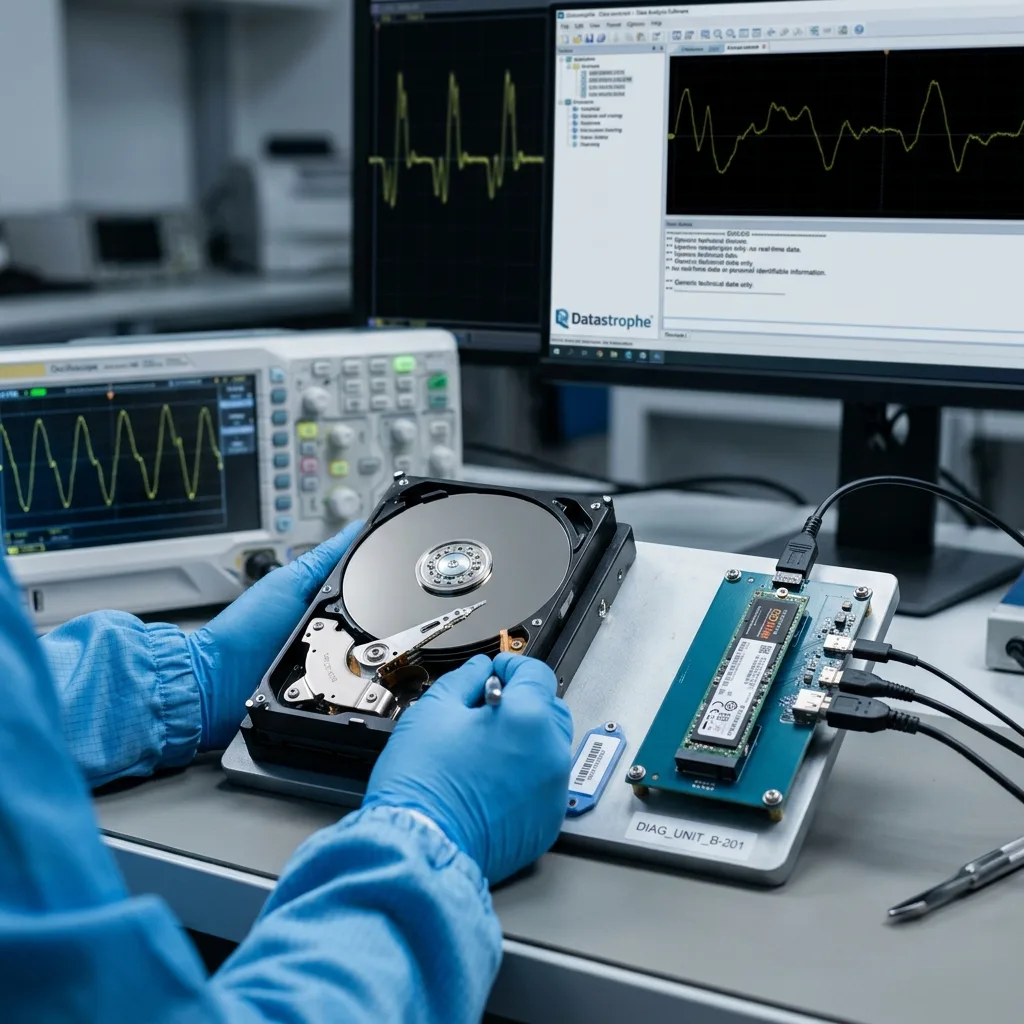
A mechanical hard drive writes to platters with heads flying extremely close to the surface. Impact, head wear, unstable sectors, motor trouble, firmware or electronics can disrupt reading.
Clicking, scraping, intermittent disappearance and a sudden collapse in throughput are stopping signals, not reasons to restart the copy.
An SSD has no moving parts, but its data depend on NAND memory, a controller, firmware, error correction, wear levelling and often internal encryption. The operating system does not see the physical organisation directly. An incorrect capacity or missing device can therefore reflect much more than a damaged file system.
Deletion behaves differently
On a hard drive, deleted blocks may remain until overwritten. On an SSD, TRIM and internal garbage collection may make them unavailable without a visible user copy. Neither observation predicts an outcome: model, power state, encryption and activity after deletion all matter.
Both families require the same discipline:
- Stop writes and automatic repair;
- Record the first symptom and subsequent attempts;
- Separate device, enclosure, interface and power faults;
- Acquire the source before logical analysis when its condition allows;
- Validate priority files on healthy storage.
Datastrophe distinguishes SSD data recovery from hard drive data recovery. A clean environment can be relevant to certain internal mechanical drive operations; it is not the method used to repair NAND or reconstruct flash translation.
Shared limit — overwritten blocks, absent backups or a lost encryption key do not become recoverable because a device belongs to a technology considered robust.
Diagnostic assessment
USB Flash Drives, Memory Cards and Optical Media
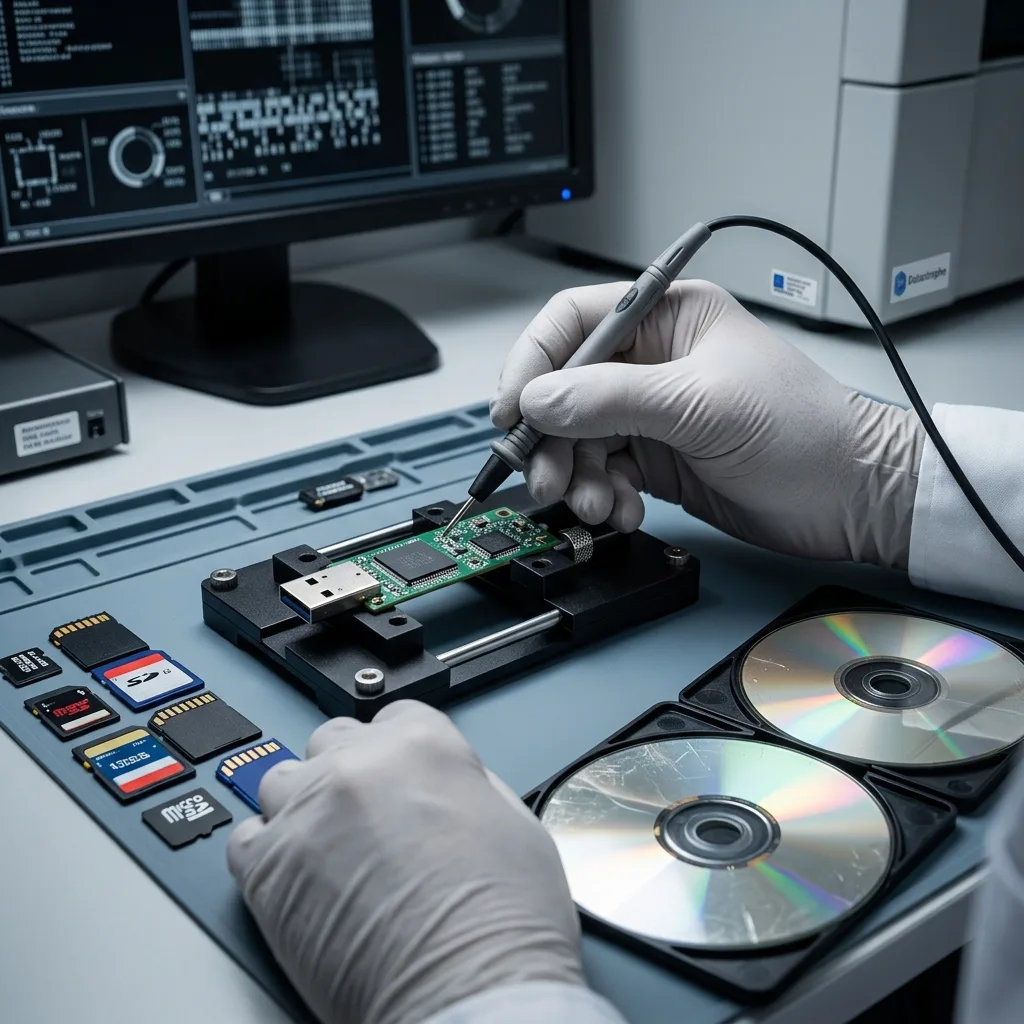
USB flash drives and memory cards are miniaturised flash systems. Connector, solder joints, controller and memory packages can each fail. Their small size encourages risky use: unprotected transport, removal during writes, repeated reconnection after a format request and keeping the sole copy of a recording session.
The host device is part of the context
A card from a camera, drone or recorder can contain file structures, fragments and metadata specific to that device. Reinserting it and accepting repair may create new folders or resume recording over earlier blocks. Preserve the card and record the device, recording mode, date range and expected files.
Optical media follow another path. CDs, DVDs and Blu-ray discs rely on pressed or recordable layers, reflected signal, error correction and sessions. They are neither flash storage nor miniature hard drives. Assessment considers scratches, distortion, delamination, reader compatibility and whether files remain usable after extraction.
The choice between these media should consider automatic duplication, future reader availability, validation and how quickly the device can be withdrawn after a warning. A fast memory card is not an archive; a labelled optical disc is not a verified backup.
Diagnostic assessment
RAID, NAS and Virtual Storage
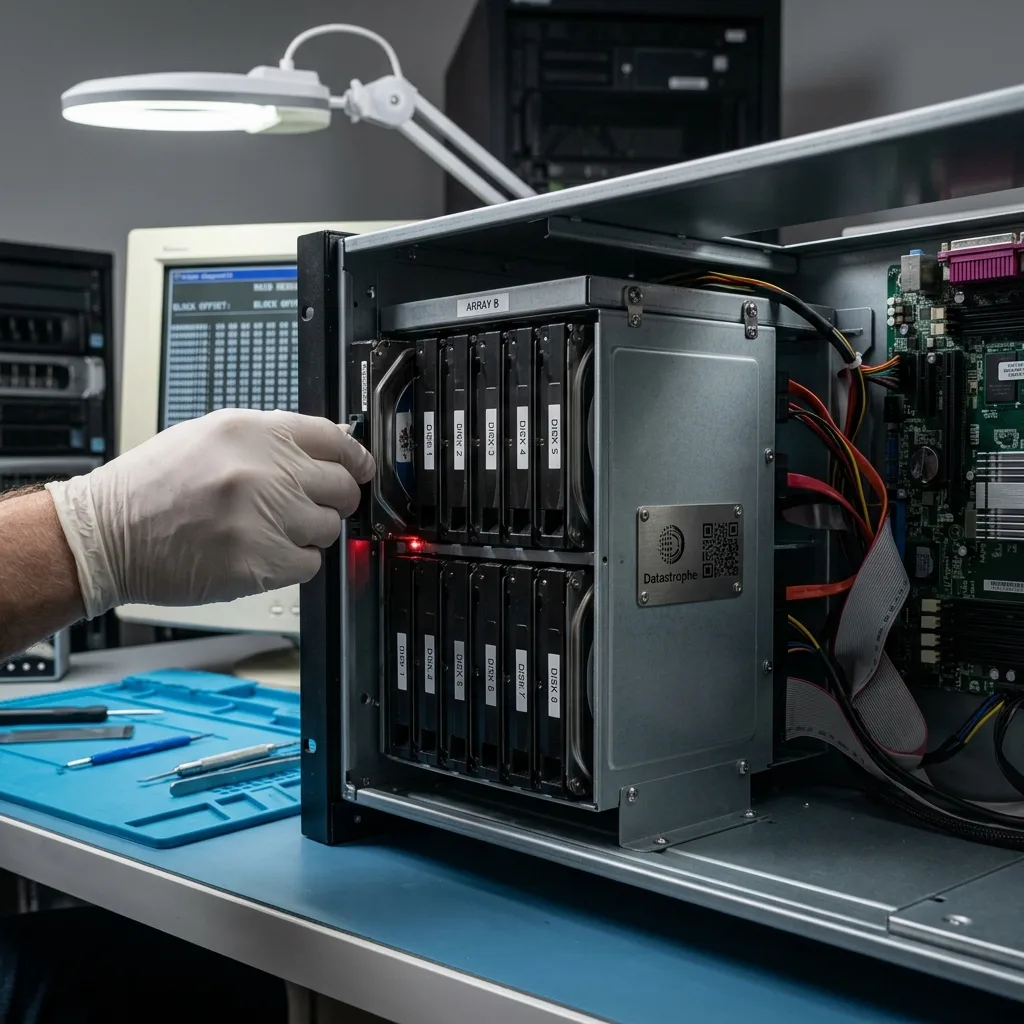
RAID and NAS systems add availability but also collective metadata. File blocks may be distributed across members according to order, stripe size, level and rebuild state. Controller settings, cache and the file system add dependencies that must be preserved.
The architecture is the recovery unit
One disk described as “good” is rarely enough. Retain every member, its bay position and serial number, removed disks, configuration, logs and all attempted operations.
A rebuild reads the remaining members intensively and may propagate a wrong geometry; it should not precede acquisition of an unstable set.
Virtualisation moves the dependencies into files rather than removing them. A VMDK or VHDX may rely on parents, deltas, snapshots and the datastore beneath them. Consolidating or restoring onto the source writes metadata and can obscure which temporal state is intact.
The operational sequence is:
- Freeze topology and member order;
- Separate service restoration from recovery of evidence and data;
- Acquire the required components;
- Reconstruct on copies;
- Validate the file system, virtual machine, database or share.
A volume displayed as healthy is not a backup and does not prove that all files belong to one coherent point in time.
Diagnostic assessment
Choosing with Recovery in Mind
No medium guarantees recovery. Assign distinct roles to production, transport, backup, archive and handover so they do not depend on one device and one failure domain. Technology well suited to mobile work may be unsuitable for an archive expected to sit untouched for ten years.
Six questions before buying or reusing storage
Consider:
- The incident most likely in the real environment;
- Write frequency and rate of change;
- Whether writes can be stopped quickly;
- Required readers, controllers, software and keys;
- Whether restoration works away from the original equipment;
- The cost and frequency of migration to a current technology.
Ease of hardware replacement is not ease of data recovery. A common drive can be encrypted with no backup; an old medium can remain readable but depend on a vanished reader. Documentation and independent copies often matter more than the specification sheet.
A robust design uses separately managed copies, versioned backups and periodic opening or restore tests. Archive media are inventoried and migrated before obsolescence. Keys and configurations are exported to a protected location that does not share the storage failure.
After a symptom, the device changes role: it stops being a workspace and becomes a source to preserve. The best recoverability comes from a documented, restorable architecture, not from confidence in one storage technology.
Diagnostic assessment
Primary Technical References And Limits
Reference scope — storage media data recovery risks: For compare storage media data recovery risks, the primary references used are NIST SP 800-86. Physical evidence — storage media data recovery risks: They define the relevant preservation, storage or validation concepts, but they cannot establish the exact physical condition, controller state, key availability or business consistency of the device received. Controller evidence — storage media data recovery risks: Those points require measurements on the original set and verification on copies.
Diagnostic assessment
Arrange A Controlled Assessment
Complete set — storage media data recovery risks: For a technical examination of compare storage media data recovery risks, provide the complete device or storage set, its associated power and interface parts, the symptom timeline and the priority records. Incident history — storage media data recovery risks: Keep member order, labels and authorised credentials separate from the parcel paperwork; do not restart the source merely to obtain a new screenshot.
Laboratory responsibility — storage media data recovery risks: Datastrophe performs the diagnosis, integrity checks and recovery directly in its own laboratory with its own team. Free assessment — storage media data recovery risks: Diagnosis and the quotation are free. Transport boundary — storage media data recovery risks: Private collection and return is included; the carrier moves only the sealed parcel and neither accesses nor processes its data.
Controlled list — storage media data recovery risks: Before any payment, the client receives the proposed price and a checked list. Verification classes — storage media data recovery risks: Each item is classified, in order, as recoverable_verified, partial, detected_unverified or unrecoverable. Payment trigger — storage media data recovery risks: Only recoverable_verified items whose contents were checked and found usable are presented as recoverable. No-result rule — storage media data recovery risks: Payment is due only after the client accepts both the list and the price.
No-result rule — storage media data recovery risks: If no usable data is verified, recovery fails, or the client declines the list or price, no standard fee is payable. Rare-part exception — storage media data recovery risks: The only exception is a rare, costly and non-refundable part, which may be ordered only after a separate, explicit and priced proposal has been accepted.