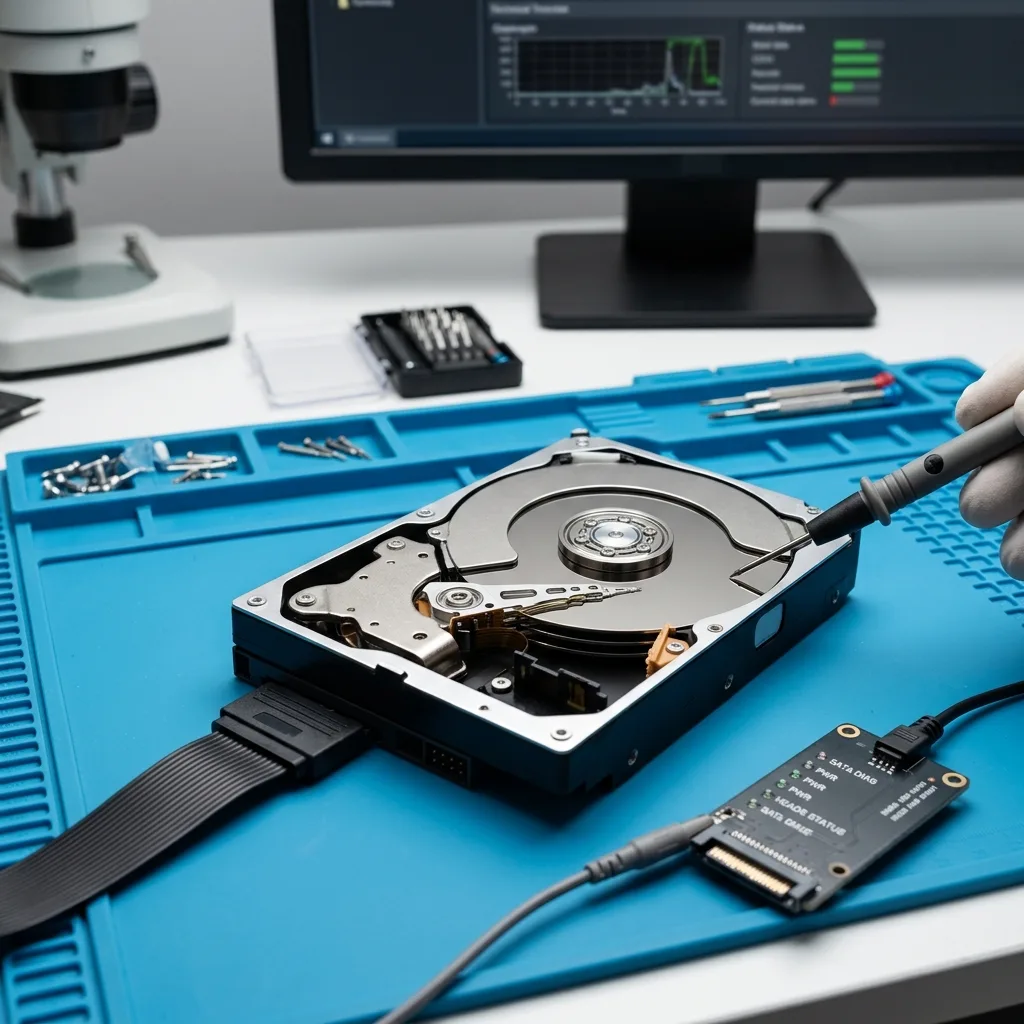
Recovering data from a data centre hard drive without further damage
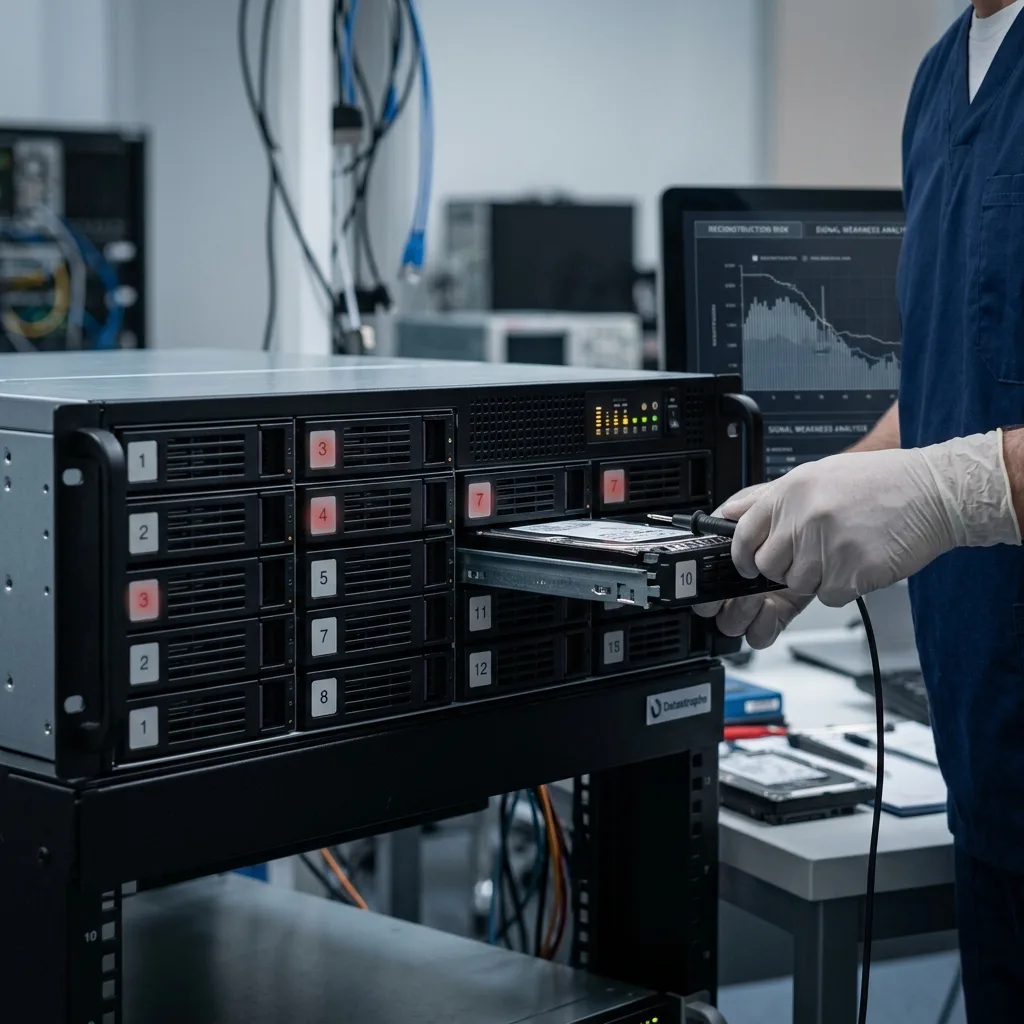
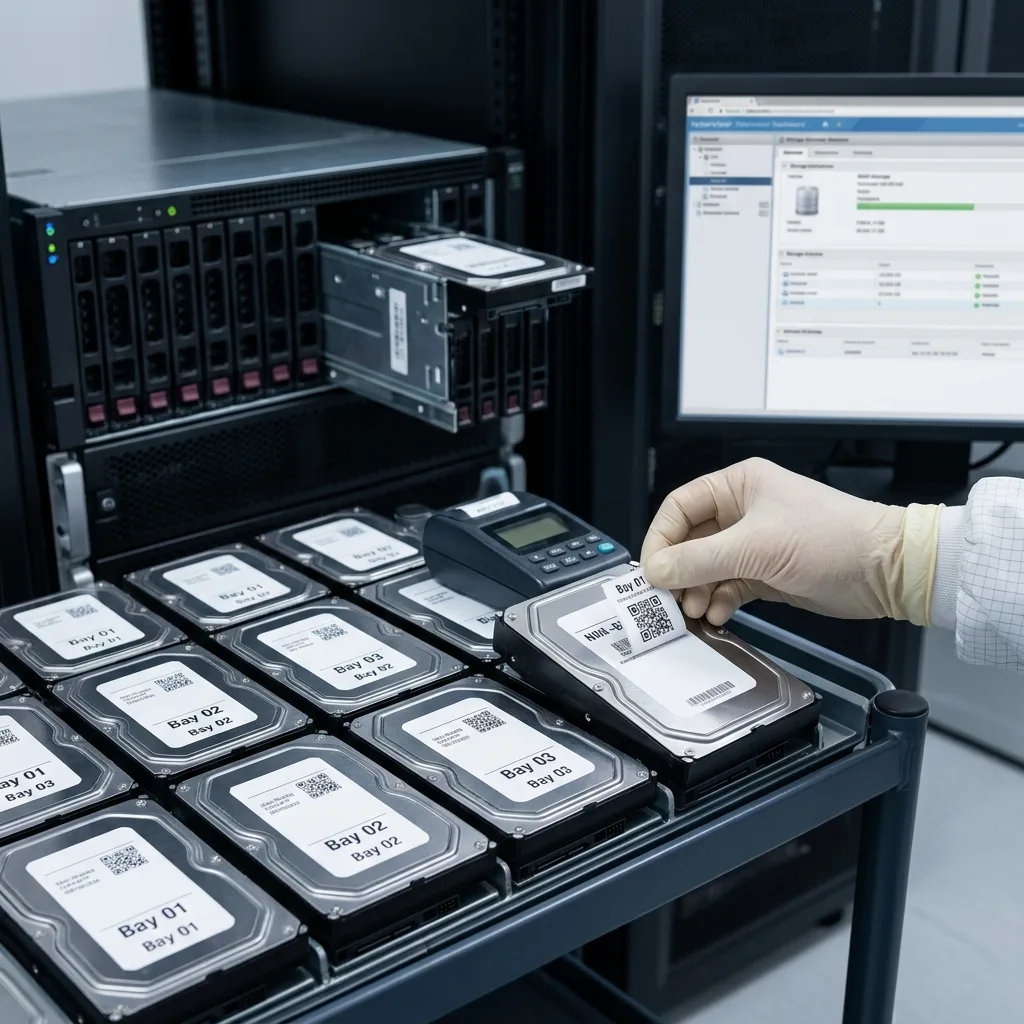
Preserving RAID layout, drive order and viable backups is essential when a data centre hard drive fails.
Read the articleTechnical guides on data loss prevention, storage failures and controlled data recovery methods.
Preserving RAID layout, drive order and viable backups is essential when a data centre hard drive fails.
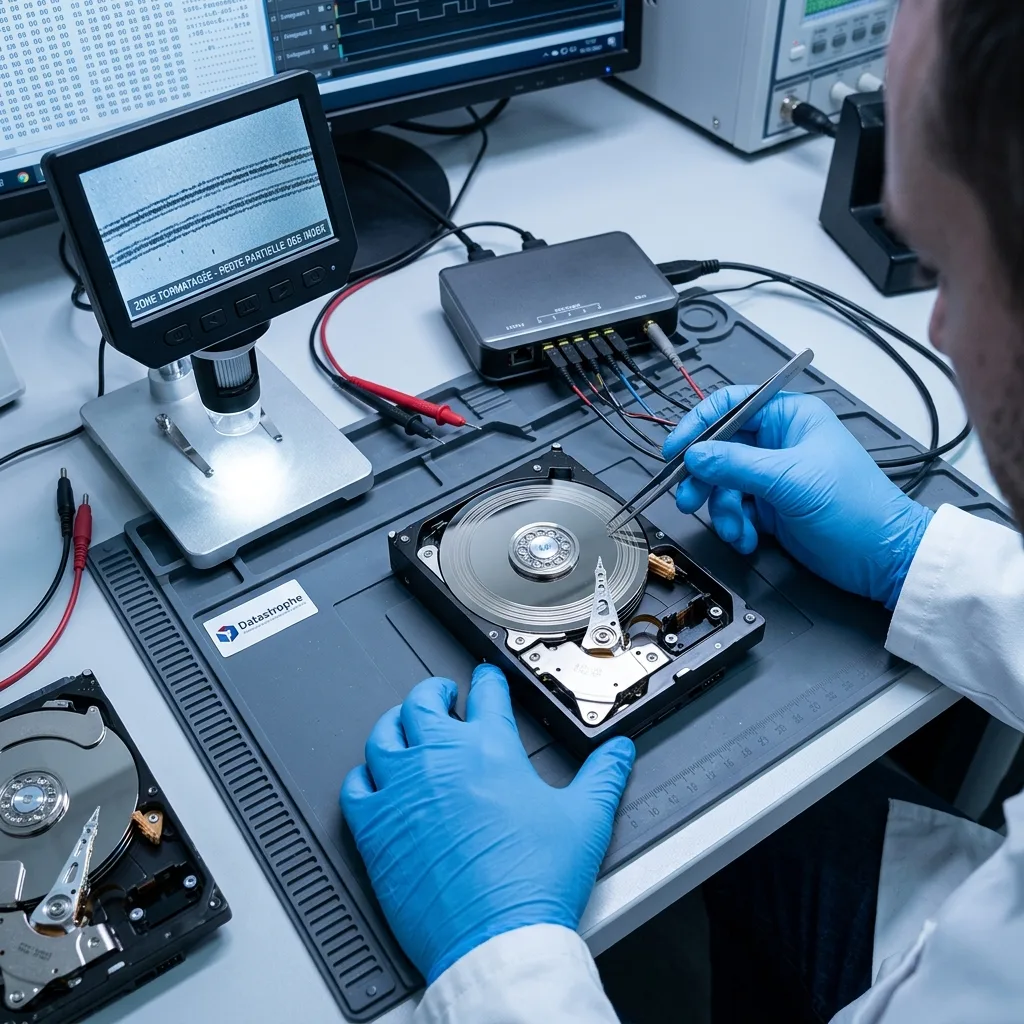
Read the articleFile value, failure symptoms and technical assessment determine whether a damaged hard drive needs data recovery or straightforward replacement.
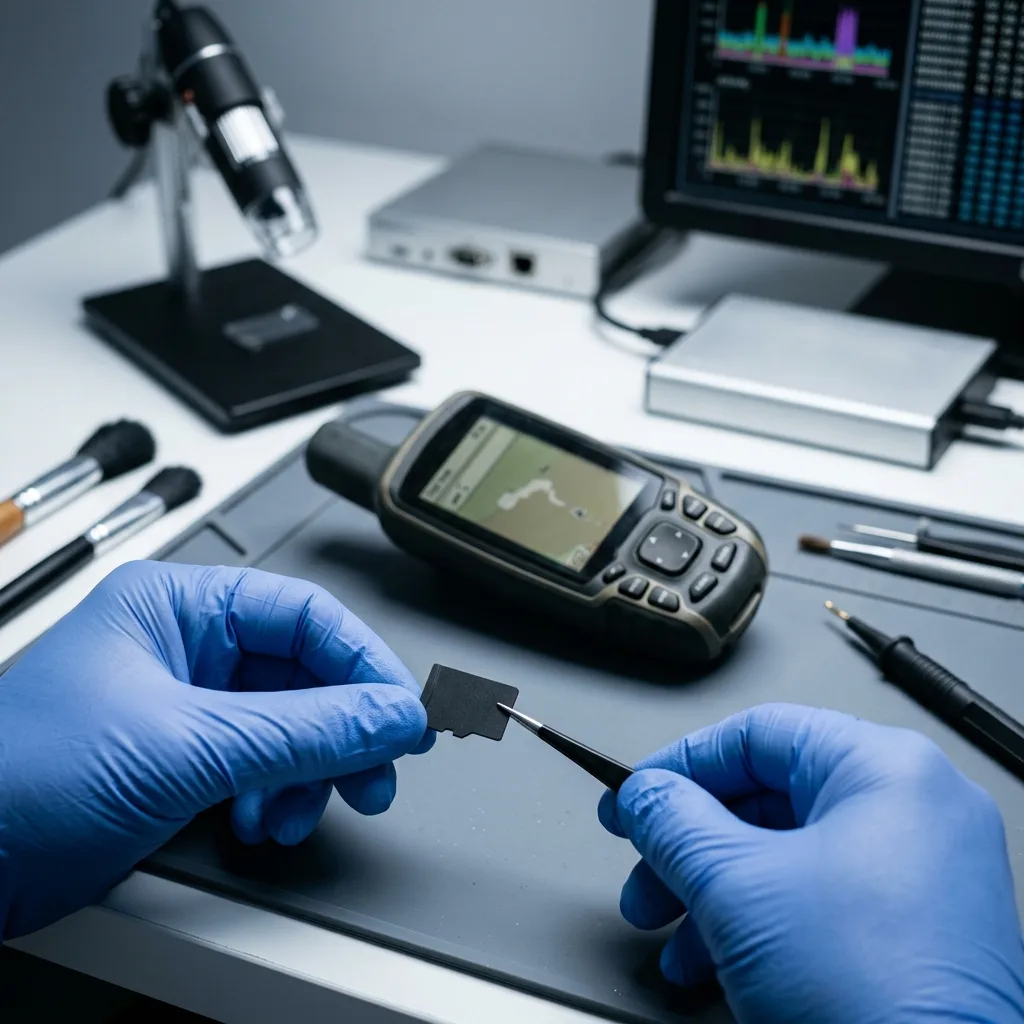
Read the articleWhy a GPS memory card may lose data: repeated writes, power cuts, corruption, maps, tracks and the right preservation steps.
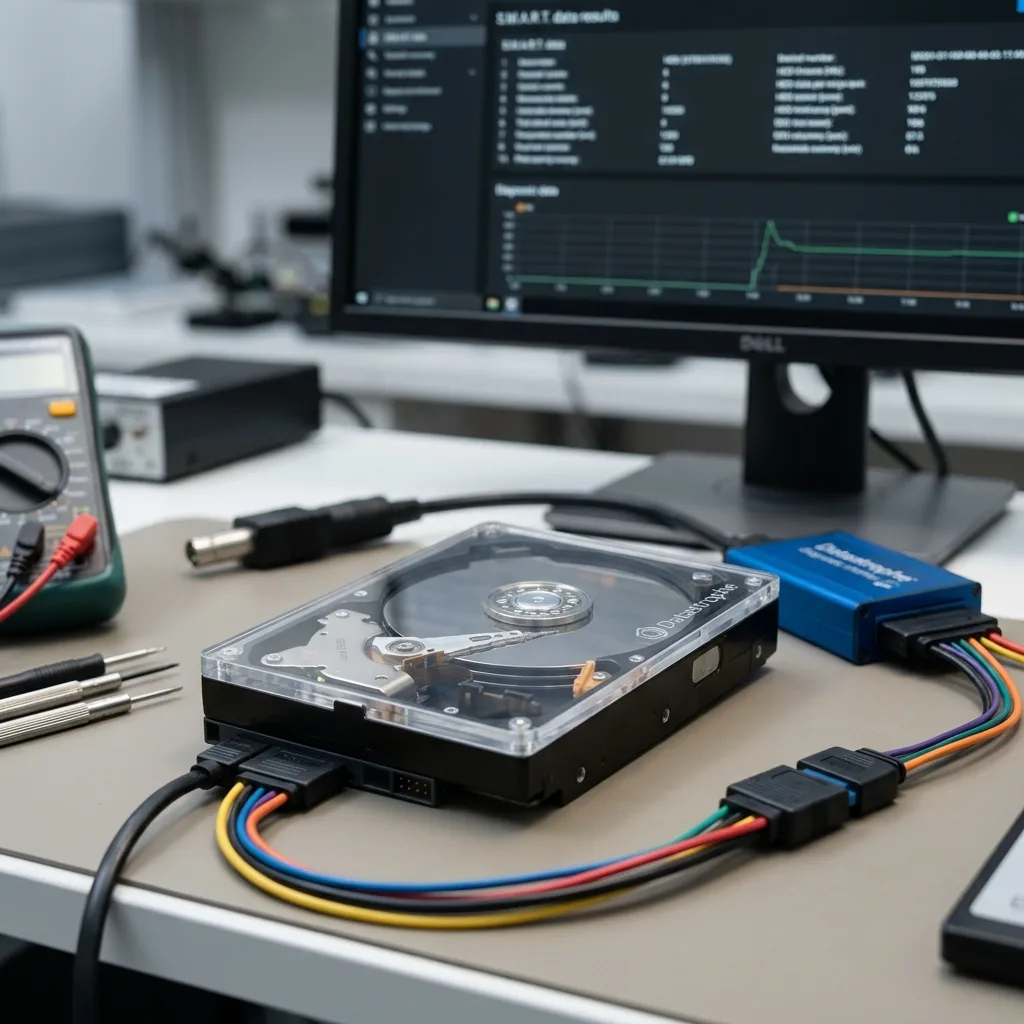
Read the articleA hard drive audit can expose early warning signs, test whether backups are usable and support a decision before failure causes data loss.
Read the articleHow SSDs and flash storage in professional equipment may lose data through heat, vibration, power faults, logging activity and recovery constraints.
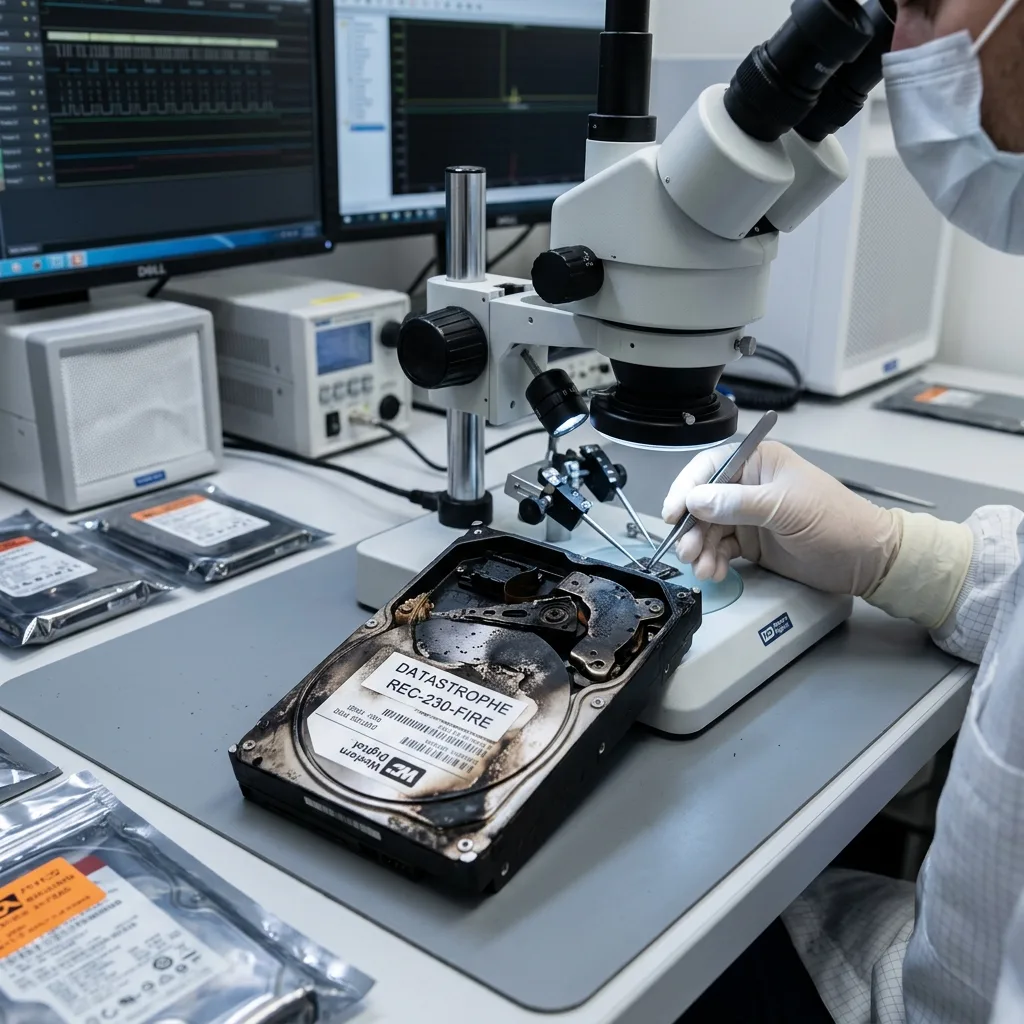
Read the articleAfter a fire, let affected storage cool, keep it unpowered and preserve soot or moisture evidence for a corrosion and damage assessment.
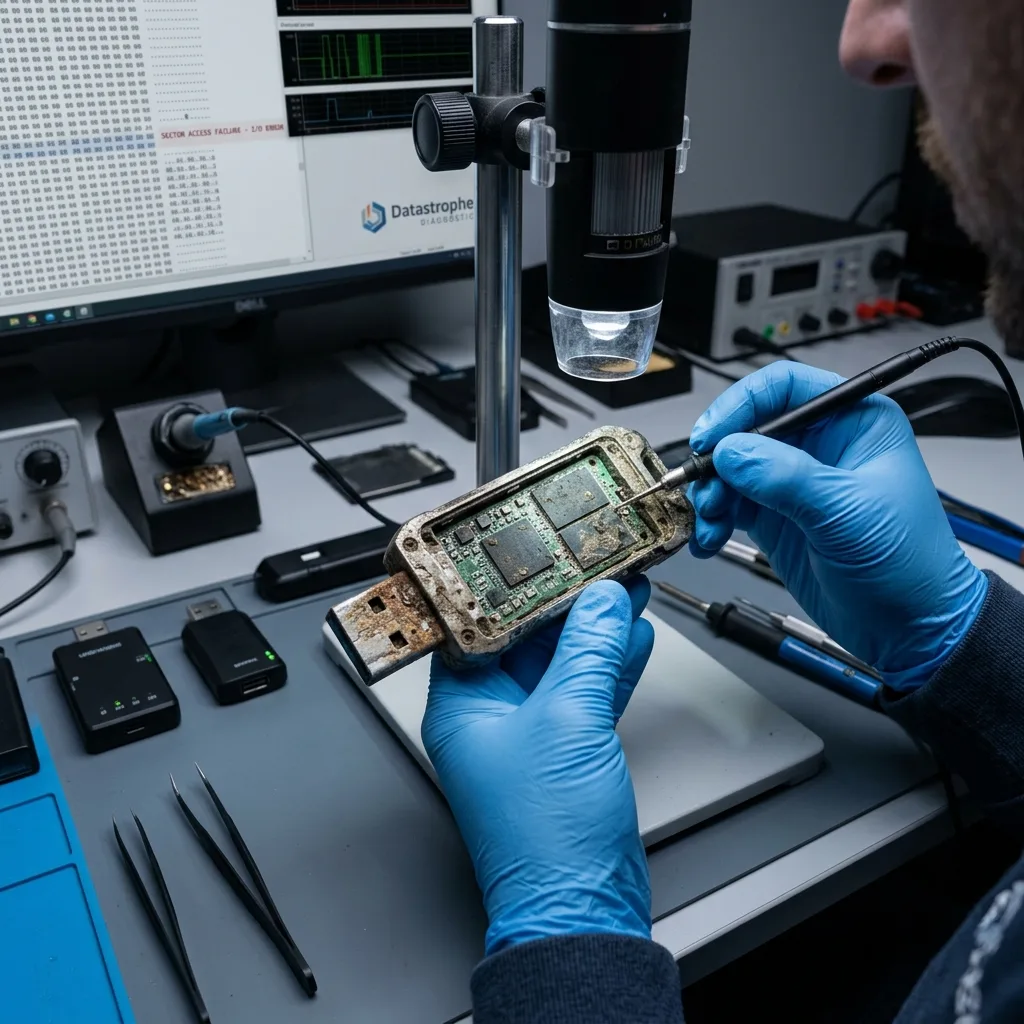
Read the articleHeat, cold, moisture, dust, impact and field use can weaken a USB flash drive and put its stored data at risk.
Read the articleRAID 10 alerts, unstable disks and rebuild history should be captured before shutdown, backup or recovery decisions are made.
Read the articleRecovery after formatting depends on the format type, later writes, storage technology and how quickly the device is taken out of use.
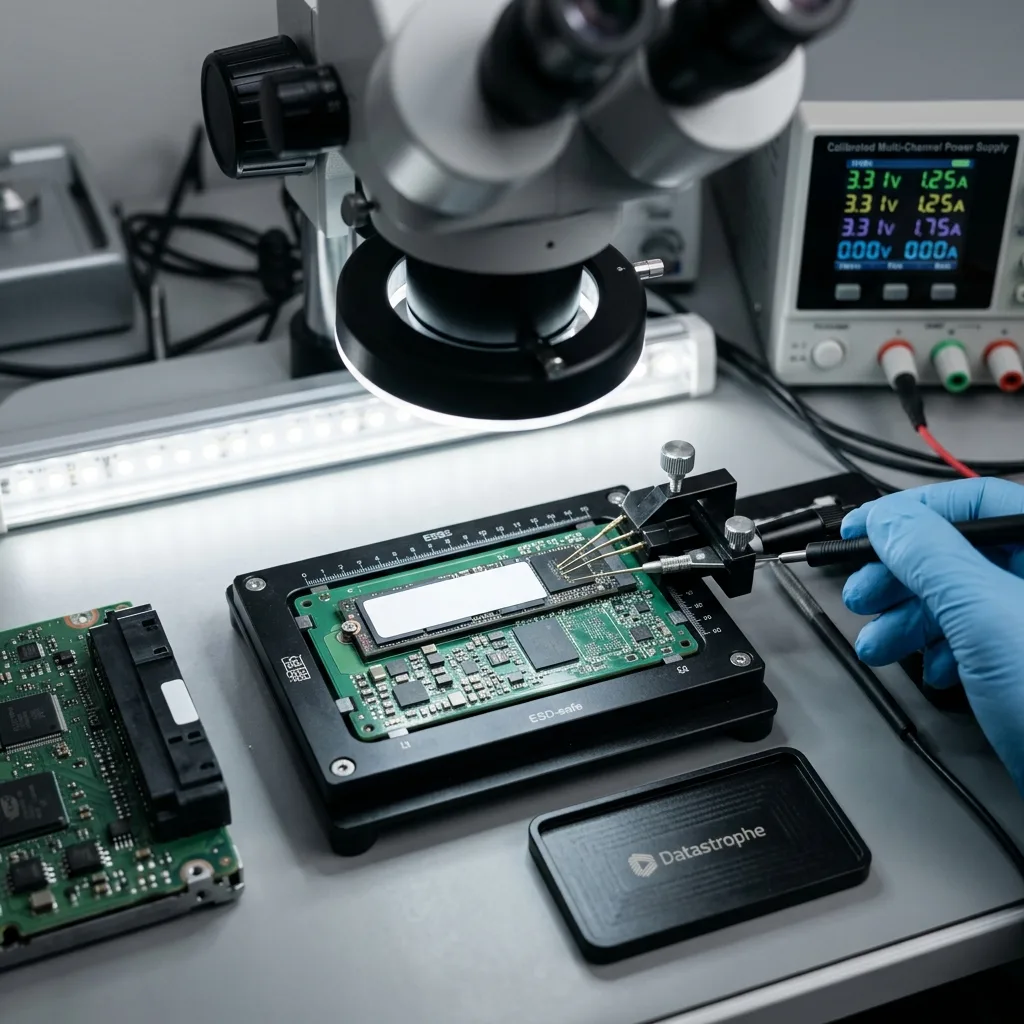
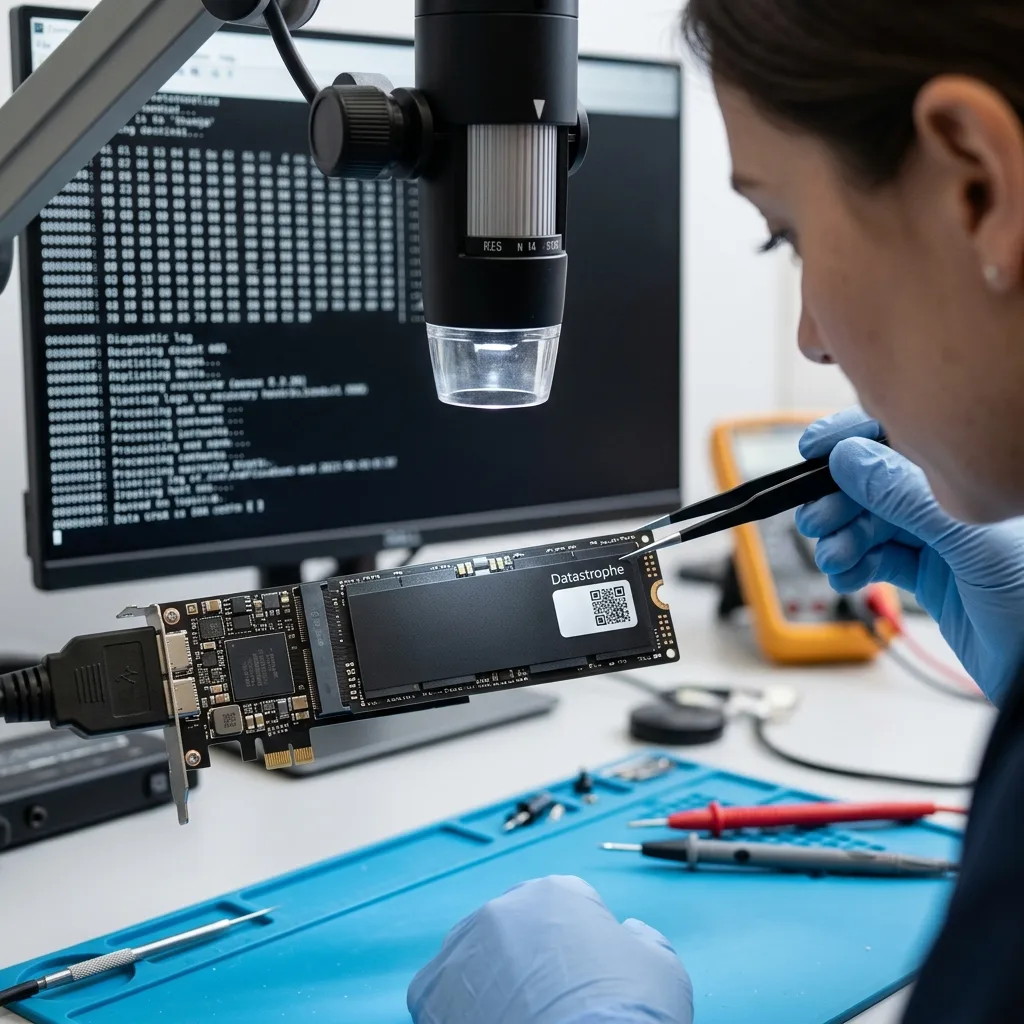
Read the articleNVMe recovery depends on the controller, NAND, firmware, TRIM and encryption, while later writes can quickly narrow the available options.
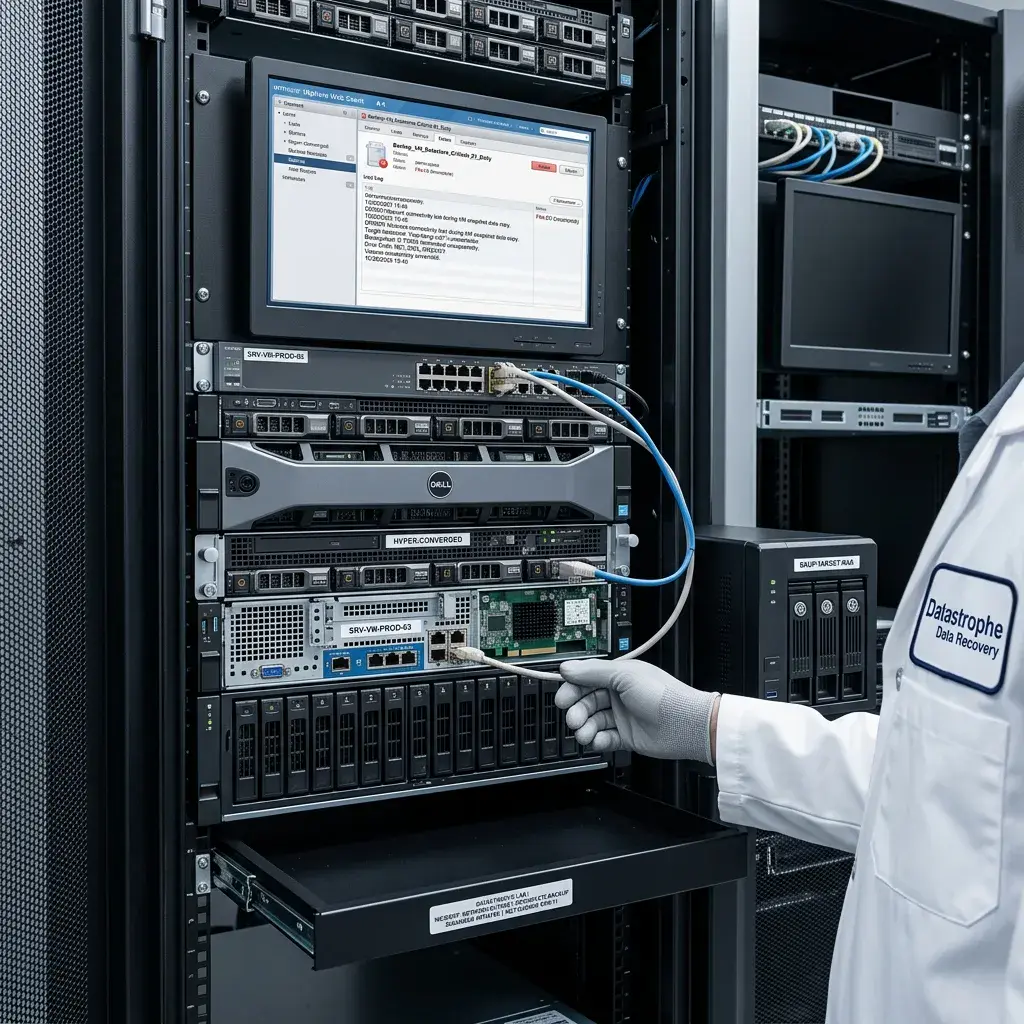
Read the articleWhy a network outage may leave a backup incomplete, inconsistent or misleading, and how to preserve source data before restoration.
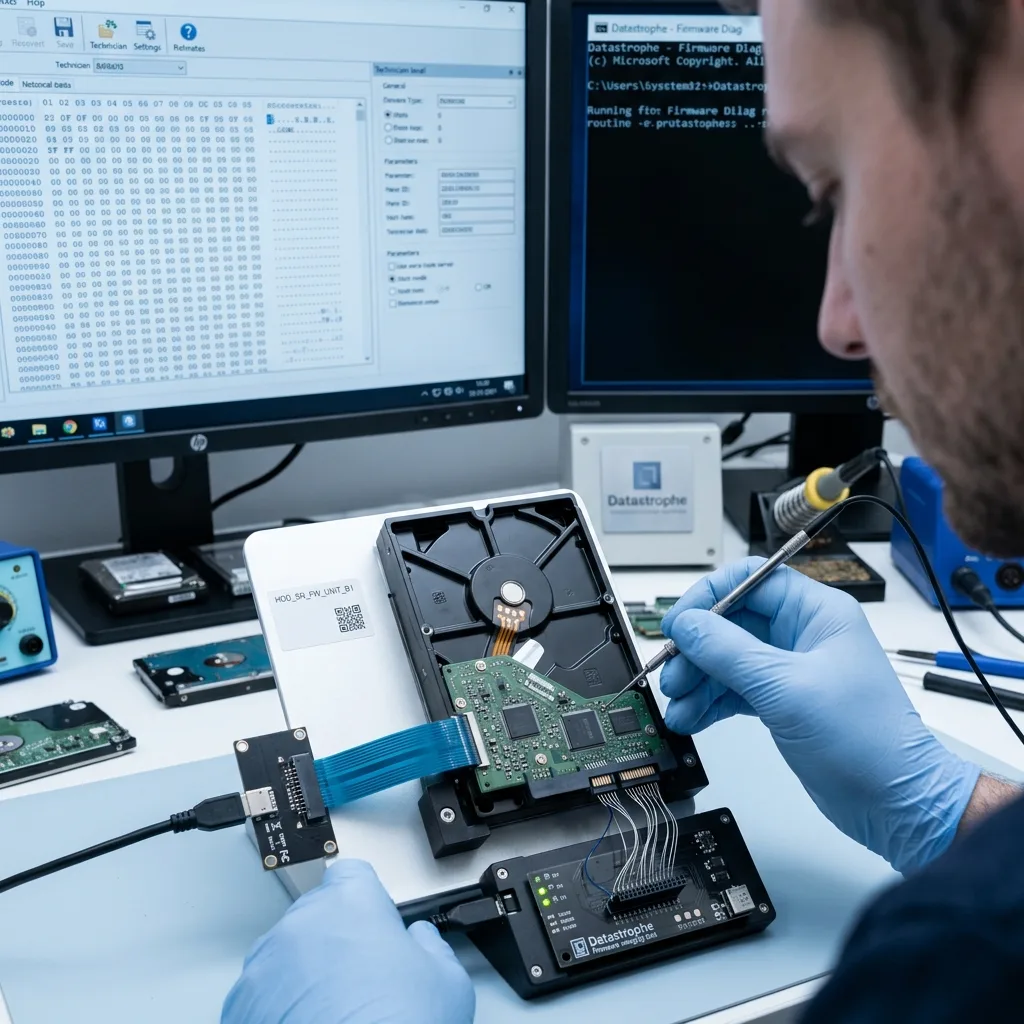
Read the articleHow firmware failure may block a hard drive, which symptoms to recognise and why repeated tests can make recovery harder.
Read the article